How we make this list: we compare pricing pages, product documentation and public user reviews. Ratings come from G2, Capterra or Trustpilot, with the date we checked them.
Key takeaways
- The honest alternative to a webinar is usually a format change, not another webinar platform: async video, interactive demos, communities, and live audio each replace a different webinar job.
- Loom style async video wins briefings and updates, because people watch on their own schedule and attendance stops being the metric.
- Interactive demos from tools such as Navattic replace the product tour webinar, letting prospects drive instead of watching slides.
- Live formats still win for launches and community moments, so the practical answer for most teams is a mix, weighted toward on demand.
Quick comparison
| Tool | Best for | Starting price | Free plan |
|---|
 Loom Loom | Async video briefings and updates | $15 per user per month | Yes |
 Navattic Navattic | Self guided interactive product demos | See website | No |
 Circle Circle | Owned community events and courses | See website | No |
 YouTube Live and Premieres YouTube Live and Premieres | Public reach and evergreen recordings | Free | Yes |
 Riverside Riverside | Recorded expert panels and interviews | See website | Yes |
 Miro Miro | Interactive workshops and training sessions | Free | Yes |
 X Spaces X Spaces | Live audio discussions | Free | Yes |
Is your product missing or out of date?
We review this list regularly. Vendors can request a listing, send updated pricing or ask about featured placement.
The best alternatives to webinars
#1Loom
Best for: Async video briefings and updates4.7/5 on
G2 (2,415 reviews, checked Oct 2026)
Visit loom.com
Starting price$15 per user per month
Free planYes
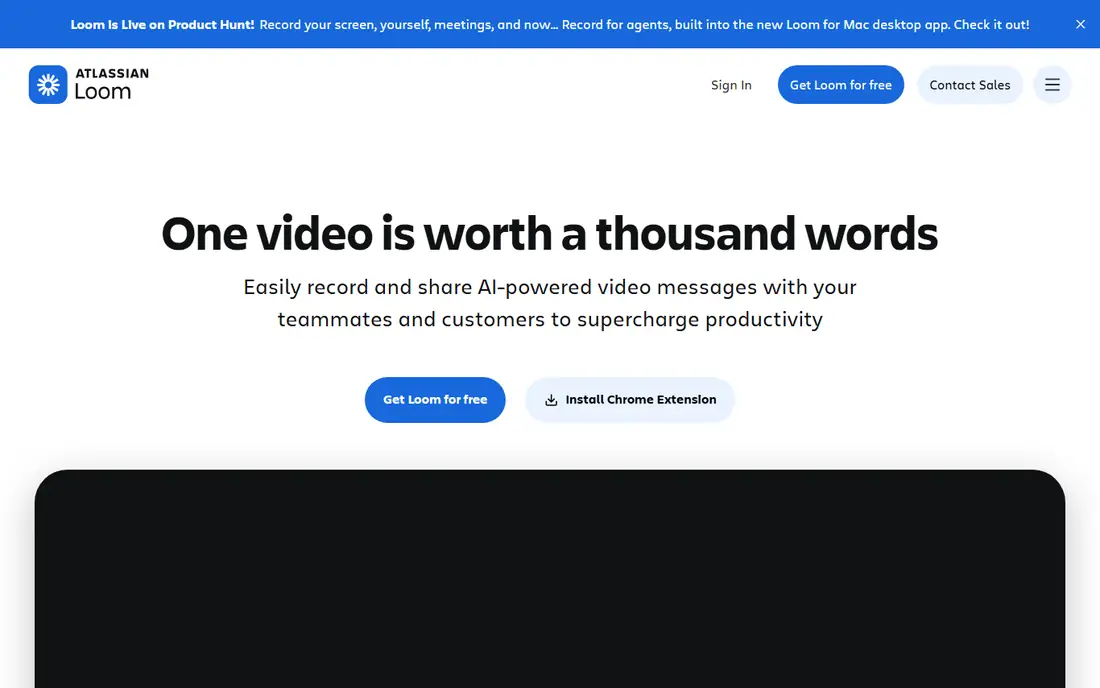
What we like- Loom is the async video standard: record your screen and face in minutes, share a link, and let viewers watch at double speed at a time they choose, leaving timestamped comments and reactions instead of chat questions. Business runs about 15 dollars per user per month with a free plan for short recordings. For product updates, internal enablement, and customer education, async video removes the calendar invitation entirely, and view analytics show exactly who watched what.
Watch out for- Async video gives up the live moment: no shared launch energy, no real time objection handling, and questions answered hours later. Long recordings get skimmed like long webinars did, so the discipline of short, single topic videos is on you. Loom's editing is light beside a full video editor, and polished public facing content may still need a production pass elsewhere.
#2Navattic
Best for: Self guided interactive product demos4.8/5 on
G2 (1,125 reviews, checked Oct 2026)
Visit navattic.com
Starting priceSee website
Free planNo
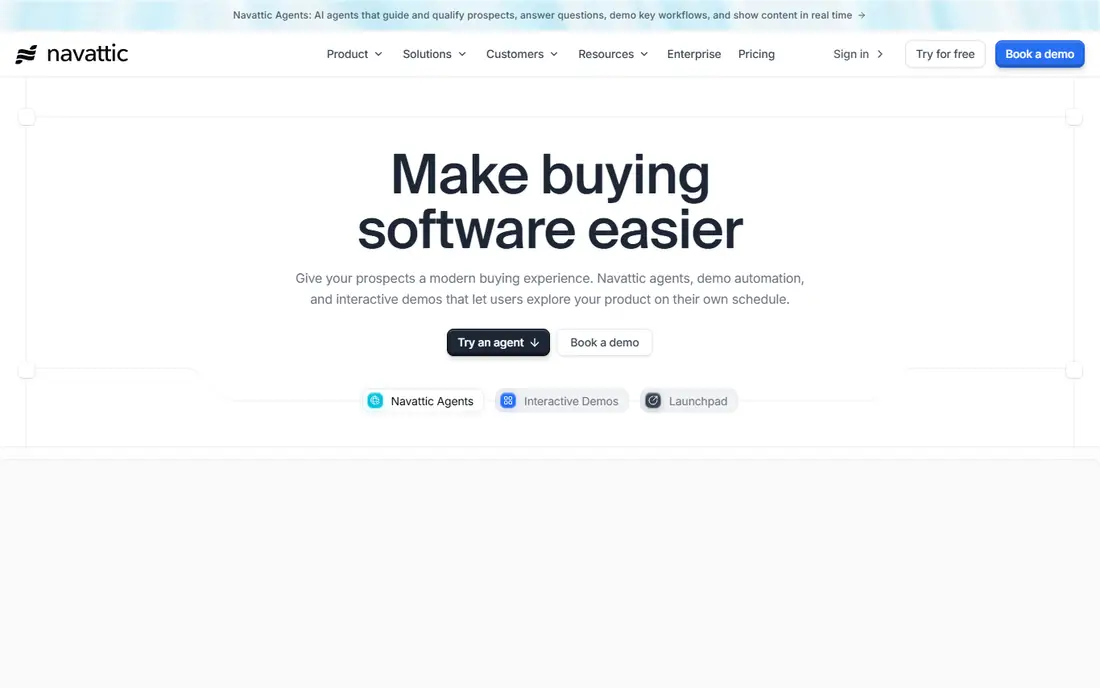
What we like- Navattic replaces the product tour webinar with a demo the prospect drives: a captured, clickable version of your product with guided steps, checklists, and branching, embedded on your site and measurable click by click. Buyers who would never attend a 45 minute tour will spend four minutes inside the product itself, and sales teams see exactly which features each account explored. For software companies, this is the most direct webinar replacement on the list.
Watch out for- A good interactive demo takes real work to build and must be rebuilt when the product changes, so it suits a stable core product better than a fast shifting beta. It demonstrates software only
- It cannot teach a concept or build a community. Pricing is quote based and aimed at marketing teams with a real demo programme, not occasional users.
#3Circle
Best for: Owned community events and courses4.5/5 on
G2 (544 reviews, checked Oct 2026)
Visit circle.so
Starting priceSee website
Free planNo
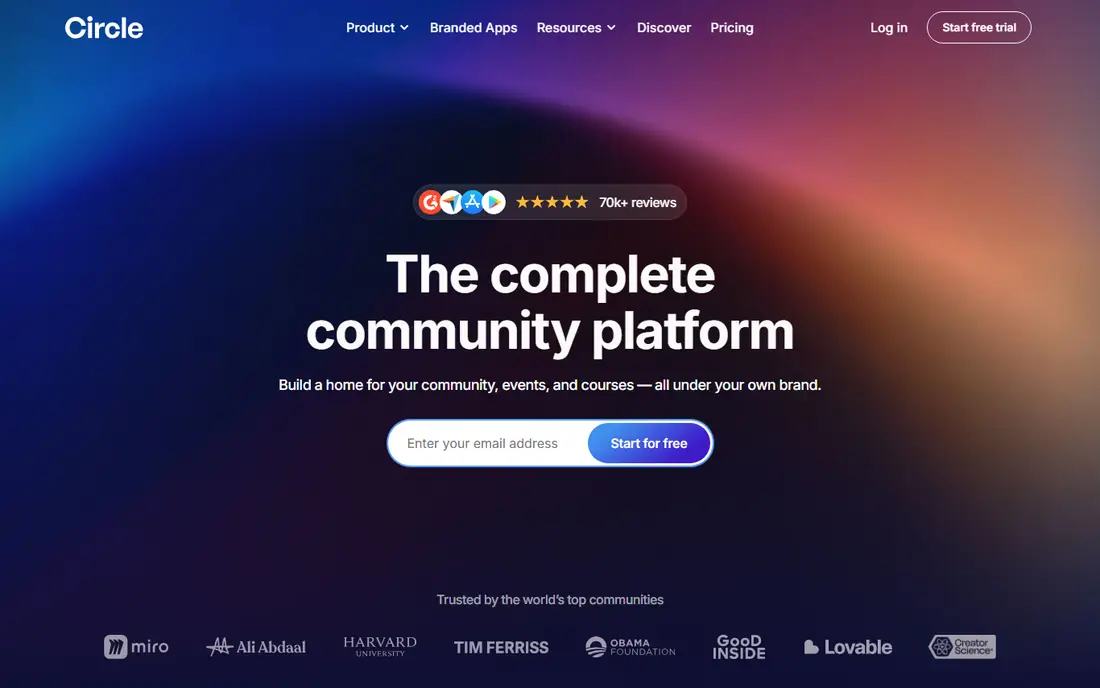
What we like- Circle turns one off webinars into an ongoing room: a branded community with discussion spaces, courses, and live events inside it, so an event's audience stays reachable for the next one instead of evaporating with the registration list. Live streams and events run within the community, recordings live beside the discussion they started, and membership tiers can make the whole thing a product. For creators, educators, and customer communities, it replaces the webinar series with an asset you own.
Watch out for- A community is a commitment, not a campaign: empty rooms look worse than no room, and moderation and programming take weekly work. Circle is priced for serious community builders on monthly plans rather than one off events. If your audience will not join another platform, distribution through existing channels beats building a home base.
#4
YouTube Live and Premieres
Best for: Public reach and evergreen recordings
Visit youtube.com
Starting priceFree
Free planYes
What we like- YouTube is where the recording ends up anyway, so running the event there natively, live with chat or as a scheduled Premiere with a live chat replay, removes registration friction and puts the session where search and recommendations can keep sending viewers for years. It costs nothing, handles any audience size, and chapters and captions are built in. For top of funnel education and announcements, no webinar platform's recording page competes with YouTube's distribution.
Watch out for- You give up the registration data that webinar marketing runs on: viewers are an audience, not a lead list, unless your content earns a click to your own site. Live chat moderation at scale is its own job. The platform's ads, recommendations, and branding surround your event, which some companies will not accept for customer facing sessions.
#5Riverside
Best for: Recorded expert panels and interviews4.8/5 on
G2 (1,754 reviews, checked Oct 2026)
Visit riverside.fm
Starting priceSee website
Free planYes
What we like- Riverside replaces the panel webinar with a recording studio: remote guests join from a browser, each participant is recorded locally in high quality, and the output edits into a polished video and podcast episode with clips for social distribution. One recorded conversation then does the work of the webinar, the recording email, and a month of short clips. For expert interviews and customer stories, the quality jump over a webinar platform recording is obvious.
Watch out for- It is a production tool, not an event: there is no audience, no registration, and no live Q and A, so launches and community moments need another format beside it. Guest quality still depends on their microphone and room. Editing and clipping take time or a producer, and pricing tiers gate recording quality and features.
#6Miro
Best for: Interactive workshops and training sessions4.6/5 on
G2 (13,631 reviews, checked Oct 2026)
Visit miro.com
Starting priceFree
Free planYes
What we like- Where a webinar lectures, a workshop makes people work, and Miro is the standard digital whiteboard for running them: small groups map processes, fill templates, and solve problems together in a session that produces an artefact rather than a recording. Its free plan covers small teams and paid tiers add the facilitation controls larger sessions need. For training, onboarding, and customer working sessions, participation teaches what slides cannot.
Watch out for- A workshop caps out at dozens of active participants, not thousands of registrants, so it complements rather than replaces broadcast formats. Facilitation is a skill
- An unprepared whiteboard session is worse than a decent webinar. Miro is a board, not an event platform, so invitations, video, and follow up live in your other tools.
#7
X Spaces
Best for: Live audio discussions
Visit x.com
Starting priceFree
Free planYes
What we like- X Spaces is the live audio format: a public, joinable conversation that listeners enter from their feed with no registration, no slides, and no production, suited to commentary, community discussion, and expert conversations where the audience already lives on X. Recordings persist for replay, and co host and speaker roles keep a panel manageable. For fast reaction to industry news, nothing here assembles an audience faster.
Watch out for- Audio only means no screen sharing, so anything visual needs another channel. Reach depends entirely on your existing following and the platform's recommendation of the moment, and brand safety and moderation controls are thinner than owned platforms. LinkedIn's audio events offered a professional alternative, but the format's centre of gravity for open discussion sits on X.
How we chose
We treated the request literally: alternatives to the webinar format, not rival webinar platforms. Each entry replaces a distinct webinar job, async briefing, product demonstration, community building, public broadcast, expert content, interactive training, and live discussion, and we picked the leading tool for each job. Pricing is each tool's published entry point as of October 2026, with quote based tools marked see website. Webinar platforms themselves, however good, were excluded by the terms of the question, and the guide states where a live scheduled event remains the right answer.
How to choose the right alternative to webinars
Name the job your webinar was doing and replace that job. Product tours become interactive demos. Recurring education becomes an async video library with a community around it. Announcements become a YouTube Premiere or a live audio conversation where your audience already is. Training becomes a workshop, smaller and shorter. Most teams end with two or three of these formats running in place of a monthly webinar, and the live event returns only for launches and moments that genuinely reward simultaneity.
Measure the replacement honestly: watch time and completion for async video, demo engagement and sales conversations for interactive demos, returning members for a community, rather than comparing everything to registration numbers, which flattered webinars for years. Keep the parts of webinar craft that were never the problem, a strong title, a promised outcome, follow up within a day, and drop the parts that were, the mandatory calendar slot and the 40 slide deck. No format here guarantees attendance or pipeline; each removes a specific friction, and distribution effort moves from registration ads to the channels where the content lives. Prices are October 2026 published figures.
Frequently asked questions
Why are companies moving away from webinars?
Because the costs stopped matching the returns for routine topics: scheduling excludes most registrants, live attention fades within minutes, and buyers prefer exploring on their own schedule. Recorded, interactive, and community formats fit how people actually consume professional content now. Webinars still work for launches, regulated briefings, and committed audiences, which is why this guide replaces jobs rather than banning the format.
What replaces a webinar for lead generation?
Two formats divide the job. Interactive demos capture high intent visitors who want the product, not a presentation, and convert them into sales conversations with engagement data attached. Async video and YouTube content build the audience that your own site and community then convert. What neither does is hand you a registration list, so your follow up system, retargeting, community, and site conversion, has to be built deliberately.
Are interactive demos hard to build?
The first good one takes days, not minutes: capturing the product cleanly, writing the guided path, and cutting it to the story a prospect needs. Tools such as Navattic handle the capture and embedding, but the narrative work is yours, and every major product change means a rebuild. Teams usually start with one demo of the core workflow and expand only when the engagement data justifies it.
Can async video really replace live training?
For information transfer, yes, and usually better: people pause, replay, and watch at their own pace, and the material stays available for the next hire. For behaviour change, discussion, and practice, no: that is workshop territory, live and interactive by design. Most training programmes end up blended, async video for knowledge and live sessions reserved for the parts that need a room.
What should we do with our old webinar recordings?
Audit them like content assets. The few with lasting value deserve proper homes: chapters and a real title on YouTube, clips cut for social, and the strongest material rebuilt as async lessons or demos. The rest can be retired without guilt; a library of stale recordings impresses no buyer and quietly dates your expertise.
Sources we checked (0)
Is your product missing or out of date?
We review this list regularly. Vendors can request a listing, send updated pricing or ask about featured placement.

Shihab Mia · Founder, Rankite
Shihab has 5+ years in B2B and SaaS SEO. He writes Rankite's software buying guides from pricing pages, documentation and public user reviews. More about Shihab.