How we make this list: we compare pricing pages, product documentation and public user reviews. Ratings come from G2, Capterra or Trustpilot, with the date we checked them.
Key takeaways
- Demio suits polished marketing webinars, but its attendee-based pricing pushes larger programs toward Zoom, GoTo Webinar, or BigMarker.
- Livestorm is the strongest browser-based option with a free plan, while WebinarJam and Crowdcast keep costs low for creators and small teams.
- BigMarker and eWebinar serve opposite ends of the scale: BigMarker for very large virtual events, eWebinar for automated replays that run without a live host.
- Compare price at your real attendee count, not the entry tier, since most vendors charge more as audiences grow.
Quick comparison
| Tool | Best for | Starting price | Free plan |
|---|
 Livestorm Livestorm | Browser-based marketing webinars | Free plan | Yes |
 GoTo Webinar GoTo Webinar | Recurring webinar programs | $59 per month | No |
 Zoom Webinars Zoom Webinars | Teams already on Zoom | See website | No |
 WebinarJam WebinarJam | Sales webinars on a budget | $39 per month | No |
 BigMarker BigMarker | Large virtual events | See website | No |
 ClickMeeting ClickMeeting | Small business webinars in Europe | See website | Free trial |
 Crowdcast Crowdcast | Creator and community events | $49 per month | No |
 eWebinar eWebinar | Automated webinars without a live host | $99 per month | No |
Is your product missing or out of date?
We review this list regularly. Vendors can request a listing, send updated pricing or ask about featured placement.
The best demio alternatives
#1Livestorm
Best for: Browser-based marketing webinars4.4/5 on
G2 (1,740 reviews, checked Oct 2026)
Visit livestorm.co
Starting priceFree plan
Free planYes
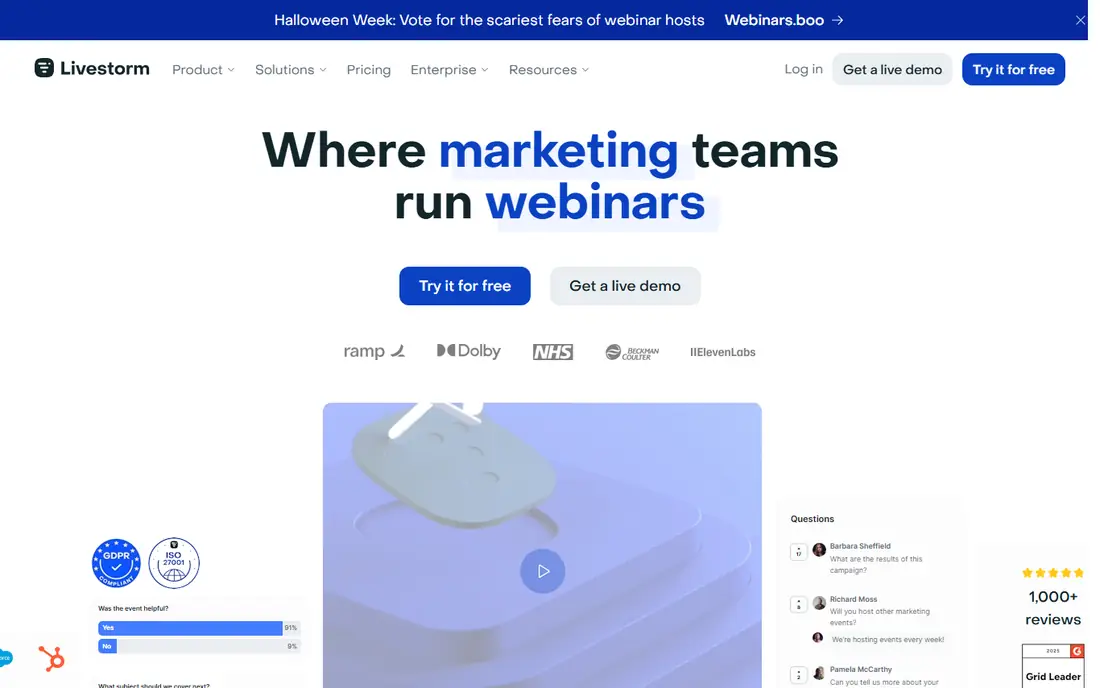
Livestorm is the closest Demio replacement for marketing teams. It runs fully in the browser, so attendees join without downloads, and it covers registration pages, live polls, calls to action, and replay pages in one flow. Native links to HubSpot on Pro plans and to Salesforce, Marketo, and Pardot on Enterprise plans keep lead data moving to sales without manual exports.
Pricing needs care. Livestorm offers a limited free plan for testing, and paid plans use attendee credits, with guides reporting around 3 dollars per attendee on an annual credit pack. A team running frequent webinars to large lists should model a full quarter of events before signing, since credit use grows with audience size. For teams that run a few polished webinars a month, Livestorm is the easiest switch from Demio.
What we like- Runs fully in the browser
- Branded registration pages
- HubSpot and Salesforce links
Watch out for- Credit-based pricing can grow fast
- Multi-host setups cost more
- Free plan limits sessions
#2GoTo Webinar
Best for: Recurring webinar programs4.2/5 on
G2 (804 reviews, checked Oct 2026)
Visit goto.com
Starting price$59 per month
Free planNo
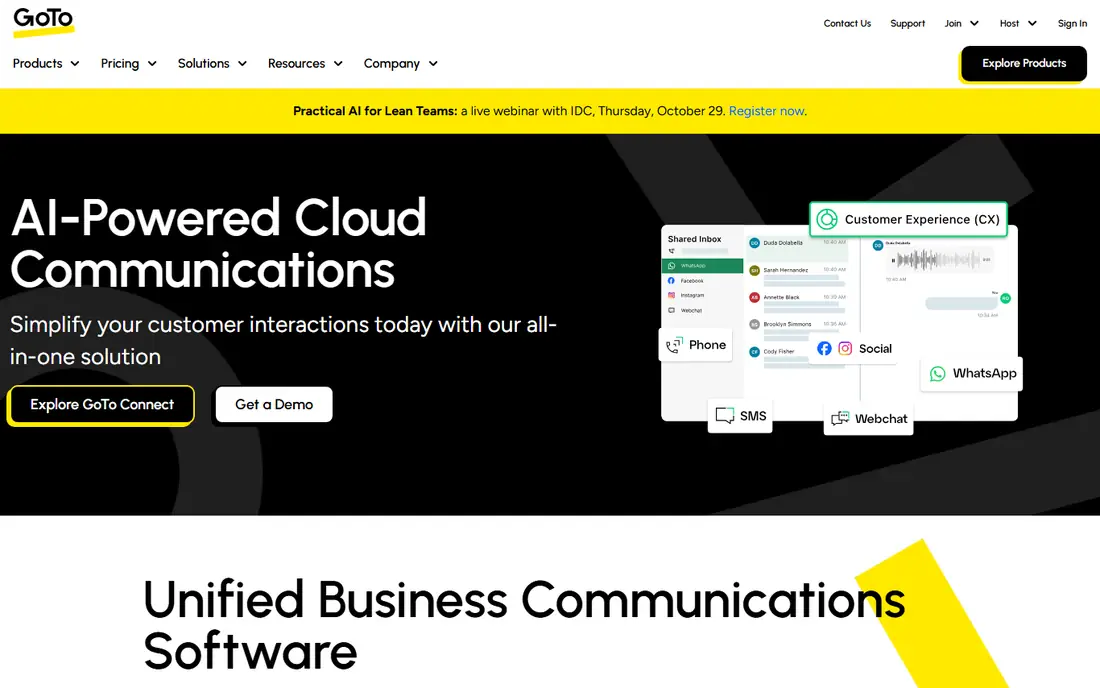
GoTo Webinar is the steady choice for teams that run webinars every week. Guides report entry pricing at 59 dollars per month billed annually for up to 500 participants, with higher tiers reaching 3,000 participants. Reporting covers attendance, polls, and questions, and the join flow is familiar to most business audiences.
The platform feels less modern than Livestorm or Demio, and some features that rivals bundle require higher tiers. There is no free plan, only a trial. GoTo Webinar fits teams that value reliability and a long track record over the newest interface, especially when webinars are a core weekly program rather than an occasional event.
What we like- Mature and reliable
- Strong reporting
- Scales to 3,000 participants
Watch out for- No free plan
- Interface feels dated
- Add-ons raise the price
#3Zoom Webinars
Best for: Teams already on Zoom4.5/5 on
G2 (412 reviews, checked Oct 2026)
Visit zoom.us
Starting priceSee website
Free planNo
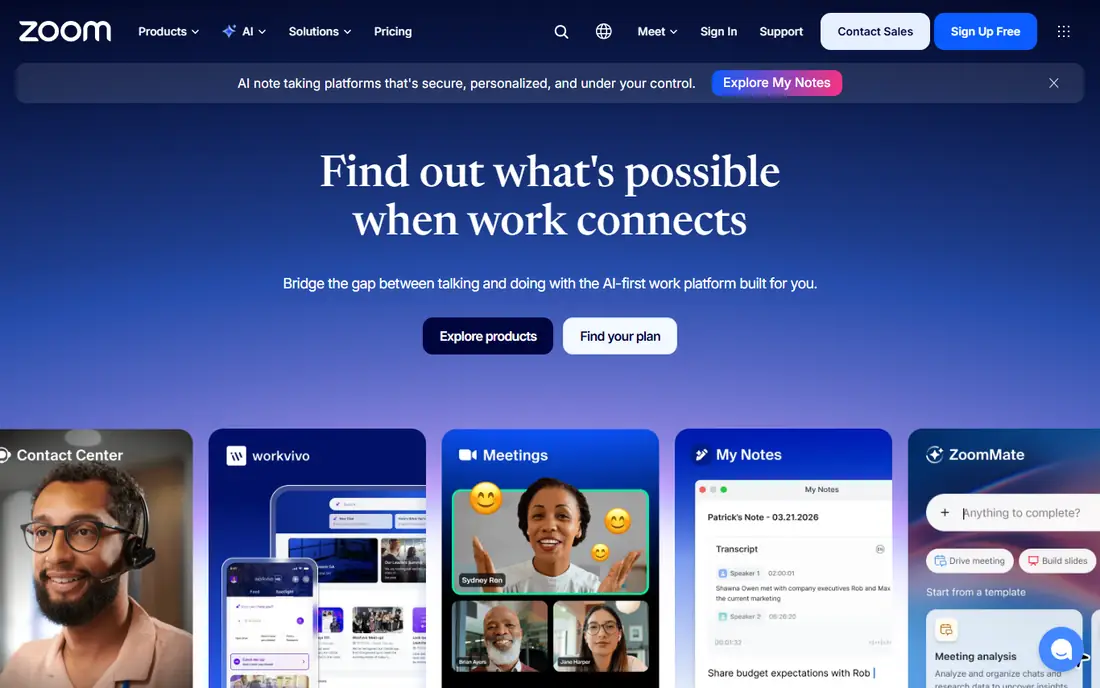
Zoom Webinars makes sense when the company already runs on Zoom. Guides report entry pricing around 66.67 dollars per month billed annually, plus a Zoom Workplace Pro license, with audiences scaling from 500 up to 50,000 or more on higher plans. Attendees already know the join flow, which cuts no-show confusion and support questions.
Zoom is a meeting platform first, so its marketing depth trails dedicated webinar tools. Registration and lead scoring features exist but are less central than in Livestorm or BigMarker. Teams that already pay for Zoom and run occasional webinars will find it the cheapest path, while dedicated marketing teams may want a tool built around lead capture.
What we like- Familiar join flow
- Scales to very large audiences
- Deep meeting feature set
Watch out for- Needs a Workplace Pro license too
- Webinar pricing is layered
- Less marketing depth
#4WebinarJam
Best for: Sales webinars on a budget3.6/5 on
G2 (59 reviews, checked Oct 2026)
Visit webinarjam.com
Starting price$39 per month
Free planNo
WebinarJam is the budget pick for sales webinars. Guides report entry pricing at 39 dollars per month billed annually, with automated replays and simulated live events that let a recorded session run on a schedule. One-click links to email tools help small teams run funnels without a separate automation platform.
The interface shows its age, and analytics are thinner than BigMarker or Livestorm. Support quality draws mixed comments in public reviews, so teams should test the trial with a real event before committing. For creators and small businesses that sell through webinars and watch costs closely, WebinarJam delivers the core sales features at the lowest entry price here.
What we like- Low entry price
- Automated and simulated live events
- Email tool links
Watch out for- Dated interface
- Smaller analytics depth
- Support quality varies in reviews
#5BigMarker
Best for: Large virtual events4.7/5 on
G2 (444 reviews, checked Oct 2026)
Visit bigmarker.com
Starting priceSee website
Free planNo
BigMarker is built for scale. It supports multi-stage virtual events, sponsor integrations, and audiences that guides report reaching up to 500,000 live attendees on enterprise plans. Customization runs deep, from branded rooms to webhook-driven workflows, and enterprise links cover major CRMs.
That power comes with quote-based pricing and a setup process that takes real project time. A team running a simple weekly webinar will pay for capacity it never uses. BigMarker fits conferences, summits, and enterprise demand generation programs where webinars feed a sales pipeline and the audience counts in the thousands.
What we like- Scales to huge audiences
- Deep customization
- Strong enterprise integrations
Watch out for- Quote-based pricing
- Complex setup
- Overkill for small webinars
#6ClickMeeting
Best for: Small business webinars in Europe4.2/5 on
G2 (277 reviews, checked Oct 2026)
Visit clickmeeting.com
Starting priceSee website
Free planFree trial
ClickMeeting serves small businesses and training teams well, with guides reporting entry pricing near 32 euros per month billed annually for 50 attendees. It covers live webinars, paid events, and automated sessions, which makes it useful for trainers who sell access to recorded content as well as live classes.
Its presence in the US is smaller than Zoom or GoTo Webinar, and euro pricing adds a conversion step for American buyers. Enterprise CRM depth is thinner than BigMarker or Livestorm. ClickMeeting fits European small businesses and trainers who want an affordable, straightforward webinar tool without enterprise complexity.
What we like- Affordable entry in euros
- Paid and automated events
- Good for training
Watch out for- Smaller US presence
- Pricing in euros complicates US budgets
- Fewer enterprise links
Starting price$49 per month
Free planNo
Crowdcast targets creators, coaches, and communities that run live events for an engaged audience. Guides report entry pricing at 49 dollars per month for 100 attendees and a set number of streaming hours. Event analytics are a genuine strength, showing who attended, asked questions, and stayed to the end.
The entry plan caps audiences at 100, so growing shows must move up tiers. Marketing automation is lighter than Livestorm, and enterprise features are limited. Crowdcast fits a creator or community leader who values a simple, pleasant event experience over a full marketing automation stack.
What we like- Simple setup
- Strong event analytics
- Community-friendly features
Watch out for- Smaller attendee ceiling on entry plan
- Fewer marketing automations
- Limited enterprise depth
#8eWebinar
Best for: Automated webinars without a live host4.3/5 on
G2 (16 reviews, checked Oct 2026)
Visit ewebinar.com
Starting price$99 per month
Free planNo
eWebinar takes a different approach: it automates webinars so they run on schedule without a live host, including just-in-time sessions that start when a visitor arrives. Guides report pricing from 99 dollars per month for one active webinar, with unlimited attendees on paid plans. A human team member can join the chat during a replay, which keeps automated sessions feeling live.
The trade-off is clear. eWebinar is not the tool for a live keynote or a panel with real-time debate. Its engagement tools focus on the automated format. Teams that run the same demo or training session dozens of times a month will save more host time with eWebinar than with any live-first tool on this list.
What we like- Just-in-time automated sessions
- Unlimited attendees on paid plans
- Human chat during replays
Watch out for- Not built for live events
- Higher entry price
- Fewer live engagement tools
How we chose
We compared these tools on attendee limits, pricing at real audience sizes, registration and lead capture, replay and automation options, CRM links, and ease of joining for attendees. Vendor pricing pages and comparison guides from September 2026 shaped the figures, and we flagged every case where guides disagree, since webinar vendors change tiers often. We favored tools that run in the browser and keep the join flow simple, because attendance drops when joining is hard.
We also weighed the event type. A sales webinar, a training class, and a virtual summit need different tools, so the list mixes budget options with enterprise platforms. The right pick depends on how often you present, how large the audience is, and whether webinars feed a sales pipeline or simply share knowledge.
What to check before you switch
Price at your real attendee count
Entry prices assume small audiences. Reprice every shortlisted tool at your largest expected audience, including any per-attendee credits or tier jumps. Livestorm credits, Zoom tier steps, and GoTo Webinar attendee bands can change the ranking once real numbers are used.
Test the attendee join flow
Join a test event as an attendee on a phone and on a desktop browser. Count the clicks, check whether a download is required, and test the replay page. A tool that is easy for the host but awkward for the audience will hurt attendance more than a missing feature.
Confirm the CRM and email links
Check exactly which fields sync to your CRM and whether engagement scores transfer. Livestorm, BigMarker, and GoTo Webinar differ in which CRMs they link natively and which need a higher tier. Run a test lead through the full flow, from registration to CRM record, before signing an annual contract.
Frequently asked questions
Is Demio still worth using?
Yes, for polished marketing webinars at modest audience sizes. Demio offers a clean experience and strong engagement features. The case for switching usually rests on price at larger attendee counts, a need for bigger events, or a wish for automated replays that Demio handles less deeply than eWebinar.
Which Demio alternative has a free plan?
Livestorm offers a limited free plan that works for testing and very small events. Zoho Webinar also offers a free tier for up to 20 attendees, though it is not covered in the eight tools above. The rest of this list offers trials or demos rather than free plans.
What is the cheapest Demio alternative?
WebinarJam, at around 39 dollars per month billed annually in guides, is the cheapest entry point here. Crowdcast at 49 dollars per month and GoTo Webinar at 59 dollars per month follow. Teams with tiny audiences should also test Livestorm free plan before paying anything.
Which tool handles the largest audiences?
BigMarker scales furthest, with guides reporting up to 500,000 live attendees on enterprise plans. Zoom Webinars and Webex Events also reach very large audiences. For audiences under 3,000, GoTo Webinar and Livestorm cover the need at far lower cost.
Can I run automated webinars without presenting live?
Yes. eWebinar is built for that, with scheduled and just-in-time automated sessions and live chat support during replays. WebinarJam also offers simulated live events. Live-first tools such as Zoom and GoTo Webinar handle replays, but they do not automate the schedule the same way.
Sources we checked (11)
- https://livestorm.co
- https://www.goto.com
- https://zoom.us
- https://www.webinarjam.com
- https://www.bigmarker.com
- https://www.clickmeeting.com
- https://www.crowdcast.io
- https://www.ewebinar.com
- https://livestorm.co/free-webinar-software
- https://livestorm.co/webinar-software-comparison/gotowebinar-alternatives
- https://zapier.com/blog/best-webinar-software/
Is your product missing or out of date?
We review this list regularly. Vendors can request a listing, send updated pricing or ask about featured placement.

Shihab Mia · Founder, Rankite
Shihab has 5+ years in B2B and SaaS SEO. He writes Rankite's software buying guides from pricing pages, documentation and public user reviews. More about Shihab.