How we make this list: we compare pricing pages, product documentation and public user reviews. Rankite is independent; if a vendor ever pays for a featured spot, that listing is clearly labeled Partner.
Key takeaways
- If the budget is zero, start with QLC+ or ChamSys MagicQ. Both are free downloads, run on Windows, Mac, and Linux, and handle real shows.
- DJs who want lights that follow the music should look at SoundSwitch at $7.99 per month. It scripts shows from your tracks automatically.
- Mac-only venues get the most polished option in Lightkey, with a free mode limited to 24 channels so you can test before buying a license.
- For LED walls and pixel-mapped installations, MADRIX is the specialist pick. Check its site for current licensing before you budget.
Quick comparison
| Tool | Best for | Starting price | Free plan |
|---|
 QLC+ QLC+ | free all-purpose DMX control | Free | Yes |
 Onyx Onyx | concert, club, and touring rigs | Free (software download) | Yes |
 ChamSys MagicQ ChamSys MagicQ | free pro-grade console software | Free | Yes |
 Lightkey Lightkey | Mac-based venues, churches, and event spaces | See website | Yes (limited to 24 DMX channels) |
 SoundSwitch SoundSwitch | DJs who want lights that follow the music | $7.99 per month | Trial (3 months included with hardware) |
 Daslight 5 Daslight 5 | clubs, mobile DJs, and small venues | See website | Free download (interface required for output) |
 MADRIX MADRIX | LED pixel mapping and large installations | See website | No |
 ShowXpress ShowXpress | venues already invested in Chauvet fixtures | Free (with Xpress interface) | Yes (with hardware) |
Is your product missing or out of date?
We review this list regularly. Vendors can request a listing, send updated pricing or ask about featured placement.
The best DMX software
Starting priceFree
Free planYes
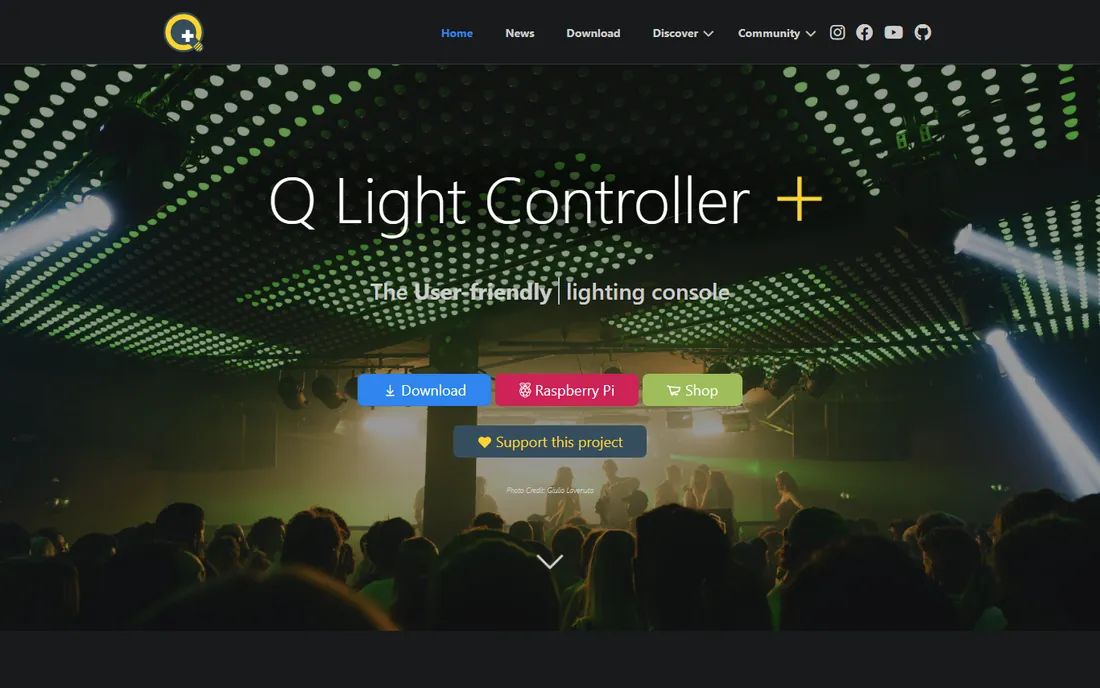
QLC+ is the reason a small venue with no lighting budget can still run a proper show. It is free, open source, and controls DMX and analog lighting systems through USB interfaces or network protocols like Art-Net and sACN. It runs on practically everything, including a Raspberry Pi tucked behind the bar, which makes it popular for permanent installs.
The honest tradeoff is polish. The interface is functional rather than beautiful, and when something breaks at 9 PM, your support is the community forum and the documentation. That said, the fixture library is deep, the virtual console is flexible, and plenty of churches, schools, and small clubs run their entire rig on it. If you are spending your first dollar on lighting, spend it on the DMX interface, not the software, and start here.
What we like- Completely free and open source
- Runs on Windows, Mac, Linux, and Raspberry Pi
- Supports DMX, Art-Net, sACN, OSC, and MIDI
- Large fixture library and active community
Watch out for- Interface looks dated next to commercial rivals
- No official support line
- Advanced features take manual-reading to master
Starting priceFree (software download)
Free planYes
Obsidian Control Systems gives away the same Onyx software that runs its hardware consoles, which is a remarkable deal. You download it free, program your show with a proper console-style workflow, and it scales from a handful of fixtures to a touring rig. The built-in Dylos pixel composer handles LED walls and pixel-mapped effects that would need a separate program elsewhere.
The catch is output. To send DMX to real fixtures you need Obsidian hardware or a license key, so the total cost depends on your rig size. Onyx is also Windows only. For a venue or production company that wants console-grade control without buying a console on day one, this is the strongest free starting point in the pro tier. Learn it on a laptop, add hardware as the rig grows.
What we like- Free full-featured download
- Scales from small shows to touring productions
- Built-in Dylos pixel composer for LED effects
- Professional console workflow on a PC
Watch out for- DMX output requires Obsidian hardware or a license
- Windows only
- Overkill for a simple four-fixture bar rig
Starting priceFree
Free planYes
MagicQ is the free PC version of the software inside ChamSys lighting consoles, and it is startlingly capable for the price of nothing. It supports output across up to 64 universes, carries a fixture library with tens of thousands of personalities, and runs on Windows, Mac, and Linux. Community theaters and schools use it to run complete shows from a laptop and a USB interface.
There is one wrinkle: the free download runs in a demo mode with some limitations on inputs, outputs, and timecode, and removing those limits requires ChamSys hardware such as a console, wing, or dongle. The interface also thinks like a lighting console, which is great if you plan to graduate to real desks and confusing if you have never touched one. For training future operators and running serious shows on a budget, few free tools go this far.
What we like- Free download with up to 64 universes of output
- Same software as ChamSys hardware consoles
- Huge fixture personality library
- Runs on Windows, Mac, and Linux
Watch out for- Demo mode limits some inputs and outputs until activated with hardware
- Interface follows console logic that confuses first-timers
- Full output needs ChamSys hardware
Starting priceSee website
Free planYes (limited to 24 DMX channels)
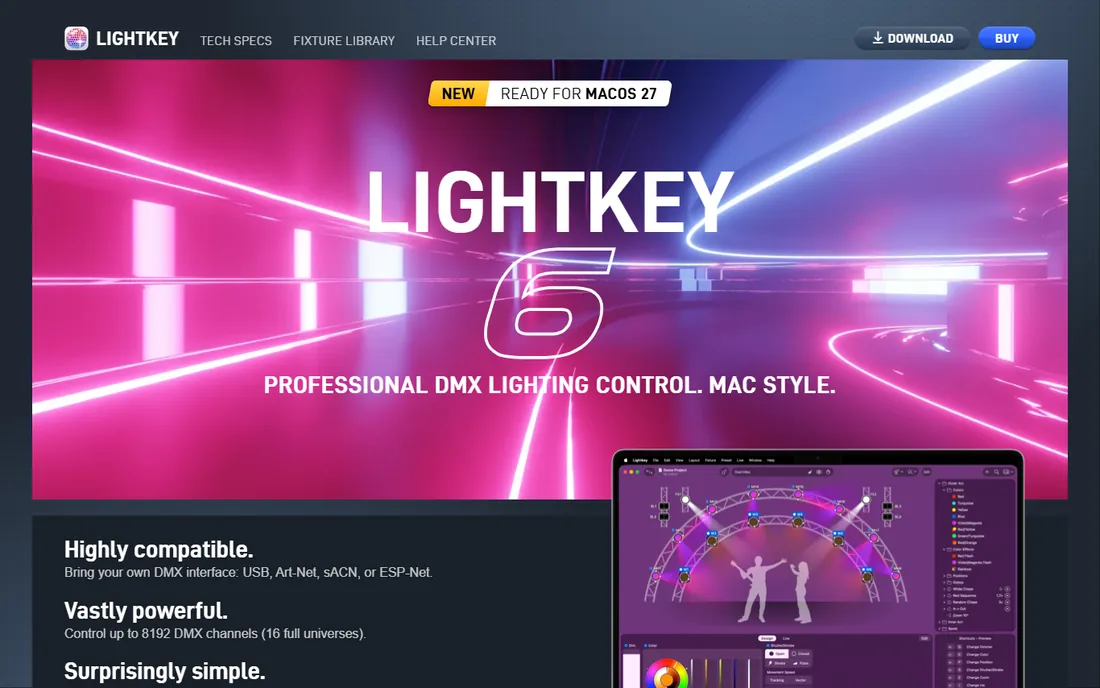
Lightkey is the answer for the all-Mac venue. It is designed around how lighting designers actually think: you tell it you want a blue gobo rotating slowly, and it works out the DMX values from the fixture profile. The built-in library covers a huge range of fixtures, so patching is mostly search and drag.
The free mode outputs 24 DMX channels, which is enough to test with a couple of fixtures before spending anything. Paid licenses allow up to 8,192 channels and are valid for one year, with all updates included. The channel counting includes DMX, OSC, and MIDI outputs together, so check the math as your rig grows. If your building runs on Macs and your volunteers are not lighting nerds, this is the friendliest serious option.
What we like- The most polished DMX app on macOS
- Understands fixtures by properties like color and gobo instead of raw channel values
- Free mode lets you test with 24 channels
- Licenses valid for one year with free updates
Watch out for- Mac only, no Windows version
- Paid license needed beyond 24 channels
- Channel-count licensing can surprise growing rigs
Starting price$7.99 per month
Free planTrial (3 months included with hardware)
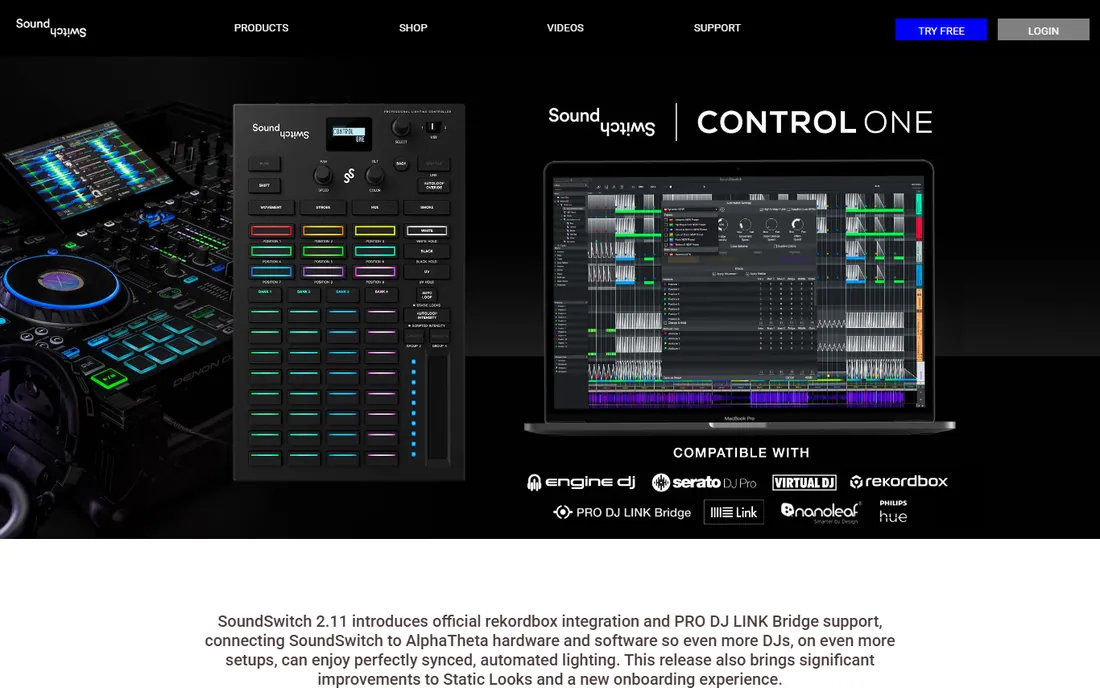
SoundSwitch solves one problem extremely well: the DJ who also has to run lights. It analyzes your tracks and builds a synchronized light show from the phrasing and instrumentation, so the drops hit with the strobes without you touching a fader. It integrates with Serato DJ, Engine DJ, Virtual DJ, and as of late 2026, rekordbox, and it scales from Philips Hue bulbs in a bedroom studio to a two-universe club rig.
Pricing is $7.99 per month, $79.99 per year, or $199 for an extended license, and you will need a DMX interface such as the $39.99 Micro DMX Interface for real fixtures. The software is built around DJ workflows, so theater-style cue lists are not its strength. For mobile DJs and clubs where the booth runs both sound and lights, it is the obvious pick.
What we like- Auto-scripts light shows from your music library
- Deep integration with Serato, Engine DJ, Virtual DJ, and now rekordbox
- Works with Philips Hue and Nanoleaf plus pro DMX rigs
- Control One hardware for hands-on triggering
Watch out for- Built for DJs, not for theater cue stacks
- Needs a DMX interface for real fixtures
- Subscription or extended license required after the trial
Starting priceSee website
Free planFree download (interface required for output)
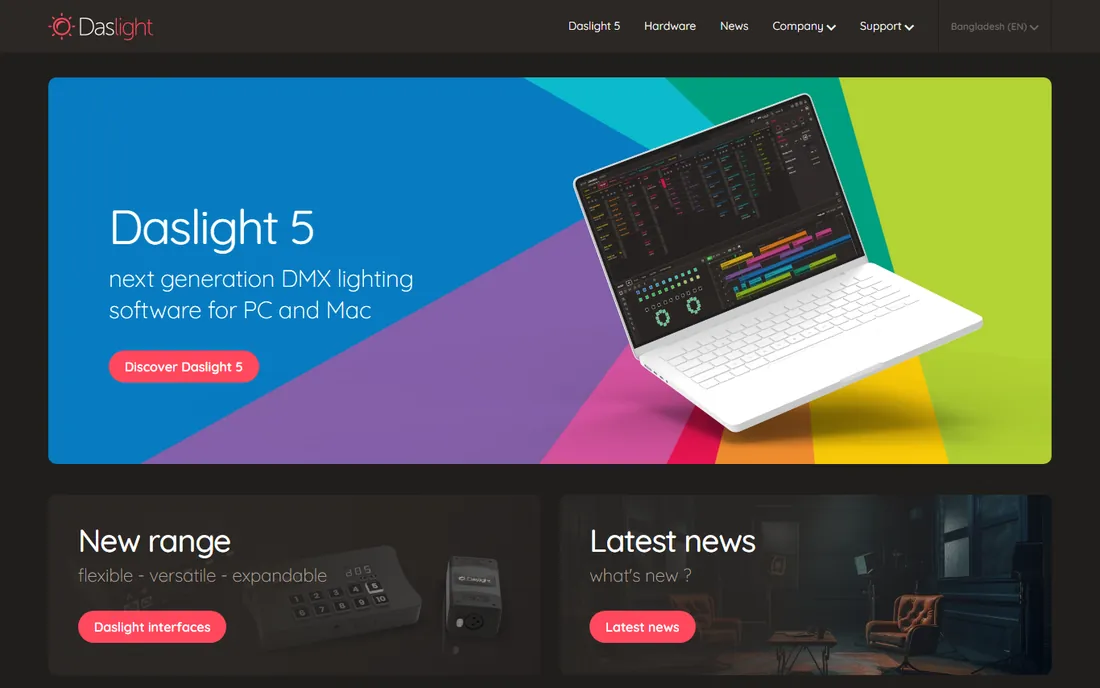
Daslight has been around the club and mobile DJ world for years, and version 5 keeps the formula: free software, paid interface. You download the program at no cost, build your scenes and chases, and output through a Daslight USB or network interface. For a club install or a DJ rig that needs reliable playback night after night, that simplicity is a feature.
The tradeoff is ceiling. Daslight is easy to learn precisely because it does less than Onyx or MagicQ, and complex theatrical programming will feel cramped. Pricing depends on which interface you buy, so check the current bundles on the Daslight site before budgeting. If your needs are scenes, chases, and sound-to-light rather than a 500-cue theater plot, it does the job with minimal fuss.
What we like- Free software download
- Straightforward fixture patching and scene building
- Good for clubs and installs that need set-and-forget playback
- Wide hardware interface range
Watch out for- DMX output needs a Daslight interface
- Less depth than console-grade tools for complex programming
- Pricing varies by interface bundle
Starting priceSee website
Free planNo
When the job is a building facade, a retail LED wall, or a stage full of pixel-mapped tubes, MADRIX is the specialist tool. It is built from the ground up for pixel mapping rather than having it bolted on, and it handles the enormous channel counts that LED installations demand. Permanent installs in clubs, houses of worship, and architectural projects run on it for years without drama.
That specialization is also the warning label. If your rig is a dozen moving heads and some pars, MADRIX is the wrong tool and the wrong price. There is no free tier, so evaluation means talking to the vendor or a dealer. Check current licensing on the MADRIX site, since LED software is usually priced by output size, and size up your pixel count before you ask for a quote.
What we like- Purpose-built for LED pixel mapping
- Drives huge channel counts for walls and facades
- Real-time effects engine with deep control
- Stable in permanent installs
Watch out for- No free tier to evaluate with
- Overkill and overpriced for simple par-can rigs
- Learning curve for the effects engine
Starting priceFree (with Xpress interface)
Free planYes (with hardware)
ShowXpress is Chauvet DJ's own control software, and the deal is simple: buy the Xpress-512S interface and the software costs nothing. It takes a timeline approach to building shows, which clicks for beginners faster than console-style programming, and the interface can store a show and play it back without a computer attached. That standalone playback is genuinely useful for installs and for DJs who do not want a laptop at every gig.
The obvious limit is the ecosystem lock-in. You are buying into Chauvet hardware, and the basic interface covers two universes. For a venue that already runs Chauvet fixtures, that is hardly a drawback, and the whole package stays affordable. If you run a mixed rig from many brands, an open tool like QLC+ or MagicQ gives you more freedom.
What we like- Free software with the Xpress-512S interface
- Timeline-based show building that suits beginners
- Interface stores a show for computer-free playback
- Strong fit with Chauvet DJ fixtures
Watch out for- Tied to Chauvet hardware
- Less flexible than open tools like QLC+
- Two-universe limit on the basic interface
What to check before you buy DMX software
DMX software is only half the purchase. These are the questions that decide whether your choice works on show night.
Count the universes you actually need
One DMX universe is 512 channels. A small rig with a few LED pars might use a fraction of one universe. A rig with movers, LED bars, and pixel-mapped elements can eat several. Free tools like MagicQ support up to 64 universes in software, but your interface and license decide how many you can output. Map your fixture channel counts before you buy anything.
Budget the interface, not just the software
Most programs here are free or cheap because the money is in the hardware. A USB-to-DMX interface starts under $50 and goes up steeply for multi-universe network nodes. Confirm that your chosen software supports the interface you own: SoundSwitch works with its own interfaces plus ENTTEC units, Onyx wants Obsidian hardware for output, and Daslight needs a Daslight interface.
Match the workflow to the operator
A theater volunteer running cues needs different software than a DJ mixing live. Console-style tools like Onyx and MagicQ reward trained operators. Timeline and auto-scripting tools like ShowXpress and SoundSwitch suit people who need results fast. Lightkey sits in the middle with fixture-aware controls that hide raw channel math. Buy for the person who will actually run the show.
Test with your real fixtures
Fixture profiles are where DMX software lives or dies. Download the free version or trial, patch your actual fixtures from the library, and check that every attribute responds correctly. A missing or wrong profile on show night is a problem no feature list can fix.
How we chose
We looked for DMX control software that is actively maintained in 2026 and genuinely outputs DMX to real fixtures, not visualizers or hardware-only controllers. For each product we checked the vendor's own site and documentation for pricing and licensing, read user discussion in lighting forums and DJ communities, and weighed protocol support, fixture libraries, platform coverage, and fit for small and mid-size venues. We favored tools a working venue or event team can actually buy and run, and we noted where hardware purchases are required to enable output.
Free versus paid: how DMX software pricing really works
This category inverts normal software economics. The programs are often free: QLC+, MagicQ, Onyx, and the Daslight download cost nothing. The money goes to the DMX interface that connects your computer to the fixtures, and sometimes to a license that enables output channels.
That means the sticker price tells you little. A free program with a $300 interface can cost more than a $99 program with a $40 dongle. Add up software, interface, and any channel-count license for your specific rig size, then compare totals. The free tools in this guide are not demos or lite editions with the important parts removed; they run real shows, and many venues never pay for software at all.
Frequently asked questions
Do I need a DMX interface to use this software?
Yes, for real fixtures. The software runs on your computer, but DMX is a physical signal that needs hardware to reach the lights. USB interfaces start under $50, and network nodes using Art-Net or sACN cover larger rigs. Match the interface to your software: some programs only enable output with their own brand of hardware.
What is the best free DMX software?
QLC+ and ChamSys MagicQ are the two strongest free options. QLC+ is open source and runs on Windows, Mac, Linux, and Raspberry Pi. MagicQ is the free PC version of a professional console platform with up to 64 universes of output. Onyx is also free to download with console-grade features. All three run real shows without paying for software.
Can I control lights from a Mac?
Yes. Lightkey is built for macOS and is the most polished Mac option. QLC+ and MagicQ both have Mac versions. Onyx is Windows only, so Mac shops should rule it out. Whatever you choose, confirm your USB DMX interface has Mac drivers before show night.
How many DMX channels do I need?
Count 512 channels per universe, then add up your fixtures. A simple LED par might use 4 to 8 channels, while a moving head can use 20 or more. Small rigs fit in one universe; pixel-mapped LED walls can need dozens. Software channel limits, like Lightkey's 24-channel free mode, matter less than the interface and license limits on output.
Is SoundSwitch only for DJs?
Mostly yes. It is designed around DJ workflows: analyzing tracks, syncing to DJ software, and triggering looks from the booth. It handles clubs and mobile DJ rigs brilliantly. For theater cue stacks, architectural installs, or anything needing precise timed cues, a console-style tool like Onyx, MagicQ, or QLC+ is the better fit.
Sources we checked (8)
- https://www.qlcplus.org/
- https://www.obsidiancontrol.com/blogs/news/obsidian-onyx-4-10-software-now-available
- https://chamsyslighting.com/quickq-plus/
- https://manuals.plus/m/461871ce96b6e8a0e0b21ac62c081d10309f5a3aa890fa226fc78678d6cf1060_optim.pdf
- https://www.digitaldjtips.com/soundswitch-adds-official-rekordbox-integration/
- https://www.rekkerd.org/soundswitch-2-0-software-supports-micro-dmx-interface-enttec-hardware-new-subscription-service/
- https://www.kimulighting.com/best-stage-lighting-programs-top-picks-and-tips-kimu.html
- https://www.thefader.com/2026/09/24/rekordbox-pro-dj-link-bridge-lighting-software
Is your product missing or out of date?
We review this list regularly. Vendors can request a listing, send updated pricing or ask about featured placement.

Shihab Mia · Founder, Rankite
Shihab has spent more than a decade helping SaaS and e-commerce brands grow through search. He writes Rankite's software buying guides from pricing pages, documentation and public user reviews. More about Shihab.