How we make this list: we compare pricing pages, product documentation and public user reviews. Rankite is independent; if a vendor ever pays for a featured spot, that listing is clearly labeled Partner.
Key takeaways
- Hudl remains the standard for full-program game film work in the US, but its pricing is quote-based and it is overkill for a single coach who just needs technique review.
- Veo is the easiest path from kickoff to shared highlights because the AI camera films the game for you, though the hardware plus subscription is a real budget line.
- If money is tight, LongoMatch and the free, open-source Kinovea cover most of what small clubs and individual coaches need.
- Note: Coach's Eye by TechSmith, which appears in many older roundups, has been retired and no longer works. Onform is the closest active alternative.
Quick comparison
| Tool | Best for | Starting price | Free plan |
|---|
 Hudl Hudl | full-program game film platform | See website (quote-based) | Yes (free athlete tier) |
 Veo Veo | automated game filming without a camera operator | From $67/month (yearly billing; Veo Cam 3 from $1,299) | No |
 Spiideo Spiideo | cloud capture for leagues and clubs | See website (quote-based) | No (demo on request) |
 Onform Onform | individual technique coaching on mobile | See website | 14-day free trial |
 Dartfish Dartfish | movement and biomechanics analysis | From 7 euros/month (annual billing, myDartfish mobile) | Free trial |
 Nacsport Nacsport | deep tactical tagging on a budget | See website | Free trial |
 LongoMatch LongoMatch | affordable pro-style analysis for small clubs | See website | Yes (free tier) |
 Catapult Catapult | elite programs combining video with wearable data | See website (quote-based) | No |
 Kinovea Kinovea | free slow-motion technique review | Free | Yes (free and open source) |
Is your product missing or out of date?
We review this list regularly. Vendors can request a listing, send updated pricing or ask about featured placement.
The best sports editing software
Starting priceSee website (quote-based)
Free planYes (free athlete tier)
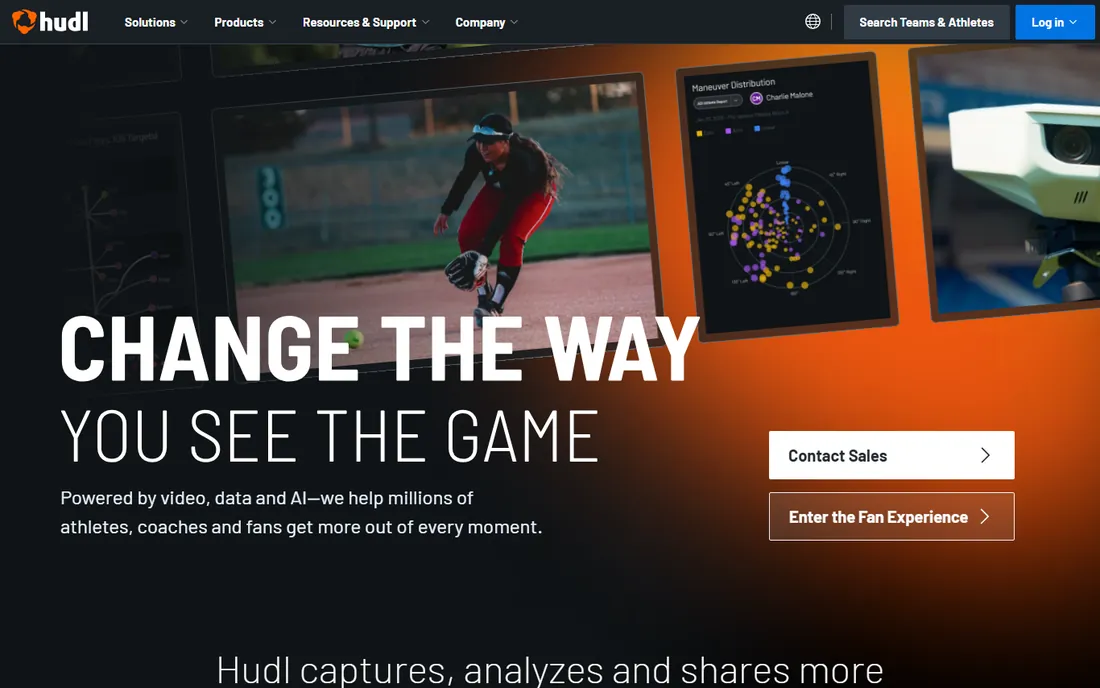
Hudl is the default answer for a reason. Upload a game and your staff can tag plays, build playlists, add telestration, and push clips to every player in the program within hours. The platform also runs recruiting profiles, which is why so many US high school athletes keep a Hudl link in their social bios. For a football, basketball, or soccer program with multiple teams, nothing else covers the full loop of capture, analysis, sharing, and recruiting in one place.
The honest catch is cost and complexity. Hudl does not publish prices, and packages are sold per program with tiers that climb into the thousands per year for larger schools. A single coach or a youth team will pay for far more than they use. Set it up only if you have someone on staff who will own the tagging workflow, because Hudl without consistent tagging is an expensive file cabinet.
What we like- Deepest feature set for team video
- Recruiting profiles built in
- Works across almost every sport
Watch out for- Pricing is opaque and quote-based
- More than a small club needs
- Athletes must learn the workflow
#2
Veo
Best for: automated game filming without a camera operator
Visit veo.com
Starting priceFrom $67/month (yearly billing; Veo Cam 3 from $1,299)
Free planNo
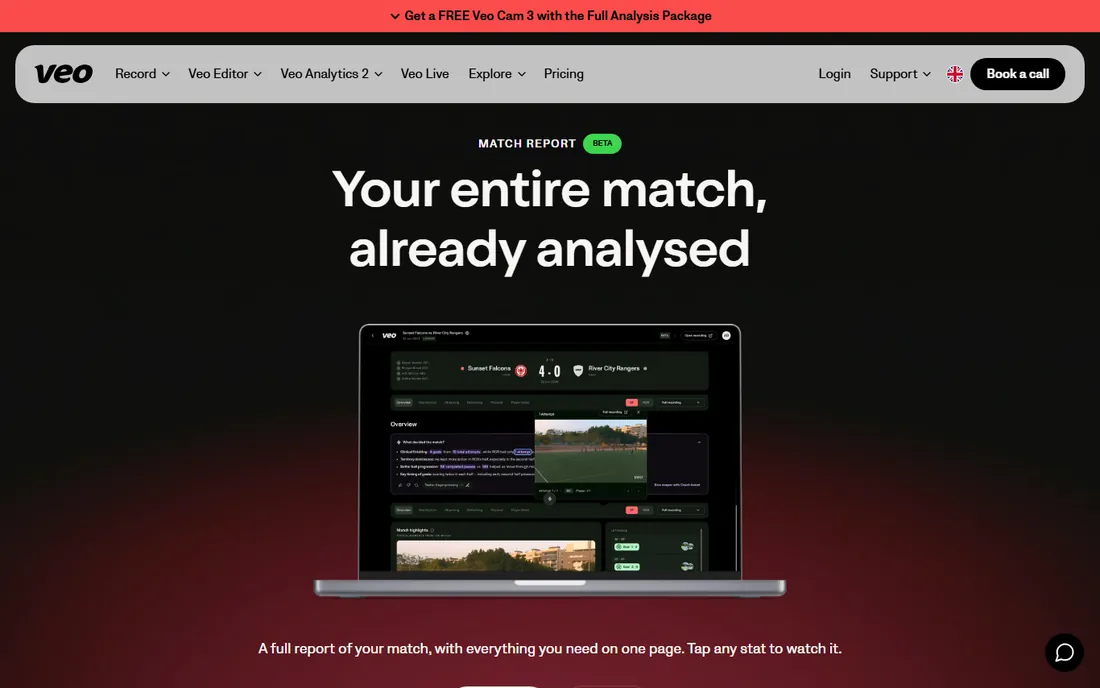
Veo solves a different problem than Hudl. Instead of asking someone to film, you put a Veo Cam on a tripod and its AI follows the ball, records the match, and uploads it to the Veo Editor where goals and key moments are auto-tagged. Coaches get instant replays, players get shareable highlight clips, and nobody misses the game because the volunteer with the camera had to leave early. For grassroots and club soccer especially, it removes the biggest bottleneck in sports video: actually having usable footage.
The tradeoff is the budget line. The camera starts at $1,299 and the Starter subscription runs from $67 per month on yearly billing, so a small club is committing real money before a single clip exists. Veo's deeper analytics are also built for soccer first, so coaches in other sports should check which features apply to them before buying.
What we like- AI camera follows the action with no operator
- Automatic highlights and analysis
- Simple sharing for parents and fans
Watch out for- Real hardware cost up front
- Subscription required to keep using it
- Analytics add-ons are soccer-focused
Starting priceSee website (quote-based)
Free planNo (demo on request)
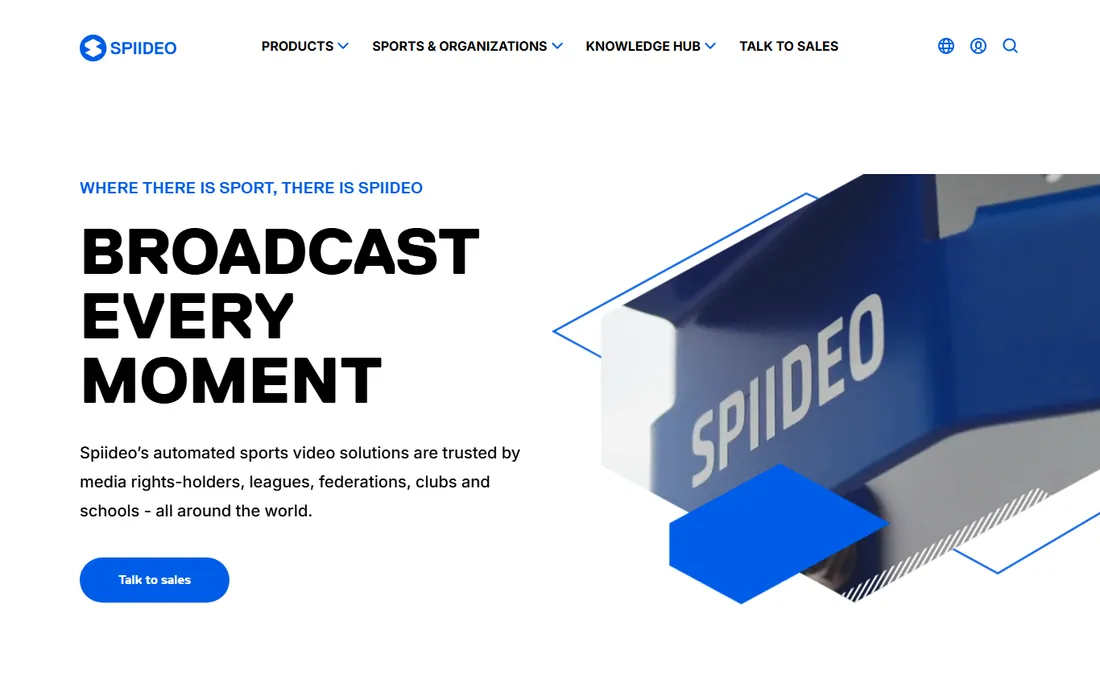
If your problem is filming rather than analysis, Spiideo deserves a look. Its automated cameras install in the venue, record every game to the cloud, and let analysts tag live from anywhere with a browser. Conferences use it for centralized replay and video exchange across dozens of programs, which tells you the infrastructure is serious. The analysis tools cover tagging, telestration, and presentation building in one cloud workspace.
This is not a tool for a single youth team. Spiideo sells into clubs, schools, and leagues with installed camera systems, and pricing is handled through sales. But if you run a facility or a league that films hundreds of games a season, the combination of automatic capture and cloud analysis is exactly what you are paying for.
What we like- Automated cameras plus cloud replay
- Strong live-tagging workflow
- Proven at conference and league scale
Watch out for- Enterprise-grade pricing
- Aimed at facilities with installed cameras
- Overkill for one team
Starting priceSee website
Free plan14-day free trial

Onform does not try to run your whole program. It turns a phone or tablet into a technique lab: record a swing or a sprint in high frame rate, scrub frame by frame, draw angles on the screen, and compare two videos side by side. Golf instructors, pitching coaches, and track coaches live in this workflow, and Onform handles it with less friction than any team platform. The multi-angle and 3D swing metric features go beyond what most coaches expect from a mobile app.
The limit is scope. Onform is about one athlete's mechanics, not about breaking down an opponent's full game. Pricing is not published on the site, so budget-conscious coaches should start with the 14-day trial and confirm the paid tier before building a workflow around it.
What we like- Excellent slow-motion and side-by-side tools
- Built for golf, baseball, swimming, track
- Easy athlete sharing
Watch out for- Individual-sport focus, not team film
- Full features require a paid plan after the trial
Starting priceFrom 7 euros/month (annual billing, myDartfish mobile)
Free planFree trial
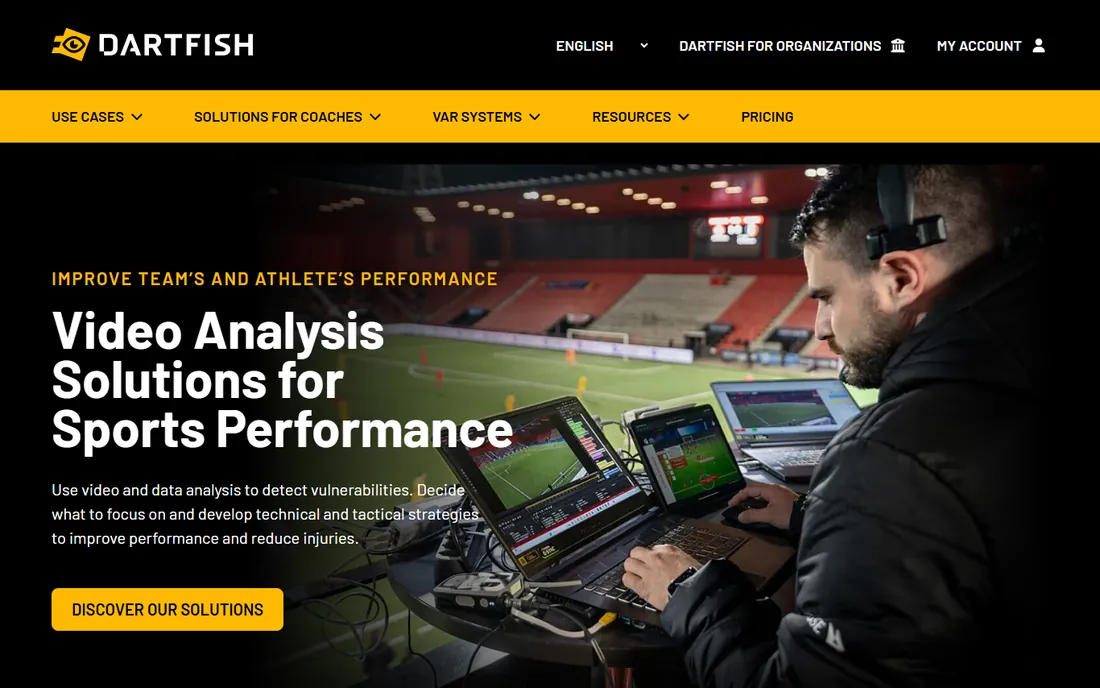
Dartfish has been refining sports video analysis since 1999, and it shows in the details. The stromotion effect, joint angle measurement, and synchronized multi-angle playback remain reference tools for technique work in gymnastics, skiing, tennis, and track. The mobile product, myDartfish, starts from 7 euros per month on annual billing with 50 GB of cloud storage, which makes serious analysis affordable for individual coaches.
Where Dartfish asks more of you is on the desktop side. The full tagging and database products are professional tools with professional pricing, and the interface carries some legacy weight. For a school or academy doing genuine biomechanics work, that depth is the point. For casual highlight cutting, it is more than you need.
What we like- Decades of refinement in motion analysis
- Strong slow-motion and overlay tools
- Affordable mobile entry point
Watch out for- Desktop products are priced for pros
- Interface shows its age in places
Starting priceSee website
Free planFree trial
Nacsport is the analyst's tool that never got the marketing budget it deserved. It offers unlimited tagging, customizable button panels, live coding from a tablet, and data visualizations that rival products costing far more. Coaches in soccer, basketball, and hockey use it for genuinely deep tactical work, and the learning curve pays off once your tag windows are dialed in.
The compromises are real but manageable. It is Windows-first, pricing requires talking to sales, and you will find fewer tutorials and community resources than for Hudl. If your club has one dedicated analyst who wants professional depth without an enterprise contract, Nacsport is the value pick in this guide.
What we like- Very deep tagging and dashboard customization
- Lower cost than elite rivals
- Strong soccer and basketball workflows
Watch out for- Windows-first
- Pricing not published
- Smaller user community than Hudl
Starting priceSee website
Free planYes (free tier)
LongoMatch started in Spain as an affordable answer to expensive analysis suites, and it keeps that character. The interface is clean, tagging is fast, and you can code matches live from a tablet while the desktop app handles the heavy review work. A free tier covers the basics, and the company claims more than 60,000 users, which means real community and continued development.
The step up to LongoMatch Pro adds project sharing and the presentation tools that clubs actually need, and that tier is paid. Still, the gap between the free tier and a workable club setup is much smaller than with the enterprise platforms. For a small club or a school program that wants to look professional on video, this is the easiest yes in the category.
What we like- Polished interface at a friendly price
- Live tagging from a tablet
- Good multi-sport coverage
Watch out for- Paid Pro tier needed for the full workflow
- Smaller ecosystem than the big platforms
Starting priceSee website (quote-based)
Free planNo
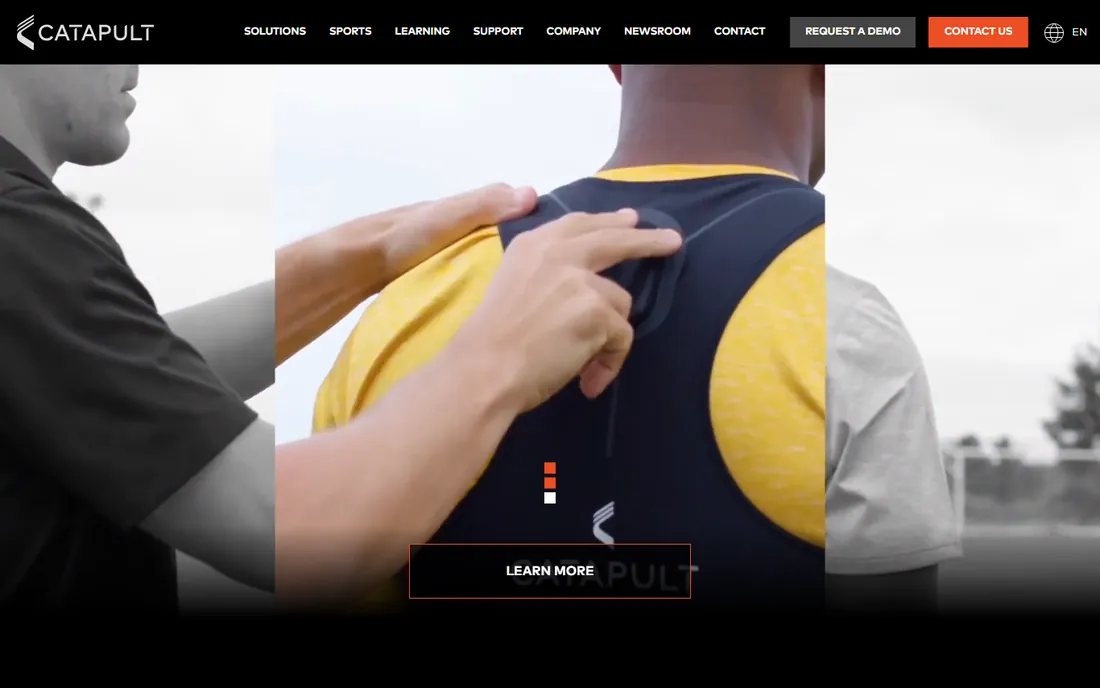
Catapult is what you buy when video alone stops being enough. Its video analysis syncs with the company's athlete monitoring data, so a coach can watch a sprint and see the underlying load, speed, and distance numbers in the same view. More than 5,500 elite teams use Catapult products, which puts it firmly in the professional and top-college tier.
Everything about the buying process reflects that positioning. Pricing is quote-based, onboarding assumes a performance staff, and a high school program will find simpler tools a better fit. For a university or pro organization that already tracks athletes with wearables, though, the video-plus-data combination is the strongest argument in this guide.
What we like- Video synced with athlete tracking data
- Trusted by thousands of elite teams
- Strong multi-angle breakdown
Watch out for- Enterprise pricing and sales process
- Built for staffed performance departments
Starting priceFree
Free planYes (free and open source)
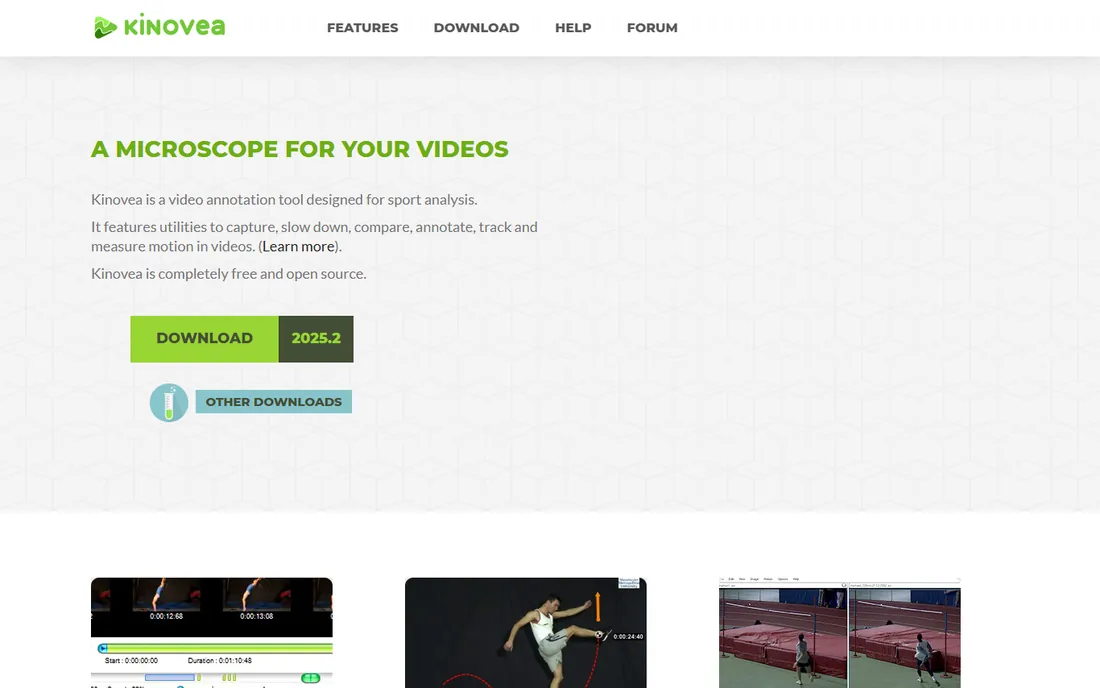
Kinovea costs nothing, which makes its quality almost unfair. This open-source tool gives coaches frame-by-frame playback, angle and distance measurement, side-by-side comparison, and annotation tools that stand up to paid software. The developer states plainly that it is free with no licenses, no subscriptions, and no limits. For a coach who just needs to break down a golf swing or a sprint start on a laptop, it does the job.
The boundaries are clear. Kinovea runs on Windows, there is no cloud library or team sharing, and the interface is functional rather than beautiful. Pair it with any cloud storage for sharing clips and you have a complete technique-review setup for zero dollars.
What we like- Completely free with no limits
- Excellent measurement and annotation tools
- Active development
Watch out for- Windows only
- No cloud sharing or team features
- Interface is utilitarian
How we chose
We started from tools that are live and maintained today, which mattered more than usual in this category because several once-popular options have been retired. Coach's Eye, a longtime recommendation, now redirects to a retirement notice, so it was replaced with Onform. We checked each vendor's current site, pricing page, and plan structure, and read public reviews on G2, Capterra, and Reddit plus vendor documentation for feature claims. We favored tools with clear sport fit, honest pricing information, and workflows that match how coaches actually work: fast tagging, easy sharing, and review that happens the same day.
Price tags in this category hide the real costs. Work through these four checks before you sign anything.
Capture or analysis, or both
Some tools film the game for you (Veo, Spiideo) and some assume you already have footage (Nacsport, LongoMatch, Kinovea). Hudl and Catapult sit in the middle with camera options plus analysis. If your program has no reliable filming setup, a capture-first tool saves more staff hours than any analysis feature.
Storage and sharing limits
Video eats storage fast. Check how many hours each plan includes, how long footage is kept, and whether players and parents can watch without paid seats. A platform that charges per viewer gets expensive the moment you share with the whole roster.
Sport and level fit
A soccer club and a track program need different tools. Confirm your sport is supported in the tagging templates and analytics, not just in the marketing copy. Also confirm the plan tier: enterprise tools assume a staffed performance department, while mobile apps assume one coach and a phone.
Support reality
When the camera fails on game night, you need a human. Ask about support hours and whether they cover your timezone before the season starts. Community forums are fine for Kinovea because it is free, but a paid platform should answer the phone.
The hidden costs: cameras, storage, and seats
The subscription is only part of the bill. AI cameras like Veo's start around $1,299 plus a subscription. Cloud storage tiers climb as your library grows season after season. And per-seat pricing multiplies across coaches, players, and parents. Add these three lines to any quote before comparing tools, and the cheapest-looking option often changes. One more caution: keep your original footage. If you ever switch platforms, exported clips and tagged databases do not always transfer cleanly, so keep master files somewhere you control.
Frequently asked questions
What is the best sports editing software for a high school team?
Hudl is the most common choice for US high school programs because it covers filming, tagging, sharing, and recruiting in one platform. If the budget is tight, LongoMatch plus a basic camera setup covers the core workflow for far less.
Is there a free sports video analysis tool?
Yes. Kinovea is free and open source with strong slow-motion and measurement tools. Onform offers a 14-day free trial, Dartfish has a free trial, and several vendors offer free tiers with limited storage.
What happened to Coach's Eye?
Coach's Eye by TechSmith was retired and the service no longer works. Coaches who used it for technique breakdowns should look at Onform or Dartfish as active alternatives.
Do I need a special camera for sports video analysis?
Not necessarily. Tools like Kinovea, LongoMatch, and Onform work with footage from any camera or phone. Automated systems like Veo and Spiideo include their own cameras, which is convenient but adds hardware cost.
What is the difference between Hudl and Veo?
Hudl is a full platform for team video analysis, sharing, and recruiting. Veo is primarily an AI camera system that films games automatically and provides editing and sharing tools. Many programs use Veo to capture footage and Hudl-style workflows to analyze it.
Sources we checked (11)
- https://www.hudl.com/
- https://www.veo.com/en-us/pricing
- https://www.spiideo.com/
- https://www.onform.com/
- https://www.dartfish.com/MobilePlus
- https://www.nacsport.com/
- https://www.longomatch.com/
- https://www.catapult.com/
- https://www.kinovea.org/
- https://www.latterly.org/hudl-competitors/
- https://sourceforge.net/software/product/Hudl/alternatives
Is your product missing or out of date?
We review this list regularly. Vendors can request a listing, send updated pricing or ask about featured placement.

Shihab Mia · Founder, Rankite
Shihab has spent more than a decade helping SaaS and e-commerce brands grow through search. He writes Rankite's software buying guides from pricing pages, documentation and public user reviews. More about Shihab.