How we make this list: we compare pricing pages, product documentation and public user reviews. Rankite is independent; if a vendor ever pays for a featured spot, that listing is clearly labeled Partner.
Key takeaways
- SketchUp Pro at $399 per year is the best value for firms that sell with 3D concepts, while Vectorworks Landmark at $1,530 per year suits firms producing construction documents.
- One-time purchases still exist here: Realtime Landscaping Architect costs $399.95 once and Lands Design costs $795 once, which beats subscriptions over three years.
- Design-build firms should shortlist DynaSCAPE and PRO Landscape, which were built around quoting and installing rather than pure design.
- iScape is free to start and works on a phone at the job site, making it the practical pick for quick client visuals.
Quick comparison
| Tool | Best for | Starting price | Free plan |
|---|
 SketchUp SketchUp | Fast 3D concept models that win clients | From $129/year (Go); Pro $399/year; Studio $819/year | See website |
 Vectorworks Landmark Vectorworks Landmark | Firms producing planting plans and construction documents | $1,530/year; $170/month; free trial available | Free trial |
 AutoCAD AutoCAD | Firms that need the industry drafting standard | Full version about $2,030/year; LT $540/year | See website |
 DynaSCAPE DynaSCAPE | Design-build firms that sell and install | From $119/month (Creator); Design tier about $158/month | See website |
 PRO Landscape PRO Landscape | Contractors who present photorealistic proposals | PRO Landscape+ $900/year or $90/month | See website |
 Realtime Landscaping Architect Realtime Landscaping Architect | Solo designers who want 3D on a budget | $399.95 one-time | See website |
 Lands Design Lands Design | Rhino and AutoCAD users who need planting tools | $795 one-time (perpetual) | Free trial (90 days) |
 Chief Architect Premier Chief Architect Premier | Residential firms designing house and grounds together | $229/month or $1,995/year | See website |
 iScape iScape | Quick on-site visuals from a phone | Free app; Pro $29.99/month or $299.99/year | Yes |
 SmartDraw SmartDraw | Simple 2D site and planting plans | From $7.95/user/month | See website |
Is your product missing or out of date?
We review this list regularly. Vendors can request a listing, send updated pricing or ask about featured placement.
The best professional landscape design software
Starting priceFrom $129/year (Go); Pro $399/year; Studio $819/year
Free planSee website
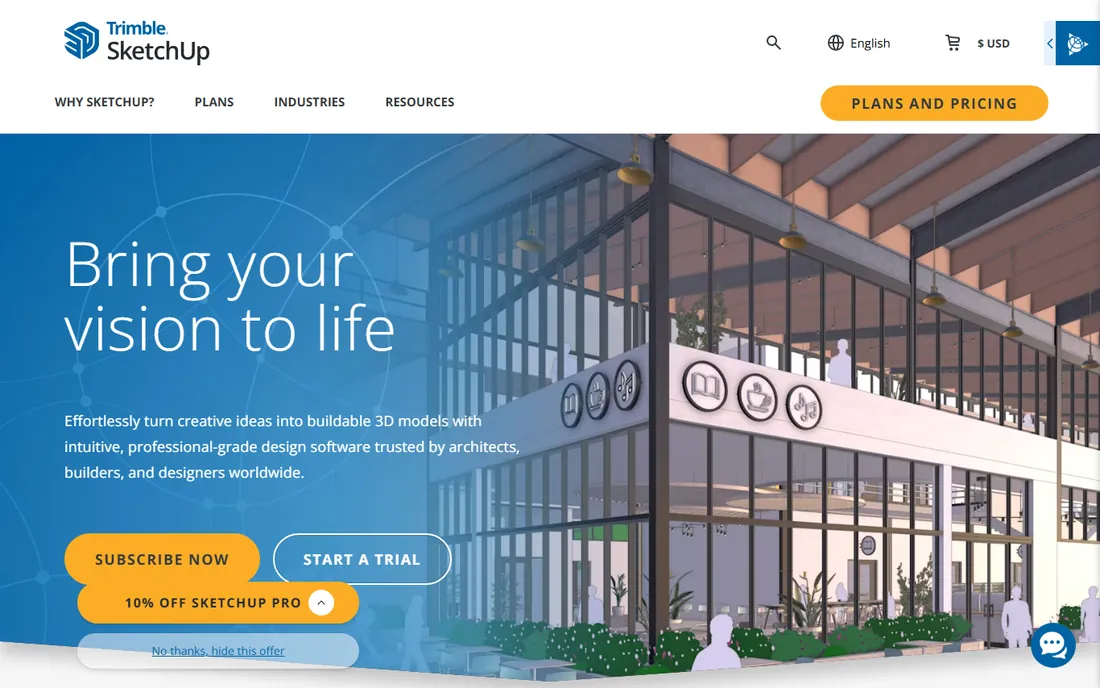
SketchUp is the fastest way to get a 3D concept in front of a client. You can mass out a yard, drop in trees and hardscape from the 3D Warehouse, and orbit around the result in an afternoon, which is why so many designers use it for the pitch and something else for the paperwork. The Go tier at $129 per year covers browser-based modeling, Pro at $399 adds the desktop app and LayOut for presentation documents, and Studio at $819 bundles advanced analysis tools most small firms will never open.
The limitation is documentation depth. SketchUp is a modeler, not a drafting platform, so dimensioned construction plans and planting schedules require workarounds or companion software. Firms that only need to sell the vision will never hit that wall; firms that also build will. For concept-first practices, though, nothing else turns a site visit into a persuasive visual this quickly.
What we like- Fastest path from idea to 3D model
- Huge 3D Warehouse library of plants and objects
- Gentle learning curve
Watch out for- Not a true CAD replacement for construction documents
- Rendering quality needs extensions
#2
Vectorworks Landmark
Best for: Firms producing planting plans and construction documents
Visit vectorworks.net
Starting price$1,530/year; $170/month; free trial available
Free planFree trial
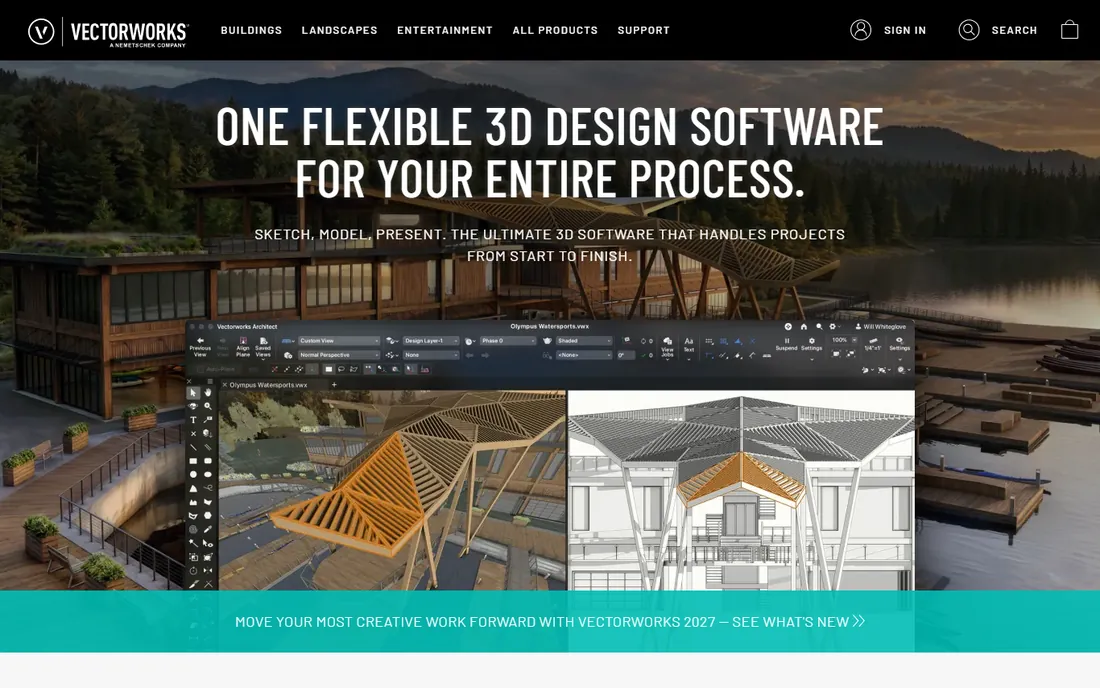
For firms that produce construction documents as well as concept art, Vectorworks Landmark is the specialist pick. It combines 2D drafting, 3D modeling and a plant database with scheduling tools, so a planting plan can generate its own plant list with quantities. That integration matters when your drawings go to contractors who price from them. At $1,530 per year (or $170 per month), it sits in the professional tier with AutoCAD, and the free trial lets a firm test it on a live project.
The cost and complexity are the barriers. Small shops doing mostly residential concepts will find it more software than they need, and staff training takes weeks. But for commercial work, municipal projects or any practice where drawings carry legal weight, Landmark is one of the few tools designed for the whole journey from concept to construction set.
What we like- Purpose-built site design and planting tools
- Strong 2D drafting plus 3D modeling
- Good BIM workflows
Watch out for- Expensive for small firms
- Learning curve is real
Starting priceFull version about $2,030/year; LT $540/year
Free planSee website
AutoCAD is the drafting standard that every other tool has to play nicely with. When architects, civil engineers and municipalities are in the project loop, DWG files are the common language, and AutoCAD speaks it natively. The drafting precision is unmatched for grading plans, hardscape layouts and dimensioned details. For firms doing commercial or institutional work, fluency in AutoCAD is often a contract requirement rather than a choice.
The price is the obvious objection: around $2,030 per year for the full version, though AutoCAD LT at $540 per year covers 2D drafting for firms that don't need 3D. And AutoCAD is a drafting tool first; it has no plant database, no 3D plant visualization and no design-specific workflows, so most designers pair it with SketchUp or a planting tool. Buy it for compatibility and precision, not for design inspiration.
What we like- Universal file compatibility with engineers and architects
- Precise 2D drafting
- LT tier is affordable
Watch out for- Full version is very expensive
- 3D and planting tools are not its strength
Starting priceFrom $119/month (Creator); Design tier about $158/month
Free planSee website
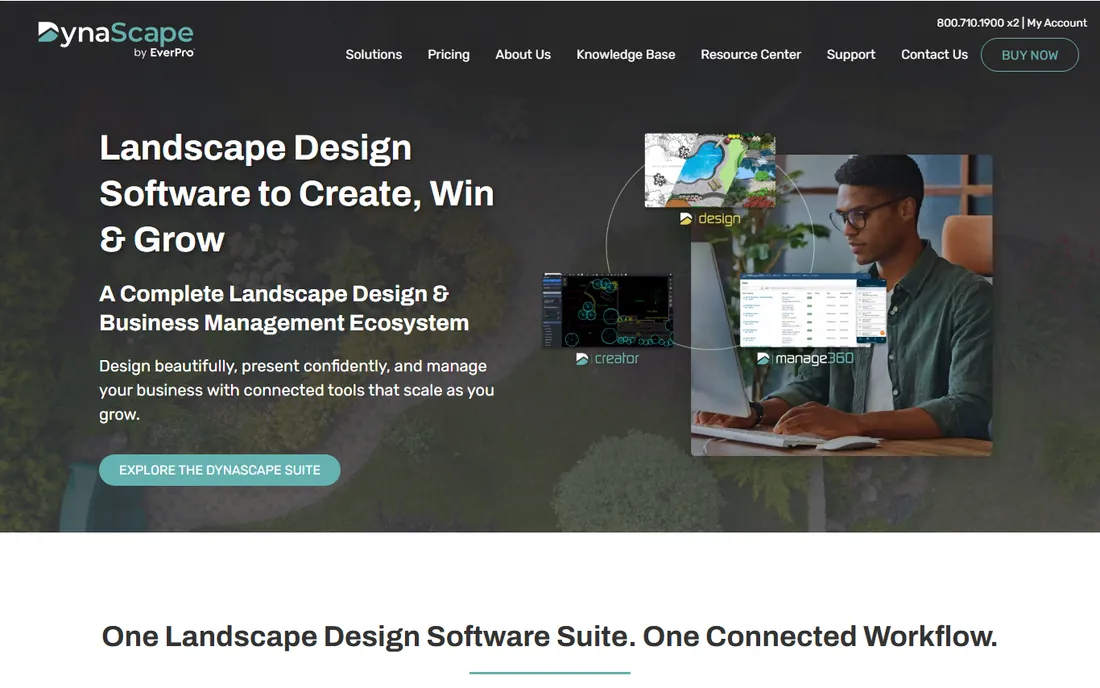
DynaSCAPE is unusual: CAD software built specifically for design-build firms. Where general tools stop at the drawing, DynaSCAPE continues into proposals, pricing and project management, which matches how design-build companies actually make money. The Creator tier starts at $119 per month, with the Design tier around $158 per month adding more capability. For a firm that designs on Monday and installs on Friday, having the drawing connected to the quote is a genuine advantage.
The subscription math deserves attention: $119 per month is $1,428 per year, every year, which exceeds several one-time alternatives over time. The community is also smaller than the SketchUp or AutoCAD worlds, so training resources are thinner. But if your business model is design plus installation, the workflow fit can justify the ongoing cost.
What we like- Built for the design-to-install workflow
- Strong quoting and proposal tools
- CAD-based precision
Watch out for- Monthly pricing adds up
- Smaller user community than general CAD tools
Starting pricePRO Landscape+ $900/year or $90/month
Free planSee website

PRO Landscape has served contractors and designers for decades, and its plant library shows it. The standout feature is photo imaging: take a picture of the client's property and overlay plants, patios and lighting so they see their own home transformed. That single capability has closed countless residential deals, because clients buy what they can picture. PRO Landscape+ runs $900 per year or $90 per month, and includes proposal and quoting features aimed at contractors.
The approach has limits. Photo imaging is persuasive but not true 3D; you can't orbit the design or produce construction-grade plans from it. Firms that need CAD documentation will pair it with a drafting tool. But for residential contractors whose bottleneck is closing the sale, the photo-realistic presentation is the point of the software.
What we like- Photo-imaging shows clients their actual property transformed
- Large plant and hardscape image library
- Quoting tools included
Watch out for- Photo-based approach less flexible than true 3D
- Annual cost is significant
Starting price$399.95 one-time
Free planSee website
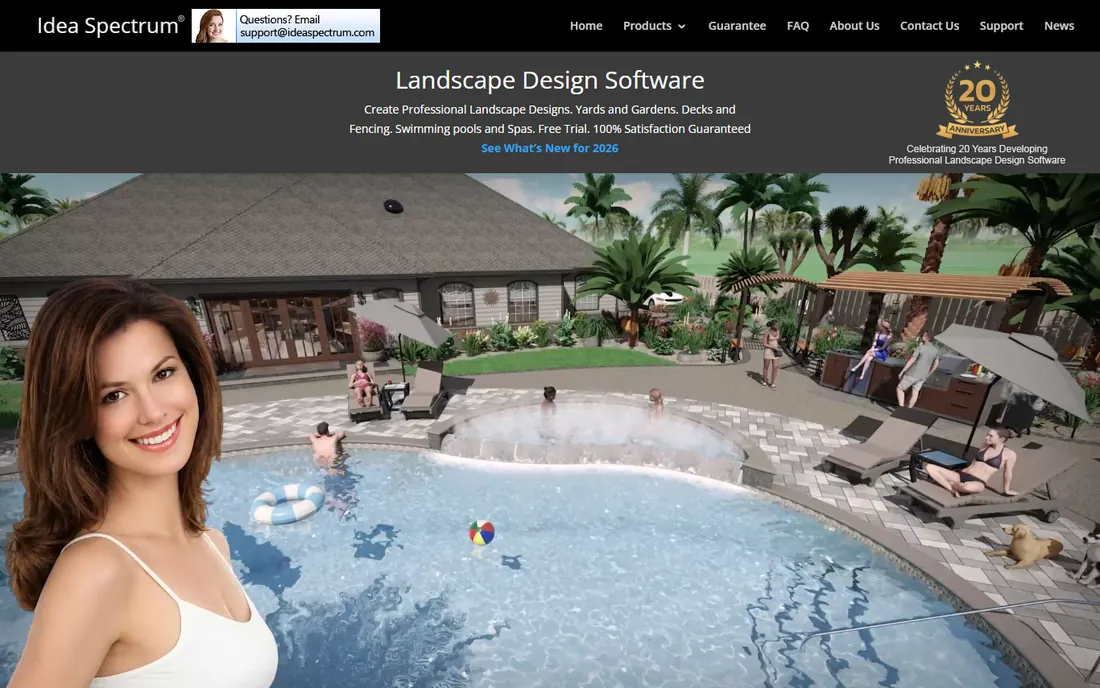
For solo designers and small shops, Realtime Landscaping Architect hits a practical sweet spot. It offers real 3D design with walkthrough modes, a solid plant library and deck, fence and patio tools, all for $399.95 paid once. There is no subscription meter running, which makes it one of the cheapest professional-capable options over a multi-year horizon. The interface targets designers rather than drafters, so productive work starts quickly.
It is not a documentation tool. You won't produce the dimensioned plans a commercial project requires, and the professional community around it is modest compared with SketchUp or Vectorworks. For residential design where the deliverable is a compelling visual and a plant list, though, it covers the job at a fraction of the big-platform cost.
What we like- One-time price with no subscription
- True 3D design with walkthroughs
- Accessible to non-CAD users
Watch out for- Not suitable for construction documentation
- Smaller professional community
Starting price$795 one-time (perpetual)
Free planFree trial (90 days)
Lands Design adds planting, terrain and irrigation tools to Rhino and AutoCAD instead of replacing them. If your firm already drafts in one of those platforms, Lands Design layers on a plant database with 3D parametric species, terrain modeling and irrigation planning, plus seasonal views that show clients how plantings mature. The $795 perpetual license with a 90-day trial is straightforward pricing in a subscription-heavy market.
The dependency is the catch: you need Rhino or AutoCAD first, which are themselves expensive, so the total stack cost is higher than the sticker suggests. Training material is also limited compared with mainstream tools. But for firms already invested in those CAD platforms, it is the most integrated way to add serious planting and terrain capability.
What we like- Runs inside Rhino and AutoCAD
- Parametric plants and terrain tools
- Perpetual license
Watch out for- Requires a host CAD platform
- Niche product with limited training material
Starting price$229/month or $1,995/year
Free planSee website
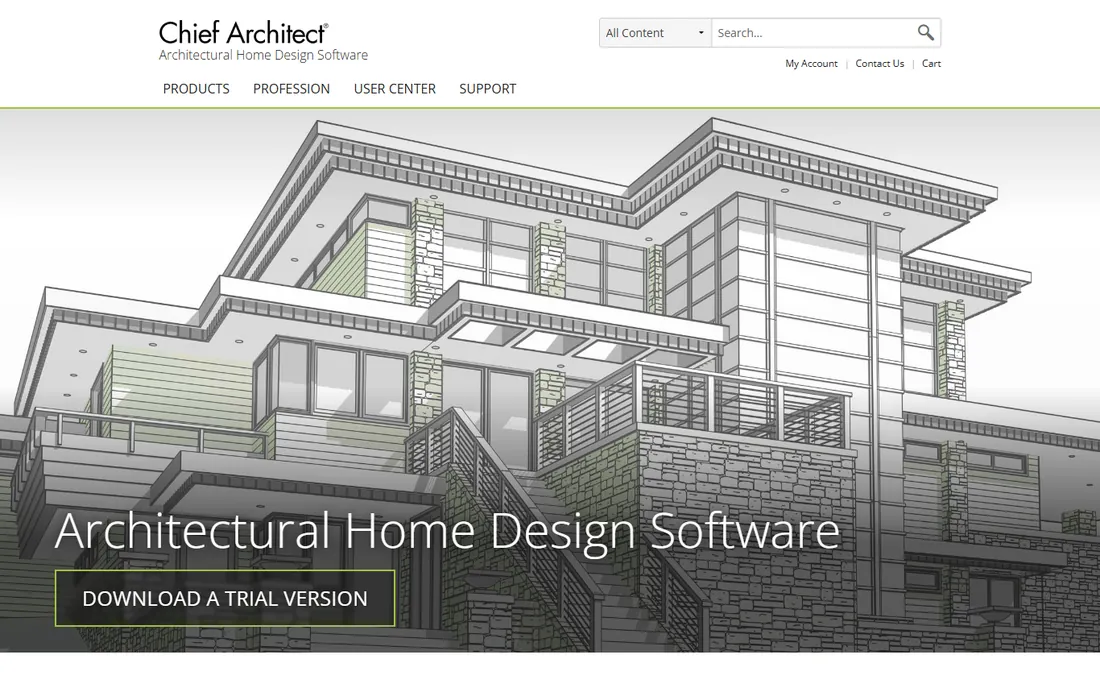
Chief Architect made its name in residential building design, which turns out to transfer well to outdoor projects. Firms that design homes and their surroundings in one package get 3D house models, terrain, decks, pools and planting in a single file, with construction documents generated largely automatically. At $229 per month or $1,995 per year, it is priced for professionals who bill for the output.
The outdoor toolkit is capable but secondary: this is house software with site features, not site software. Pure planting design or commercial site work would be better served elsewhere. And the price puts it among the most expensive options here. For design-build firms working on whole residential properties, though, the single-model workflow from house to garden is a real efficiency win.
What we like- Excellent 3D house modeling with site tools
- Automatic construction documents
- Strong residential focus
Watch out for- Expensive
- Outdoor tools secondary to building tools
Starting priceFree app; Pro $29.99/month or $299.99/year
Free planYes
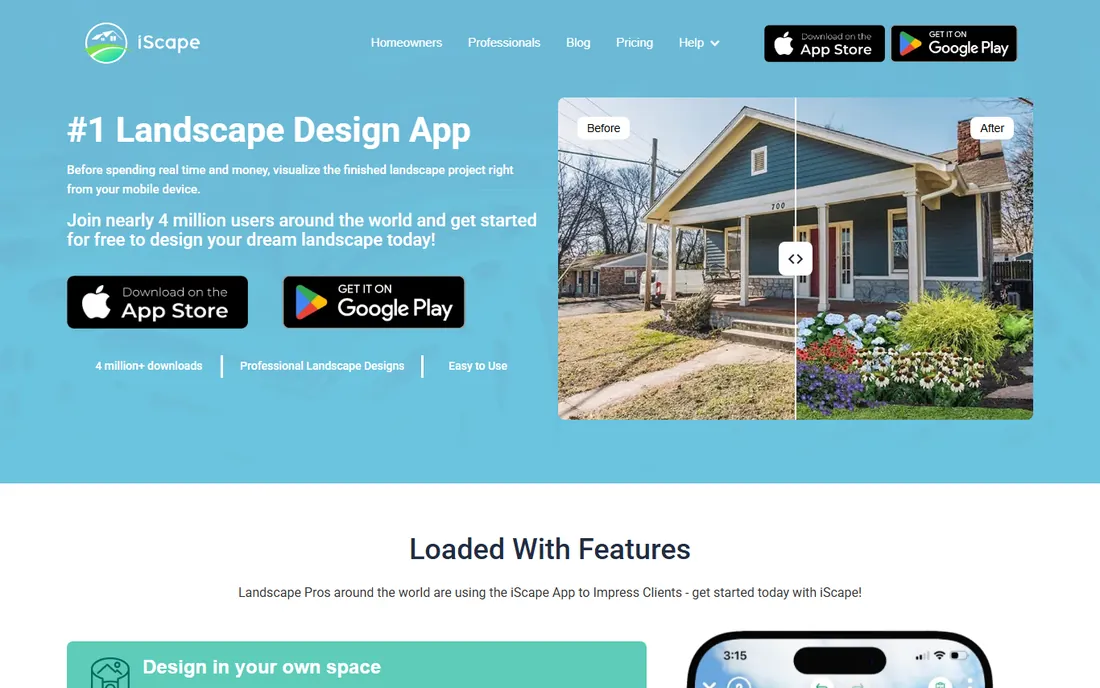
iScape works the way a site visit works: point your phone at the yard and start designing. The app overlays plants, hardscapes and lighting onto a photo of the client's property, producing a shareable visual in minutes. The free tier covers basic use, and Pro at $29.99 per month or $299.99 per year adds more features for professionals. For contractors who want to leave every estimate appointment with a visual the client can show their spouse, it is the fastest tool on this list.
It is a sales tool, not a design platform. There is no CAD precision, no construction documentation and no way to produce a scaled plan. Professionals will still need real software for the working drawings. But as a complement to a CAD workflow, or as a standalone for simple residential sales, iScape earns its place.
What we like- Design over a photo of the actual site
- Free tier is genuinely useful
- No learning curve
Watch out for- Not a CAD or documentation tool
- Precision is limited
Starting priceFrom $7.95/user/month
Free planSee website
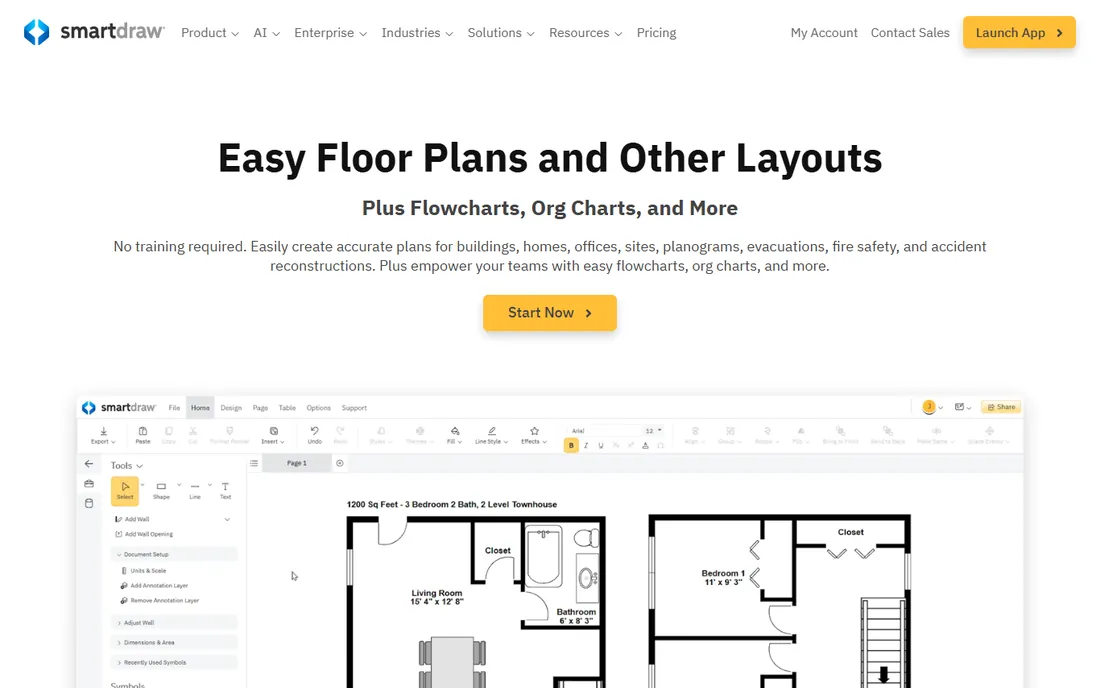
SmartDraw is the generalist on this list, and that generality is the selling point. It is a diagramming tool with site plan templates: drag-and-drop shapes, dimensioning and enough structure to produce a clean 2D plan for a small project. At a starting price around $7.95 per user per month (pricing varied across sources, so confirm on the site), it is the cheapest paid option here by a wide margin, and the template library covers far more than outdoor projects.
The limits are what you'd expect. There is no 3D, no plant database to speak of and no CAD precision, so it suits simple plans and concept sketches rather than professional documentation. Firms doing serious design work will outgrow it. But for property managers, small contractors or anyone who needs a decent plan without learning CAD, it is a pragmatic choice.
What we like- Very affordable
- Easy diagram-style interface
- Thousands of templates beyond site plans
Watch out for- Not a true CAD or 3D tool
- Limited plant-specific features
What a license really costs over three years
Sticker prices mislead, so do the three-year math. Realtime Landscaping Architect at $399.95 once and Lands Design at $795 once are the cheapest long-term buys on this list. SketchUp Pro costs $1,197 over three years; PRO Landscape costs $2,700; DynaSCAPE Creator costs about $4,284. At the top end, Vectorworks Landmark runs $4,590, AutoCAD about $6,090 and Chief Architect Premier $5,985 over the same period. Subscriptions buy continuous updates and support; one-time licenses buy predictability. Match the model to how long you keep software, not just to this year's budget.
How we chose
We focused on tools that working designers and design-build firms actually use, from CAD standards to mobile sales aids. Pricing comes from vendor pricing pages and vendor-published plan details researched in October 2026. We weighted the real buyer questions: can it produce the documents your projects require, does it help you sell the job, what does it cost over three years, and how long will staff take to learn it. Public reviews on G2, Capterra and SourceForge plus vendor documentation informed the tradeoffs. We did not test the software hands-on. Homepage verification was unavailable during final research due to a browser session failure, so website URLs below are best-evidence vendor domains.
Design-only versus design-build
If you hand drawings to someone else to build, prioritize documentation: Vectorworks Landmark, AutoCAD or SketchUp paired with a CAD tool. If you install what you design, prioritize the sales-to-install chain: DynaSCAPE, PRO Landscape or Chief Architect, where quoting connects to the drawing.
2D plans versus 3D visuals
Commercial and municipal work runs on 2D CAD; residential clients buy on 3D visuals. Most successful small firms carry one of each: a drafter for plans and a modeler for presentations. SketchUp plus any CAD tool is the most common pairing for a reason.
Team size and seats
Solo operators should favor one-time purchases and low subscriptions: Realtime Landscaping Architect, Lands Design or iScape Pro. Growing firms need to check per-seat costs, since $170 per month per user for Vectorworks or $229 for Chief Architect multiplies fast. Confirm trial terms with real project files before buying seats for the team.
Frequently asked questions
Do I need CAD experience to use these tools?
Not for all of them. iScape, PRO Landscape and Realtime Landscaping Architect are usable without drafting background. SketchUp takes a weekend to grasp. Vectorworks Landmark, AutoCAD and Lands Design assume or reward CAD skills, so budget training time.
Can clients view and approve designs without buying software?
Yes. SketchUp offers web viewing, iScape designs live on your phone for in-person review, and most tools export images, PDFs or 3D walkthroughs you can email. Ask how each tool shares before you buy, since client approval speed affects your cash flow.
Which tool is best for a one-person residential practice?
Realtime Landscaping Architect ($399.95 once) or SketchUp Pro ($399/year) cover most residential needs: 3D visuals plus basic plans. Add iScape (free) for on-site sales visuals. Upgrade to Vectorworks or AutoCAD only when commercial projects demand it.
How important is a plant database?
Very, for planting-heavy work. PRO Landscape, Lands Design and Vectorworks Landmark include plant libraries with growth data, which speeds up planting plans and impresses clients. Generic tools like SmartDraw and SketchUp (without extensions) leave you sourcing and placing every plant manually.
Should I buy a subscription or a perpetual license?
Perpetual licenses (Realtime Landscaping Architect, Lands Design) win if you keep software for years and don't need every update. Subscriptions win if you want continuous updates, support and cloud features. Over three years, the one-time tools on this list cost a fraction of the subscription platforms, so be honest about how often you upgrade.
Sources we checked (10)
- https://www.sketchup.com
- https://www.vectorworks.net
- https://www.autodesk.com
- https://www.dynascape.com
- https://prolandscape.com
- https://www.ideaspectrum.com
- https://landsdesign.com
- https://www.chiefarchitect.com
- https://www.iscapeit.com
- https://www.smartdraw.com
Is your product missing or out of date?
We review this list regularly. Vendors can request a listing, send updated pricing or ask about featured placement.

Shihab Mia · Founder, Rankite
Shihab has spent more than a decade helping SaaS and e-commerce brands grow through search. He writes Rankite's software buying guides from pricing pages, documentation and public user reviews. More about Shihab.