How we make this list: we compare pricing pages, product documentation and public user reviews. Rankite is independent; if a vendor ever pays for a featured spot, that listing is clearly labeled Partner.
Key takeaways
- Reaper gives you a full professional DAW for $60, which makes it the default recommendation when budget matters and you can live with a plain interface.
- FL Studio and Ableton Live lead for beat and loop-driven production, but they price very differently: FL Studio sells perpetual licenses from $99, while Ableton starts at $99 and climbs to $749 for Suite.
- Pro Tools remains the standard for recorded audio and studio collaboration, though subscriptions of $99 to $599 per year only make sense if clients or collaborators expect it.
- Free options are genuinely usable: LMMS and Cakewalk Sonar cost nothing, and Waveform has a free tier that covers real projects.
Quick comparison
| Tool | Best for | Starting price | Free plan |
|---|
 FL Studio FL Studio | Beat makers and electronic producers who want lifetime updates | From $99 one-time (Fruity); Producer $179, Signature $269, All Plugins $449 | Free trial |
 Ableton Live Ableton Live | Loop-based producers and performers who play shows | From $99 (Intro); Suite $749 | Free trial (30 days) |
 Avid Pro Tools Avid Pro Tools | Commercial studios and anyone collaborating with them | Artist $99/year; Studio $299/year; Ultimate $599/year | Yes (Pro Tools Intro) |
 PreSonus Studio One PreSonus Studio One | Songwriters and bands recording live instruments | From $199.99 one-time (perpetual); Pro+ $179.99/year | See website |
 Steinberg Cubase Steinberg Cubase | Composers and producers with heavy MIDI needs | From $99.99 one-time (Elements); Artist $329.99; Pro $579.99 | See website |
 Cockos Reaper Cockos Reaper | Budget-conscious professionals who want full capability | $60 one-time (discounted license); $225 commercial | Free trial (60 days) |
 Acoustica Mixcraft Acoustica Mixcraft | Beginners and hobbyists who want results this weekend | From $79 one-time (Recording Studio); Pro Studio $149 | See website |
 Cakewalk Sonar Cakewalk Sonar | Anyone who wants a full DAW for free | Free tier; paid membership adds premium features | Yes |
 LMMS LMMS | Beginners and students who need a free beat-making tool | Free (open source) | Yes |
 Tracktion Waveform Tracktion Waveform | Users who want a free DAW with a paid upgrade path | Free tier; Pro bundles from $249 | Yes |
Is your product missing or out of date?
We review this list regularly. Vendors can request a listing, send updated pricing or ask about featured placement.
The best mixing software for PC
#1
FL Studio
Best for: Beat makers and electronic producers who want lifetime updates
Visit image-line.com
Starting priceFrom $99 one-time (Fruity); Producer $179, Signature $269, All Plugins $449
Free planFree trial
Few DAWs inspire the loyalty FL Studio does. It grew out of a loop sequencer, and that DNA still shows in the fastest pattern-based workflow on Windows. If your music starts with drums and melodies rather than a recorded band, you will finish tracks faster here than almost anywhere else. The buying model is the other big draw: you pay once, and Image-Line has historically delivered free updates for life, which makes the $179 Producer edition (the one most people actually need) cheap over a few years.
The honest catch is that mixing and multitrack audio recording feel like second-class citizens. The mixer works fine, but editing recorded vocals or comping takes against a click is clunkier than in Studio One or Pro Tools. Beginners also underestimate the learning curve of the playlist and mixer routing, even though the step sequencer feels instant. Buy it for beats and electronic production, not as a general recording studio.
What we like- Perpetual license with free lifetime updates
- Piano roll and step sequencer are best in class
- Strong included instruments and effects
Watch out for- Mixing and audio recording workflow lags behind competitors
- Interface can feel cluttered on smaller screens
#2
Ableton Live
Best for: Loop-based producers and performers who play shows
Visit ableton.com
Starting priceFrom $99 (Intro); Suite $749
Free planFree trial (30 days)
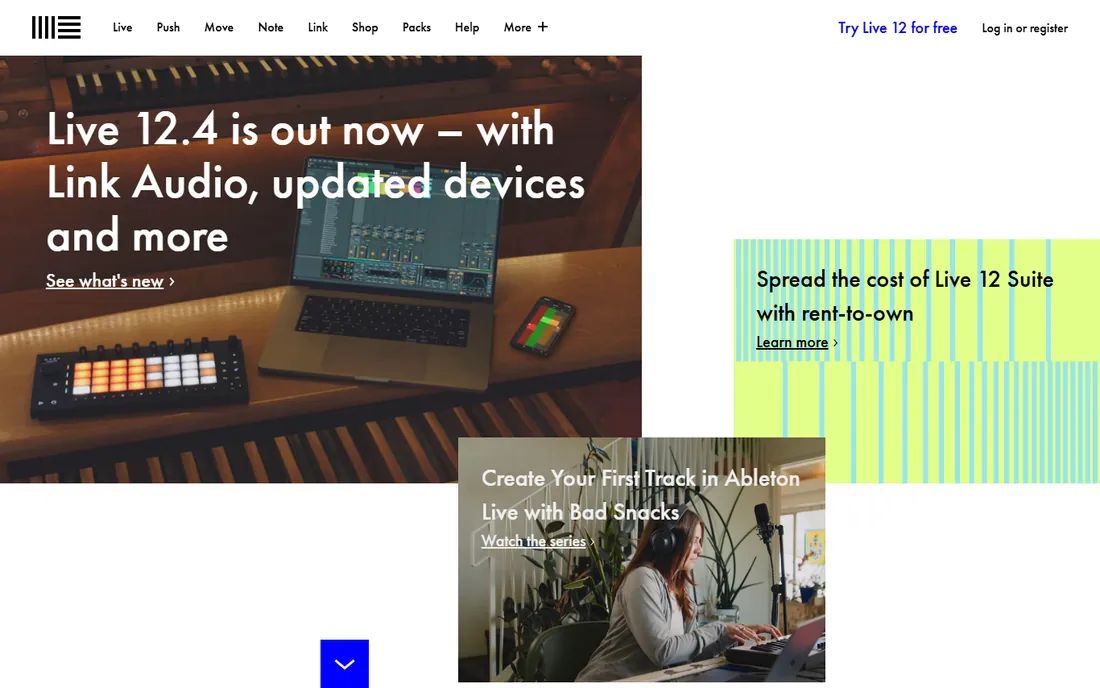
If your music starts with loops and grows from there, Ableton Live feels built for your brain. The Session view lets you trigger clips and scenes like an instrument, which is why so much electronic and hip-hop production happens here, and why the same software runs on stage at night. Warping, which stretches audio to fit your tempo without obvious artifacts, remains the reference implementation that competitors imitate. For producers who also perform, nothing else on this list does both jobs in one program.
The pricing ladder deserves a hard look before you commit. Intro at $99 is a fair entry point, but the Standard edition costs several hundred more, and Suite at $749 is a serious investment aimed at people who will actually use Max for Live and the full instrument library. Traditional recording and mixing of full bands is possible but not where Live shines.
What we like- Session view is unmatched for sketching and live performance
- Warping and time-stretching are excellent
- Deep Max for Live ecosystem on Suite
Watch out for- Suite pricing is steep
- Arrangement editing is less fluid than in traditional DAWs
#3
Avid Pro Tools
Best for: Commercial studios and anyone collaborating with them
Visit avid.com
Starting priceArtist $99/year; Studio $299/year; Ultimate $599/year
Free planYes (Pro Tools Intro)
Pro Tools is the name on the door of most commercial studios, and that reputation shapes the product. Sessions open in Nashville, London and Los Angeles without conversion headaches, which is why working engineers keep paying for it. The audio editing tools, playlists for comping takes, and mixing workflow were refined over decades of professional use, and they still set the bar for recording real instruments and voices.
The subscription model is the part buyers argue about. Artist at $99 per year covers solo recording and mixing, Studio at $299 adds the surround and advanced features most project studios want, and Ultimate at $599 targets post-production facilities. Pro Tools Intro is genuinely free and fine for learning, but track and I/O limits push serious users to paid tiers quickly. Also budget some setup time: Pro Tools is pickier about audio interfaces and Windows drivers than Reaper or Studio One.
What we like- Industry-standard session format and collaboration
- Best-in-class audio editing and comping
- Hardware integration with Avid interfaces
Watch out for- Subscription-only pricing adds up
- Historically demanding about system specs and drivers
#4
PreSonus Studio One
Best for: Songwriters and bands recording live instruments
Visit presonus.com
Starting priceFrom $199.99 one-time (perpetual); Pro+ $179.99/year
Free planSee website
Studio One has quietly become the rational choice for people who record real instruments on a PC. Everything is drag and drop: effects onto tracks, loops into the arrangement, audio into the sampler. The chord track and harmonic editing tools help songwriters who think in progressions rather than piano rolls, and comping multiple vocal takes is straightforward. PreSonus also still sells a perpetual license for $199.99, which is increasingly rare and worth noting in a market drifting toward subscriptions.
Where it falls short is ecosystem depth. The user community, tutorial library and third-party template market are smaller than what surrounds FL Studio or Ableton, so you will solve unusual problems on your own more often. Power users coming from Cubase sometimes miss its deeper MIDI and scoring tools.
What we like- Drag-and-drop workflow is fast to learn
- Excellent comping and chord track tools
- Perpetual license still available
Watch out for- Smaller third-party community than FL Studio or Ableton
- Some advanced MIDI features trail Cubase
Starting priceFrom $99.99 one-time (Elements); Artist $329.99; Pro $579.99
Free planSee website
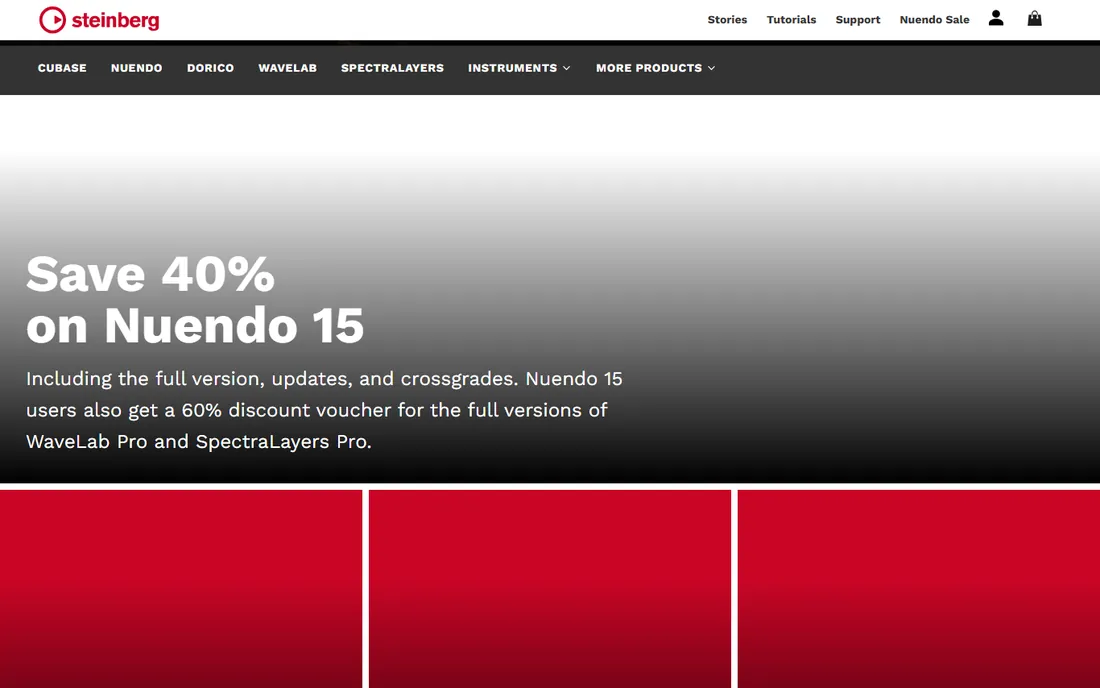
Cubase has been around since before many of its users were born, and the maturity shows. Its MIDI editing, expression maps for orchestral libraries, and score editor remain the tools that film, TV and game composers compare everything else against. The included instruments and effects at the Pro level are good enough that many users never buy third-party plugins. On Windows it is a native, well-optimized citizen with decades of driver compatibility behind it.
That depth comes with a price, literally and figuratively. Cubase Pro at $579.99 is one of the priciest perpetual licenses on this list, and the menu-heavy interface asks beginners to climb a real learning curve. Choose Cubase when MIDI composition is the core of your work; choose something simpler when it is not.
What we like- Deepest MIDI editing and scoring tools in its class
- Excellent stock plugins and instruments
- Stable, mature codebase
Watch out for- Pro edition is expensive
- Interface and menu structure can overwhelm beginners
#6
Cockos Reaper
Best for: Budget-conscious professionals who want full capability
Visit reaper.fm
Starting price$60 one-time (discounted license); $225 commercial
Free planFree trial (60 days)
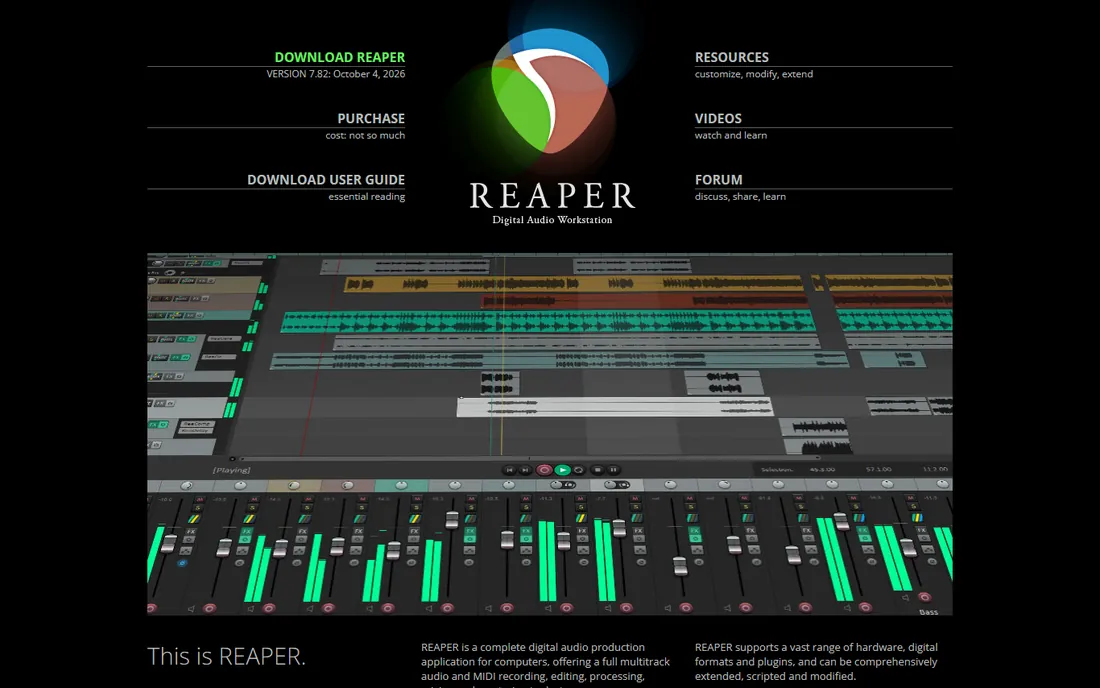
Reaper is the answer to the question of how much a professional DAW really needs to cost. Sixty dollars buys unlimited tracks, full automation, surround mixing, video support, and a 60-day evaluation with no feature limits, which is frankly absurd value. It runs fast on modest PCs, installs in minutes, and can be customized down to the keyboard shortcuts and menu layouts.
The tradeoff is that Reaper gives you an engine, not a studio in a box. The stock interface is plain, the included virtual instruments are minimal, and you will spend your first weekend configuring it and finding free or paid plugins for sounds. Beginners who want to open the program and start making music the same day will be happier in FL Studio or Mixcraft. But if you know what you are doing, or you are willing to learn, Reaper removes budget as an excuse.
What we like- Full professional feature set for $60
- Extremely lightweight and customizable
- Fast, frequent updates
Watch out for- Bare-bones interface and no included instruments to speak of
- Setup takes longer than beginner-friendly rivals
#7
Acoustica Mixcraft
Best for: Beginners and hobbyists who want results this weekend
Visit acoustica.com
Starting priceFrom $79 one-time (Recording Studio); Pro Studio $149
Free planSee website
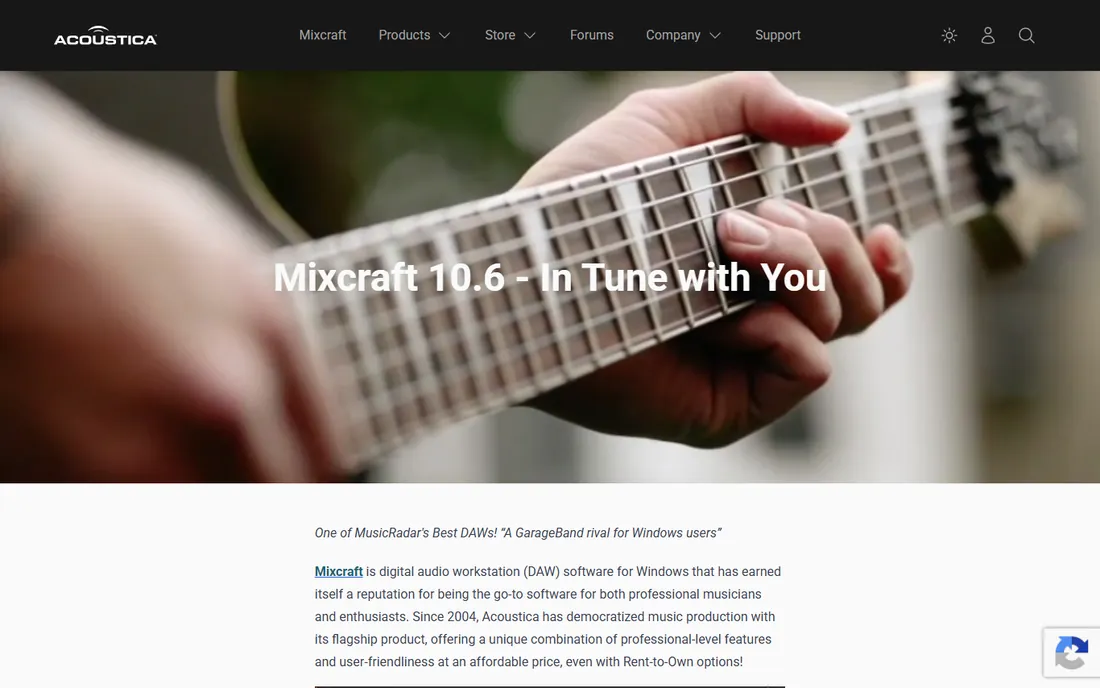
Mixcraft aims at the musician who wants to record this weekend, not study a manual. The layout will feel instantly familiar to anyone who has seen a multitrack recorder, and the included loops, instruments and effects cover the basics without extra purchases. At $79 for Recording Studio, it undercuts nearly every beginner-friendly competitor while still handling multi-track audio and MIDI competently. The Pro Studio edition at $149 adds more instruments and advanced features for users who outgrow the basics.
The limitations are real but honest. There is no Mac version, so cross-platform collaborators will need to export stems. The user community is smaller than the big names, which means fewer tutorials when you get stuck. And while the mixing tools are fine for demos and indie releases, engineers doing commercial work will eventually want the deeper editing of Reaper or Studio One.
What we like- Very easy learning curve with a familiar layout
- Good loop library included
- Windows-only optimization
Watch out for- Windows only, no Mac version
- Smaller community and fewer advanced mixing tools
Starting priceFree tier; paid membership adds premium features
Free planYes
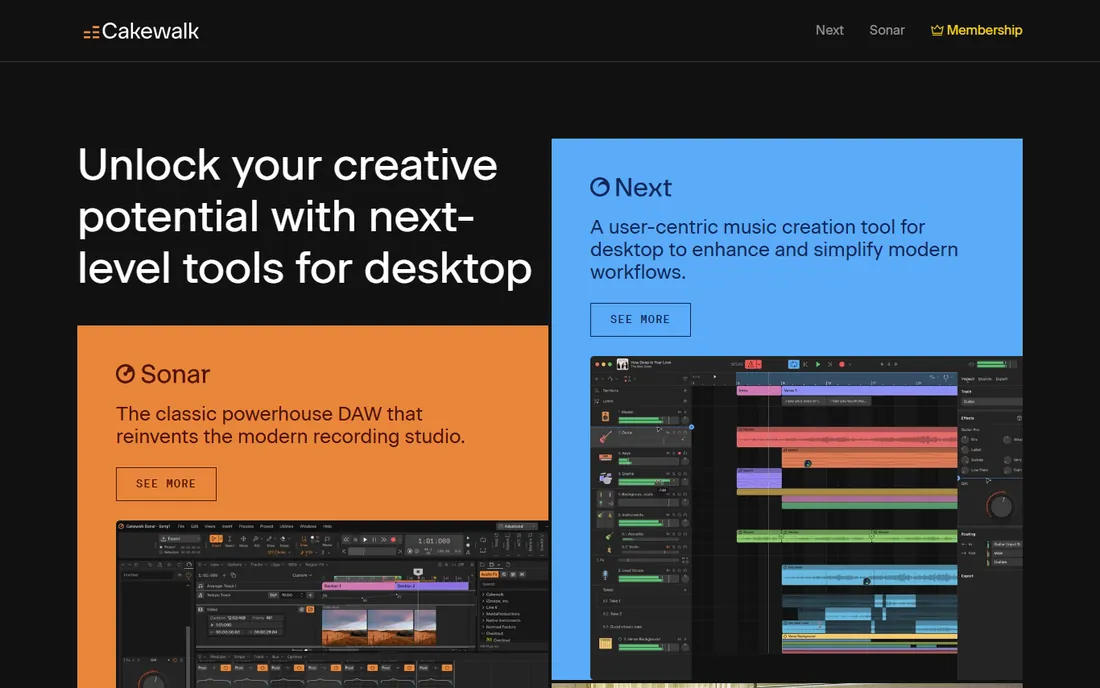
Sonar is the rare case of a former flagship product that went free without losing its depth. This was a several-hundred-dollar professional DAW, and the free tier still includes unlimited audio and MIDI tracks, full mixing and mastering tools, and notation features that rival paid competitors. A BandLab account is all it takes to get started.
The catch is platform and trajectory. Like Mixcraft, Sonar is Windows only, which limits collaboration with Mac-based musicians. And while the current membership model funds ongoing development, the pace of new features depends on BandLab's business priorities rather than a traditional upgrade cycle. The interface also carries some legacy complexity from its long history. Still, for free, the value is difficult to argue with.
What we like- Former flagship DAW now free
- Unlimited tracks and professional mixing tools
- Strong MIDI and notation features
Watch out for- Windows only
- Future development pace depends on BandLab's priorities
#9
LMMS
Best for: Beginners and students who need a free beat-making tool
Visit lmms.io
Starting priceFree (open source)
Free planYes
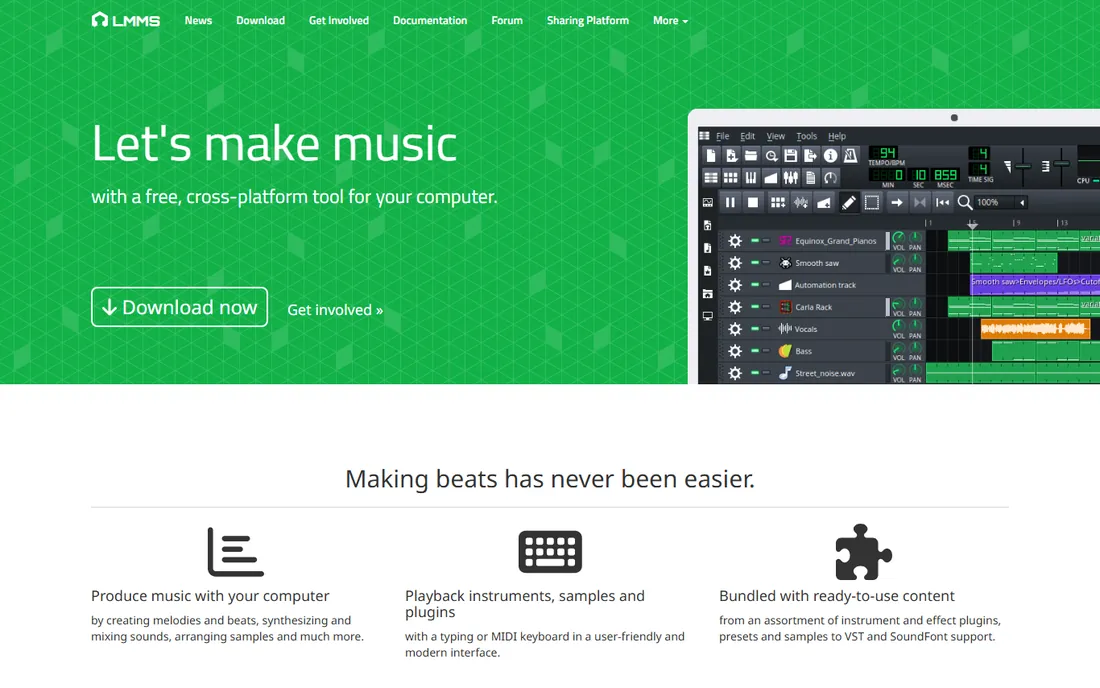
LMMS is what you get when a community decides everyone deserves a free DAW. It costs nothing, has no track limits or watermarks, and covers the fundamentals of beat making: step sequencer, piano roll, built-in synthesizers and effects. For students, schools, or anyone testing whether music production is for them, it removes every financial barrier. The open-source community keeps it alive with regular builds and a library of shared projects to learn from.
You should know its boundaries before committing to it. LMMS was designed around programmed music, so recording and editing live audio is limited compared with Reaper or Sonar. The interface looks dated next to modern competitors, and mixing tools lack the polish of paid DAWs.
What we like- Completely free with no feature limits
- Good for learning synthesis and arrangement
- Active community
Watch out for- Audio recording and mixing tools are limited
- Interface feels dated
#10
Tracktion Waveform
Best for: Users who want a free DAW with a paid upgrade path
Visit tracktion.com
Starting priceFree tier; Pro bundles from $249
Free planYes
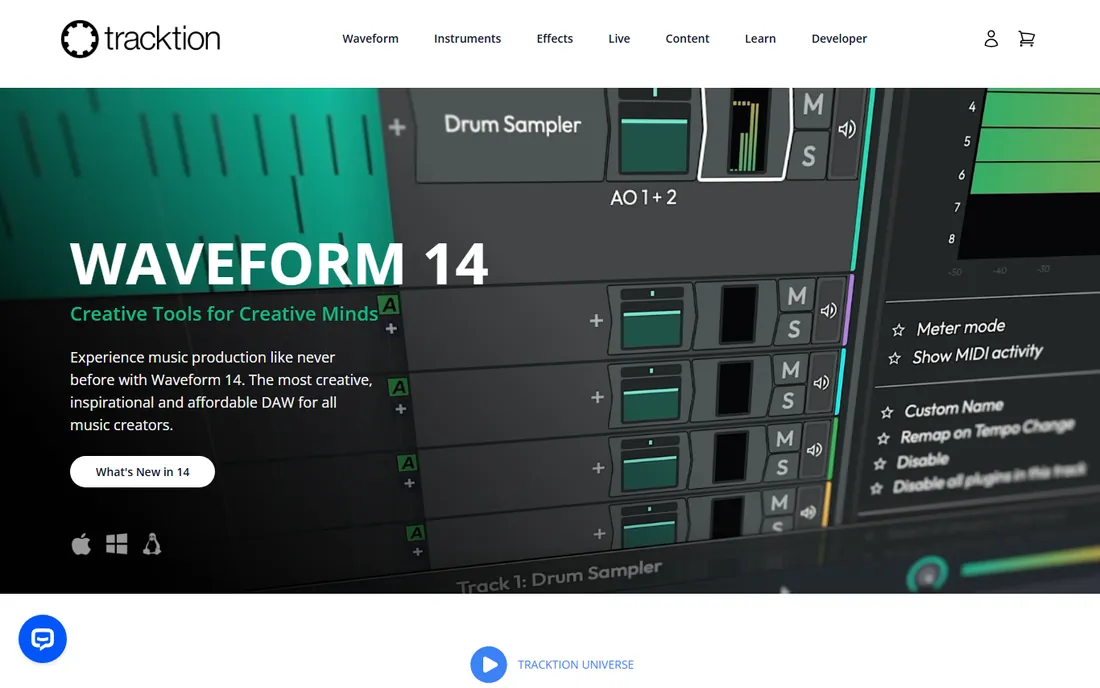
Waveform Free might be the most capable free DAW nobody talks about. Unlike trial versions, it is a complete multitrack DAW with unlimited track counts that you can keep using, and the single-window interface keeps everything visible without window juggling. Tracktion's business model is refreshingly direct: the free version handles real projects, and the Pro bundles from $249 add instruments, effects and advanced features when you outgrow it. Expansions start around $30 for users who want to add pieces gradually.
Some power features, like advanced MIDI tools and the full plugin suite, sit behind the paid tiers. But as a free starting point with a sane upgrade path, Waveform deserves more attention than it gets.
What we like- Free tier is genuinely capable
- Clean single-window interface
- Affordable upgrade path
Watch out for- Smaller market share means fewer tutorials
- Some advanced features reserved for paid bundles
How we chose
We started with the DAWs that working producers and engineers actually discuss on forums, review sites and in studios, then filtered for Windows PC compatibility and current availability. Pricing comes from each vendor's own pricing page as of October 2026, which is why you see exact figures rather than vague ranges. We weighted real buyer concerns: total cost of ownership (perpetual versus subscription), how the free tier or trial actually behaves, workflow fit for different kinds of music, and how much help a beginner can find when stuck. We did not test the software hands-on; this guide synthesizes vendor documentation, pricing pages and public user reviews.
What to check before you pay
Match the DAW to your workflow
Beat makers live in FL Studio, Ableton or LMMS. People recording bands, vocals or podcasts belong in Studio One, Reaper, Pro Tools or Sonar. Film and orchestral composers should shortlist Cubase. Buying the wrong category costs you months of friction, so name your primary job before comparing feature lists.
Count the real cost over three years
A $99-per-year subscription costs $297 over three years, while a $199 perpetual license with paid upgrades might cost less or more depending on the vendor. FL Studio's lifetime free updates and Reaper's cheap license with years between paid upgrades are the friendliest long-term deals here. Factor in the plugins you will inevitably buy, because stock sounds rarely satisfy anyone for long.
Check your PC before you buy
Every DAW on this list runs on a modern Windows PC, but large sample libraries and dozens of plugins punish slow drives and small RAM. An SSD and 16 GB of RAM transform the experience more than any software upgrade.
Mistakes first-time buyers make
The most common mistake is buying the flagship edition on day one. Start with the entry tier or the free version; you can upgrade when a specific limit blocks you, and vendors make that path easy. The second mistake is ignoring the trial: a 30- or 60-day trial on a real project tells you more than any review. The third is collecting plugins before learning the stock tools, since every DAW here ships with effects good enough to finish releasable music.
Frequently asked questions
Do I need to pay for mixing software to get professional results?
No. Reaper at $60, Cakewalk Sonar for free, and Waveform Free have all been used on commercial releases. Paid software buys workflow speed, included sounds and support, not audio quality. Your ears and your room treatment matter more than the logo.
Which DAW is easiest for a complete beginner on PC?
Mixcraft and FL Studio have the gentlest learning curves for beat-oriented music, while Studio One is the easiest path for recording instruments and vocals. LMMS is the best zero-cost starting point. Expect a few weeks of regular use before any of them feels natural.
Is a subscription DAW worth it compared with a perpetual license?
It depends on how long you keep software. Subscriptions like Pro Tools Artist ($99/year) make sense if you always want the latest version and collaborate with studios. Perpetual licenses like FL Studio or Reaper usually win over three or more years. Do the three-year math before deciding.
Can I collaborate with Mac users if I am on a Windows-only DAW?
Yes, by exporting stems (individual track audio files), which every DAW supports. You lose the ability to share editable project files, which matters for ongoing co-production. If real-time project sharing with Mac users is central to your work, pick a cross-platform DAW like Ableton, Reaper, Studio One or Pro Tools.
How much should I budget beyond the software itself?
Plan for an audio interface ($100 to $200 for a solid starter), headphones or monitors, and eventually a few paid plugins. Many producers spend more on sounds and instruments in the first year than on the DAW. The software is the cheapest part of a serious setup.
Sources we checked (10)
- https://www.image-line.com
- https://www.ableton.com
- https://www.avid.com
- https://www.presonus.com
- https://www.steinberg.net
- https://www.reaper.fm
- https://www.acoustica.com
- https://www.cakewalk.com
- https://lmms.io
- https://www.tracktion.com
Is your product missing or out of date?
We review this list regularly. Vendors can request a listing, send updated pricing or ask about featured placement.

Shihab Mia · Founder, Rankite
Shihab has spent more than a decade helping SaaS and e-commerce brands grow through search. He writes Rankite's software buying guides from pricing pages, documentation and public user reviews. More about Shihab.