How we make this list: we compare pricing pages, product documentation and public user reviews. Rankite is independent; if a vendor ever pays for a featured spot, that listing is clearly labeled Partner.
Key takeaways
- Otter.ai's free tier gives 300 minutes a month with a 30-minute per-conversation cap, while Fireflies.ai offers unlimited free transcription with limited storage: the definition of "free" varies wildly.
- TurboScribe's free tier (3 files a day, 30 minutes each) is the most generous option for transcribing recorded files rather than live meetings.
- MacWhisper transcribes entirely on your Mac with no minute meter, which makes it the pick for private or sensitive audio.
- Google Docs voice typing costs nothing and needs no new account, but it only handles live dictation, not recorded files.
Quick comparison
| Tool | Best for | Starting price | Free plan |
|---|
 Otter.ai Otter.ai | Live meeting transcription with summaries | Free; Pro $8.33/user/month (annual) or $16.99 monthly | Yes (300 minutes/month, 30-minute per-conversation cap) |
 Notta Notta | Multilingual meetings and translation | Free; Pro $8.17/month (annual) | Yes (120 minutes/month, 3-minute per-recording cap) |
 Descript Descript | Podcasters and creators who edit via text | Free; Hobbyist $16/month (annual) or $24 monthly | Yes (1 media hour/month) |
 Fireflies.ai Fireflies.ai | Teams that want unlimited free transcription | Free; Pro $10/seat/month (annual) or $18 monthly | Yes (unlimited transcription, limited storage and AI credits) |
 TurboScribe TurboScribe | Free transcription of recorded audio and video files | Free; Unlimited $10/month (annual) or $20 monthly | Yes (3 files/day, 30 minutes each) |
 Transkriptor Transkriptor | Affordable high-volume transcription | Free 90-minute trial; Lite $9.99/month (300 minutes) | Free trial (90 minutes) |
 MacWhisper MacWhisper | Private transcription on a Mac | Free version; Pro is a one-time license (see website for current price) | Yes |
 VEED VEED | Captions and transcripts for video projects | See website | Yes |
 Google Docs voice typing Google Docs voice typing | Free live dictation with no new tools | Free with a Google account | Yes |
 Riverside Riverside | Remote interviews with studio-quality transcripts | See website | Yes |
Is your product missing or out of date?
We review this list regularly. Vendors can request a listing, send updated pricing or ask about featured placement.
The best free audio to text transcription software
#1
Otter.ai
Best for: Live meeting transcription with summaries
Visit otter.ai
Starting priceFree; Pro $8.33/user/month (annual) or $16.99 monthly
Free planYes (300 minutes/month, 30-minute per-conversation cap)
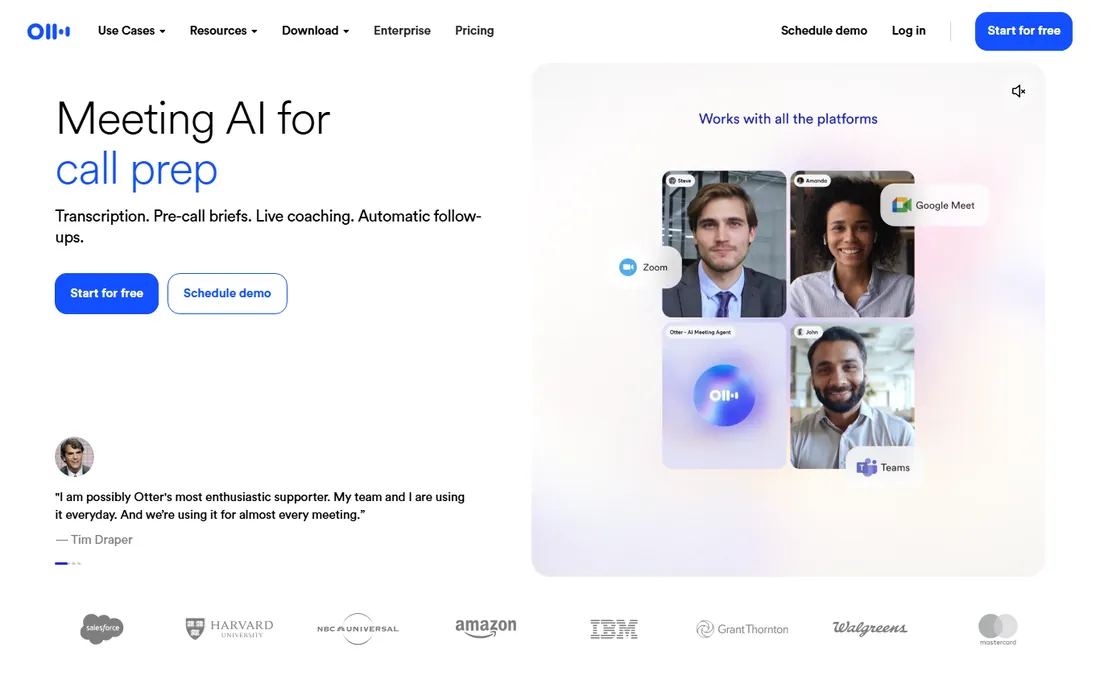
Otter.ai is the meeting assistant most people have already heard of, and the free tier explains why. Three hundred minutes a month is enough for a few meetings a week, and the live transcript with speaker identification works well on orderly calls. The OtterPilot bot joins scheduled Zoom, Google Meet or Teams meetings from your calendar, so capture happens without anyone pressing record. For a small team that wants searchable meeting notes with minimal setup, the free plan is a legitimate working tool, not a demo.
The caps shape how you use it. Any single conversation stops at 30 minutes on the free tier, so hour-long meetings get cut off unless you restart recording, and file uploads are limited to 3 for the lifetime of the account. Pro at $8.33 per user per month on annual billing (or $16.99 month to month) raises the allowance to 1,200 minutes and 90-minute meetings. If your meetings run long or you transcribe recordings, budget for the upgrade or pick a tool with different limits.
What we like- Real-time transcription with speaker labels
- Automatic summaries and action items
- Joins Zoom, Meet and Teams calls itself
Watch out for- 30-minute cap per conversation on free tier
- Only 3 lifetime file imports on free plan
#2
Notta
Best for: Multilingual meetings and translation
Visit notta.ai
Starting priceFree; Pro $8.17/month (annual)
Free planYes (120 minutes/month, 3-minute per-recording cap)
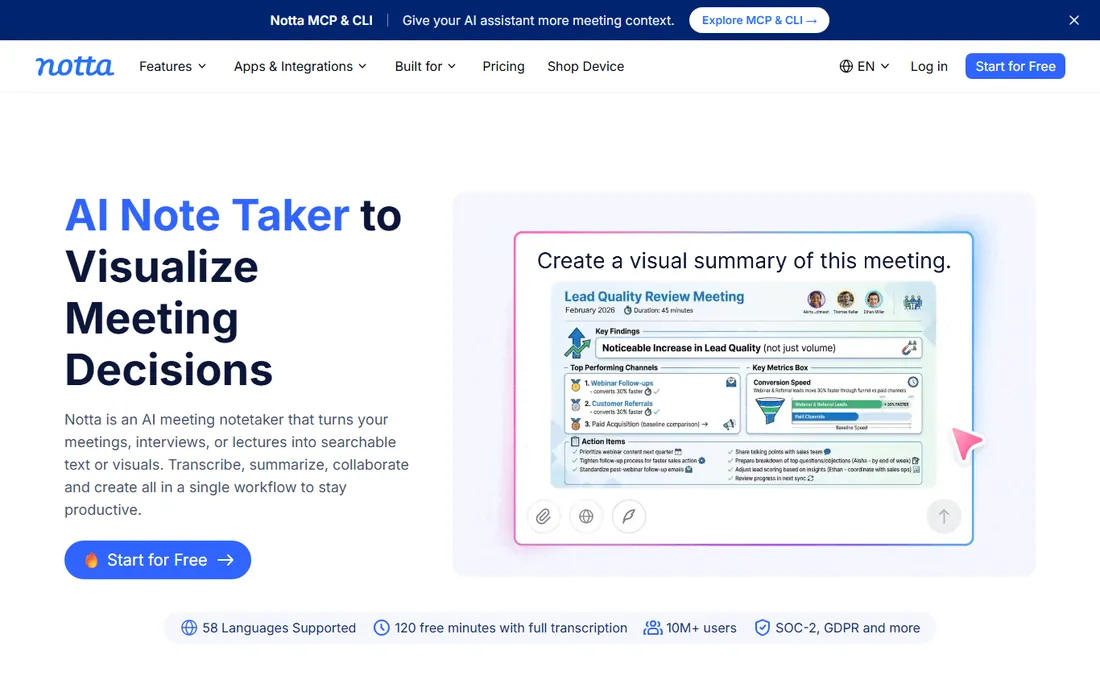
Notta competes with Otter almost feature for feature, usually at a lower price. The differentiator is language: 58 supported languages with real-time translation, which matters for teams working across borders. The interface is clean on web, iOS and Android, and integrations with Zoom, Teams, Meet and Webex cover the standard meeting stack. Pro at $8.17 per month on annual billing buys 1,800 minutes a month, which is generous for the price.
The free tier is the stingiest among the meeting tools here for actual use. You get 120 minutes a month, but each recording stops at 3 minutes, which rules out real meetings and leaves the free plan useful only for testing. Transcript export is also gated behind paid tiers according to third-party reviews of the pricing page. Treat Notta as a strong paid option with a trial-like free tier, not as a free solution.
What we like- 58 languages with real-time translation
- Clean interface across web and mobile
- Pro is cheaper than Otter
Watch out for- Free tier's 3-minute per-recording cap is very restrictive
- AI summaries limited on free plan
Starting priceFree; Hobbyist $16/month (annual) or $24 monthly
Free planYes (1 media hour/month)
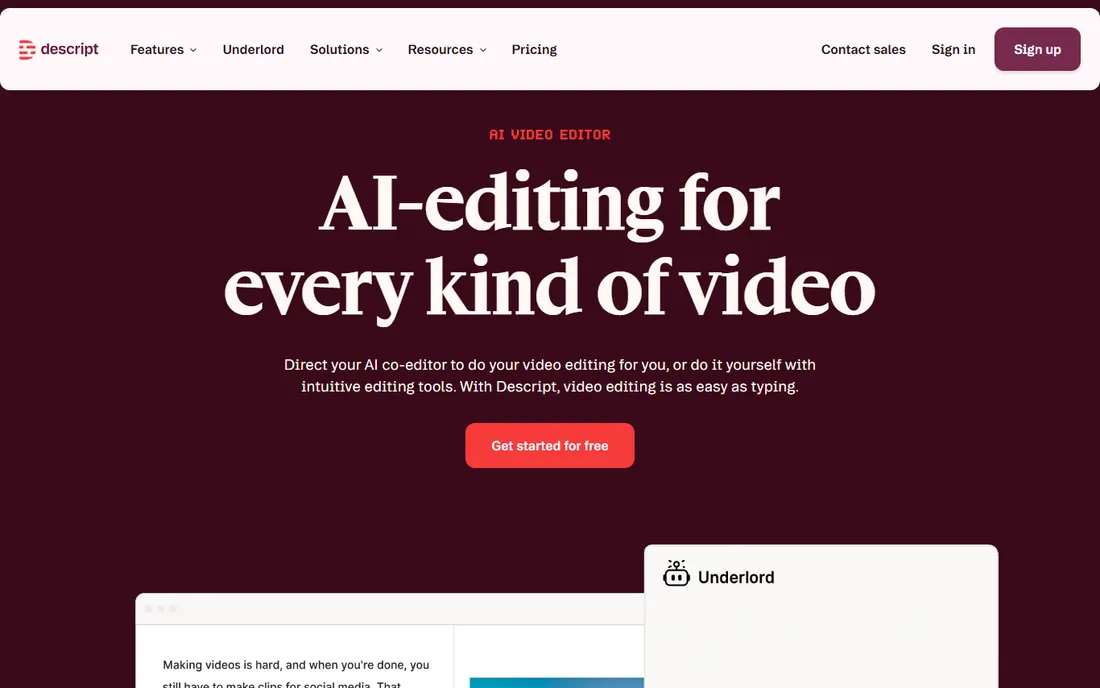
Descript is not really a transcription tool; it is an editor that happens to transcribe. Upload a recording, get a transcript, and then delete a sentence from the text to delete it from the audio. For podcasters, video creators and marketers producing spoken content, that workflow replaces hours of timeline scrubbing. The free tier includes 1 media hour per month with 100 one-time AI credits, enough to test the full concept on a real episode.
One hour a month runs out fast, which is the point: Descript wants creators on paid tiers. Hobbyist at $16 per month on annual billing (or $24 month to month) raises the allowance to 10 hours with 400 monthly AI credits and watermark-free 1080p export. If all you need is a transcript of a meeting, Otter or Fireflies give you more free minutes. If you produce audio content, Descript's free hour shows you exactly what the paid workflow feels like.
What we like- Edit audio and video by editing the transcript
- Excellent filler-word removal and Studio Sound
- Free tier includes core editing
Watch out for- Free tier limited to 1 hour of media per month
- Overkill if you only need transcripts
Starting priceFree; Pro $10/seat/month (annual) or $18 monthly
Free planYes (unlimited transcription, limited storage and AI credits)
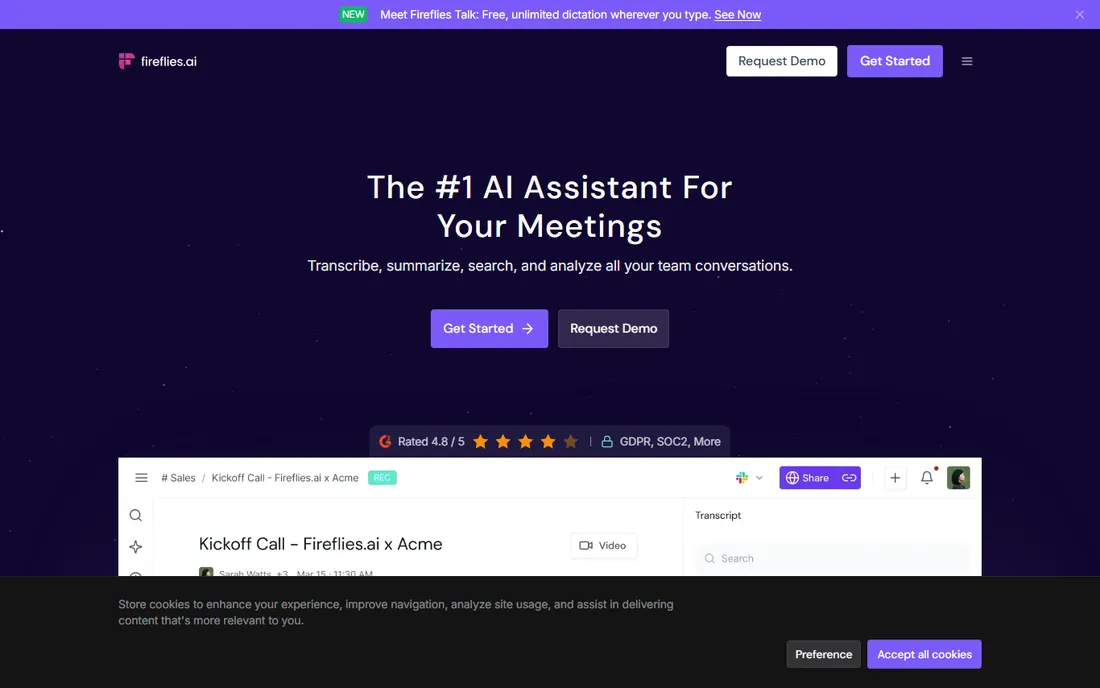
Fireflies.ai takes the opposite approach to Otter on free-tier design. Instead of metering minutes, it offers unlimited transcription on the free plan and meters storage and AI features instead. That makes it the best free option for heavy meeting loads: record all day, and the transcript keeps coming. The bot joins Zoom, Meet and Teams calls, and the platform covers file uploads, a Chrome extension and mobile apps. Paid tiers start at $10 per seat per month on annual billing.
The meter still exists, just elsewhere. Free-plan storage is limited (reported around 400 minutes per team), and AI summaries consume credits that don't replenish generously. Pro adds 8,000 minutes of storage per seat and unlimited summaries. For a team that wants every meeting transcribed and searchable, with summaries reserved for the important ones, the free tier stretches further than any minute-capped competitor.
What we like- Free tier includes unlimited transcription
- 100+ languages
- Broad integrations with CRMs and dialers
Watch out for- Free storage capped (about 400 minutes per team in most reports)
- AI summaries metered by credits
Starting priceFree; Unlimited $10/month (annual) or $20 monthly
Free planYes (3 files/day, 30 minutes each)
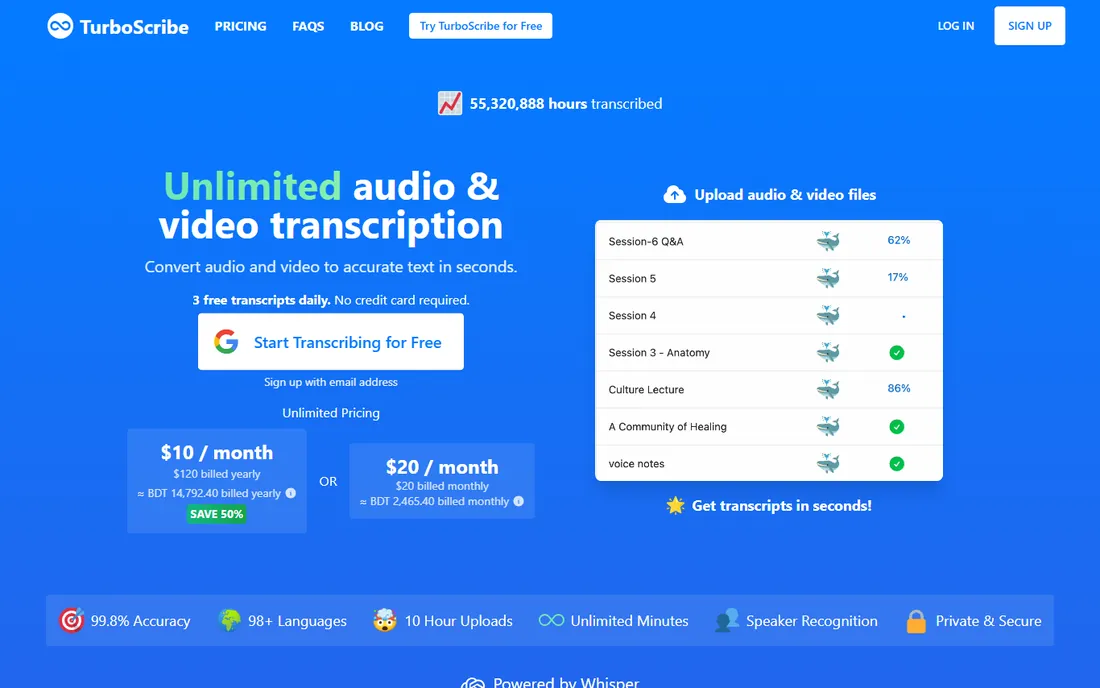
TurboScribe does exactly one thing: turn uploaded files into text. The free tier allows 3 transcriptions per day, each up to 30 minutes, with speaker recognition and every export format (DOCX, PDF, SRT, TXT) included. That is unusually generous for file transcription, where most competitors gate exports or minutes aggressively. The Whisper-based engine handles 98+ languages, and translation into 134+ languages is available. For journalists, researchers and students working through recorded interviews, the free tier covers real workloads.
What it doesn't do is live meetings: there is no bot, no real-time capture, just file uploads. Free files also process at lower priority, so turnaround is slower at busy times. Unlimited at $10 per month on annual billing (or $20 month to month) removes the daily cap and supports files up to 10 hours. Pair TurboScribe with a meeting recorder if you need both sides of the workflow.
What we like- Generous free tier for file transcription
- 98+ languages
- All export formats included free
Watch out for- No live meeting recording
- Free files get lower processing priority
Starting priceFree 90-minute trial; Lite $9.99/month (300 minutes)
Free planFree trial (90 minutes)
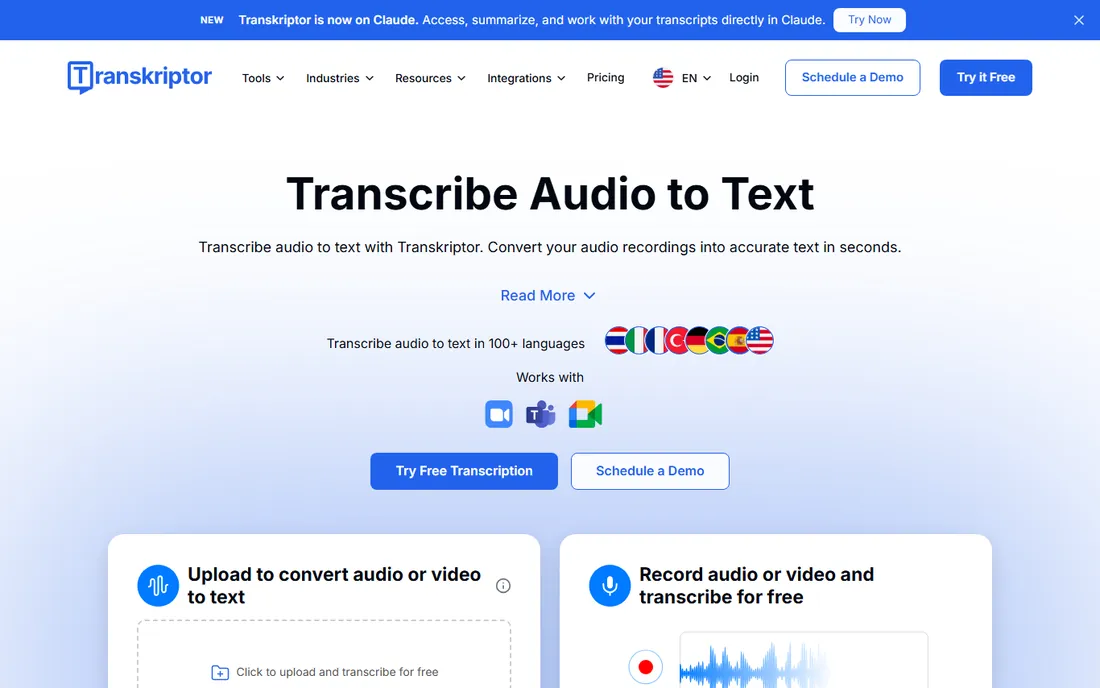
Transkriptor is the value option for high-volume file transcription. The free offering is a 90-minute trial rather than an ongoing free tier, which is an important distinction: this is a paid tool with a generous test drive. Lite at $9.99 per month covers 300 minutes, and Pro steps up to 2,400 minutes at $19.99 monthly ($8.33 on annual billing). The feature set covers the essentials: speaker identification, timestamps, AI summaries, translation across 100+ languages, and bots that join Zoom and Teams meetings.
The honest evaluation is that Transkriptor competes on price per minute rather than on a standout feature. Reviews are broadly positive on accuracy for clear audio, with the usual degradation on noisy or overlapping speech. If your workload exceeds what the free tiers of Otter, Fireflies or TurboScribe allow, Transkriptor's paid plans are among the cheapest ways to buy more minutes.
What we like- Low entry price for paid minutes
- 100+ languages
- Meeting bots plus file upload
Watch out for- No ongoing free tier beyond the trial
- Accuracy claims should be tested on your audio
Starting priceFree version; Pro is a one-time license (see website for current price)
Free planYes
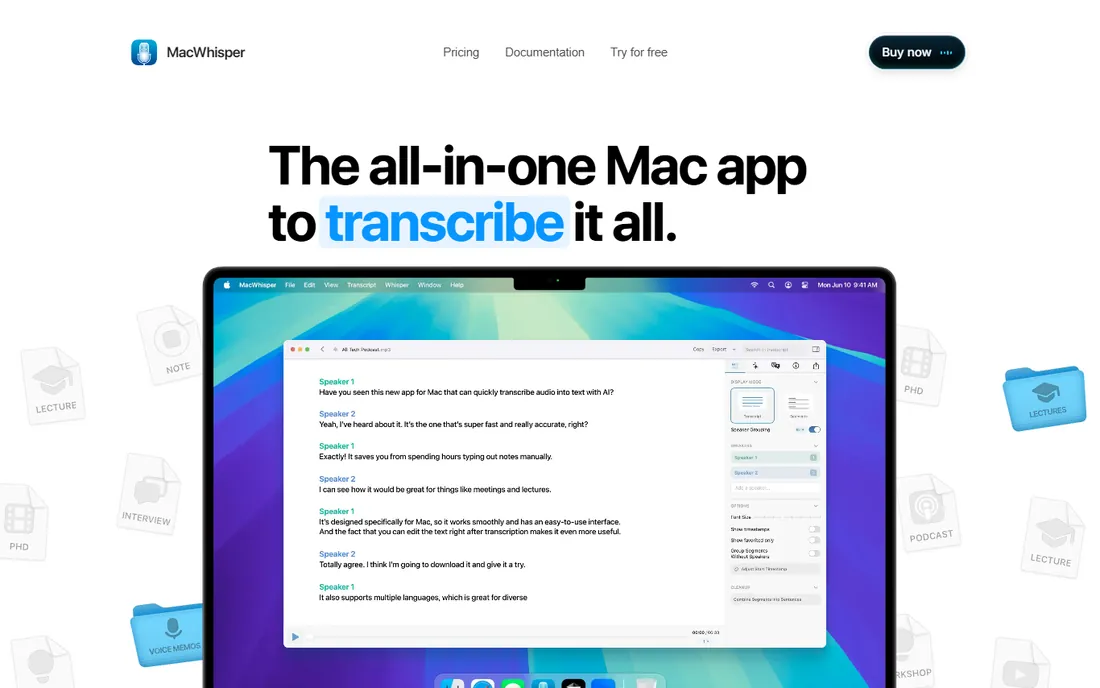
MacWhisper is the only tool on this list that never has to send your audio to a server. It runs OpenAI's Whisper models locally on your Mac, which means no minute meter, no upload queue and no privacy question for sensitive recordings like legal interviews or medical dictation. The free version covers basic transcription with the smaller models; Pro is a one-time purchase (recently reported around 64 euros) that adds the larger models, batch processing and more export formats including SRT and DOCX.
The constraints are platform and hardware. It is Mac only, with the best performance on Apple Silicon, and the large models demand memory and patience on long files. There is no meeting bot and no collaboration layer; this is a personal transcription workstation. For Mac users with confidential audio or huge backlogs, the absence of any meter is the killer feature.
What we like- Transcribes fully offline with no minute limits
- One-time Pro purchase, no subscription
- Fast on Apple Silicon
Watch out for- Mac only
- Larger models need memory and time
#8
VEED
Best for: Captions and transcripts for video projects
Visit veed.io
Starting priceSee website
Free planYes
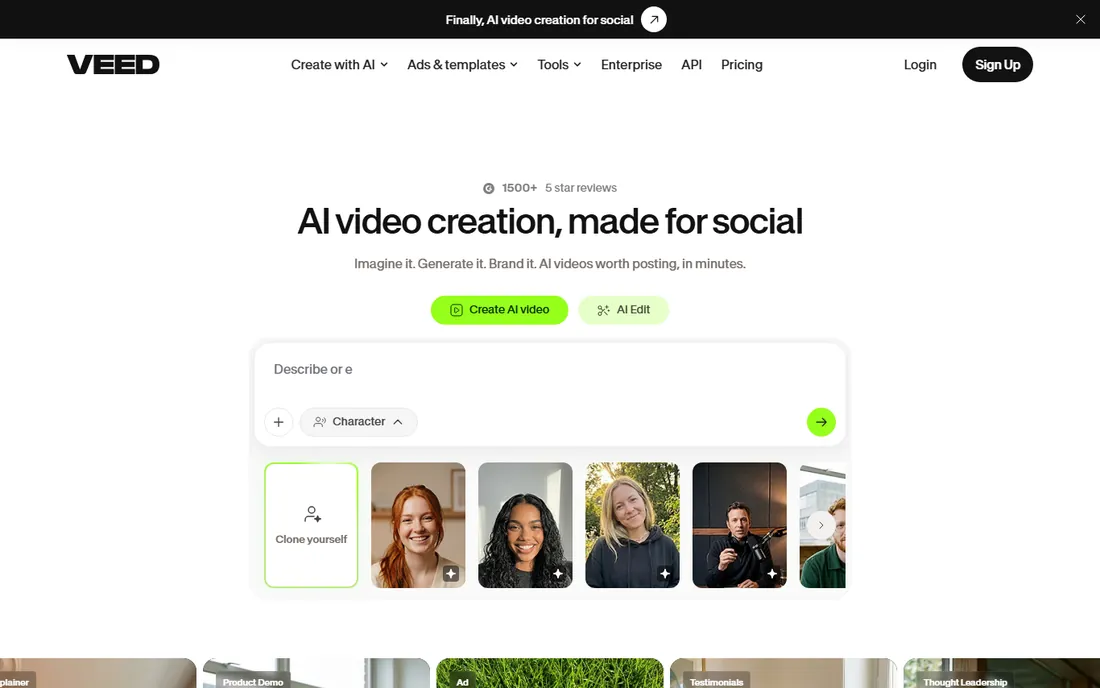
VEED is a browser-based video editor, and transcription is one of its most-used features. Upload a video, generate a transcript, and turn it into burned-in subtitles or an SRT file without leaving the tab. For social media teams, course creators and marketers who publish captioned video, having transcription inside the editor removes a whole export-import round trip. The free plan covers basic use, which is enough to caption short videos.
We could not verify VEED's current pricing during research because our search tool session failed, so the starting price is listed as "see website" and the URL below is best-evidence rather than browser-verified. Free exports carry watermarks, which is the standard nudge toward paid tiers. If your end product is video with captions rather than a standalone transcript, VEED's integrated approach saves real time.
What we like- Browser-based, nothing to install
- Transcription tied to a full video editor
- Auto-subtitles in many languages
Watch out for- Pricing could not be verified during research
- Free exports carry watermarks
Starting priceFree with a Google account
Free planYes
The simplest free option on this list is already inside Google Docs. Open a document in Chrome, choose voice typing from the Tools menu, and speak: your words appear as text in real time. It costs nothing, requires no new account beyond the Google account you already have, and supports dozens of languages. For drafting emails, notes and articles by voice, it is the fastest path from zero to transcript.
The boundary is sharp: voice typing only transcribes live speech through your microphone. It cannot process a recorded meeting, an interview file or a podcast episode. Accuracy is good for clear dictation and weaker for accented or noisy speech, and punctuation commands take practice. Use it for dictation workflows; use anything else on this list for recorded audio.
What we like- Completely free
- No installation or new account
- Works in Chrome right now
Watch out for- Live dictation only, no file transcription
- Accuracy drops with accents and noise
#10
Riverside
Best for: Remote interviews with studio-quality transcripts
Visit riverside.fm
Starting priceSee website
Free planYes
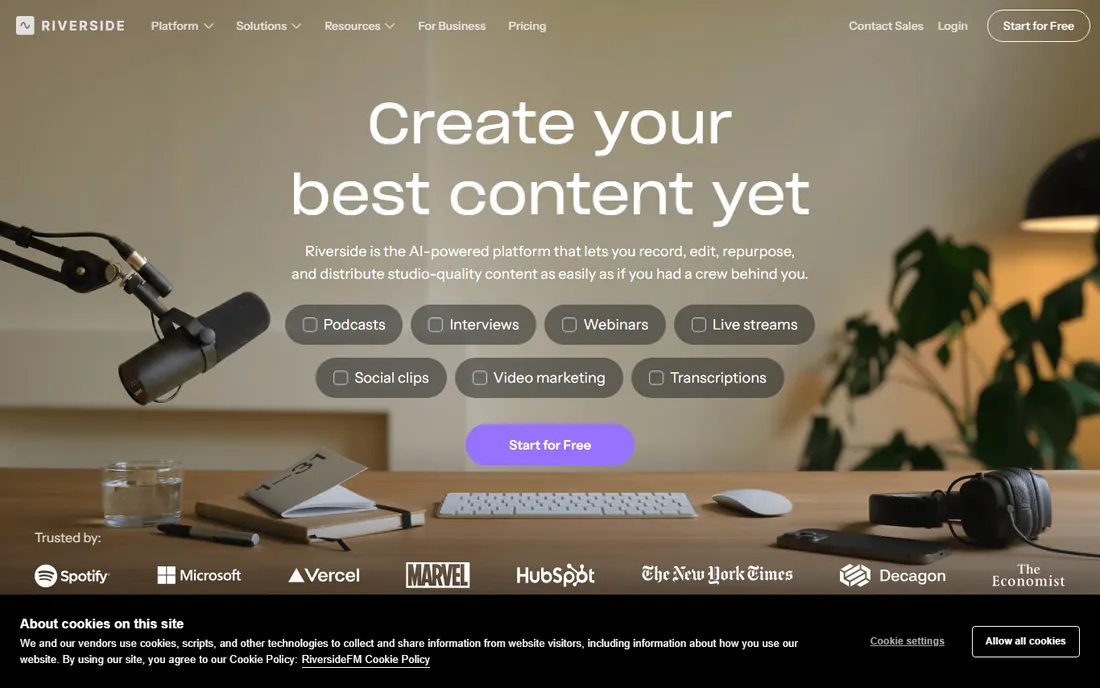
Riverside records remote interviews in studio quality, and transcription rides along. Each participant's audio and video are captured locally on their own device, then uploaded, which avoids the compression artifacts of conference-call recordings. The transcripts generated from those clean tracks are correspondingly better, with speaker separation handled naturally by the separate recordings. Guests join from a browser with no install, which keeps scheduling friction low.
We could not verify Riverside's current pricing during research (search tool session failure), so check the site for plan details; a free plan exists with limited recording hours. This is recording software with transcription attached, not a transcription service, so it fits podcasters and interviewers rather than anyone with a backlog of files. If your transcripts come from conversations you also want to publish, Riverside covers both jobs.
What we like- Records each participant locally in high quality
- Transcripts generated from clean separate tracks
- Browser-based for guests
Watch out for- Pricing could not be verified during research
- Built for recording first, transcription second
How to read a free tier: minutes, caps and meters
What is actually metered
Every free tier meters something. Otter and Notta meter minutes per month. Fireflies meters storage and AI credits instead. TurboScribe meters files per day. Descript meters media hours. Before choosing, identify which meter matches your workload: meeting-heavy users should favor Fireflies, file-heavy users TurboScribe.
Per-session caps matter more than monthly totals
A 300-minute monthly allowance sounds generous until a 30-minute per-conversation cap cuts your hour-long meeting in half. Check both numbers. Notta's 3-minute per-recording cap on free makes it unusable for real meetings regardless of the 120-minute monthly figure.
What happens when you hit the wall
Some tools stop (Otter cuts the recording), some degrade (TurboScribe slows your queue priority), some push you to paid exports (Notta). Know the failure mode before it hits mid-project, because switching tools with a deadline looming is how transcripts get lost.
Every vendor advertises accuracy in the high nineties, and every one of those figures assumes clean, single-speaker audio. In practice, the transcript quality you get depends on microphone placement, background noise, crosstalk and accents far more than on which engine you pick. A $20 headset microphone improves results more than switching apps. For critical uses (legal, medical, published quotes), always proofread against the recording, and consider MacWhisper or TurboScribe's slower modes for difficult files. Test each candidate with your worst recording, not your best, because that is the audio that decides whether a tool works for you.
How we chose
We compared the free tiers that buyers actually encounter, using vendor pricing pages as read in October 2026 by third-party reviewers and our own research earlier in the day. We covered the three real jobs in this category: live meeting capture, recorded-file transcription and dictation. Pricing figures above come from vendor-published plan details; where our research tools failed during final verification (VEED, Riverside), we list "see website" rather than guess. Public reviews on G2 and Capterra informed the tradeoff notes. We did not test the software hands-on.
Frequently asked questions
Which free transcription tool gives the most minutes?
Fireflies.ai offers unlimited free transcription (limited by storage and AI credits), which beats every minute-capped tier for meeting volume. For recorded files, TurboScribe's 3 free files per day (30 minutes each) is the most generous. MacWhisper has no meter at all but requires a Mac.
Can I transcribe a recorded meeting for free?
Yes. Upload the file to TurboScribe (3 free files a day) or use Transkriptor's 90-minute free trial. Otter.ai's free plan includes only 3 lifetime file imports, so it is a poor choice for recordings despite the generous meeting minutes.
Are free transcription tools accurate enough for professional use?
For clean audio, yes: modern engines handle clear single-speaker recordings well. For noisy, multi-speaker or accented audio, expect to proofread regardless of tool. Nothing free replaces human review for legal, medical or published material.
Do these tools work with Zoom, Teams and Google Meet?
Otter.ai, Fireflies.ai, Notta and Transkriptor all offer bots or integrations that join scheduled calls. Riverside records through its own browser-based studio rather than joining your meeting app. TurboScribe, MacWhisper and Descript work from files or live input, not from meeting bots.
Is my audio private with free transcription tools?
Cloud tools process your audio on their servers; check each vendor's privacy policy and data retention terms before uploading sensitive material. MacWhisper transcribes entirely on your device, which is the strongest privacy story on this list. Google Docs voice typing sends audio to Google's servers like any cloud dictation feature.
Sources we checked (10)
- https://otter.ai
- https://www.notta.ai
- https://www.descript.com
- https://fireflies.ai
- https://turboscribe.ai
- https://transkriptor.com
- https://macwhisper.com
- https://www.veed.io
- https://docs.google.com
- https://riverside.fm
Is your product missing or out of date?
We review this list regularly. Vendors can request a listing, send updated pricing or ask about featured placement.

Shihab Mia · Founder, Rankite
Shihab has spent more than a decade helping SaaS and e-commerce brands grow through search. He writes Rankite's software buying guides from pricing pages, documentation and public user reviews. More about Shihab.