How we make this list: we compare pricing pages, product documentation and public user reviews. Rankite is independent; if a vendor ever pays for a featured spot, that listing is clearly labeled Partner.
Key takeaways
- Start with a free scan before paying anything. Every tool here lets you preview what is recoverable, and you should only buy after you see your files.
- Disk Drill is the strongest all-rounder: an $89 yearly plan or $149 lifetime license, free 500 MB recovery, and genuinely useful extra disk tools.
- EaseUS is the easiest for non-technical users but the priciest way to recover files, at $69.95 per month or $99.95 per year.
- If the drive is badly corrupted and commercial tools fail, the free and open-source PhotoRec is the last resort that sometimes succeeds where paid tools give up.
Quick comparison
| Tool | Best for | Starting price | Free plan |
|---|
 Disk Drill Disk Drill | best all-around recovery with extra disk tools | From $89/year (subscription) or $149 one-time (lifetime) | Yes (free Basic tier, 500 MB recovery) |
 EaseUS Data Recovery Wizard EaseUS Data Recovery Wizard | beginners who want a simple wizard | $69.95/month or $99.95/year ($149.95 lifetime) | Yes (2 GB free recovery) |
 Stellar Data Recovery Stellar Data Recovery | photo and video repair alongside recovery | See website | Yes (1 GB free recovery) |
 Recuva Recuva | free recovery of recently deleted files | See website | Yes (free version with unlimited recovery) |
 R-Studio R-Studio | technicians and RAID recovery | See website | Demo only (no free recovery) |
 Wondershare Recoverit Wondershare Recoverit | corrupted video repair | $59.99/year | Yes (free scan and preview, 100 MB recovery) |
 MiniTool Power Data Recovery MiniTool Power Data Recovery | budget Windows recovery | See website | Yes (free tier) |
 iBoysoft Data Recovery iBoysoft Data Recovery | Mac users with APFS drives | See website | Free trial |
 PhotoRec PhotoRec | free recovery when nothing else works | Free | Yes (free and open source) |
Is your product missing or out of date?
We review this list regularly. Vendors can request a listing, send updated pricing or ask about featured placement.
The best USB data recovery software
Starting priceFrom $89/year (subscription) or $149 one-time (lifetime)
Free planYes (free Basic tier, 500 MB recovery)
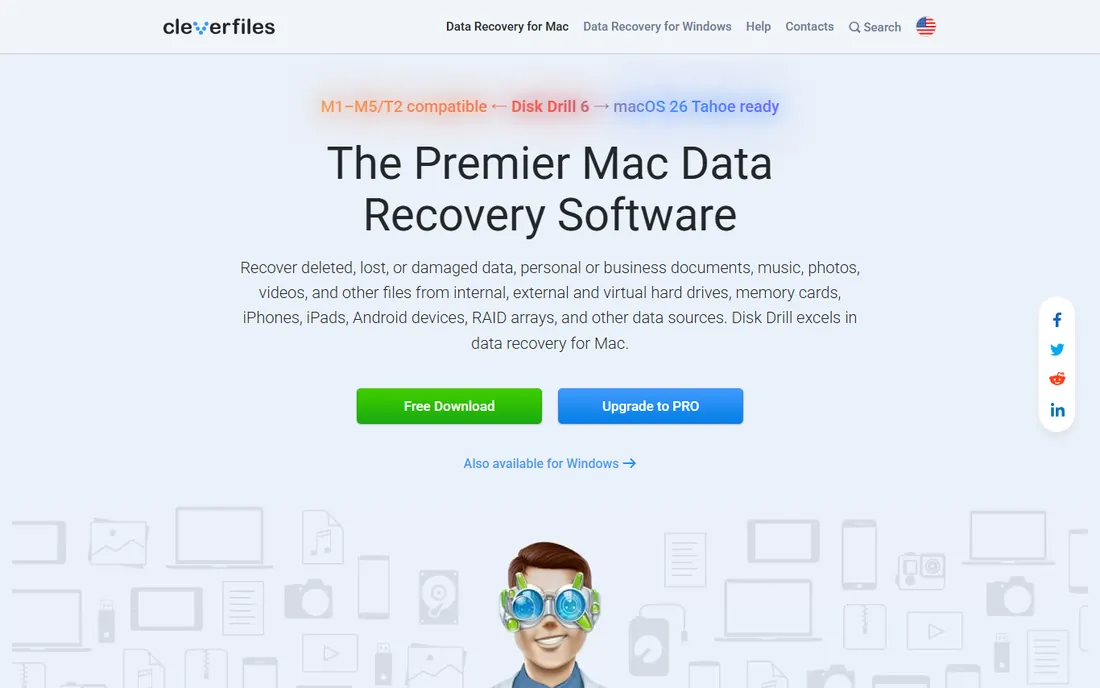
Disk Drill earns the top spot by being good at both jobs: finding your files and keeping you from losing them again. The recovery engine handles deleted files, formatted USB drives, and lost partitions, and the free Basic tier recovers up to 500 MB, which is enough for documents and a photo folder. The extras are what set it apart: byte-to-byte disk imaging lets you clone a failing drive before you touch it, and Recovery Vault quietly protects files against future deletion.
The pricing is straightforward for this category. The one-year subscription runs $89 and the lifetime license is $149, both covering one user on up to three devices across Mac and Windows. The main limitation is the free cap: if your lost data is larger than 500 MB, you are buying before you know everything is recoverable, so always preview first.
What we like- Strong recovery plus disk imaging and S.M.A.R.T. monitoring
- One license covers Mac and Windows
- Clean modern interface
Watch out for- Free tier caps at 500 MB
- Paid recovery is all-or-nothing per license
#2
EaseUS Data Recovery Wizard
Best for: beginners who want a simple wizard
Visit easeus.com
Starting price$69.95/month or $99.95/year ($149.95 lifetime)
Free planYes (2 GB free recovery)
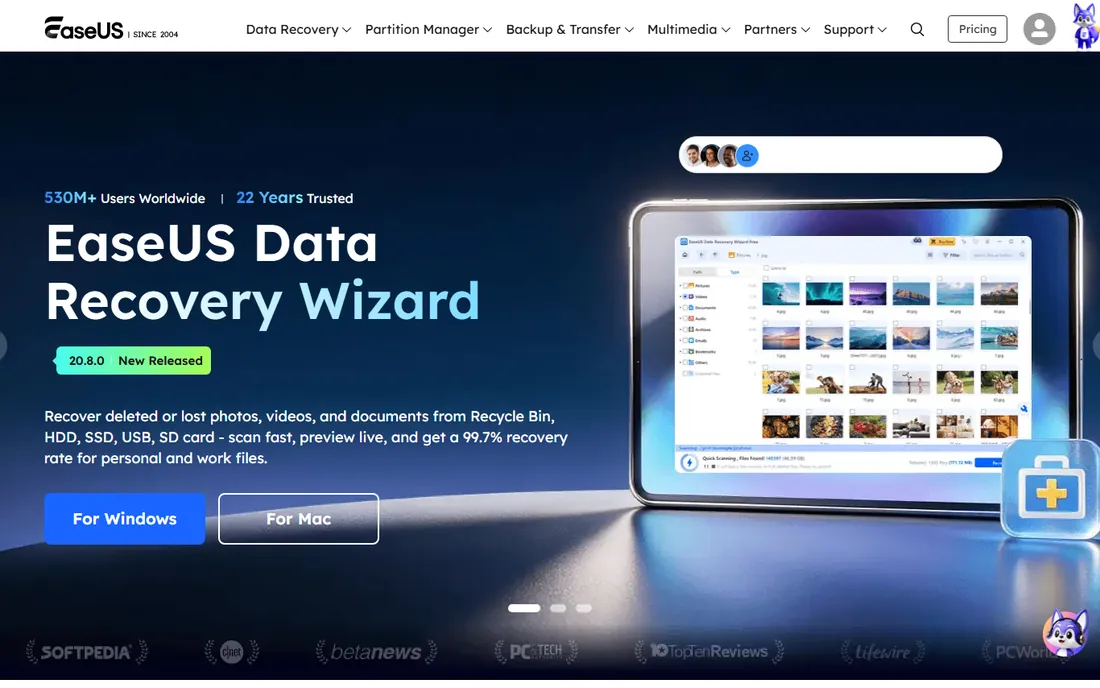
If you have never used recovery software, EaseUS is the least intimidating option. Pick the drive, scan, preview, recover. The free tier restores up to 2 GB, which is the most generous free allowance among the commercial tools here, and enough to test whether your files are really there. In head-to-head testing it also scans quickly and finds a lot, which matters when you are anxious.
The price is the catch. At $69.95 for a single month, it costs more for 30 days than Disk Drill charges for a year. The $99.95 yearly plan and $149.95 lifetime option make more sense if you expect to need it more than once. Buy the monthly plan only if your files are small, your need is urgent, and you will cancel the same week.
What we like- Genuinely easy three-step workflow
- Generous 2 GB free tier
- Fast scanning in independent tests
Watch out for- Expensive for what it is
- Monthly plan is poor value
- Recovered files can be disorganized
Starting priceSee website
Free planYes (1 GB free recovery)
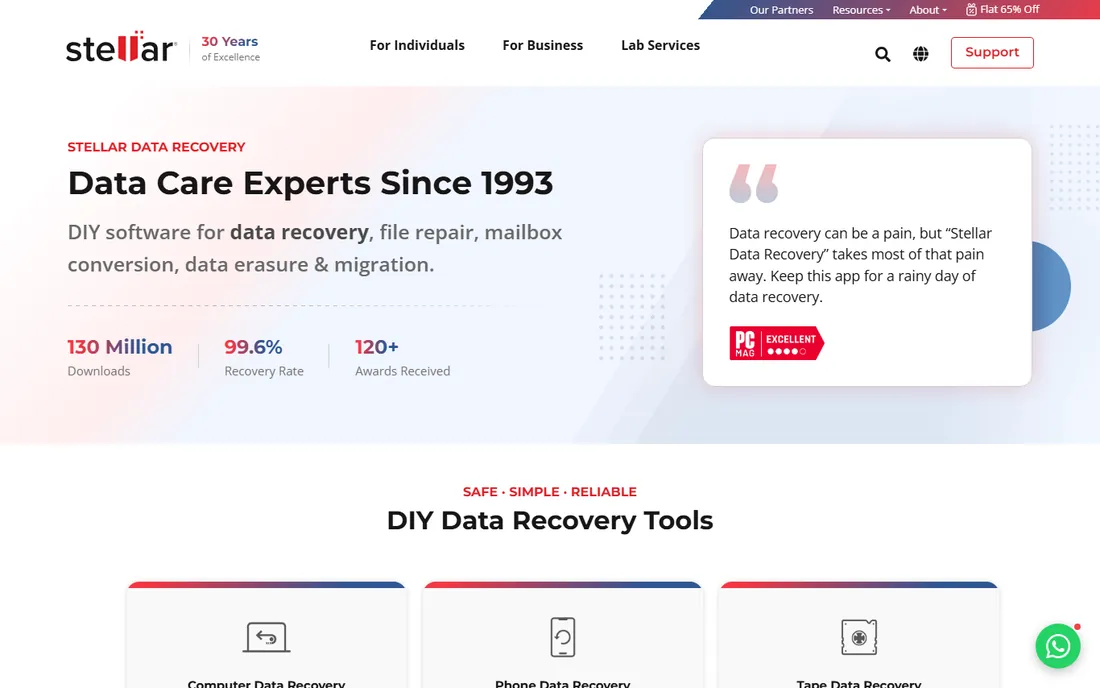
Stellar stands out for what happens after recovery. Plenty of tools find your deleted MP4s; Stellar also tries to repair the ones that came back corrupted, which is common with video files from USB drives. The free tier recovers up to 1 GB, and the scan options go deeper than most competitors for drives that were formatted or repartitioned. It has been in this business since the 1990s, and that experience shows in edge cases.
Two things to know before you commit. Pricing is not published as clearly as rivals, so you will be clicking through to the store to see current numbers. And the interface, while functional, looks and feels a generation behind Disk Drill and EaseUS. Neither matters if it recovers your files, but expect a more old-school experience.
What we like- Repairs corrupted photos and videos, not just recovers them
- Deep scan options
- Long track record since the 1990s
Watch out for- Pricing is not published clearly
- Interface feels dated next to newer rivals
Starting priceSee website
Free planYes (free version with unlimited recovery)
Recuva is the tool you try first when the situation is simple: you deleted files from a USB drive yesterday and nothing has been written since. The free version recovers without a megabyte cap, scans in minutes, and the whole program is a few megabytes. For straightforward deletions, it frequently finds everything and asks for nothing in return.
Do not expect miracles beyond that. Recuva struggles with formatted drives, corrupted file systems, and anything that needs a deep reconstruction. It is Windows-only and updates are infrequent. Think of it as the quick free attempt before you move on to a heavier tool, not as a complete recovery suite.
What we like- Free version recovers without a data cap
- Very fast simple scans
- Tiny download
Watch out for- Weak on formatted or badly damaged drives
- Windows only
- Development moves slowly
Starting priceSee website
Free planDemo only (no free recovery)
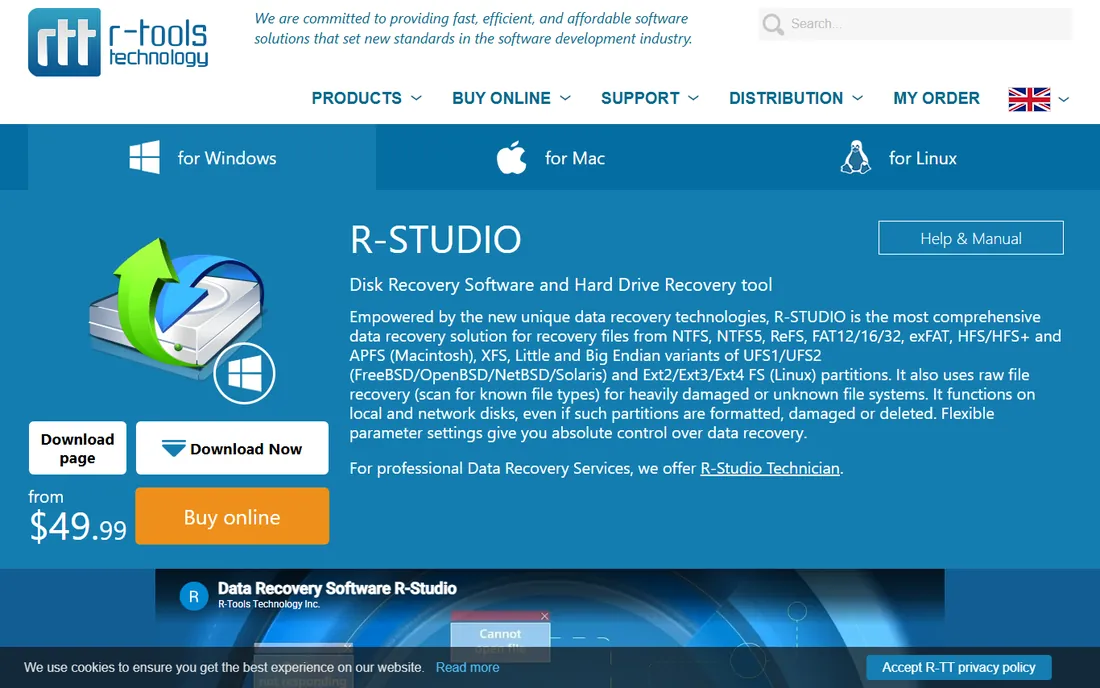
R-Studio is the tool data recovery professionals reach for when consumer software fails. It reconstructs RAID arrays, recovers over networks, images damaged drives at the byte level, and includes a hex editor for manual repair. If your USB drive has partition damage that makes other tools report nothing, R-Studio is often the one that still finds the file system.
None of that comes free or easy. The demo only previews what it finds; actually saving files requires a paid license. The interface assumes you know what a partition table is. For a simple deleted folder, this is the wrong tool. For a drive that every other program chokes on, it is the right one, ideally in the hands of someone technical.
What we like- Extremely powerful for damaged file systems and RAID
- Network recovery
- Hex editor built in
Watch out for- Intimidating interface
- No free recovery, demo only
- Overkill for simple deletions
Starting price$59.99/year
Free planYes (free scan and preview, 100 MB recovery)
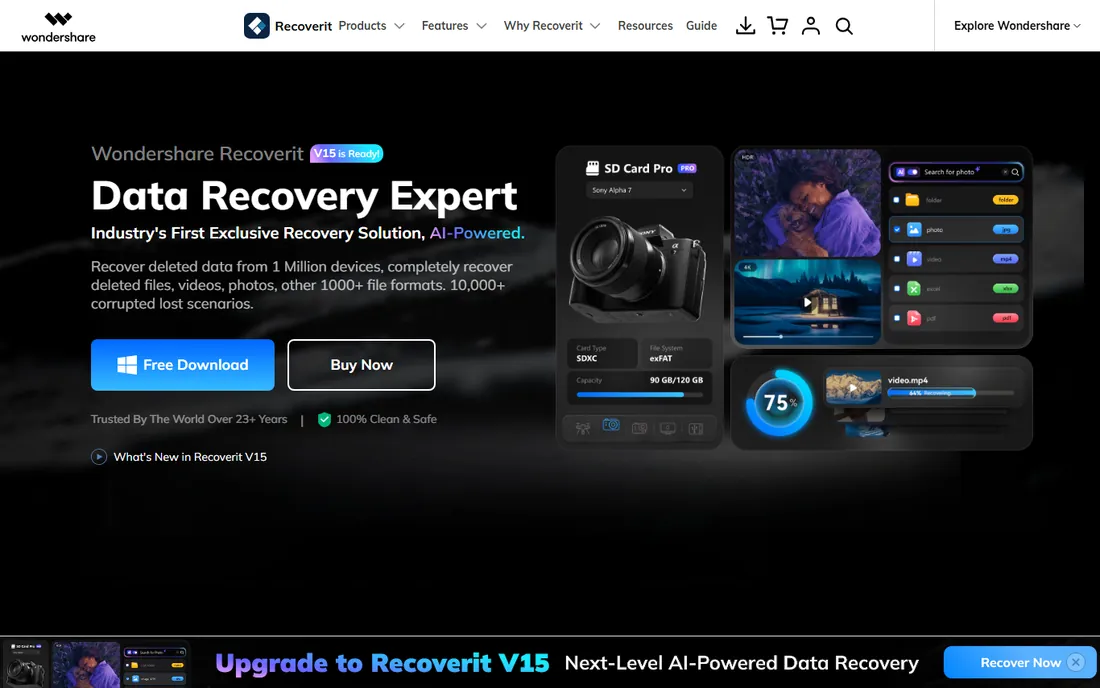
Wondershare Recoverit positions itself as the recovery tool for media. Its standout feature is repairing corrupted video files, a common outcome when a USB drive is pulled out mid-write or suffers file system damage. The interface is modern and guided, and it supports the usual range of deletion, formatting, and partition-loss scenarios across Windows and Mac.
The free tier is the weak point: 100 MB of recovery barely covers a single video file, so this is effectively a paid tool with a free preview. At $59.99 per year it undercuts EaseUS while offering the video repair angle the others lack. If your lost data is mostly video and it came back damaged, start here. If it is documents, the cheaper or freer options do the same job.
What we like- Patented video repair technology
- Polished interface
- Handles many file systems
Watch out for- Free tier is a stingy 100 MB
- Yearly price adds up
- Heavier system usage than rivals
Starting priceSee website
Free planYes (free tier)
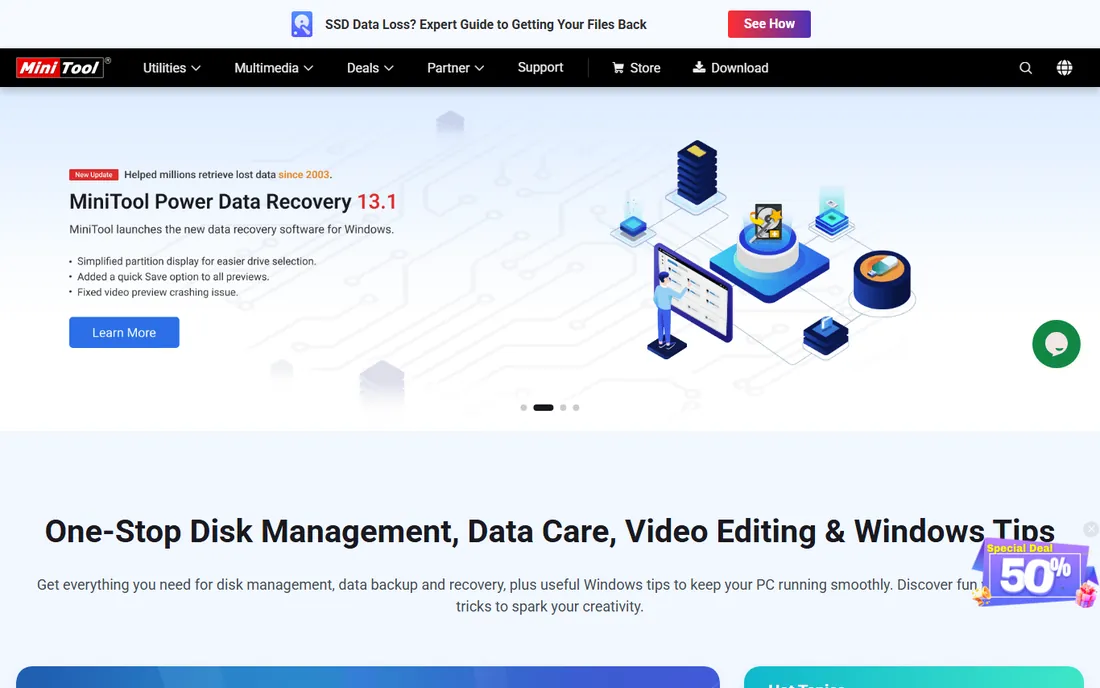
MiniTool plays the value card. It covers the standard recovery scenarios, deleted files, formatted drives, lost partitions, with a clean wizard that non-technical users can follow. The paid tiers have historically been cheaper than EaseUS and Stellar, which makes it a sensible pick if you know you need more than a free tool but do not want to pay top dollar.
Set expectations accordingly. This is a Windows-first product without the forensic depth of R-Studio or the media repair of Recoverit. For the most common USB disaster, an accidental deletion or a quick format, it performs fine. For exotic file system damage, look upmarket.
What we like- Affordable paid tiers
- Simple wizard interface
- Solid for common deletion and format cases
Watch out for- Windows-focused
- Fewer advanced features than top rivals
- Free tier is limited
Starting priceSee website
Free planFree trial
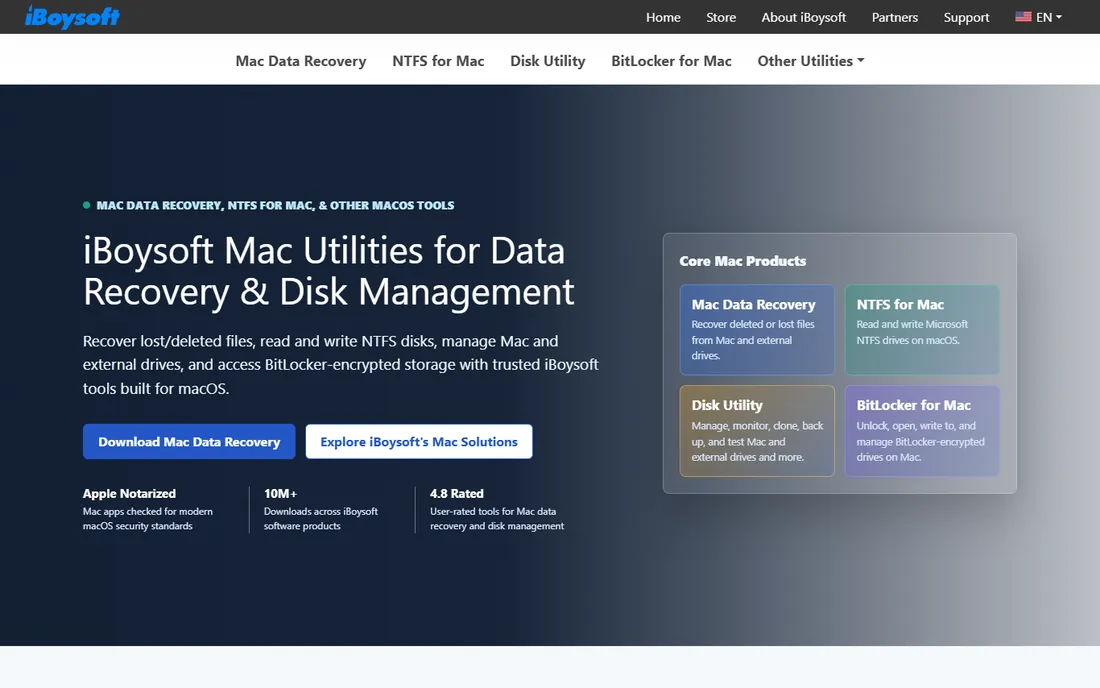
Mac users face a specific problem: APFS and encrypted volumes behave differently from the NTFS and FAT32 drives most recovery tools were built for. iBoysoft is designed around that reality, with solid handling of APFS containers, encrypted drives, and unmountable volumes. If Disk Drill or EaseUS struggles with your Mac-formatted USB drive, this is worth trying before you give up.
The tradeoff is transparency. Pricing is not published as openly as the bigger vendors, so expect to check the store during checkout. It is also a smaller company, which means a thinner support operation than EaseUS or Wondershare. For Mac-specific USB recovery, though, specialization beats brand size.
What we like- Strong on modern Mac file systems
- Handles BitLocker and APFS encryption cases
- Clean Mac-native design
Watch out for- Pricing not published up front
- Smaller brand than the big names
- Mac focus limits Windows users
Starting priceFree
Free planYes (free and open source)
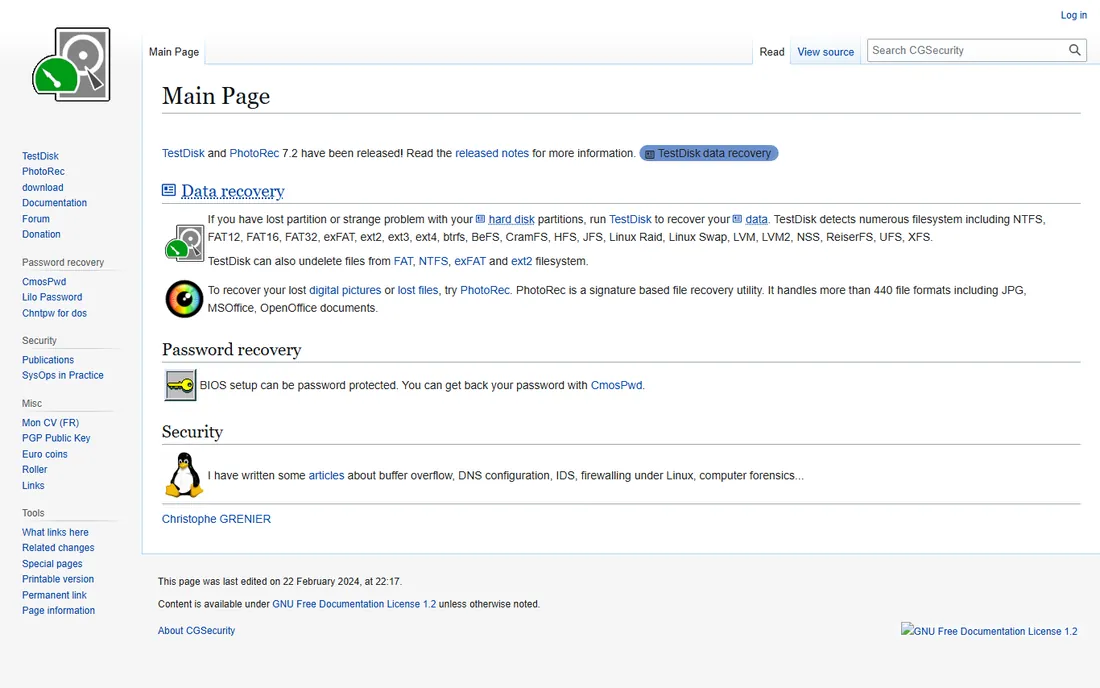
PhotoRec is the free tool that professionals keep installed for emergencies. Instead of reading the file system, it scans the raw drive surface for recognizable file signatures, which means it can recover files even when the partition table is destroyed and every commercial tool reports an empty drive. It is open source, costs nothing, and runs on Windows, Mac, and Linux.
The price of that power is usability. There is no polished interface; you work through text menus, and recovered files come back with generic names in one big folder, so expect an afternoon of sorting. But when the drive is severely corrupted and paid software has failed, PhotoRec succeeding where nothing else did is a story recovery technicians tell often.
What we like- Completely free with no caps
- Ignores the file system and carves raw data
- Runs on every major OS
Watch out for- Command-line interface intimidates beginners
- Recovered files lose original names and folders
Match the tool to the situation, not to the marketing. For a simple accidental deletion with nothing written since, start with Recuva: it is free, fast, and often sufficient. If Recuva finds nothing or the drive was formatted, move to a free scan from Disk Drill or EaseUS and only pay after you preview your actual files. For Mac-formatted drives, add iBoysoft to the shortlist. For drives that show as RAW or unallocated, R-Studio or PhotoRec are the deep options. And if the drive makes clicking sounds, is not detected at all, or gets hot, stop: that is physical damage, and no software will fix it. A professional lab is the only move.
Free recovery limits, explained
Free tiers in this category are really paid previews with different-sized windows. Recuva is the exception: genuinely free and unlimited for basic recovery. EaseUS gives you 2 GB, Stellar 1 GB, Disk Drill 500 MB, and Recoverit just 100 MB. Those caps are enough to confirm the software works and sometimes enough to finish a small job. The honest way to use them: run the free scan, preview your files, and check the total size of what you need before paying. If the free tier covers it, you are done. If not, you now know exactly which paid tier to buy, and you have proof the purchase will work.
Frequently asked questions
Can I recover files from a formatted USB drive?
Often yes, especially after a quick format that only clears the file table without erasing data. Run a deep scan with Disk Drill, EaseUS, or Stellar, and save recovered files to a different drive. A full format or heavy reuse afterward makes recovery much harder.
Should I install the recovery software on the same USB drive?
No. Installing anything on the affected drive can overwrite the deleted data you are trying to save. Install the software on your computer's internal drive and save recovered files to a different device than the one you are scanning.
Why does the free version find my files but not recover them?
Most free tiers let you scan and preview everything but cap how much you can actually save. That preview is valuable: it proves the paid version will work before you spend money. Recuva and PhotoRec are the exceptions that recover for free.
How long does a USB recovery scan take?
A quick scan of a 32 or 64 GB flash drive usually takes a few minutes. A deep scan can take 30 minutes to over an hour depending on the drive size and damage. Larger drives and damaged file systems take longer.
What if no software can see my USB drive?
If the drive is not detected by your computer at all, makes unusual sounds, or overheats, the problem is likely physical. Software cannot fix hardware failure. Stop trying and consider a professional data recovery lab, especially if the data is valuable.
Sources we checked (10)
- https://www.cleverfiles.com/pro.html
- https://www.easeus.com/usb-recovery/free-usb-recovery-software.html
- https://www.stellarinfo.com/
- https://www.ccleaner.com/recuva
- https://www.r-studio.com/
- https://recoverit.wondershare.com/
- https://www.minitool.com/
- https://www.iboysoft.com/
- https://www.cgsecurity.org/
- https://www.techradar.com/best/best-data-recovery-software
Is your product missing or out of date?
We review this list regularly. Vendors can request a listing, send updated pricing or ask about featured placement.

Shihab Mia · Founder, Rankite
Shihab has spent more than a decade helping SaaS and e-commerce brands grow through search. He writes Rankite's software buying guides from pricing pages, documentation and public user reviews. More about Shihab.