How we make this list: we compare pricing pages, product documentation and public user reviews. Rankite is independent; if a vendor ever pays for a featured spot, that listing is clearly labeled Partner.
Key takeaways
- Adobe InDesign at $22.99 per month remains the professional default for print magazines, but it is overkill if your team has no trained designer.
- Canva is where most small teams actually build their magazine, and the free plan covers simple issues; Pro at $18 per month adds brand controls worth paying for.
- If you only need a digital magazine, flipbook tools like Issuu, FlipHTML5 and AnyFlip turn a finished PDF into a readable online edition for little or nothing.
- Affinity Publisher is the strongest one-time-purchase alternative to InDesign, though its pricing was unverifiable at research time, so check the site before budgeting.
Quick comparison
| Tool | Best for | Starting price | Free plan |
|---|
 Adobe InDesign Adobe InDesign | Professional print layout and prepress | From $22.99/month (single app, annual plan paid monthly) | Free trial |
 Affinity Publisher Affinity Publisher | Teams that want pro layout without a subscription | See website | Yes |
 Canva Canva | Small teams without a dedicated designer | Free; Pro $18/month or $144/year | Yes |
 QuarkXPress QuarkXPress | Publishing teams with Quark history or long-document needs | From $314/year (subscription); perpetual license $637 one-time | See website |
 Marq Marq | Distributed teams that need on-brand documents | $10/user/month | Yes |
 Issuu Issuu | Distributing finished magazines online | Free (Basic); Starter $19/month; Unlimited $188/month | Yes |
 FlipHTML5 FlipHTML5 | Affordable interactive digital magazines | Free; Pro $12/month ($149/year); Platinum $25/month; Enterprise $83/month | Yes |
 AnyFlip AnyFlip | Simple flipbooks on a tight budget | Free; Pro $15/month (or $12.42/month annual); Platinum $299/year; Enterprise $999/year | Yes |
 Designrr Designrr | Converting existing content into publications fast | From $29/month (Standard); Pro $39; Premium $49; Business $99 | Free trial (7 days) |
 Scribus Scribus | Free desktop publishing for print | Free (open source) | Yes |
Is your product missing or out of date?
We review this list regularly. Vendors can request a listing, send updated pricing or ask about featured placement.
The best software to create a magazine
#1
Adobe InDesign
Best for: Professional print layout and prepress
Visit adobe.com
Starting priceFrom $22.99/month (single app, annual plan paid monthly)
Free planFree trial
InDesign is the industry default for a reason that has nothing to do with fashion. When a magazine goes to a commercial printer, the prepress department expects an InDesign file or a PDF exported from one, with proper bleeds, color profiles and font embedding. No other tool on this list handles long-document typography, master pages, styles and print production with the same precision. If you hire freelance designers, they already know it, which removes training from your budget entirely.
The price and complexity are the real considerations. At $22.99 per month for the single app on an annual plan, one seat costs about $276 a year, and a small team multiplies that quickly. Non-designers will find the interface intimidating, and casual users often pay for months without opening it. InDesign earns its keep when print quality and professional handoff matter; for a simple internal newsletter, it is more tool than you need.
What we like- Industry-standard layout with precise typographic control
- Deep prepress and print-export features
- Huge template and plugin ecosystem
Watch out for- Subscription cost adds up
- Steep learning curve for non-designers
Starting priceSee website
Free planYes
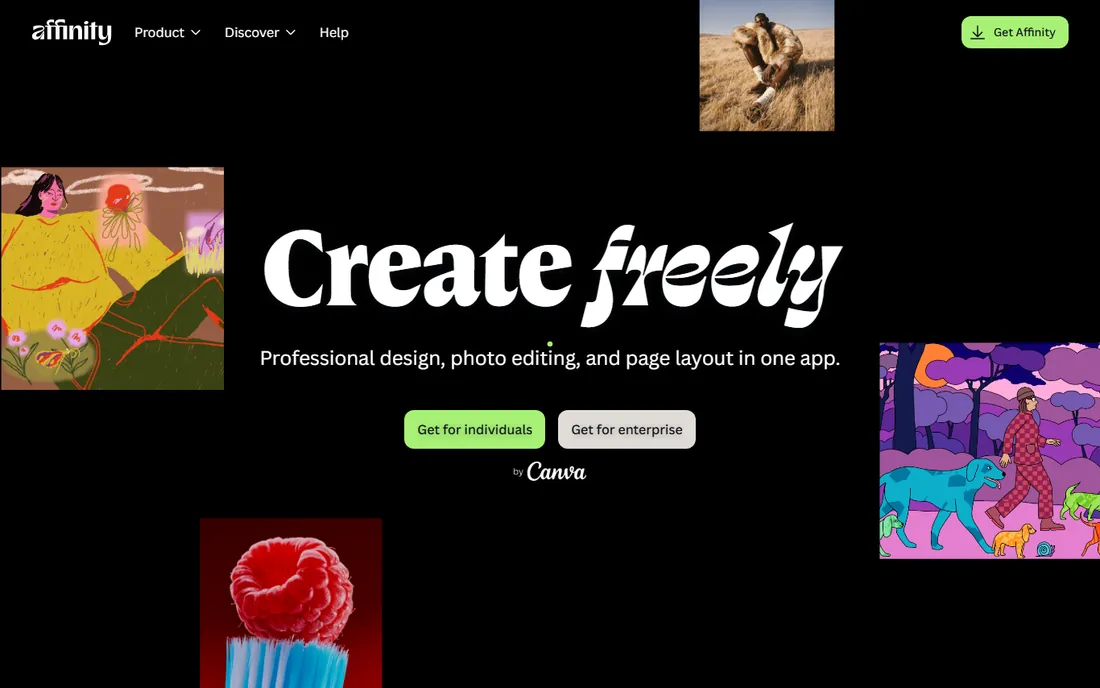
For teams that wince at subscription pricing, Affinity Publisher is the most credible InDesign alternative. It handles master pages, text styles, tables and print-ready PDF export with a competence that surprises people expecting a cut-down product. Performance is notably snappy, even on modest hardware, and the interface borrows enough conventions from industry tools that an InDesign user can become productive in days rather than weeks.
Two caveats belong in your decision. First, we could not verify current pricing on the vendor site during research (the homepage blocked automated access), so confirm the price before you budget around it. Second, the surrounding ecosystem is thinner: fewer templates, fewer third-party plugins, and fewer freelancers who list it as a skill. If your workflow depends on a specific InDesign plugin or a printer who demands native files, test compatibility before committing.
What we like- Professional layout features without subscription pricing
- Clean, fast performance
- Good file compatibility with common formats
Watch out for- Pricing could not be verified at research time
- Smaller ecosystem of templates and plugins than InDesign
Starting priceFree; Pro $18/month or $144/year
Free planYes
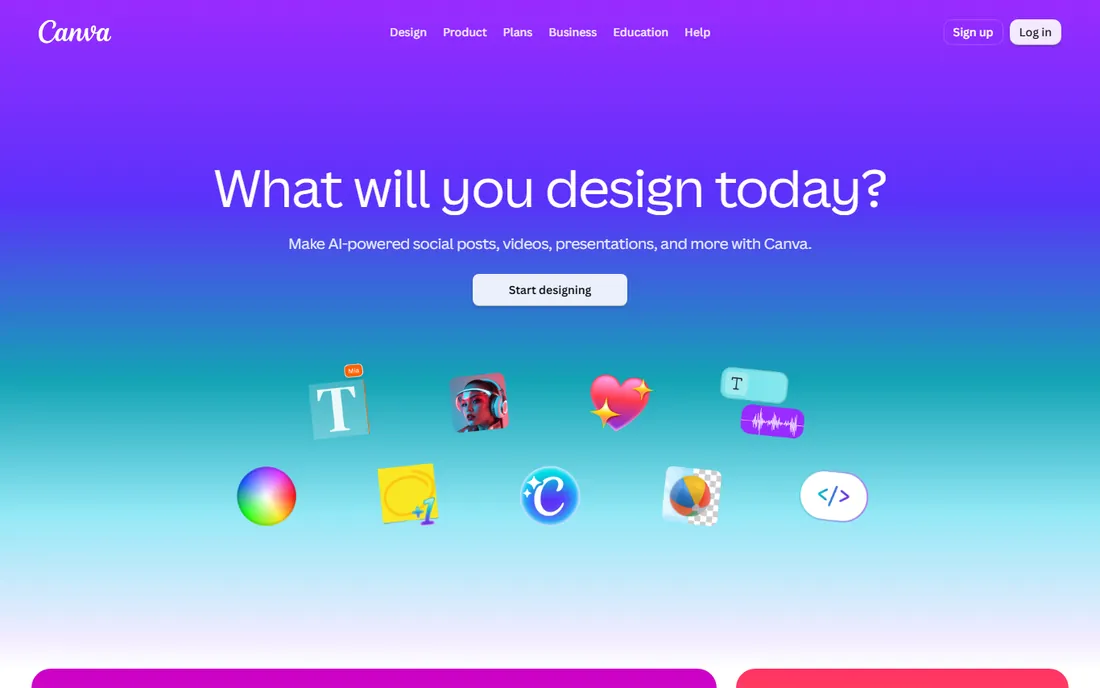
Canva is where most small teams actually end up making their magazine, whether designers approve or not. The template library includes full magazine layouts, so a marketing manager can produce a respectable 12-page issue in an afternoon without touching a style sheet. Collaboration is built in: comments, shared folders and real-time editing work the way modern teams expect. The free plan is genuinely useful for simple projects, and Pro at $18 per month (or $144 per year) adds the brand kit, background remover and larger storage that make team use practical.
The tradeoff is control. Canva cannot match InDesign for fine typography, and its PDF exports, while improved, still fall short of true prepress standards for demanding print jobs. Complex long documents with cross-references and indexes are outside its comfort zone. Use Canva when speed and ease matter more than print perfection, which describes most company magazines, school publications and digital-first titles.
What we like- Easiest learning curve on this list
- Thousands of magazine templates
- Brand kit and collaboration on Pro
Watch out for- Limited typographic and prepress control
- Print output quality below InDesign
#4
QuarkXPress
Best for: Publishing teams with Quark history or long-document needs
Visit quark.com
Starting priceFrom $314/year (subscription); perpetual license $637 one-time
Free planSee website
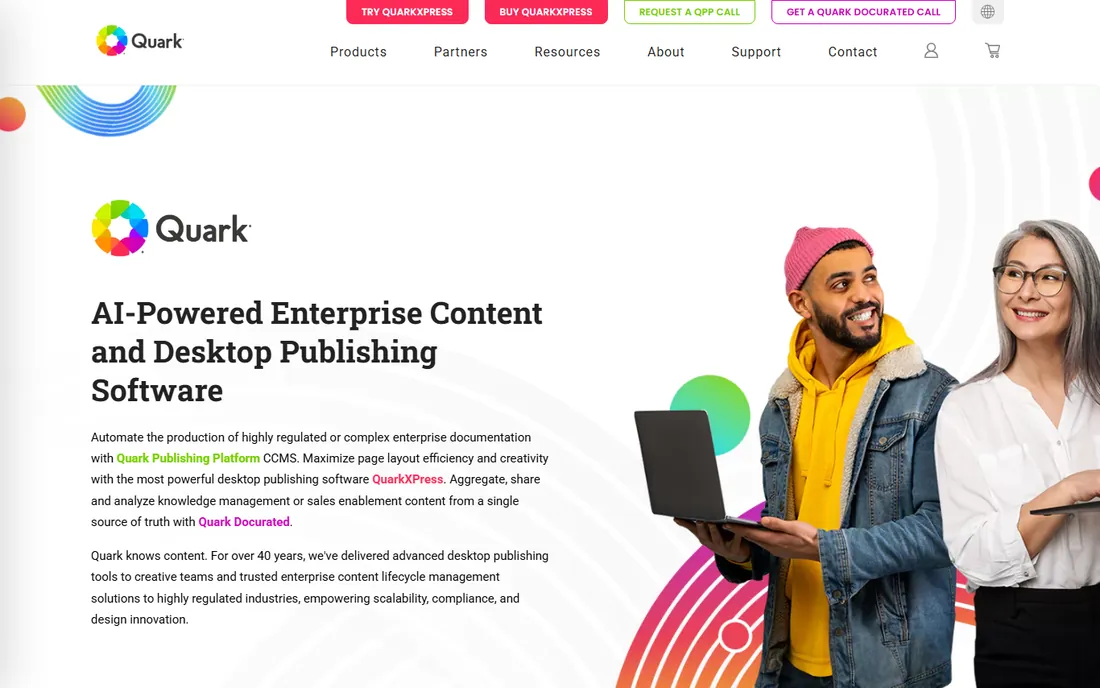
QuarkXPress was the layout king before InDesign existed, and it never fully left the building. Newspapers, catalog producers and book publishers still run on it, and the feature set for long, structured documents remains serious. The pricing model is the interesting part: a $314-per-year subscription or a $637 perpetual license, which makes it one of the few pro layout tools you can still buy outright. Over three years, the perpetual license undercuts InDesign substantially.
The ecosystem is the weakness. Far fewer freelancers and templates revolve around Quark than InDesign, and new designers are unlikely to arrive already trained on it. The interface carries decades of history, which loyal users call efficient and newcomers call dated. Quark makes sense for teams with existing Quark expertise or a philosophical objection to subscriptions, not as a first choice for a team starting fresh.
What we like- Perpetual license option avoids subscriptions
- Strong long-document and book features
- Proven in newspaper and catalog production
Watch out for- Smaller community than InDesign
- Interface feels dated to new users
#5
Marq
Best for: Distributed teams that need on-brand documents
Visit marq.com
Starting price$10/user/month
Free planYes
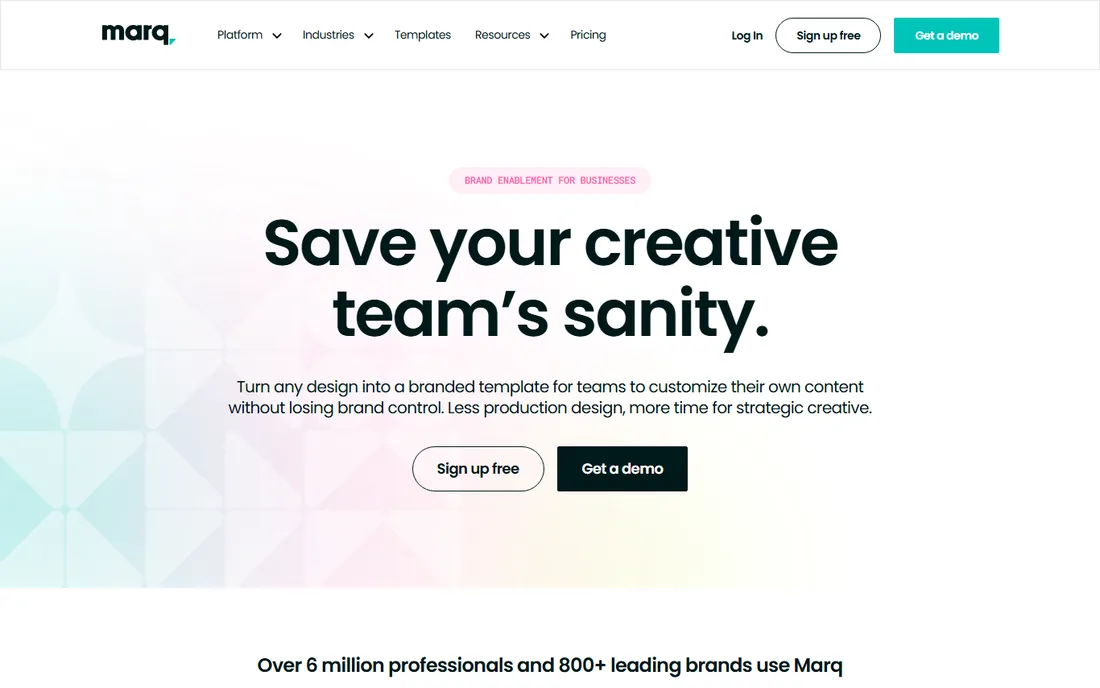
Marq, formerly Lucidpress, was built for teams where non-designers need to make on-brand pages. The core idea is template locking: designers define the fonts, colors and logo placement, and everyone else fills in content without the ability to break the brand. For franchises, sales teams and multi-office companies producing localized magazines or newsletters, this control is the whole product. At $10 per user per month with a free version for evaluation, the entry cost is modest.
It is not a replacement for a real layout application. Fine typographic control, complex multi-page documents and prepress features are beyond its scope, and designers who try to art-direct a feature spread in Marq will feel constrained. The per-user pricing also deserves arithmetic: ten contributors cost $100 per month, which approaches InDesign territory. Buy Marq for governed, distributed content creation, not for design-forward editorial work.
What we like- Brand locking lets non-designers create safely
- Browser-based with real-time collaboration
- Free version available
Watch out for- Less design depth than desktop layout tools
- Per-user pricing adds up for large teams
Starting priceFree (Basic); Starter $19/month; Unlimited $188/month
Free planYes
Issuu is not really layout software; it is where finished PDFs go to become readable online magazines. Upload your file and Issuu produces a page-flip edition with its own reader, embed codes and distribution links, readable on any device without downloads. The discovery network can put your publication in front of readers browsing the platform, and the analytics show how far into an issue people actually read. The free Basic tier is enough to test the concept.
The pricing curve steepens fast. Starter at $19 per month removes some limits, but the full publishing toolkit, including advanced customization and commerce features, sits on tiers reaching $188 per month. Free publications carry Issuu branding, which looks unprofessional for corporate titles. We could not open the Issuu homepage directly during research (access was blocked), so treat the plan details above as reported pricing and confirm on the site. Use Issuu for distribution and reach, and design the magazine itself in a layout tool.
What we like- Turns PDFs into polished online magazines instantly
- Built-in discovery and readership analytics
- Free tier to start
Watch out for- Free tier carries Issuu branding and ads
- Serious publishing features require expensive tiers
Starting priceFree; Pro $12/month ($149/year); Platinum $25/month; Enterprise $83/month
Free planYes
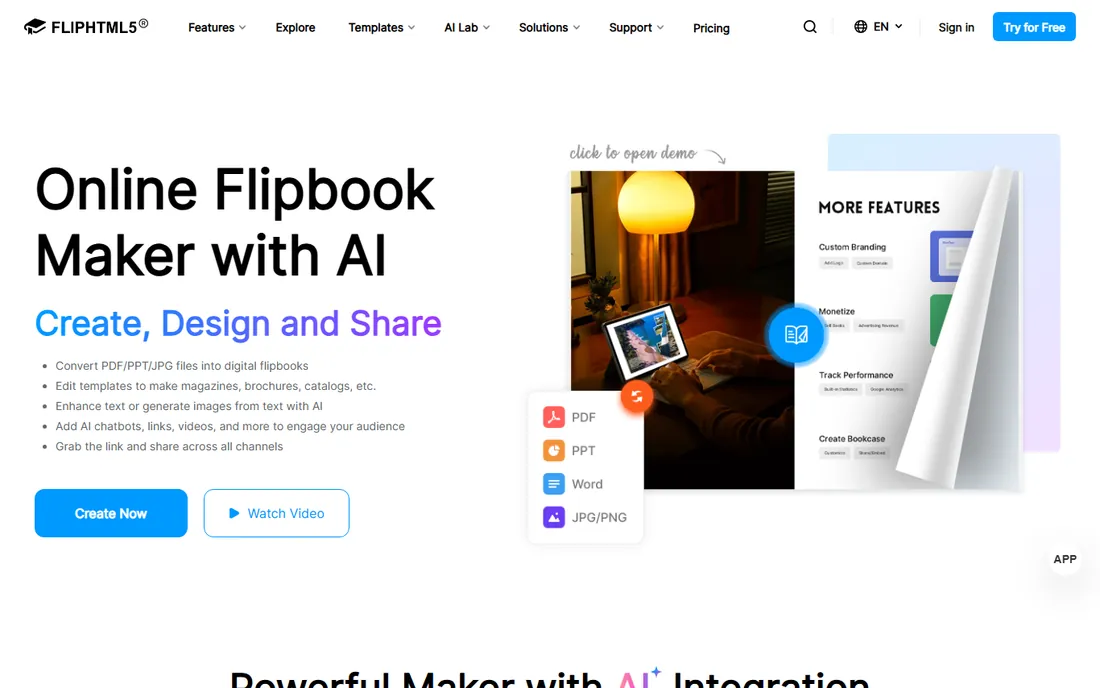
FlipHTML5 serves the same digital-publishing job as Issuu, usually at a lower price. Upload a PDF and get a flipbook with page-turn effects, embedded video and audio, and links, viewable on phones and desktops. Pro at $12 per month (or $149 per year) is one of the cheapest paid tiers in this category, and the higher Platinum and Enterprise tiers add lead capture, advanced analytics and team features. The free plan lets you publish and evaluate before spending anything.
As with all flipbook tools, the result is only as good as the PDF you feed it. A badly designed source file becomes a badly designed flipbook with animations. The interface, while functional, lacks the polish of Issuu, and lower tiers show FlipHTML5 branding. For budget-conscious publishers who want interactive digital editions without Issuu-level pricing, it is a practical pick.
What we like- Low entry price for interactive features
- Animation and multimedia embeds
- Desktop and online editors
Watch out for- Output quality depends on your source PDF
- Branding on lower tiers
Starting priceFree; Pro $15/month (or $12.42/month annual); Platinum $299/year; Enterprise $999/year
Free planYes
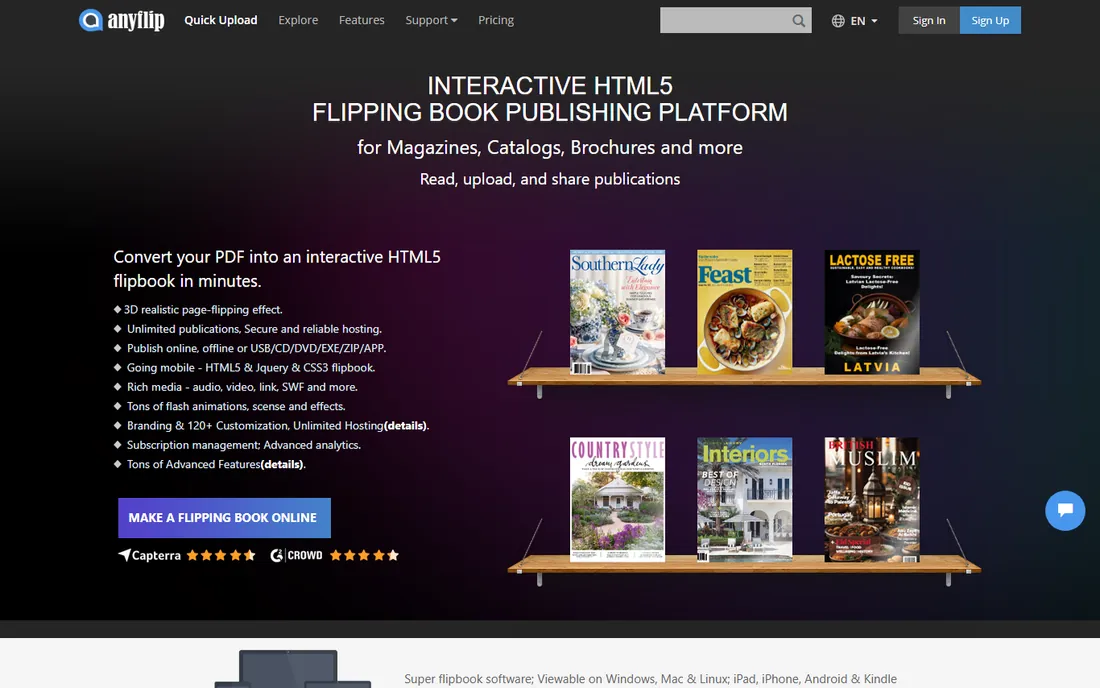
AnyFlip is the budget play in the flipbook corner of this market. The free tier is genuinely generous for casual publishing, and the workflow could not be simpler: upload a PDF, customize the look, share the link. Pro at $15 per month, or about $12.42 per month on annual billing, removes ads and raises limits without drama. For schools, clubs and small businesses putting a catalog or newsletter online, the price-to-function ratio is hard to beat.
Expect fewer bells and whistles than the premium platforms. Marketing integrations, lead forms and deep analytics are thinner here, and the reader templates look functional rather than beautiful. If your digital magazine is a marketing asset that needs to impress, Issuu or FlipHTML5 justify their higher prices. If it just needs to exist online and read well, AnyFlip gets the job done.
What we like- Generous free tier
- Straightforward publishing workflow
- Affordable annual Pro pricing
Watch out for- Fewer advanced marketing features than Issuu
- Template design is basic
#9
Designrr
Best for: Converting existing content into publications fast
Visit designrr.io
Starting priceFrom $29/month (Standard); Pro $39; Premium $49; Business $99
Free planFree trial (7 days)
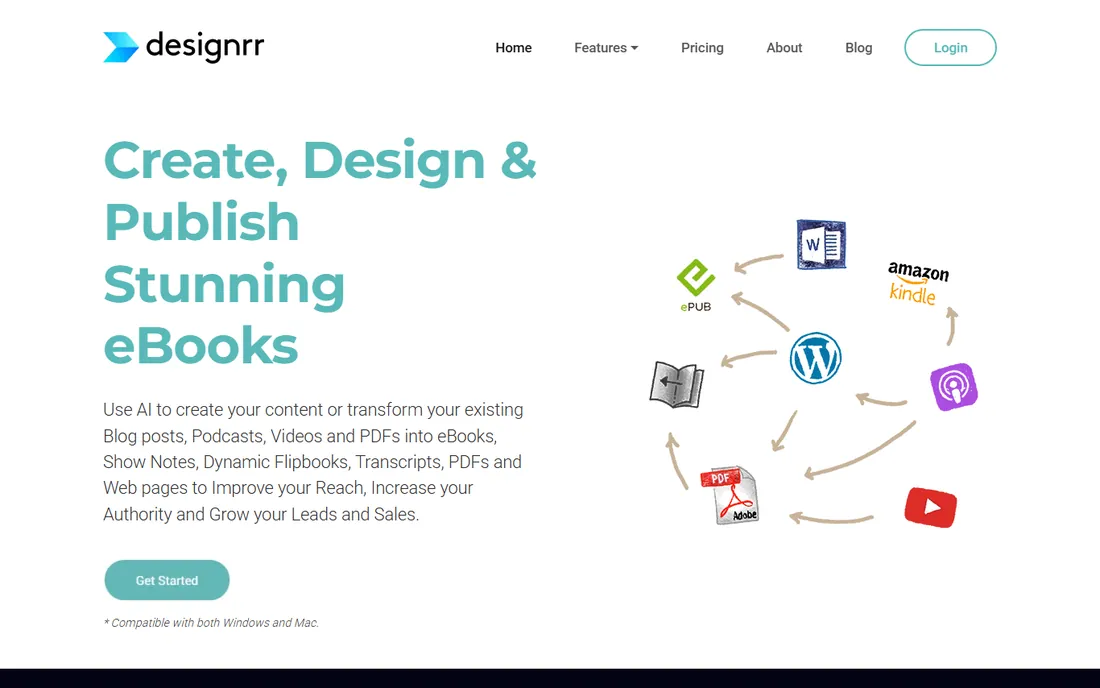
Designrr takes a different route: it turns existing content into a designed publication. Point it at a blog, a Word document or a video transcript and it generates a formatted ebook or magazine-style PDF using its templates. For content marketers sitting on archives of posts, this is a shortcut worth real money: a lead-magnet magazine that would take a designer a week appears in an afternoon. Plans run from $29 to $99 per month, with a 7-day trial for evaluation.
The output is template-driven, so don't expect art-directed editorial design. You get clean, professional-looking documents, not distinctive ones. There is no free tier, which makes the trial period your entire evaluation window, so test it with real content before subscribing. Designrr fits marketers and course creators who publish often and value speed over bespoke design.
What we like- Imports content from URLs, docs and video transcripts
- Fast ebook and magazine generation
- Good for repurposing content
Watch out for- No free plan beyond the trial
- Design flexibility less than layout tools
Starting priceFree (open source)
Free planYes
Scribus is the open-source answer, and it is more capable than its price suggests. It is the only free tool on this list with genuine prepress credentials: CMYK color, PDF/X export and the controls a print shop needs. Nonprofits, schools and tiny publishers have produced real printed magazines with it for years. Being open source, it runs on every major operating system and will never surprise you with a price increase.
The experience shows its volunteer roots. The interface feels dated, development moves slowly, and finding modern templates or troubleshooting help takes more effort than with commercial tools. Complex documents demand patience and a willingness to learn its quirks. But when the budget is zero and the output must go to print, Scribus stands alone.
What we like- Real prepress features including CMYK and PDF/X export
- Completely free
- Runs on Windows, Mac and Linux
Watch out for- Dated interface and slower development
- Smaller template and tutorial ecosystem
Print, digital or both: decide the output first
If the magazine goes to print
Choose a real layout application: InDesign, Affinity Publisher, QuarkXPress or Scribus. Printers need proper bleeds, CMYK color and embedded fonts, and only these tools produce files a prepress department trusts. Ask your printer which file formats they accept before you commit to software, because that answer narrows the field immediately.
If the magazine lives online
Your layout tool matters less than your publishing platform. Design pages in Canva or Marq, export a PDF, and publish through Issuu, FlipHTML5 or AnyFlip. Readers get a polished page-flip experience on any device, and you get analytics on what they actually read. This route is cheaper and faster than print, and it is how most company magazines reach their audience now.
If you need both
Design once in a layout tool, export a print PDF for the printer and an interactive PDF for the flipbook platform. This is the standard professional workflow, and it is why InDesign pairs so naturally with Issuu. Budget for both the layout seat and the publishing tier.
The hidden costs of magazine software
The subscription price is rarely the whole story. InDesign at $22.99 per month looks manageable until you add stock photos, fonts and a second seat. Flipbook platforms charge more for removing branding and enabling analytics, which are the features that make them worth using. Templates save designer time but good ones cost money, and training a non-designer on a pro tool costs weeks of salary. When comparing options, add a year of the extras, not just the headline price.
How we chose
We mapped the magazine production workflow end to end, from layout through print and digital distribution, and picked tools that cover each stage. Pricing comes from vendor pricing pages and vendor-published plan details as of October 2026. We favored tools with a clear buyer: the professional designer, the marketer without design training, the digital publisher, and the zero-budget team. Public reviews on G2 and Capterra, documentation quality and export capabilities informed the tradeoffs. We did not test the software hands-on. Two URLs could not be verified by opening the homepage during research (Affinity Publisher and Issuu); those entries use best-evidence URLs and are flagged in our report.
Frequently asked questions
What is the cheapest way to make a professional-looking magazine?
Canva's free plan plus a flipbook platform's free tier costs nothing and produces a decent digital magazine. For print on a zero budget, Scribus is the only free tool with real prepress features. Expect to invest time rather than money with either route.
Do I need InDesign to make a magazine?
Only if print quality and professional collaboration matter. InDesign is the standard for commercial printing and working with freelance designers. For digital-only magazines, internal newsletters or simple print jobs, Canva, Marq or Affinity Publisher are sufficient and far easier to learn.
What is the difference between layout software and a flipbook platform?
Layout software (InDesign, Canva, Scribus) is where you design the pages. Flipbook platforms (Issuu, FlipHTML5, AnyFlip) take your finished PDF and turn it into an interactive online edition with page-flip effects and analytics. Most publishers use one of each.
Can I sell subscriptions through these tools?
Issuu offers commerce features on its higher tiers, and Designrr integrates with common checkout tools for selling ebooks. For a real subscription business with paywalls and member management, you will likely pair these tools with a dedicated membership or ecommerce platform.
How long does it take to learn magazine layout software?
Canva or Marq: an afternoon for basics. Affinity Publisher or Designrr: a few days. InDesign, QuarkXPress or Scribus: several weeks to become competent, months for professional speed. Match the tool to the time your team actually has.
Sources we checked (10)
- https://www.adobe.com
- https://affinity.serif.com
- https://www.canva.com
- https://www.quark.com
- https://www.marq.com
- https://issuu.com
- https://fliphtml5.com
- https://anyflip.com
- https://designrr.io
- https://www.scribus.net
Is your product missing or out of date?
We review this list regularly. Vendors can request a listing, send updated pricing or ask about featured placement.

Shihab Mia · Founder, Rankite
Shihab has spent more than a decade helping SaaS and e-commerce brands grow through search. He writes Rankite's software buying guides from pricing pages, documentation and public user reviews. More about Shihab.