How we make this list: we compare pricing pages, product documentation and public user reviews. Rankite is independent; if a vendor ever pays for a featured spot, that listing is clearly labeled Partner.
Key takeaways
- Figma ($16/editor/month, annual) remains the default for product teams: design, prototype and developer handoff in one place, with the biggest plugin ecosystem.
- For realistic, logic-heavy prototypes, Axure RP ($29/user/month) and ProtoPie ($11/month) go far beyond click-throughs, with conditional logic, sensors and multi-device interactions.
- Balsamiq ($16/editor/month) is the fastest way to validate an idea before anyone argues about pixels; its hand-drawn style keeps feedback on the flow, not the fonts.
- Framer ($5/month) and Uizard ($12/month) cover website prototyping and AI-generated mockups, the two fastest-growing corners of this category.
- Penpot is genuinely free and open source, the strongest no-cost option for teams that refuse per-seat billing.
Quick comparison
| Tool | Best for | Starting price | Free plan |
|---|
 Figma Figma | Product teams that want design, prototype and handoff in one tool | $16/editor/month (Professional, billed annually) | Yes (Starter: 3 design files, 3 FigJam boards) |
 Sketch Sketch | Mac-only design teams that prefer native apps | $12/editor/month (Standard, billed annually) | No (trial only) |
 Axure RP Axure RP | UX teams building realistic, logic-driven enterprise prototypes | $29/user/month (Pro, billed annually) | Free trial (30 days) |
 ProtoPie ProtoPie | Designers prototyping realistic mobile and multi-device interactions | $11/month (Individual plan) | Yes |
 Balsamiq Balsamiq | Teams that want to validate flows before designing screens | $16/editor/month (Starter, billed annually) | Free trial (14 days) |
 Framer Framer | Website prototypes that become the actual website | $5/month (Mini, billed annually) | Yes |
 Marvel Marvel | Non-designers who need simple click-through prototypes | See website | Yes (1 project) |
 Uizard Uizard | Non-designers who need mockups from a text prompt | $12/month (Pro, billed annually) | Yes (2 projects, 3 AI generations/month) |
 Penpot Penpot | Teams that want professional prototyping without per-seat billing | Free (open source) | Yes |
Is your product missing or out of date?
We review this list regularly. Vendors can request a listing, send updated pricing or ask about featured placement.
The best prototyping software
Picture the usual scene: a founder whiteboards an app idea on Monday, and by Friday the team is arguing about a button color for something nobody has agreed to build. A prototype breaks that loop. The right one lets you click through the idea, test it with users and kill the bad version before engineering touches it. These nine tools cover the best prototyping software in 2026, from full design platforms to free and AI-driven options.
#1
Figma
Best for: Product teams that want design, prototype and handoff in one tool
Visit figma.com
Starting price$16/editor/month (Professional, billed annually)
Free planYes (Starter: 3 design files, 3 FigJam boards)
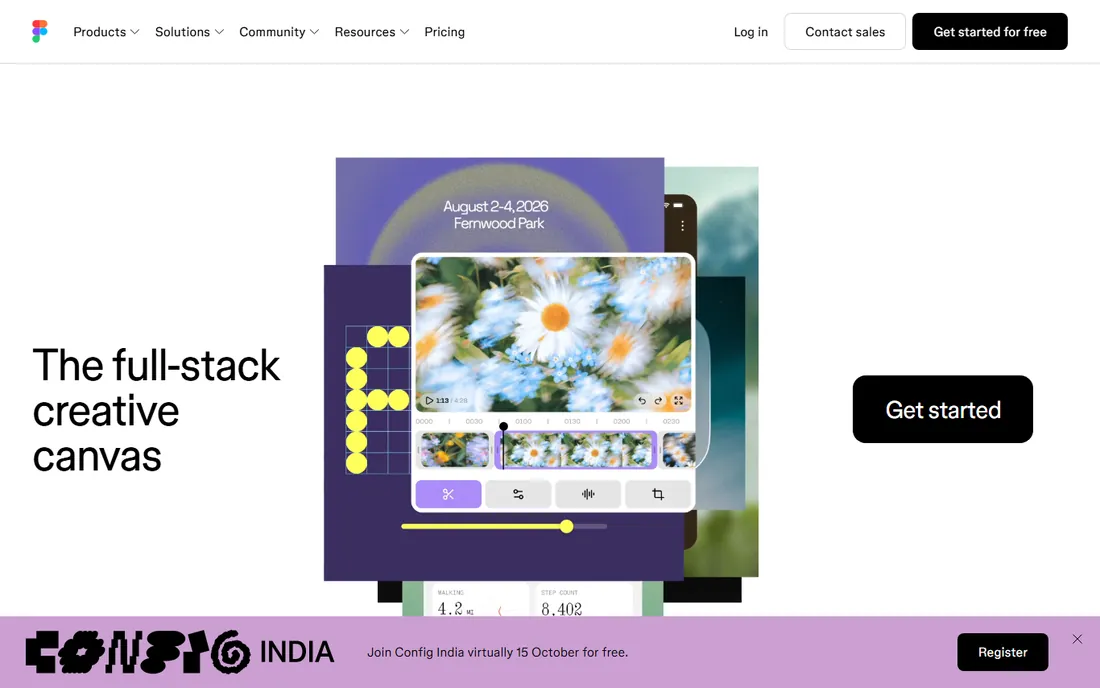
Figma won this category years ago and still holds it. You design screens, wire them into interactive prototypes with transitions and animations, and developers inspect the same file with code properties. The free Starter plan is genuinely useful for solo work. Paid tiers add unlimited files, team libraries, branching and AI features like Figma Make, which generates prototypes from prompts.
The 2026 pricing reality is less friendly than it was. Professional now runs $16 per editor per month on annual billing ($20 monthly), with separate Dev seats at $12 and Collab seats at $3. For teams, audit who actually needs a full seat: viewers are free, and assigning full seats to comment-only stakeholders is the most common way teams overpay. Still the safest default pick.
What we like- The industry standard, so hiring designers who know it is easy
- Massive plugin and template ecosystem
- Real-time multiplayer collaboration and solid developer handoff
Watch out for- Per-seat costs scale linearly with headcount
- Dev Mode inspection now needs a paid seat for developers
#2
Sketch
Best for: Mac-only design teams that prefer native apps
Visit sketch.com
Starting price$12/editor/month (Standard, billed annually)
Free planNo (trial only)
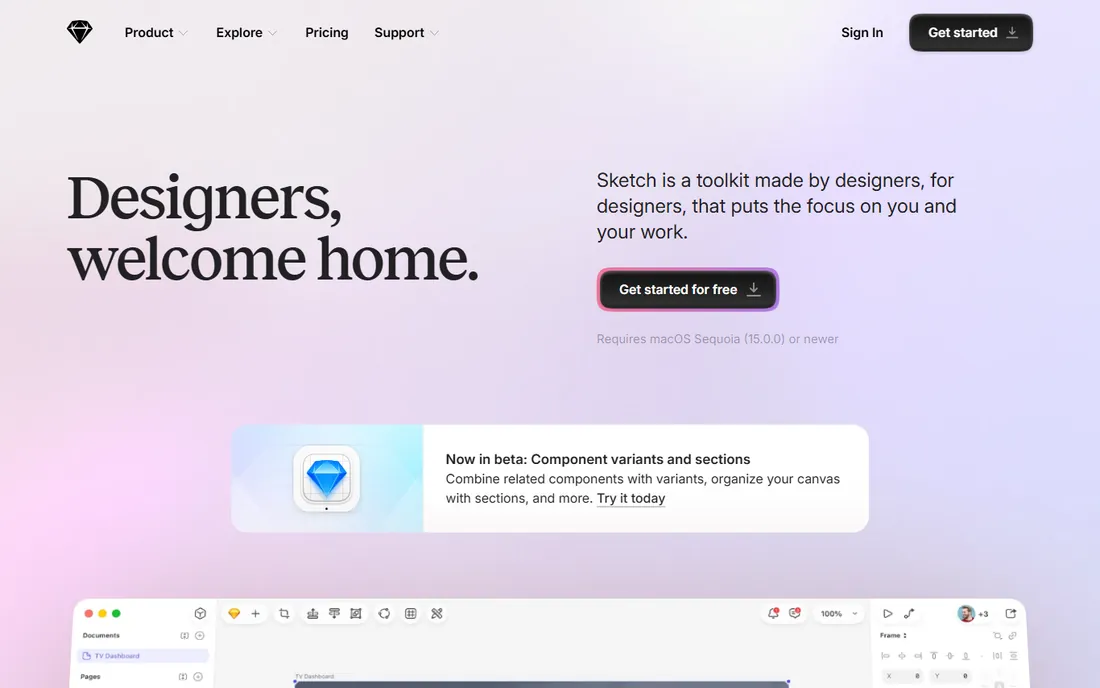
Sketch invented the modern UI design tool and remains a solid choice for all-Mac teams. Standard at $12 per editor per month includes unlimited cloud documents, version history, shared libraries and basic prototyping; Business at $20 adds SSO, advanced permissions and shared workspaces. Viewers are free, and developers can inspect files without a paid seat.
The trade-off is the ecosystem. No Windows or Linux support, a smaller plugin community than Figma, and real-time collaboration that feels secondary to the desktop app. There is no free plan, only a trial. If your team is already on Macs with established Sketch workflows, there is no pressing reason to leave. New teams choosing today usually pick Figma or Penpot.
What we like- Snappy native macOS performance with lower resource use than browser tools
- Clean, focused interface with strong symbols and libraries
- Developer handoff free for viewers
Watch out for- Mac only, so mixed-OS teams are out
- Collaboration still lags behind Figma
#3
Axure RP
Best for: UX teams building realistic, logic-driven enterprise prototypes
Visit axure.com
Starting price$29/user/month (Pro, billed annually)
Free planFree trial (30 days)
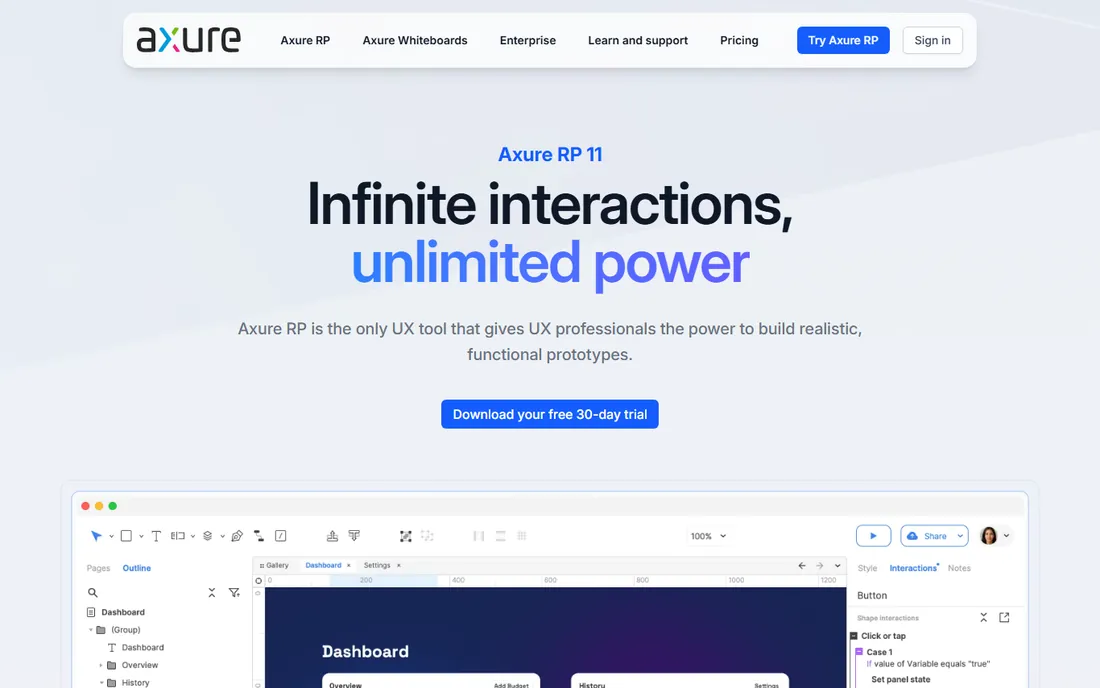
Axure RP is the heavyweight for prototypes that need to act like the real product: conditional flows, dynamic panels, data-driven repeaters and full documentation in the same file. Enterprise UX teams use it to specify complex software and test realistic interactions before a line of code exists. Pro at $29 per user per month covers individual authors; Team at $49 adds co-authoring and revision history.
This is not a general design tool. The interface prioritizes logic over beauty, and designers who live in Figma will find the visual tooling basic. The 30-day trial is the longest here, which you will need. Pick Axure when the prototype must prove behavior, not just layout. For marketing-style click-throughs, it is overkill.
What we like- Conditional logic, variables and repeaters for prototypes that behave like real software
- Wireframes, diagrams and documentation in one file
- Unlimited reviewers and cloud hosting included
Watch out for- Desktop-only editor with a steeper learning curve
- Visual design features weaker than Figma or Sketch
#4
ProtoPie
Best for: Designers prototyping realistic mobile and multi-device interactions
Visit protopie.io
Starting price$11/month (Individual plan)
Free planYes
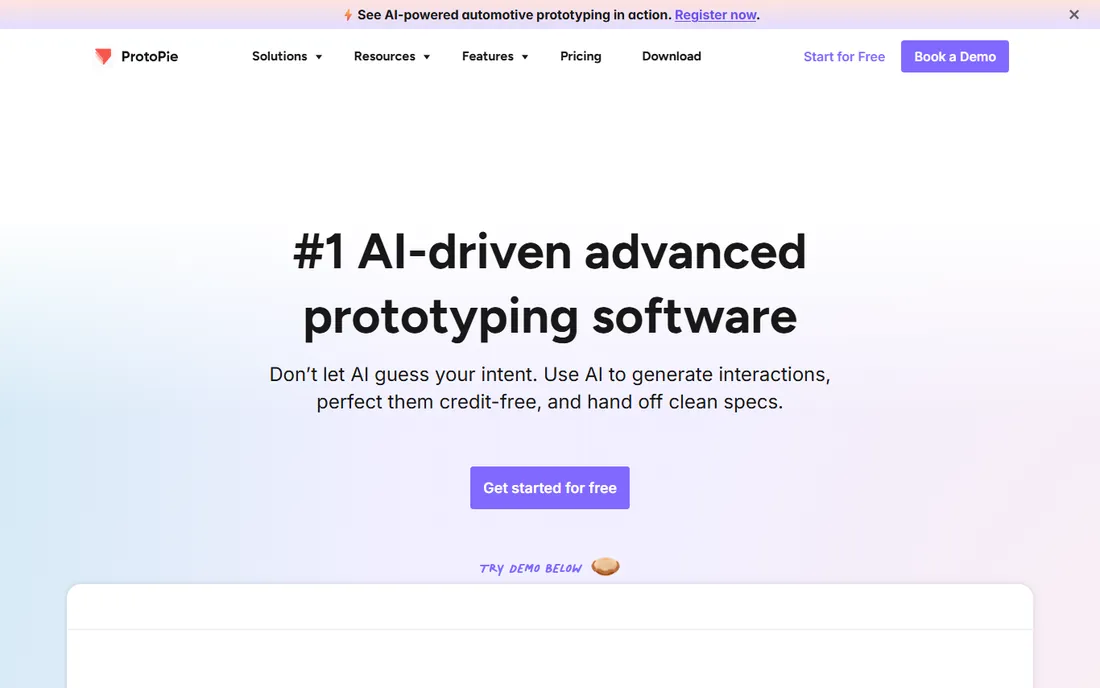
ProtoPie makes prototypes that feel like finished apps. Triggers and responses handle gestures, voice, device sensors and communication between multiple devices, all without code. You design screens in Figma or Sketch, import them, and build interactions that user-test realistically on a phone. The Individual plan at $11 a month is the cheapest entry to this level of realism.
The honest catch is scope: ProtoPie does not replace your design tool, it extends it. Teams at $42 per editor per month get shared spaces and access control. If your prototypes need to prove how an app feels in the hand, including hardware interactions, nothing else here touches it. If you just need screens that link together, it is more than you need.
What we like- Sensor-driven interactions (tilt, sound, proximity, vibration) with no code
- Prototypes run on real devices through the Player app
- Imports from Figma, Sketch and Adobe XD
Watch out for- Recent pricing tiers can confuse (Individual vs Team vs the older Pro)
- It is a prototyping specialist, not a full design tool
#5
Balsamiq
Best for: Teams that want to validate flows before designing screens
Visit balsamiq.com
Starting price$16/editor/month (Starter, billed annually)
Free planFree trial (14 days)
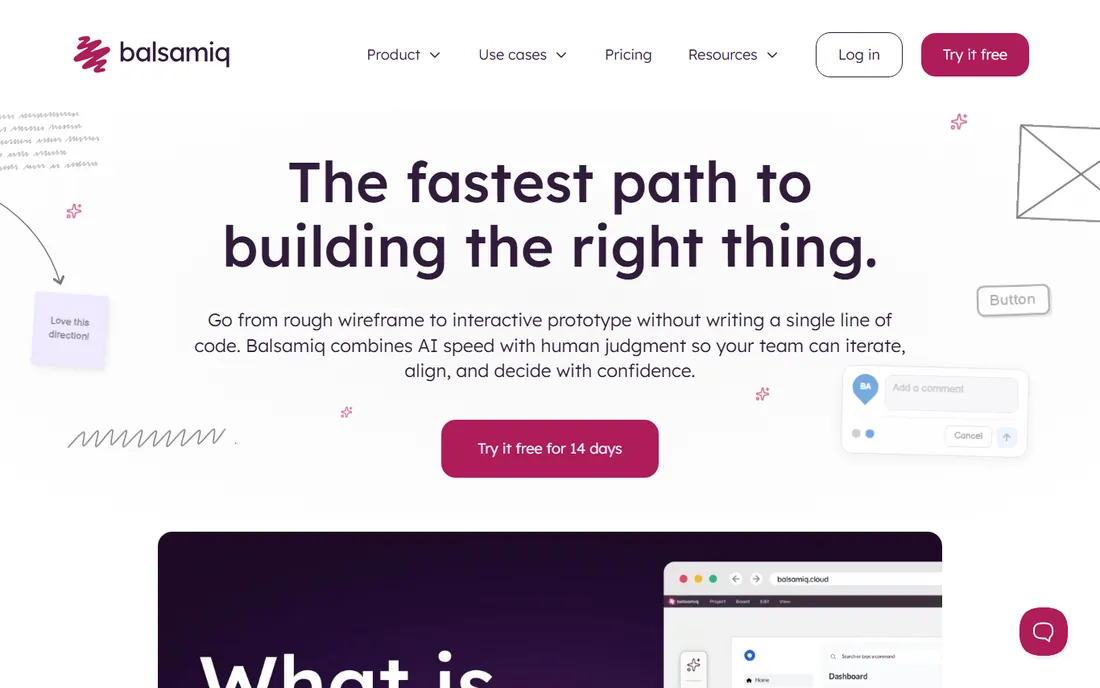
Balsamiq's hand-drawn aesthetic is a feature, not a limitation. When wireframes look unfinished, stakeholders critique the flow instead of the font size, which is exactly what you want in week one. The Starter plan at $16 per editor per month covers 10 projects with unlimited free reviewers; Teams at $24 raises that to 100 projects.
The 2026 version added an AI wireframing assistant and an MCP server that hands wireframes to coding tools. Integrations with Confluence, Jira and Slack fit it into product workflows. It will never produce a polished mockup, and that is the point. Use Balsamiq to find the right structure, then move to Figma or Framer to make it beautiful.
What we like- Deliberately low-fidelity style keeps feedback on structure, not styling
- AI assistant generates wireframes from prompts or sketches
- One-click clickable prototypes from wireframes
Watch out for- No free plan, only a 14-day trial
- Not a visual design tool, so hi-fi work happens elsewhere
#6
Framer
Best for: Website prototypes that become the actual website
Visit framer.com
Starting price$5/month (Mini, billed annually)
Free planYes
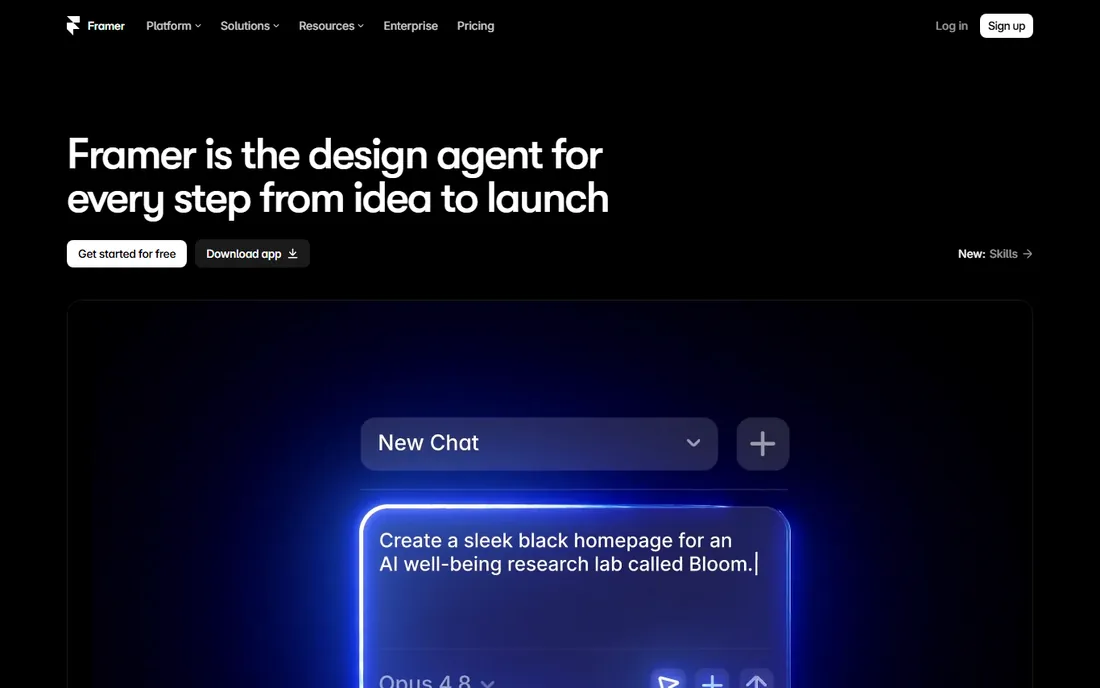
Framer erases the line between prototype and product for websites. You design in a Figma-like canvas, add real interactions and CMS content, and publish to a custom domain. The free tier works for testing; Mini at $5 a month (annual) is the honest floor for a real site with a custom domain; Basic at $15 adds CMS depth and analytics; Pro at $30 raises traffic and page limits.
Two pricing realities to note: plans are per site, not per seat, so three client sites mean three subscriptions, and the cheapest numbers assume annual billing. For marketing sites, landing pages and portfolios, Framer is the fastest path from idea to live URL. For app UI, look elsewhere.
What we like- Designs publish as production websites with CMS, SEO tools and analytics
- AI site generation from text prompts
- Physics-based animations without code
Watch out for- Per-site pricing gets expensive for agencies managing many client sites
- Not a tool for native mobile app prototyping
Starting priceSee website
Free planYes (1 project)
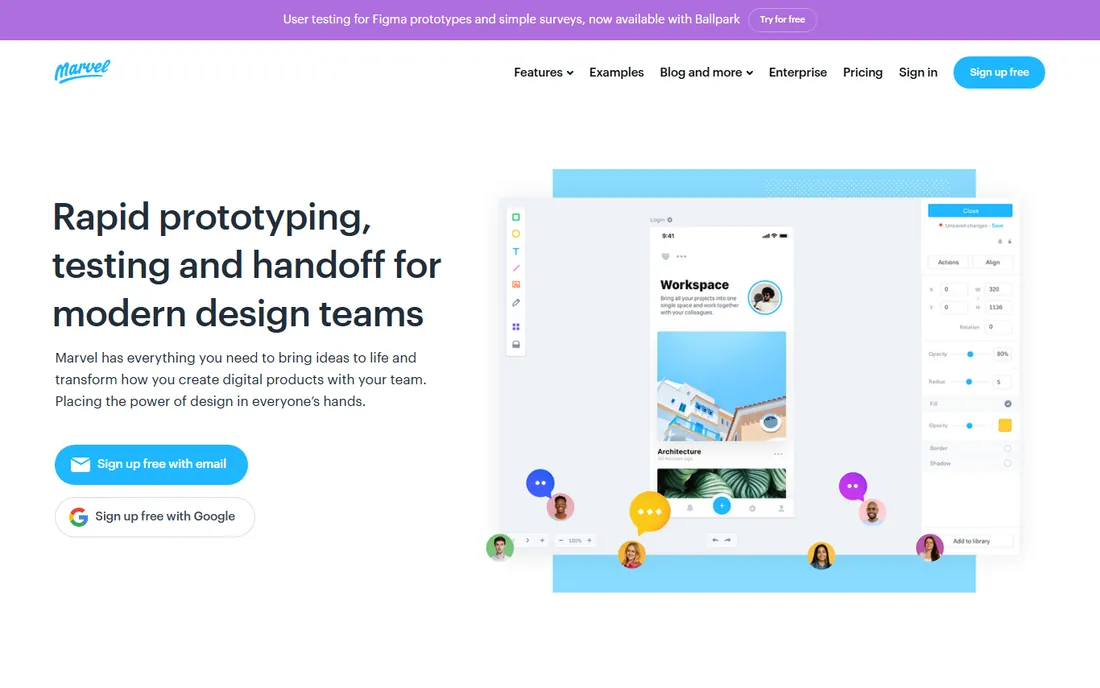
Marvel is the tool you hand to a founder or product manager who has never opened design software. Drop in screens or wireframes, link them into a tappable flow, share a link, run a quick user test. The free tier covers a single project, which is enough to learn whether prototyping fits your process.
The honest catch is transparency: Marvel does not publish current pricing as clearly as the others, so confirm the plan before committing a team. It also lacks the depth for design-system work or complex interactions. Marvel's job is speed and simplicity for early validation, and it does that job well.
What we like- The easiest learning curve on this list
- Wireframing, prototyping and user testing in one place
- Handy mobile apps for presenting on devices
Watch out for- Pricing is not published transparently
- Feature depth lags behind Figma and ProtoPie
#8
Uizard
Best for: Non-designers who need mockups from a text prompt
Visit uizard.io
Starting price$12/month (Pro, billed annually)
Free planYes (2 projects, 3 AI generations/month)
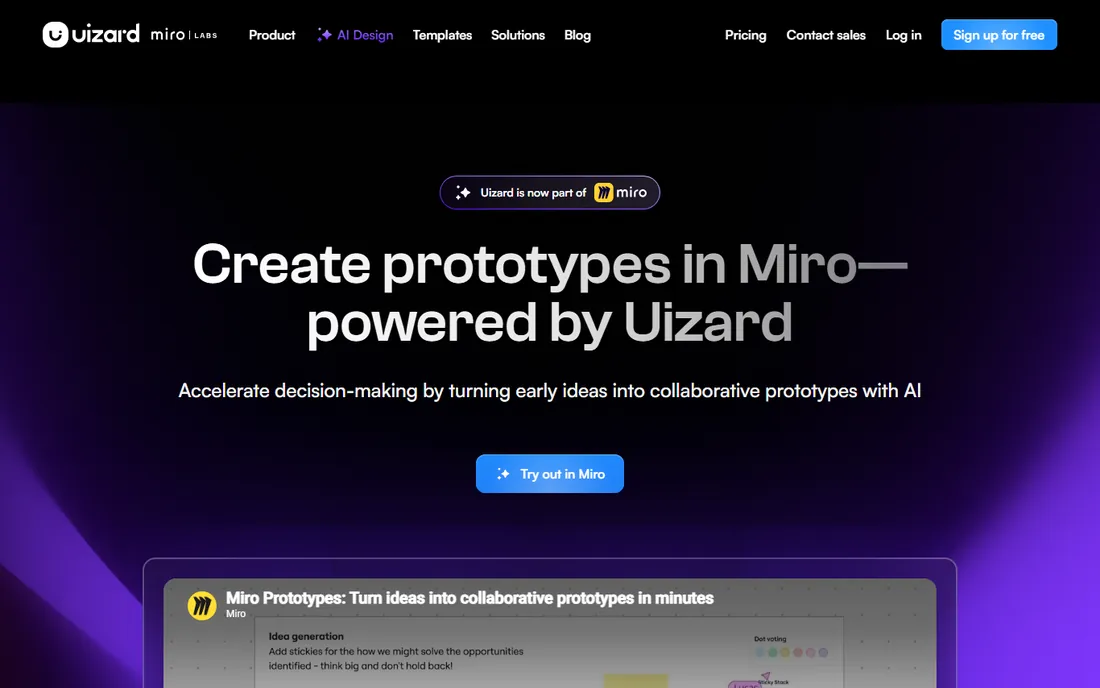
Uizard is the AI-first entry: describe the app, and Autodesigner 2.0 produces a multi-screen interactive prototype with navigation and components. The Pro plan at $12 a month on annual billing ($19 monthly) raises the cap to 500 AI generations, 100 projects and developer handoff. It was acquired by Miro Labs in 2024 and keeps operating independently.
It complements rather than replaces professional designers. Generated screens are editable, but complex design systems still need expert refinement. For product managers validating MVPs, founders pitching investors or marketers who need mockups fast, it removes the designer bottleneck at the concept stage.
What we like- Autodesigner generates multi-screen prototypes from plain English
- Sketch and screenshot scanners turn drawings and existing apps into editable mockups
- Developer handoff exports React and CSS
Watch out for- Free plan's 3 monthly AI generations barely cover evaluation
- AI output can look generic without careful prompting
#9
Penpot
Best for: Teams that want professional prototyping without per-seat billing
Visit penpot.app
Starting priceFree (open source)
Free planYes
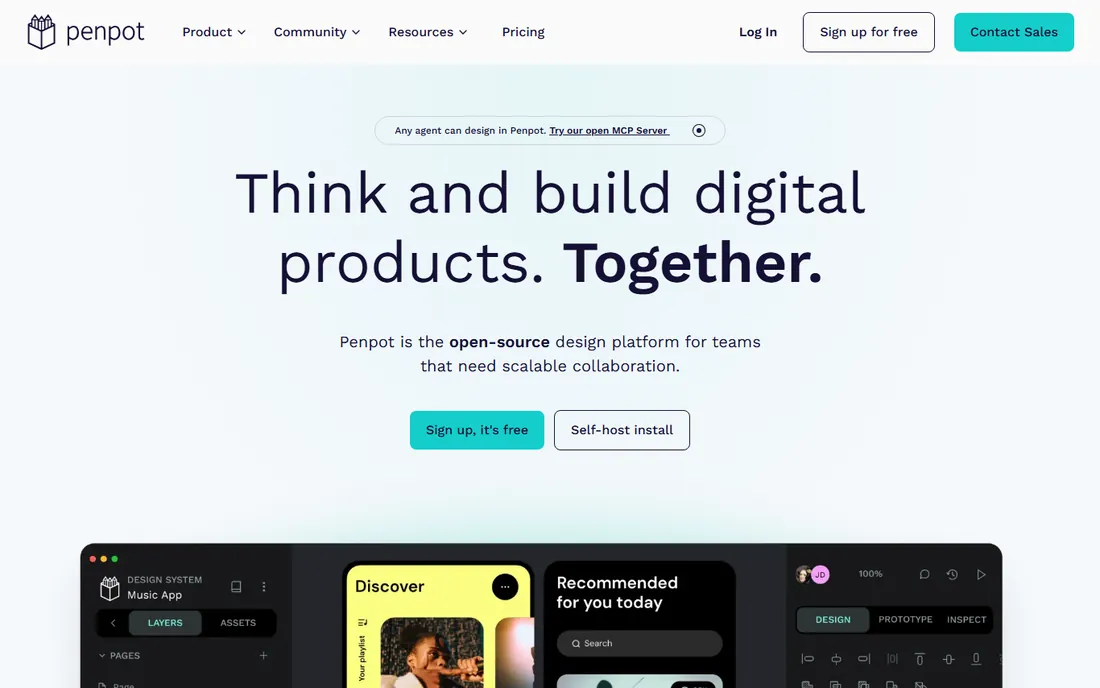
Penpot is the open-source answer to Figma's price increases: a browser-based design and prototyping tool that costs nothing, with no limit on editors. Teams can self-host it, which matters for organizations with strict data requirements. The interface deliberately mirrors Figma conventions, so designers switching over feel at home quickly.
The ecosystem gap is real but shrinking. Fewer plugins, fewer templates, and occasional rough edges on advanced features. For startups, agencies watching costs, public-sector teams and anyone philosophically opposed to per-seat SaaS, Penpot is the strongest free prototyping tool available in 2026.
What we like- Completely free with no seat limits
- Open source and self-hostable for security-conscious teams
- Figma-like interface, so the learning curve is short
Watch out for- Smaller plugin and template ecosystem than Figma
- Some advanced features still maturing
How we chose
We checked the vendor pricing pages first, because prototyping tools have shifted prices aggressively in the last two years and older reviews quote numbers that no longer exist. Every price above reflects 2026 published plans. We then compared prototyping depth honestly: click-through linking is table stakes, so we favored tools with real interaction models, logic, device testing or AI generation. Public reviews on G2, Capterra and Reddit, plus hands-on comparisons from reviewers who rebuilt the same screens in multiple tools, informed the usability judgments. We excluded Adobe XD and InVision (both discontinued), mixed established platforms with AI-native tools, and kept one genuinely free open-source option because not every team should pay per seat.
The biggest mistake buyers make is buying hi-fi tools for lo-fi problems. If you are validating whether users understand a flow, Balsamiq or a Balsamiq-style wireframe in Figma is faster and gets better feedback. If you are testing whether an app feels right in the hand, ProtoPie or Axure justify their cost. If the deliverable is a marketing website, Framer skips the handoff entirely.
Ask three questions. Who builds the prototype: designers, or everyone? Figma, Sketch and Penpot assume design skill; Marvel, Balsamiq and Uizard do not. What must it prove: layout, behavior or feel? Layout needs wireframes, behavior needs logic, feel needs device testing. And where does it end: a developer handoff, a live website or a funding deck? The answer picks the tool.
AI prototyping: what it replaces and what it does not
AI generation is now the fastest way to reach a first draft. Uizard's Autodesigner, Figma Make and Framer's AI site builder all turn a paragraph into clickable screens in minutes, which replaces the blank-canvas hours that used to start every project. For founders and product managers, that is transformative.
It does not replace design judgment. AI output converges on generic patterns, misses brand nuance and cannot run a usability test. The winning workflow in 2026 is hybrid: generate the draft with AI, refine it in Figma or Framer, test the interactions in ProtoPie or Marvel. Budget for one AI tool and one professional tool rather than expecting one subscription to do both jobs.
Frequently asked questions
What is the best free prototyping tool?
Penpot is the strongest fully free option: open source, no seat limits, Figma-like editing and prototyping. Figma's free Starter plan is generous for solo work (3 design files). Framer's free tier works for website prototypes. Uizard's free plan is the most limited, with only 3 AI generations a month.
Should I use Figma or Sketch for prototyping?
Figma for almost everyone: it works on any OS, collaboration is better, the ecosystem is bigger, and hiring is easier. Sketch only wins for Mac-only teams that prefer a native app and want free developer handoff for viewers. New teams in 2026 should default to Figma or the free Penpot.
What is rapid prototyping?
Rapid prototyping means building a testable version of an idea in hours or days instead of weeks. Low-fi rapid tools like Balsamiq validate flows; AI tools like Uizard generate drafts from prompts; Framer publishes website prototypes as live pages. The goal is always the same: learn from users before committing engineering time.
Can I prototype a website without knowing code?
Yes. Framer publishes real websites from a visual canvas, starting at $5 a month. Uizard generates site mockups from text prompts. Even Figma prototypes can be shared as clickable links for stakeholder review. None of these need code until you want custom behavior, at which point Framer accepts React components.
Do I need a designer to build a prototype?
Not for early validation. Marvel, Balsamiq and Uizard are built for non-designers, and AI generation lowers the bar further. You need a designer when the prototype must carry a brand, follow a design system or survive developer handoff. Most teams start without one and bring design in once the concept is validated.
What happened to InVision and Adobe XD?
Both were discontinued: InVision shut down at the end of 2024, and Adobe ended XD development to focus on other products. That is why neither appears on this list. Figma absorbed most of their users, with Penpot and Framer picking up teams that wanted alternatives.
Sources we checked (21)
- https://www.vendr.com/marketplace/figma?requestType=priceEstimate
- https://procurementvms.com/vendors/figma-pricing-unlock-savings-with-spendflos-cost-optimization-strategies.html
- https://www.banani.co/blog/figma-pricing-and-credits
- https://www.vendr.com/marketplace/sketch
- https://appstackinsider.com/insights/figma-vs-sketch/
- https://uxpickle.com/tool/axure/
- https://www.getapp.com/it-management-software/a/axure-rp/
- https://www.g2.com/products/protopie/pricing
- https://www.softwaresuggest.com/protopie
- https://www.saasworthy.com/product/protopie-io
- https://balsamiq.com/blog/figma-alternatives/
- https://pricetrack.dev/products/balsamiq
- https://onepagelove.com/framer-pricing
- https://scored.tools/blog/framer-review-no-code-website-builder-2026/
- https://www.ideaplan.io/compare/framer-vs-figma-2026
- https://www.techradar.com/pro/marvelapp-prototyping-and-design-review
- https://brokenctrl.com/product/uizard-ai
- https://aitools.fyi/uizard
- https://www.banani.co/blog/uizard-ai-review
- https://github.com/aiopentec/opensource-alternative-finder/blob/HEAD/blog_content/why-teams-are-switching-from-figma-to-penpot.md
- https://flowstep.ai/blog/uizard-alternative/
Is your product missing or out of date?
We review this list regularly. Vendors can request a listing, send updated pricing or ask about featured placement.

Shihab Mia · Founder, Rankite
Shihab has spent more than a decade helping SaaS and e-commerce brands grow through search. He writes Rankite's software buying guides from pricing pages, documentation and public user reviews. More about Shihab.