How we make this list: we compare pricing pages, product documentation and public user reviews. Rankite is independent; if a vendor ever pays for a featured spot, that listing is clearly labeled Partner.
Key takeaways
- Google Stitch is free and the strongest zero-cost option, though it remains a Google Labs experiment with no guaranteed future pricing.
- Uizard ($12/month Pro) and Visily ($11/editor/month Pro) lead for non-designers turning prompts into editable mockups.
- v0 by Vercel ($20/month Premium) generates working React code rather than pictures of interfaces.
- Most tools meter AI usage with credits or generations, so check monthly limits before committing to a workflow.
The shortlist
| Tool |
Best for |
Starting price |
Free plan |
| Uizard |
Non-designers making clickable prototypes |
$12/month (Pro, annual) |
Yes |
| Google Stitch |
Free AI UI generation |
$0 (free beta) |
Yes |
| Visily |
Wireframes from text, screenshots or sketches |
$11/editor/month (Pro, annual) |
Yes (Starter) |
| v0 by Vercel |
Developers wanting production React code |
$20/month (Premium) |
Yes |
| Framer |
AI-generated sites you can publish |
$5/month (Mini, per site) |
Yes |
| Magic Patterns |
Teams with design systems |
$20/seat/month (Starter) |
Yes |
| Relume |
Sitemaps and wireframes for Webflow builds |
$18/month (Starter) |
Yes |
| TeleportHQ |
Front-end code from visual designs |
$9/month (Professional) |
Yes |
The best AI app design generator

#1
Uizard
Best for: non-designers who need clickable prototypes fast
Visit uizard.io
Starting price$12/month (Pro, billed annually)
Free planYes (2 projects, 3 AI generations/month)
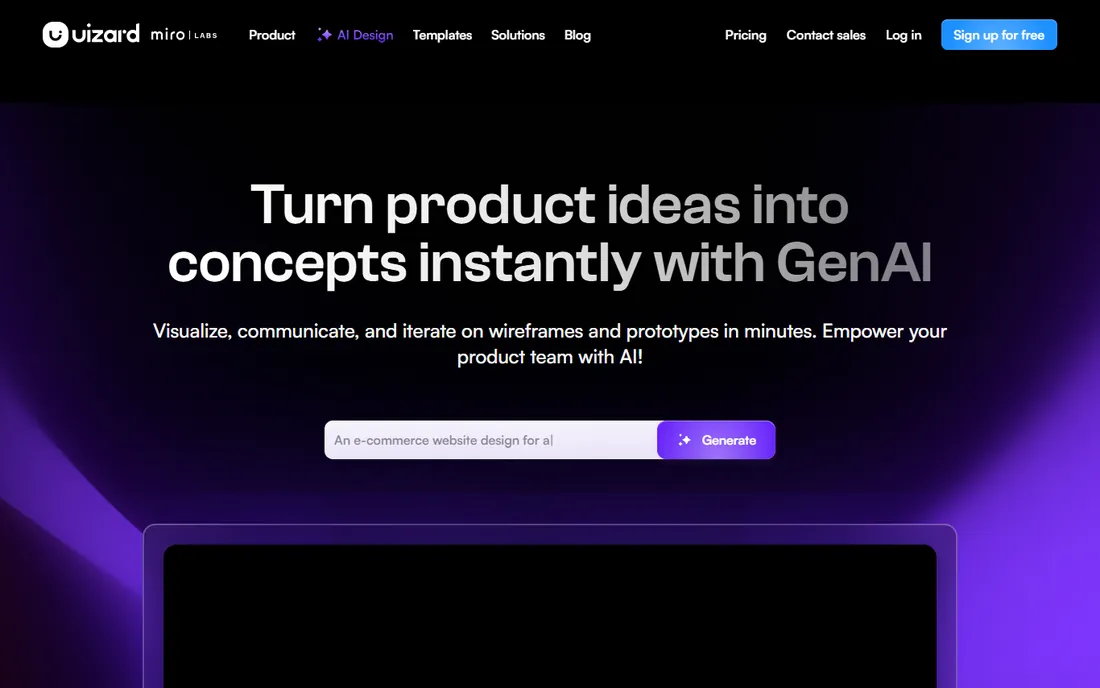
Uizard's Autodesigner turns a text description into a complete multi-screen prototype with navigation, components and layout, no design skills required. Photograph a hand-drawn wireframe and it becomes a digital prototype; import a screenshot and edit it as components. Pro costs $12 per month billed annually ($19 month-to-month) with 500 AI generations, developer handoff to React and CSS, and 100 projects.
The free plan is genuinely limited at 3 generations a month, enough to evaluate, not to work. And the speed comes with a sameness: without careful prompting, Uizard outputs look like Uizard outputs. For product managers and founders who need to put a rough idea on screen before a meeting, nothing is faster. Note that Miro acquired Uizard in 2024, so its future is tied to Miro's product planning.
What we like- Text, sketch and screenshot inputs
- Autodesigner builds multi-screen flows
- React and CSS developer handoff
Watch out for- Free plan allows only 3 AI generations a month
- Outputs can look generic
- Acquired by Miro, roadmap tied to it
Starting price$0 (free beta)
Free planYes
Stitch is Google's AI-native design tool, and right now it is free. Describe what you want in natural language, upload a sketch or screenshot, and Stitch generates high-fidelity screens you can stitch into interactive prototypes, export to Figma, or download as HTML, CSS, Tailwind or React code. The 2026 updates added an infinite canvas, multi-screen generation, voice interaction and an MCP server connecting Stitch to coding assistants.
The price is the story: around 550 generations a month at no cost makes it the most generous free option in this category by far. The risk is equally clear. Stitch is a Google Labs experiment, and Google has announced no long-term pricing or availability guarantees. Use it enthusiastically for exploration and prototyping, but do not build a business process on a tool that could change terms or disappear.
What we like- Completely free with generous monthly generations
- Gemini-powered quality
- Figma export and code export included
Watch out for- Google Labs experiment with no pricing guarantees
- Needs a Google account
- Occasional instability

#3
Visily
Best for: product teams wireframing without a designer
Visit visily.ai
Starting price$11/editor/month (Pro, billed annually)
Free planYes (Starter: 2 boards, limited AI credits)
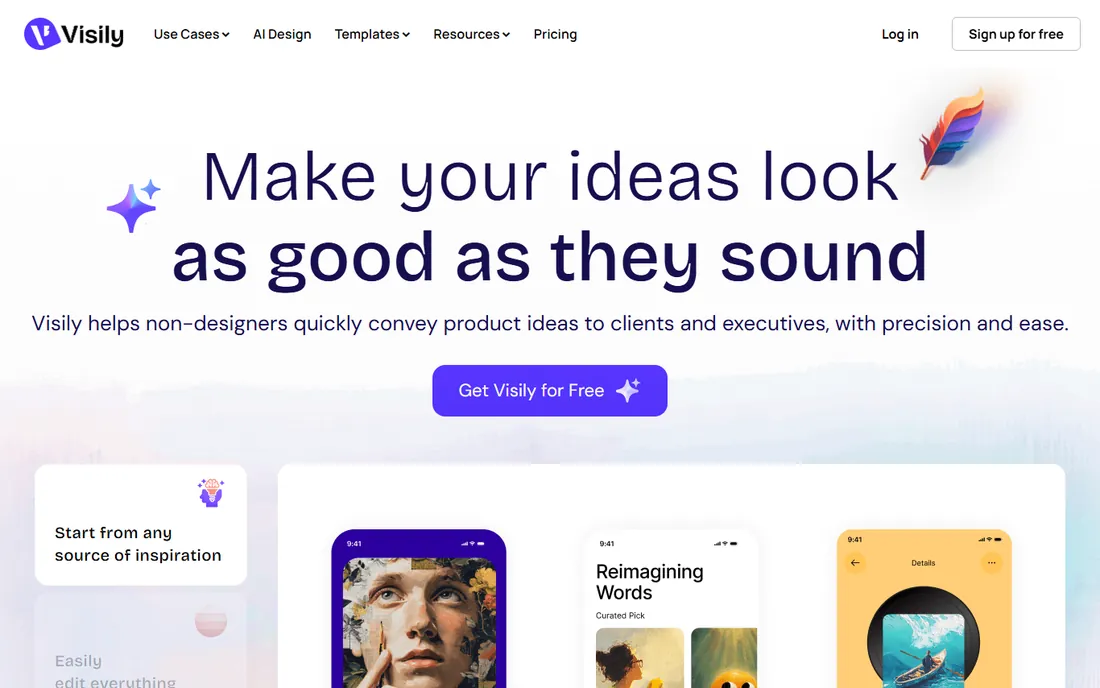
Visily is built for the product manager who needs to communicate a UI concept without waiting for a designer. Text prompts, screenshots and hand-drawn sketches all become editable wireframes on a drag-and-drop canvas, with a hi-fi and lo-fi switch that restyles everything instantly. The Starter plan is free with 2 boards and limited credits; Pro costs $11 per editor per month billed annually ($14 monthly) with 3,000 AI credits, unlimited boards and Figma export.
Reviewers praise the screenshot-to-wireframe accuracy and the genuinely usable free tier. The frustrations are workflow-level: AI edits regenerate entire screens rather than changing one element, and there is no auto layout, so manual positioning takes time. For fast, collaborative wireframing by non-designers, Visily is the most polished option with a real free plan.
What we like- Screenshot-to-wireframe via browser extension
- Hi-fi and lo-fi modes
- Clean Figma export
Watch out for- AI editing regenerates whole screens instead of targeted edits
- No auto layout
- Free plan is watermarked

#4
v0 by Vercel
Best for: developers who want working UI code, not mockups
Visit v0.app
Starting price$20/month (Premium)
Free planYes ($5/month in credits)
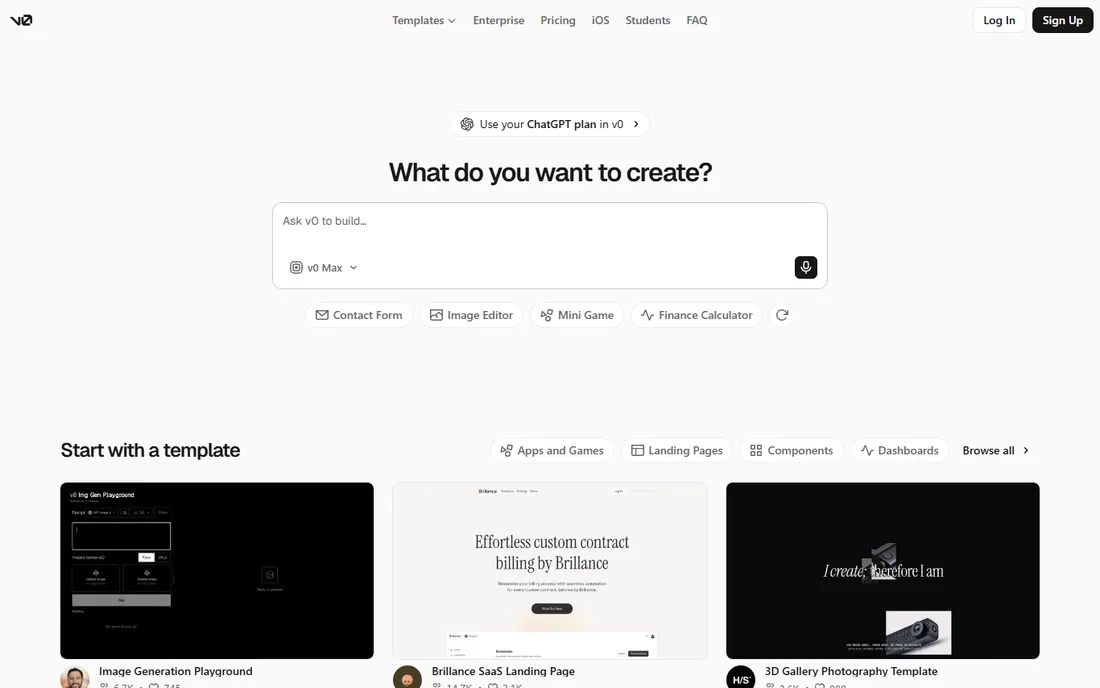
v0 is the developer's entry in this list. Instead of generating pictures of interfaces, it generates working React, Next.js and Tailwind code you can deploy to Vercel in one click. Pricing is credit-based: Free includes $5 of monthly credits, Premium costs $20 per month with $20 in credits, Team $30 per user. Credits map to token usage, so a quick tweak costs little and a heavy agentic build session can burn several dollars.
That metering is the main complaint. Costs are genuinely hard to predict because they depend on prompt length, model choice and iteration count. And v0 speaks only React and Tailwind, no Vue, no Angular, no plain HTML shops. For frontend developers in the Vercel ecosystem who want AI that writes shippable UI, v0 is unmatched; for everyone else, the mockup tools above are more practical.
What we like- Generates production-ready React and Next.js code
- Deploys straight to Vercel
- Figma imports on paid plans
Watch out for- Token-based credits make costs unpredictable
- React and Tailwind only
- Free tier is a tasting menu

#5
Framer
Best for: generating and publishing real websites with AI
Visit framer.com
Starting price$5/month (Mini, per site, billed annually)
Free planYes
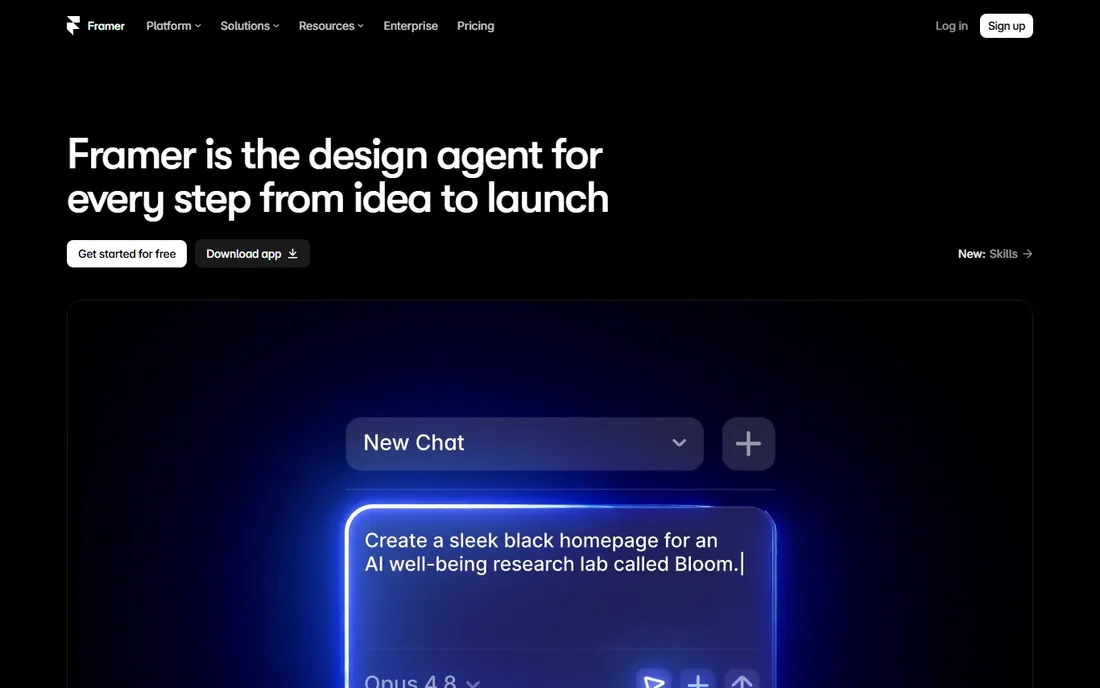
Framer's AI generates complete websites from a text prompt, and unlike most tools here, the output is a live site you can publish, with CMS, forms, SEO tools and hosting built in. Pricing is per site: Free covers 3 sites on a Framer subdomain, Mini $5 per month adds a custom domain, Basic $15 adds CMS depth, Pro $30 adds analytics and scale. AI features work across every tier, so you never pay extra for the AI itself.
The per-site model is the gotcha: three client sites means three subscriptions. And Framer is a website builder, not a native app prototyper; if your deliverable is a mobile app flow, Uizard or Visily fit better. But for marketing sites, landing pages and portfolios, Framer collapses the design-to-published pipeline into one tool, and its free tier is a real working tier.
What we like- AI generates complete, polished, publishable sites
- Real CMS, SEO and hosting included
- Generous free tier
Watch out for- Per-site pricing adds up for agencies
- Website builder, not a mobile app prototyper
- Hosted on Framer's infrastructure
Starting price$20/seat/month (Starter)
Free planYes
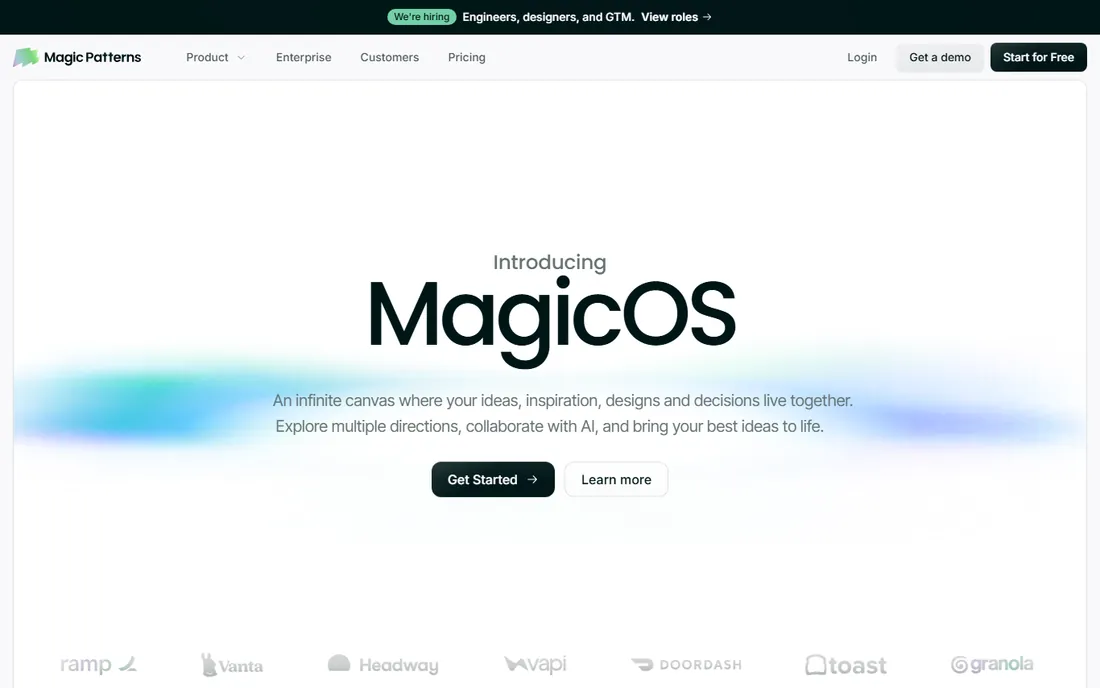
Magic Patterns solves the generic-output problem that plagues AI design tools. It connects to your design system, so generated screens use your components, your tokens and your brand instead of stock layouts. Exports cover React and Vue, and the conversational editing keeps iteration inside the tool. The Starter plan runs $20 per seat per month, with a free tier for evaluation.
The trade-off is that Magic Patterns assumes design maturity. Without an existing design system to sync, you lose its main advantage and pay a premium over Uizard or Visily for similar generation. For product teams with established systems who want AI speed without brand drift, it is the right category of tool; for everyone else, start cheaper.
What we like- Syncs with your design system
- Exports React and Vue
- Outputs match brand instead of generic templates
Watch out for- Higher entry price
- Best value requires an existing design system
- Smaller community than Uizard

#7
Relume
Best for: AI sitemaps and wireframes that export to Figma and Webflow
Visit relume.ai
Starting price$18/month (Starter)
Free planYes (1 project, 1 page)
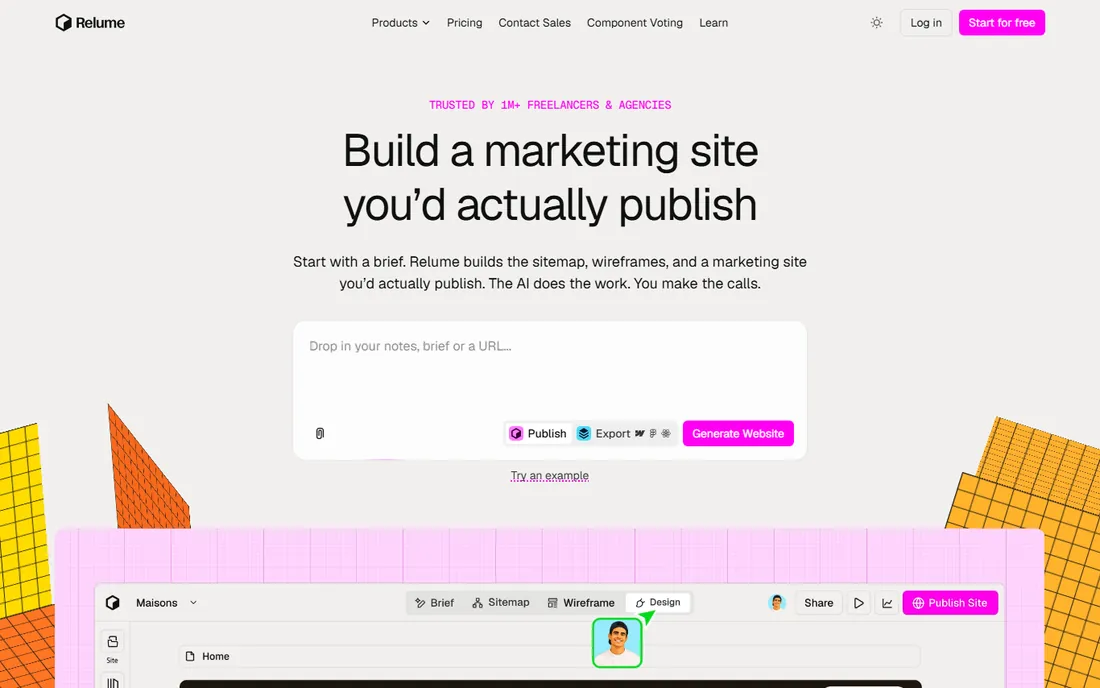
Relume takes a planning-first approach. Describe your website and it generates a complete sitemap and wireframes assembled from a library of over 1,000 human-designed components, with AI-written copy placeholders. Everything exports to Figma or Webflow, where the real build happens. The free plan covers 1 project and 1 page; Starter starts at $18 per month, with Pro at $40 and separate meters for AI usage and hosting.
The pricing structure is the most confusing in this list: building, AI usage and hosting are separate meters, and hosting is per site. And the output is a structure to build from, not a finished website, so small business owners expecting a site will be disappointed. For designers and agencies working in the Webflow ecosystem, Relume compresses days of planning into minutes.
What we like- Full sitemap plus wireframes from one prompt
- 1,000+ human-designed components
- Clean Webflow export
Watch out for- Pricing is split across confusing meters
- Output is structure, not a finished site
- Hosting costs extra per site
Starting price$9/month (Professional)
Free planYes
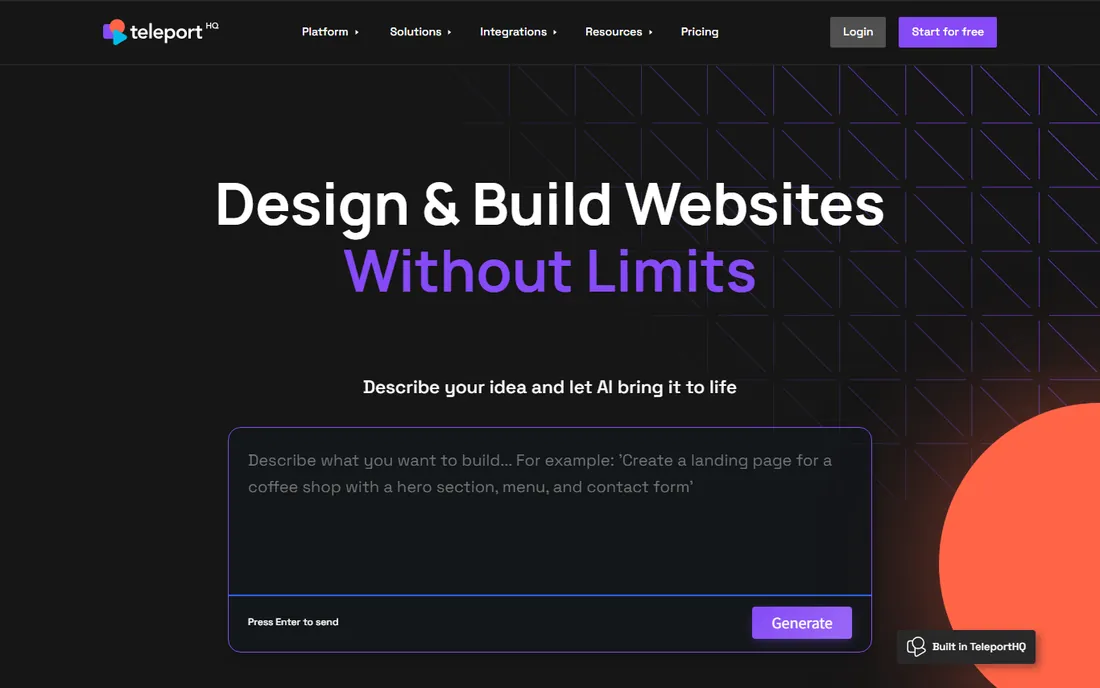
TeleportHQ is a collaborative front-end platform where visual design produces real code. Its AI converts text prompts and even hand-drawn wireframes into websites and UI components, with a Figma plugin bridging designer and developer workflows. The free plan includes 3 projects and AI tokens; Professional costs $9 per month with unlimited projects, more tokens and custom domains.
Reviewers note limited design flexibility and code generation that does not match v0's depth for complex applications. But at $9 a month it is the cheapest paid plan in this list, and the visual-builder-plus-code-export model suits freelancers and small teams who design and build the front end themselves. For rapid prototyping with usable code output, it punches above its price.
What we like- Visual builder with real code export
- Figma plugin
- Hand-drawn wireframe to code via Vision API
Watch out for- Design flexibility is limited
- Code generation is basic compared with v0
- Smaller ecosystem
Two kinds of AI design generators: mockups vs. working UI
These tools split into two philosophies. Mockup generators (Uizard, Visily, Stitch, Magic Patterns, Relume) produce editable designs: screens, flows and wireframes that a designer refines and a developer implements. Their output is a communication artifact, and their value is speed of ideation.
Code generators (v0, Framer, TeleportHQ) produce working artifacts: React components, published websites, deployable front ends. Their output skips the handoff entirely, and their value is speed of shipping. The right choice depends on your team. Designers who hand off to developers want mockup tools with clean Figma export. Developers and solo builders who ship themselves want code tools. Many teams end up using one of each.
Almost every tool here meters AI usage. Uizard counts AI generations (3 free, 500 on Pro). Visily counts AI credits (limited free, 3,000 on Pro). v0 counts tokens against a dollar credit pool. Relume meters AI usage separately from the subscription. Google Stitch is the exception, free with generous caps for now.
The practical advice: estimate your monthly generations before choosing. A product manager exploring one concept a week needs far less than an agency generating client options daily. Credit-based tools punish iteration, every "try it in blue" costs credits, so batch your feedback. And watch for the free-tier watermark trap: Visily's free exports are watermarked, which makes them unusable for client presentations.
Frequently asked questions
What is the best free AI app design generator?
Google Stitch is the strongest free option: around 550 AI generations a month, Figma export and code export at $0. Uizard and Visily both offer free plans with limited generations. Stitch's risk is its Labs-experiment status; the startups' risk is their tight free limits.
Can AI design generators replace UI designers?
No. They replace the blank canvas, not the designer. AI tools produce fast first drafts and explore directions quickly, but information architecture, interaction logic, accessibility and brand judgment still need human designers. The best results come from designers directing AI, not from AI working unsupervised.
Which AI design tool exports to Figma?
Uizard, Visily, Google Stitch, Magic Patterns and Relume all export to Figma. Visily and Relume are particularly praised for export quality. v0 skips Figma entirely and generates code instead, which suits developers but not designer-led workflows.
What is the difference between Uizard and Visily?
Both turn prompts into editable UI mockups for non-designers. Uizard's strength is multi-screen app flows from text and its sketch scanner; Visily's is screenshot-to-wireframe accuracy and a more generous free tier. Uizard Pro costs $12/month, Visily Pro $11/editor/month. Try both free plans against the same brief and keep the one whose output needs less fixing.
Do AI design generators write real code?
Some do. v0 generates production-ready React and Next.js, Framer publishes real websites, and TeleportHQ exports front-end code. Uizard, Visily, Stitch and Relume generate designs with code export as a secondary feature. If shipping code is the goal, start with v0 or Framer; if exploring designs is the goal, start with the mockup tools.
What happened to Galileo AI?
Google acquired Galileo AI in 2025 and relaunched it as Google Stitch, powered by Gemini and free in beta. The standalone Galileo AI product no longer exists as an independent tool. Stitch continues its mission of prompt-to-UI generation with far more generous free usage than Galileo ever offered.
Sources we checked (14)
- https://brokenctrl.com/product/uizard-ai
- https://aitools.fyi/uizard
- https://o-mega.ai/articles/google-stitch-and-ai-design-tools-complete-guide
- https://tech-insider.org/google-stitch-ai-design-tool-march-2026-update/
- https://www.banani.co/blog/visily-ai-review
- https://www.visily.ai/pricing/
- https://laracopilot.com/blog/v0-pricing/
- https://www.usecarly.com/blog/v0-pricing-explained/
- https://onepagelove.com/framer-pricing
- https://framerwebsites.com/blog/is-framer-ai-free
- https://flowstep.ai/blog/uizard-alternative/
- https://www.banani.co/blog/galileo-ai-features-and-alternatives
- https://agentsite.ai/alternatives/relume-alternative
- https://www.spotsaas.com/product/teleporthq/pricing
Is your product missing or out of date?
We review this list regularly. Vendors can request a listing, send updated pricing or ask about featured placement.

Shihab Mia · Founder, Rankite
Shihab has spent more than a decade helping SaaS and e-commerce brands grow through search. He writes Rankite's software buying guides from pricing pages, documentation and public user reviews. More about Shihab.