How we make this list: we compare pricing pages, product documentation and public user reviews. Rankite is independent; if a vendor ever pays for a featured spot, that listing is clearly labeled Partner.
Key takeaways
- TestFit ($195/month) is the only tool here with published pricing; everything else is quote-based enterprise sales.
- Development software spans four jobs: feasibility (TestFit), project management (Northspyre, Procore, Buildertrend), deal tracking (Dealpath) and capital (Rabbet, Juniper Square).
- VTS covers leasing and asset management for the operating phase after development completes.
- Budget, draw management and lender reporting are where development projects live or die; prioritize those workflows in demos.
- Contract lengths are annual and implementations typically run 4 to 12 weeks, so demo with your real project data, not the vendor's sample portfolio.
The shortlist
| Tool |
Best for |
Starting price |
Free plan |
| TestFit |
AI-powered site feasibility and massing |
$195/month (Parking Solver) |
No |
| Northspyre |
Development project management and budgets |
See website |
No |
| Procore |
Construction management at scale |
See website |
No |
| Buildertrend |
Home builders and remodelers |
See website |
No |
| Rabbet |
Construction finance and draw management |
See website |
No |
| Dealpath |
Deal pipeline and underwriting |
See website |
No |
| VTS |
Leasing and asset management |
See website |
No |
| Juniper Square |
Investment management and investor relations |
See website |
No |
The best real estate development software

#1
TestFit
Best for: developers testing site feasibility in hours, not weeks
Visit testfit.io
Starting price$195/month (Parking Solver, billed monthly)
Free planNo
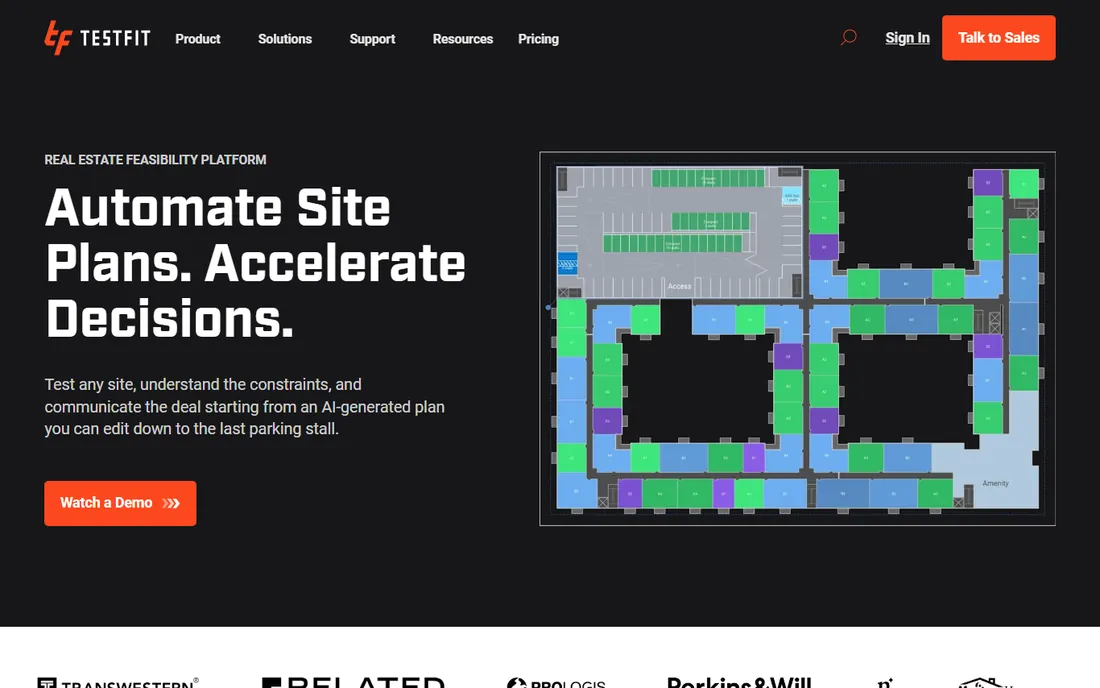
TestFit turns site feasibility from a weeks-long consultant engagement into an afternoon's work. Draw a parcel, set zoning parameters, and the generative engine produces thousands of massing options with live unit counts, parking layouts and pro forma financials. The vendor's pricing page is refreshingly transparent: Parking Solver at $195 per month billed monthly, Site Solver from $15,000 per year, Site Solver Portfolio from $20,000, with add-ons for site intelligence, pro forma and MCP connections.
The economics are simple for active developers: one avoided bad deal or one accelerated feasibility study pays for the year. Smaller firms should note the jump from Parking Solver to Site Solver pricing. For anyone underwriting land deals regularly, TestFit is the highest-ROI tool in this list.
What we like- Generative design with live pro forma
- Published pricing
- Integrates with Revit, SketchUp and AutoCAD
Watch out for- Site Solver starts at $15,000/year
- No free plan
- Small irregular lots are a weakness
Starting priceSee website
Free planNo
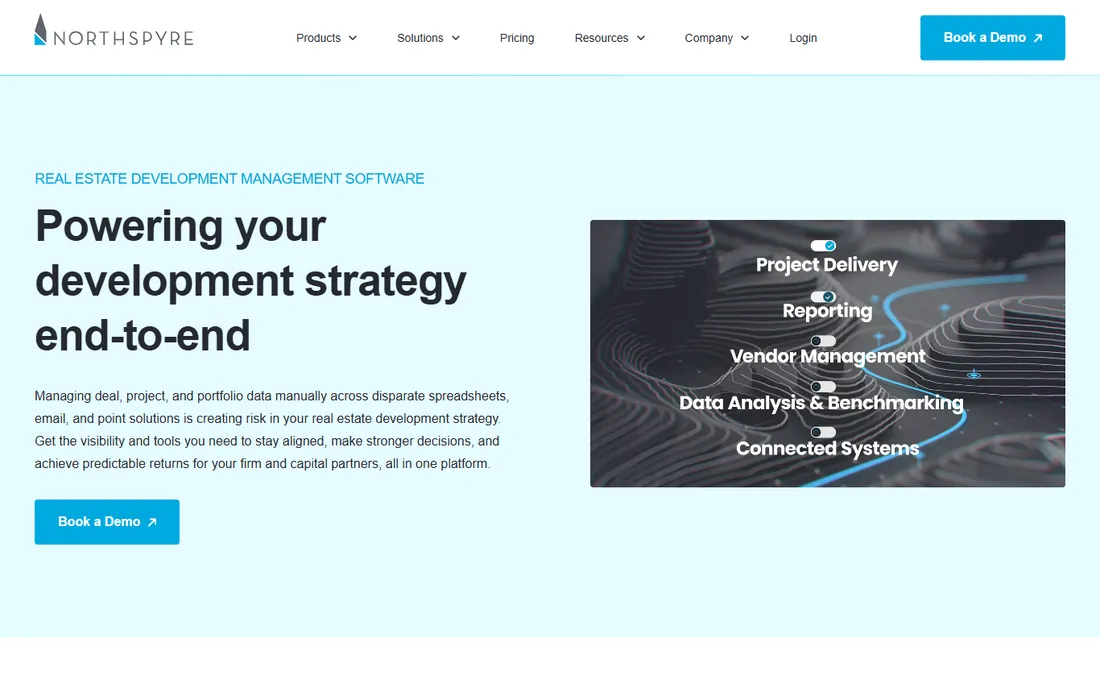
Northspyre is project management software designed for the developer's side of the table: budgets, commitments, change orders, draw requests and forecasting, with reporting built for lenders and equity partners. Where Procore serves the general contractor, Northspyre serves the owner-developer tracking the money.
Pricing is quote-based and aimed at professional development firms running multiple projects. The value shows in draw management: clean, auditable draw packages that lenders accept without rework. For developers juggling several projects with institutional capital, Northspyre's owner-centric design beats construction-first tools.
What we like- Purpose-built for developers, not GCs
- Budget tracking with forecasting
- Lender and investor reporting
Watch out for- Quote-only pricing
- Implementation effort
- Overkill for single-project developers

#3
Procore
Best for: large developments needing full construction management
Visit procore.com
Starting priceSee website
Free planNo

Procore is the construction management standard: project management, quality and safety, workforce management, financials and analytics across the entire build. On large developments, the general contractor is likely already on Procore, which makes owner visibility a matter of access rather than adoption. Pricing is quote-only and enterprise.
The caveat for developers: Procore is built for builders managing the work, not owners managing the investment. Budget vs. actual and draw workflows exist but sit inside a GC-centric product. For ground-up developments with major GCs, Procore is unavoidable and excellent. For the developer's own pipeline and capital management, pair it with Northspyre or Juniper Square.
What we like- Most complete construction platform
- Huge contractor network
- Strong financial tools
Watch out for- Quote-only enterprise pricing
- Built for GCs, not developers
- Long implementations
Starting priceSee website
Free planNo
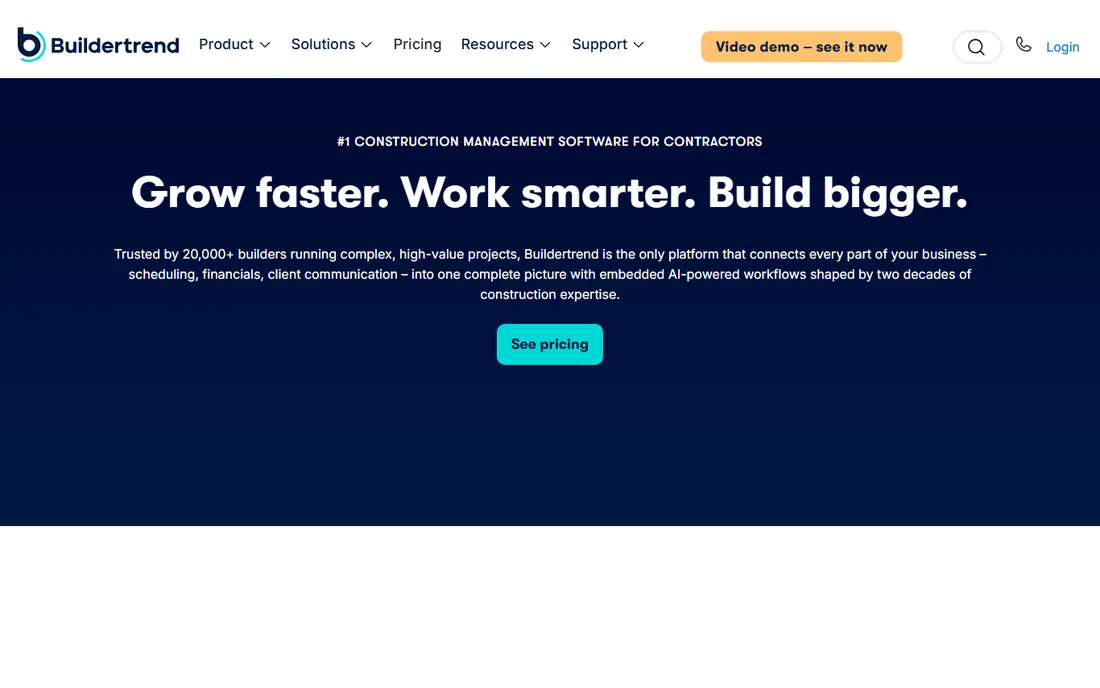
Buildertrend serves the residential side of development: custom home builders and remodelers managing schedules, budgets, selections, change orders and client communication in one portal. Homeowners see progress photos, approve selections and pay invoices without phone tag. Pricing is not published; the vendor sells through its sales team.
For production and custom home builders, the client-facing portal is the differentiator that generic construction tools lack. For commercial development, look elsewhere. The 403 bot-protection on its site is a reminder to contact sales directly for pricing and demos.
What we like- Client communication portal
- Scheduling and selections in one
- Strong in residential
Watch out for- Pricing not published
- Residential focus limits commercial use
- Can feel bloated

#5
Rabbet
Best for: lenders and developers streamlining construction draws
Visit rabbet.com
Starting priceSee website
Free planNo
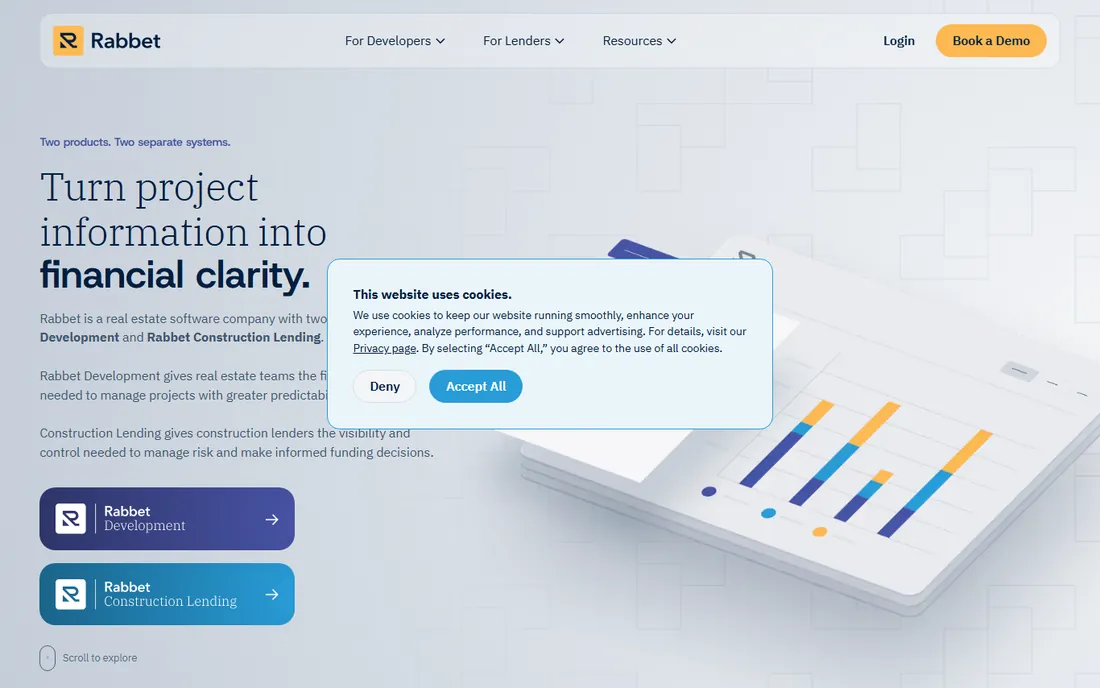
Rabbet attacks the most painful paperwork in development: construction loan draws. Its platform ingests invoices, lien waivers and inspection reports, applies machine learning to organize them, and produces draw packages that lenders can approve quickly. Both sides, developers submitting and lenders reviewing, work in one system. Pricing is quote-based.
Slow draws stall projects and strain contractor relationships, so the ROI case is straightforward for anyone managing construction debt. Rabbet does not replace project management or accounting; it sits between them and the lender. For developers with active construction loans, it is the most targeted solution to a universal pain.
What we like- Machine-learning document processing for draws
- Lender and borrower workflows
- Faster draw cycles
Watch out for- Quote-only
- Niche focus means pairing with other tools
- Smaller vendor

#6
Dealpath
Best for: investment teams tracking acquisitions and pipeline
Visit dealpath.com
Starting priceSee website
Free planNo
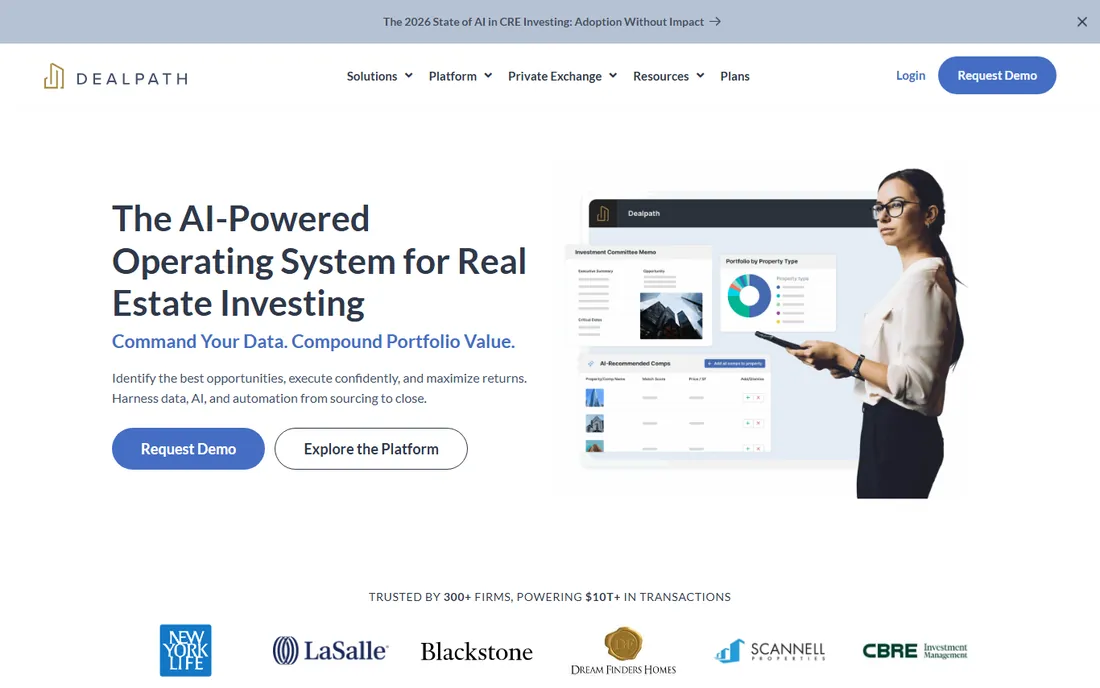
Dealpath is the CRM-plus-underwriting platform for real estate investment teams: track every deal from sourcing through closing, standardize underwriting, manage due diligence checklists and report pipeline to investment committees. It replaces the spreadsheets-and-shared-drive chaos that kills deal velocity. Pricing is quote-based and enterprise.
The discipline it enforces is the product: consistent underwriting templates, audit trails and committee-ready reporting. For acquisitions teams evaluating dozens of deals, Dealpath pays for itself in avoided mistakes. For the construction phase after closing, hand off to Northspyre or Procore.
What we like- Purpose-built deal pipeline for real estate
- Underwriting workflows
- Comps and market data
Watch out for- Quote-only enterprise pricing
- Acquisitions focus, not construction
- Needs clean data to shine

#7
VTS
Best for: owners and brokers managing leasing and assets
Visit vts.com
Starting priceSee website
Free planNo
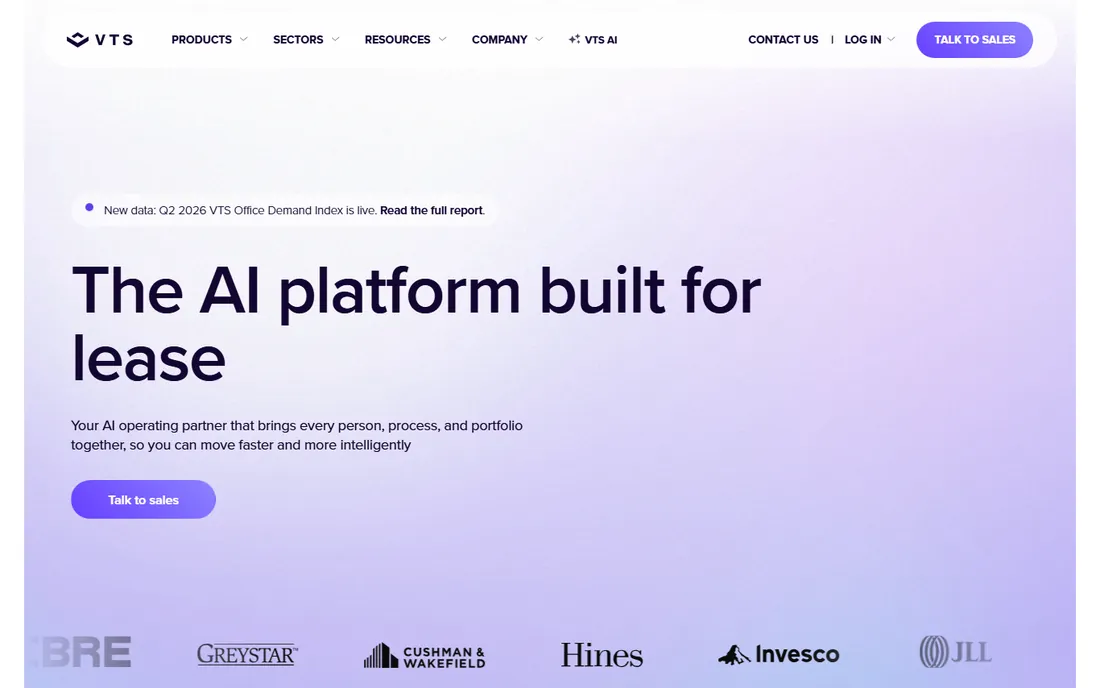
VTS dominates leasing and asset management for commercial landlords: deal tracking, stacking plans, tenant relationships and market benchmarking in one platform. Once a development delivers and the building needs tenants, VTS is where the leasing team lives. Pricing is quote-only.
It is not development software in the construction sense, but no development lifecycle is complete without the lease-up phase, and VTS owns that phase for office and industrial. Developers who hold assets after completion should evaluate it alongside their property management stack. Pure developers who sell on completion can skip it.
What we like- Leasing workflow standard for office and industrial
- Market data and benchmarking
- Tenant experience tools
Watch out for- Quote-only
- Leasing focus, not development
- Best for income-producing assets
Starting priceSee website
Free planNo

Juniper Square manages the capital side of development: investor CRM, fundraising, subscriptions, capital calls, distributions and reporting, all through a white-labeled investor portal. For sponsors raising equity across multiple projects or funds, it professionalizes the entire LP experience. Pricing is quote-based.
The alternative is spreadsheets, PDFs and email, which breaks down fast past a handful of investors. Juniper Square's pitch is that better investor experience means faster raises and stickier capital. For developers syndicating deals or running funds, it is the category leader. For single-project sponsors with a few partners, it is more than needed.
What we like- Investor portal and CRM purpose-built for real estate
- Fundraising workflows
- Fund administration
Watch out for- Quote-only
- Investor-relations focus
- Smaller sponsors may find it heavy
The four jobs of development software
Real estate development is not one workflow but four: finding and underwriting deals (TestFit, Dealpath), building them (Northspyre, Procore, Buildertrend, Rabbet), leasing them (VTS) and funding them (Juniper Square). No single platform covers all four well.
Map your stack to your role in the capital stack. Developers need feasibility plus project controls plus capital management. Lenders need draw oversight. Acquisitions teams need pipeline and underwriting. Buying one tool for all four jobs is how companies end up with expensive shelfware.
Many firms buy a second tool within a year because the first only covered one job. That is normal, not a failure; feasibility and investor reporting genuinely belong in different products. The mistake is buying the construction tool first and expecting it to run underwriting. Sequence purchases with the deal lifecycle: pipeline tools before you buy, project controls when construction starts, investor reporting before the next raise.
Why pricing is opaque (and how to buy anyway)
Seven of eight tools here hide pricing behind sales calls, because development software is sold on project value, not seat count. A tool that saves one draw cycle or catches one budget overrun is worth five figures, and vendors price accordingly.
Buy on workflow fit, not feature lists. Run your actual next draw, your actual next feasibility study or your actual next capital call through the trial or demo. Ask for customer references at your project scale, and get implementation timelines in writing. Use TestFit's published pricing as a reminder that transparency is possible, and reward vendors who offer it.
Expect annual contracts with per-project or per-user fees, and push for a pilot on one live project before signing the portfolio-wide deal; vendors routinely agree when asked. Get data export rights and the exit process written into the contract, because switching project management software mid-development is one of the most expensive mistakes in the industry. Ask what the first-year total is, license plus implementation, not just the quoted subscription.
Frequently asked questions
What is the best real estate development software?
TestFit ($195/month) is best for site feasibility, Northspyre for developer-side project and budget management, Procore for construction execution, Dealpath for acquisitions pipeline, Rabbet for draw management, and Juniper Square for investor relations.
How much does real estate development software cost?
Only TestFit publishes pricing: $195/month for Parking Solver, from $15,000/year for Site Solver. The rest are quote-based; expect five-figure annual contracts for Northspyre, Procore, Dealpath, VTS and Juniper Square, scaled to project count and portfolio size. Implementation and onboarding fees are common on top, often several thousand dollars, so ask for the first-year total before comparing quotes.
What is the difference between Northspyre and Procore?
Northspyre is built for owner-developers managing budgets, draws and investor reporting. Procore is built for general contractors managing construction execution. Many developments use both: the GC runs Procore, the developer oversees with Northspyre.
What does Rabbet do?
Rabbet streamlines construction loan administration. It uses machine learning to process draw documentation (invoices, lien waivers, inspections) and produces lender-ready draw packages, speeding up draw approvals for developers and giving lenders clean oversight. Draw cycles that took weeks routinely compress to days, which keeps contractor payments on schedule and projects moving.
Is there a free real estate development software?
Not really in this category. None of the eight tools offer free plans; they are enterprise products with trials and demos. TestFit's $195/month Parking Solver is the cheapest entry point with published pricing. Some vendors offer limited pilots or sandboxes, but expect a time-boxed trial, not a free-forever tier.
What should developers demo before buying?
Run a real workflow: a feasibility study on a live parcel (TestFit), a full draw cycle with your lender's document requirements (Rabbet), or a budget reforecast mid-project (Northspyre). Slideware hides the data-entry burden that determines whether your team actually adopts the tool. Bring your controller or project manager to the demo; they will spot workflow gaps the vendor glosses over.
Sources we checked (2)
- https://www.testfit.io/pricing
- https://illustrarch.com/articles/design-softwares/74579-testfit-review.html
Is your product missing or out of date?
We review this list regularly. Vendors can request a listing, send updated pricing or ask about featured placement.

Shihab Mia · Founder, Rankite
Shihab has spent more than a decade helping SaaS and e-commerce brands grow through search. He writes Rankite's software buying guides from pricing pages, documentation and public user reviews. More about Shihab.