How we make this list: we compare pricing pages, product documentation and public user reviews. Rankite is independent; if a vendor ever pays for a featured spot, that listing is clearly labeled Partner.
Key takeaways
- Fellow ($7/user/month) leads for running meetings themselves: agendas, notes, action items and AI recaps.
- Calendly ($10/seat/month) and Cal.com (free for individuals) lead for scheduling; Cal.com is the open-source value pick.
- Reclaim defends focus time automatically; SavvyCal ($10/user/month) makes booking links feel personal.
- Clockwise shut down in March 2026 after joining Salesforce; former users should look at Reclaim or Motion.
- Budget reality check: Calendly Teams ($16/seat/month) plus Fellow Team ($7/user/month) runs about $23 per host per month, so settle the notetaker question before stacking tools.
The shortlist
| Tool |
Best for |
Starting price |
Free plan |
| Fellow |
Agendas, notes and action items |
$7/user/month (Team, annual) |
Yes |
| Calendly |
Scheduling links for individuals and teams |
$10/seat/month (Standard, annual) |
Yes |
| Cal.com |
Open-source scheduling, free for individuals |
$0 (Individual, free forever) |
Yes |
| SavvyCal |
Personalized scheduling links |
$10/user/month (Basic) |
No |
| Reclaim |
AI calendar defense and focus time |
See website |
Yes |
| Doodle |
Group polls and simple scheduling |
See website |
Yes |
| Motion |
AI calendar that plans your day |
See website |
No |
| YouCanBookMe |
Booking pages for services and teams |
See website |
Yes |
The best meeting management software

#1
Fellow
Best for: teams that want every meeting to have an agenda and follow-through
Visit fellow.ai
Starting price$7/user/month (Team, billed annually)
Free planYes
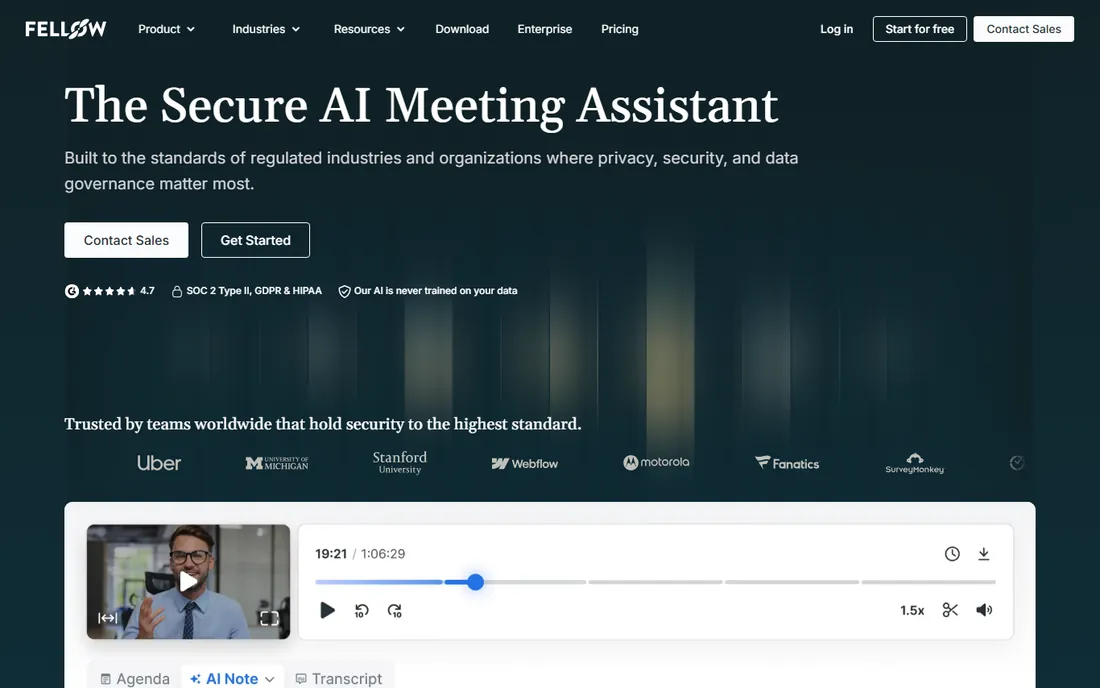
Fellow manages the meeting itself, not just the scheduling. Collaborative agendas, shared notes, assigned action items and feedback live alongside an AI meeting assistant that records, transcribes and summarizes. The vendor's pricing page lists Free at $0 (5 lifetime AI notes per user), Team at $7 per user per month billed annually ($11 monthly), Business at $15 and Enterprise at $25.
The free plan is a genuine trial of the workflow but caps AI notes tightly, so real teams land on Team or Business. For managers drowning in recurring meetings with no agendas and no follow-through, Fellow's structure is the fix. It pairs well with a scheduling tool like Calendly or Cal.com for the full before-and-after.
What we like- Agendas, notes, action items and AI recaps in one
- Strong integrations
- Free plan to start
Watch out for- Free plan limited to 5 lifetime AI notes
- Real value needs Team or Business

#2
Calendly
Best for: anyone who schedules meetings with external people
Visit calendly.com
Starting price$10/seat/month (Standard, billed annually)
Free planYes
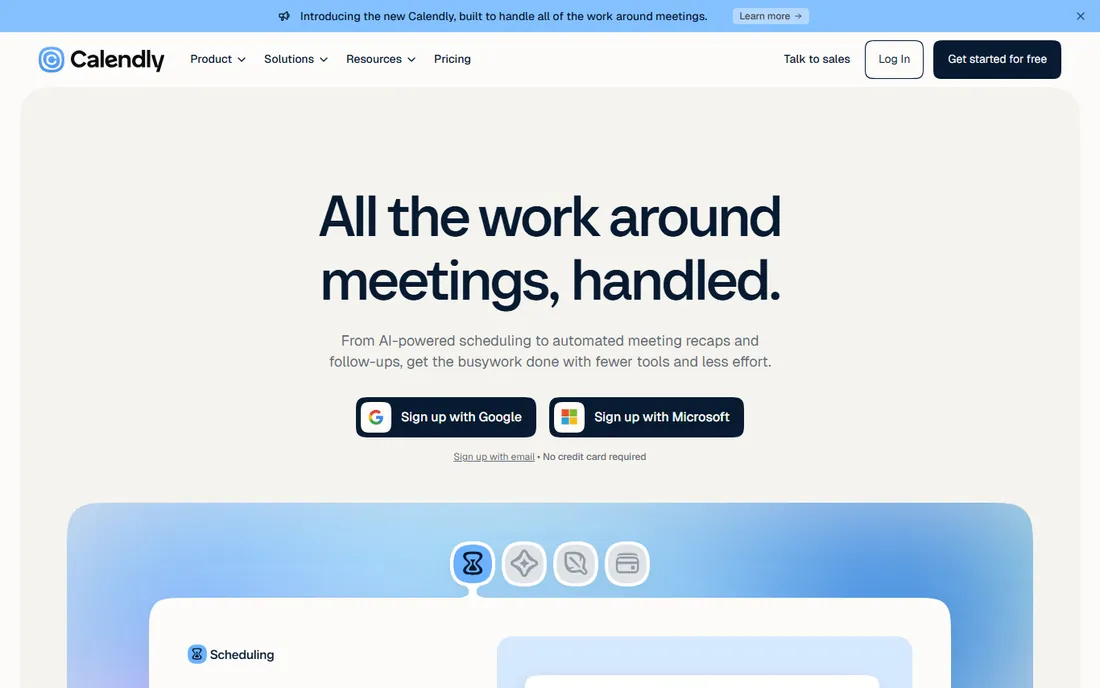
Calendly remains the default scheduling link. The vendor's pricing page shows Free (one event type, one calendar), Standard at $10 per seat per month billed annually with unlimited event types and automations, Teams at $16 with round-robin and lead routing, and Enterprise from $15k per year. New AI layers include Notetaker (meeting recaps) and Callie, an AI assistant that schedules over email.
The per-seat model means only hosts need seats; invitees book free. For sales and recruiting teams, the Teams tier's routing pays for itself in qualified meetings. For individuals, the free plan handles one-on-ones indefinitely, and Cal.com below is the open-source alternative.
What we like- Category-defining scheduling
- Free plan covers one-on-ones
- Notetaker and Callie AI add-ons
Watch out for- Team features need Teams at $16
- Routing and Salesforce need higher tiers

#3
Cal.com
Best for: individuals and teams that want open-source scheduling
Visit cal.com
Starting price$0 (Individual, free forever)
Free planYes
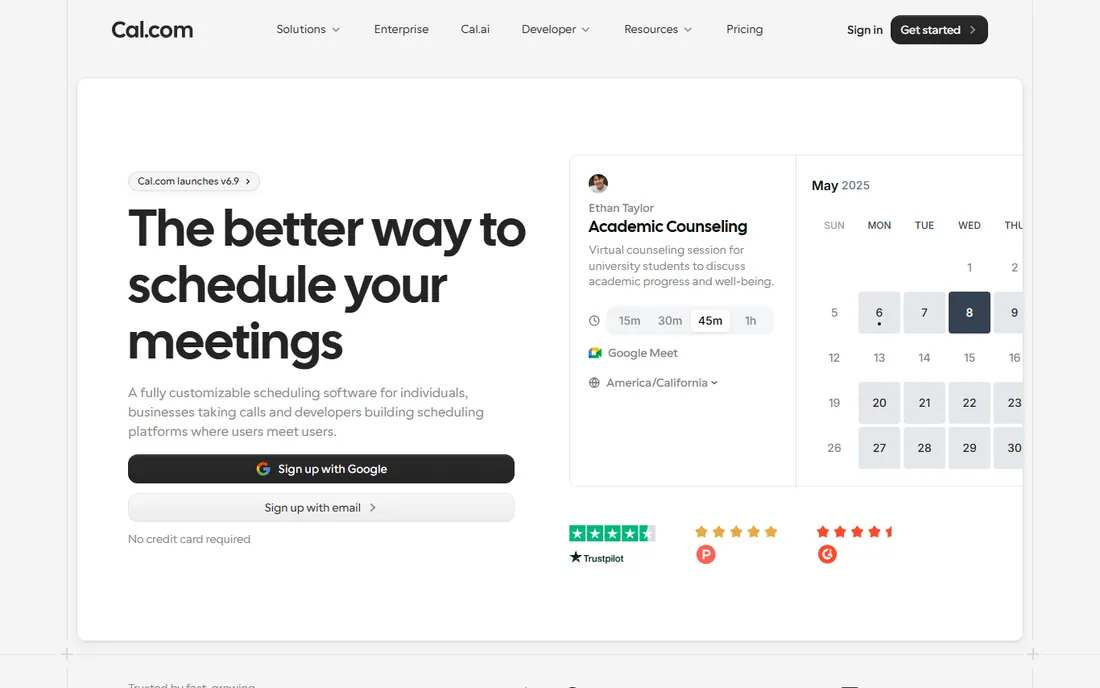
Cal.com is the open-source answer to Calendly. The vendor's pricing page lists Individual as free forever with unlimited event types, calendar connections and meetings, Teams at $12 per user per month with round-robin and collective events, and Organizations at $28. You can self-host it, white-label it and extend it via API.
The feature set now rivals Calendly for most use cases: routing, webhooks, Salesforce and HubSpot sync, payments via Stripe and PayPal. For privacy-conscious teams, developers and anyone allergic to per-seat pricing creep, Cal.com is the value pick. The trade-off is a smaller ecosystem of templates and third-party content.
What we like- Free forever for individuals
- Open source and self-hostable
- Teams at $12/user/month is cheap
Watch out for- Smaller template and integration ecosystem than Calendly
- Enterprise features need Organizations tier

#4
SavvyCal
Best for: people who want scheduling links with a personal touch
Visit savvycal.com
Starting price$10/user/month (Basic)
Free planNo
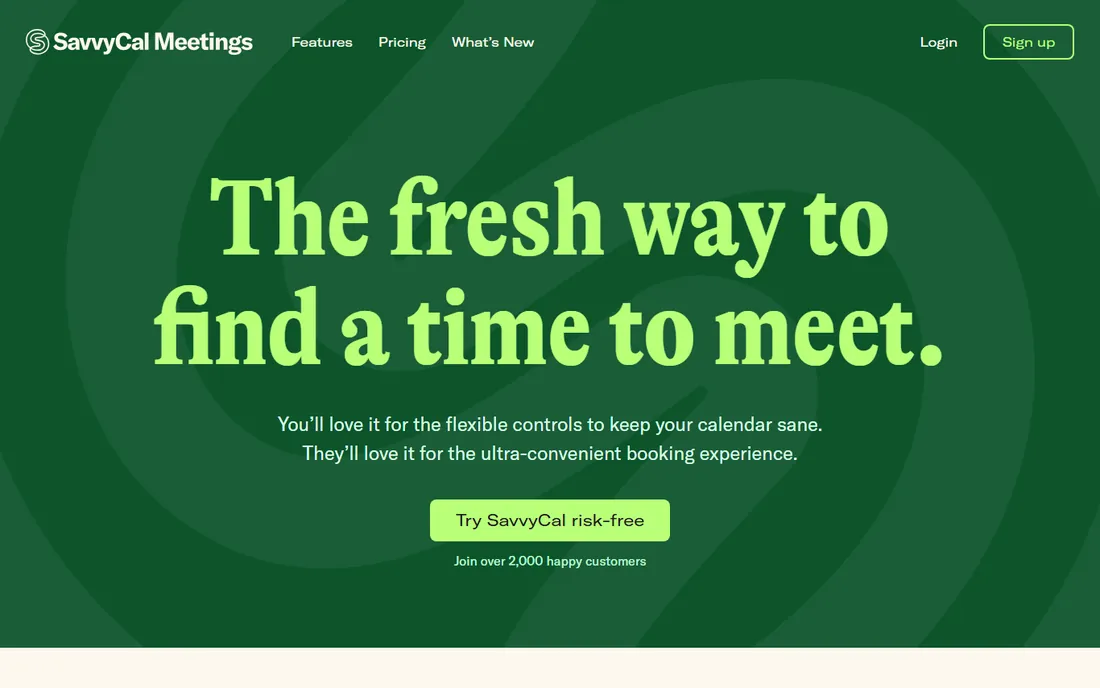
SavvyCal's insight is that booking links feel robotic, so it lets invitees overlay their calendar, rank preferred times and see your availability in context. The vendor's pricing page lists Basic at $10 per user per month and Premium at $17, with annual billing saving two months. There is no free plan, only a trial.
For consultants, coaches and founders whose booking link is a first impression, SavvyCal's experience justifies the price over free alternatives. Teams get collective, round-robin and group modes. It will not beat Calendly on enterprise features, but for personal scheduling it is the most pleasant tool here.
What we like- Ranked availability and overlays feel human
- Clean UX
- No free-plan freeloaders to support
Watch out for- No free plan
- $17 Premium for custom domains and paid bookings
- Smaller brand than Calendly

#5
Reclaim
Best for: defending focus time against meeting sprawl
Visit reclaim.ai
Starting priceSee website
Free planYes
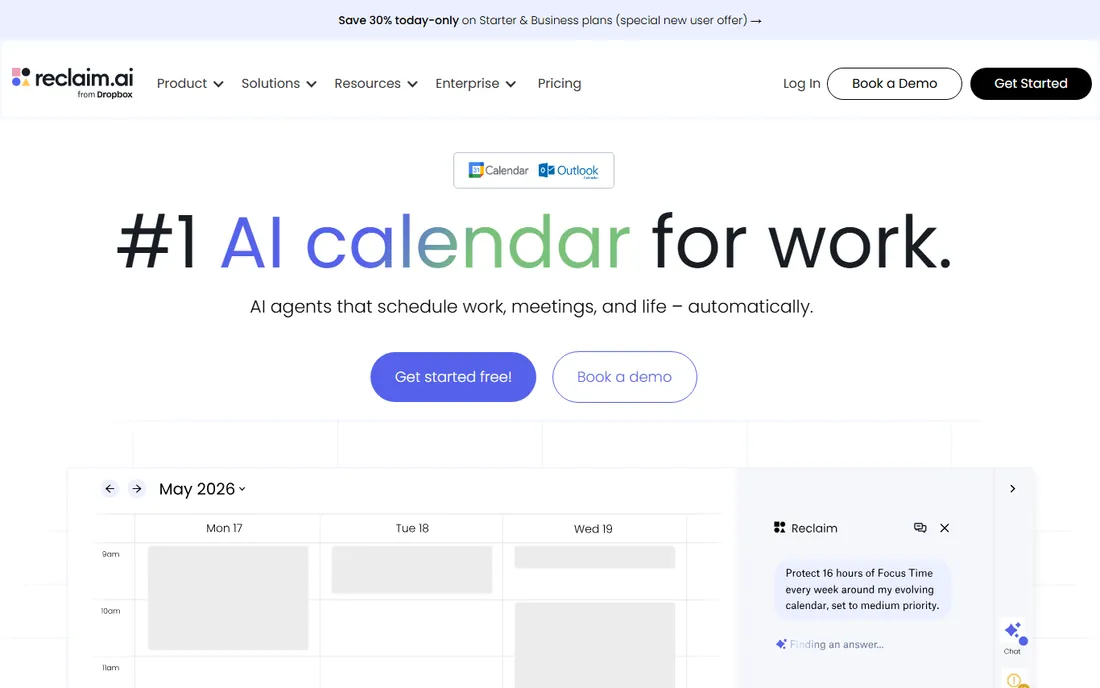
Reclaim is an AI calendar assistant that defends your time: it auto-schedules focus time, habits, lunch and buffers around meetings, reschedules flexibly when conflicts arise, and syncs availability across Google and Outlook calendars. A free Lite plan covers the basics, with Starter, Business and Enterprise tiers adding longer scheduling ranges, more calendars and team features.
The vendor's pricing page does not render prices in plain text, so confirm current pricing on the site; third-party data historically put paid plans around $8 to $12 per user per month. For anyone whose calendar is a battlefield of back-to-back meetings, Reclaim's automatic time defense is the closest thing to a personal chief of staff.
What we like- AI auto-scheduling for focus time, habits and breaks
- Google and Outlook support
- Free Lite plan
Watch out for- Pricing page does not publish prices clearly
- Best features need paid tiers
- Google-centric history
Starting priceSee website
Free planYes
Doodle invented the group scheduling poll and still does it well: propose times, let everyone vote, lock in the winner. Booking pages handle one-on-ones, and integrations cover the major calendars and video tools. A free plan exists for basic polling; paid plans add branding, admin controls and integrations, though the vendor does not publish prices prominently.
For internal team scheduling and casual group coordination, Doodle's simplicity beats feature-rich alternatives. For customer-facing booking and sales routing, Calendly or Cal.com are stronger. Doodle is the low-friction pick when the problem is "when can six people meet," not "how do I run my pipeline."
What we like- Group polls are still the fastest consensus tool
- Simple booking pages
- Free plan available
Watch out for- Paid pricing not published clearly
- Dated UX
- Limited automation versus modern rivals
Starting priceSee website
Free planNo
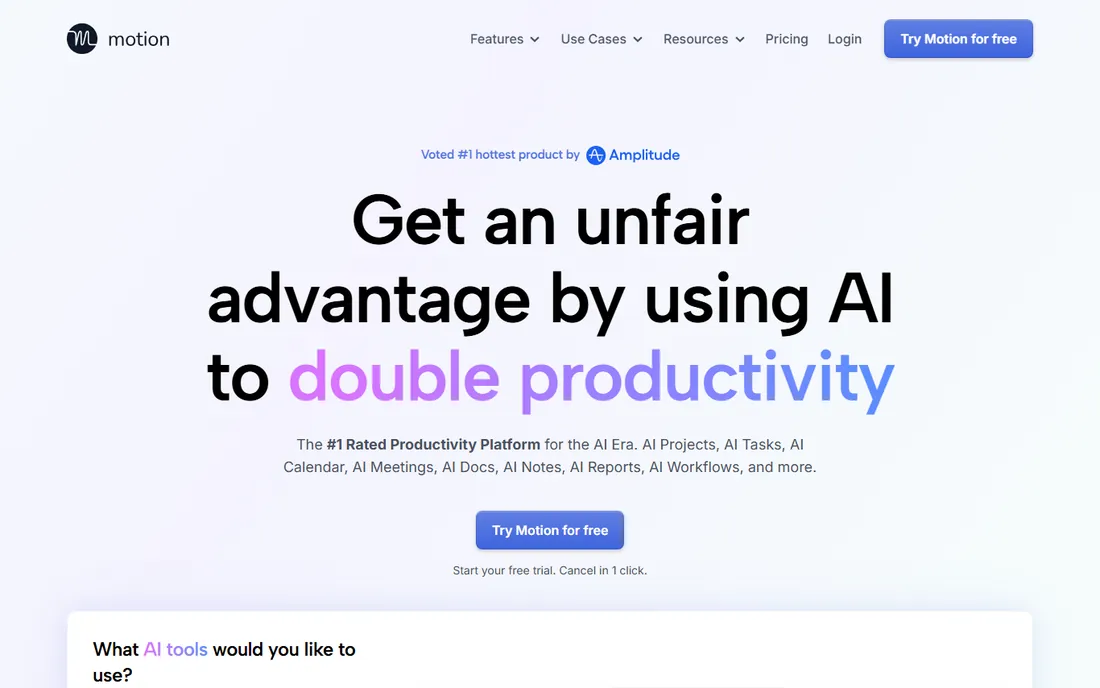
Motion takes a bolder approach than Reclaim: instead of defending calendar blocks, its AI builds your whole day, scheduling tasks, meetings and deep work around priorities and deadlines, then replans automatically when things change. Projects, docs and team collaboration round out an all-in-one productivity suite. There is no free plan; the vendor does not publish pricing on its site, with third-party data historically around $19 to $34 per user per month.
The all-in-one pitch is polarizing: devotees say it ended their planning anxiety, while others find AI-planned days oppressive. For founders and executives juggling tasks and meetings who want one system to decide the day, Motion is the most ambitious option. Confirm current pricing before committing.
What we like- AI auto-plans tasks and meetings together
- Calendar, tasks and projects in one
- Strong for ADHD-style workflows
Watch out for- No free plan
- Pricing not published on the vendor page
- Can feel controlling
Starting priceSee website
Free planYes

YouCanBookMe has served service businesses, clinics, tutors and consultants, since long before scheduling links were fashionable. Customizable booking pages, calendar sync, automated reminders, payments and team scheduling cover the service-booking workflow, with a free plan for light use and paid tiers for volume and branding.
The vendor does not publish pricing prominently on its site, so check current plans before budgeting. For pure service bookings it remains a solid, unflashy choice. For sales-led scheduling with lead routing and CRM sync, Calendly's Teams tier or Cal.com are better fits.
What we like- Booking pages tuned for services
- Payments and reminders
- Free plan for light use
Watch out for- Pricing not published prominently
- Less sales-team routing than Calendly
Scheduling vs. running meetings: buy both, or one suite
Meeting management has two halves: getting the meeting scheduled (Calendly, Cal.com, SavvyCal, Doodle, YouCanBookMe) and making the meeting productive (Fellow), plus calendar defense (Reclaim, Motion). No single tool does all three well.
The common stack is a scheduler plus Fellow for agendas and notes, with Reclaim defending focus time on top. Calendly's Notetaker add-on and Fellow's AI notes overlap, so pick one notetaker to avoid paying twice. Start with the free tiers: Cal.com for scheduling and Fellow free for meeting notes cover most individuals at zero cost.
Setup takes an afternoon, not a week. The pattern that works: pick the scheduler first, connect one calendar, then layer Fellow or an AI notetaker for the in-meeting workflow. Test with one real recurring meeting before rolling out to the team, and check the data export options, because switching tools is the painful part of meeting software, not setup.
The Clockwise lesson: own your scheduling data
Clockwise, once the smartest calendar assistant in the category, joined Salesforce and shut down on March 27, 2026. Users had weeks to migrate years of scheduling preferences. The lesson: prefer tools with data export and open ecosystems (Cal.com's open source is the extreme version), and keep your calendar itself in Google or Outlook rather than locked in a startup's proprietary system.
Frequently asked questions
What is the best meeting management software?
Fellow ($7/user/month) is the best for running meetings with agendas, notes and action items. Calendly ($10/seat/month) leads scheduling, Cal.com is the best free and open-source scheduler, and Reclaim is best for AI calendar defense.
Is there a free meeting scheduling tool?
Yes. Cal.com is free forever for individuals with unlimited event types and meetings. Calendly's free plan covers one-on-one scheduling, Doodle offers free group polls, and YouCanBookMe has a free plan for light use. Fellow also has a free plan, though its 5 lifetime AI notes make it a trial rather than a permanent free tier.
How much does Calendly cost?
Calendly's Standard plan is $10 per seat per month billed annually, Teams is $16, and Enterprise starts at $15,000 per year. The free plan covers one event type and one calendar connection. Only hosts need paid seats; invitees book free.
What happened to Clockwise?
The Clockwise team joined Salesforce, and the Clockwise product was discontinued on March 27, 2026. Former users typically migrate to Reclaim for AI calendar management or Motion for AI day planning. Export any remaining Clockwise data now if you have not already; the Salesforce migration path does not preserve every preference.
What is the difference between Calendly and Cal.com?
Calendly is the established commercial leader with the biggest ecosystem and sales-team features. Cal.com is open source, free forever for individuals, self-hostable and cheaper for teams ($12/user/month). Feature parity is close for core scheduling; Calendly leads on enterprise polish.
Which tool stops meeting overload?
Reclaim automatically defends focus time, schedules breaks and reschedules flexibly around priorities. Motion goes further by AI-planning your entire day including tasks. Both attack the root cause; the scheduling tools above only make booking meetings easier. Set guardrails too: Reclaim works best when you cap weekly meeting hours and protect at least two 90-minute focus blocks per day.
Sources we checked (6)
- https://fellow.app/pricing/
- https://calendly.com/pricing
- https://cal.com/pricing
- https://www.savvycal.com/pricing
- https://reclaim.ai/pricing
- https://www.getclockwise.com/pricing
Is your product missing or out of date?
We review this list regularly. Vendors can request a listing, send updated pricing or ask about featured placement.

Shihab Mia · Founder, Rankite
Shihab has spent more than a decade helping SaaS and e-commerce brands grow through search. He writes Rankite's software buying guides from pricing pages, documentation and public user reviews. More about Shihab.