How we make this list: we compare pricing pages, product documentation and public user reviews. Rankite is independent; if a vendor ever pays for a featured spot, that listing is clearly labeled Partner.
Key takeaways
- Five tools publish real prices: Zapier ($19.99/month), Activepieces ($20/month), IFTTT ($2.99/month annual), Bardeen ($10/month); n8n and Make keep cloud pricing behind sign-up.
- Workato and Tray.ai are enterprise iPaaS with quote-only pricing and no real free tier.
- Every tool except the two enterprise ones has a usable free plan; start free and upgrade when task volume forces it.
- The price that matters is per-task cost at your volume: compare tasks or operations per dollar, not headline plan prices.
- Portability varies: most builders let you export workflow definitions, but migrating hundreds of live workflows to another platform is still manual work, so pick with the next two years in mind.
The shortlist
| Tool |
Best for |
Starting price |
Free plan |
| Zapier |
Biggest app library and easiest start |
$19.99/month (Professional) |
Yes |
| Make |
Visual builders on a budget |
See website |
Yes |
| n8n |
Technical teams that want to self-host |
See website |
Yes (self-hosted) |
| Activepieces |
Open-source Zapier alternative |
$20/month (Plus) |
Yes |
| IFTTT |
Smart home and simple applets |
$2.99/month (Pro, annual) |
Yes |
| Bardeen |
Browser-based AI agents for sales teams |
$10/month (Basic) |
Yes |
| Workato |
Enterprise integration platform |
See website |
No |
| Tray.ai |
AI-powered enterprise automation |
See website |
No |

#1
Zapier
Best for: anyone who wants the largest integration library with the least friction
Visit zapier.com
Starting price$19.99/month (Professional)
Free planYes
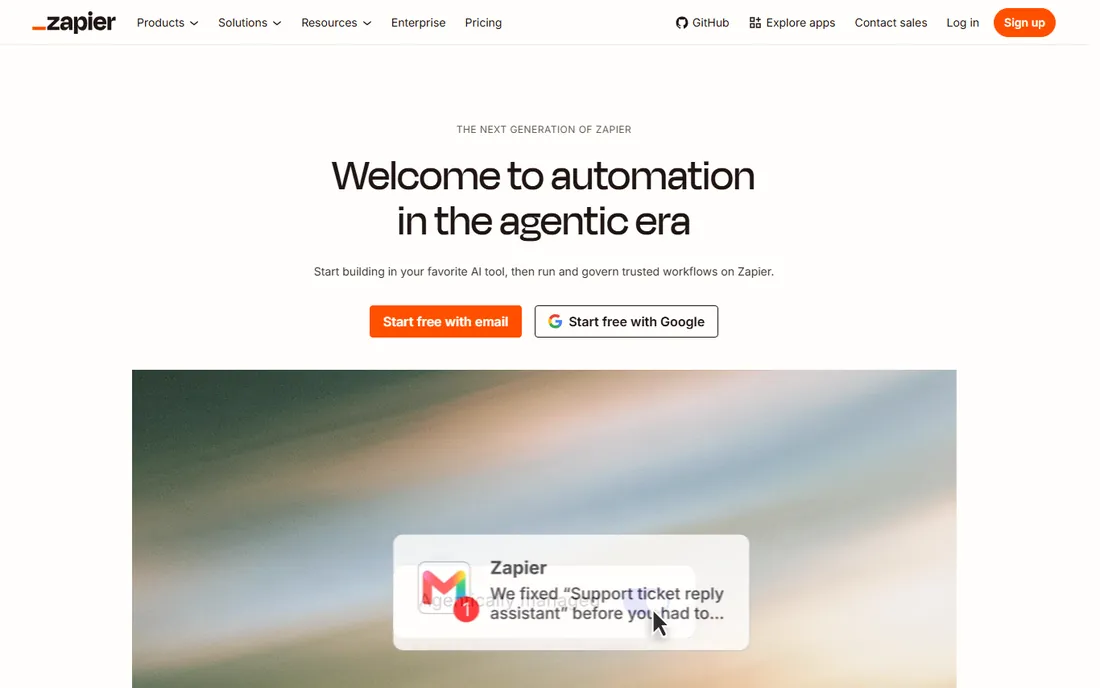
Zapier is the category definer: connect 9,000-plus apps with trigger-and-action Zaps, now with Tables, Forms, Canvas, MCP and an SDK folded into one platform. The vendor's pricing page lists Free at $0 with 100 tasks per month, Professional starting at $19.99 per month, Team at $69 and Enterprise on quote. New accounts get a 14-day Professional trial without a credit card.
Nobody matches Zapier for integration breadth or onboarding ease. The catch is the task-based pricing: every successful action consumes tasks, and AI steps, code and premium connectors consume them faster. For low-volume personal and small-business automation, Zapier is unbeatable. For high-volume operations, price it against Make and Activepieces before committing.
What we like- 9,000+ app integrations
- Free plan with 100 tasks/month
- Copilot builds Zaps from descriptions
Watch out for- Task costs add up fast at volume
- Multi-step logic gets expensive
- Premium apps need paid plans

#2
Make
Best for: visual workflow builders who want more for less
Visit make.com
Starting priceSee website
Free planYes
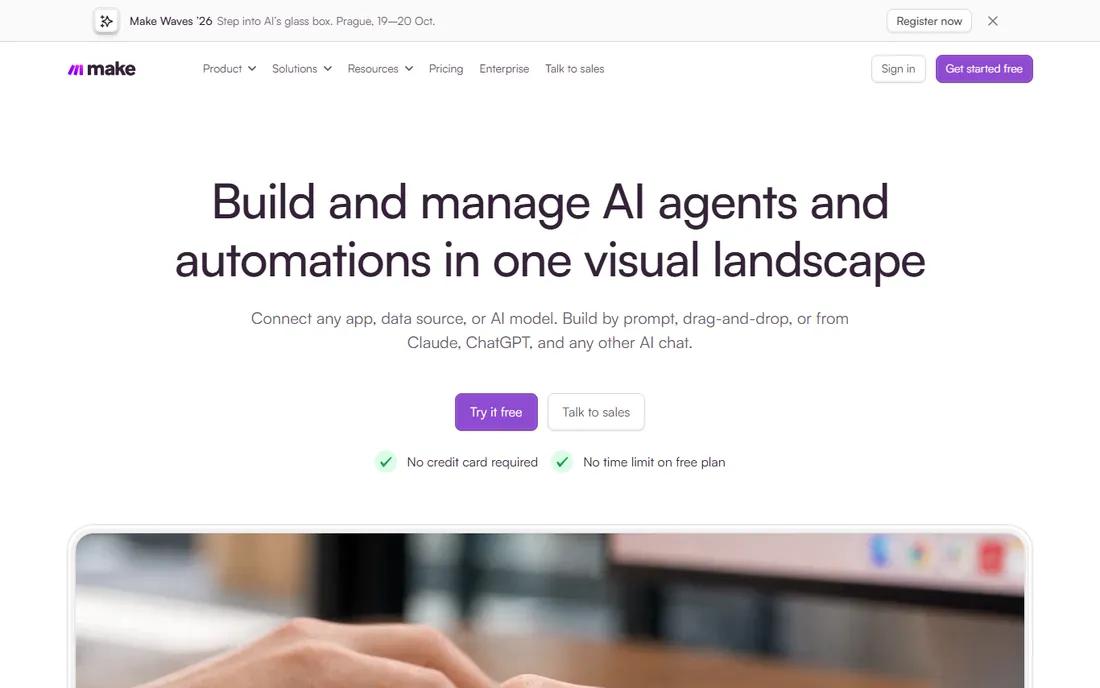
Make (formerly Integromat) is Zapier's closest rival, with a visual canvas where scenarios branch, filter and transform data more flexibly than linear Zaps. Its operations-based pricing has historically undercut Zapier's task pricing significantly at equivalent volume. The vendor's pricing page was returning a 500 error at research time, so confirm current figures on the live page before budgeting.
The visual builder is genuinely more powerful for complex logic, which is why agencies and operations teams gravitate to Make. The smaller app library means occasional gaps, usually solvable with HTTP modules. For anyone hitting Zapier's task limits, Make is the first alternative to price out.
What we like- Generous free tier
- Visual scenario builder
- Operations pricing cheaper than Zapier tasks
Watch out for- Pricing page unreliable and figures change
- Learning curve steeper
- Smaller app library

#3
n8n
Best for: technical teams that want to self-host and own their data
Visit n8n.io
Starting priceSee website
Free planYes (self-hosted)
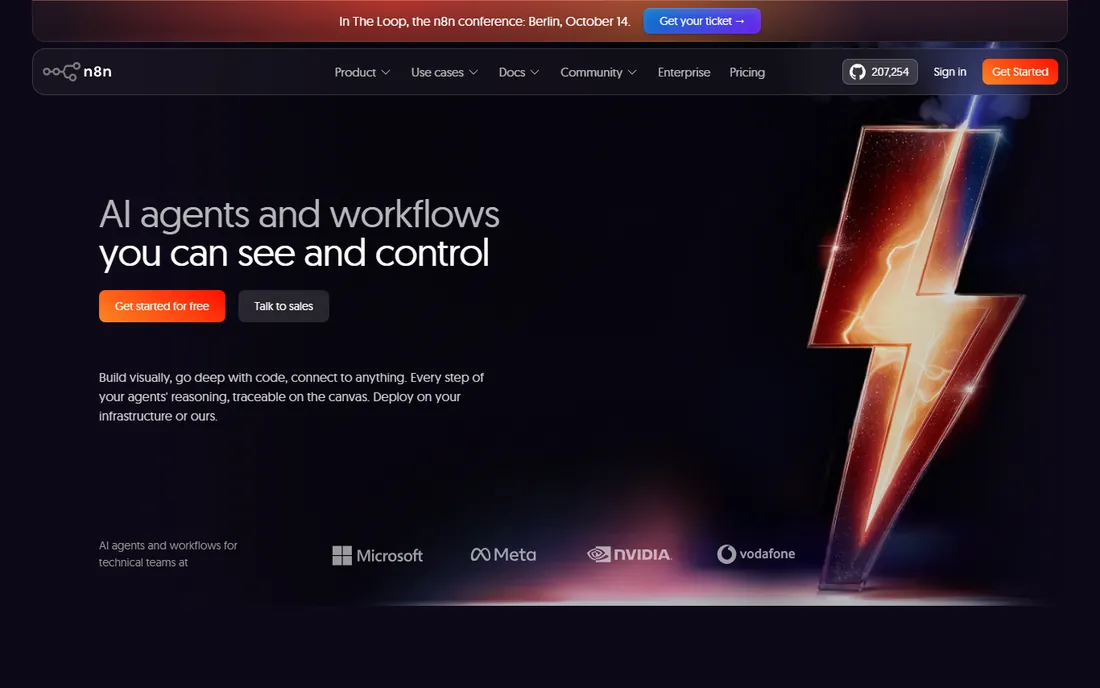
n8n is the automation tool for people who read documentation: a node-based workflow builder with 400-plus integrations, AI agent nodes, MCP support and a free self-hosted community edition you can run on your own infrastructure. The cloud pricing page renders plan tiers (Starter, Pro, Business, Enterprise) without visible prices, so treat cloud as quote-ish and self-hosting as the headline value.
The economics flip the category: self-hosted n8n is free except for your server, which makes it the cheapest option at high volume by far. The trade-off is operational burden and a builder aimed at technical users. For startups and teams with engineering capacity, n8n is the power move.
What we like- Free self-hosted community edition
- Source-available
- AI agents and MCP nodes built in
Watch out for- Cloud pricing not visible without sign-up
- Self-hosting needs DevOps
- Steeper learning curve
Starting price$20/month (Plus)
Free planYes
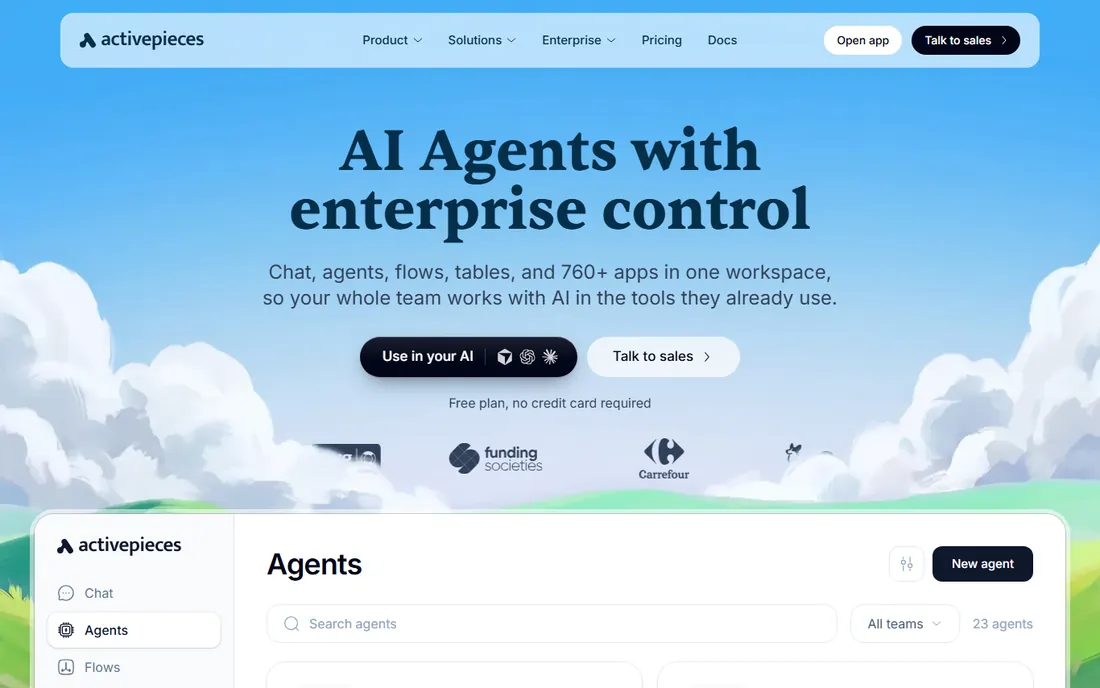
Activepieces pitches itself as the open-source automation platform with pricing to match: a free cloud plan with 1,000 credits a month and no card required, Plus at a flat $20 per month with 10,000 credits, Team at $200, and custom Enterprise. The vendor's pricing page is refreshingly transparent, including overage rates ($0.007 per credit) and a self-hostable Community Edition.
One credit covers a whole run regardless of step count, with AI steps costing 2 to 20 credits unless you bring your own AI keys. For teams that like n8n's philosophy but want a friendlier builder and published pricing, Activepieces sits in the sweet spot. The integration library is smaller but growing, and anything with an API works through HTTP pieces.
What we like- Free plan with 1,000 credits/month
- Plus is a flat $20
- Open-source pieces in TypeScript
Watch out for- Smaller integration library than Zapier
- AI steps cost extra credits
- Younger company

#5
IFTTT
Best for: smart home owners and simple personal automations
Visit ifttt.com
Starting price$2.99/month (Pro, annual)
Free planYes
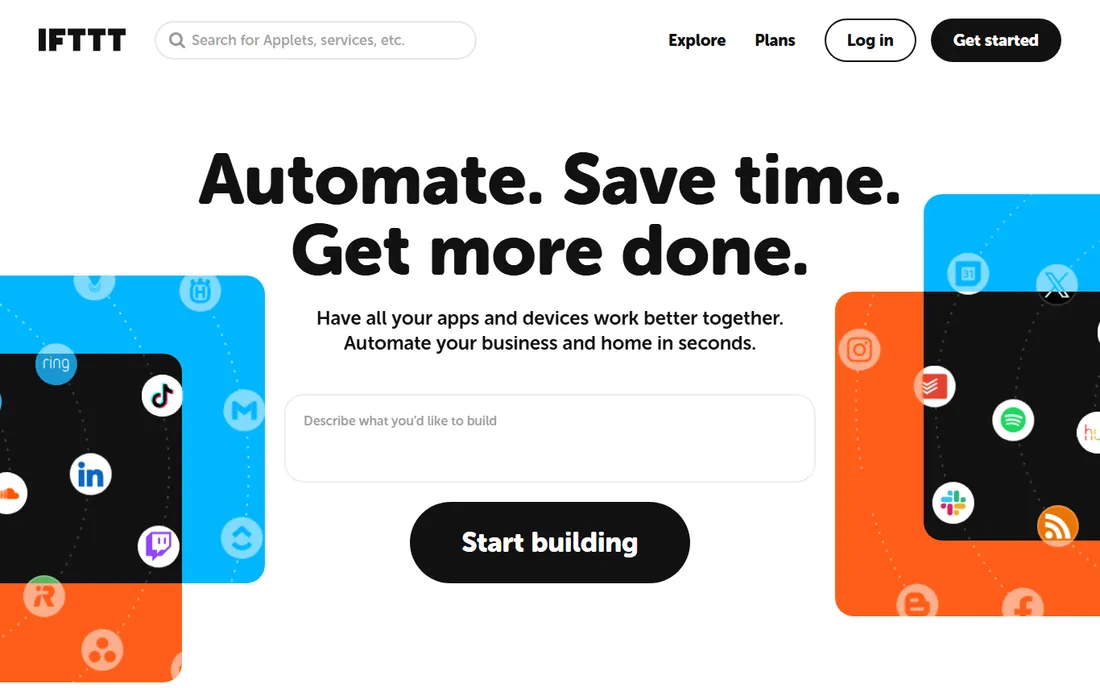
IFTTT (If This Then That) is the original consumer automation tool: applets connecting 1,000-plus services, with particular strength in smart home devices. The vendor's pricing page shows Free at $0 with 2 applets, Pro at $2.99 per month billed annually ($35.88) with 20 applets, and Pro+ at $8.99 per month with unlimited applets, AI services and filter code.
It is not a business automation platform and does not pretend to be. For connecting your lights, thermostat, phone and social accounts, IFTTT remains the simplest option at the lowest price. For multi-step business workflows, the tools above are the right tier.
What we like- Cheapest paid tier in the category
- Huge smart-home device support
- Dead simple applets
Watch out for- Free plan limited to 2 applets
- Not built for business workflows
- Slower execution on free

#6
Bardeen
Best for: sales and GTM teams automating browser work with AI
Visit bardeen.ai
Starting price$10/month (Basic)
Free planYes
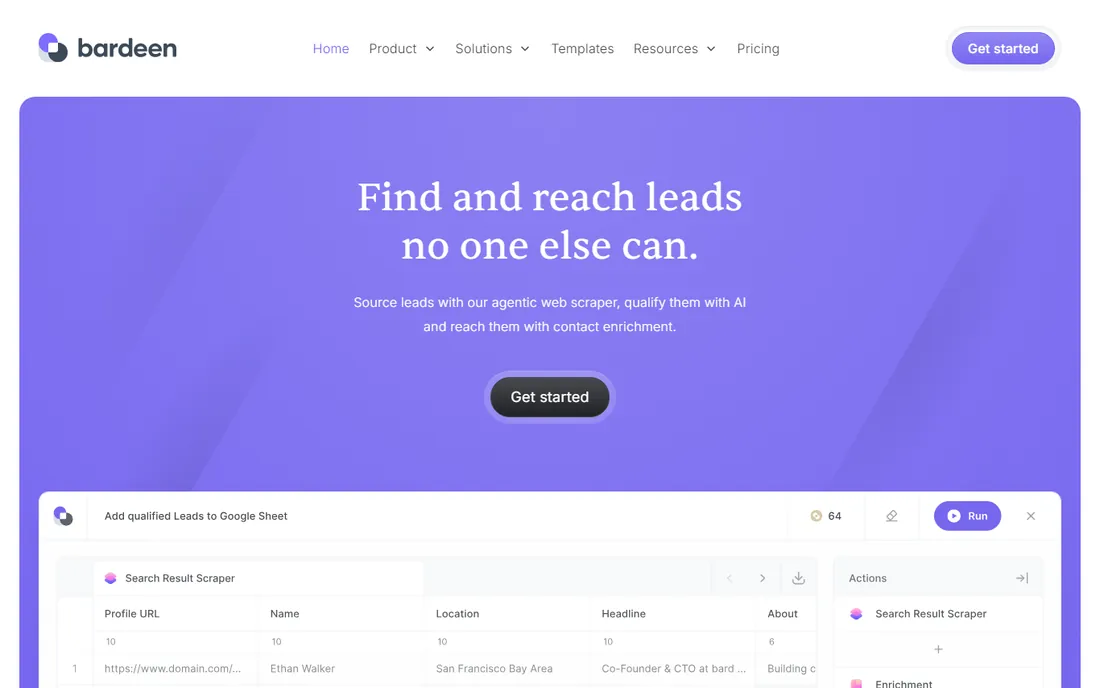
Bardeen rethinks automation as AI agents living in your browser: build scrapers, enrich leads, qualify prospects and push results to your CRM without leaving the tab. Pricing is credit-based: Basic at $10 per month, with 100 credits always free, and each scraped or enriched row costing 1 to 3 credits. Enterprise is custom.
For sales and go-to-market teams, Bardeen's agent model fits the work better than trigger-action Zaps: research a list of prospects, enrich, score and sync, all as one agent run. For general IT or operations automation outside the browser, the traditional tools fit better. The always-free 100 credits make it riskless to test.
What we like- AI agents that operate your browser
- 100 free credits always
- Strong scraping and enrichment
Watch out for- Browser-centric model limits use cases
- Credit costs per row add up
- GTM focus narrows appeal

#7
Workato
Best for: enterprises standardizing integrations across departments
Visit workato.com
Starting priceSee website
Free planNo
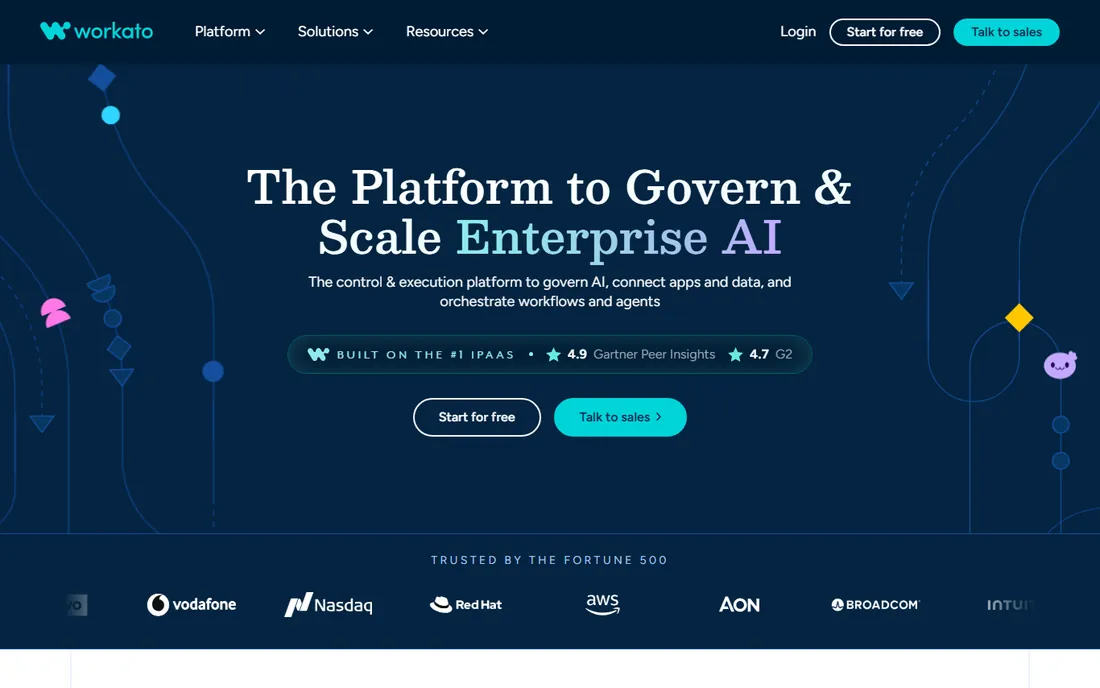
Workato is the enterprise iPaaS: a low-code integration platform with governance, audit trails, SSO and the security posture that enterprise IT demands, used to connect Salesforce, NetSuite, Workday and hundreds of other systems. Pricing is quote-only and squarely enterprise.
This is the tool you buy when automation is an IT program, not a personal productivity habit. The recipe library and AI-assisted building speed up deployment across departments. For small teams or individuals, Workato's sales process and pricing are simply the wrong shape; everything else on this list fits better.
What we like- Enterprise-grade governance and security
- Huge connector library
- Recipes accelerate deployment
Watch out for- Quote-only enterprise pricing
- No meaningful free tier
- Overkill outside IT-led organizations

#8
Tray.ai
Best for: enterprises that want AI agents orchestrating integrations
Visit tray.ai
Starting priceSee website
Free planNo
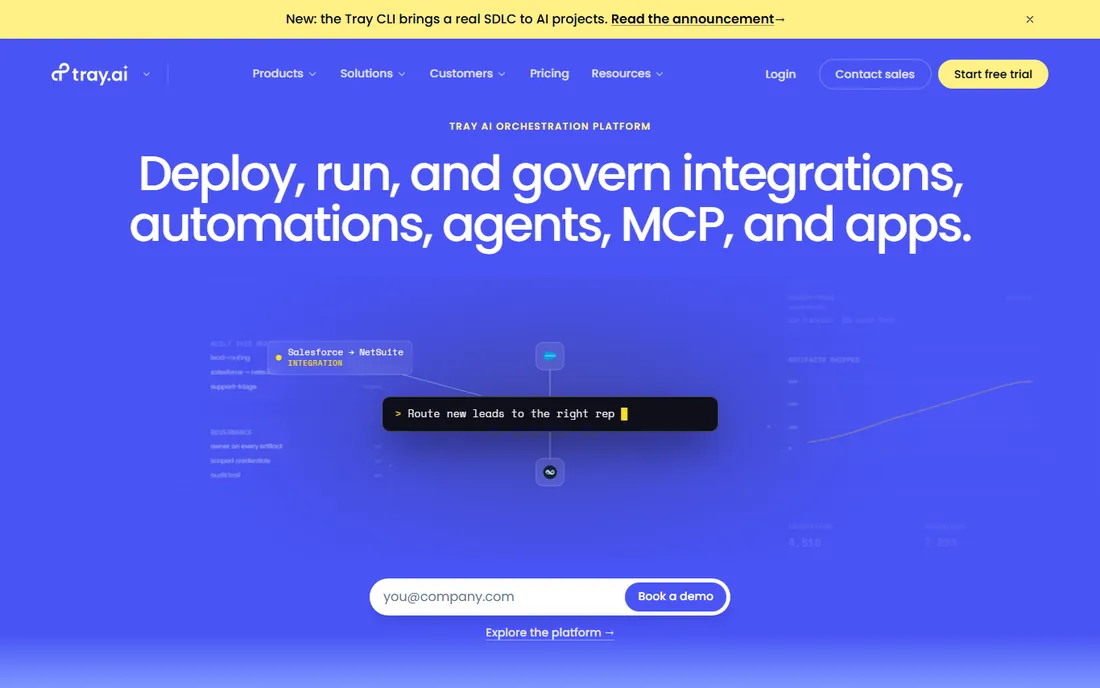
Tray.ai (formerly Tray.io) rebuilt itself around AI: an automation platform where AI agents orchestrate integrations across the enterprise stack, with the data processing depth to handle serious transformation workloads. Pricing is quote-only through sales, with no free tier.
The AI-agent positioning differentiates it from classic iPaaS, and for organizations building agent-driven operations it is worth a demo. For everyone else, the lack of published pricing and self-serve tiers makes it a non-starter. Evaluate Tray.ai alongside Workato when the buying center is enterprise IT.
What we like- AI-native automation with agent orchestration
- Strong data processing
- Enterprise security
Watch out for- Quote-only pricing
- No free tier
- Positioning skews to large organizations
How to compare prices honestly
Headline plan prices mislead because every vendor meters differently: Zapier counts tasks, Make counts operations, Activepieces counts credits per run, Bardeen counts credits per row. Two automations that look identical can cost 10x different amounts across platforms.
Do the math on your actual workload: count the runs per month, the steps per run, and the AI usage, then price that workload on two or three platforms' published pages. The cheapest tool for 1,000 simple runs is rarely the cheapest for 100,000 complex ones. And always start on a free tier; every tool except Workato and Tray.ai offers one worth using.
Setup is fast (an afternoon), but the slow cost is maintenance. Every workflow you build needs monitoring for failures, API changes and expired credentials. Price that reality too: self-hosted tools hand you the monitoring bill, while cloud tools charge per task but alert you when things break. One neglected high-volume workflow can cost more in a month than the annual plan difference.
Self-hosted vs. cloud: the real decision
n8n and Activepieces both offer free self-hosted editions, which changes the economics completely: your cost is a server, not a per-task meter. For high-volume, always-on automations, self-hosting is usually the cheapest option within months.
The price is operational responsibility: updates, monitoring, backups and security are yours. Teams with engineering capacity should default to self-hosted and buy cloud only for convenience. Teams without it should price cloud tiers against Zapier and Make honestly, including overage rates, not just the plan headline.
Frequently asked questions
What is the best no-code automation tool?
Zapier ($19.99/month) is best for the largest app library and easiest start, Make for visual building on a budget, n8n for self-hosting, Activepieces ($20/month) for open-source with honest pricing, IFTTT ($2.99/month) for smart home, and Bardeen ($10/month) for AI browser agents in sales teams.
Is there a free automation tool like Zapier?
Yes. Zapier has a free plan (100 tasks/month), Make and Activepieces have generous free tiers, IFTTT is free for 2 applets, Bardeen gives 100 free credits, and n8n is free when self-hosted. Only Workato and Tray.ai lack real free tiers. Free tiers cap tasks or operations tightly, so track your usage for a month before deciding whether the free plan actually fits.
How much does Zapier cost?
Zapier's Professional plan starts at $19.99 per month, Team at $69, with a free plan at $0 (100 tasks/month) and Enterprise on quote. New accounts get a 14-day Professional trial without a credit card. Costs scale with task usage, so price your actual workload.
What is the difference between Zapier and Make?
Both connect apps with no-code workflows. Zapier has the largest app library (9,000+) and simplest onboarding; Make has a more powerful visual builder and historically cheaper operations-based pricing. High-volume users usually save money on Make or Activepieces.
Can I self-host an automation tool for free?
Yes. n8n's community edition and Activepieces' Community Edition are both free to self-host, making them the cheapest options at high volume. You trade the subscription for operational responsibility: hosting, updates and monitoring are yours.
What should enterprises use instead of Zapier?
Workato and Tray.ai are the enterprise answers: governance, SSO, audit trails and security postures that IT requires, with AI-assisted building. Both are quote-only. Mid-size companies often land on n8n cloud or Activepieces Team instead, at a fraction of the cost.
Sources we checked (5)
- https://zapier.com/pricing
- https://www.activepieces.com/pricing
- https://ifttt.com/plans
- https://www.bardeen.ai/pricing
- https://n8n.io/pricing/
Is your product missing or out of date?
We review this list regularly. Vendors can request a listing, send updated pricing or ask about featured placement.

Shihab Mia · Founder, Rankite
Shihab has spent more than a decade helping SaaS and e-commerce brands grow through search. He writes Rankite's software buying guides from pricing pages, documentation and public user reviews. More about Shihab.