How we make this list: we compare pricing pages, product documentation and public user reviews. Ratings come from G2, Capterra or Trustpilot, with the date we checked them.
Key takeaways
- EverWebinar (built by the WebinarJam team) is the classic evergreen choice: record once, run it on schedule or just-in-time, with chat and polls timed to feel live.
- eWebinar ($99/month) takes a different approach: on-demand sessions with real two-way chat instead of simulated liveness, which suits demos, onboarding and training.
- If you still run live sessions too, Demio, Livestorm (free plan available), GoTo Webinar and Zoom Webinars all cover live plus automated or on-demand formats.
- WebinarJam, ClickMeeting and BigMarker sit between the two worlds, with WebinarJam pairing naturally with EverWebinar for a live-to-evergreen pipeline.
Quick comparison
| Tool | Best for | Starting price | Free plan |
|---|
 EverWebinar EverWebinar | Course creators, coaches and consultants running evergreen sales webinars | See website | No |
 eWebinar eWebinar | Sales, onboarding and training teams replacing repeat live sessions | $99/month | Free trial (14 days) |
 WebinarJam WebinarJam | Marketers running large live webinars built to sell | See website | Free trial |
 Demio Demio | Marketing teams that want webinars to look good without production skills | See website | Free trial (14 days) |
 Livestorm Livestorm | B2B marketing teams needing browser-based webinars with CRM automation | See website | Yes |
 GoTo Webinar GoTo Webinar | Training teams and enterprises running reliable scheduled webinars | See website | Free trial |
 ClickMeeting ClickMeeting | Small businesses wanting affordable webinars with automation options | See website | Free trial (30 days) |
 Zoom Webinars Zoom Webinars | Companies already on Zoom that need large-scale broadcast webinars | See website | No |
 BigMarker BigMarker | Organizations running webinars alongside virtual and hybrid events | See website | Free trial |
Is your product missing or out of date?
We review this list regularly. Vendors can request a listing, send updated pricing or ask about featured placement.
Your best salesperson gives the same demo four times a week. Your onboarding specialist walks every new customer through the same screens. The content is good, the delivery is consistent, and it is eating your calendar alive. That is the problem automated webinar platforms solve: record the best version once, then let it run on schedule, on demand, or just-in-time while you do higher-value work.
"Automated" covers two different ideas, and buyers mix them up. Evergreen platforms like EverWebinar replay a recording inside a webinar-shaped experience, with timed chat, polls and offers that mimic a live event. On-demand platforms like eWebinar drop the pretense and run the video whenever the viewer wants, with real chat handled asynchronously. Both beat repeating yourself live. These nine tools cover both approaches plus the live-first platforms that added automation later.
Starting priceSee website
Free planNo
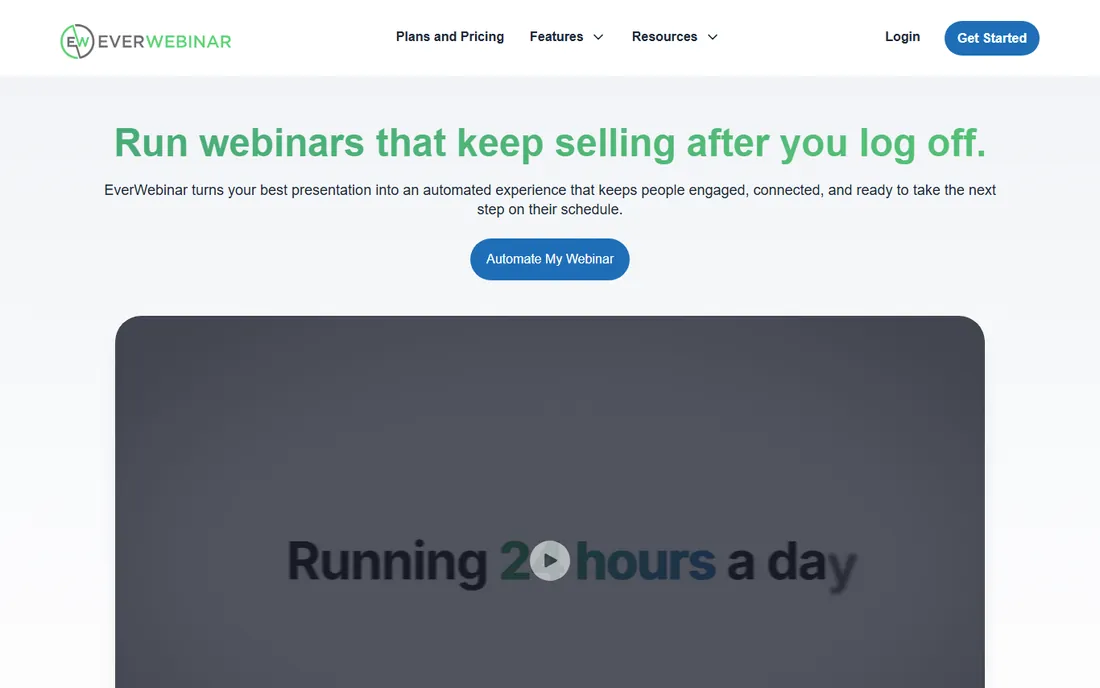
EverWebinar is the name most people mean when they say "automated webinar." Built by the WebinarJam team, it takes a recording of your best presentation and wraps it in everything that made the live version convert: timed chat messages, polls at chosen timestamps, dynamic attendee counts and offers that appear at the right moment. You can run sessions on a recurring schedule, just-in-time a few minutes after registration, or on demand. The company says over 67,000 experts, coaches and service providers use it.
The honest catch is the buying model. There is no free trial, pricing is not published on the main page, and the smoothest workflow assumes you record in WebinarJam first so Replica Replay can import the whole session in one click. If your funnel is a proven live webinar you want to clone, EverWebinar is the most direct path. If you are starting from scratch, compare eWebinar before committing.
What we like- Replica Replay imports a WebinarJam session with chat, polls and offers intact
- Just-in-time scheduling creates urgency without a fixed calendar
- Hybrid mode pairs the recording with live chat
Watch out for- No free trial or free plan to test with
- Works best inside the WebinarJam ecosystem, which adds cost if you do not already use it
#2
eWebinar
Best for: Sales, onboarding and training teams replacing repeat live sessions
Visit ewebinar.com
Starting price$99/month
Free planFree trial (14 days)
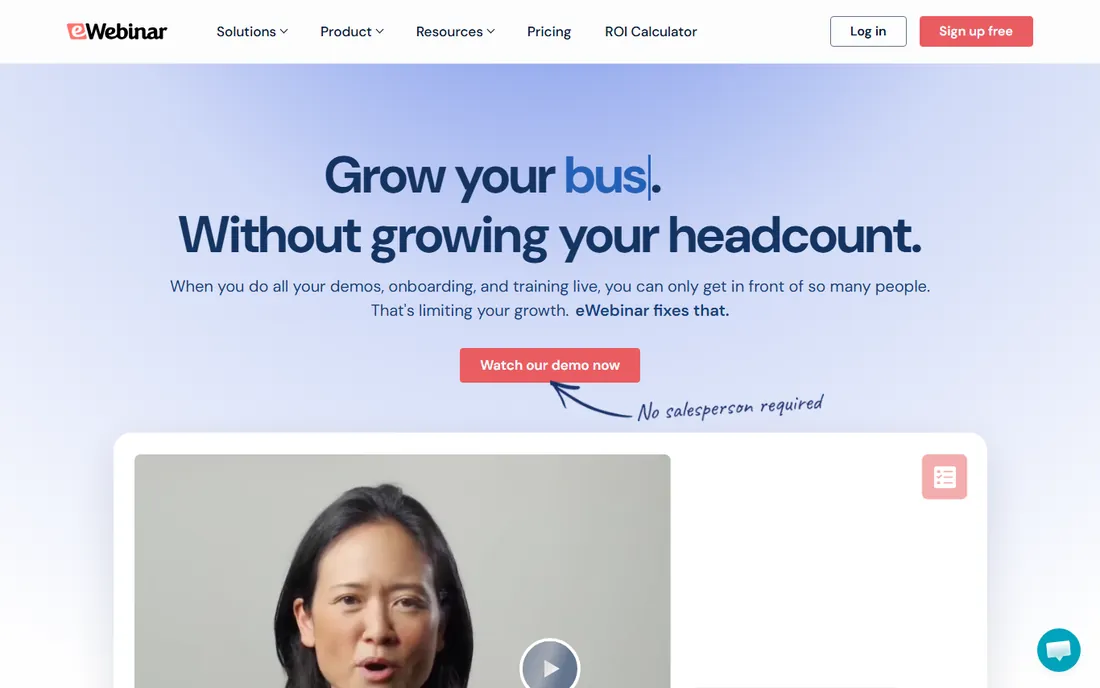
eWebinar refuses to pretend a recording is live, and that honesty is its edge. Attendees watch on their own schedule, and when they type in chat, a real person answers, now or later by email. The platform reports an 83 percent on-demand attendance rate against a 40 percent live average, which matches what most teams see when they stop asking prospects to fit a calendar. Twenty-plus interaction types, polls, quizzes, CTAs and handouts keep sessions from feeling like a video file. Plans start at $99 per month with a 14-day trial.
Where it fits best is repeatable content: product demos, customer onboarding, partner training, course lessons. Webinar series can be sequenced with gated steps and completion certificates. What it will not do is host a live launch event or a panel discussion. If your calendar is full of the same session delivered live, eWebinar is the cleanest way off the treadmill. If you need live too, pair it with something else or pick a hybrid platform.
What we like- Genuine two-way chat instead of simulated liveness, answered live or by email later
- Flexible scheduling (recurring, just-in-time, on-demand, one-time)
- Per-attendee analytics with watch time and drop-off points
Watch out for- No live webinar mode at all, so it cannot host one-off live events
- $99 entry price is steep for occasional use
Starting priceSee website
Free planFree trial
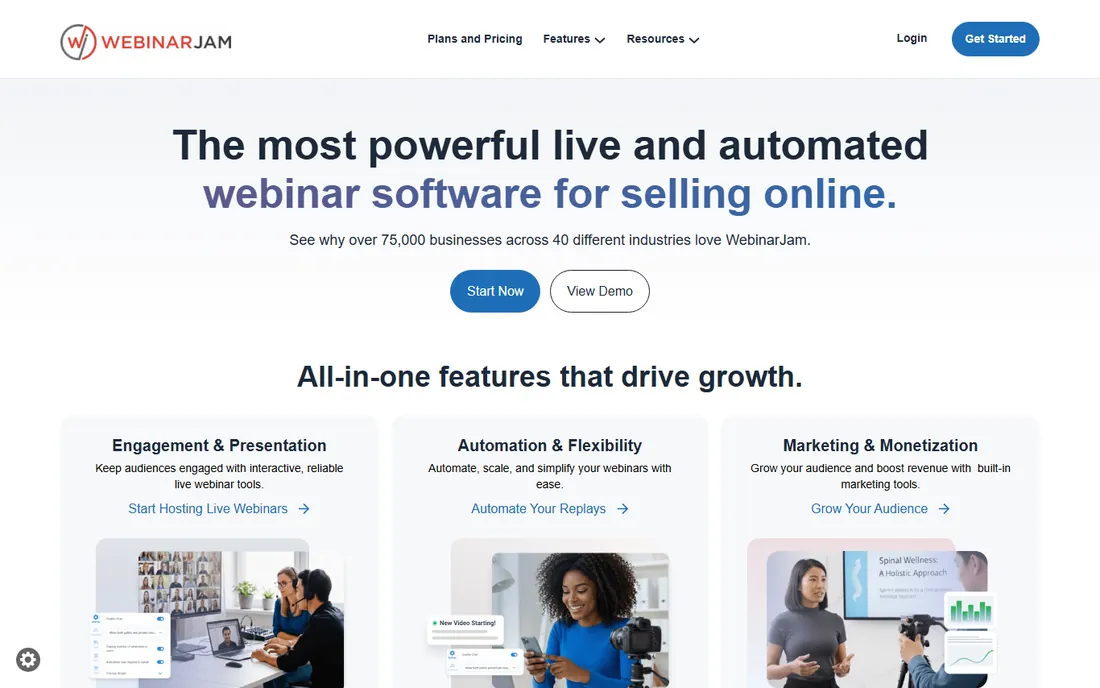
WebinarJam is the live half of the Genesis Digital pair, and it is built for selling. The feature set reads like a marketer's wishlist: live chat, polls, Q and A, handouts, file sharing, whiteboard, plus one-click purchase buttons with PayPal and Stripe, live purchase notifications for social proof, and streaming to YouTube and Facebook at the same time. The company claims over 75,000 businesses use it across 40 industries. Up to six presenters can be on camera, and the panic button gives hosts a fast escape when tech breaks mid-session.
The trade-off is focus. WebinarJam is a live webinar tool with replay and basic automation, not an automation platform. The evergreen story is "record in WebinarJam, automate in EverWebinar," which means two products and two bills. Reviewers also report occasional latency and reconnect messages on weaker connections. Choose it when live selling is the core motion and automation is the follow-up. Choose a native automation tool when the recording is the product.
What we like- Handles thousands of attendees with up to six on-camera presenters
- Built-in sales tools like one-click offers, countdown timers and live purchase notifications
- Panic button for fast tech-issue recovery
Watch out for- Live-first, so automation means pairing with EverWebinar
- Pricing is not published and plans scale with attendee counts
#4
Demio
Best for: Marketing teams that want webinars to look good without production skills
Visit demio.com
Starting priceSee website
Free planFree trial (14 days)
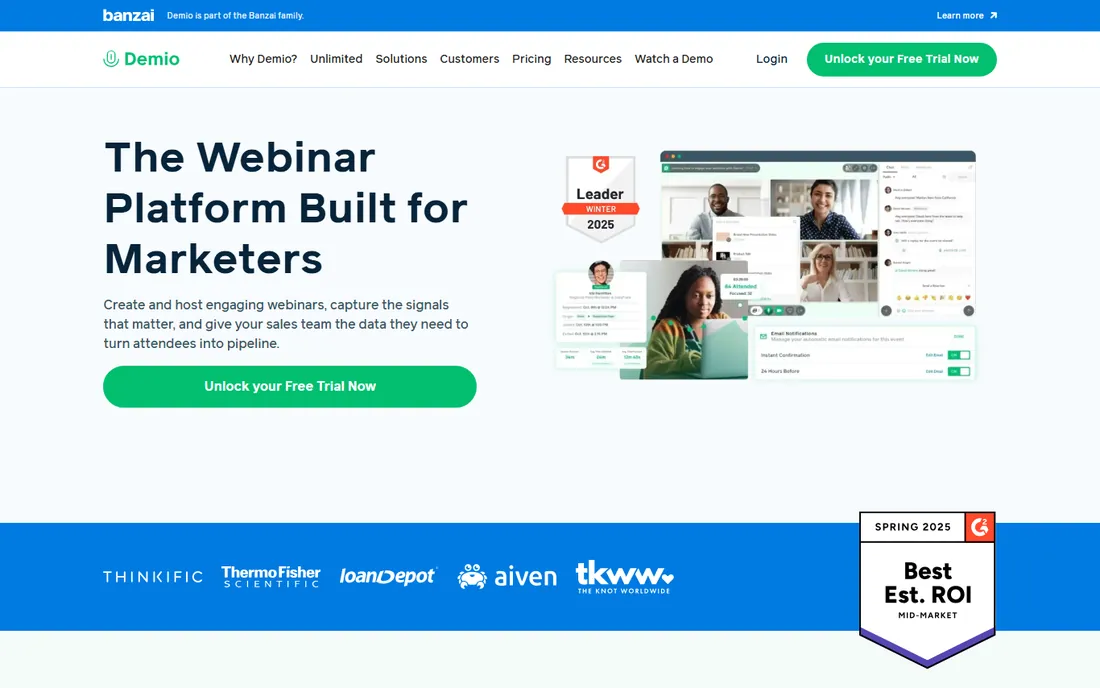
Demio wins buyers on feel. Everything from the registration page to the event room looks polished by default, which matters when the webinar is a brand touchpoint. It covers live webinars, automated replays and on-demand sessions, with polls, handouts, featured actions and real-time chat. Marketing teams like the HubSpot integration and the analytics that connect attendance to pipeline. The company positions itself squarely at marketers, sales and customer success teams rather than IT departments.
Pricing is the murky part. Third-party trackers put entry plans around $47 to $49 per month, but Demio's own site does not publish a simple grid, so treat online figures as directional. Attendee caps rise with tiers, which is standard but worth modeling if your list is large. For a small marketing team that wants to look professional fast, Demio is one of the easiest yeses here. For pure automation at scale, the specialists above go deeper.
What we like- Clean, modern interface that reviewers consistently praise for ease of use
- Live, automated and on-demand formats in one account
- Engagement analytics tied to marketing use cases
Watch out for- Pricing is not published on the main pricing flow
- Attendee limits scale with plan tiers, so large events cost more
#5
Livestorm
Best for: B2B marketing teams needing browser-based webinars with CRM automation
Visit livestorm.co
Starting priceSee website
Free planYes
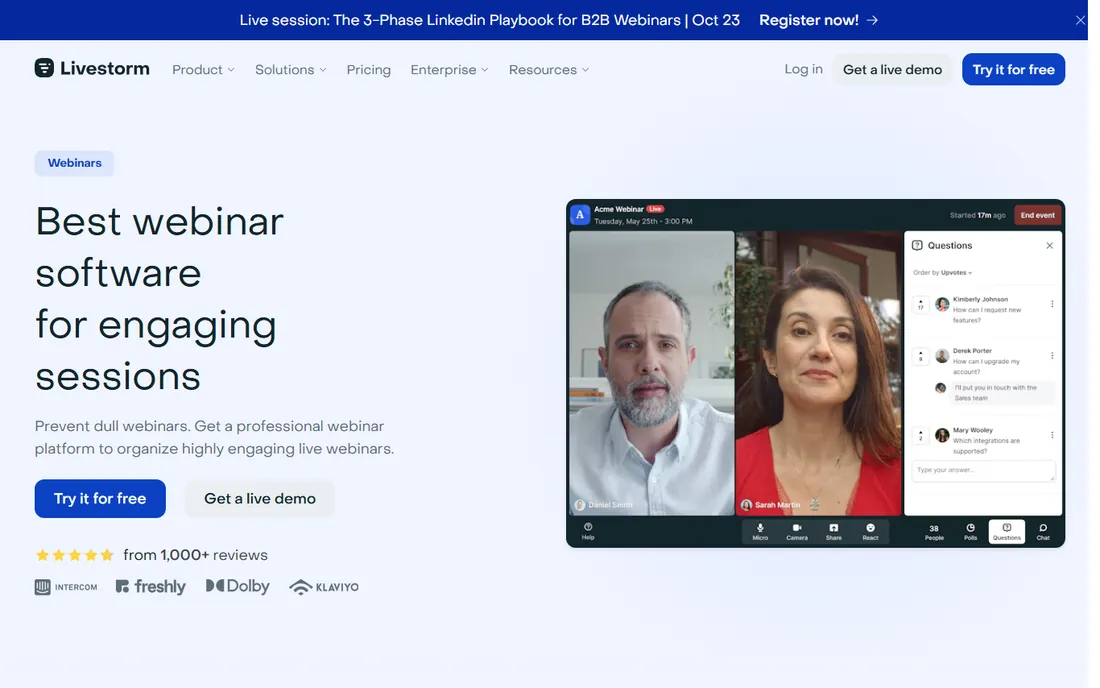
Livestorm is the European contender, built browser-first and marketed to demand-generation teams. Registration pages, email cadences, polls, Q and A, breakout rooms and AI-generated captions and transcripts come standard, and the CRM integrations are genuinely deep rather than checkbox Zapier links. The company reports a 4.4 out of 5 rating on G2 and says over 5,000 organizations run events on the platform. A lifetime free plan covers short webinars up to 20 minutes, which is enough to test the real workflow.
The pricing page leans on sales conversations for anything beyond the basics, so budget with a quote in hand. On-demand and automated (simulive) formats are supported, but Livestorm does not do the simulated-live chat theater that EverWebinar specializes in. Pick it when the webinar program feeds a CRM-driven funnel and the team lives in HubSpot or Salesforce. Pick an evergreen specialist when the goal is cloning one perfect pitch.
What we like- No downloads for hosts or attendees, everything runs in the browser
- Unlimited team members on paid plans
- Strong native integrations with HubSpot, Salesforce and Marketo
Watch out for- Automated webinars are on-demand style rather than simulated-live
- Pricing is quote-led for larger configurations
#6
GoTo Webinar
Best for: Training teams and enterprises running reliable scheduled webinars
Visit goto.com
Starting priceSee website
Free planFree trial
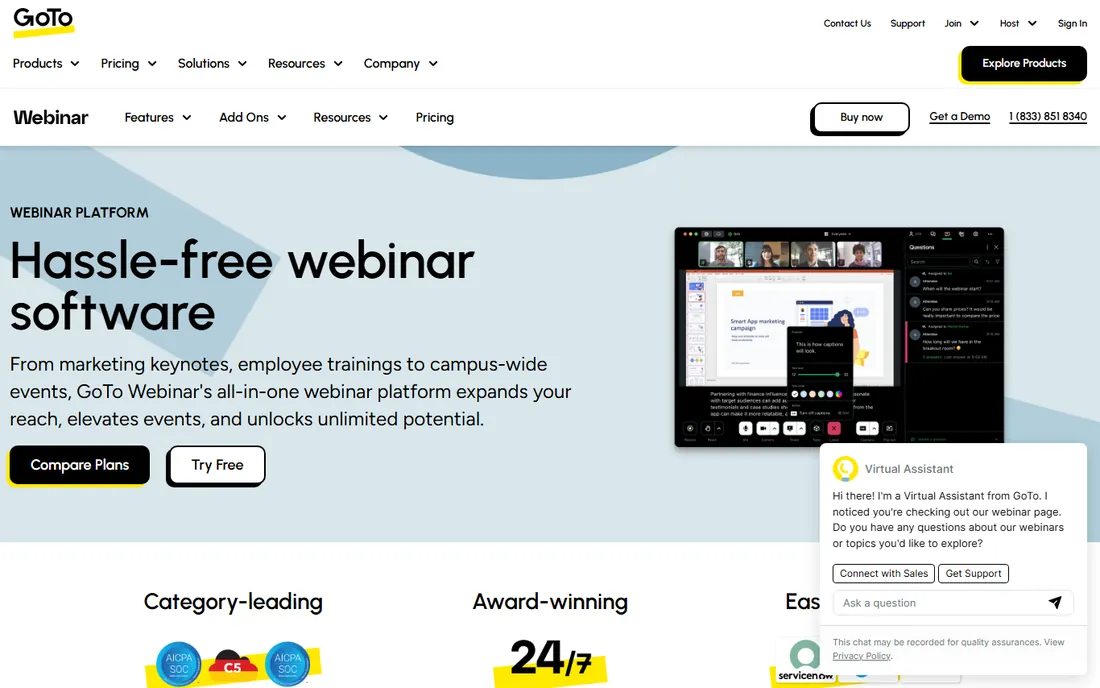
GoTo Webinar is the veteran of this list, and it still does the core job well: scheduled webinars for hundreds or thousands of attendees with registration, reminders, polls, Q and A and detailed reporting. The simulive feature lets you pre-record and broadcast as if live, which covers the basic automation need for training teams that deliver the same compliance or onboarding session monthly. Plans are named Reach, Elevate and Unlimited, scaling with attendees and features.
The experience shows its age. The interface and the attendee join flow feel like an earlier era next to browser-native competitors, and pricing is tiered opaquely enough that most buyers end up talking to sales. Where GoTo still wins is institutional trust: IT departments know it, it integrates with the GoTo family, and it rarely breaks. For corporate training programs, that reliability outweighs prettiness. For marketing-led evergreen funnels, the newer tools convert better.
What we like- Long track record with dependable large-audience delivery
- Simulive mode replays pre-recorded content as if live
- Strong analytics, polling and Q and A for training use cases
Watch out for- Interface feels dated next to Demio and Livestorm
- Pricing varies by attendee tier and needs a quote for larger events
#7
ClickMeeting
Best for: Small businesses wanting affordable webinars with automation options
Visit clickmeeting.com
Starting priceSee website
Free planFree trial (30 days)
ClickMeeting is the value pick from Poland, and it punches above its price. You get live webinars, automated webinars that run on a schedule, on-demand replays, polls, Q and A, whiteboard and screen sharing, plus the ability to charge for access with built-in ticketing. Third-party trackers put entry pricing around $32 per month, well under most competitors. A 30-day free trial gives you room to run a real event before paying.
The polish gap is real. Registration pages and the event room look functional rather than beautiful, and the brand recognition is lower if your audience judges vendors by logo. Feature depth on automation is also thinner than EverWebinar or eWebinar: it schedules and replays well but does not do the timed-engagement choreography. For a small business running its first webinar program on a budget, ClickMeeting is the sensible start. Upgrade when the funnel proves itself.
What we like- Automated and on-demand webinars included alongside live events
- Paid webinars with ticketing through Stripe and PayPal
- Generally lower prices than US competitors
Watch out for- Interface and branding feel less premium than Demio or Livestorm
- Attendee limits and feature gates vary by tier
#8
Zoom Webinars
Best for: Companies already on Zoom that need large-scale broadcast webinars
Visit zoom.com
Starting priceSee website
Free planNo
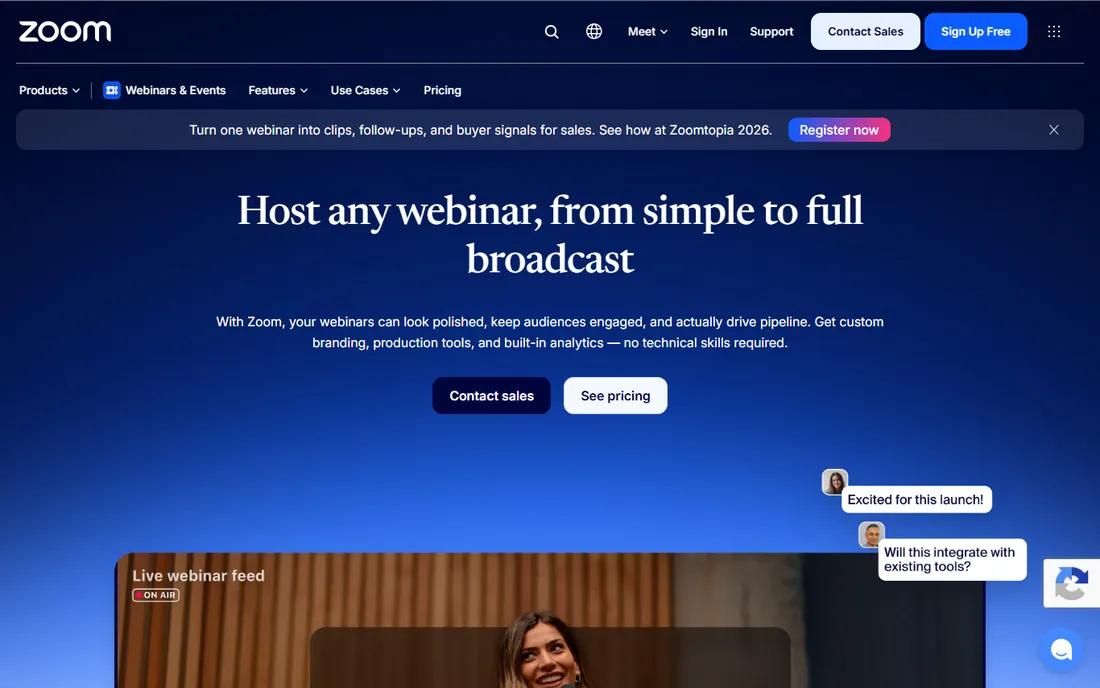
Nobody needs to learn Zoom Webinars, and that is the whole pitch. If your company runs on Zoom, the webinar add-on gives you branded registration pages, practice sessions, polls, Q and A, breakout-style engagement and reporting inside the tool everyone already has. Simulive covers the basic automation case: pre-record, schedule it, engage in chat while it plays. Capacity runs from 500 attendees up to 100,000 on enterprise tiers, with production tools improving steadily.
The catch is that it is an add-on, not a funnel tool. There is no evergreen scheduling engine, no timed-offer choreography, no just-in-time urgency mechanics. Pricing is per-license on top of your Zoom plan and varies by attendee tier. Choose Zoom Webinars when the event is corporate communications, training or a big launch where reliability and familiarity matter most. Choose an automation specialist when the webinar is a revenue machine you want running daily.
What we like- Scales to 100,000 attendees on familiar Zoom infrastructure
- Simulive replays pre-recorded content as live
- Webinars Plus adds backstage, pro layouts and AI content tools
Watch out for- No free plan and webinar licenses sit on top of Zoom costs
- Automation depth lags the evergreen specialists
#9
BigMarker
Best for: Organizations running webinars alongside virtual and hybrid events
Visit bigmarker.com
Starting priceSee website
Free planFree trial
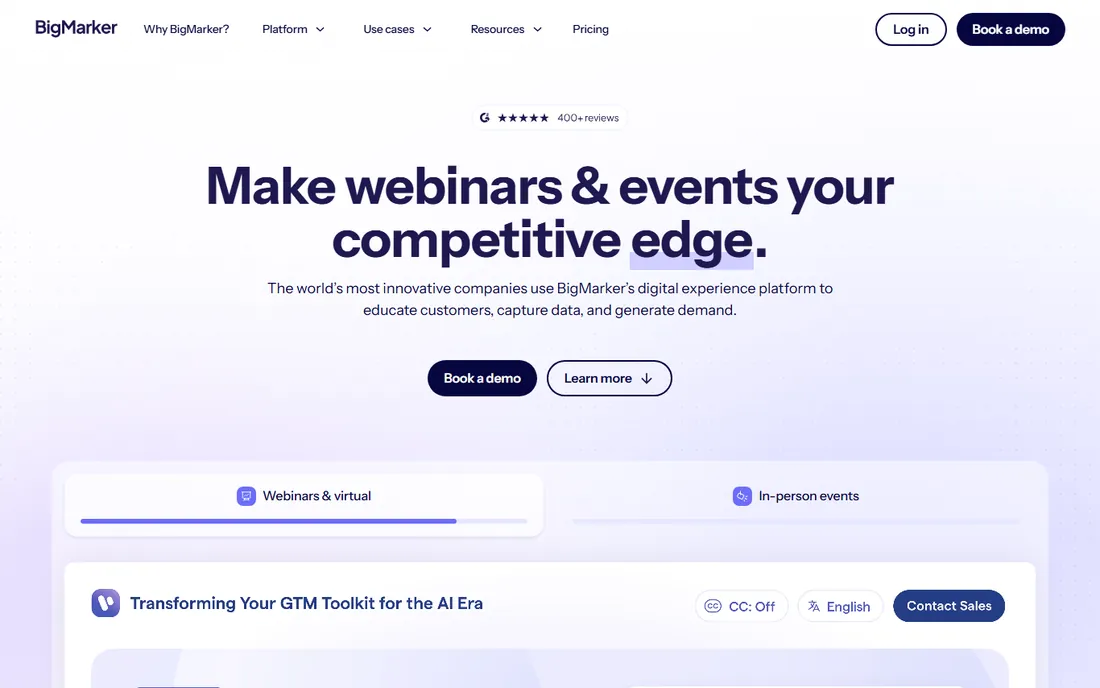
BigMarker started as a webinar platform and grew into a full event suite, which makes it the odd one out here in a useful way. If your team runs monthly webinars plus an annual virtual summit plus the occasional hybrid event, BigMarker covers all of it: live, automated and on-demand webinars, multi-session events, landing pages, email automation and CRM integrations. Wikipedia notes it supports large live audiences, and the browser-based WebRTC approach keeps the join friction low.
The trade is specialization. BigMarker's automation handles scheduled replays fine but does not match EverWebinar's simulated-live toolkit or eWebinar's chat-first on-demand model. And with no public pricing, you are in a sales process from the first serious question. It fits marketing teams and associations with a varied events calendar. For a single evergreen funnel, the focused tools above will get you live faster and cheaper.
What we like- One platform for webinars, virtual summits, hybrid and in-person events
- Automation features for pre-recorded scheduled sessions
- Browser-based with no downloads
Watch out for- No public pricing, everything goes through sales
- Broader event focus means less depth on pure evergreen funnels
How we chose
We started with the searches buyers run: best automated webinar platform, evergreen webinar software and automated webinar tools. For each candidate we opened the vendor homepage to confirm it is a live product in the category and read the vendor's own feature and pricing pages. We cross-checked plans, limits and trial terms against G2 and Capterra listings and practitioner discussion on Reddit. Where a vendor does not publish prices, or third-party figures conflicted, we wrote "See website" rather than printing a number we could not verify.
The format decision matters more than the vendor. Live webinars convert well for launches, panels and anything time-sensitive, but they cap your reach at your calendar. Simulated-live automation (EverWebinar's model) replays a recording inside a live-shaped experience with timed chat and offers; it suits evergreen sales funnels where the pitch never changes. On-demand (eWebinar's model) lets viewers watch whenever, with real chat answered asynchronously; it suits demos, onboarding and training that people need at unpredictable moments.
Match the format to the content's shelf life. A pitch that stays valid for a year belongs in automation. A product demo that changes quarterly belongs on demand with easy re-recording. A launch with live Q and A stays live. Most growing companies end up with two formats: one automated funnel running daily and live events for moments that deserve them. Buy the platform for the format you will run most, not the one with the longest feature list.
The attendance problem nobody talks about
Live webinar attendance hovers around 30 to 40 percent of registrants. Everyone in the industry knows it, and most marketing plans quietly accept it. That is why the automation pitch lands: eWebinar reports 83 percent on-demand attendance, and evergreen vendors consistently show higher show-up rates because the viewer picks the time.
But attendance is only half the equation. The other half is what happens after. An automated webinar needs the same follow-up machinery as a live one: segmented emails for attendees versus no-shows, retargeting for partial viewers, and a human touch for hot leads. Before you buy, sketch the post-webinar sequence. If the plan is "they watch and buy," the software is not the problem. The platforms here handle reminders, replays and analytics; the conversion work is still yours.
Frequently asked questions
What is an automated webinar?
A pre-recorded presentation that runs on a schedule or on demand without a live presenter. Simulated-live tools replay it inside a live-style experience with timed chat and polls. On-demand tools let viewers watch anytime with real chat. Both include registration, reminders and analytics like a live webinar.
Do automated webinars convert as well as live ones?
Often comparably, sometimes better, because the presentation is the polished best take and it runs far more often. EverWebinar's own user stories cite revenue increases from higher session volume. The offer and the follow-up sequence matter more than whether a human is live behind the curtain.
Should I tell attendees the webinar is pre-recorded?
Practices vary. Some hosts disclose it upfront and frame it as on-demand training. Others use the live aesthetic with simulated chat. Hybrid mode, where the recording plays while your team answers chat live, splits the difference. Check your industry's norms and your own comfort with the approach.
How much does automated webinar software cost?
Entry points range from $99 per month at eWebinar to quote-based pricing at most others. Expect costs to scale with attendees, hosts and features. WebinarJam and EverWebinar are sold as a pair, so price them together if you need both live and evergreen.
Can I run automated webinars and live webinars on one platform?
Yes. Demio, Livestorm, GoTo Webinar, ClickMeeting and Zoom Webinars all cover live plus some form of automated or on-demand replay. The evergreen specialists (EverWebinar, eWebinar) go deeper on automation but do not host live events, so some teams run both.
What integrations matter most for webinar software?
CRM and email automation first: HubSpot, Salesforce, Marketo, ActiveCampaign and Zapier cover most stacks. Check whether attendance and engagement data syncs to contact records automatically, because manual CSV exports kill the follow-up speed that makes webinars pay.
Sources we checked (11)
- https://home.everwebinar.com/index
- https://ewebinar.com/
- https://home.webinarjam.com/
- https://demio.com/
- https://livestorm.co/webinar-software
- https://www.goto.com/webinar
- https://clickmeeting.com/
- https://www.zoom.com/en/products/webinars/
- https://www.bigmarker.com/
- https://www.g2.com/categories/webinar
- https://www.capterra.com/webinar-software/
Is your product missing or out of date?
We review this list regularly. Vendors can request a listing, send updated pricing or ask about featured placement.

Shihab Mia · Founder, Rankite
Shihab has 5+ years in B2B and SaaS SEO. He writes Rankite's software buying guides from pricing pages, documentation and public user reviews. More about Shihab.