How we make this list: we compare pricing pages, product documentation and public user reviews. Rankite is independent; if a vendor ever pays for a featured spot, that listing is clearly labeled Partner.
Key takeaways
- Zoom and Webex cover everyday webinar recording for businesses already on those platforms.
- GoTo Webinar and Demio suit marketers running lead-generation webinars with registration pages and analytics.
- Livestorm handles European-friendly webinars with strong automation.
- Riverside records studio-quality local audio and video, best for repurposing webinars as content.
- StreamYard and Restream fit live-first creators who multistream and record simultaneously.
Quick comparison
| Tool | Best for | Starting price | Free plan |
|---|
 Zoom Zoom | Everyday webinar recording | See website | Yes |
 GoTo Webinar GoTo Webinar | Lead-gen webinars at scale | See website | No |
 Webex Webex | Enterprise webinars and events | See website | Yes |
 Livestorm Livestorm | Automated marketing webinars | See website | Yes |
 Demio Demio | Simple no-download webinars | See website | Free trial |
 WebinarJam WebinarJam | Marketing-heavy webinar funnels | See website | No |
 Riverside Riverside | Studio-quality recording | See website | Yes |
 StreamYard StreamYard | Easy live streaming plus recording | See website | Yes |
 Restream Restream | Multistreaming with recording | See website | Yes |
Is your product missing or out of date?
We review this list regularly. Vendors can request a listing, send updated pricing or ask about featured placement.
The best webinar recording software
Starting priceSee website
Free planYes
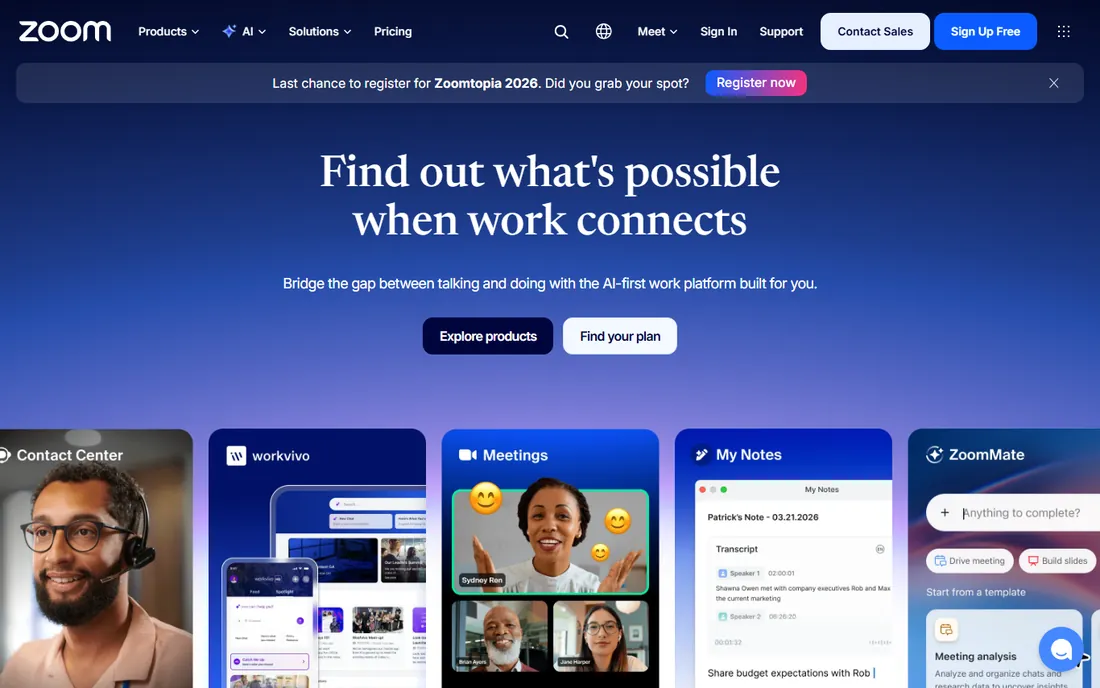
Zoom is the default because it is the default. Attendees join without training, hosts hit record without thinking, and cloud recordings come with transcripts and searchable highlights. For internal training, customer onboarding and casual webinars, nothing beats the familiarity.
Serious webinar marketing needs more. Registration pages, branding and lead analytics require the Webinar add-on on top of a paid plan, and the 40-minute free limit rules out real sessions. Zoom is the practical choice for recording-first use, not marketing-first funnels.
What we like- Everyone already knows how to join
- Cloud recording with transcripts
- Free plan for short meetings
Watch out for- 40-minute limit on free group meetings
- Webinar features need the paid Webinar add-on
Starting priceSee website
Free planNo
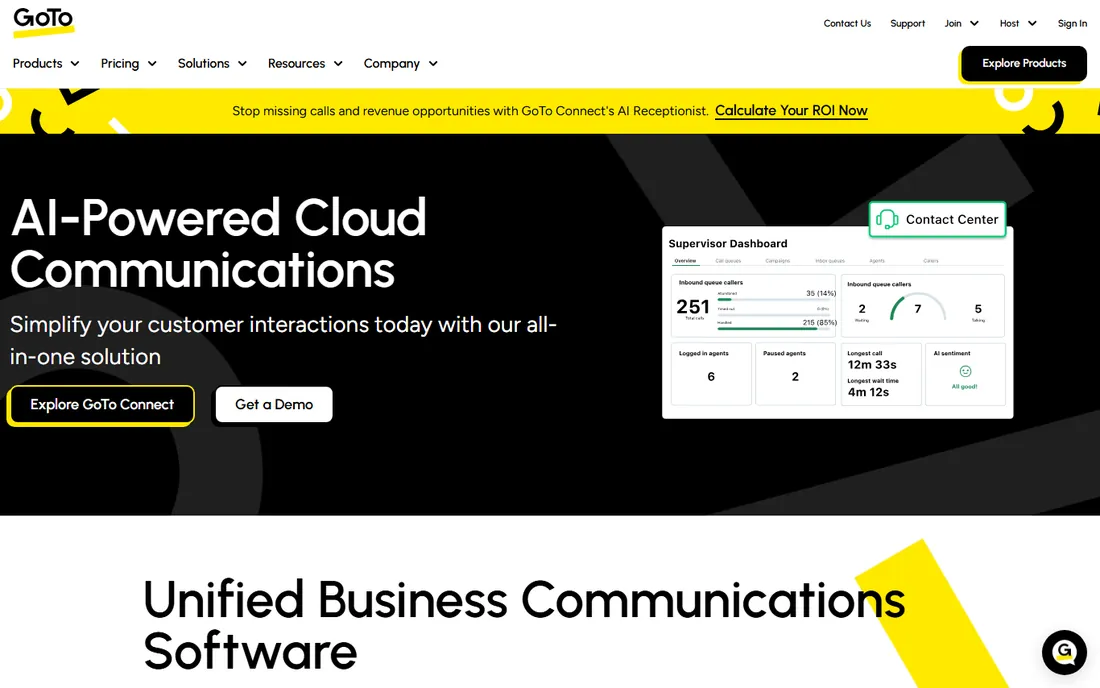
GoTo Webinar has run marketing webinars for over a decade, and the scale shows. Thousands of attendees, customizable registration, source tracking, polls, surveys and detailed analytics give marketers the funnel data they need. Reliability at large attendee counts is the reason enterprises stay.
The product feels its age next to Livestorm or Demio, and pricing requires a sales conversation. There is no free plan. Marketing teams running regular lead-generation webinars at scale get a proven workhorse. Casual users should look at Zoom or StreamYard.
What we like- Built for large marketing webinars
- Strong registration and analytics
- Reliable at scale
Watch out for- Pricing not published
- Interface feels dated next to newer tools
Starting priceSee website
Free planYes
Webex, from Cisco, is the enterprise pick for regulated industries. End-to-end encryption options, compliance certifications and admin controls satisfy security teams that veto consumer tools. Webex Events scales to large audiences with production features, and recordings include transcripts.
Paid pricing is quote-based, and the platform carries enterprise weight in setup and administration. A free plan covers basic meetings. Choose Webex when security and compliance drive the decision; choose simpler tools when they do not.
What we like- Enterprise-grade security and compliance
- Webex Events for large audiences
- Free plan available
Watch out for- Pricing not published for paid tiers
- Heavier than needed for simple webinars
Starting priceSee website
Free planYes
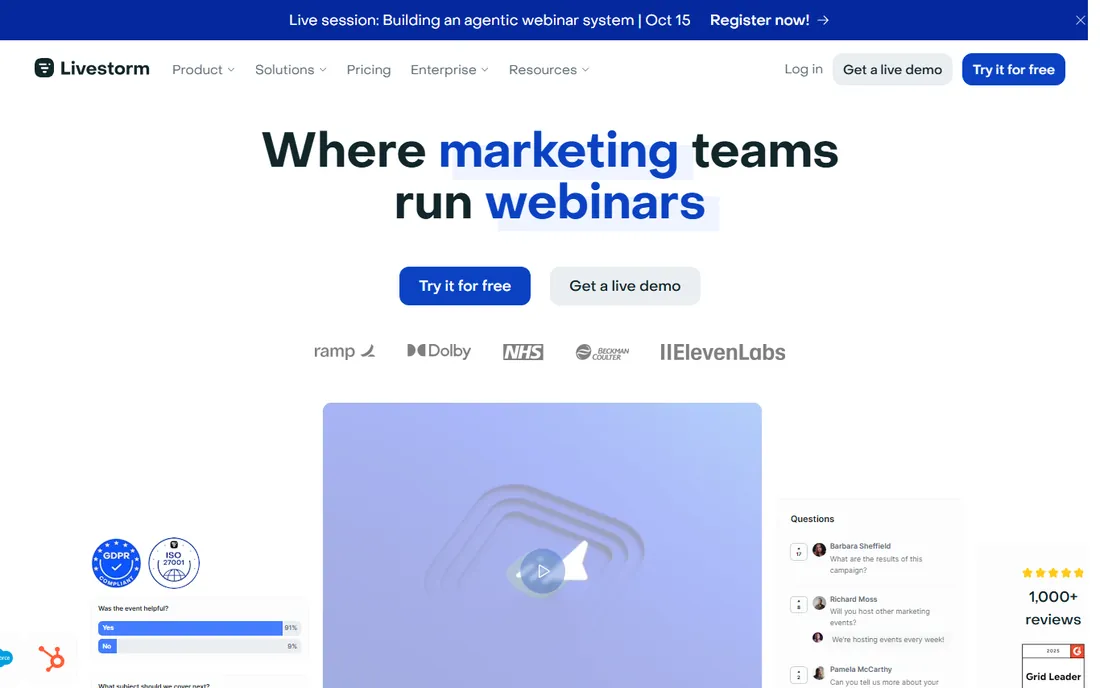
Livestorm runs entirely in the browser, which removes the biggest webinar friction: downloads. Registration pages, email reminders, polls and analytics are built in, and the automation engine runs evergreen webinars on autopilot. European companies appreciate the GDPR-friendly data handling.
Pricing is not published and lower tiers cap attendees, so growing programs should confirm costs early. A free plan lets you test the workflow. Marketing teams wanting modern webinar software without plugins should shortlist Livestorm.
What we like- Browser-based with no downloads
- Strong automation for evergreen webinars
- Good analytics
Watch out for- Pricing not published
- Attendee limits on lower tiers
Starting priceSee website
Free planFree trial
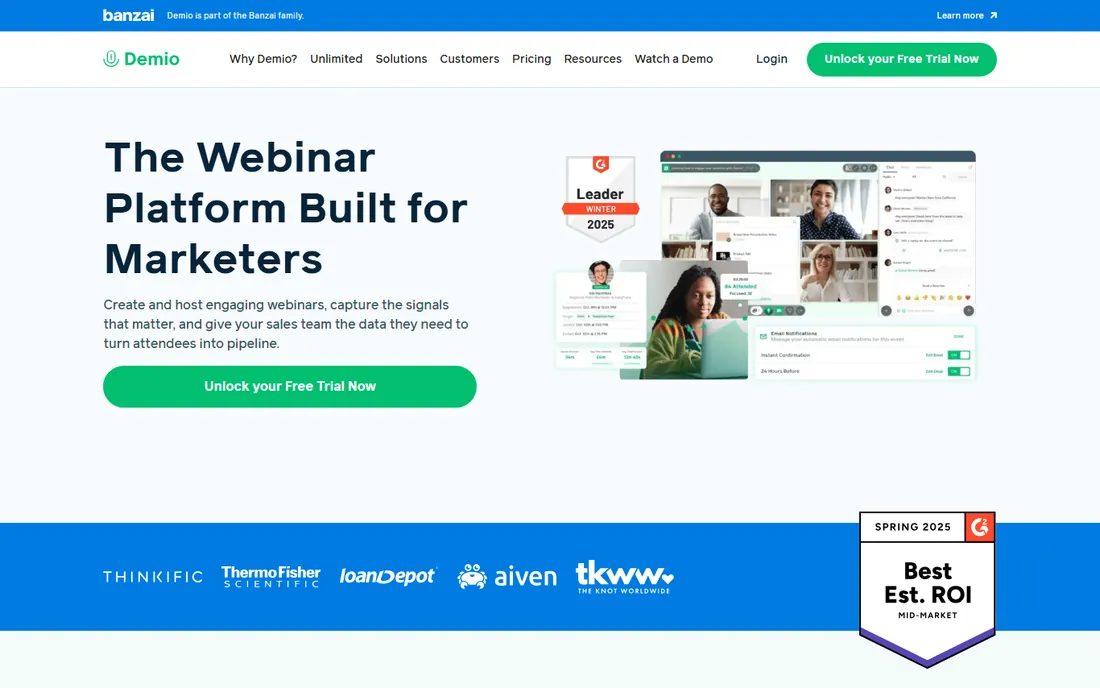
Demio's pitch is simplicity: join from a browser link, present, engage with polls and Q&A, done. Hosts learn it in minutes and attendees never install anything. The engagement features, polls, handouts, featured actions, keep audiences active without complexity.
It is not built for 10,000-person enterprise events; that is GoTo Webinar or Webex territory. Pricing is not published, though a free trial is available. Small marketing teams running weekly webinars get the smoothest experience here.
What we like- Extremely easy for hosts and attendees
- No downloads
- Good engagement features
Watch out for- Pricing not published
- Less suited to massive enterprise events
Starting priceSee website
Free planNo
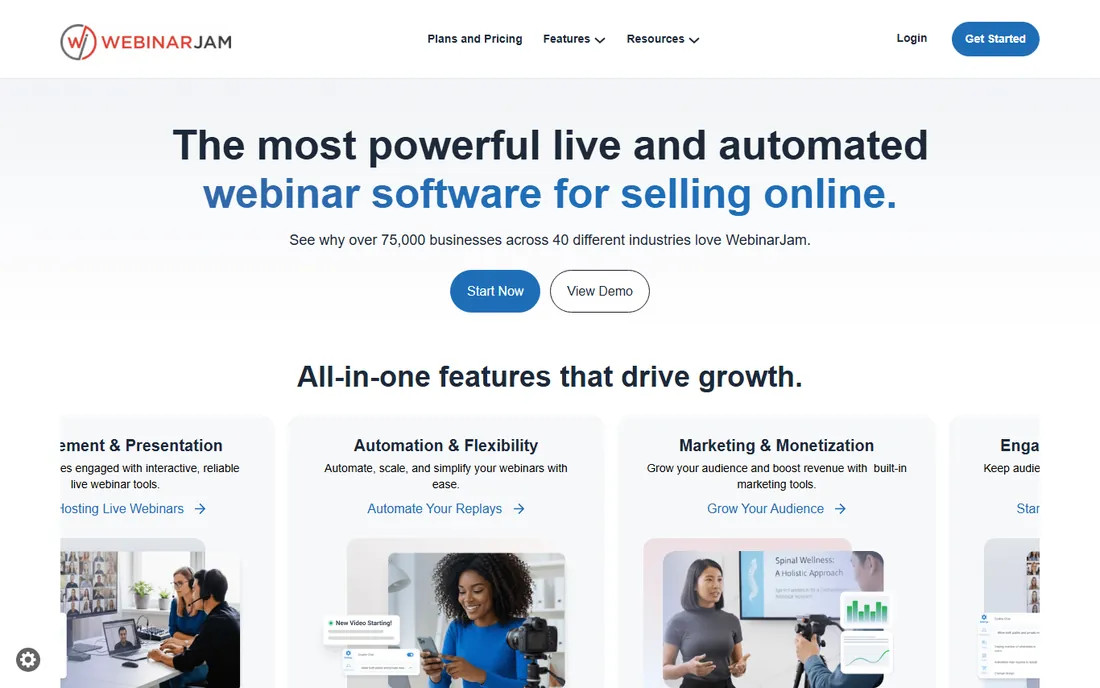
WebinarJam is marketing software that happens to host webinars. Live offers, countdown timers, attendee spotlights and EverWebinar automated replays are designed to sell, not just to present. Info-marketers and course creators running launch webinars swear by the funnel tooling.
The aggressive marketing culture around the product puts some buyers off, and pricing is not published. There is no free plan. If your webinar exists to sell something, WebinarJam's conversion features justify a look. If it exists to educate, calmer tools fit better.
What we like- Built for sales webinars with offers and urgency
- EverWebinar for automated replays
- Strong funnel features
Watch out for- Pricing not published
- Interface and upsell culture divide opinion
Starting priceSee website
Free planYes
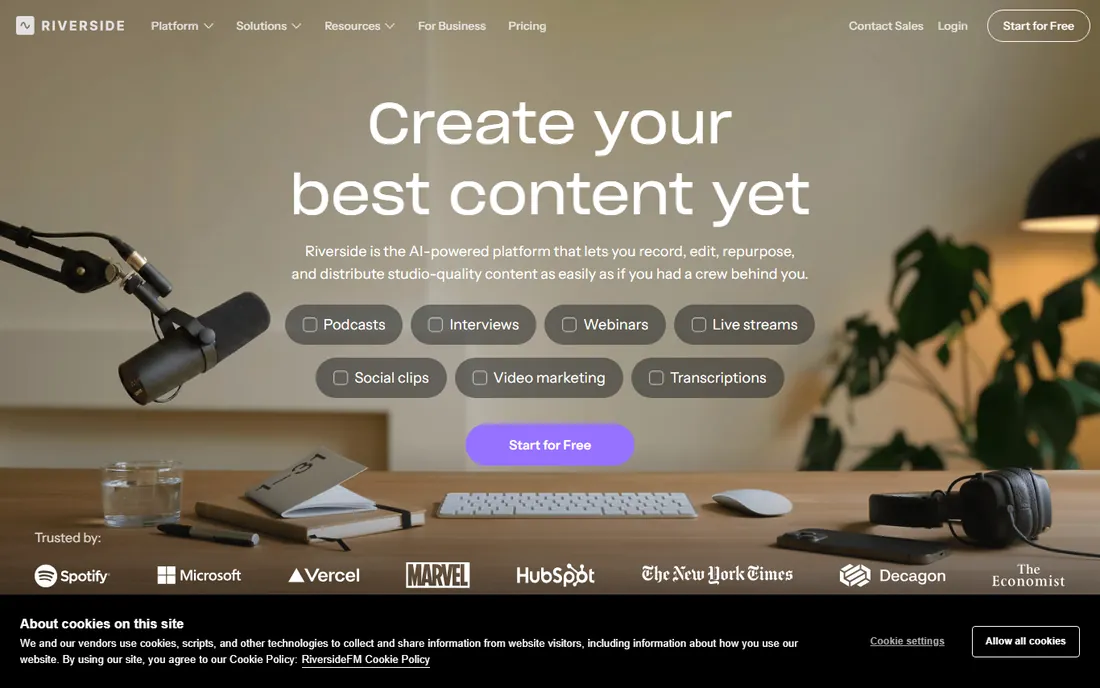
Riverside records each participant locally in high quality, then uploads, so the recording sounds like a studio even when the live connection stutters. Separate audio and video tracks make editing easy. Podcasters and content marketers use it to turn webinars into clips, episodes and courses.
Live webinar interactivity is thinner than GoTo Webinar or Demio; Riverside is a recording studio first. Pricing is not published, though a free plan exists. Choose Riverside when the recording matters more than the live event.
What we like- Records lossless local audio and video per participant
- Separate tracks
- Great for repurposing content
Watch out for- Webinar features thinner than dedicated platforms
- Pricing not published
Starting priceSee website
Free planYes
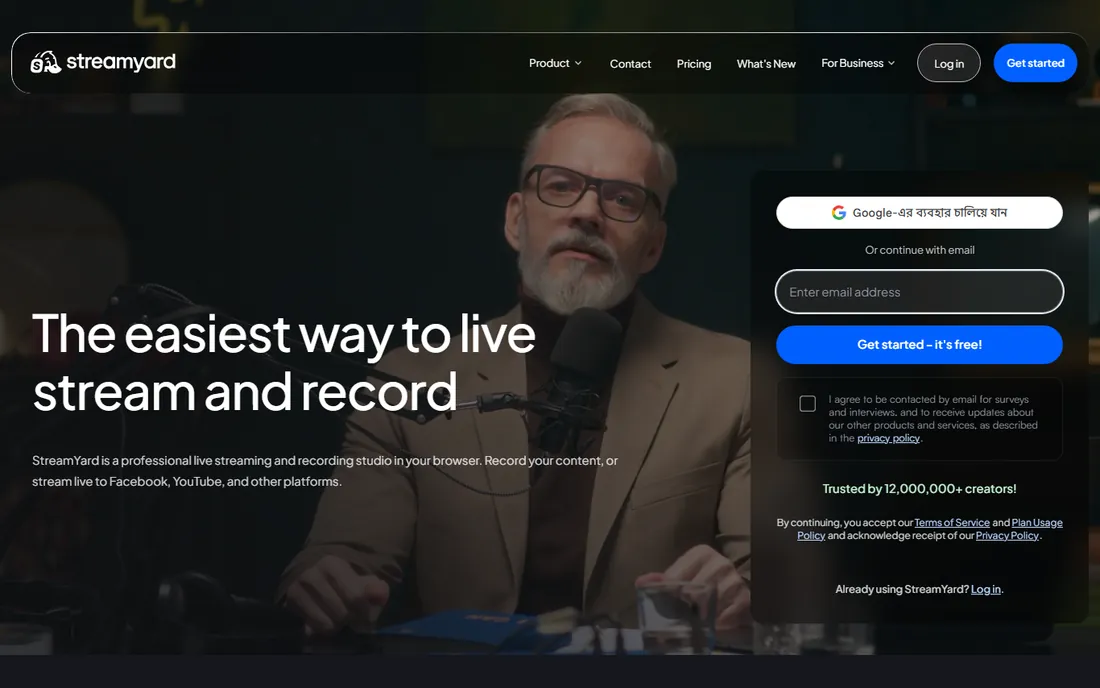
StreamYard made professional-looking live streams accessible from a browser. Invite guests with a link, add lower thirds and logos, stream to YouTube, LinkedIn and Facebook simultaneously, and record everything. The free plan lets you test the full workflow with StreamYard branding.
Paid plans remove branding and add destinations and features. Webinar-specific tools like registration pages are thinner than Demio or Livestorm. StreamYard fits creators and businesses going live on social first, with the recording as a bonus.
What we like- Easiest browser-based live streaming
- Multistream to social platforms
- Free plan available
Watch out for- Branding on the free plan
- Advanced production features need paid tiers
Starting priceSee website
Free planYes
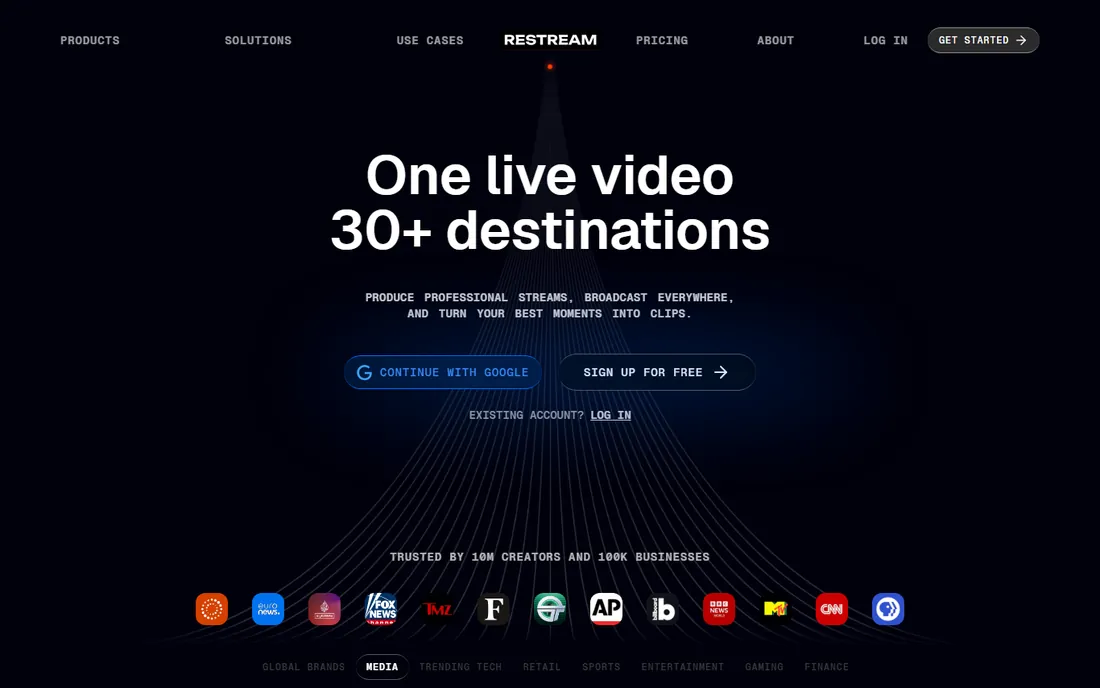
Restream's job is distribution: one stream goes to YouTube, Twitch, LinkedIn, Facebook and dozens more simultaneously, with all chats aggregated in one window. Recordings capture the broadcast for repurposing. The free plan covers basic multistreaming.
It is a distribution tool, not a webinar platform: registration, polls and lead analytics are basic. Paid plans add full HD and more destinations. Creators and businesses maximizing live reach should pair Restream with their recording workflow.
What we like- Streams to 30+ platforms at once
- Chat aggregation
- Free plan to start
Watch out for- Webinar engagement features are basic
- Paid plans needed for full quality
How we chose
We evaluated webinar and live streaming tools with real recording capabilities that businesses use in 2026. Research covered vendor sites and documentation, marketer reviews on G2 and Capterra, and creator community discussion. We weighted recording quality, ease of joining, registration and analytics for marketing use, pricing transparency and fit for different webinar styles. Prices come from vendor pages where published.
Recording quality: the spec nobody checks until it is too late
Webinar platforms record what the server receives, which means a guest's bad connection becomes your bad recording. Riverside solves this with local recording; everyone else depends on network quality. If you repurpose webinars into courses or YouTube content, this distinction matters enormously.
Check three specs before buying: maximum recording resolution, whether audio records on separate tracks, and how long recordings are stored. Some platforms delete cloud recordings after months on lower tiers. Download and archive important recordings regardless of the platform's promises.
Live versus evergreen: pick your webinar model
Live webinars build urgency and interaction; evergreen webinars scale without your calendar. The tools split accordingly. GoTo Webinar, Demio and Livestorm handle live well, with Livestorm and WebinarJam (via EverWebinar) strongest on automation.
Many businesses run both: live monthly for engagement, evergreen always-on for lead capture. If that is the plan, prioritize a platform with real automation rather than buying two tools. And be honest with evergreen attendees: fake-live webinars with chatbots erode trust when discovered.
Repurposing: getting five assets from one webinar
A webinar should never produce just a recording. The smart workflow turns one session into a blog post (from the transcript), short social clips (from highlights), an email nurture sequence, a podcast episode (from the audio) and a gated replay for lead capture. Tools with transcripts and separate audio tracks make this dramatically easier.
Plan repurposing before the webinar, not after. Mark chapter points during the live session, note quotable moments, and assign clip creation to someone with a deadline. A webinar that sits unwatched in a cloud folder earned nothing. Riverside and Descript-style transcript editing compress this workflow from days to hours.
Frequently asked questions
What is the best webinar recording software?
Zoom is the simplest choice for everyday recording. GoTo Webinar leads for large marketing webinars. Riverside produces the best recording quality for repurposing. StreamYard and Restream suit live-first creators who stream to social platforms.
Can I record a webinar for free?
Yes. Zoom's free plan records short meetings, and StreamYard, Restream, Riverside, Livestorm and Webex all offer free tiers with recording. Free plans usually limit duration, attendees or storage, so check the caps against your needs.
What is the difference between a webinar and a meeting recording?
Webinar platforms add registration pages, attendee management, polls, Q&A and analytics designed for one-to-many presentations. Meeting tools like Zoom record fine but need add-ons for marketing features. Choose based on whether you need leads or just a recording.
How do I get the best recording quality?
Use Riverside or similar local-recording tools so each participant's audio and video record on their own device. Otherwise, ask speakers to use wired internet, good microphones and quiet rooms. The platform cannot fix a bad microphone. Do a full tech rehearsal with every speaker at least a day before an important webinar, and record the rehearsal to verify quality end to end.
Should I use evergreen webinars?
Evergreen webinars scale lead generation without your time, and tools like Livestorm and WebinarJam automate them well. They work best for educational content with a clear offer. Be transparent that the webinar is recorded; fake-live tactics damage trust. Track conversion separately from live webinars, since evergreen typically converts lower but runs constantly.
How long should a webinar recording be kept?
Keep lead-generating replays as long as they convert, and archive everything else for at least a year for compliance and reference. Check your platform's storage limits and retention policies on your plan tier, since some delete cloud recordings after a few months. Download critical recordings to your own storage regardless.
Sources we checked (9)
- https://www.zoom.com
- https://www.goto.com
- https://www.webex.com
- https://livestorm.co
- https://www.demio.com
- https://webinarjam.com
- https://riverside.com
- https://streamyard.com
- https://restream.io
Is your product missing or out of date?
We review this list regularly. Vendors can request a listing, send updated pricing or ask about featured placement.

Shihab Mia · Founder, Rankite
Shihab has spent more than a decade helping SaaS and e-commerce brands grow through search. He writes Rankite's software buying guides from pricing pages, documentation and public user reviews. More about Shihab.