How we make this list: we compare pricing pages, product documentation and public user reviews. Rankite is independent; if a vendor ever pays for a featured spot, that listing is clearly labeled Partner.
Key takeaways
- Skedda is the most flexible option for complex booking rules, while Robin leads on workplace analytics for hybrid offices.
- Envoy pairs room booking with visitor management, which suits offices that already manage guests at the front desk.
- Eptura (formerly Condeco) and Accruent EMS fit large enterprises with multi-location and event management needs.
- Roomzilla and MeetingRoomApp are leaner picks for small and midsize teams that want booking without an enterprise rollout.
- Most vendors price per room or per space, not per user, so confirm the pricing model before comparing quotes.
A conference room that shows as free but is not is worse than no scheduling system at all. It creates hallway confrontations, wasted time and a quiet distrust of the calendar. The tools below all solve that core problem, but they split into two camps: full workplace platforms like Robin and Envoy that bundle rooms with desks and visitors, and dedicated room schedulers like Skedda, Roomzilla and MeetingRoomApp that do one job well.
Quick comparison
Is your product missing or out of date?
We review this list regularly. Vendors can request a listing, send updated pricing or ask about featured placement.
The best conference room scheduling software
Starting priceSee website
Free planFree trial
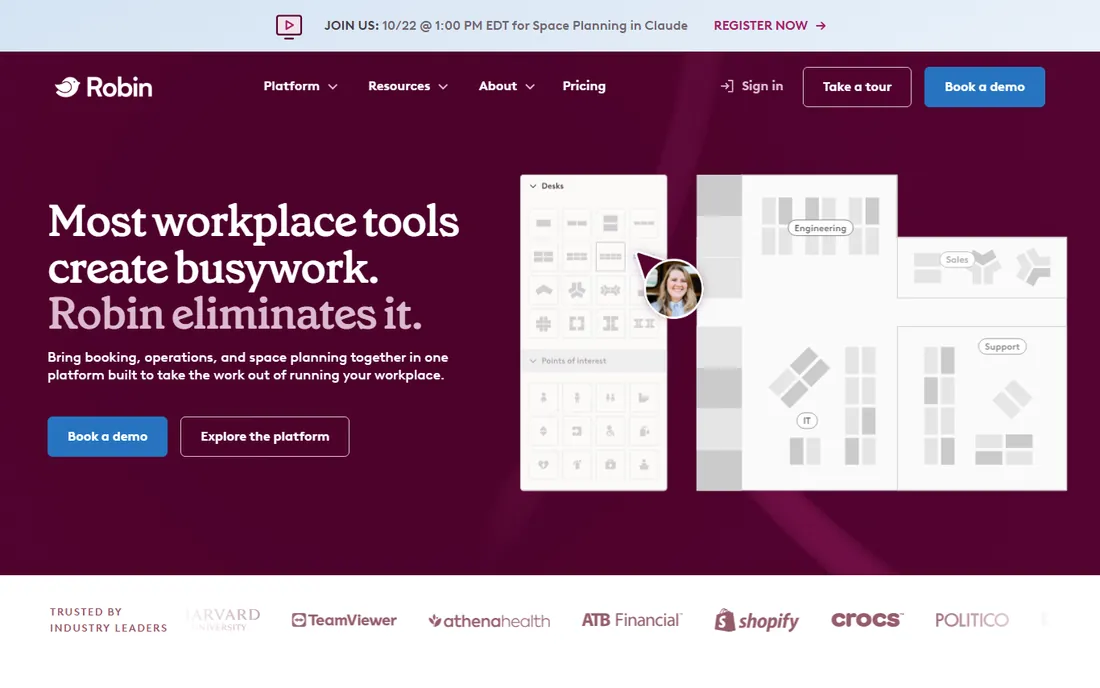
Robin is a workplace platform built around hybrid offices, with meeting room booking sitting alongside desk booking, office maps and utilization analytics. Its strength is data: you can see which rooms are actually used, when no-shows happen and where your space is being wasted.
For offices trying to right-size real estate or manage a hybrid schedule, that analytics layer is the selling point. Smaller teams that just need a room calendar may find the platform heavier than necessary.
Ask for a demo with your floor plans ready, since the value of Robin shows best when mapped to your actual space. Check how it handles your calendar system before committing, as the two-way sync is central to how it prevents double bookings.
What we like- Strong analytics and office maps
- Desk plus room booking in one app
- Deep calendar integrations
Watch out for- Pricing is quote-based
- Can be more than small teams need
Starting priceSee website
Free planFree trial
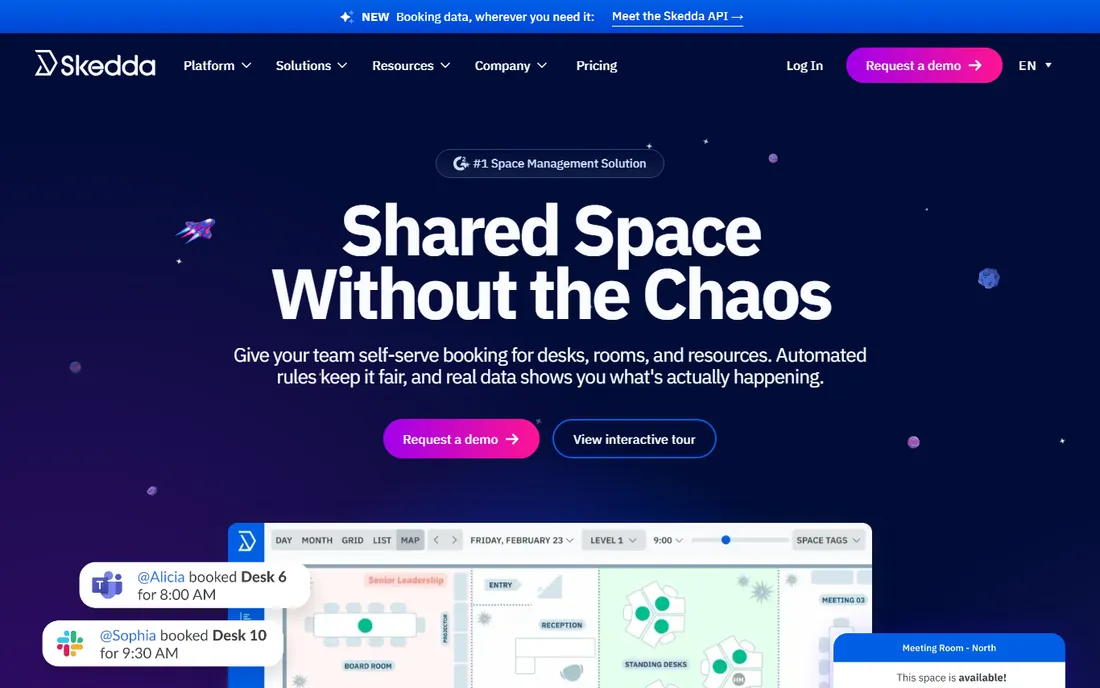
Skedda specializes in space scheduling with unusually flexible rules: booking windows, quotas, approvals, check-in requirements and priority access can all be configured per space. Interactive floor plans let people see what is free and book near their teammates.
The per-space pricing model, with unlimited users, is attractive for organizations with many occasional bookers. The tradeoff is that the depth of the rules engine means you should plan your booking policies before configuring the system.
Use the free trial to map one floor and test your trickiest booking policy. If the rules engine handles your edge cases, it will handle the easy ones. The visitor management add-on is worth a look if front-desk workflows matter to you.
What we like- Highly customizable booking rules
- Interactive floor plans
- Priced per space, not per user
Watch out for- Rule configuration takes planning
- Less of a full workplace suite
Starting priceSee website
Free planFree trial
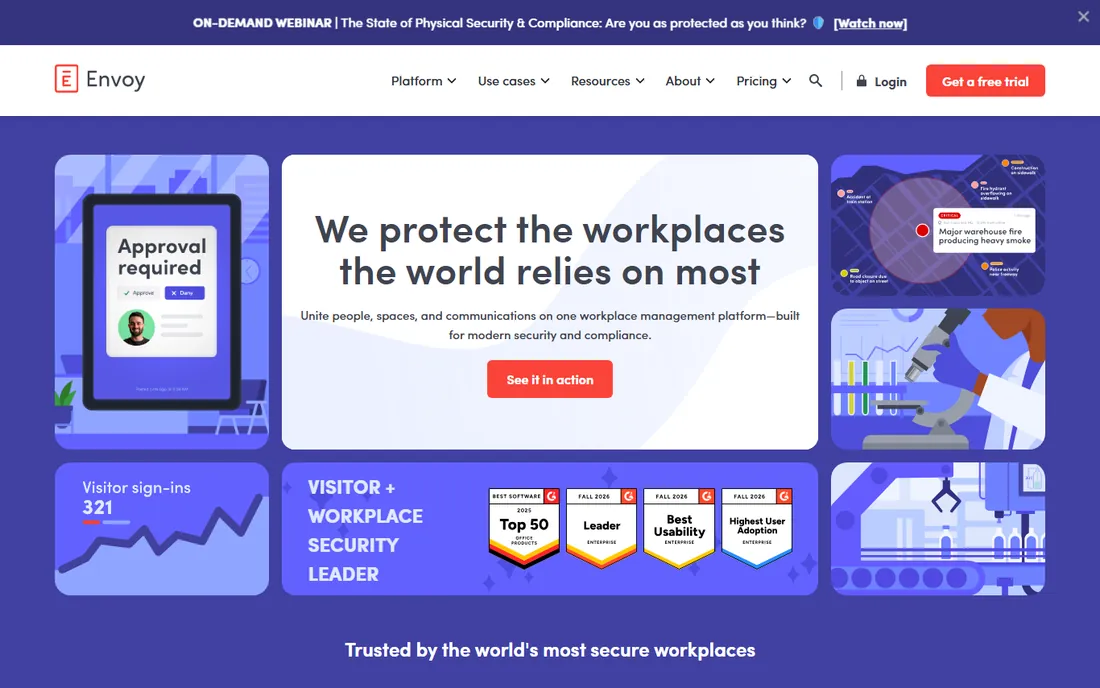
Envoy started in visitor management and grew into a full workplace platform covering rooms, desks, deliveries and security. If your office already checks in guests at the front desk, adding room booking from the same vendor keeps everything in one system.
The platform is aimed at midsize to enterprise workplaces, and pricing reflects that. Companies that only need room scheduling may pay for breadth they never use, but those consolidating workplace tools can come out ahead.
Start with a trial of the rooms module and test the visitor integration, since the combination is Envoy's differentiator. Confirm which of the 100-plus integrations your stack actually needs, and price the bundle accordingly.
What we like- Visitor management and room booking in one platform
- 100-plus integrations
- Strong enterprise security
Watch out for- Enterprise-oriented pricing
- Room booking is one module of a bigger suite

#4
Eptura (formerly Condeco)
Best for: Enterprise multi-location booking
Visit eptura.com
Starting priceSee website
Free planFree trial
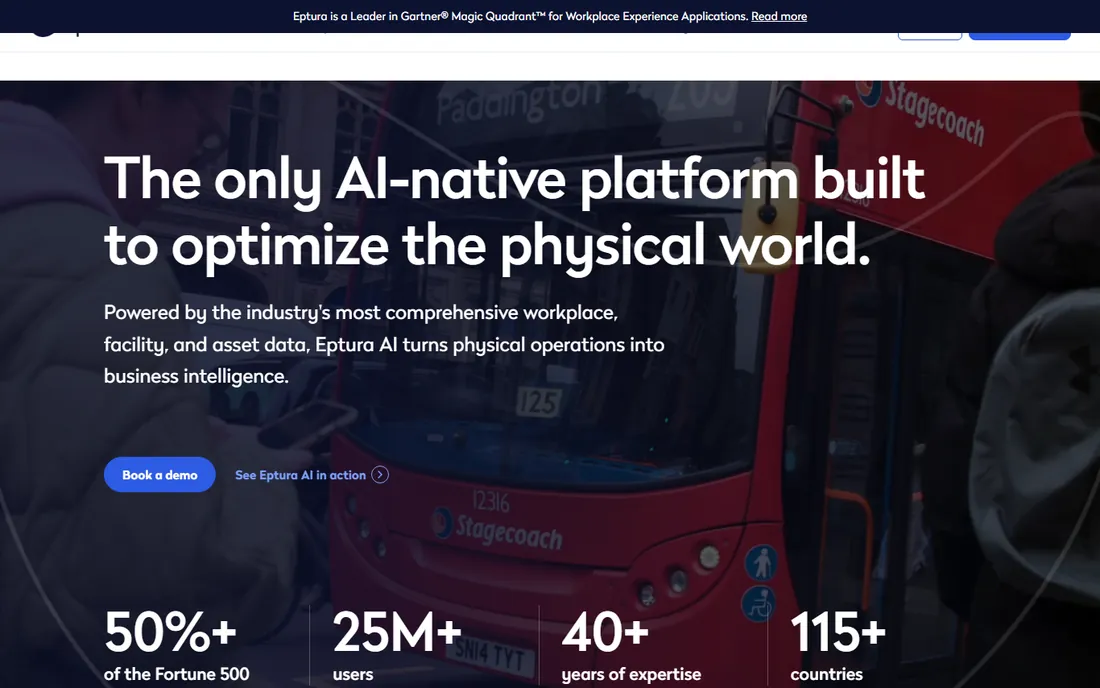
Eptura's Engage product is the continuation of Condeco, the meeting room booking system long used by large enterprises, now inside Eptura's broader workplace platform formed from the Condeco and iOFFICE merger. It handles room booking across locations and time zones, with services like catering and video conferencing attached to bookings.
This is enterprise software with enterprise pricing and implementation. Global companies with complex scheduling across dozens of sites are the target; a ten-person startup should look elsewhere.
Request a demo scoped to your number of locations and rooms. Ask specifically about the Outlook integration and the meeting room display options, since those determine the day-to-day experience for your employees.
What we like- Built for large multi-location enterprises
- Event and service scheduling
- Deep Microsoft 365 integration
Watch out for- Enterprise complexity and cost
- Overkill for small offices
Starting priceSee website
Free planFree trial

Roomzilla is a straightforward cloud room scheduler: book rooms from any device, show live availability on tablet displays outside the door, and sync with Google and Outlook calendars. Setup takes minutes rather than weeks, and pricing is aimed at small and midsize teams.
It does not try to be a workplace platform, which is the point. If your requirement is a shared room calendar with door displays and check-in, Roomzilla covers it without enterprise overhead.
Start the 14-day free trial with one room and a tablet to test the display experience. The check-in and auto-release feature is worth enabling, since it recovers rooms from no-show meetings automatically.
What we like- Quick to set up
- Room display apps for tablets
- Affordable for small teams
Watch out for- Fewer enterprise features
- Analytics are basic
Starting priceSee website
Free planFree trial
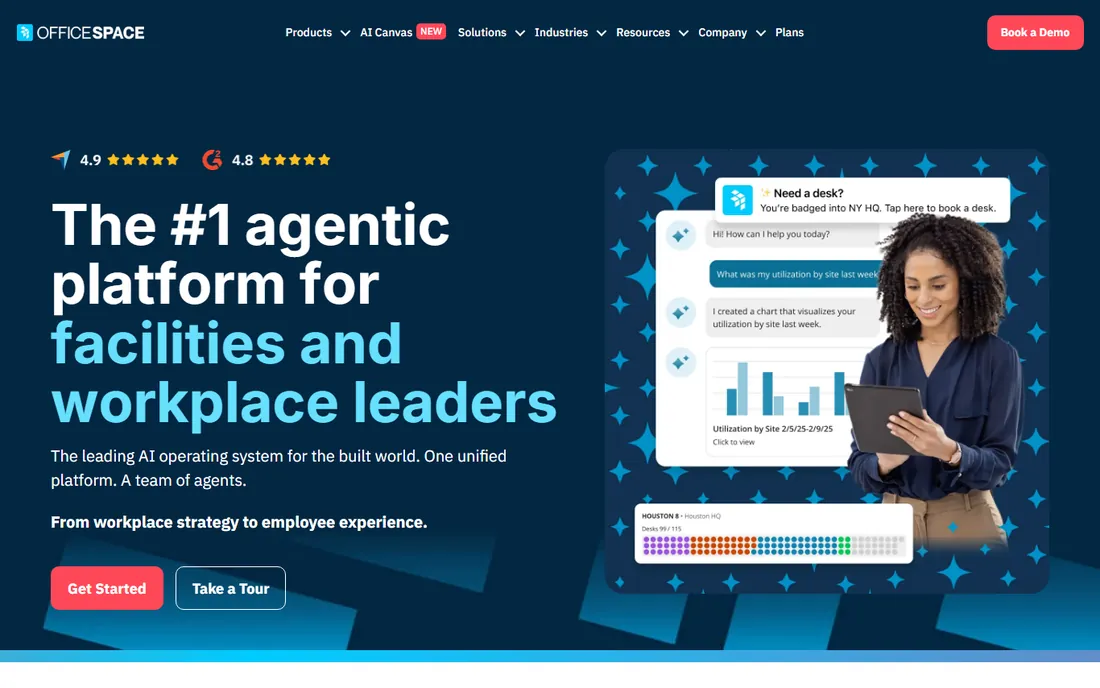
OfficeSpace Software combines room and desk booking with space planning, move management and facilities workflows. Its differentiator is the planning side: scenario modeling for floor plans and real estate decisions, not just day-to-day booking.
For teams where room scheduling is part of a larger facilities function, the unified platform avoids juggling tools. Pure room-booking buyers may find the scope wider than they need.
Ask for a demo that covers both booking and the space-planning views. The company claims implementations measured in weeks, so pin down a timeline in writing before signing.
What we like- Room booking inside a full workplace platform
- Strong space planning and move management
- Fast implementation
Watch out for- Broader than pure room scheduling
- Pricing is quote-based
#7
Accruent EMS (formerly EMS Software)
Best for: Events and resource scheduling
Visit accruent.com
Starting priceSee website
Free planFree trial
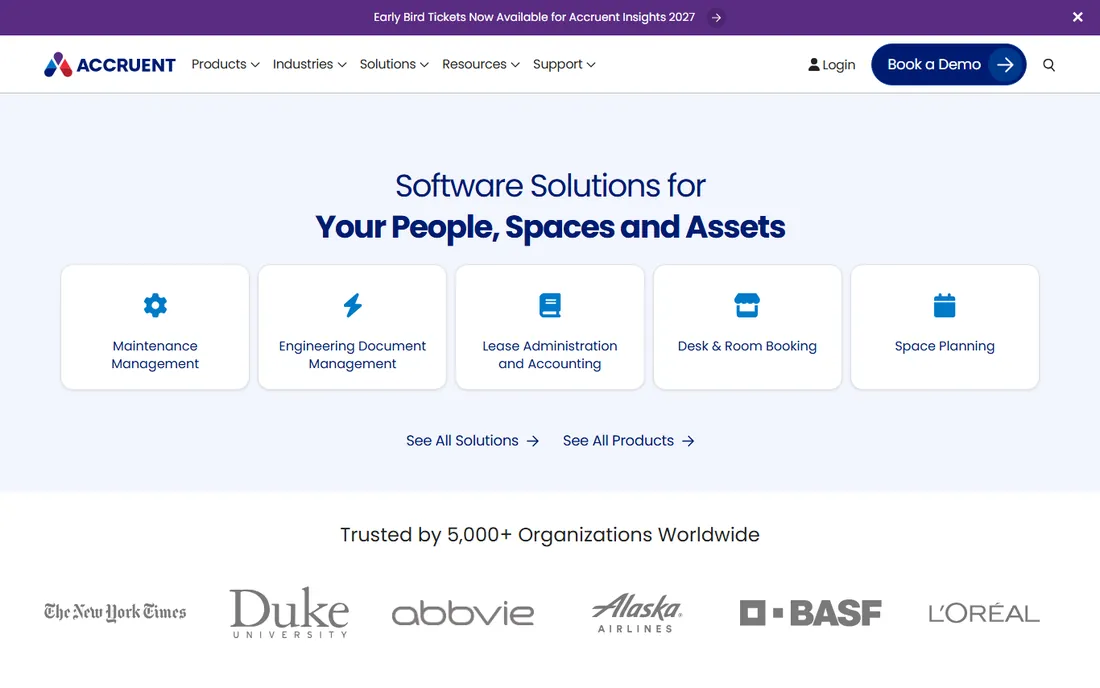
EMS Software, now Accruent EMS, is a veteran of event and room scheduling, widely used by universities and large organizations with complex booking needs. It goes beyond rooms into resources, services, billing and event workflows.
The interface shows its age compared with newer platforms, but the scheduling engine is battle-tested for complicated scenarios like recurring events with resource dependencies. Campuses and enterprises with event-heavy calendars are its natural home.
Request a demo using your most complex recurring event as the test case. Ask about the mobile and web booking experience for end users, since admin power matters less if employees find booking painful.
What we like- Deep event and resource scheduling
- Handles complex recurring bookings
- Campus and enterprise pedigree
Watch out for- Dated interface in places
- Enterprise pricing
Starting priceSee website
Free planFree trial
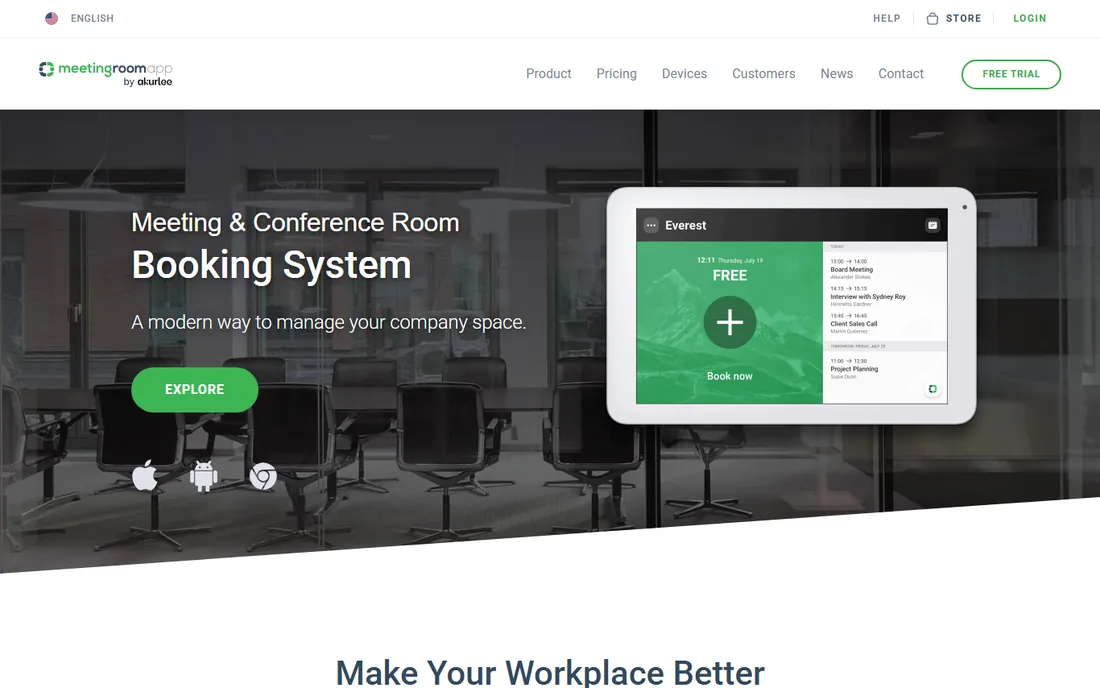
MeetingRoomApp, from Czech vendor Letsgood, centers on touchscreen room displays: book on the spot at the door, see live availability, and request services like cleaning or catering from the panel. It syncs with Google Workspace, Exchange and Microsoft 365.
It is a focused product from a smaller company, which means responsive support but less ecosystem than the big platforms. Offices that want the door-display experience without an enterprise platform should shortlist it.
Try the free cloud trial and test the calendar sync with your actual provider. If you plan to mount displays, confirm hardware compatibility before buying tablets, since the display experience is the core of the product.
What we like- Polished room display apps
- Syncs with Google Workspace and Microsoft 365
- Reporting included
Watch out for- Smaller vendor
- Hardware displays sold separately
What to check before you buy
Count your rooms and locations first, because most vendors price per room or per space rather than per user, and that changes the math completely. Then confirm the calendar integration: two-way sync with Outlook or Google is what prevents the phantom bookings that destroy trust in the system. Decide whether you need door displays, since that adds hardware cost and a vendor shortlist of its own. Finally, test the check-in and auto-release feature during any trial; it is the single most effective cure for no-show meetings eating your room inventory.
Frequently asked questions
How much does conference room scheduling software cost?
Pricing varies widely, from around $20 per month for simple tools to quote-based enterprise contracts. Most vendors price per room or per space with unlimited users, so your room count drives the cost. Always get a quote for your actual footprint.
Do I need room display tablets?
Not necessarily, but they solve the most common failure: someone walking into a room that looks empty. Displays outside the door show live availability and allow on-the-spot booking. If your main problem is double bookings, displays plus check-in requirements are the fix.
What is the difference between Robin and Skedda?
Robin is a full workplace platform with desk booking, office maps and analytics aimed at hybrid offices. Skedda is a dedicated space-scheduling tool with deeper booking rules and per-space pricing. Choose Robin for workplace intelligence, Skedda for scheduling flexibility.
Can these tools integrate with Outlook and Google Calendar?
Yes, all eight support calendar integration, usually two-way sync so bookings made in either system stay consistent. Confirm the depth of the integration during a trial, since shallow sync is a common source of double bookings.
What does check-in and auto-release do?
It requires the meeting organizer to check in, on a display or phone, within a set window after the start time. If nobody checks in, the room is released back to available. This recovers a surprising amount of room capacity lost to no-shows.
Is Eptura the same as Condeco?
Eptura is the company formed from the merger of Condeco and iOFFICE, and Condeco's meeting room booking product continues as Eptura Engage. If you used Condeco, you are now dealing with Eptura.
How we chose
We focused on dedicated conference room and meeting room scheduling products with an active vendor and current pricing, plus workplace platforms where room booking is a core module. We verified each vendor's homepage directly and reviewed product pages, documentation and user discussions to compare features, integrations and pricing models. Enterprise and SMB options are both represented so different office sizes can find a fit.
Sources we checked (8)
- https://robinpowered.com/
- https://skedda.com/
- https://envoy.com/
- https://eptura.com/
- https://roomzilla.net/
- https://www.officespacesoftware.com
- https://www.accruent.com/
- https://meetingroomapp.com/
Is your product missing or out of date?
We review this list regularly. Vendors can request a listing, send updated pricing or ask about featured placement.

Shihab Mia · Founder, Rankite
Shihab has spent more than a decade helping SaaS and e-commerce brands grow through search. He writes Rankite's software buying guides from pricing pages, documentation and public user reviews. More about Shihab.
 Robin
Robin Skedda
 Envoy
Envoy Roomzilla
 OfficeSpace Software
 MeetingRoomApp