How we make this list: we compare pricing pages, product documentation and public user reviews. Rankite is independent; if a vendor ever pays for a featured spot, that listing is clearly labeled Partner.
Key takeaways
- The core small-business stack is eight functions: accounting, payroll, CRM, project management, communication, payments, website and (optionally) HR.
- Start free where you can: HubSpot CRM ($0), Wave ($0), Asana (free tier) and Slack (free tier) cover four functions at no cost.
- QuickBooks ($35/month) remains the accounting default because your accountant uses it; Wave is the free alternative.
- Gusto ($35/month) handles payroll, benefits and onboarding in one place built for small businesses.
- Stripe (pay-as-you-go) and Squarespace ($16/month annual) cover getting paid and getting found online.
Quick comparison
| Tool | Best for | Starting price | Free plan |
|---|
 QuickBooks QuickBooks | Accounting your accountant already knows | From $35 per month (Simple Start) | Free trial |
 Wave Wave | Free accounting for very small businesses | $0 (free) | Yes |
 Gusto Gusto | Payroll, benefits and onboarding in one place | From $35 per month | Free trial |
 HubSpot CRM HubSpot CRM | A genuinely free CRM that scales | $0 (free); Starter from $20 per seat per month | Yes |
 Asana Asana | Keeping projects and tasks visible | $0 (free tier); paid from $10.99 per user per month (billed annually) | Yes |
 Slack Slack | Team communication that replaces email threads | $0 (free); Pro $8.75 per user per month ($7.25 billed annually) | Yes |
 Stripe Stripe | Getting paid online without merchant-account hassle | See website (pay-as-you-go processing fees, no monthly fee) | No |
 Squarespace Squarespace | A professional website without a developer | From $16 per month (billed annually, Personal) | Free trial |
Is your product missing or out of date?
We review this list regularly. Vendors can request a listing, send updated pricing or ask about featured placement.
The best software to run a small business
Starting priceFrom $35 per month (Simple Start)
Free planFree trial
QuickBooks Online is the small-business accounting default for a simple reason: your accountant uses it. Full double-entry books, invoicing, expense tracking, bank reconciliation and payroll add-ons, from $35 per month for Simple Start. The app ecosystem connects to nearly everything else on this list.
The honest caveats: pricing climbs steeply through Essentials, Plus and Advanced, and support quality has drawn sustained criticism. Freelancers and very small businesses may find Wave (below) sufficient. But when tax season comes, handing your accountant a QuickBooks file saves real money in billable hours.
Choose QuickBooks when you have an accountant, employees, or inventory: the complexity justifies the platform.
What we like- Largest accountant network
- Full accounting depth
- Massive app ecosystem
Watch out for- Costs rise with tiers
- Support quality criticized
- Can be overkill for freelancers
Starting price$0 (free)
Free planYes
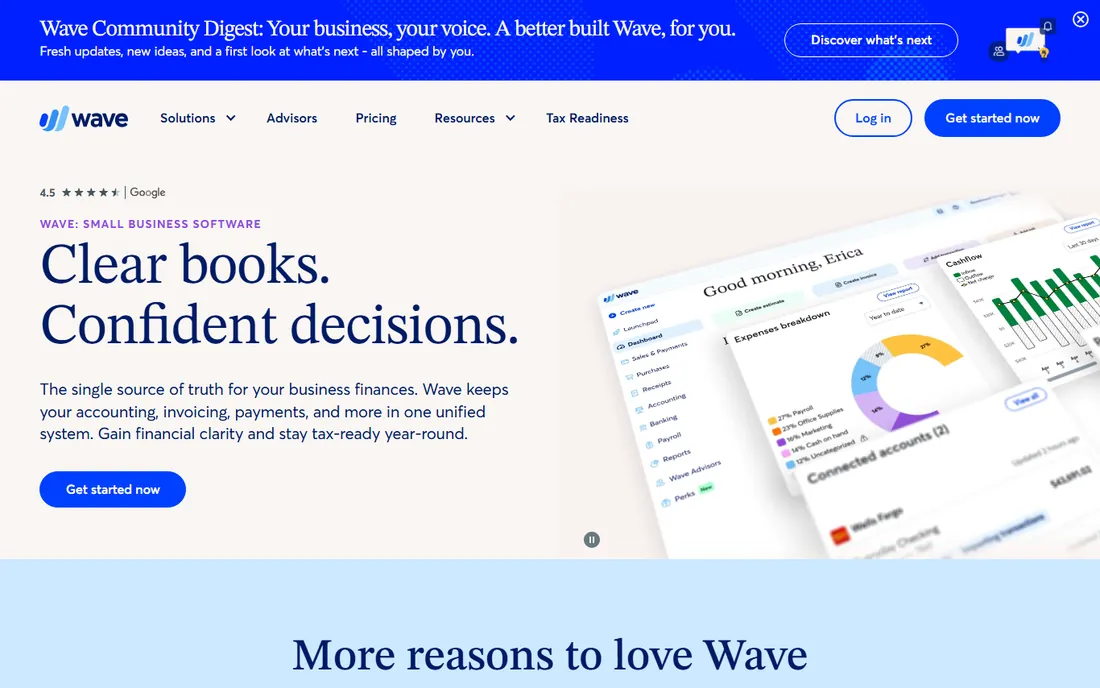
Wave is the free alternative that is actually complete: invoicing, accounting, receipt scanning and financial reports at $0, with payroll and payment processing as paid add-ons. For freelancers, solopreneurs and micro-businesses, it handles the books without a monthly subscription.
The tradeoffs: fewer accountants work in Wave natively (export for tax time), payroll costs extra, and it is primarily a US/Canada product. It also lacks the advanced inventory and multi-entity features growing businesses eventually need.
It fits businesses with simple finances that would rather spend the $35/month elsewhere.
What we like- Free invoicing, accounting and receipts
- Clean interface
- No feature-gated basics
Watch out for- Payroll is a paid add-on
- Smaller accountant network
- US and Canada focus
#3
Gusto
Best for: Payroll, benefits and onboarding in one place
Visit gusto.com
Starting priceFrom $35 per month
Free planFree trial
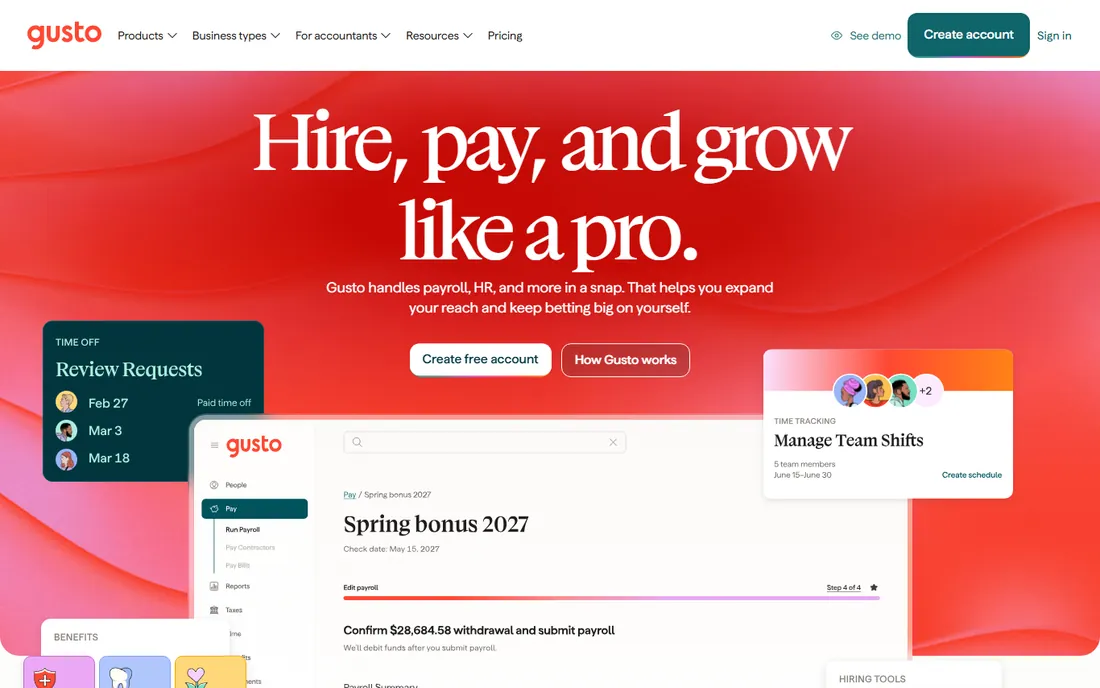
Gusto makes payroll something owners stop dreading: enter hours, run payroll from your phone, and taxes, filings and compliance happen automatically. It bundles benefits administration, new-hire onboarding and time tracking, all designed for small and midsize businesses. Pricing starts at $35 per month plus per-employee fees.
Reviewers consistently rate it high for value and ease of use, though costs grow with headcount and feature needs. The free trial needs no credit card. For the first hire onward, Gusto is the standard recommendation.
It suits any small business with employees that wants payroll handled, not managed.
What we like- Built for small businesses
- Easy payroll runs
- Benefits and HR included
Watch out for- Costs scale with headcount
- Some advanced HR needs paid tiers
Starting price$0 (free); Starter from $20 per seat per month
Free planYes
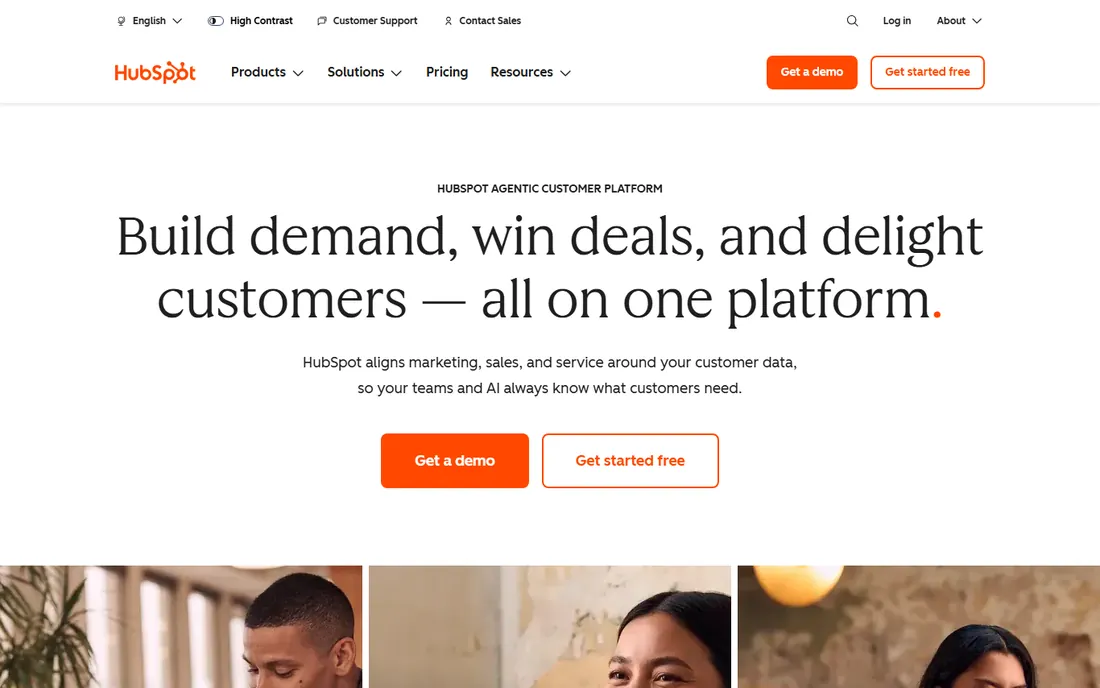
HubSpot's Smart CRM is free with real substance: contact and deal management, pipeline visualization, reporting dashboards and email tracking, unlimited in time. For a small business getting its sales organized, the free tier is enough for months or years. Starter at $20 per seat per month adds permissions, required fields and branding removal.
The warning: HubSpot's paid platform gets expensive quickly as you add hubs and seats (Marketing Hub Professional runs ~$890/month). Stay on the free CRM and add paid pieces deliberately. But as a starting CRM, nothing matches the free tier's depth.
Choose it when customer and deal tracking lives in spreadsheets and needs a real home.
What we like- Powerful free tier
- Contact and deal management
- Scales to full platform
Watch out for- Paid hubs get expensive fast
- Pricing complexity at scale
Starting price$0 (free tier); paid from $10.99 per user per month (billed annually)
Free planYes
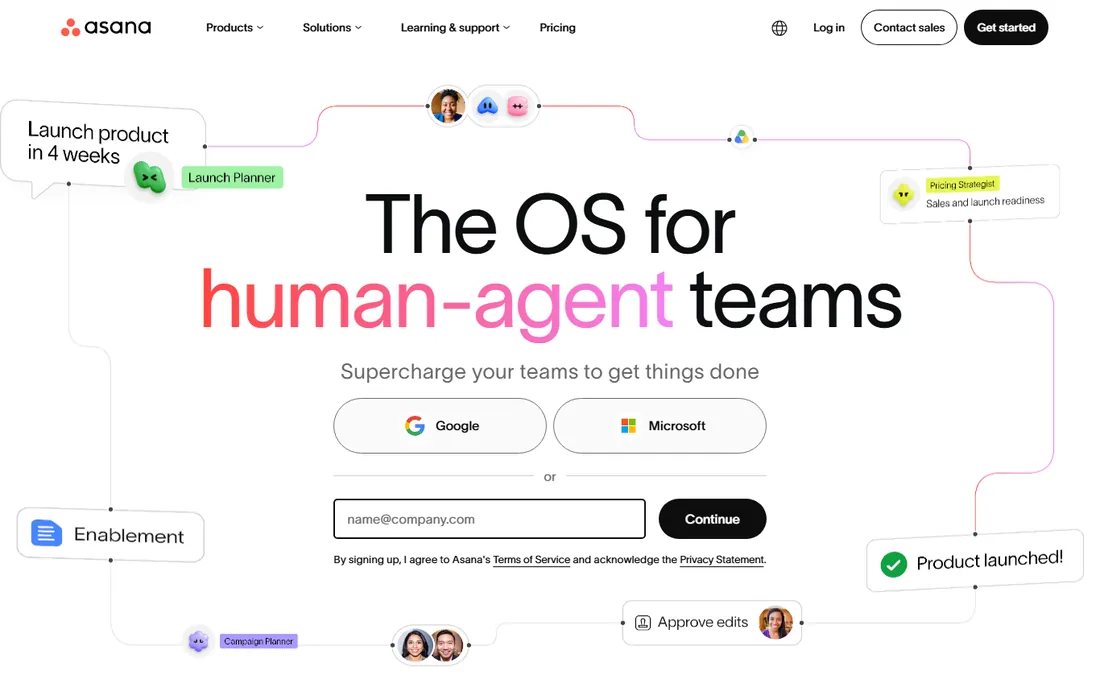
Asana gives small teams a shared view of who is doing what by when: task lists, boards, timelines and project templates, with a free tier that covers small teams genuinely well. Paid plans from $10.99 per user per month billed annually add timelines, advanced reporting and automation.
The per-user model means costs scale linearly with the team, so keep the seat count honest. But for coordinating work across a handful of people, the free tier plus disciplined usage beats most paid alternatives.
It fits small businesses where work coordination currently happens in chat threads and memory.
What we like- Generous free tier
- Intuitive boards and timelines
- Strong templates
Watch out for- Advanced features gated to paid tiers
- Per-user pricing adds up
#6
Slack
Best for: Team communication that replaces email threads
Visit slack.com
Starting price$0 (free); Pro $8.75 per user per month ($7.25 billed annually)
Free planYes
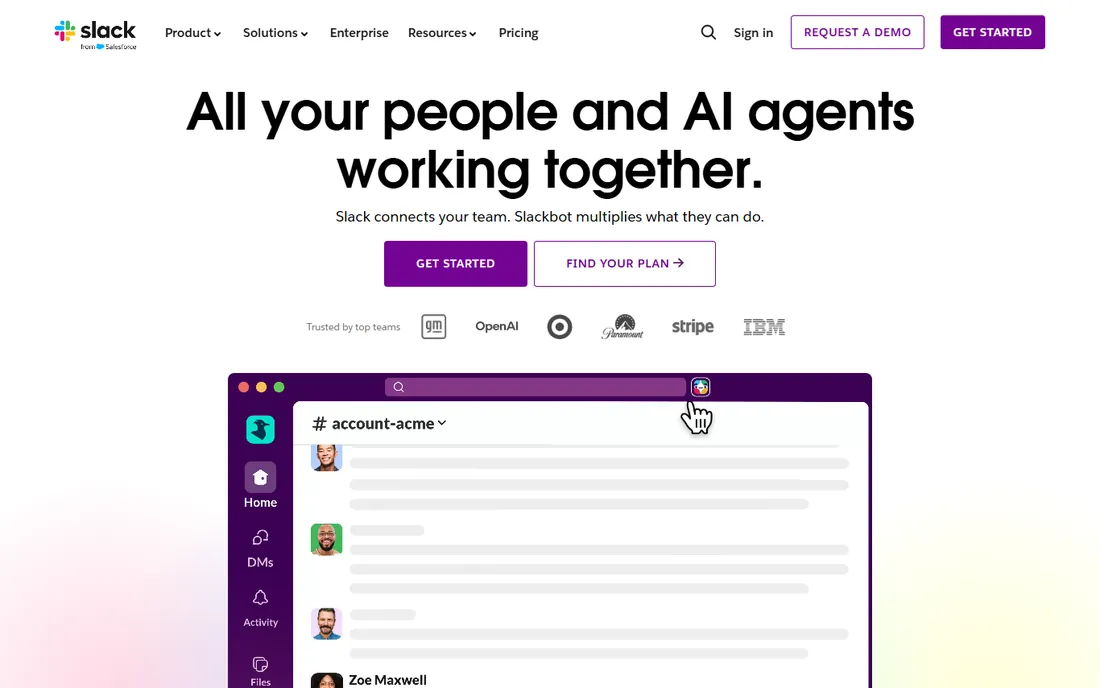
Slack organizes team communication into channels instead of email threads, with integrations to nearly every other tool on this list. The free tier (90-day message history, 10 integrations) serves small teams well; Pro at $8.75 per user per month ($7.25 annual) adds unlimited history, unlimited integrations and AI conversation summaries.
The risk is cultural, not technical: Slack rewards constant checking, so set channel norms early. But for replacing internal email and keeping decisions searchable, it remains the standard.
Choose it when team coordination has outgrown texting and email.
What we like- Free tier works for small teams
- Huge integration library
- Now with AI summaries
Watch out for- Message history limited to 90 days on free
- Per-user pricing
- Notification overload risk
#7
Stripe
Best for: Getting paid online without merchant-account hassle
Visit stripe.com
Starting priceSee website (pay-as-you-go processing fees, no monthly fee)
Free planNo
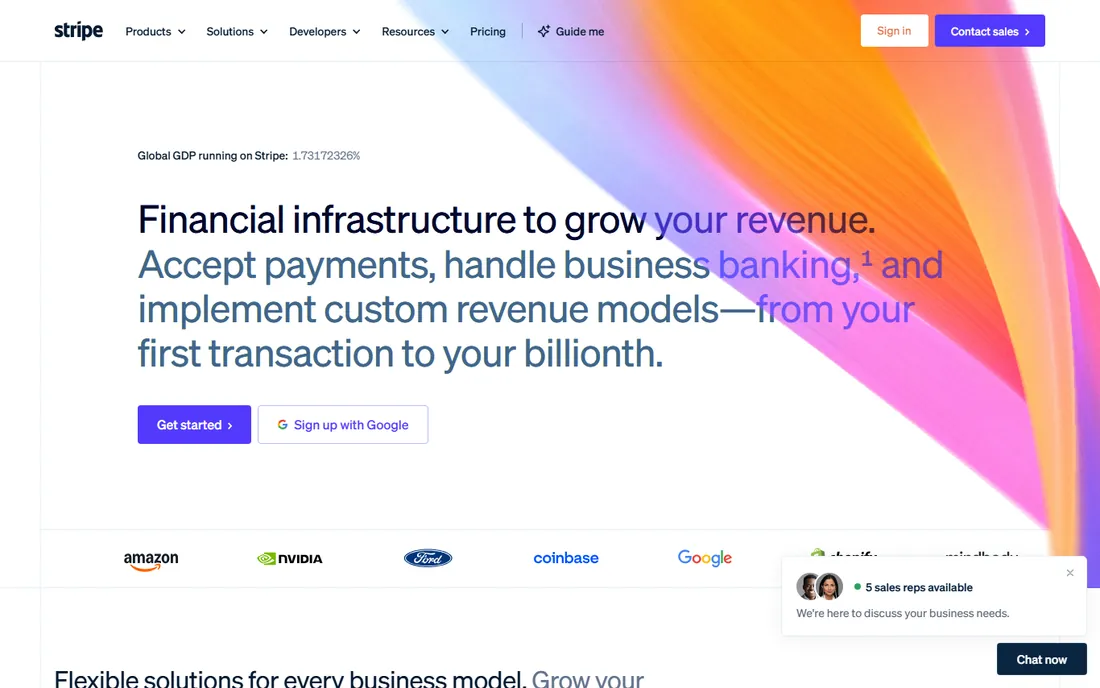
Stripe lets any small business accept cards online with no monthly fee and no merchant account application: pay-as-you-go processing fees only, with invoicing, subscription billing and payment links built in. Check the vendor pricing page for current rates. The developer tools are excellent, but non-technical users can run on payment links and invoices alone.
New businesses occasionally face payout holds while Stripe verifies them, so plan cash flow accordingly. Alternatives (Square, PayPal) exist, but Stripe's billing features make it the default for businesses that invoice or subscribe customers.
It suits any business taking payments online that wants to start without fixed costs.
What we like- No monthly fee
- Developer-friendly
- Invoicing, billing and subscriptions built in
Watch out for- No published simple tier price here
- Account holds possible for new businesses
Starting priceFrom $16 per month (billed annually, Personal)
Free planFree trial

Squarespace remains the easiest path to a professional website: polished templates, hosting, domain and SSL in one subscription from $16 per month billed annually ($25 month-to-month). Higher tiers add e-commerce, appointment scheduling and marketing tools. The free trial lets you build before paying.
The costs to watch are transaction fees on lower e-commerce tiers and the jump to monthly billing. WordPress offers more flexibility for less money but needs maintenance. For a business that needs a credible site this week, Squarespace wins on speed.
Pick it when the website needs to exist and look good without becoming a project.
What we like- Beautiful templates
- All-in-one hosting and domain
- E-commerce on higher tiers
Watch out for- Transaction fees on lower tiers
- Less flexible than WordPress
- $25/month monthly billing
The starter stack, by budget
At $0 a month: Wave (accounting), HubSpot CRM (free), Asana (free), Slack (free), Stripe (pay-as-you-go only when you earn). That is a functioning business stack for the cost of nothing. Add Gusto ($35/month) with your first employee, QuickBooks ($35/month) when the accountant asks, and Squarespace ($16/month) when the business needs a public face. Total for a typical 5-person business: roughly $100-150/month before payment processing fees. Revisit annually; unused seats are the most common waste.
One more principle: integrate the money tools first. Connect Stripe to your accounting, sync payroll to the books, and make sure invoices flow into revenue reports without retyping. Businesses lose more to disconnected money data than to any missing feature. The communication and project tools can stay loosely coupled; the money trail cannot.
How we chose
We selected one best-regarded tool per core small-business function, prioritizing 2026 adoption, free-tier generosity and integration with the rest of the stack. Pricing comes from vendor pricing pages and current third-party comparisons that read those pages; where pricing is usage-based without a simple tier, we say so. We weighted ease of adoption for non-technical owners over feature depth. No hands-on testing was performed.
Frequently asked questions
What software does every small business need?
Accounting, payroll (once you hire), CRM, project management, communication, payments and a website. Start with free tiers and add paid tools as revenue justifies them.
What is the cheapest way to run a small business?
Wave, HubSpot CRM, Asana and Slack are all free; Stripe costs nothing until you get paid. A complete stack at $0/month is realistic for a solo business.
QuickBooks vs Wave: which should I choose?
Wave if you are solo with simple finances. QuickBooks when you have an accountant, employees or inventory; the accountant compatibility alone usually justifies it.
Do I need a CRM as a small business?
When leads and follow-ups live in your head or inbox, yes. HubSpot's free CRM organizes contacts, deals and follow-ups without costing anything.
How much should software cost a small business?
A 5-person business typically spends $100-300/month on software before payment processing fees. Above that, audit for unused seats and overlapping tools.
Should I buy an all-in-one suite instead?
All-in-one suites (Zoho One, Google Workspace add-ons) can be cheaper, but best-of-breed tools integrate well enough now that the stack approach usually wins on usability.
When should I hire a bookkeeper instead of DIY software?
When reconciling the books takes more than a few hours a month or you start dreading tax season, hire the bookkeeper and keep the software. The software organizes the data; the human catches what you miss. Most small businesses hit this point around $200-500K in annual revenue. Until then, the free and cheap tiers on this list plus a few focused hours a month are enough. Review the stack every year: cancel what nobody opened in 90 days. The best software stack is the smallest one that still runs the business well.
Sources we checked (6)
- https://www.capterra.com/p/131882/Gusto/pricing/
- https://projectmanagers.net/hubspot-crm-pricing/
- https://www.clarify.ai/blog/hubspot-crm-pricing
- https://www.salesforce.com/slack/pricing/?bc=OTH
- https://buying.expert/blog/new-year-new-website-how-to-launch-stunning-squarespace-site-in-2026
- https://www.flozic.ai/blog/freshbooks-vs-xero
Is your product missing or out of date?
We review this list regularly. Vendors can request a listing, send updated pricing or ask about featured placement.

Shihab Mia · Founder, Rankite
Shihab has spent more than a decade helping SaaS and e-commerce brands grow through search. He writes Rankite's software buying guides from pricing pages, documentation and public user reviews. More about Shihab.