How we make this list: we compare pricing pages, product documentation and public user reviews. Rankite is independent; if a vendor ever pays for a featured spot, that listing is clearly labeled Partner.
Key takeaways
- Operations management software covers how work gets done: workflows, processes, projects and SOPs. The best operations management software depends on whether you need work management or process management.
- monday.com, ClickUp ($0) and Asana ($0) lead work management. Smartsheet ($9/member/mo annual) suits spreadsheet teams. Airtable ($0) and Jira ($0) serve data and IT operations.
- Kissflow and Process Street handle process and SOPs. Pricing is mixed: six tools have free tiers, four are quote-based or unpublished.
- Adoption is the real challenge. The best tool is the one your team actually opens every day.
Quick comparison
| Tool | Best for | Starting price | Free plan |
|---|
 monday.com monday.com | visual work management | See website | Yes |
 ClickUp ClickUp | all-in-one workspace | $0 | Yes |
 Asana Asana | structured workflows | $0 | Yes |
 Smartsheet Smartsheet | spreadsheet-style operations | $9/member/mo (billed annually) | No |
 Wrike Wrike | enterprise work management | See website | Yes |
 Notion Notion | docs plus operations | $10/user/mo (billed annually) | Yes |
 Airtable Airtable | database-driven operations | $0 | Yes |
 Jira Jira | IT and software operations | $0 | Yes |
 Kissflow Kissflow | low-code process platform | See website | No |
 Process Street Process Street | checklists and SOPs | See website | No |
Is your product missing or out of date?
We review this list regularly. Vendors can request a listing, send updated pricing or ask about featured placement.
The best operations management software
Starting priceSee website
Free planYes
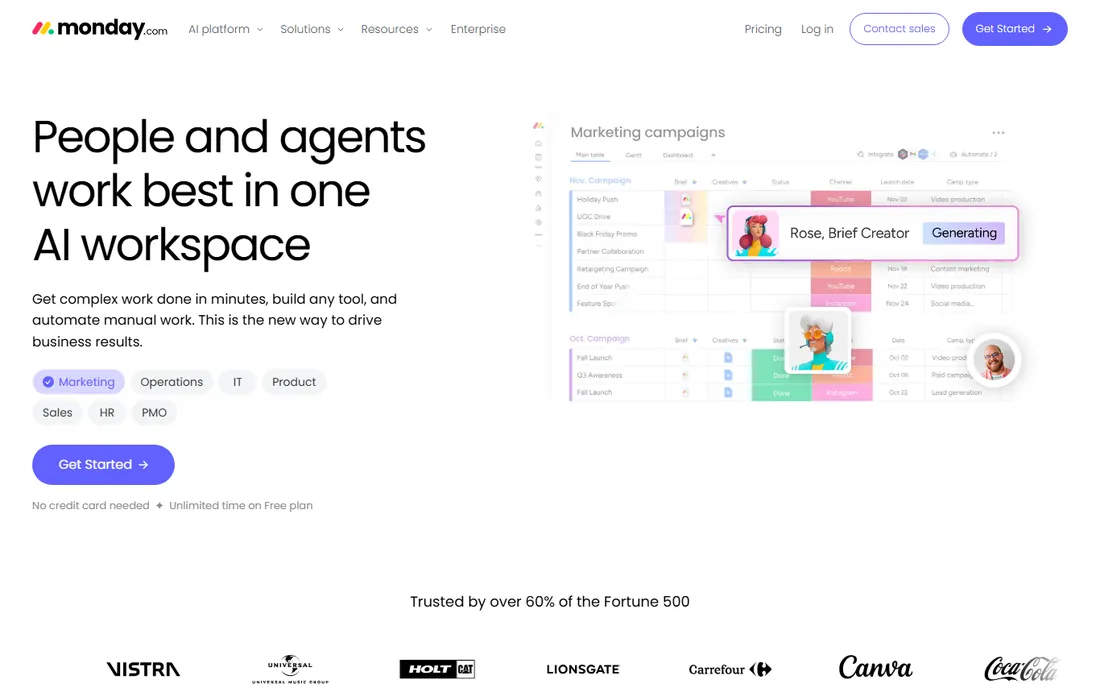
monday.com is the visual work OS. Pricing is not cleanly published on the vendor's site; the company confirms a free plan for individuals and paid plans by user count. The platform lets teams build boards, workflows, dashboards and automations for any operational process.
The flexibility is the strength. From project tracking and resource management to CRM and procurement, monday.com adapts to the operation rather than forcing a template. The automations and 200+ integrations connect it to the rest of the stack.
The same flexibility can overwhelm. Without governance, boards multiply and standards slip. For teams that want visual, configurable operations management, monday.com is the category leader.
What we like- Highly visual and customizable
- Strong automations
- 200+ integrations
Watch out for- Pricing not cleanly published on the site
- Complexity grows with customization
Starting price$0
Free planYes
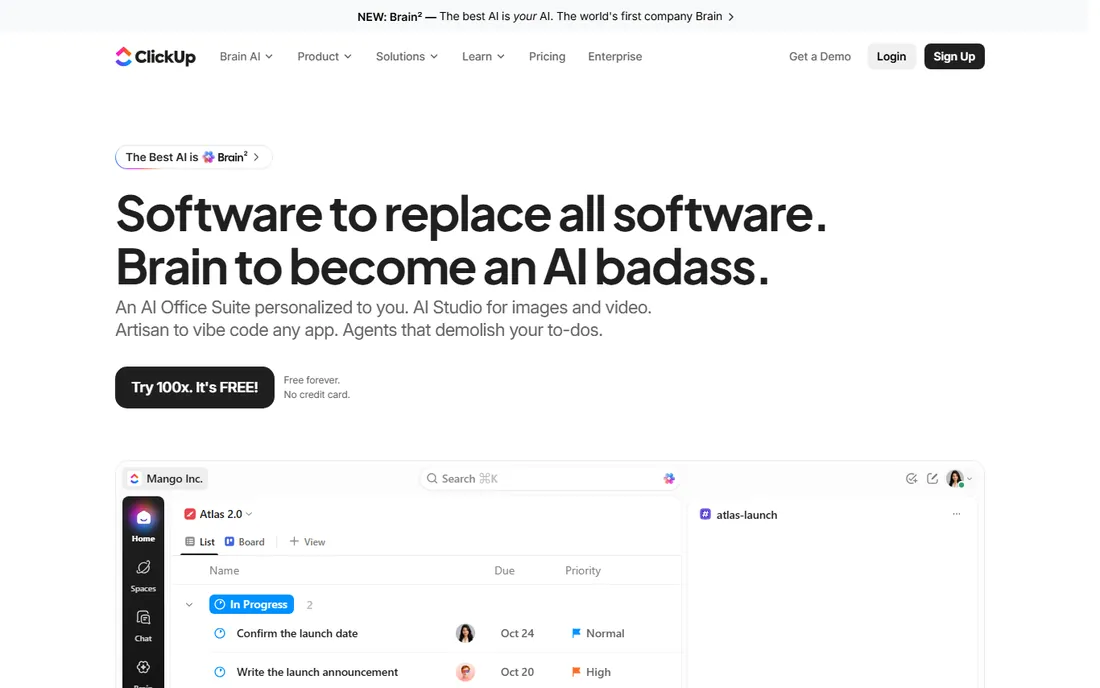
ClickUp is the all-in-one workspace. The Free Forever plan costs $0 with unlimited tasks, members, docs and kanban. Core is $8 per user per month billed annually, Business $17. The platform combines tasks, documents, goals, time tracking and dashboards.
The consolidation suits operations teams tired of tool sprawl. Instead of separate apps for projects, docs, forms and reporting, ClickUp does it all. The hierarchy of spaces, folders and lists organizes complex operations.
The learning curve is steep. For teams willing to invest in setup, ClickUp delivers the most operational functionality per dollar.
What we like- Free Forever ($0) with unlimited tasks
- Docs, goals and dashboards in one
- Generous free tier
Watch out for- Feature density overwhelms
- Setup takes effort
Starting price$0
Free planYes
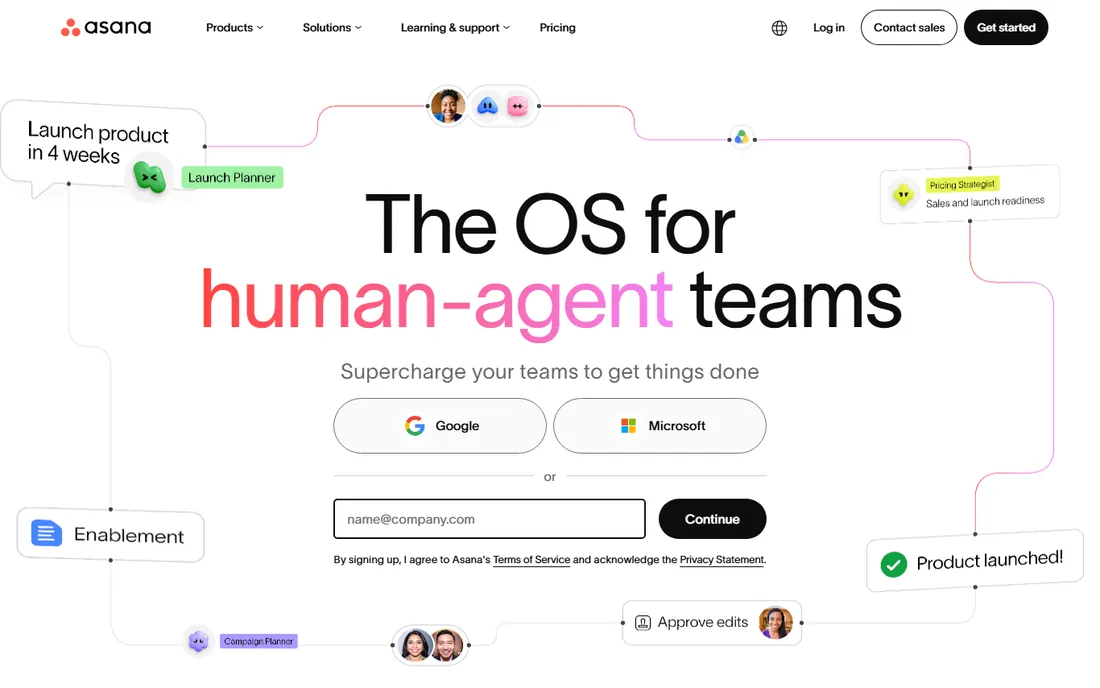
Asana is the structured workflow tool. The Personal plan is $0 free forever for 2 users. Starter is $10.99 per user per month billed annually, Advanced $24.99. The product organizes work into tasks, projects, portfolios and goals with timelines, dependencies and reporting.
The clarity suits operations with repeatable processes. Workflow builder automates handoffs, forms capture requests, and portfolios give executives the cross-project view. The interface stays clean where competitors get cluttered.
Customization is lighter than monday.com or ClickUp. For operations teams that want structure without complexity, Asana is the best operations management software for disciplined execution.
What we like- Personal plan ($0) free forever
- Clean timelines and dependencies
- Proven at scale
Watch out for- Advanced features need paid tiers
- Less flexible than monday or ClickUp
Starting price$9/member/mo (billed annually)
Free planNo
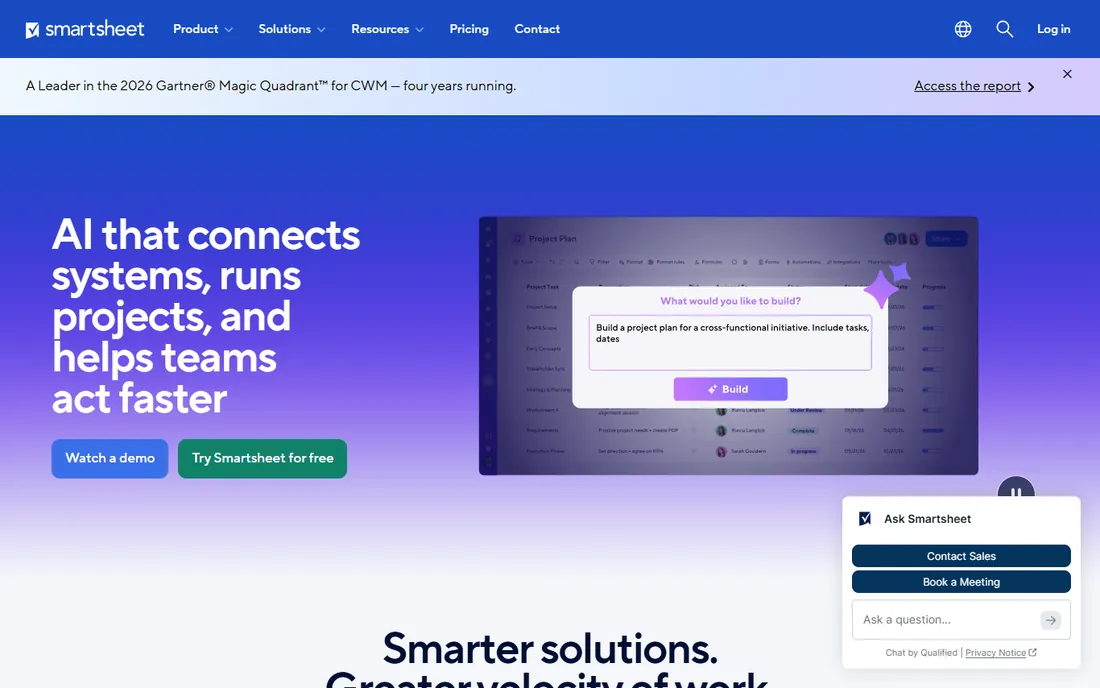
Smartsheet is the spreadsheet you already know, supercharged. Pricing is published: Pro at $9 per member per month billed annually ($12 monthly), Business at $19. A 30-day free trial requires no credit card.
The grid interface is the reason teams adopt it. Anyone who uses Excel is productive immediately, but underneath are Gantt charts, card views, automations, dashboards and portfolio reporting. It bridges the gap between spreadsheets and enterprise PM.
There is no free tier and the interface shows its age. For operations teams that live in spreadsheets and need enterprise reporting, Smartsheet is the natural upgrade.
What we like- Familiar spreadsheet interface
- Strong for portfolio reporting
- Enterprise-grade
Watch out for- No free plan (30-day trial)
- Can feel dated vs modern competitors
Starting priceSee website
Free planYes
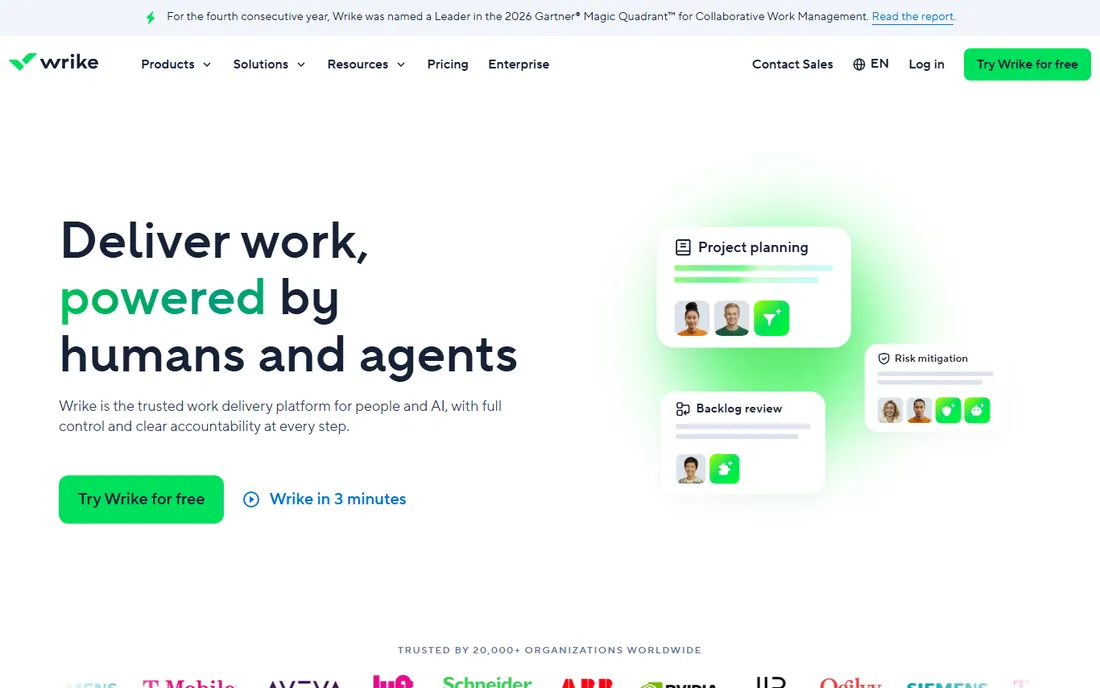
Wrike is the enterprise work manager. Pricing is not published on the vendor site. A free plan covers basic use. The platform handles projects, resources, budgets and portfolios with custom workflows and advanced reporting.
The depth serves complex operations. Request forms, time tracking, proofing and resource management coordinate large teams across departments. The security and compliance credentials suit regulated industries.
Small teams will find it heavy. For mid-size to enterprise operations that need portfolio visibility and resource planning, Wrike is the structured choice.
What we like- Strong resource and portfolio management
- Good for complex operations
- Free plan available
Watch out for- Pricing not published on the vendor site
- Complex for small teams
Starting price$10/user/mo (billed annually)
Free planYes
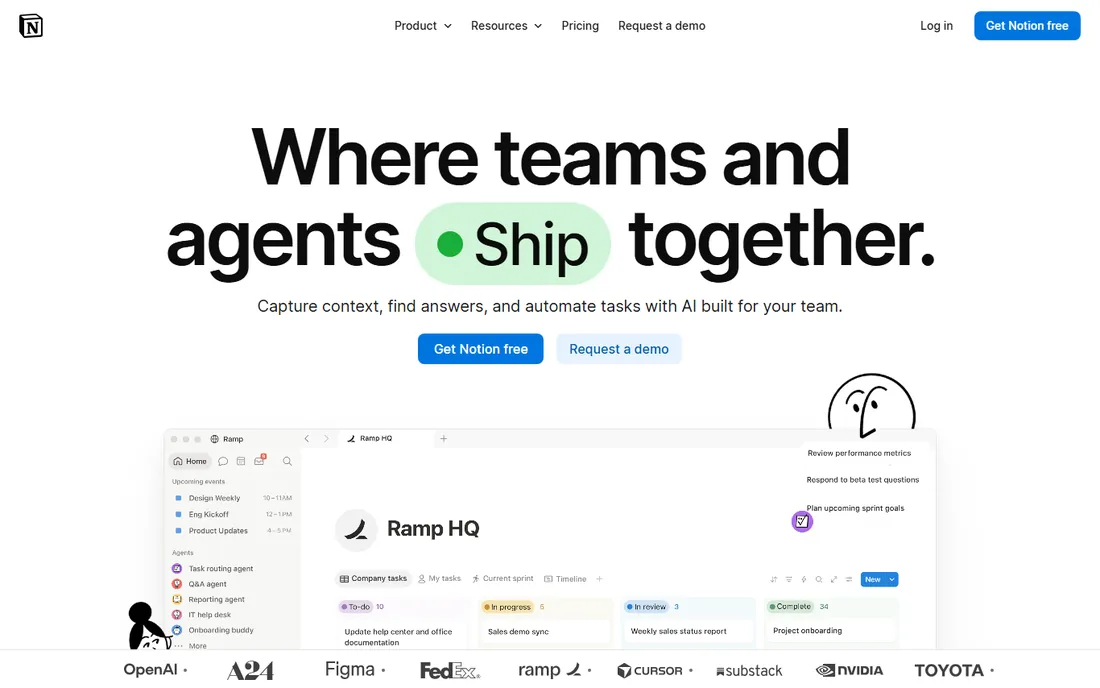
Notion is the docs-plus-ops workspace. The Free plan covers individuals and small teams. Plus is $10 per user per month billed annually, Business $20. The product blends documents, wikis, databases and light project tracking.
Operations teams use it as the single source of truth: SOPs, process docs, meeting notes and project trackers in one searchable place. The databases flex into kanban boards, calendars and tables for lightweight operations management.
It is not a true work manager; dependencies, resource planning and portfolios are thin. For knowledge-heavy operations that need docs plus tracking, Notion is ideal.
What we like- Combines wiki, docs and task tracking
- Flexible databases
- 50% nonprofit discount
Watch out for- Operational features lighter than dedicated tools
- Needs discipline to stay organized
Starting price$0
Free planYes
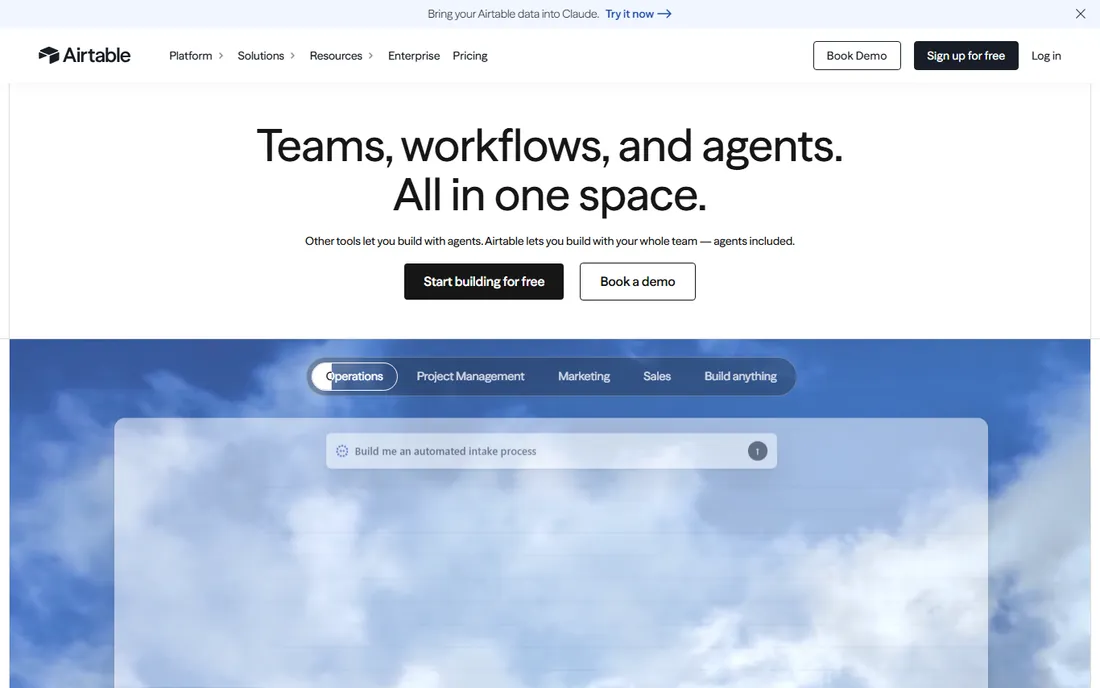
Airtable is the database for operations. The Free plan costs $0. Team is $20 per user per month billed annually, Business $45. The product is a relational database with spreadsheet ease, powering inventory trackers, content calendars, CRM-lite and custom operational apps.
The flexibility is remarkable. Interfaces turn databases into purpose-built apps for field teams. Automations, sync and 100+ integrations connect operations data across the business.
Costs scale with editors, and it is not a Gantt-style project manager. For operations that revolve around structured data, Airtable is the most adaptable tool here.
What we like- Free plan ($0)
- Team from $20/user/mo annual
- Powerful relational databases
- Great interfaces
Watch out for- Can get expensive at scale
- Not a traditional project manager
Starting price$0
Free planYes
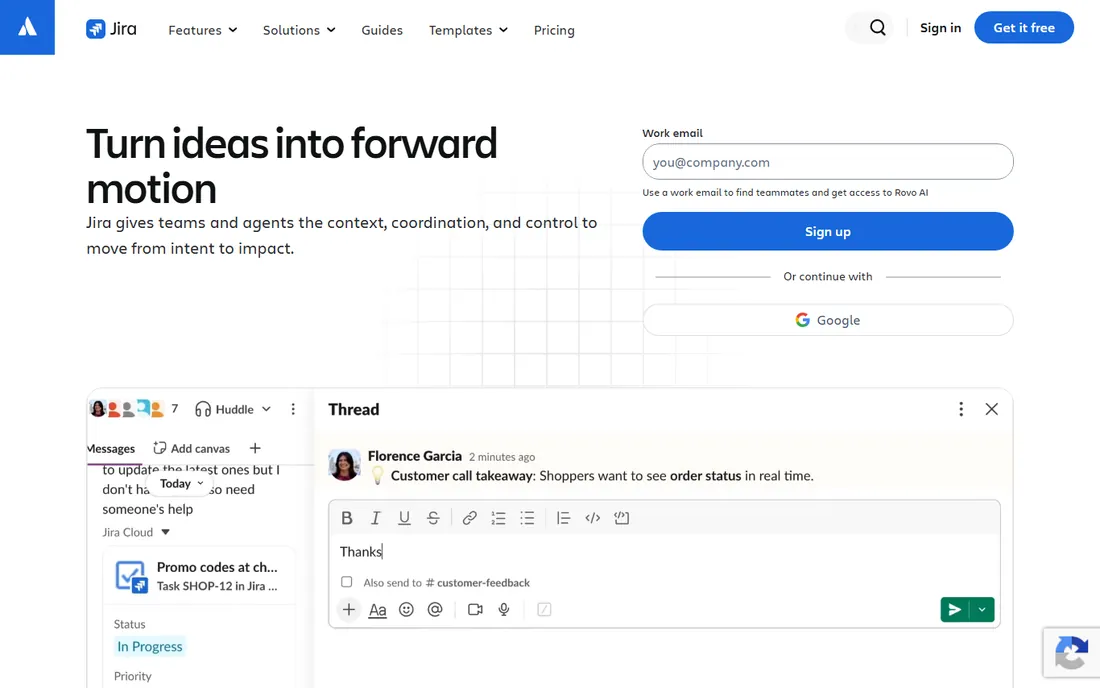
Jira is the IT and software operations standard. The Free plan costs $0 for 10 users. Standard is $7.91 per user per month, Premium $14.54. The product manages software projects, sprints, incidents and service desks with deep agile tooling.
For technology operations, it is the default. Scrum and kanban boards, backlogs, releases, incident management and the Atlassian ecosystem (Confluence, Bitbucket) cover the full software lifecycle. The automation and reporting are mature.
Non-technical teams often find it alien. For engineering, IT and service operations, Jira is the best operations management software by a wide margin.
What we like- Free for 10 users ($0)
- The standard for software teams
- Deep agile and ITSM features
Watch out for- Overkill for non-technical teams
- Configuration complexity
Starting priceSee website
Free planNo
Kissflow is the low-code process platform. Pricing is value-based and not published. The platform lets enterprises build custom applications, automate workflows and digitize operations without heavy coding.
The enterprise focus shows. Unlimited applications, AI-powered automation, governance and implementation services serve organizations transforming core operations. The 451% ROI claim (Nucleus Research) targets CFO buyers.
Smaller businesses will find it heavy and opaque on price. For enterprises digitizing operational processes at scale, Kissflow is the low-code choice.
What we like- Low-code process automation
- Enterprise-grade
- Strong for operational transformation
Watch out for- Pricing not published on the vendor site
- Enterprise-oriented
Starting priceSee website
Free planNo
Process Street is the checklist and SOP tool. Pricing is not published on the vendor site. The platform turns recurring processes into actionable workflows with checklists, conditional logic, approvals and integrations.
The focus is the strength. Employee onboarding, client intake, content publishing and compliance checklists run as repeatable workflows with accountability. The interface is cleaner than general PM tools for this job.
It does not replace project management. For operations built on repeatable processes and SOPs, Process Street is the specialist.
What we like- Excellent for SOPs and recurring workflows
- Conditional logic and approvals
- Clean interface
Watch out for- Pricing not published on the vendor site
- Narrower than full work management
Work management vs process management: two different jobs
Operations management splits into two disciplines. Work management (monday.com, ClickUp, Asana, Smartsheet, Wrike) organizes projects, tasks and teams: who does what by when. Process management (Kissflow, Process Street) systematizes recurring workflows: how the work gets done every time.
Most businesses need both. The marketing team needs Asana for campaigns and Process Street for the publishing checklist. The factory needs Wrike for projects and Kissflow for quality processes. Buying one to do the other's job creates friction.
The database tools (Airtable, Notion) and IT tools (Jira) sit alongside. Map your operations to the discipline first: project-based work goes to work management, repeatable processes go to process management, data-centric operations go to Airtable.
The adoption problem: software nobody opens
The graveyard of operations software is full of powerful tools nobody used. Adoption fails for predictable reasons: the tool doesn't match how the team already works, onboarding was skipped, or one loud skeptic kept the old spreadsheet alive.
The fix is boring but effective. Involve the team in selection, not just leadership. Migrate one real workflow first and win there before expanding. Appoint an internal champion who answers questions. And pick the tool with the lowest learning curve that meets the requirements; Smartsheet for spreadsheet teams, Asana for structure-seekers, Trello-simple alternatives for the resistant.
Measure adoption, not licenses. If half the team isn't logging in weekly after 60 days, the problem is fit or training, not features. The best operations management software is the one your team actually opens every day.
Frequently asked questions
What is the best operations management software?
For visual work management, monday.com. For all-in-one value, ClickUp ($0 free). For structured workflows, Asana ($0 free). For spreadsheet teams, Smartsheet ($9/member/mo). For data-driven ops, Airtable ($0 free). For IT, Jira ($0 free). For processes and SOPs, Process Street or Kissflow. Match the tool to your operational discipline.
How much does operations management software cost?
Many tools are free to start: ClickUp, Asana, Airtable, Jira and Notion all have $0 tiers. Paid plans run $8 to $20 per user per month for most (ClickUp, Asana, Smartsheet, Notion, Airtable). Enterprise platforms like Wrike and Kissflow are quote-based. Process Street does not publish pricing.
What is the difference between operations management and project management software?
Project management software organizes finite projects with deadlines. Operations management is broader: it covers ongoing workflows, business processes, SOPs and the day-to-day running of the company. Many tools do both, but process specialists like Process Street and Kissflow focus on repeatable operations rather than projects.
Should small businesses use operations management software?
Yes, but start simple. The free tiers from ClickUp, Asana, Airtable and Notion handle real operations at zero cost. Add structure as you grow; don't buy enterprise complexity before you need it. The most common mistake is over-buying and under-adopting.
How do I get my team to actually use the software?
Involve them in the choice, migrate one workflow first, appoint a champion, and pick the simplest tool that meets your needs. Track weekly active use, not licenses purchased. If adoption stalls after 60 days, revisit fit and training before blaming the tool.
Sources we checked (20)
- https://monday.com/
- https://monday.com/pricing
- https://clickup.com/
- https://clickup.com/pricing
- https://asana.com/
- https://asana.com/pricing
- https://www.smartsheet.com/
- https://www.smartsheet.com/pricing
- https://www.wrike.com/
- https://www.wrike.com/pricing
- https://www.notion.so/
- https://www.notion.so/pricing
- https://www.airtable.com/
- https://www.airtable.com/pricing
- https://www.atlassian.com/software/jira
- https://www.atlassian.com/software/jira/pricing
- https://kissflow.com/
- https://kissflow.com/pricing
- https://www.process.st/
- https://www.process.st/pricing/
Is your product missing or out of date?
We review this list regularly. Vendors can request a listing, send updated pricing or ask about featured placement.

Shihab Mia · Founder, Rankite
Shihab has spent more than a decade helping SaaS and e-commerce brands grow through search. He writes Rankite's software buying guides from pricing pages, documentation and public user reviews. More about Shihab.