How we make this list: we compare pricing pages, product documentation and public user reviews. Rankite is independent; if a vendor ever pays for a featured spot, that listing is clearly labeled Partner.
Key takeaways
- PlotBox and Byond by OpusXenta are the modern cloud leaders, with GIS mapping, sales, and finance in one platform for larger operations.
- For a small cemetery, Everspot (free forever plan), Cemify (built for small-to-mid cemeteries), and Grave Discover offer the lowest cost of entry.
- SRS Computing and Pontem Software are the veterans: decades in business, thousands of installations, and deep records features, with desktop roots.
- CemSites, Chronicle, and the rest differentiate on mapping quality, public grave search, and online memorials, so compare those three features head to head.
- Almost every vendor prices by quote or demo, so budget for data migration and training, not just the subscription.
Quick comparison
| Tool | Best for | Starting price | Free plan |
|---|
 PlotBox PlotBox | Large cemeteries and crematories needing integrated GIS mapping | See website | Free trial |
 Byond by OpusXenta Byond by OpusXenta | Cemeteries moving from paper to digital | See website | No (demo available) |
 SRS Computing SRS Computing | Multi-site funeral and cemetery corporations | See website | No |
 CemSites CemSites | Cemeteries that want software configured to their workflow | See website | No (demo available) |
 Cemify Cemify | Small-to-mid cemeteries going digital for the first time | See website | No (demo available) |
 Pontem Software Pontem Software | Cemeteries that value a long-tenured vendor | See website | No |
 Grave Discover Grave Discover | Small cemeteries that need cloud mapping and public search | See website | No |
 Everspot Everspot | Small cemeteries that want real software for free | Free ($0/month); Plus from $10/month | Yes (free forever plan) |
 Chronicle Chronicle | Cemeteries that want mapping plus digital memorials | See website | No |
Is your product missing or out of date?
We review this list regularly. Vendors can request a listing, send updated pricing or ask about featured placement.
The best cemetery software
Cemetery software is a market where vendors measure their history in decades. Pontem cites more than 35 years in business and 850-plus implementations; SRS Computing cites more than 5,000 installations since 1999 (both figures from the vendors' own sites). That longevity matters: cemeteries keep records for generations, so the software holding those records needs to outlast staff turnover and technology cycles. The nine tools below range from free modern platforms for small cemeteries to enterprise systems with GIS mapping.
#1
PlotBox
Best for: Large cemeteries and crematories needing integrated GIS mapping
Visit plotbox.io
Starting priceSee website
Free planFree trial
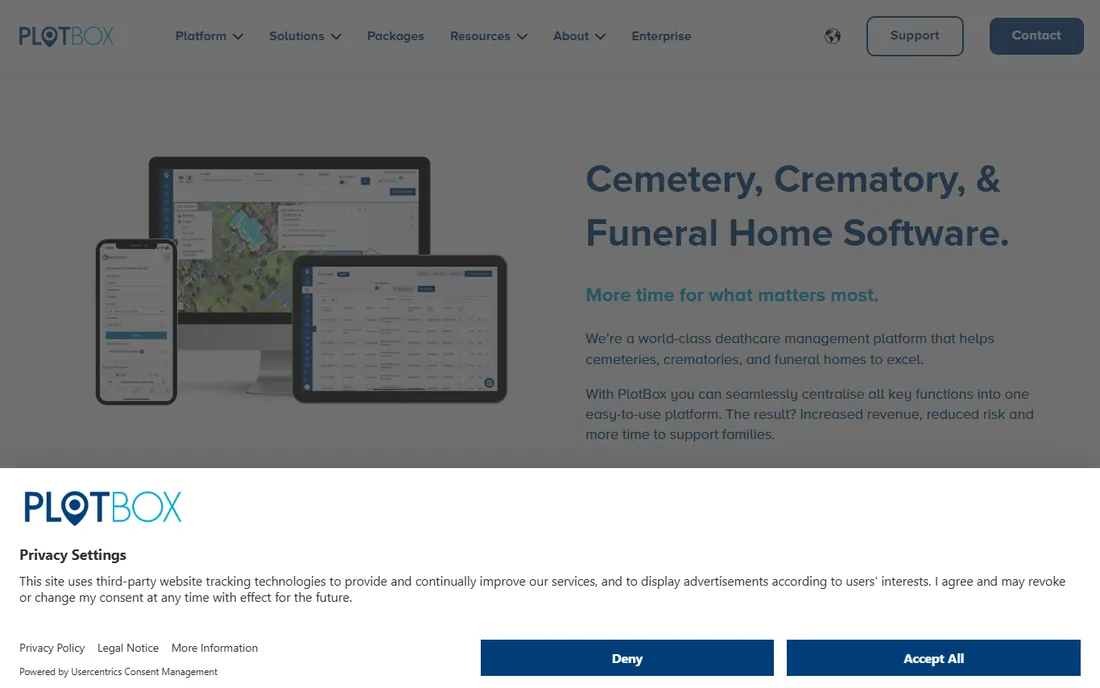
PlotBox is the enterprise answer in this category. It combines cemetery records, plot inventory, sales and contracts, scheduling, work orders, and financial management with integrated GIS mapping, so a burial record and its physical location live in the same system. The EverAfter module gives families a public portal to search records and plan visits, which reduces the routine inquiry calls that eat staff time.
Pricing is quote-based across Essential, Pro, and Enterprise packages, so expect a sales process rather than a buy button. For a large cemetery, memorial park, or multi-site operator, the integrated mapping and finance justify the evaluation. For a small cemetery with a few hundred burials, it will be more system than you need.
What we like- Mapping, records, sales, and finance in one cloud platform
- EverAfter public portal for grave search
- PlotBox Pay for payments
Watch out for- Quote-based pricing with no public numbers
- Built for larger operations, likely more than a small cemetery needs
Starting priceSee website
Free planNo (demo available)
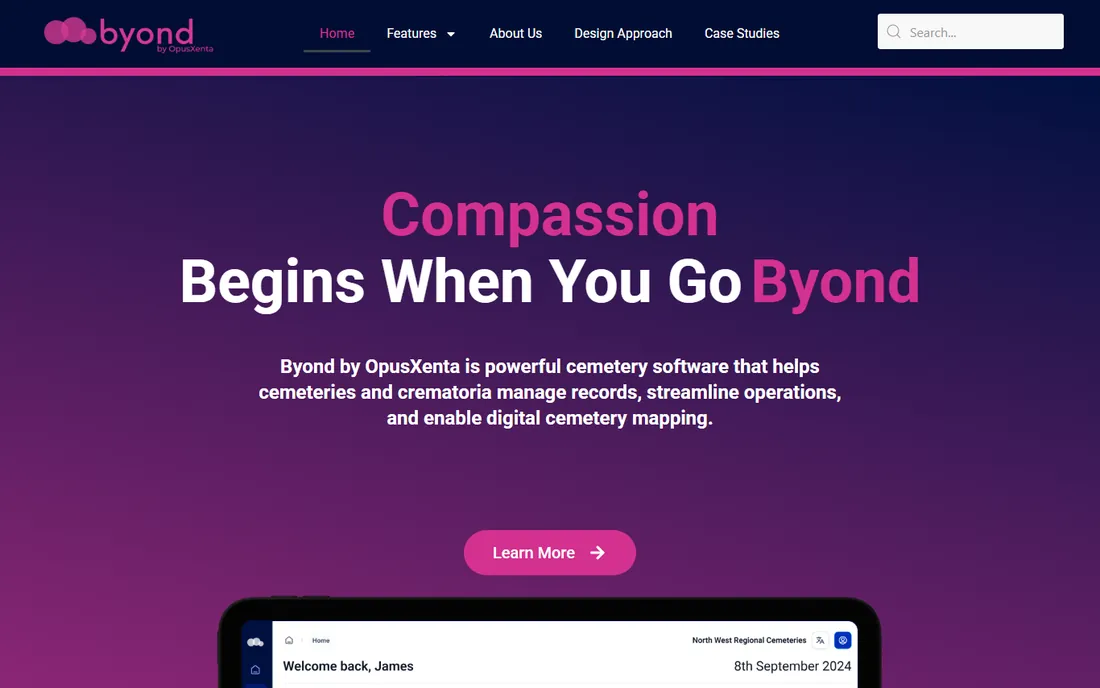
Byond is OpusXenta's modern cemetery platform, built for organizations transitioning from paper to digital operations. It combines records management, bookings, services scheduling, task coordination, and digital mapping in one cloud system, with real-time access to business data. The company emphasizes user-centric design shaped by customer feedback, which shows in an interface that looks current rather than inherited from the desktop era.
Where Byond differentiates is flexibility. It offers integrations and an API for connecting with other specialist systems, so a cemetery that already runs separate accounting or website software is not forced into an all-or-nothing switch. The tradeoff is track record: OpusXenta is established, but Byond is newer than the decades-old systems on this list. Pricing is not published, so plan for a demo and a quote. It suits mid-size cemeteries and crematoria that want modern software without enterprise complexity.
What we like- Modern cloud interface designed from user feedback
- Records, bookings, services, and mapping in one system
- Strong integrations and API
Watch out for- No public pricing
- Newer product with a shorter track record than the veterans
Starting priceSee website
Free planNo
SRS Computing, now part of Tribute Technology, is one of the most installed names in death-care software, with over 5,000 business installations claimed across 50 states and several countries. Its cemetery product, SRS InStone, tracks plots, contracts, and records, sitting alongside the company's funeral case management, crematory, and pet cremation products.
The standout feature is the built-in accounting system: checks, payroll, accounts payable, reconciliation, and journal entries live alongside cases, which eliminates the separate bookkeeping software many competitors require. The honest tradeoff is era. SRS grew up as desktop software, and while browser-based versions exist, the experience reflects its roots. Pricing is not published. It fits established operators who value depth and stability over modern interface design.
What we like- 5,000+ installations across the US and Canada
- Full accounting built in
- Deep death-care feature set refined since 1999
Watch out for- Desktop heritage shows in the experience
- Pricing not published and historically license-based
#4
CemSites
Best for: Cemeteries that want software configured to their workflow
Visit cemsites.com
Starting priceSee website
Free planNo (demo available)
CemSites positions itself around fit rather than features: cloud cemetery software configured to each cemetery's needs, with user-defined roles from grounds crew to board members. The pitch is that a cemetery should not have to reshape its processes around rigid software.
Feature-wise it covers the expected ground: records management, accounting, document management, image storage, and grave search, with public access options so visitors can find information online. The company sells through demos, and pricing is not published. For a cemetery with unusual workflows or a board that needs reporting access without operational complexity, the configurability angle is worth exploring. Get the configuration scope and price in writing before committing.
What we like- Configurable to fit specific cemetery needs
- Cloud-based with role-based access
- Public-facing grave search builds community trust
Watch out for- No public pricing
- Smaller public review footprint than the leaders
#5
Cemify
Best for: Small-to-mid cemeteries going digital for the first time
Visit cemify.com
Starting priceSee website
Free planNo (demo available)
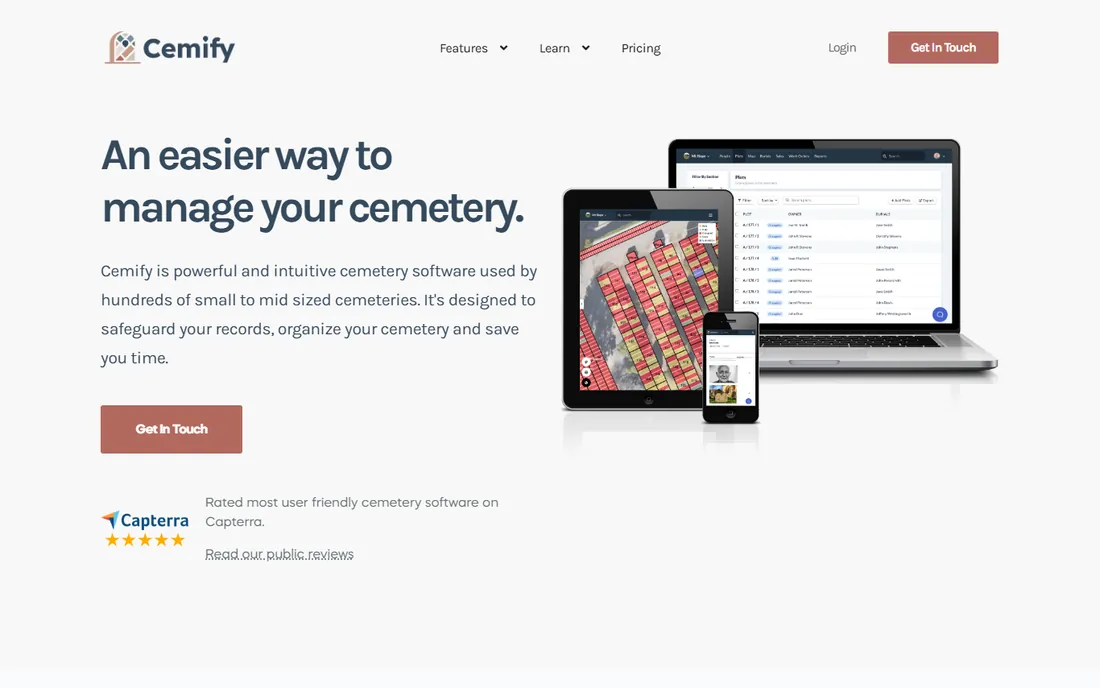
Cemify describes itself plainly: cemetery software for small to mid-sized cemeteries, designed to safeguard records, organize the grounds, and save staff time. Digital mapping lets staff find burial locations and available plots from any device, search returns results in seconds even for large record sets, and deed templates generate pre-populated documents from the database.
Two details stand out for risk-averse buyers. Backups are automatic and stored in portable JSON and CSV formats, so your data is never locked into a proprietary format you cannot leave. And the public gravesite lookup is optional and customizable, letting you share as much or as little as your board approves. Cemify does not publish pricing, and its finance features are lighter than PlotBox or SRS. For a small cemetery making its first move off paper or spreadsheets, it is one of the most approachable options here.
What we like- Built specifically for small-to-mid cemeteries
- Intuitive mapping and instant search
- Automatic backups in portable formats
Watch out for- No public pricing
- Fewer advanced finance features than enterprise tools
#6
Pontem Software
Best for: Cemeteries that value a long-tenured vendor
Visit pontem.com
Starting priceSee website
Free planNo
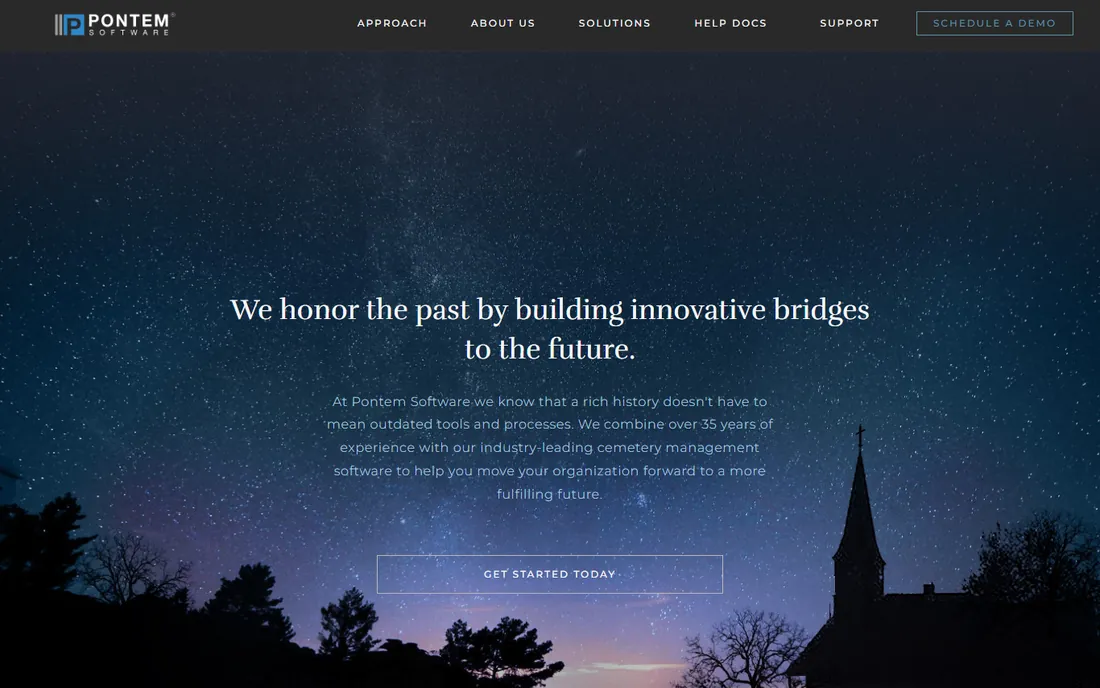
Pontem has been selling cemetery management software since before most of this list existed, and that tenure is its core selling point. With more than 850 implementations nationwide, the company has seen nearly every record-keeping situation a cemetery can present, from 150-year-old paper archives to multi-site municipal systems.
Customer reviews consistently praise the support team, which matters enormously in a category where the buyer is often a small staff with limited technical confidence. The honest tradeoff is modernity: the product and website reflect a company that grew up in an earlier software era. Pricing is not published and runs through a sales process. For a cemetery board that prioritizes vendor stability above all else, meaning the software will still be supported in twenty years, Pontem's track record is hard to argue with.
What we like- 35+ years in business with 850+ implementations
- Strong customer service reputation
- GIS mapping and online burial search
Watch out for- Interface reflects its long history
- Pricing not published
Starting priceSee website
Free planNo
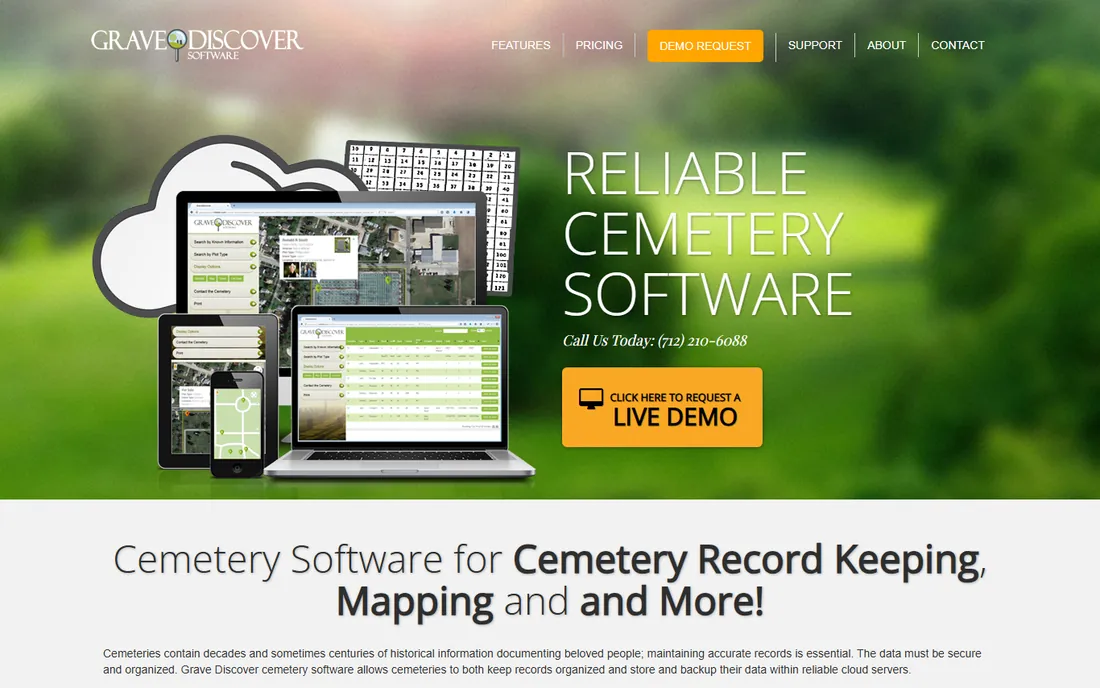
Grave Discover focuses on the two things small cemeteries ask about most: keeping records organized in the cloud and letting the public find graves without calling the office. Its interactive map offers satellite, detail, and standard views, lets visitors search by name, dates, veteran status, and more, and works on phones so visitors can navigate to a gravesite while standing in the cemetery. That alone eliminates a meaningful share of routine staff interruptions.
On the administrative side, it handles burials, occupants, plot owners, deeds, grave types, and headstone images, with all data stored on cloud servers backed up daily rather than depending on an office computer. The feature set is narrower than PlotBox or SRS, with less depth in sales and finance, but for a small cemetery that needs records plus mapping plus public search, the focus is a strength rather than a gap. Pricing is not published.
What we like- Cloud-based with daily backups included
- Interactive public map with satellite and detail views
- Mobile-friendly for on-site visitors
Watch out for- No public pricing
- Narrower feature set than full management suites
#8
Everspot
Best for: Small cemeteries that want real software for free
Visit everspot.io
Starting priceFree ($0/month); Plus from $10/month
Free planYes (free forever plan)
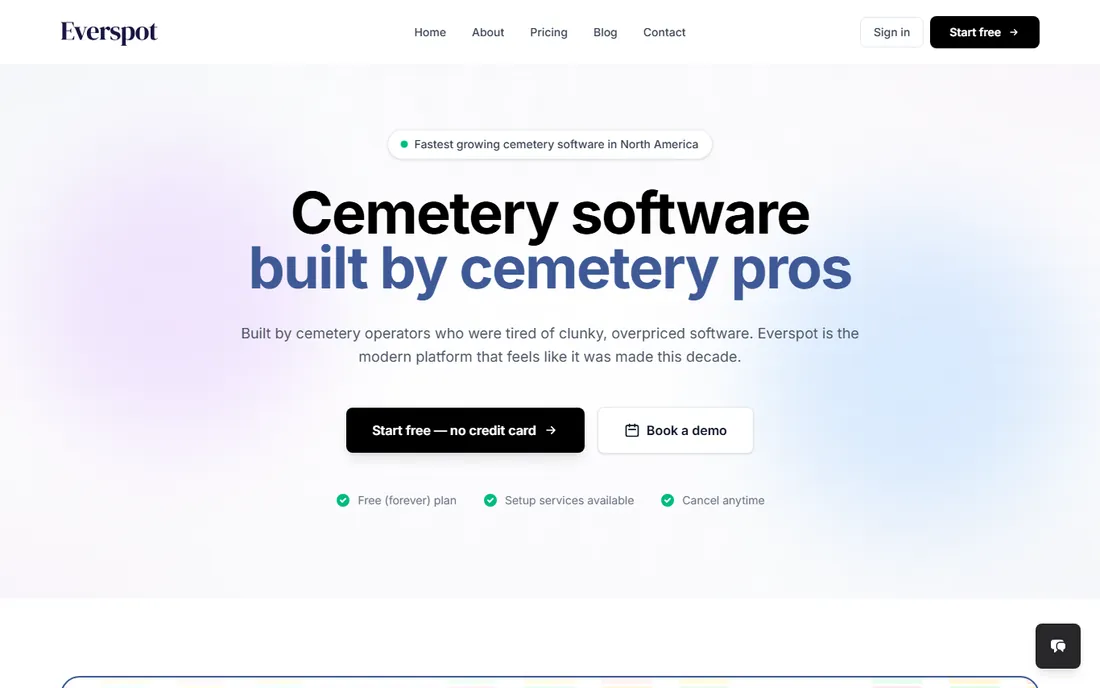
Everspot is the best answer to the most common question in this category: what is the best cemetery software for a small cemetery on a tight budget. Its free plan costs $0 per month forever, requires no credit card, and includes interments, sales, plot tracking, deeds and certificates, work orders, calendars, and document management for two users. That is a genuinely complete records system for the price of nothing, built by people who ran cemeteries and found existing software clunky and overpriced.
Paid tiers are equally aggressive: Plus starts at $10 per month adding digital mapping, payment plans, trusts, and commissions, and Pro starts at $30 per month with unlimited users and live support. The company also integrates with QuickBooks Online and offers non-profit grants including free basic mapping. The caveat is youth: founded in 2023, Everspot has a shorter track record than the veterans here. But for a small cemetery, the combination of free entry, modern design, and portable data makes it the easiest recommendation on this list.
What we like- Free forever plan with no credit card required
- Modern interface built by cemetery operators
- Plus and Pro plans start at just $10/month
Watch out for- Newer company (founded 2023)
- Advanced mapping and trusts sit on paid tiers
Starting priceSee website
Free planNo
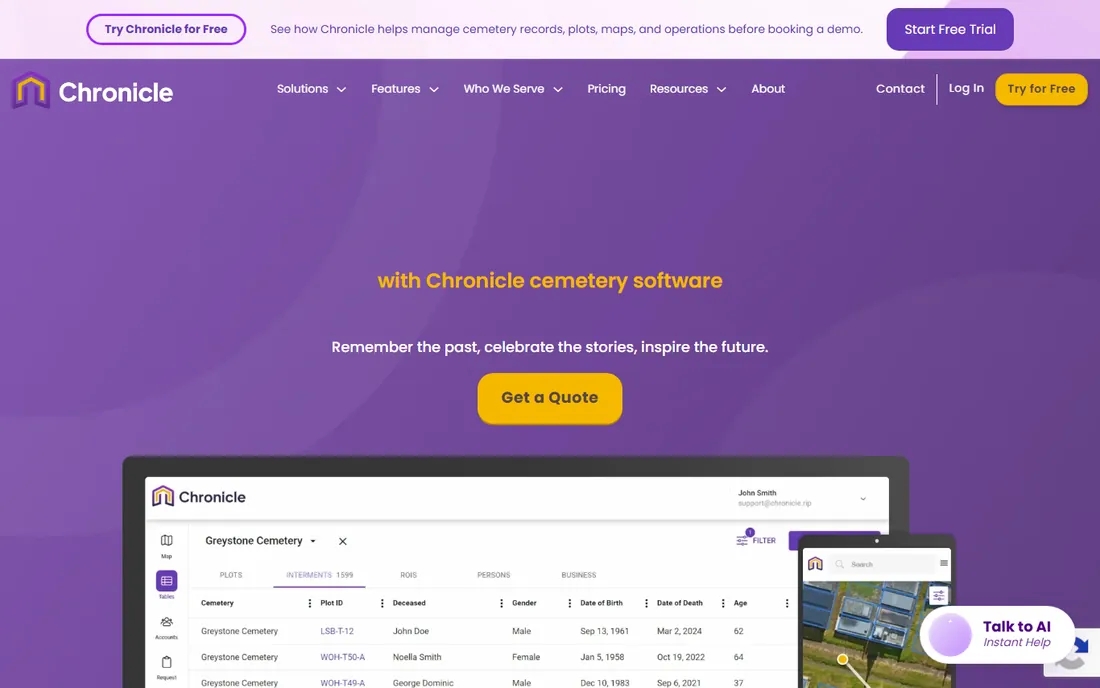
Chronicle is a cloud-based cemetery management platform built around accurate GIS mapping and record-keeping, with a distinctive second act: digital memorials. Its Life Chronicle feature lets the public create online memorials with stories, photos, and videos, and the company shares memorial revenue directly with the cemetery, turning remembrance into a modest income stream. GPS-guided walk-to-grave navigation helps visitors find exact plot locations on their phones.
The core management features cover records, work and event orders, certificate generation, inventory, custom fields, and reporting, with unlimited multi-user access. It is genuinely cloud-native and mobile-friendly, which puts it ahead of the desktop-era tools on experience. Pricing is quote-based rather than published. Before signing, read the memorial revenue-sharing terms carefully so the economics are clear. For cemeteries that see community engagement as part of their mission, the memorials angle is unique on this list.
What we like- Cloud-based with GIS-linked interactive maps
- Life Chronicle online memorials share revenue with the cemetery
- Unlimited users
Watch out for- No public pricing
- Memorial revenue-sharing model needs scrutiny in the contract
How we chose
We did not trial these systems with a test cemetery. Our method was document-based: we read each vendor's homepage, feature documentation, and pricing pages, checked what it costs to start (free plan, free trial, demo, or quote-only), and cross-referenced public reviews on Capterra, G2, GetApp, and SourceForge plus Reddit discussions for patterns in complaints. We deliberately mixed enterprise platforms, veteran desktop-era systems, and newer cloud tools, because a 10,000-plot memorial park and a 300-plot church cemetery are buying completely different things. Prices below come from vendor sites checked in October 2026; most vendors in this category do not publish prices, so we say "see website" rather than quoting third-party figures.
The real cost of switching
The subscription price is rarely the biggest number in a cemetery software purchase. Data migration is: converting decades of paper records, lot cards, and deed books into a clean database takes staff time or paid conversion services, and several vendors sell digitization as a separate service. Ask every vendor what migration includes, what format your source records need to be in, and what happens to records that do not fit their data model.
Training is the second hidden cost. Your staff may have used the same paper system for twenty years, and the best software fails if the people entering interments do not trust it. Vendors with strong onboarding reputations (Pontem and Cemify both get mentioned for support) can be worth more than a cheaper tool with a thin manual. Finally, confirm data export before you sign. Cemify's portable JSON and CSV backups are the standard to hold others to: your cemetery's records must survive even if the vendor does not.
What to look for before you buy
Start with your map situation, because it drives the decision more than any feature list. If your cemetery has no digital map, prioritize tools with mapping and digitization services (PlotBox, Chronicle, Cemify, Grave Discover). If you already have GIS data, confirm the vendor can import your existing format rather than making you redraw everything. Mapping is consistently the most expensive and most dispute-prone part of these projects.
Next, match the system to your size. A small cemetery with a few hundred burials does not need enterprise finance modules; Everspot's free plan or Cemify's small-cemetery focus will cover records, deeds, and mapping at a fraction of the cost and complexity. A large memorial park with active sales needs PlotBox-level sales, trust, and payment features. Buying too much software is as painful as buying too little, because complexity lands on the same small staff either way.
Then verify the operational details that matter day to day: public grave search, work order management for grounds crews, deed and certificate generation, and accounting integration if you track finances separately. Ask for a demo using your own record types, not the vendor's sample data, and talk to two reference customers of similar size. In this category, a reference call with a cemetery like yours is worth more than any feature checklist.
Frequently asked questions
What is the best cemetery software for a small cemetery?
Everspot is the strongest budget pick, with a free forever plan covering records, deeds, work orders, and sales. Cemify is built specifically for small-to-mid cemeteries with intuitive mapping, and Grave Discover offers cloud records plus public grave search. All three cost far less than enterprise platforms and are easier for small staffs to learn.
How much does cemetery software cost?
It varies widely. Everspot starts free with paid plans from $10 per month. Most other vendors price by quote based on cemetery size, user count, and modules, and do not publish numbers. Beyond the subscription, budget for data migration, training, and possibly digitization services, which often exceed the first year's software cost.
Is cloud or desktop cemetery software better?
Cloud software (PlotBox, Byond, Cemify, Everspot, Chronicle, Grave Discover) gives you automatic backups, access from any device, and no server to maintain, which suits most cemeteries today. Desktop systems (SRS InStone, Pontem's classic product) keep data local, which some boards prefer for control. For most small cemeteries, cloud is the simpler and safer choice.
Can the public search our burial records online?
Most modern platforms offer it as an option: PlotBox (EverAfter), Pontem (Online Burial Search), Cemify, Grave Discover, and Chronicle all provide public grave lookup, usually with controls over which fields are visible. This is one of the highest-value features for reducing routine inquiry calls, but confirm privacy controls with your board before enabling it.
How long does it take to switch from paper records to cemetery software?
It depends on record volume and condition. Small cemeteries with organized records can be operational in weeks; large cemeteries with a century of paper archives should plan for months, including a digitization phase. Ask vendors for a migration timeline based on your burial count, and get data conversion scope in writing.
What happens to our data if we switch vendors later?
That depends on the vendor's export options. Look for portable exports (Cemify offers JSON and CSV backups) and confirm in the contract that you can download your complete database at any time. Avoid vendors that can only return your data in a proprietary format or charge a large fee for extraction.
Sources we checked (11)
- https://plotbox.io
- https://opusxenta.com
- https://srscomputing.com/
- https://cemsites.com/
- https://cemify.com/
- https://pontem.com
- https://gravediscoversoftware.com/
- https://everspot.io/
- https://everspot.io/pricing
- https://chronicle.rip/
- https://worldmetrics.org/best/cemeteries-management-software/
Is your product missing or out of date?
We review this list regularly. Vendors can request a listing, send updated pricing or ask about featured placement.

Shihab Mia · Founder, Rankite
Shihab has spent more than a decade helping SaaS and e-commerce brands grow through search. He writes Rankite's software buying guides from pricing pages, documentation and public user reviews. More about Shihab.