How we make this list: we compare pricing pages, product documentation and public user reviews. Ratings come from G2, Capterra or Trustpilot, with the date we checked them.
Key takeaways
- Trello at 5 dollars a user a month is the cheapest real team tool, but its simplicity breaks down for complex dependencies and cross team coordination.
- ClickUp at 7 dollars a user a month annual offers the most features per dollar, with a genuinely usable free plan covering unlimited members.
- Asana at 10.99 dollars a user a month annual is the easiest for teams to adopt, while monday.com at 9 dollars a seat is the most visual.
- Basecamp flat 299 dollars a month for unlimited users beats every per seat plan once a team passes about 20 people.
Quick comparison
| Tool | Best for | Starting price | Free plan |
|---|
 Asana Asana | Easiest team adoption | $10.99 per user/month | Yes |
 monday.com monday.com | Most visual boards | $9 per seat/month | Yes |
 ClickUp ClickUp | Most features per dollar | $7 per user/month | Yes |
 Notion Notion | Docs and tasks in one workspace | $10 per user/month | Yes |
 Wrike Wrike | Structured project work | $10 per user/month | Yes |
 Smartsheet Smartsheet | Spreadsheet-native teams | $9 per user/month | No |
 Basecamp Basecamp | Flat pricing for large teams | $15 per user/month | No |
 Todoist Todoist | Simple shared task lists | $4 per user/month | Yes |
Is your product missing or out of date?
We review this list regularly. Vendors can request a listing, send updated pricing or ask about featured placement.
The best Trello alternatives
#1Asana
Best for: Easiest team adoption4.4/5 on
G2 (13,930 reviews, checked Oct 2026)
Visit asana.com
Starting price$10.99 per user/month
Free planYes
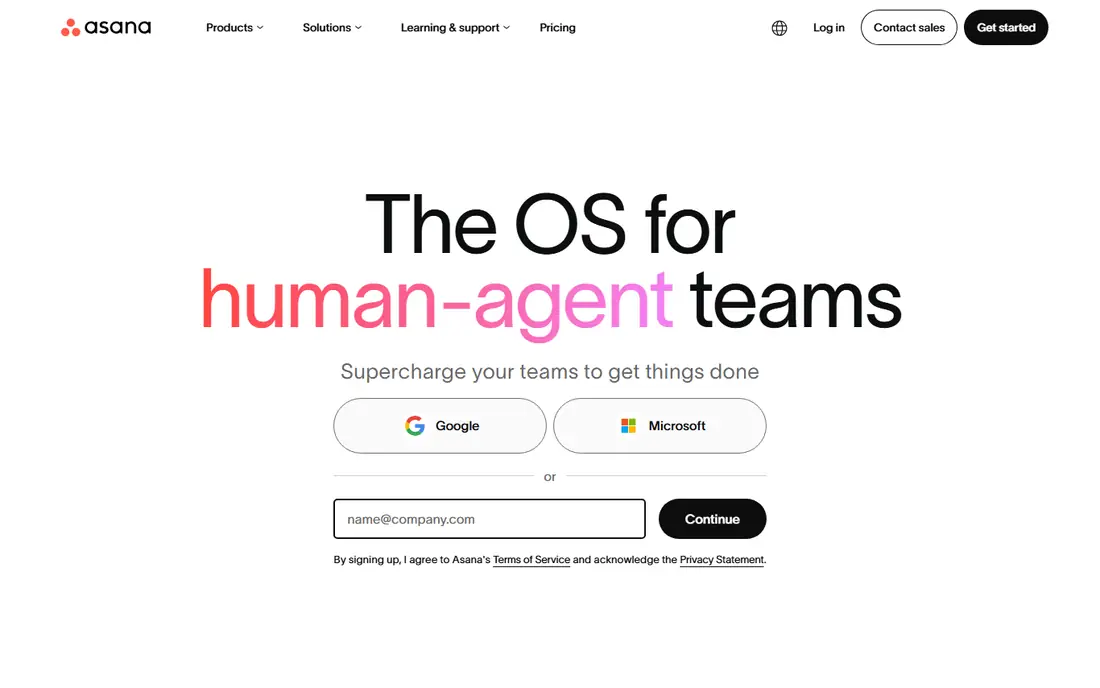
Asana Starter at 10.99 dollars a user a month billed annually offers the best balance of structure and ease of adoption for small teams, with clean lists, boards and timelines plus structured handoffs for cross team work. Teams that need coordination more than customization adopt Asana fastest, since the interface needs little training.
The free plan now caps at 2 users, which rules it out for whole teams, and advanced features need higher tiers. For a team that wants structure without a learning curve, Asana is the pick for fast adoption.
What we like- Clean lists, boards and timelines
- Structured handoffs and cross team coordination
- Easiest adoption in this list
Watch out for- Starter at 10.99 dollars a user a month billed annually
- Free plan now caps at 2 users, ruling it out for whole teams
- Advanced features need higher tiers
#2monday.com
Best for: Most visual boards4.7/5 on
G2 (17,182 reviews, checked Oct 2026)
Visit monday.com
Starting price$9 per seat/month
Free planYes
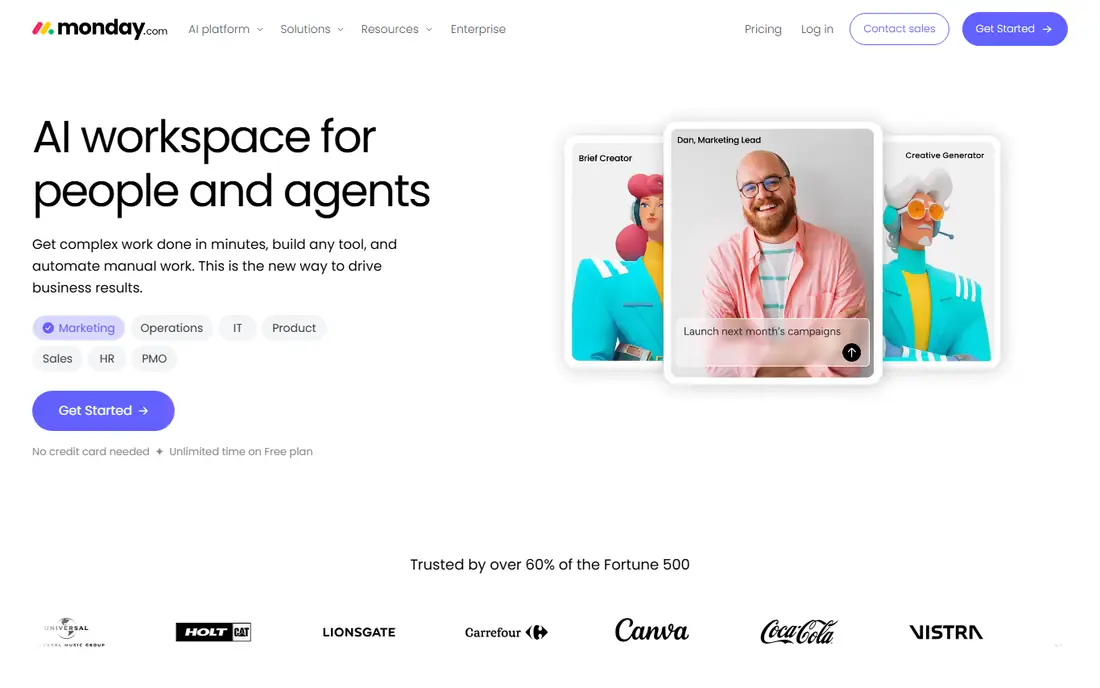
monday.com at 9 dollars a seat a month billed annually is the visual pick: color coded boards that non technical teams adopt quickly, with dashboards and templates for many team types. Visual teams that build their own workflows love the board flexibility, and onboarding is fast.
The 3 seat minimum and seat buckets inflate the bill for awkward team sizes, and the free plan covers only 2 seats. For a visual team that wants boards everyone understands at a glance, monday.com is the pick today.
What we like- Color coded boards that non technical teams adopt quickly
- Visual workflows and dashboards
- Templates for many team types
Watch out for- Basic at 9 dollars a seat billed annually with a 3 seat minimum
- Seat buckets inflate the bill for awkward team sizes
- Free plan covers only 2 seats
#3ClickUp
Best for: Most features per dollar4.6/5 on
G2 (14,878 reviews, checked Oct 2026)
Visit clickup.com
Starting price$7 per user/month
Free planYes
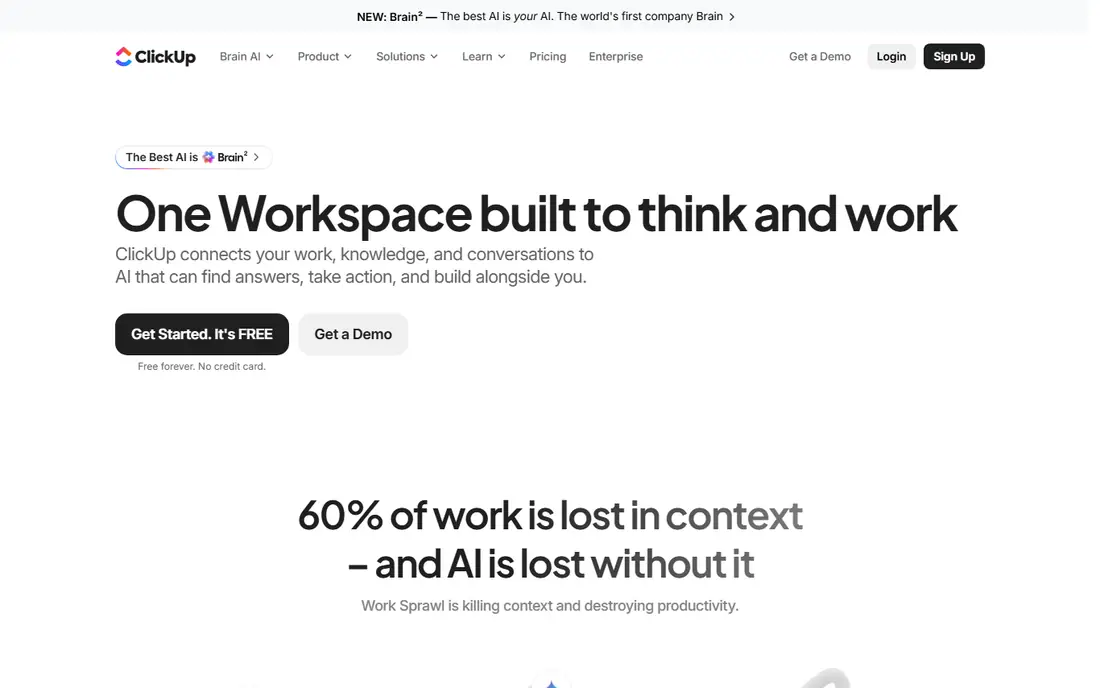
ClickUp at 7 dollars a user a month annual packs the most features per dollar, with a free tier that stays usable far longer than rivals, covering unlimited members. Tasks, docs and time tracking live in one workspace, which suits teams that want everything in one place without stitching tools together.
The flexibility is also the risk: without an owner for setup, ClickUp turns into clutter, and the interface can feel busy if over customized. For a team willing to invest in setup for maximum value, ClickUp is the pick for feature depth.
What we like- Most features per dollar at 7 dollars a user a month annual
- Free plan covers unlimited members
- Tasks, docs and time tracking in one workspace
Watch out for- Flexibility means someone must own setup or it turns into clutter
- Interface can feel busy if over customized
- Learning curve for new teams
#4Notion
Best for: Docs and tasks in one workspace4.6/5 on
G2 (13,834 reviews, checked Oct 2026)
Visit notion.so
Starting price$10 per user/month
Free planYes
Notion Plus at 10 dollars a user a month billed annually suits knowledge centered teams that want docs, wikis and projects in one place. Everything lives in one flexible space, so a project page can hold the brief, the tasks and the decisions together, which reduces context switching.
Project tracking is lighter than Asana or monday.com, and databases need design skill to shine, so teams that want pure task management may find Notion too open ended. For a team that lives in documents and needs light project tracking, Notion is the pick.
What we like- Docs, wikis and projects in one flexible space
- Plus at 10 dollars a user a month billed annually
- Best when docs and tasks must live together
Watch out for- Requires more setup upfront
- Project tracking is lighter than Asana or monday.com
- Databases need design skill to shine
#5Wrike
Best for: Structured project work4.2/5 on
G2 (4,540 reviews, checked Oct 2026)
Visit wrike.com
Starting price$10 per user/month
Free planYes
Wrike Team at 10 dollars a user a month billed annually suits enterprises and agencies managing complex, cross department workflows, with approval workflows that marketing teams value. Structured project work with dependencies, approvals and reporting is where Wrike beats simpler boards.
The enterprise feel suits large teams more than small ones, and setup effort exceeds Trello. For a team running high volume, structured projects, Wrike is the pick.
What we like- Structured workflows for complex, cross department projects
- Approval workflows for marketing teams
- Team plan at 10 dollars a user a month billed annually
Watch out for- Enterprise feel suits large teams more than small ones
- Setup effort is higher than Trello
- Free plan suits small teams only
#6Smartsheet
Best for: Spreadsheet-native teams4.4/5 on
G2 (22,767 reviews, checked Oct 2026)
Visit smartsheet.com
Starting price$9 per user/month
Free planNo
Smartsheet Pro at 9 dollars per member a month billed annually suits operations teams that run the business in spreadsheets and want structure: the familiar grid interface lowers training, while project views, automation and reporting add management depth. Up to 10 members fit the Pro tier, with larger teams on higher plans.
There is no free plan beyond a 30 day trial, and the spreadsheet mindset suits operations more than creative teams. For a spreadsheet native operations team, Smartsheet is the pick.
What we like- Spreadsheet style planning for operations teams
- Pro at 9 dollars per member a month billed annually for up to 10 members
- Familiar grid interface
Watch out for- No free plan, only a 30 day trial
- Spreadsheet mindset suits operations more than creative teams
- Automation needs higher tiers
#7Basecamp
Best for: Flat pricing for large teams4.1/5 on
G2 (5,488 reviews, checked Oct 2026)
Visit basecamp.com
Starting price$15 per user/month
Free planNo
Basecamp skips per user pricing complexity with Pro Unlimited at 299 dollars a month flat for unlimited users, which beats every per seat plan once a team passes about 20 people. The calm choice for teams that want communication and projects in one place, Basecamp bundles message boards, to dos, schedules and file storage without the noise of a full work management suite.
Visual project tracking trails monday.com, and smaller teams pay 15 dollars per user a month on Plus. For a team over 20 that wants predictable pricing and calm async work, Basecamp is the pick.
What we like- Flat 299 dollars a month Pro Unlimited beats per seat pricing above about 20 people
- Calm async communication plus projects in one place
- Simple and predictable
Watch out for- Less visual project tracking than monday.com
- 15 dollars per user a month Plus for smaller teams
- Free plan covers personal projects only
#8Todoist
Best for: Simple shared task lists4.5/5 on
G2 (832 reviews, checked Oct 2026)
Visit todoist.com
Starting price$4 per user/month
Free planYes
Todoist Pro at 4 dollars per user a month billed annually is the cheapest paid tool here, offering excellent task lists for small teams that just need tasks done well. Shared projects, labels, filters and reminders cover personal and small team task management with almost no learning curve.
Project features are light, with no board or timeline depth, and team features trail Asana or ClickUp. For a small team that just needs excellent task lists, Todoist is the pick.
What we like- Excellent task lists at 4 dollars per user a month billed annually
- Simplest tool here
- Free plan for personal use
Watch out for- Light project features, no boards or timelines depth
- Team features are thinner than Asana or ClickUp
- Suits lists, not complex projects
How we chose
We compared published per user prices, free tier terms, view types and team size fit from vendor pricing pages and independent comparisons checked in 2026, and we weighed adoption ease, visual clarity, feature depth and pricing model. We noted where free plans cap users, such as Asana at 2 users and monday.com at 2 seats, since those caps decide whether a free tier works for a whole team. No tool was credited with hands-on testing, and no adoption or satisfaction figures beyond published comparisons were invented for this guide.
What to check before you pick
Ask two sharp questions first: what is the single biggest project headache right now, and how many people will actually log in every day. If nobody knows status, start with Trello or monday.com. If tasks fall through the cracks between people, Asana or ClickUp usually win. If your team already lives in documents and wikis, Notion can pull double duty.
Next, run a two week pilot of the top two on one live project: the tool the team opens without reminders is the winner, and everything else is secondary. Check seat minimums and buckets, since monday.com 3 seat minimum inflates small team bills, and check free tier caps, since Asana 2 user free plan cannot serve a whole team. Finally, count cost at your real team size: Basecamp flat 299 dollars beats per seat pricing above about 20 people, while Todoist at 4 dollars wins for tiny teams that only need lists.
Frequently asked questions
What is the best Trello alternative overall?
ClickUp for most features per dollar at 7 dollars a user a month, Asana for easiest adoption at 10.99 dollars, and monday.com for the most visual boards at 9 dollars a seat. Trello itself remains best for pure kanban simplicity at 5 dollars.
Is there a free Trello alternative?
Yes: ClickUp free covers unlimited members, Notion free covers individuals and small teams, and Asana and monday.com free plans cover only 2 users each. Trello free itself covers up to 10 boards and 10 collaborators.
Which alternative is best for a large team?
Basecamp Pro Unlimited at 299 dollars a month flat, which beats every per seat plan above about 20 people. Wrike suits large structured projects, while Asana suits large cross team coordination.
Which alternative is closest to Trello simplicity?
Todoist for task lists and monday.com for visual boards, though neither matches Trello zero learning curve kanban exactly. If simplicity is the priority, staying on Trello Standard at 5 dollars may beat switching.
Do these tools integrate with Slack and Google Drive?
Yes, all eight integrate with common chat, file and calendar tools, though depth varies: Asana and ClickUp offer the broadest integration libraries, while Todoist and Basecamp cover the essentials.
How do I migrate boards from Trello?
Most alternatives offer Trello importers that copy boards, lists and cards, though custom fields, automations and attachments may need manual cleanup. Export a backup first, import one board as a test, and check card order and members before migrating everything.
Sources we checked (4)
- https://rankite.com/blog/best-task-management-app-for-teams
- https://rankite.com/blog/best-project-tracker-app
- https://rankite.com/blog/best-work-management-software
- https://rankite.com/blog/best-project-management-tools-for-teams
Is your product missing or out of date?
We review this list regularly. Vendors can request a listing, send updated pricing or ask about featured placement.

Shihab Mia · Founder, Rankite
Shihab has 5+ years in B2B and SaaS SEO. He writes Rankite's software buying guides from pricing pages, documentation and public user reviews. More about Shihab.