How we make this list: we compare pricing pages, product documentation and public user reviews. Ratings come from G2, Capterra or Trustpilot, with the date we checked them.
Key takeaways
- Paid plans cluster between $5 and $11 per user a month, but the seat rules decide the real bill: monday.com sells in 3-seat minimums, Wrike in groups of five, Smartsheet charges editors only, and Basecamp skips per-seat pricing entirely at $299 a month flat.
- Free plans are not comparable: ClickUp is free for unlimited members while Asana Personal now stops at two users, so price your actual team before comparing.
- Every vendor in 2026 sells AI agents and teammates, but AI is often a separate add-on: ClickUp Brain starts at $9 per user a month on top of the plan.
- Jira remains free for up to 10 users, which makes it the cheapest serious option for a small software team willing to handle the configuration.
Quick comparison
| Tool | Best for | Starting price | Free plan |
|---|
 Asana Asana | Cross-functional teams running campaigns, launches and repeatable processes | $10.99/user/month (Starter plan, billed annually) | Yes (Personal plan, up to 2 users) |
 monday.com monday.com | Visual teams that want colorful boards and fast onboarding | $8/seat/month (Basic plan, billed annually; 3-seat minimum) | Yes (Individual plan, up to 2 seats) |
 ClickUp ClickUp | Teams that want maximum features per dollar and can invest in setup | $7/user/month (Unlimited plan, billed annually) | Yes (Free Forever, unlimited members) |
 Notion Notion | Knowledge-centered teams that want docs, wikis and projects in one place | $10/seat/month (Plus plan, billed annually) | Yes (free plan for individuals and small teams) |
 Trello Trello | Small teams that want kanban with zero learning curve | $5/user/month (Standard plan, billed annually) | Yes (up to 10 boards) |
 Jira Jira | Software and IT teams running scrum, kanban or mixed agile | $7.91/user/month (Standard plan, billed annually) | Yes (free for up to 10 users) |
 Wrike Wrike | Enterprises and agencies managing complex, cross-department workflows | $10/user/month (Team plan, billed annually) | Yes (free plan for small teams) |
 Smartsheet Smartsheet | Operations teams that run the business in spreadsheets and want structure | $9/member/month (Pro plan, billed annually; up to 10 members) | No (30-day free trial) |
 Basecamp Basecamp | Teams that value simplicity and predictable pricing over features | $15/user/month (Plus plan) or $299/month flat (Pro Unlimited, annual) | Yes (free plan for personal projects) |
Is your product missing or out of date?
We review this list regularly. Vendors can request a listing, send updated pricing or ask about featured placement.
There are two kinds of teams buying project management software in 2026. The first picks a tool and adapts its process to fit. The second maps its process first and buys the tool that matches. The second group spends less, complains less, and renews more. This guide is written for them. The nine tools below cover the real market: the work-management platforms (Asana, monday.com, ClickUp, Wrike, Smartsheet), the specialists (Jira for software, Trello for simplicity, Basecamp for flat pricing), and the workspace that ate the wiki (Notion).
#1
Asana
Best for: Cross-functional teams running campaigns, launches and repeatable processes
Visit asana.com
Starting price$10.99/user/month (Starter plan, billed annually)
Free planYes (Personal plan, up to 2 users)
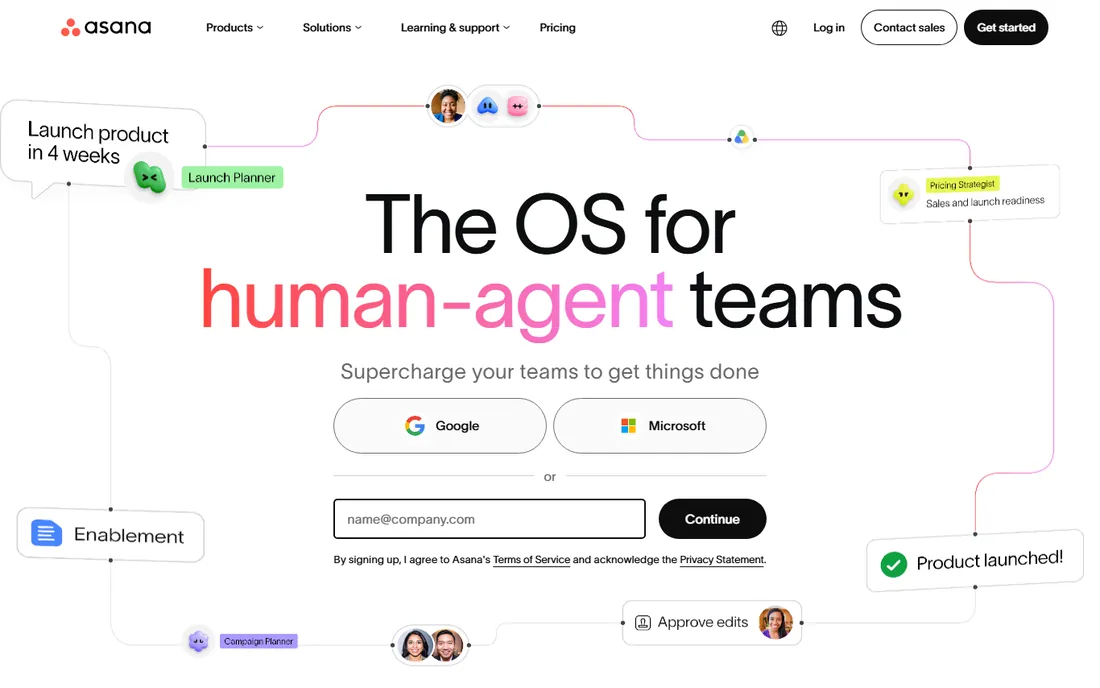
Asana is the safe recommendation for a reason. It organizes work as tasks inside projects that roll up into portfolios and goals, and its Work Graph model lets one task live in several projects without duplication. For marketing, operations and client-services teams running repeatable processes, it is the easiest serious tool to hand to non-technical people. The 2026 story is agentic: AI teammates that work inside real workflows with shared memory.
Watch the tier jump. Several features small teams assume are standard, including native time tracking, portfolios and workload, only appear on Advanced at more than double the Starter price. Price the tier you will end up on, not the one you sign up for, and note the bracketed seats.
What we like- The most polished task-centered workflow in the category with list, board, calendar and timeline views of the same data
- Unlimited free guests on paid plans
- 2026 AI push adds AI teammates and AI Studio automations
Watch out for- The free Personal plan now caps at two users, so it no longer serves small teams
- Time tracking and portfolios only appear on Advanced at $24.99
- Seats sell in brackets, so a team of six pays for ten
#2
monday.com
Best for: Visual teams that want colorful boards and fast onboarding
Visit monday.com
Starting price$8/seat/month (Basic plan, billed annually; 3-seat minimum)
Free planYes (Individual plan, up to 2 seats)
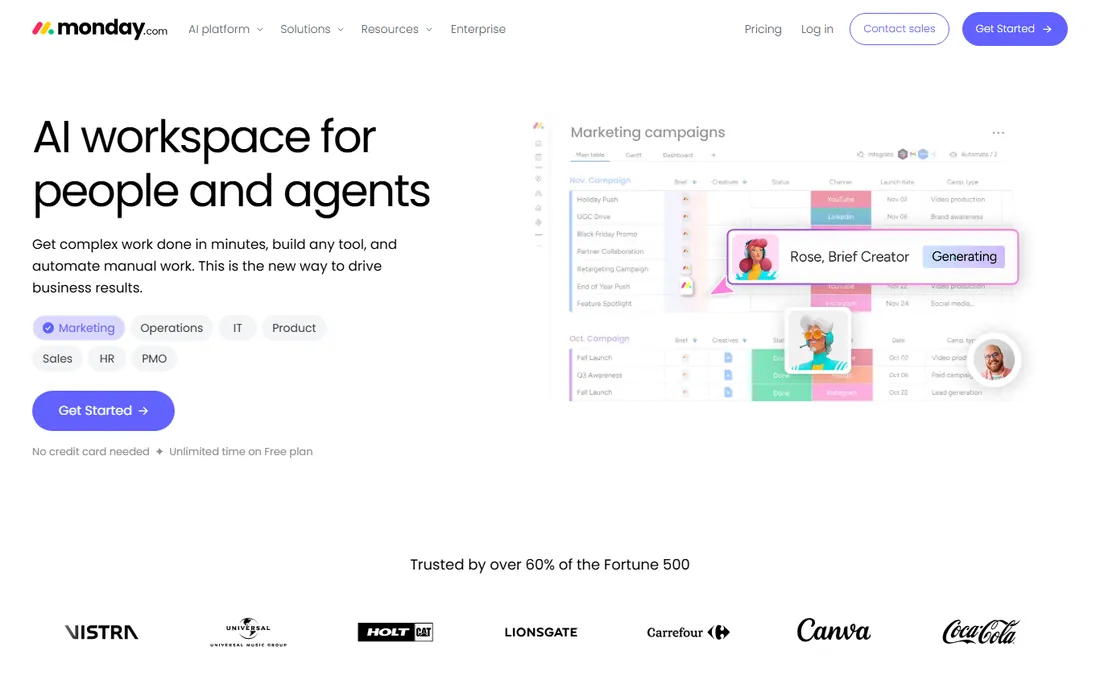
Nobody gets confused by monday.com, and that is the whole pitch. Boards, color-coded statuses and drag-and-drop everything make it the tool you can roll out to a sales or marketing team without training sessions. The template library covers most common workflows, and the platform has grown into a genuine work OS with docs, dashboards and CRM-adjacent products.
The pricing structure rewards attention. Basic at $8 a seat a month (annual, three-seat minimum) is the entry point, but timeline and Gantt views require Standard, and automation allowances are metered monthly. A 20-person team on Standard pays for the seats plus whatever the automation overages become. It is still excellent value for visual teams; just model the real plan, not the headline.
What we like- The fastest time-to-value in the category: teams build working boards in an afternoon
- 200-plus templates and a huge integration marketplace
- Unlimited free viewers on paid plans
Watch out for- Gantt and timeline views start on Standard, not Basic
- Automations and integrations are metered by monthly actions
- Costs climb fast as teams add seats in fixed team sizes
#3
ClickUp
Best for: Teams that want maximum features per dollar and can invest in setup
Visit clickup.com
Starting price$7/user/month (Unlimited plan, billed annually)
Free planYes (Free Forever, unlimited members)
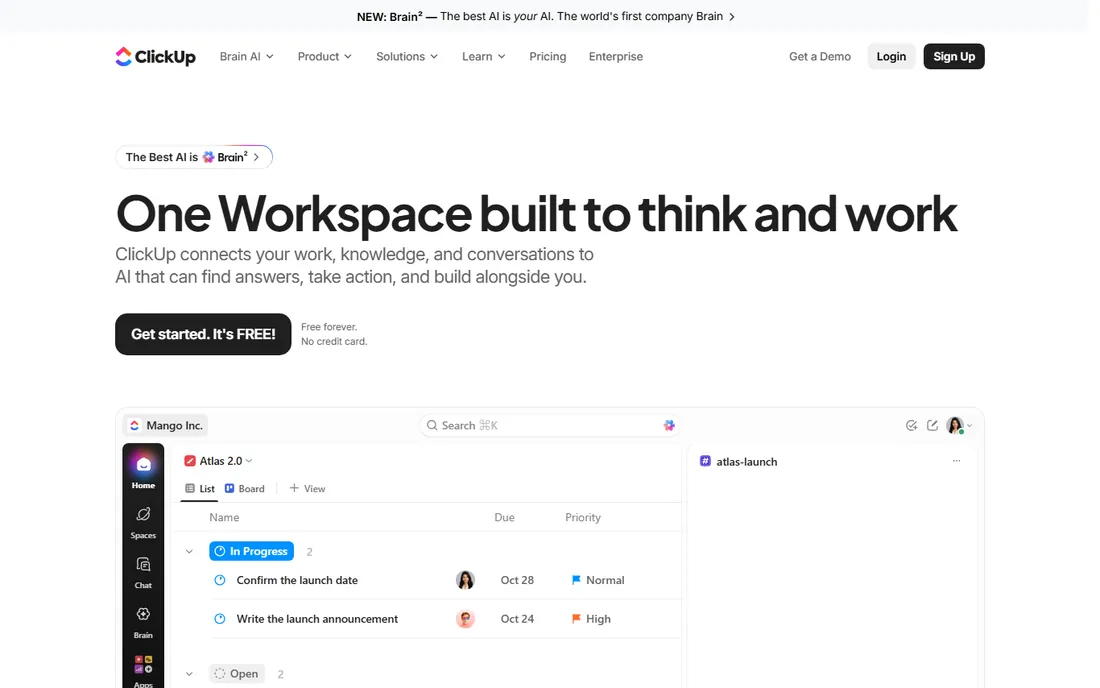
ClickUp wins the spec sheet at nearly every price point. Unlimited at $7 per user a month (annual) includes native time tracking, Gantt charts, unlimited storage and dashboards, features Asana and monday.com reserve for plans costing half as much again. The Free Forever tier supports unlimited members, which no competitor matches.
The catch is the one every review mentions: ClickUp is easy to use once someone has set it up, and genuinely difficult to set up well. The automations, custom fields and hierarchy end up living in one builder's head, which becomes a risk when that person leaves. Buy it if you have (or will hire) the operations-minded person to own it. And budget Brain AI separately if you want the AI features.
What we like- The most generous free plan in the category: unlimited tasks and members
- Unlimited at $7 includes Gantt, time tracking and dashboards that rivals lock behind higher tiers
- 1,000-plus integrations
Watch out for- Setup complexity is real: the flexibility that powers it demands an owner who configures it well
- AI (Brain) is a separate add-on from $9 per user a month
- Guests convert to paid seats past the allowance
#4
Notion
Best for: Knowledge-centered teams that want docs, wikis and projects in one place
Visit notion.so
Starting price$10/seat/month (Plus plan, billed annually)
Free planYes (free plan for individuals and small teams)
Notion is not really project management software; it is a workspace that teams bend into project management. That distinction matters. If your work is knowledge-heavy (product specs, research, content, documentation with tasks attached), Notion's databases and linked pages are more natural than any task list. Over half of Y Combinator companies run on it, which tells you where its center of gravity sits.
Do not buy it expecting Asana with docs. There are no built-in sprints, no workload management worth the name on lower tiers, and every workflow needs designing. Teams that love Notion have a Notion champion who maintains the system. Without that person, it drifts into a beautiful mess. Plus at $10 a seat is the sensible team entry point.
What we like- Unmatched flexibility: databases, docs, wikis, calendars and project trackers in one workspace
- 100 million users and deep template community
- AI bundled into the $20 Business plan rather than sold separately
Watch out for- You must design your own operating system: nothing is set up for you
- Project-specific features (sprints, workload, proofing) lag the dedicated PM tools
- Performance can drag in very large workspaces
#5
Trello
Best for: Small teams that want kanban with zero learning curve
Visit trello.com
Starting price$5/user/month (Standard plan, billed annually)
Free planYes (up to 10 boards)
Trello is the tool you recommend to the team that will not adopt anything more complex. Cards on lists on boards: it is kanban in its purest form, and for editorial calendars, hiring pipelines, event checklists and personal task management, the simplicity is a genuine advantage. Standard at $5 per user a month (annual) adds unlimited boards, advanced checklists and more automation runs.
Know its ceiling. There is no Gantt worth using, no workload view, no portfolios, and no native time tracking. Trello works beautifully until a team needs to answer "who is overloaded" or "are we on track across twelve projects," at which point the answer is a different tool. Owned by Atlassian, it pairs naturally with Jira for teams that need both.
What we like- The simplest credible project tool: anyone understands a Trello board in minutes
- Standard at $5 is the cheapest paid tier on this list
- Atlassian ecosystem benefits (same account as Jira and Confluence)
Watch out for- No meaningful reporting, workload or portfolio views even on Premium
- Butler automations are metered by command runs
- Teams with real process needs outgrow it fast
#6
Jira
Best for: Software and IT teams running scrum, kanban or mixed agile
Visit atlassian.com
Starting price$7.91/user/month (Standard plan, billed annually)
Free planYes (free for up to 10 users)
Jira is the only tool on this list built for software development first. Backlogs, sprint planning, release tracking, story points and JQL (a query language that answers questions other tools cannot) make it the default for engineering teams. The free tier covers up to 10 users with the core agile features, which is enough for a small dev team to run properly.
The price of power is administration. Jira rewards a dedicated admin and punishes teams that wing it: misconfigured workflows and schemes create the mess Jira is famous for. Standard at $7.91 is reasonable, but cross-project planning needs Premium, and the marketplace apps that round out reporting add up. For non-engineering teams, Asana or monday.com will make everyone happier.
What we like- The deepest agile tooling available: backlogs, sprints, releases, JQL querying
- Free for up to 10 users with no time limit
- 300,000-plus companies and the entire Atlassian ecosystem behind it
Watch out for- Configuration is a job in itself and non-technical teams struggle
- Advanced roadmaps and portfolio planning require Premium at $14.54
- Marketplace apps fill gaps at extra cost
#7
Wrike
Best for: Enterprises and agencies managing complex, cross-department workflows
Visit wrike.com
Starting price$10/user/month (Team plan, billed annually)
Free planYes (free plan for small teams)
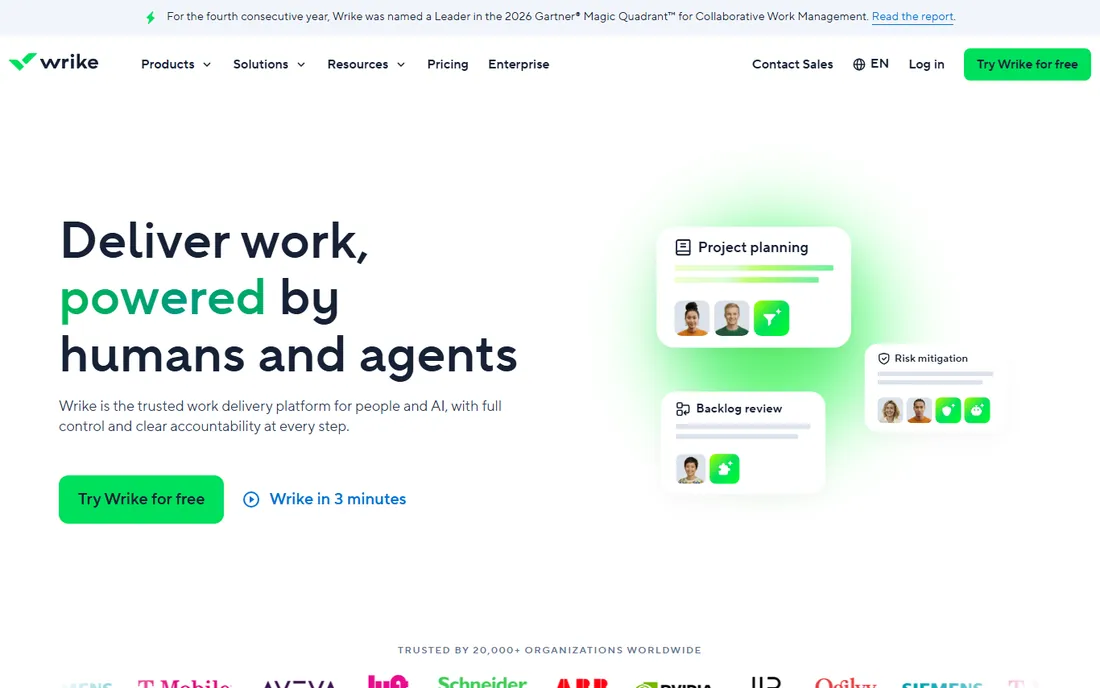
Wrike is where teams go when the work itself is complicated. Custom item types let different departments track different things in one system, request forms turn intake into structured work, and the reporting engine handles the cross-project visibility that Trello and Basecamp cannot. The 400-plus integrations and enterprise customer list (NVIDIA, Walmart, Nickelodeon appear in their materials) signal where it plays.
It is priced and packaged for that segment. Team at $10 per user a month (annual) covers collaboration well, but resource management and advanced reporting sit on Business at $25. The five-seat purchase groups are an annoyance for teams of seven or twelve. For agencies and enterprises with genuine complexity, it earns the price; for straightforward task tracking, it is more tool than you need.
What we like- Strongest in complex work: custom item types, nested projects, request forms and resource management
- 400-plus integrations
- Trusted by 20,000-plus organizations including large enterprises
Watch out for- Seats sell in groups of five, which complicates odd-sized teams
- The interface carries enterprise weight that small teams feel
- Real reporting and resource features need Business at $25
#8
Smartsheet
Best for: Operations teams that run the business in spreadsheets and want structure
Visit smartsheet.com
Starting price$9/member/month (Pro plan, billed annually; up to 10 members)
Free planNo (30-day free trial)
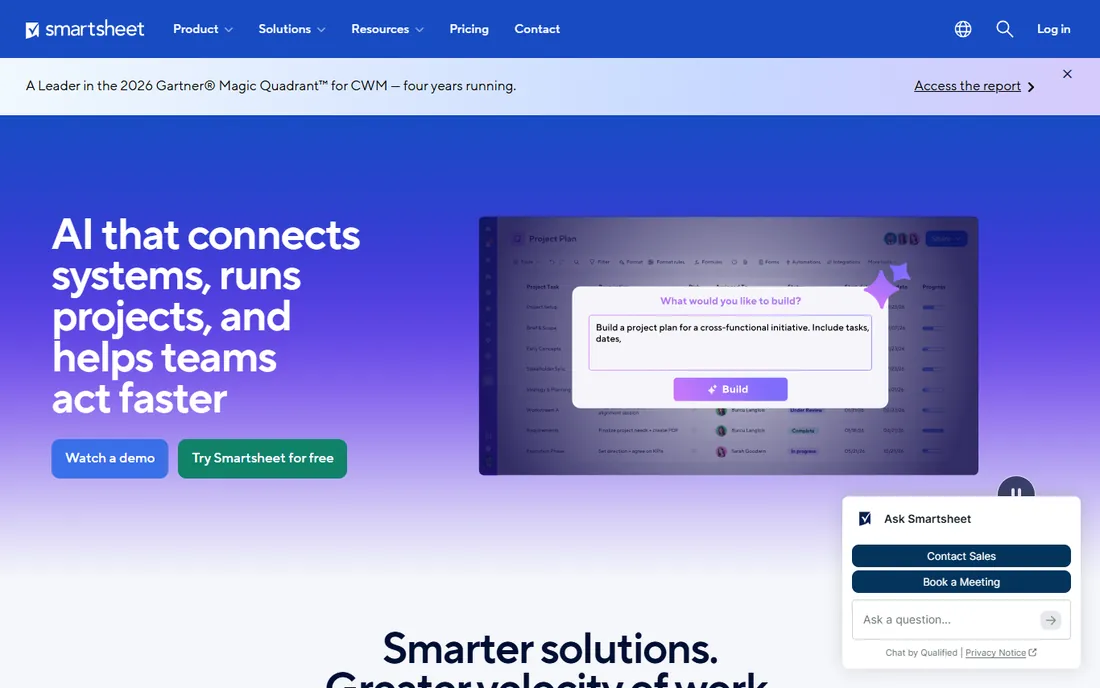
Smartsheet meets spreadsheet people where they are. If your operations run on rows and columns (schedules, trackers, budgets, registers), the grid maps directly onto how the work is already organized, and Gantt views, card views, forms, reports and dashboards extend it without leaving the metaphor. More than 85 percent of the Fortune 500 trust it, per the vendor.
The pricing model needs reading carefully. Pro at $9 per member a month (annual) covers up to 10 members; beyond that, Business at $19 applies, and only paid members can create and edit sheets (viewers are free). Resource management and advanced features cost more on top. For spreadsheet-native operations teams it is excellent; for general task management, the dedicated PM tools are friendlier.
What we like- The grid is the interface: anyone who lives in Excel is productive immediately
- Gantt, card and calendar views over the same sheet data
- Strong automation and enterprise reporting
Watch out for- No free plan, only a 30-day trial
- Pro caps at 10 members, forcing growing teams to Business at $19
- Only licensed members can edit, which shapes collaboration costs
#9
Basecamp
Best for: Teams that value simplicity and predictable pricing over features
Visit basecamp.com
Starting price$15/user/month (Plus plan) or $299/month flat (Pro Unlimited, annual)
Free planYes (free plan for personal projects)
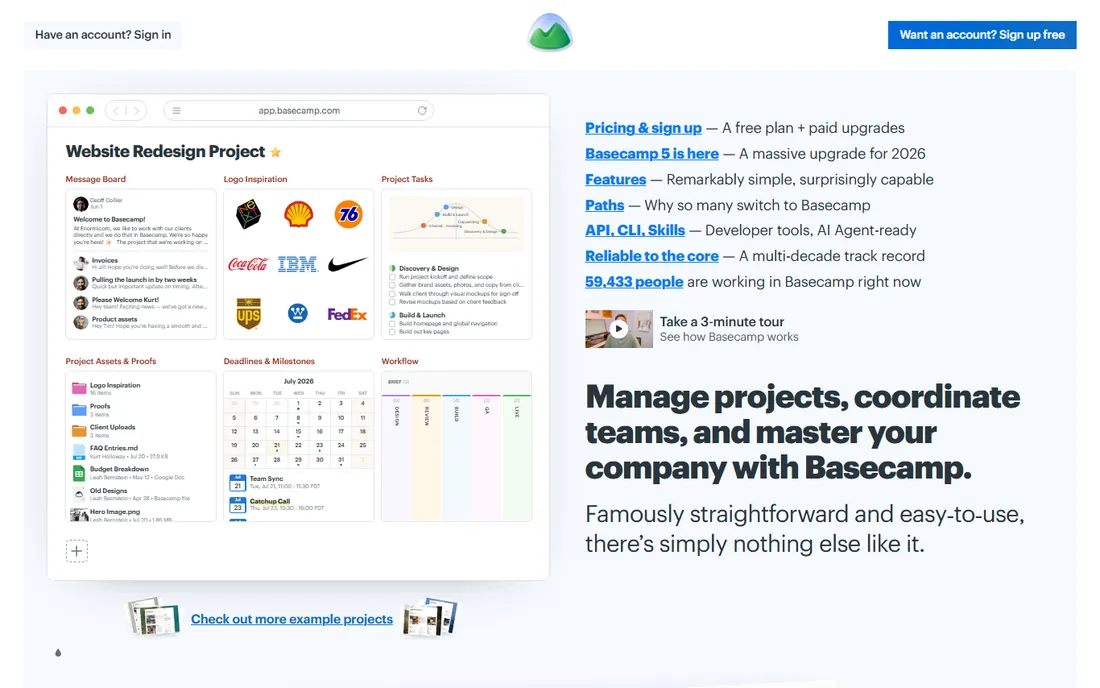
Basecamp is the anti-feature-list choice, and it knows it. Six tools per project (to-dos, messages, schedule, files, docs, chat), automatic check-ins that replace status meetings, and Hill Charts for progress: everything is designed so a new team member is productive in minutes. The 2026 Basecamp 5 release refreshed the platform while keeping the philosophy.
The pricing is the story. Plus at $15 per user suits small teams, but Pro Unlimited at $299 a month flat (annual) makes Basecamp the cheapest option on this list for any team above 20 people: a 50-person team pays under $6 per user. The trade is capability: if you need Gantt charts, dependencies, custom workflows or real reporting, look elsewhere. If you need everyone actually using the tool, start here.
What we like- The simplest full project tool here: to-dos, messages, schedules, files and check-ins with near-zero learning curve
- Flat $299-a-month Pro Unlimited beats every per-seat tool past 20 users
- 20-year track record and Basecamp 5 released in 2026
Watch out for- Deliberately feature-thin: no Gantt, no custom fields, no workload views, no automations
- The flat plan punishes small teams ($299 for 5 users is $60 each)
- Add-ons like time tracking cost extra
Buying guide: how to pick project management software for your team
Four checks separate a good purchase from a shelfware subscription.
Count seats the way the vendor counts them
Per-user pricing is never just per-user. monday.com sells minimum three-seat bundles in fixed team sizes. Wrike sells in groups of five. Smartsheet charges only for members who edit. ClickUp guests can become paid seats past the allowance. Asana brackets seats so six people cost ten. Model your real headcount, including the viewers, clients and part-timers, against each vendor's seat rules before comparing headline prices.
Match the tool to the work's shape
Software development belongs in Jira. Spreadsheet-shaped operations belong in Smartsheet. Knowledge work with tasks attached belongs in Notion. Simple pipelines belong in Trello. Cross-functional project execution belongs in Asana, monday.com or ClickUp. Enterprise complexity belongs in Wrike. Buying Jira for a marketing team, or Trello for a 200-person program, creates the adoption failure everyone blames on the tool.
Price the AI separately
In 2026 every vendor demos AI agents, but the pricing varies wildly. Notion bundles AI into its $20 Business plan. Asana includes AI Studio credits with caps on paid tiers. ClickUp sells Brain AI from $9 per user a month on top of the plan, which nearly doubles an Unlimited seat. Ask exactly what AI is included, what is metered, and what the per-user AI cost is at your headcount.
Trial your real workflow, not the template
Every tool looks good on its own sample data. Import a real project, invite the three most skeptical team members, and run one full cycle: plan, assign, execute, report. If the skeptics update their tasks without prompting after two weeks, the tool fits. If they do not, no feature list will fix it.
How we chose
We searched the queries teams actually use (project management software, best project management tools for teams, Asana alternatives, Jira vs monday) and shortlisted nine tools with durable market presence across work management, agile, kanban and spreadsheet-style categories. For each vendor we opened the official homepage, reviewed current pricing pages and plan documentation, and checked practitioner discussion on Reddit, G2 and Capterra for the realities of setup, seat rules and renewals. Published prices above come from vendor pages and 2026-dated pricing guides that cite them; where vendors changed plan names in 2026 (Asana Personal, Basecamp 5) we used the current names.
The migration nobody budgets for
Switching project tools costs more than the new subscription. There is the data migration (tasks, files, comments, history), the reintegration work (Slack, Google Workspace, time tracking, reporting), the retraining weeks where productivity dips, and the archived institutional knowledge that never quite transfers. Teams consistently underestimate this at two to four weeks of reduced output.
Two things reduce the pain. First, pick the tool your process needs rather than the one with the best demo, because the second migration hurts more than the first. Second, negotiate the exit before the entrance: confirm data export formats and API access on the plan you are buying, not the enterprise tier. Every tool on this list exports data; the completeness of that export varies, and it matters most on the day you leave.
Frequently asked questions
What is the best project management tool for a small team?
For under 10 people, ClickUp's free plan (unlimited members) and Trello's simplicity are the strongest starting points, and Jira is free for up to 10 users if the team writes software. Basecamp Plus at $15 per user suits teams that want structure without complexity. Avoid buying enterprise tiers early: start free or cheap, and upgrade when a specific missing feature blocks real work.
How much do project management tools cost?
Entry paid plans run $5 to $11 per user a month on annual billing (Trello $5, ClickUp $7, monday.com $8, Smartsheet $9, Wrike $10, Notion $10, Asana $10.99). Jira Standard is $7.91 and Basecamp offers $15 per user or $299 a month flat for unlimited users. Watch the seat rules: minimums, brackets and guest allowances move the real total more than the headline price.
Which is better: Asana, monday.com or ClickUp?
Asana suits structured cross-functional work with the most polished task workflows. monday.com is the easiest to adopt for visual, non-technical teams. ClickUp offers the most features per dollar but demands real setup effort. All three are credible; the deciding factors are usually your team's technical comfort, the seat math at your headcount, and whether you have someone to own the configuration.
Is Jira only for software teams?
Mostly, yes. Jira's agile tooling (backlogs, sprints, releases, story points) is built for software development, and non-technical teams often find it heavy. Atlassian has pushed Jira toward business teams with simplified projects, and marketing or operations teams do run sprints in it. But if nobody on the team thinks in tickets, Asana or monday.com will get better adoption.
Can I use Notion as a complete project management tool?
For knowledge-heavy teams, yes: databases, timelines, calendars and linked docs cover most project needs, and many startups run entirely on Notion. For sprint planning, workload management, resource allocation and portfolio reporting, the dedicated tools (Jira, Wrike, Asana Advanced) go further. Notion's strength is flexible structure, not project-management depth.
How hard is it to switch project management tools?
Harder than vendors suggest. Plan for data migration, reintegration with your stack, retraining, and two to four weeks of reduced velocity. Export completeness varies by tool and plan, so verify export formats before you commit to a new platform. The cheapest migration is the one you avoid by choosing carefully the first time.
Sources we checked (12)
- https://asana.com/
- https://www.monday.com
- https://clickup.com/
- https://notion.so/
- https://trello.com/
- https://www.atlassian.com/software/jira
- https://wrike.com/
- https://www.smartsheet.com
- https://basecamp.com
- https://clickup.com/compare/asana-vs-clickup
- https://www.techrepublic.com/article/clickup-vs-notion/
- https://www.flozic.ai/blog/alternatives/asana-alternatives
Is your product missing or out of date?
We review this list regularly. Vendors can request a listing, send updated pricing or ask about featured placement.

Shihab Mia · Founder, Rankite
Shihab has 5+ years in B2B and SaaS SEO. He writes Rankite's software buying guides from pricing pages, documentation and public user reviews. More about Shihab.