How we make this list: we compare pricing pages, product documentation and public user reviews. Rankite is independent; if a vendor ever pays for a featured spot, that listing is clearly labeled Partner.
Key takeaways
- Most agencies land on monday.com or Asana ($10.99 per user per month billed annually) when they need client-friendly timelines, while Wrike at $10 per user per month suits teams that want deeper proofing and approval workflows.
- Milanote ($9.99 per user per month billed annually) is the only pick here built specifically for visual idea work: mood boards and reference libraries instead of task lists.
- Budget-conscious studios should start with ClickUp ($8 per user per month billed annually) or Teamwork.com ($9.99 per user per month billed annually), both with generous free tiers and time tracking.
- Airtable ($20 per user per month billed annually) fits teams that manage campaigns like databases; Hive and Notion are worth shortlisting but publish no prices on the pages we could verify.
Quick comparison
| Tool | Best for | Starting price | Free plan |
|---|
 monday.com monday.com | Creative agencies that want visual boards running in a day | See website | Yes |
 Wrike Wrike | Larger creative teams with formal review and approval chains | $10/user/month (Team plan) | Yes (Free tier with basic task management) |
 Asana Asana | Studios that plan in timelines and track portfolios of client work | $10.99/user/month, billed annually (Starter) | Yes (Personal plan, free for up to 2 users) |
 Milanote Milanote | Designers and art directors organizing ideas, mood boards and references | $9.99/user/month, billed annually (pay per person) | Yes (Free plan, 100 cards and 10 file uploads) |
 ClickUp ClickUp | Small creative teams that want docs, tasks and chat in one app | $8/user/month, billed annually (Core) | Yes (Free Forever plan with unlimited tasks) |
 Notion Notion | Teams that want project boards fused with docs and wikis | See website | Yes |
 Teamwork.com Teamwork.com | Agencies and client-service teams that bill time and track profitability | $9.99/user/month, billed annually (Basics) | Yes (free plan for up to 5 users and 5 projects) |
 Hive Hive | Fast-moving teams that want chat, tasks and proofing together | See website | Yes (Hive Free tier) |
 Airtable Airtable | Creative ops teams that manage campaigns like structured data | $20/user/month, billed annually (Team) | Yes |
Is your product missing or out of date?
We review this list regularly. Vendors can request a listing, send updated pricing or ask about featured placement.
The best project management software for creative teams
A design studio does not run like a software company. Your team juggles client revisions, asset approvals, freelancer handoffs and launch dates, often with people who think in images rather than spreadsheets. The best agency project management software respects that: visual views for planning, proofing tools for feedback, and timelines that clients can actually read. The nine tools below all get used by real creative teams, and each one leans a different way.
#1
monday.com
Best for: Creative agencies that want visual boards running in a day
Visit monday.com
Starting priceSee website
Free planYes
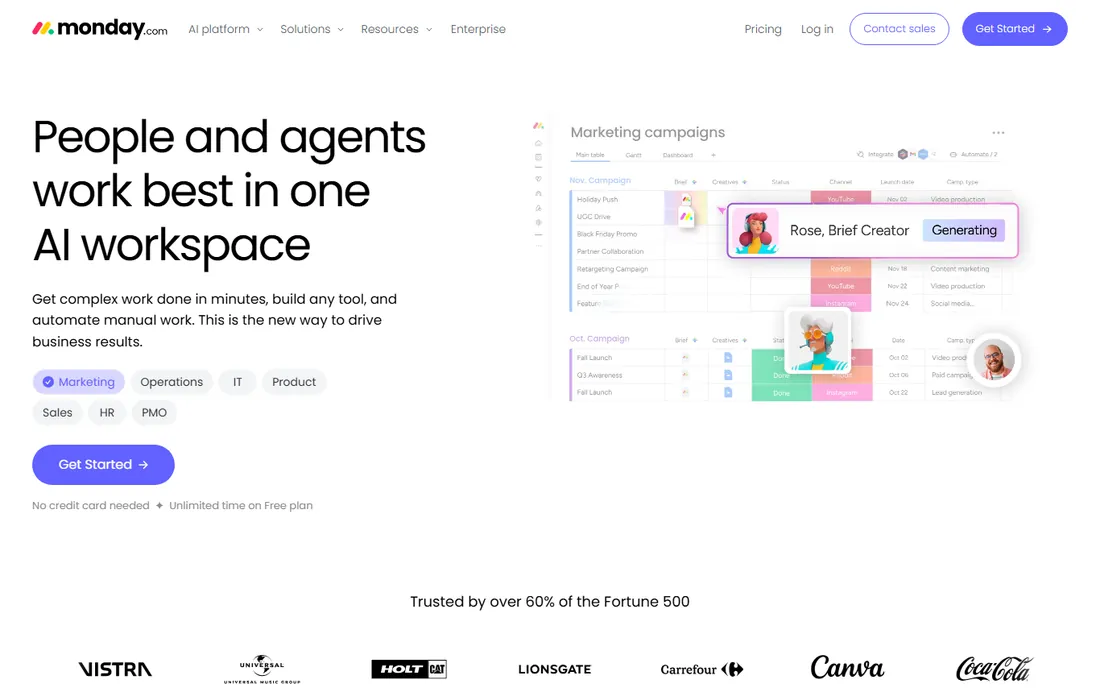
Creative agencies pick monday.com for one practical reason: a client can open a shared board and understand it without training. The board views, color-coded statuses and timeline views map well onto design production, where who is waiting on whom is the whole game. Automations handle the boring handoffs, like notifying a client when a proof is ready for review.
The honest catch is the price structure. Plans start from a minimum seat count, so a five-person studio pays for seats it may not use, and the features agencies actually want (time tracking, formula columns, guest access controls) push you up the tiers. Get a quote in writing for your exact headcount before committing.
What we like- Extremely visual boards, timelines and calendars that non-technical clients grasp
- Large template library including creative-agency workflows
- Strong integrations with Adobe tools, Slack and file storage
Watch out for- Pricing is seat-based with minimums that punish small teams
- Advanced reporting and automations sit on higher tiers
- Costs climb fast past 10 seats
#2
Wrike
Best for: Larger creative teams with formal review and approval chains
Visit wrike.com
Starting price$10/user/month (Team plan)
Free planYes (Free tier with basic task management)
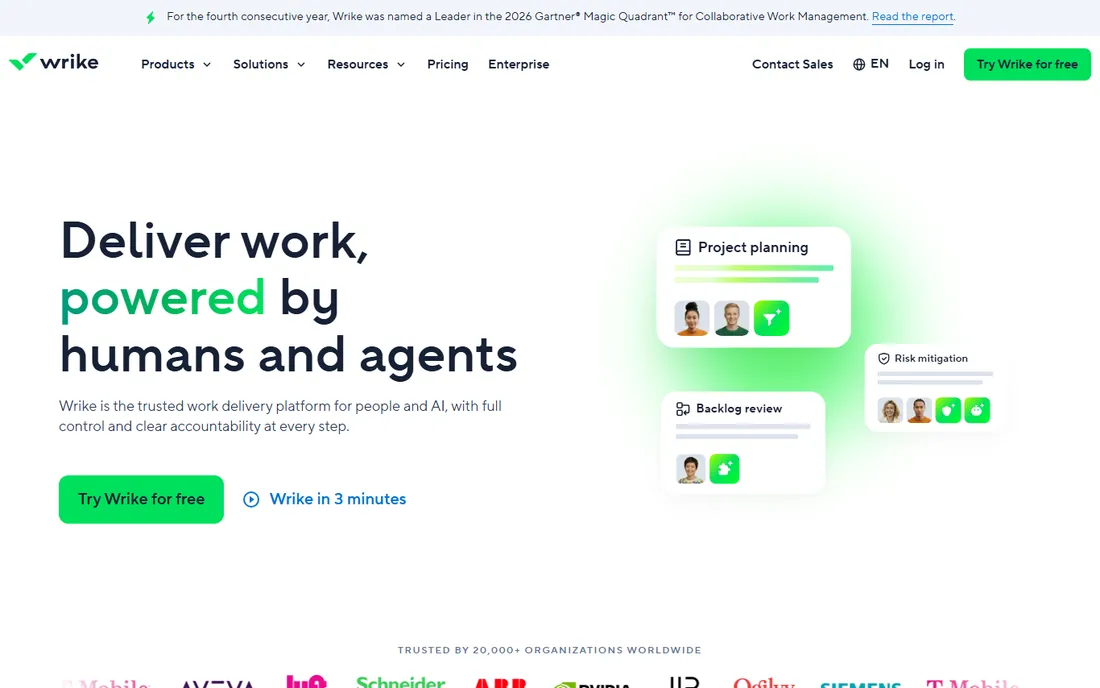
Where Wrike earns its place for creatives is the proofing layer. Clients annotate directly on the asset, comments stay attached to versions, and approval chains are explicit, which cuts the "did you see my email with feedback" problem dramatically. Agencies running dozens of concurrent deliverables like the request forms: a client fills in a brief, it lands in an intake queue, and work starts from a template.
The trade-off is complexity. Wrike assumes you have a process to encode, and configuring spaces, workflows and custom fields takes real admin time. For studios under ten people the Team plan is the sweet spot; above that, expect the Business tier conversation.
What we like- Proofing with annotated comments directly on images and video
- Request forms with intake queues for client briefs
- Gantt charts and workload views on the Team plan
Watch out for- The interface carries enterprise weight that small studios may find heavy
- Business at $25 per user per month is needed for deeper customization
- External collaborators count as paid seats
#3
Asana
Best for: Studios that plan in timelines and track portfolios of client work
Visit asana.com
Starting price$10.99/user/month, billed annually (Starter)
Free planYes (Personal plan, free for up to 2 users)
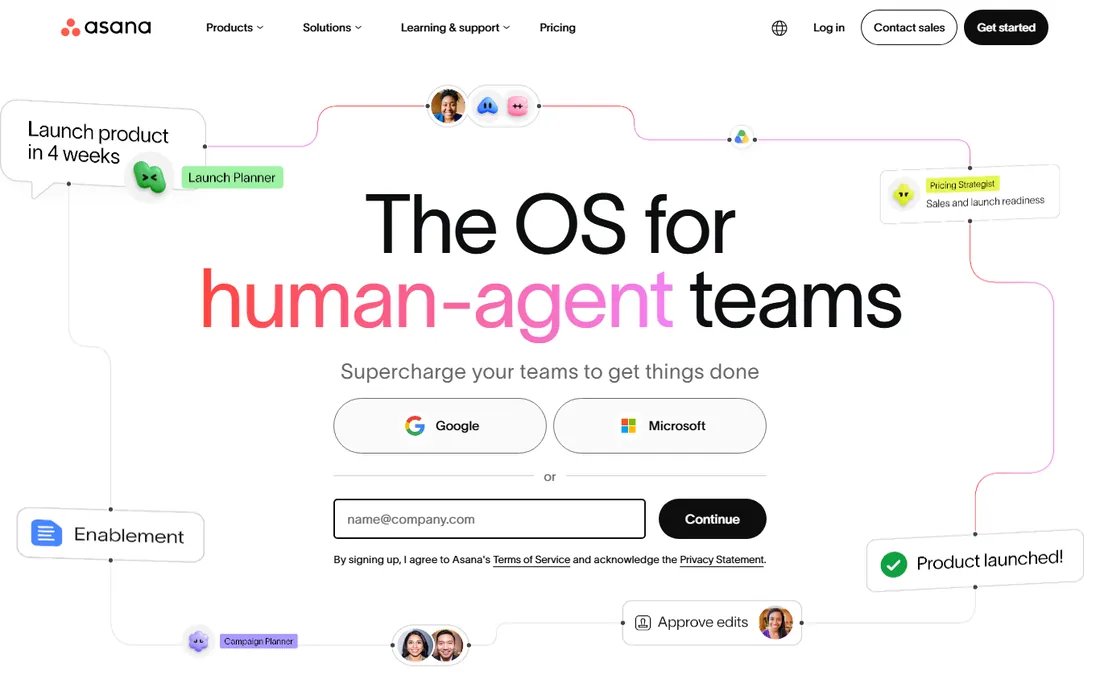
Asana's superpower for creative teams is the portfolio view: every client project rolls up into one dashboard where the owner sees deadlines, workloads and at-risk work at a glance. For studios managing retainers across many accounts, that beats drilling into nine boards. Unlimited free guests is the other killer feature; invite every client without the seat math that plagues competitors.
The weakness is asset review. Proofing exists on Advanced, but annotations and version control feel bolted on compared with purpose-built review tools. Studios with heavy video or packaging workflows often pair Asana with a dedicated proofing app. At $10.99 per user per month billed annually, Starter is fairly priced for what agencies use.
What we like- Timeline and Gantt views included on Starter
- Portfolios give agency owners a cross-client view
- Unlimited free guests, so clients never cost you a seat
Watch out for- Proofing is functional but thinner than Wrike's
- The free Personal plan caps at two users
- Meaningful reporting waits for Advanced at $24.99 per user per month
#4
Milanote
Best for: Designers and art directors organizing ideas, mood boards and references
Visit milanote.com
Starting price$9.99/user/month, billed annually (pay per person)
Free planYes (Free plan, 100 cards and 10 file uploads)
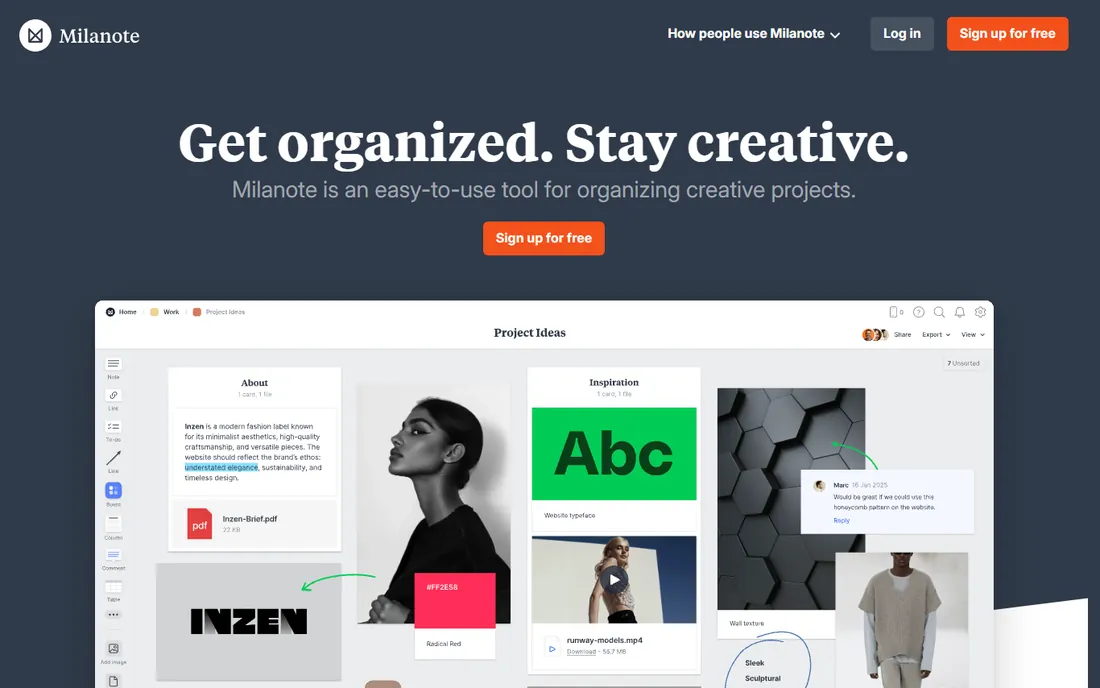
Milanote is the odd one out here, and deliberately so. It is not where you track deadlines; it is where the creative thinking happens before deadlines exist. Mood boards, brand research, shot lists and client presentations live on infinite visual boards that look like a designer's desk. For client-facing creative direction, nothing else on this list presents ideas as well.
Buy it for what it is. If your team also needs task assignments, timelines and time tracking, Milanote pairs with a task tool rather than replacing one. The free plan covers personal use; the $9.99 per person plan billed annually removes the card limit, and the team plan at $49 per month billed annually covers a small studio.
What we like- Purpose-built for visual thinking: drag in images, video, links and notes onto freeform boards
- Clients can view and comment without learning PM software
- Clean, fast interface designers actually enjoy
Watch out for- Not a real task manager: no Gantt charts, workload views or time tracking
- File upload limits bite on the free plan
- Teams of five-plus need the $49 per month team plan
#5
ClickUp
Best for: Small creative teams that want docs, tasks and chat in one app
Visit clickup.com
Starting price$8/user/month, billed annually (Core)
Free planYes (Free Forever plan with unlimited tasks)
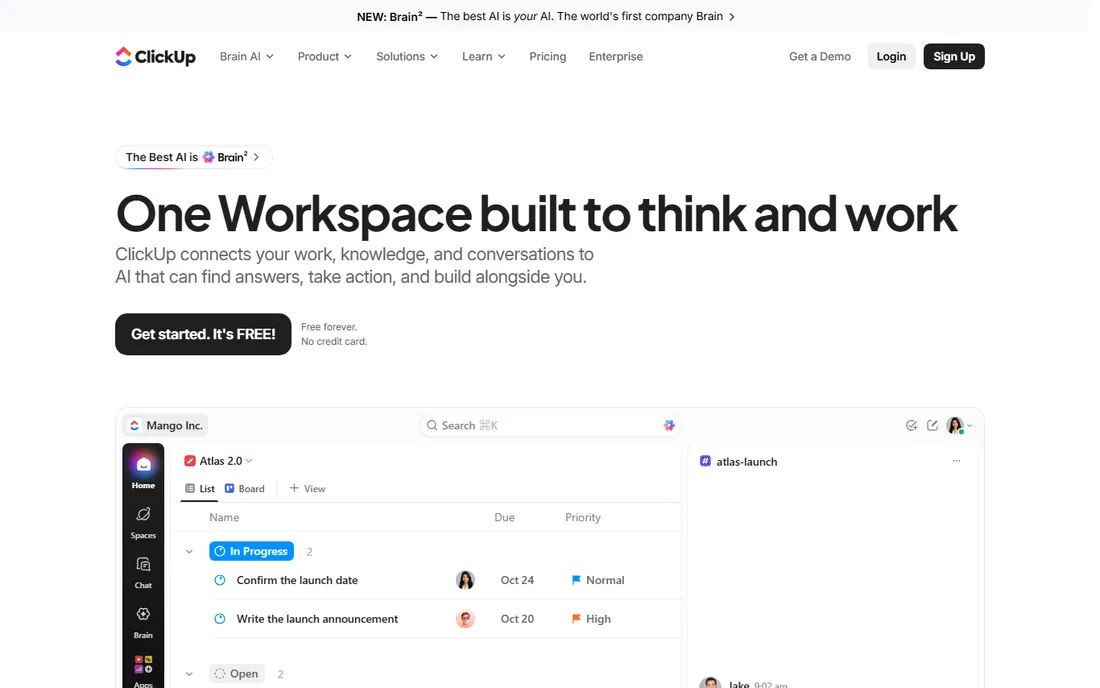
ClickUp appeals to studios that are tired of paying for five subscriptions. Tasks, briefs, mood boards, time tracking and client chat can all live in one workspace, and the free tier covers unlimited tasks with no credit card required. At $8 per user per month billed annually for Core, it undercuts every major rival here.
The price of everything-in-one is complexity. ClickUp's settings run deep, and teams that skip the setup phase end up with a messy workspace that nobody trusts. Budget a week to configure spaces, statuses and templates properly. Studios that do get a tool that scales from two people to fifty without changing platforms.
What we like- One workspace replaces several tools: tasks, docs, whiteboards, chat and goals
- The Free Forever plan is genuinely usable
- Custom views per project (list, board, calendar, timeline)
Watch out for- Feature density overwhelms new users
- Setup and template design take real effort
- Support quality varies at the lower tiers
#6
Notion
Best for: Teams that want project boards fused with docs and wikis
Visit notion.so
Starting priceSee website
Free planYes
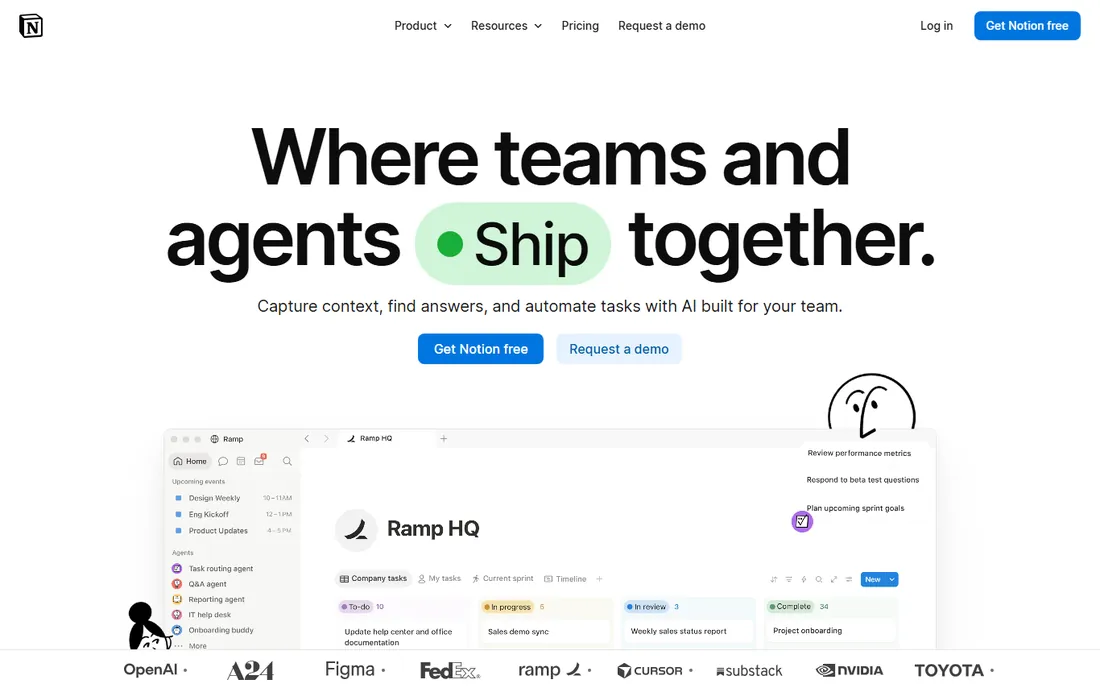
Notion works for creative teams that think in documents. A campaign plan can be a database with calendar and board views, each task opening into a full brief with embedded designs, copy docs and links. Agencies use it as the single source of truth: brand guidelines, client wikis, meeting notes and project trackers all in one searchable place.
It is not a project management tool in the classic sense. There is no real workload view, no time tracking and no proofing, so deadline-driven studios often outgrow it or bolt on integrations. As a flexible content operations hub with light project tracking, it is hard to beat. We could not verify current plan prices on its pricing page, so check the site.
What we like- Databases that double as project trackers, content calendars and asset libraries
- Templates for everything from campaign plans to brand guidelines
- Generous free plan for individuals and tiny teams
Watch out for- No native Gantt chart or workload management
- Can feel slow with large databases
- Pricing for teams sits behind a quote on the pages we checked
#7
Teamwork.com
Best for: Agencies and client-service teams that bill time and track profitability
Visit teamwork.com
Starting price$9.99/user/month, billed annually (Basics)
Free planYes (free plan for up to 5 users and 5 projects)
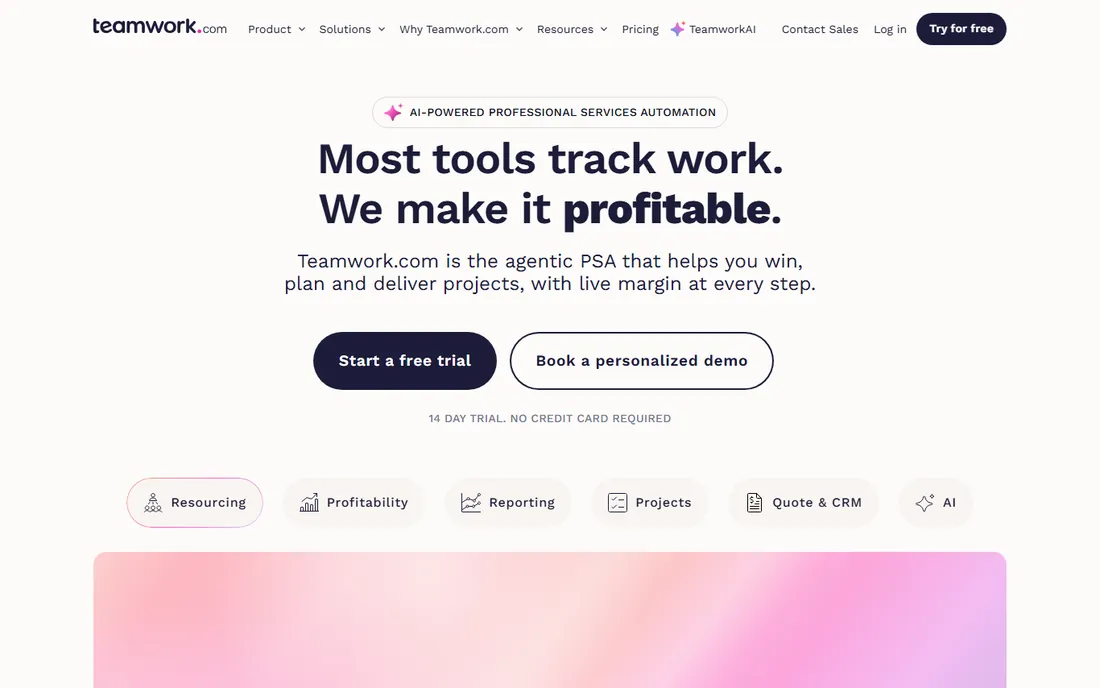
Teamwork.com is the agency operator's pick. Where most PM tools track tasks and stop, Teamwork follows the money: log time against tasks, generate client invoices from those hours, and watch project profitability as the work happens. For studios that bill hourly or by retainer, that closes the loop between doing the work and getting paid.
The basics plan at $9.99 per user per month billed annually covers the essentials, and the free plan handles up to five users and five projects, which suits a tiny studio testing the waters. The interface will not win design awards, but agency owners who care about utilization rates and margins tend to forgive that quickly.
What we like- Built for client work: time tracking, invoicing and project budgets are native
- Workload and capacity planning on higher tiers
- Straightforward per-user pricing
Watch out for- The interface looks dated next to monday.com or Asana
- The best financial features wait for the $24.99 tier
- Smaller template gallery than the big names
#8
Hive
Best for: Fast-moving teams that want chat, tasks and proofing together
Visit hive.com
Starting priceSee website
Free planYes (Hive Free tier)
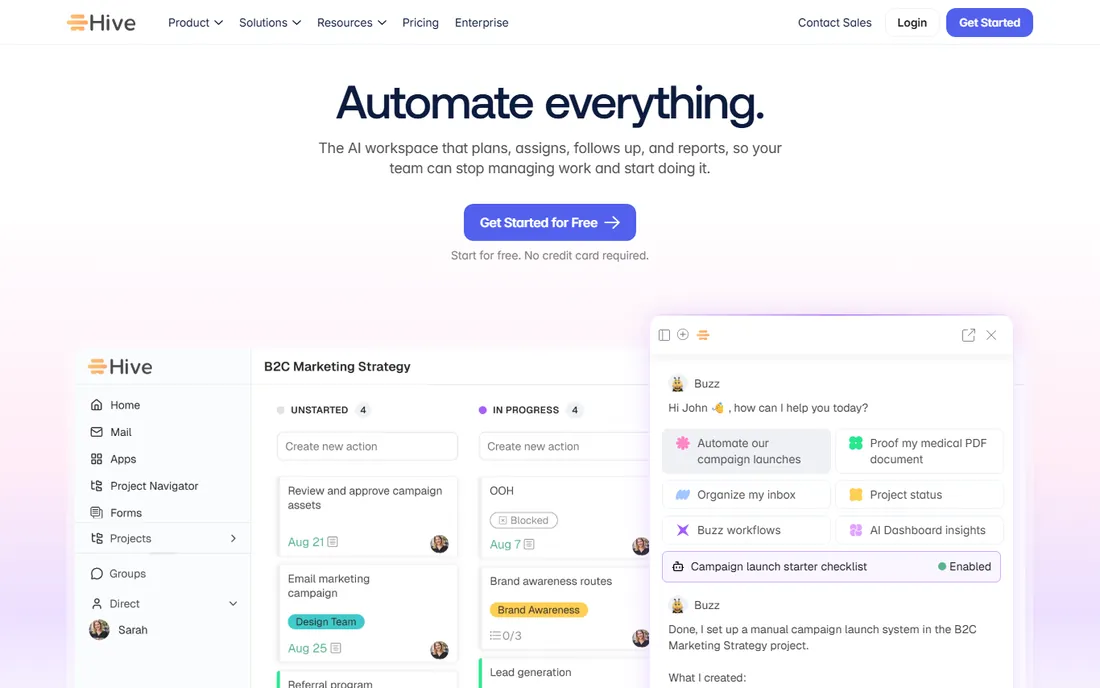
Hive pitches itself as the workspace where the whole project conversation happens. Built-in chat means feedback does not scatter across email and Slack, and proofing tools let clients mark up designs without leaving the task. For teams that currently run projects across three apps, consolidating into Hive cuts real friction.
The gap is transparency: we could not verify current prices on its pricing page, and Hive Free plus a 14-day trial of paid plans are the visible on-ramps. Teams should also note that packing chat, email, tasks and proofing into one app creates a learning curve. Worth a trial if your team lives in too many tools.
What we like- Native chat and email integration keep feedback in one place
- Proofing and approvals built into tasks
- Flexible project views including Gantt and kanban
Watch out for- Pricing is not published on the pages we could verify
- Some users report a learning curve with the sheer number of views
- Integrations trail the biggest platforms
#9
Airtable
Best for: Creative ops teams that manage campaigns like structured data
Visit airtable.com
Starting price$20/user/month, billed annually (Team)
Free planYes
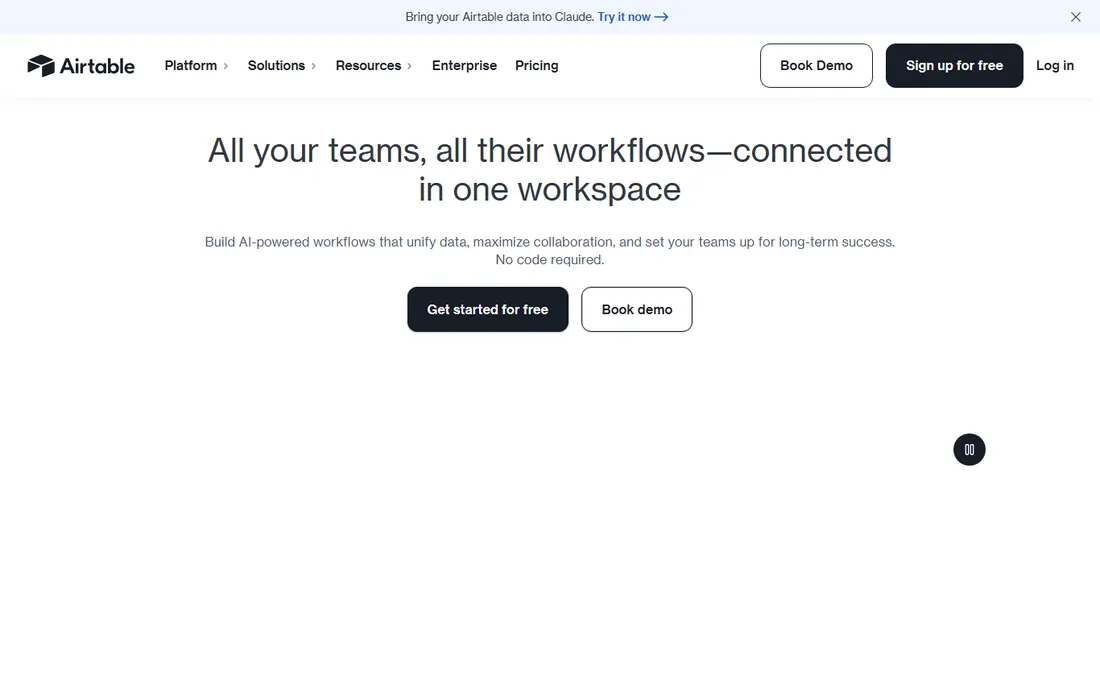
Airtable shines in creative operations: the content calendar, the asset library, the influencer list, the campaign tracker. Its grid views feel like a spreadsheet while behaving like a database, so marketing teams adopt it faster than any Gantt-chart tool. Interfaces let you build client-facing dashboards on top of your data without code.
The honest math: $20 per user per month billed annually for Team is steep next to $8 to $11 rivals, and everyone with edit access needs a paid seat. Read-only collaborators are free, so structure your bases to keep most clients as viewers. Teams that mainly need structured tracking rather than task management will find it worth the premium.
What we like- Spreadsheet-database hybrid is ideal for content calendars, asset tracking and campaign planning
- Interfaces and automations turn bases into lightweight apps
- Strong integrations and API
Watch out for- At $20 per user per month it is the priciest starter here
- True project features (dependencies, workload) are thinner than dedicated PM tools
- Per-seat billing adds up with many editors
What creative teams should actually pay for
Price per seat is only half the story. The real cost drivers in agency project management software are guest seats, proofing add-ons and the tier that includes time tracking. Asana's unlimited free guests save real money when every client needs access; Wrike and monday.com handle external users less generously, so model that before comparing sticker prices.
Then check what the base plan excludes. Proofing and approvals are core to creative work, yet they sit on higher tiers at several vendors here. If client review is your daily workflow, price the tier that includes it, not the cheapest tier. The same applies to time tracking and invoicing: Teamwork.com includes them early, while competitors may require add-ons. Finally, count your actual editors. Tools where clients can comment for free (Asana, Milanote shared boards) cost far less in practice than tools where every external user needs a seat.
Picking the right fit for your studio size
A two-person freelance team and a forty-person agency should not buy the same tool. Solo operators and tiny studios do best with generous free tiers and minimal setup: ClickUp's Free Forever plan, Notion's free plan or Milanote's free tier cover real work without a credit card. The priority is speed, not process.
Studios of five to twenty people need structure: client intake, approval chains, workload visibility. This is where monday.com, Asana and Wrike earn their keep, and where Teamwork.com pays off if you bill by the hour. At this size, run a trial with two real client projects before deciding; the tool that survives contact with your messiest client is the right one.
Larger agencies need portfolios, permissions and reporting. Asana's portfolios, Wrike's Business tier and Airtable's structured bases handle multi-team visibility, while enterprise features like SSO and audit logs matter more than they used to. Whatever you pick, budget for onboarding: the best tool fails if the team keeps working in email.
How we chose
We started with the searches buyers actually run: project management software for creative teams, agency project management software and creative project management tools. For each candidate we opened the vendor's homepage and pricing page, checked plan details against public reviews on G2 and Capterra and practitioner discussion on Reddit, and weighed creative-specific fit: visual planning views, proofing and approvals, client collaboration and time or budget tracking. Where a price could not be verified on the vendor's own page we wrote "See website" rather than guessing.
Frequently asked questions
What is the best project management software for a creative agency?
For most agencies, monday.com or Asana: visual boards clients understand, timelines for production planning and guest access for client review. Agencies with formal approval chains should look at Wrike, and studios that bill hourly should shortlist Teamwork.com for its native time tracking and invoicing.
Do creative teams need proofing tools built into their PM software?
Not necessarily, but it saves real time. Built-in proofing (Wrike, Hive) keeps feedback attached to the asset and the version, which beats chasing comments across email. If your PM tool lacks it, pair it with a dedicated review app rather than running feedback through email threads.
Can small studios manage with free project management tools?
Yes, up to a point. ClickUp's Free Forever plan, Notion's free plan and Milanote's free tier all handle real project work for tiny teams. The limits that push studios to paid plans are usually guest access, storage, automations and reporting, so upgrade when client collaboration starts feeling cramped.
How much does project management software cost for a creative team?
For a ten-person studio, expect roughly $80 to $200 per month on entry paid tiers: ClickUp Core around $80, Teamwork.com Basics around $100, Wrike Team around $100, Asana Starter around $110 and Airtable Team around $200, all billed annually. monday.com, Notion and Hive did not show verifiable prices on their pricing pages, so quote those directly.
Should clients get access to our project management tool?
Usually yes, with guardrails. Client visibility cuts status-update meetings dramatically. Prefer tools with free or cheap external access: Asana's unlimited free guests, Milanote's shared boards or read-only Airtable views. Avoid giving clients editing rights on your internal workspace; a shared view or portal keeps the production mess hidden.
What is the difference between creative project management and regular project management?
Creative work centers on subjective review: feedback rounds, version control and client approvals. Regular PM tools track tasks and dates; creative-ready tools add proofing, asset annotation, intake forms and client-facing views. The best agency project management software handles both the production schedule and the review cycle.
Sources we checked (11)
- https://monday.com/pricing
- https://www.wrike.com/price/
- https://asana.com/pricing
- https://milanote.com/plans/
- https://clickup.com/pricing
- https://www.notion.so/pricing
- https://www.teamwork.com/pricing
- https://hive.com/pricing
- https://www.airtable.com/pricing
- https://www.g2.com/categories/project-management
- https://www.capterra.com/project-management-software/
Is your product missing or out of date?
We review this list regularly. Vendors can request a listing, send updated pricing or ask about featured placement.

Shihab Mia · Founder, Rankite
Shihab has spent more than a decade helping SaaS and e-commerce brands grow through search. He writes Rankite's software buying guides from pricing pages, documentation and public user reviews. More about Shihab.