How we make this list: we compare pricing pages, product documentation and public user reviews. Rankite is independent; if a vendor ever pays for a featured spot, that listing is clearly labeled Partner.
Key takeaways
- Trello and ClickUp give you the most visual project management for the least money, with free plans that small teams can run on for months.
- monday.com and Asana charge more per seat but deliver the polished timelines, dashboards and automations that larger teams rely on.
- Smartsheet and Wrike suit teams that think in spreadsheets and structured workflows rather than playful boards.
- GanttPRO is the cheapest dedicated Gantt tool here at $7 per user per month, a focused alternative if timelines are all you need.
- Notion and Airtable blend project views with docs and databases, which works well when a project is half documentation and half task list.
Quick comparison
| Tool | Best for | Starting price | Free plan |
|---|
 monday.com monday.com | Teams that want colorful, customizable boards | $9 per seat/month (billed annually) | Yes (free plan for up to 2 seats) |
 Asana Asana | Teams balancing tasks, timelines and goals | $10.99 per user/month (billed annually) | Yes (Personal plan, 2 users, free forever) |
 Trello Trello | Simple Kanban boards with zero learning curve | $5 per user/month (billed annually) | Yes (free, up to 10 collaborators per workspace) |
 ClickUp ClickUp | Feature-maximalists on a tight budget | $8 per user/month (billed yearly) | Yes (Free Forever plan) |
 Wrike Wrike | Structured teams needing real workflow control | $10 per user/month | Yes (Free plan) |
 Smartsheet Smartsheet | Spreadsheet-native teams and PMOs | $9 per member/month (billed annually) | Free trial (30 days) |
 Notion Notion | Docs-plus-tasks in one workspace | $10 per user/month (billed annually) | Yes |
 GanttPRO GanttPRO | Dedicated Gantt charts without the bloat | $7 per user/month (billed annually) | Free trial (14 days) |
 Airtable Airtable | Data-heavy projects with multiple views | $20 per user/month (billed annually) | Yes |
Is your product missing or out of date?
We review this list regularly. Vendors can request a listing, send updated pricing or ask about featured placement.
The best visual project management software
#1
monday.com
Best for: Teams that want colorful, customizable boards
Visit monday.com
Starting price$9 per seat/month (billed annually)
Free planYes (free plan for up to 2 seats)
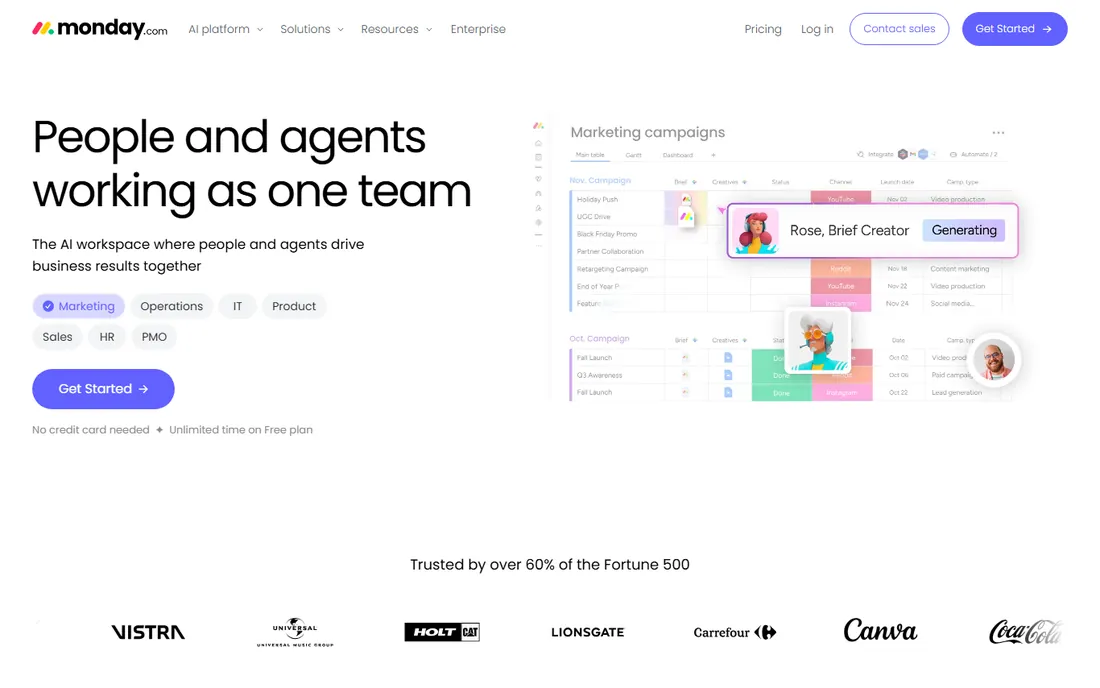
If your team manages work by looking at it, monday.com is built for exactly that instinct. Boards can be viewed as Kanban, timeline, Gantt, calendar or workload charts, and the color-coded status columns make project health readable at a glance. Plans run from Basic at $9 per seat per month up to Pro at $19, with Enterprise on custom pricing, and annual billing trims about 18 percent. The free plan covers up to 2 seats with 3 boards, which suits a freelancer or a pair testing the waters.
The Standard tier at $12 per seat per month is where the visual planning gets serious, adding timeline and Gantt views plus 250 automation and 250 integration actions per month. Pro multiplies those allowances dramatically and adds private boards and time tracking. The honest catch is the seat model. Paid plans require at least 3 seats, and the useful automation quotas live on Standard and above, so a team of five on Basic may feel the ceiling quickly. Budget for Standard if you want the real visual planning experience.
What we like- Striking visual boards, timelines, Gantt and dashboards
- 200+ templates to start fast
- Generous automation allowances on higher tiers
Watch out for- Pricing requires a 3-seat minimum on paid plans
- Automations and integrations need the higher tiers to be useful
#2
Asana
Best for: Teams balancing tasks, timelines and goals
Visit asana.com
Starting price$10.99 per user/month (billed annually)
Free planYes (Personal plan, 2 users, free forever)
Asana treats visual planning as one part of a bigger work-management picture. The Starter plan at $10.99 per user per month billed annually includes timeline and Gantt views, reporting dashboards, custom fields, forms and unlimited automations, which is a strong visual toolkit for the price. Advanced at $24.99 adds portfolios, goals, resource management and proofing for creative feedback. The Personal plan is free forever for 2 users with unlimited tasks and projects, and guests collaborate free on any plan.
Where Asana earns its place on visual lists is the multi-view approach. The same project can be a board for the team doing the work, a timeline for the manager tracking dependencies, and a portfolio dashboard for the executive. Proofing lets designers and marketers annotate creative directly in the task. The limitation is that serious capacity planning waits for Advanced, and the AI teammates and AI Studio features include only a set number of requests and credits per account. Teams that want AI doing heavy lifting should check the credit allowances against their usage before committing.
What we like- Timeline and Gantt views included from Starter
- Portfolios and goals connect projects to strategy
- Unlimited free guests for client collaboration
Watch out for- Starter still lacks resource management and approvals
- AI features carry usage limits on credits
#3
Trello
Best for: Simple Kanban boards with zero learning curve
Visit trello.com
Starting price$5 per user/month (billed annually)
Free planYes (free, up to 10 collaborators per workspace)
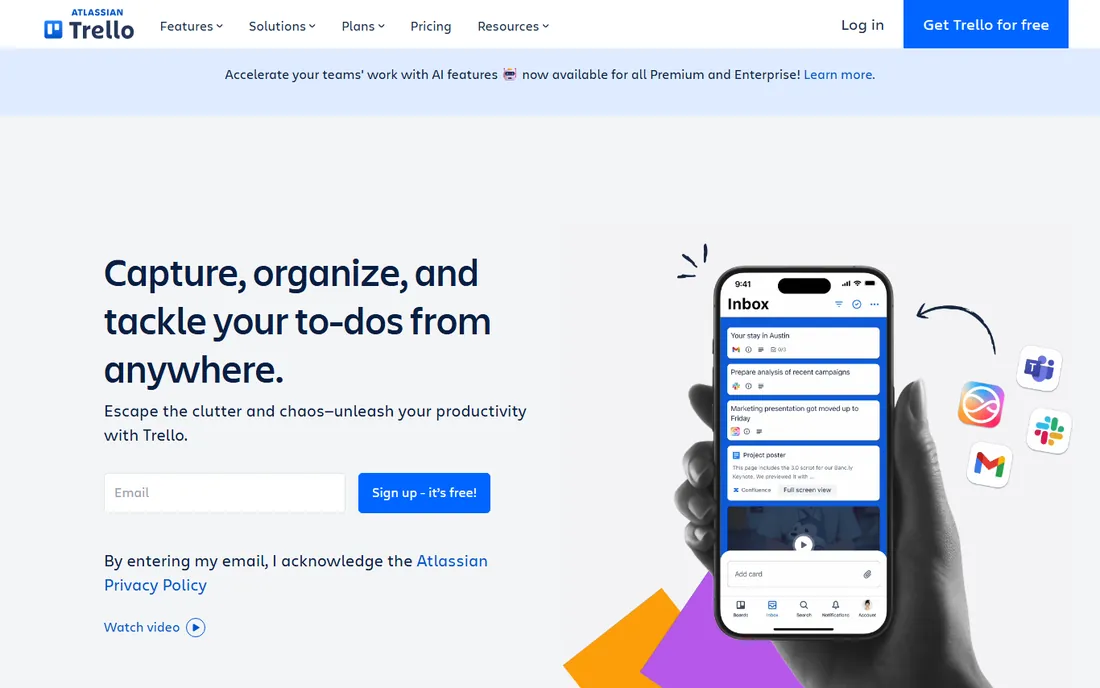
Trello is the tool people reach for when they want a board, not a platform. Cards move between lists with a drag, and even a non-technical team can be running in an afternoon. The free plan covers up to 10 collaborators per workspace with unlimited cards, which handles a surprising amount of real work. Standard at $5 per user per month billed annually adds unlimited boards, advanced checklists, custom fields and more automation; Premium at $10 adds timeline, calendar, dashboard, table and map views plus admin controls.
For visual project management, Trello's strength is also its ceiling. The board metaphor is perfect for editorial calendars, hiring pipelines and sprint backlogs, but it has no real answer for task dependencies, workload balancing or portfolio reporting. Teams that try to run complex programs in Trello end up bolting on power-ups or spreadsheets. As an Atlassian product it connects to Jira and the wider Atlassian ecosystem, which helps in mixed tool environments. Choose Trello when the work is genuinely simple and visible; choose something else when it is not.
What we like- The simplest Kanban in the business
- Generous free tier
- Timeline, calendar, dashboard and map views on Premium
Watch out for- Weak on dependencies and resource management
- Power users outgrow it fast
- Reporting is basic
Starting price$8 per user/month (billed yearly)
Free planYes (Free Forever plan)
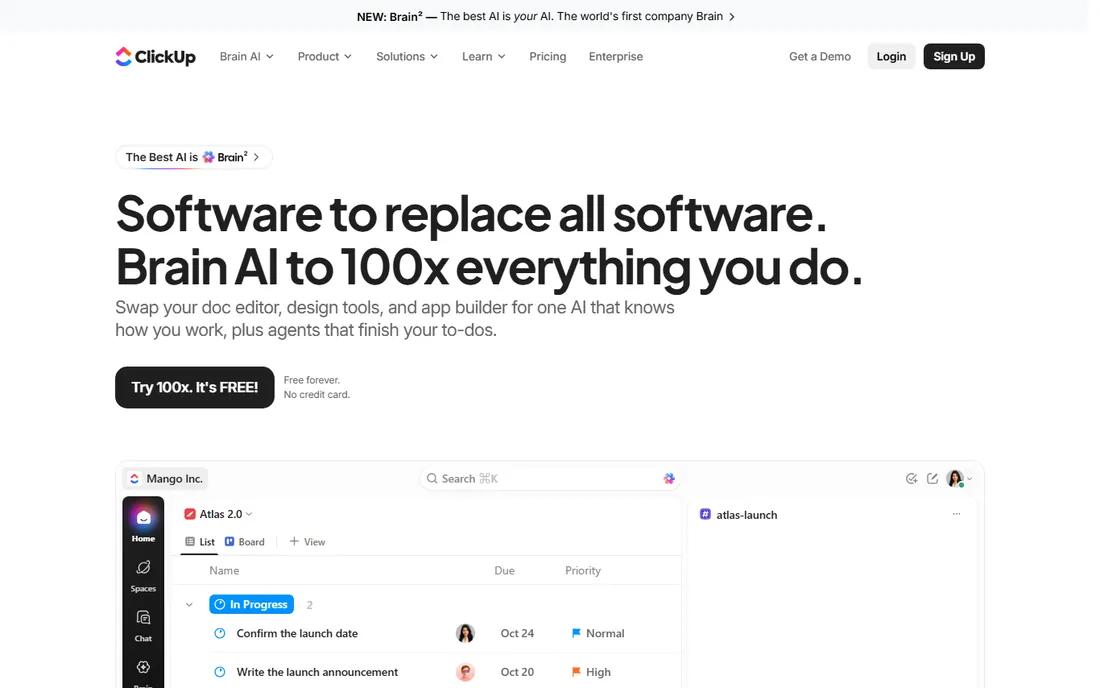
ClickUp's pitch is simple: everything, cheaper. The Free Forever plan includes unlimited tasks, unlimited members, Kanban boards, calendar view, docs, time tracking and more, which no competitor matches. Core is currently $8 per user per month billed yearly (listed against a $12 regular price) and adds unlimited Gantt charts, custom fields, goals and 1,000 automations per month. Business at $17 billed yearly (regular $25) adds advanced dashboards, resource management and timesheets. There is also a MAX tier at $100 per user per month for teams that want the full AI engine.
Visually, ClickUp offers more views than anyone: list, board, calendar, Gantt, timeline, mind map, whiteboard, table and workload. That variety is the point and the problem. New teams often spend weeks configuring before they start working, and the interface carries the weight of all those options. For buyers who want one subscription to replace three tools, the value is hard to beat. For buyers who want their team productive this week, the onboarding cost is real. Take the trial seriously and configure one project end to end before rolling it out.
What we like- Enormous feature set for the price
- Gantt, mind maps, whiteboards and docs in one app
- Free plan includes unlimited tasks and members
Watch out for- The sheer number of options overwhelms new users
- Performance can lag in very large workspaces
#5
Wrike
Best for: Structured teams needing real workflow control
Visit wrike.com
Starting price$10 per user/month
Free planYes (Free plan)
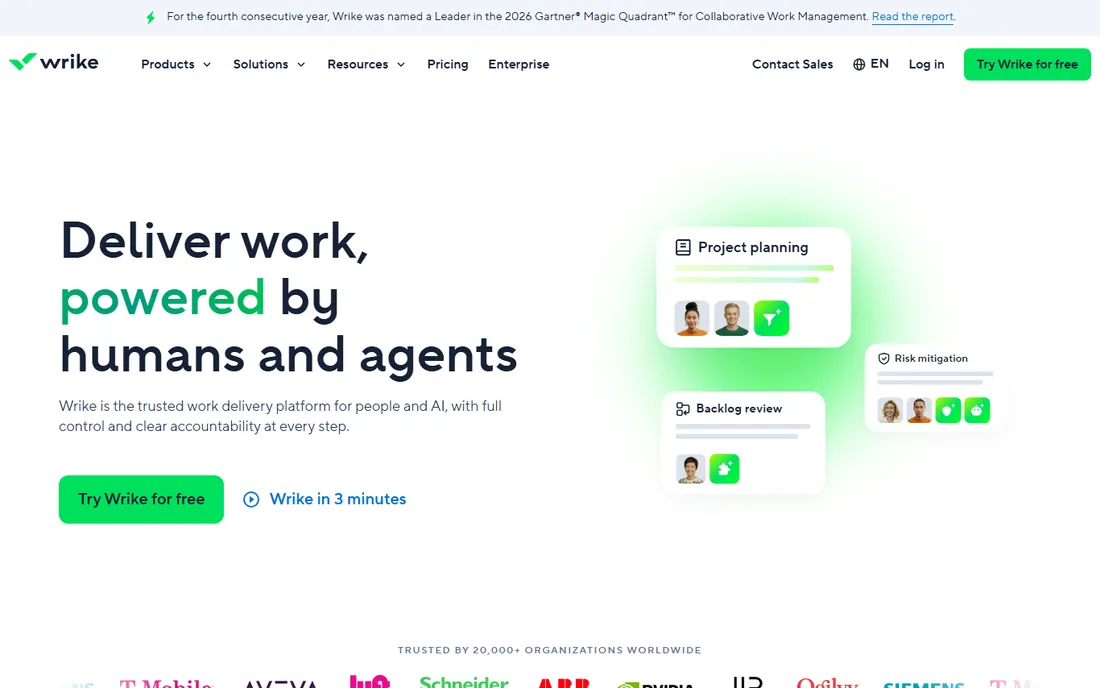
Wrike sits between the playful boards and the enterprise PMOs. The Team plan at $10 per user per month covers project management with Gantt charts, dashboards and integrations, while Business at $25 adds customizable workflows, resource management, approvals and AI actions. A free plan exists for small teams, and a 14-day trial lets you test the paid tiers. Business and above are annual-only, and seats are sold in groups (five at a time for smaller accounts), which matters when you are counting heads.
The visual planning in Wrike is more analytical than decorative. Gantt charts show dependencies and critical paths, workload views reveal who is overloaded, and request forms turn intake into structured tasks. That rigor appeals to marketing operations, professional services and IT teams that live by process. The trade-off is warmth. The interface packs a lot into every screen, and casual users can find it heavy. Wrike is the right call when your projects need governance; it is the wrong call when your team just wants a shared board.
What we like- Strong Gantt, workload and time-tracking views
- Granular permissions and request forms
- AI actions included from the Business tier
Watch out for- Sold in seat groups, which complicates small-team math
- The interface feels dense next to monday or Asana
Starting price$9 per member/month (billed annually)
Free planFree trial (30 days)
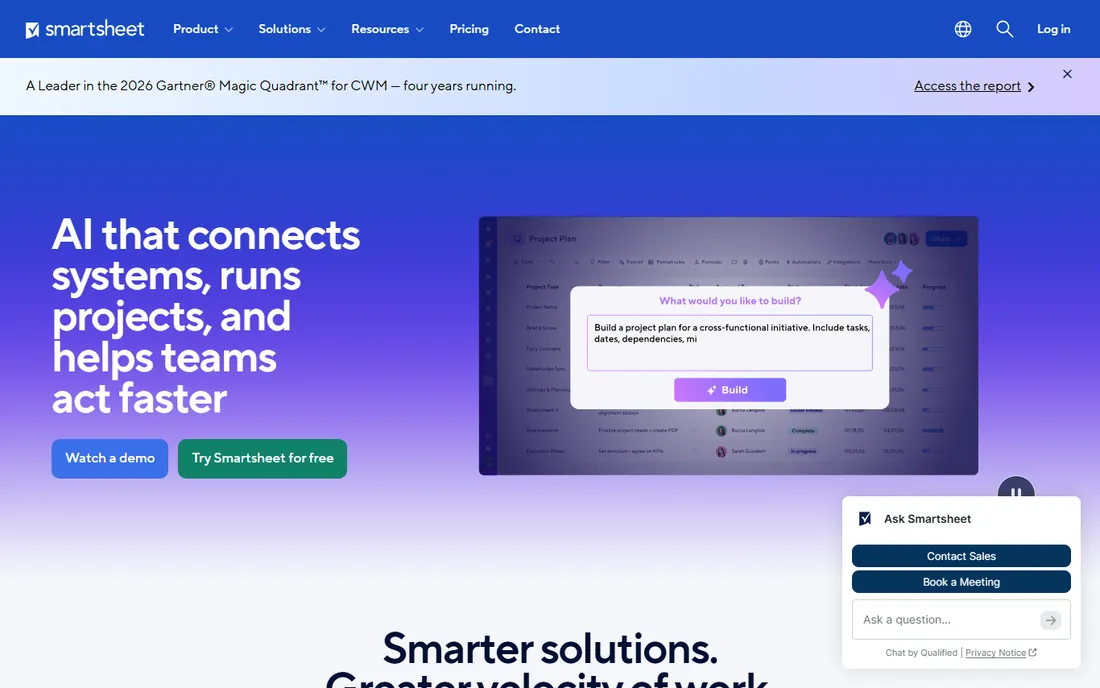
Smartsheet wins over the team that lives in spreadsheets and wants those rows to become real project plans. The grid looks familiar, but each row can carry attachments, discussions, dependencies and automation, and the same sheet renders as a Gantt chart, Kanban board or calendar. The Pro plan runs $9 per member per month billed annually for up to 10 members, the Business plan $19 for larger teams, and Enterprise is custom. A 30-day trial needs no credit card.
The licensing model deserves attention. Smartsheet distinguishes members, who are licensed, from contributors and guests, who can participate in limited ways. That keeps costs down when many people only need to view or update specific rows. For portfolio management, reports and dashboards roll up multiple sheets into executive views, which is why PMOs keep choosing it. The downside is that there is no free-forever tier, and the aesthetic never quite escapes its spreadsheet roots. If your team thinks in rows, this is home; if they think in cards, look at Trello or monday.
What we like- Feels like a spreadsheet but adds Gantt, card and calendar views
- Strong automation and reporting for program management
- Familiar to Excel users
Watch out for- No permanent free tier
- The interface can feel dated
- Per-member pricing with separate contributor roles to understand
Starting price$10 per user/month (billed annually)
Free planYes
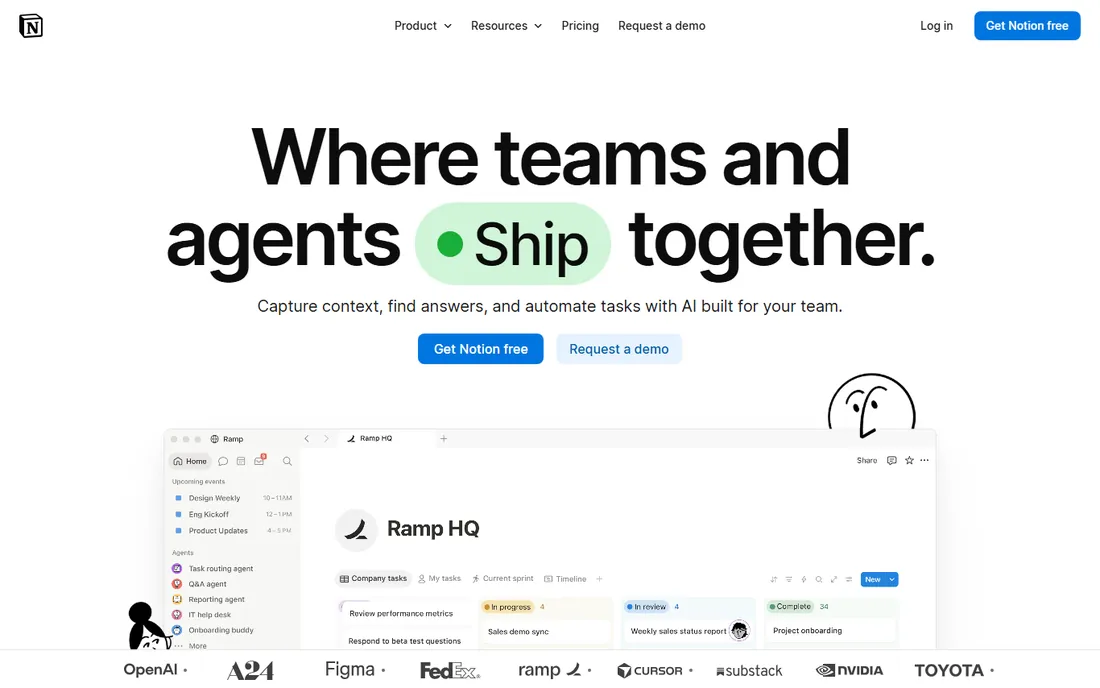
Notion approaches visual project management sideways. Everything is a database, and every database can be viewed as a table, board, timeline, calendar, list or gallery. A product team can keep its specs, meeting notes and sprint board in one place, with tasks linked to the docs that explain them. The free plan is genuinely usable, Plus runs $10 per user per month billed annually with unlimited file uploads and version history, Business $20 adds SAML SSO and private teamspaces, and Enterprise is custom.
The visual views are flexible but shallow compared to dedicated tools. Timelines show dates and date ranges, but true dependency management and critical-path analysis need workarounds. That is fine for content teams, startups and personal projects, and a real limitation for construction or engineering programs. Notion's advantage is consolidation: one subscription replaces the wiki, the docs and the lightweight task tracker. Buy it for the workspace, not for the Gantt chart, and you will not be disappointed.
What we like- Databases render as boards, timelines, calendars and galleries
- Docs, wikis and tasks share one workspace
- Generous free tier for individuals
Watch out for- Not a true Gantt with dependencies out of the box
- Performance dips in very large databases
- Project features are less opinionated than dedicated PM tools
Starting price$7 per user/month (billed annually)
Free planFree trial (14 days)
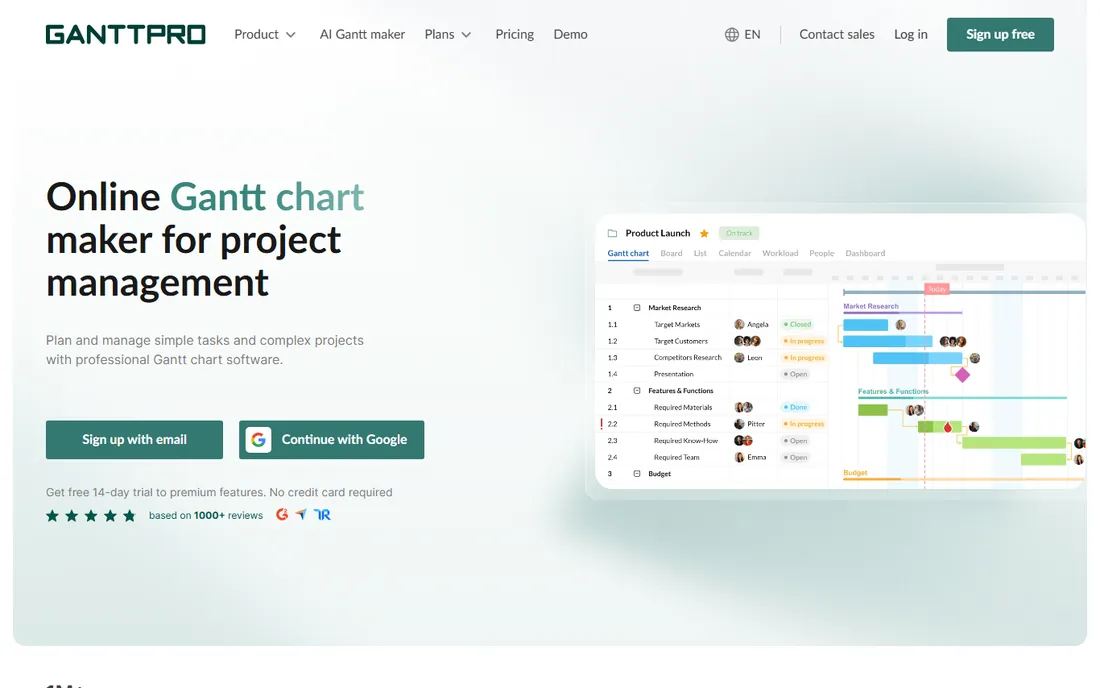
Sometimes a team does not need a work OS; it needs a great timeline. GanttPRO is that tool. The Core plan at $7 per user per month billed annually delivers Gantt charts with dependencies, milestones, auto-scheduling and baselines. Advanced at $10 adds custom fields and templates; Business at $17 adds workload management, portfolios, budget planning and time tracking; Enterprise at $25 adds SSO and custom roles. A 14-day trial of the premium features needs no credit card.
The interface is the selling point. Dragging a task bar, linking dependencies and watching the critical path recalculate feels immediate in a way that spreadsheet-based tools never manage. Resource views show who is double-booked, and the export options satisfy stakeholders who still want a PDF timeline. The limitation is scope. There is no real docs product, no chat, and the Kanban and list views exist mainly as companions to the Gantt. Pair it with whatever your team already uses for communication, or pick a broader platform if you want one tool for everything.
What we like- Excellent Gantt interface with dependencies, baselines and critical path
- Resource workload and budget views
- Cheaper than full PM suites
Watch out for- Not a general collaboration tool
- No free-forever tier
- Board and list views are secondary citizens
Starting price$20 per user/month (billed annually)
Free planYes
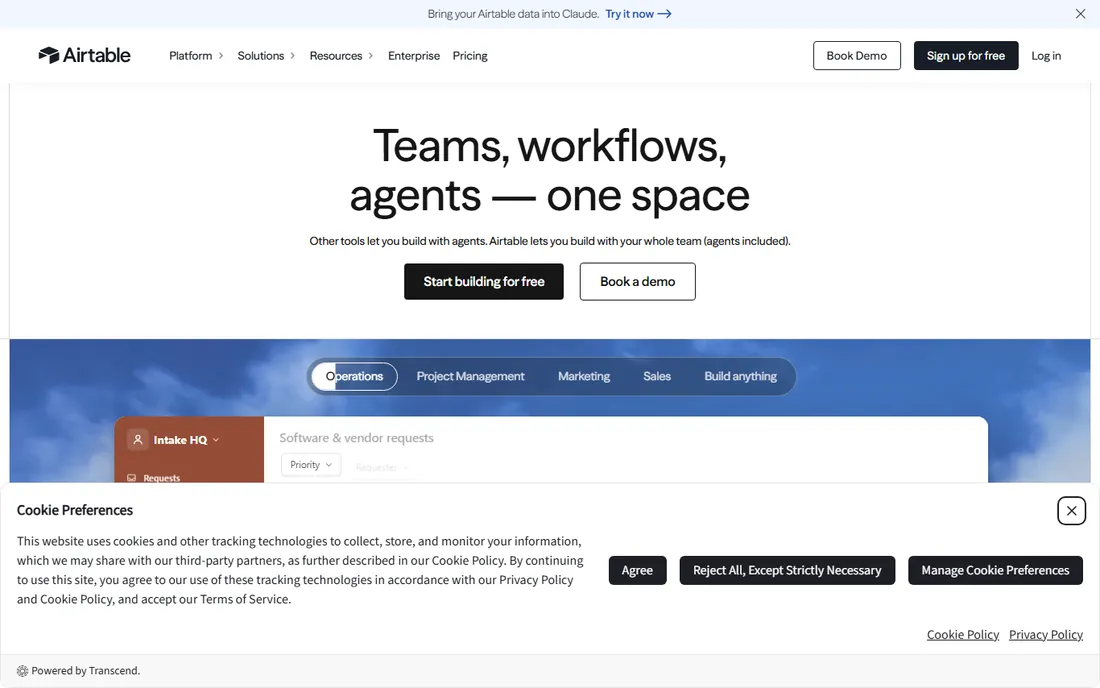
Airtable is what happens when a spreadsheet and a database have a well-designed child. Project data lives in linked tables, and the same data appears as a Kanban board for the team, a Gantt chart for the planner, a calendar for deadlines and a gallery for visual assets. The free plan covers lightweight use, Team runs $20 per user per month billed annually, Business $45, and Enterprise Scale is custom. Only users with edit permissions are billed; read-only collaborators, form submissions and share links cost nothing.
That billing detail matters for visual project management. Stakeholders who only need to see the timeline do not consume paid seats, which softens the $20 starting price. The Interfaces feature lets you build custom dashboards and intake forms without code. The catch is the learning curve: linked records, rollups and automations are powerful but unfamiliar to teams coming from Trello. Record and attachment limits on the Free and Team plans also deserve a check against your data volume. Airtable rewards teams with structured, data-rich projects and punishes teams that just want a quick board.
What we like- Database power with friendly views: grid, Kanban, Gantt, calendar, gallery
- Automations and interfaces for custom workflows
- Read-only collaborators are free
Watch out for- Priciest starting point in this list
- Database concepts take time to learn
- Record limits on lower plans
How we chose
We read the vendors' own pricing pages and product documentation for all nine tools, then checked how the features hold up in public reviews on G2, Capterra and Reddit. Every tool listed exists today and offers genuine visual planning views rather than a task list with a coat of paint. Prices are what each vendor publishes on its own site as of October 2026. We did not run hands-on trials; the assessments reflect documentation, pricing and reported user experience rather than lab testing.
Boards, timelines, and Gantt: pick your visual language first
Before comparing prices, decide which visual metaphor your team actually thinks in. Kanban boards suit work that flows through stages: content pipelines, hiring, sales, support triage. Timelines and calendars suit work anchored to dates: launches, campaigns, events. Gantt charts suit work with dependencies, where one late task cascades: construction, engineering, complex programs. Most tools here offer all three views, but each has a home turf, and buying a Gantt-first tool for a Kanban-shaped team guarantees low adoption.
The second decision is who sees what. Executives want dashboards and portfolios; managers want workload views; contributors want their task list. Check that your shortlist serves all three without forcing everyone into the same view. monday.com, Asana and Smartsheet handle this layering well. Trello and GanttPRO are thinner at the portfolio layer, which is fine if that layer lives somewhere else in your company.
Finally, count your guests. Clients, contractors and stakeholders often need to see project visuals without editing them. Asana offers unlimited free guests, Airtable does not charge for read-only collaborators, and monday.com includes unlimited viewers on paid plans. If your projects involve outsiders, these policies can change the effective price by more than the per-seat number suggests.
The seat math that changes the real price
Published per-seat prices rarely tell the whole story. monday.com requires a 3-seat minimum on paid plans and sells most tiers in seat groups, so a two-person team pays for three. Wrike sells seats in groups of five for smaller accounts. Smartsheet licenses members but lets contributors and viewers participate at lower or no cost, which can cut the bill dramatically for large, mostly-read-only audiences.
Then there is the tier gap. The cheapest paid plan often lacks the very views that brought you to the tool: timeline and Gantt views sit on monday.com Standard, not Basic; resource management waits for Asana Advanced; unlimited Gantt charts are a ClickUp Core feature but advanced dashboards need Business. Map the specific views your team needs to the tier that includes them, then price that tier, not the headline number. And watch automation quotas, since heavy workflow users on monday.com or ClickUp can hit monthly limits that push them a tier up.
Frequently asked questions
What is visual project management software?
It is project management software that represents work graphically, typically as Kanban boards, timelines, calendars or Gantt charts, instead of plain task lists. The visual format helps teams see status, deadlines and dependencies at a glance. Most modern tools combine several views so different roles can look at the same project in the way that suits them.
Which view should my team use: board, timeline or Gantt?
Use Kanban boards for work that moves through stages, like content production or hiring. Use timelines or calendars for work anchored to fixed dates, like launches and events. Use Gantt charts for work with task dependencies, where delays cascade, like construction or engineering projects. Many teams use boards for daily work and Gantt views for planning.
Is there good free visual project management software?
Yes. Trello's free plan covers up to 10 collaborators, ClickUp's Free Forever plan includes unlimited tasks and members, and Notion, Asana and Airtable all have usable free tiers. Free plans work well for small teams but usually limit automation, storage, reporting and guest permissions, so check the caps against your needs.
How much does visual project management software cost?
Starting prices in this list run from $5 per user per month (Trello Standard) to $20 (Airtable Team), with most tools landing between $8 and $12. Mid-tier plans with timelines, Gantt views and automation typically cost $12 to $25 per user per month. Enterprise plans are custom-quoted. Always price the tier that includes the views you need, not the cheapest tier.
Can visual project management tools replace spreadsheets?
For many teams, yes. Smartsheet and Airtable are built for spreadsheet-native users, and monday.com and ClickUp import spreadsheet data easily. The advantage of the dedicated tool is live views, automation and collaboration that a shared spreadsheet cannot match. The trade-off is the learning curve and the per-seat cost.
How long does it take to set up?
Trello or Notion can be running the same day from a template. monday.com, Asana and ClickUp typically take a few days to a couple of weeks once you configure boards, automations and integrations. Smartsheet, Wrike and Airtable rollouts with structured data models can take several weeks. Start from a template close to your use case rather than a blank workspace.
Sources we checked (9)
- https://monday.com/pricing
- https://asana.com/pricing
- https://trello.com/pricing
- https://clickup.com/pricing
- https://www.wrike.com/pricing
- https://www.smartsheet.com/pricing
- https://www.notion.com/pricing
- https://ganttpro.com/pricing
- https://www.airtable.com/pricing
Is your product missing or out of date?
We review this list regularly. Vendors can request a listing, send updated pricing or ask about featured placement.

Shihab Mia · Founder, Rankite
Shihab has spent more than a decade helping SaaS and e-commerce brands grow through search. He writes Rankite's software buying guides from pricing pages, documentation and public user reviews. More about Shihab.