How we make this list: we compare pricing pages, product documentation and public user reviews. Rankite is independent; if a vendor ever pays for a featured spot, that listing is clearly labeled Partner.
Key takeaways
- If the schedule is the job, buy a dedicated scheduler: GanttPRO ($7/user/month) puts critical path and baselines on its cheapest plan, while Instagantt ($12/month) is the cheapest way to add real Gantt charts to Asana.
- If Gantt is one view among many, the work platforms win: ClickUp ($7/user/month) includes Gantt on its entry tier, while monday.com and Asana gate it behind higher plans.
- Flat-rate pricing beats per-seat for bigger teams: ProofHub ($45/month flat, unlimited users) and TeamGantt (priced by project, not seat) break the per-user math.
- Smartsheet ($9/member/month) fits spreadsheet-native teams, but real Gantt management (baselines, workload) needs the $19 Business tier.
Quick comparison
| Tool | Best for | Starting price | Free plan |
|---|
 TeamGantt TeamGantt | Small teams and freelancers wanting simple, readable timelines | From $24/month (Basic plan) | Yes (1 user, 1 project, 40 tasks) |
 GanttPRO GanttPRO | Project managers who live in the schedule itself | $7/user/month (Core, billed annually) | No (14-day free trial, no credit card) |
 Instagantt Instagantt | Asana teams that need a stronger Gantt layer | $12/month (Individual plan) | Limited (free only for Asana users, 3 projects) |
 monday.com monday.com | Operational teams wanting Gantt inside a broader workflow tool | $9/seat/month (Basic, billed annually) | Yes (Individual plan, up to 2 seats) |
 Smartsheet Smartsheet | Finance and ops teams that think in spreadsheets | $9/member/month (Pro, billed annually) | No (30-day free trial of Business) |
 Wrike Wrike | Mid-size teams running complex, cross-functional portfolios | $9.80/user/month (Team, billed annually) | Yes (free plan for up to 5 users) |
 Asana Asana | Task-centered teams that need timelines supporting the work | $10.99/user/month (Starter, billed annually) | Yes (Personal plan, up to 2 users) |
 ClickUp ClickUp | Teams wanting the cheapest Gantt inside a full work platform | $7/user/month (Unlimited, billed annually) | Yes (Free Forever, unlimited tasks and members) |
 ProofHub ProofHub | Growing teams that want one predictable flat monthly price | $45/month flat (Essential, billed annually) | No (14-day free trial) |
Is your product missing or out of date?
We review this list regularly. Vendors can request a listing, send updated pricing or ask about featured placement.
The best gantt chart software
Gantt buyers split into two camps, and buying from the wrong camp wastes the subscription. Camp one needs a chart: a visual timeline to show the client or the boss, built once and glanced at weekly. Camp two needs a schedule: dependencies, critical paths, baselines and resource conflicts managed daily by someone whose job title includes the word project. These nine tools cover both camps, with the real prices and the plan gates that decide whether the Gantt features you need are actually on the tier you buy.
#1
TeamGantt
Best for: Small teams and freelancers wanting simple, readable timelines
Visit teamgantt.com
Starting priceFrom $24/month (Basic plan)
Free planYes (1 user, 1 project, 40 tasks)
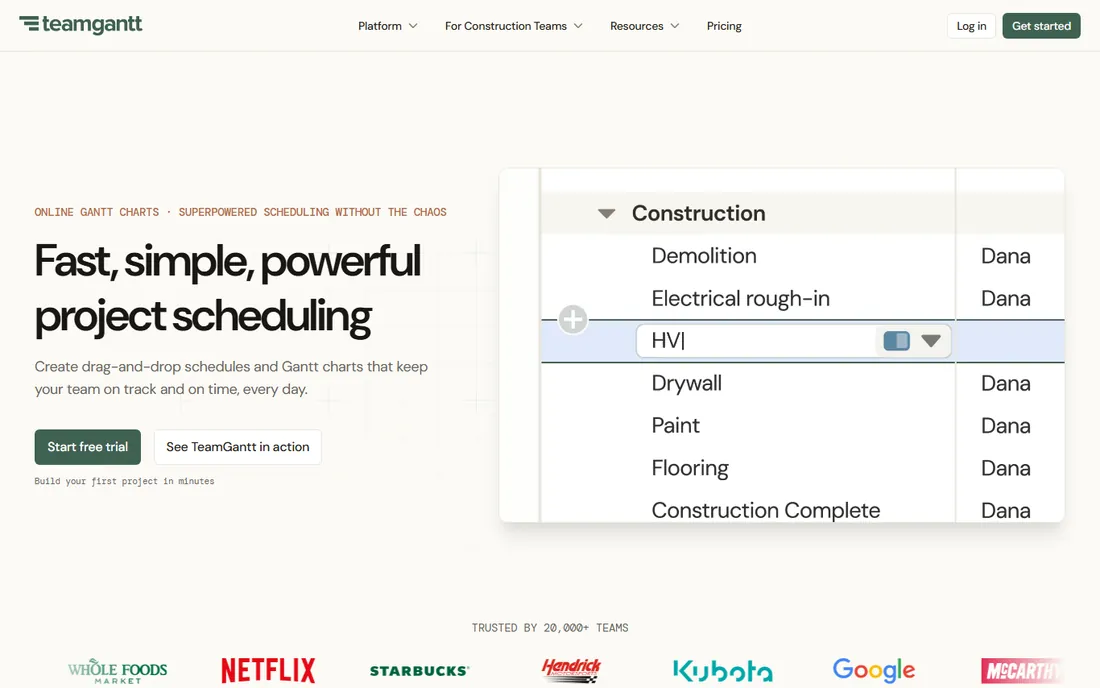
TeamGantt is the friendliest dedicated Gantt tool here. The interface is deliberately uncluttered: drag bars, link dependencies, assign people, done. Basic from $24 a month covers a couple of projects, which suits a freelancer or a five-person team running one engagement at a time. Basecamp, Google Calendar and Slack integrations cover the basics.
The pricing model is the thing to understand. You pay by project count, not by seat, which is cheap for a 10-person team on two projects and punishing for a PMO running 30. Business at $120 a month (5 projects) adds the serious scheduling features. If your project count is low and stable, the math is kind. If it grows, a per-user tool will pass it quickly.
What we like- Flat pricing by project instead of per seat
- Drag-and-drop scheduling beginners learn in hours
- CSV import and templates for fast setup
Watch out for- Critical path, baselines and workload views need the $120/month Business tier
- Extra projects cost $12/month each, so portfolios get expensive
Starting price$7/user/month (Core, billed annually)
Free planNo (14-day free trial, no credit card)
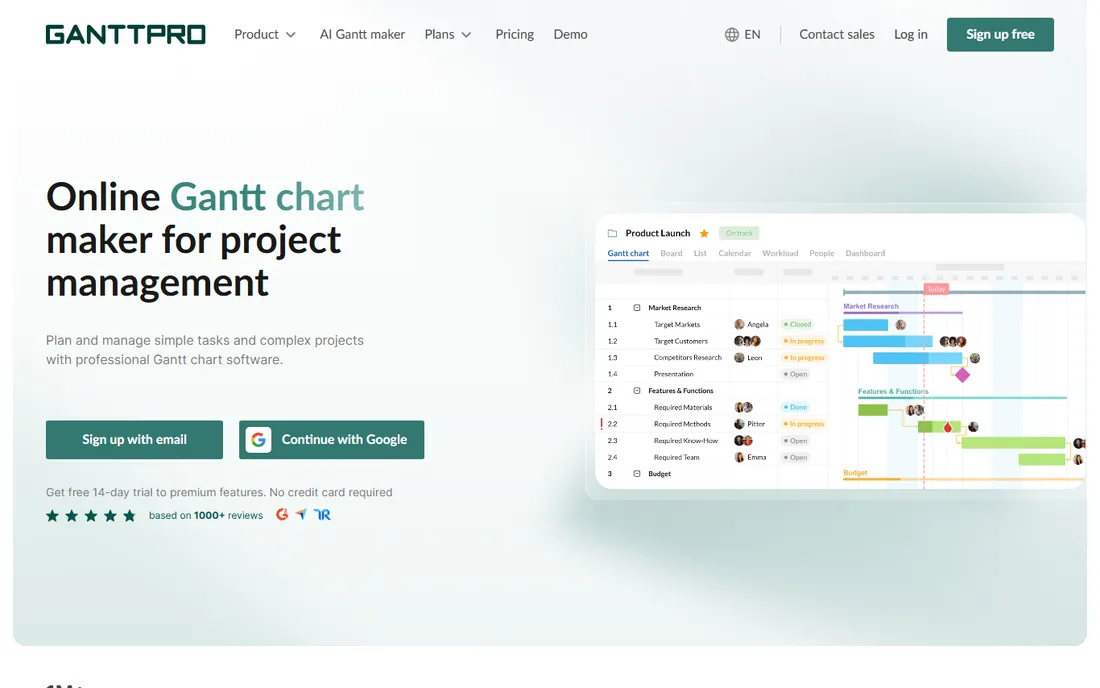
GanttPRO is what you buy when the schedule is the deliverable. Core at $7 per user per month (annual) includes every fundamental scheduling feature, so a solo PM pays about $84 a year and gets the same Gantt engine as enterprise users. Dependencies, milestones, baselines and auto-scheduling all work from day one, with MS Project, Jira and Slack imports for migration.
The ceiling arrives with resources. Workload views, budgets and portfolio reporting sit on Business at $17 per user per month, and teams already on monday.com or Asana usually run GanttPRO as a second tool rather than a replacement. For a dedicated scheduler at the lowest credible price in the category, nothing else puts this much Gantt on the entry tier.
What we like- Critical path, baselines, dependencies and auto-scheduling on the cheapest plan
- Exports to PDF, PNG, XML and Excel
- Native mobile apps
Watch out for- Workload and resource management require the $17 Business tier
- Narrower integrations than full work-management platforms
Starting price$12/month (Individual plan)
Free planLimited (free only for Asana users, 3 projects)
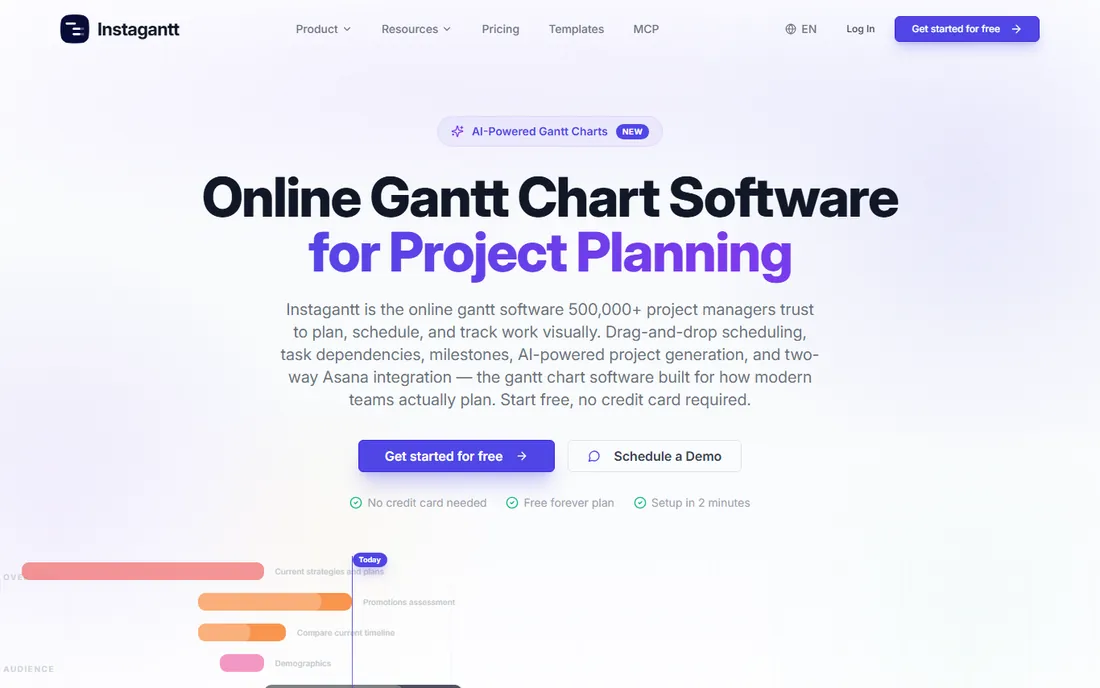
Instagantt exists for one workflow: you run Asana, and Asana's timeline is not enough. The two-way sync means plans stay current in both tools with no manual duplication, and the Gantt view itself is deeper than Asana's native timeline. Individual at $12 a month suits a freelancer; Teams at $24 flat covers three users, which beats per-seat pricing the moment the third person joins.
It is a Gantt add-on, not a platform, so task management, docs and reporting live elsewhere. Setup takes minutes, especially with the AI schedule draft. Teams top out around 10 to 15 users before they want a unified tool. If Asana is home and the schedule needs more muscle, this is the cheapest way to get it.
What we like- Two-way Asana sync keeps both tools current automatically
- Flat team pricing ($24/month for 3 users) undercuts per-seat rivals
- AI assistant drafts the first schedule
Watch out for- Only two dependency types instead of four
- No built-in time tracking
#4
monday.com
Best for: Operational teams wanting Gantt inside a broader workflow tool
Visit monday.com
Starting price$9/seat/month (Basic, billed annually)
Free planYes (Individual plan, up to 2 seats)
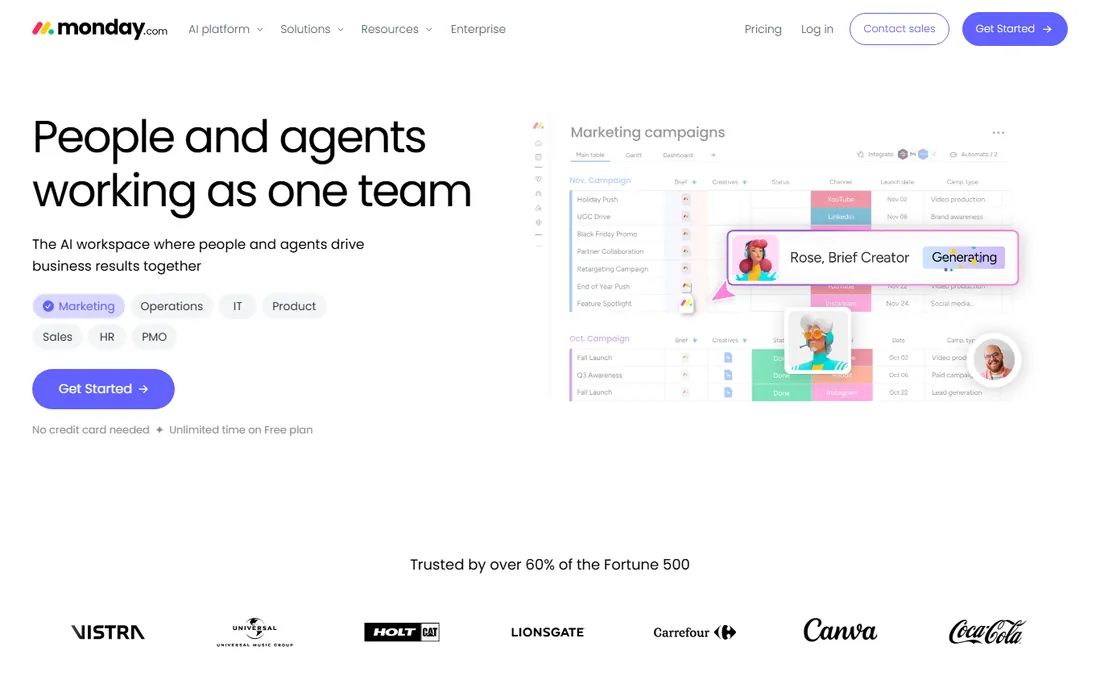
On monday.com the Gantt chart is a lens on a workflow, not the product. Boards hold the work, automations move it, dashboards report it, and the Gantt view shows the timeline when you need it. Standard at $12 per seat per month (annual) is where Gantt, automations and integrations live; Basic at $9 is boards without the scheduling depth.
That structure decides the fit. Marketing, ops and product teams that coordinate work across departments get enormous value from the platform around the chart. A project manager who only needs scheduling pays for workflow features they will never open. Price Standard for your real headcount, and remember the 3-seat minimum before budgeting for a tiny team.
What we like- Timeline, Gantt and calendar views from the $12 Standard tier
- Huge template library and automation engine
- Free viewers on paid plans
Watch out for- No Gantt on the $9 Basic tier, so the real entry point is Standard
- 3-seat minimum means a solo user pays for three seats
Starting price$9/member/month (Pro, billed annually)
Free planNo (30-day free trial of Business)
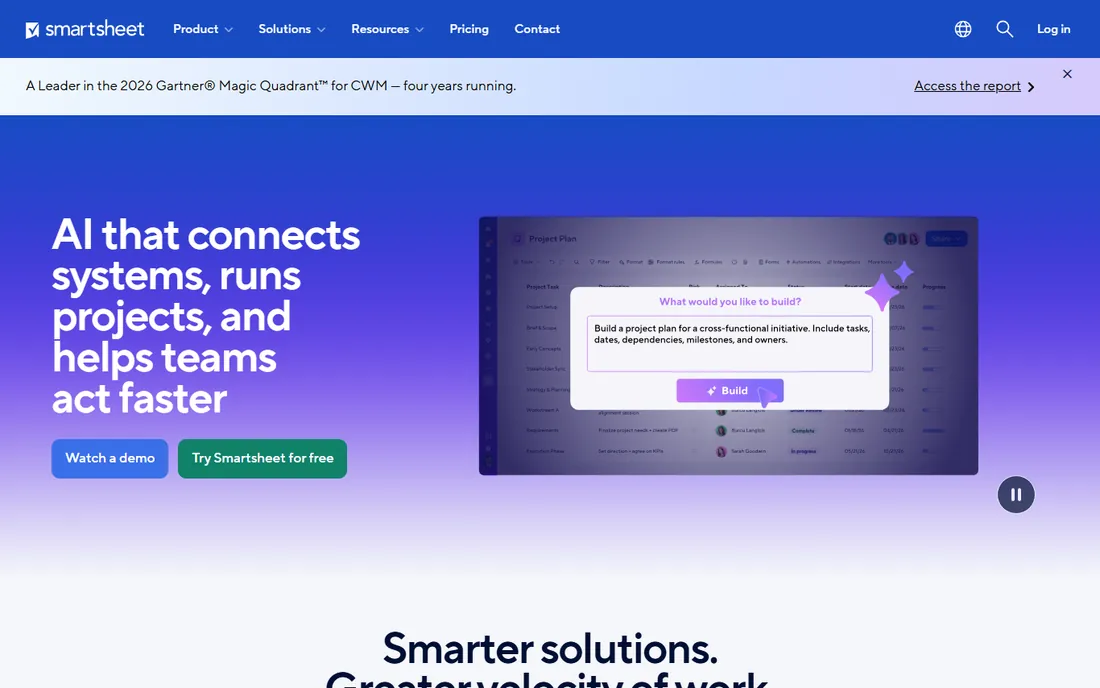
Smartsheet's Gantt view inherits the product's core advantage: the people building the schedule already live in the grid. Formulas, cell linking, automated workflows and 250 monthly automations sit underneath, so the timeline is one view of a working system rather than a drawing. Pro at $9 per member per month (annual) covers Gantt, card and calendar views.
Serious schedule management costs more. Baselines, workload views and resource management need Business at $19 per member, with a 3-member minimum, and premium add-ons (Control Center, Resource Management) cost extra. Count only editors, since viewers are free. If the grid is where your team already works, the Gantt view is a natural extension. If it is not, you are buying a spreadsheet platform for a timeline.
What we like- Grid interface with formulas that spreadsheet people adopt instantly
- Gantt, card and board views on the same rows
- Strong cross-sheet reporting
Watch out for- Baselines and workload views require Business at $19/member
- Per-member costs stack fast on larger teams
#6
Wrike
Best for: Mid-size teams running complex, cross-functional portfolios
Visit wrike.com
Starting price$9.80/user/month (Team, billed annually)
Free planYes (free plan for up to 5 users)
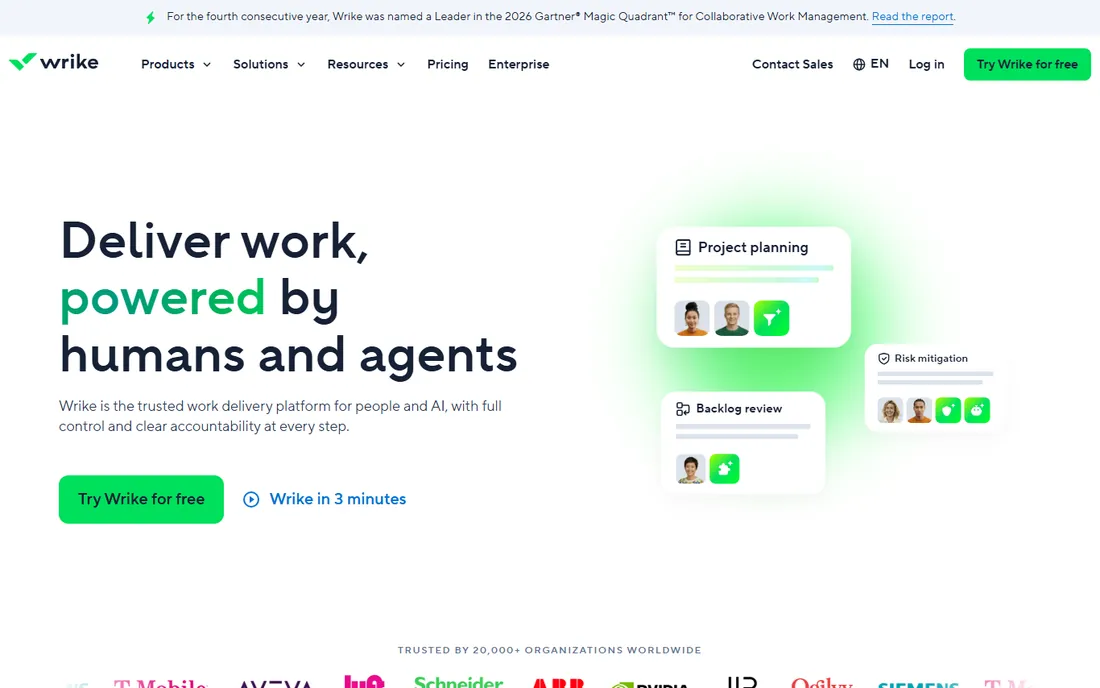
Wrike's Gantt view serves portfolios, not projects in isolation. Cross-tagging, custom item types, nested projects and resource planning let a marketing department or agency see every timeline at once, with dependencies spanning teams. Team from $9.80 per user per month (annual) includes the dynamic timeline; Business at $24.80 adds the reporting and customization most organizations end up needing.
The platform demands administration. Expect a week or two of workflow design before it feels right, and teams under 10 people often find it heavy. But for complex, multi-team scheduling with proofing and approvals in the same system, the depth justifies the overhead. This is a Gantt chart for organizations, not for freelancers.
What we like- Dynamic timeline Gantt included from the Team tier
- Proofing and approvals built for creative review
- Free collaborator licenses for guests
Watch out for- Custom fields, request forms and advanced reporting need the $24.80 Business tier
- Heavier setup and admin overhead than simpler tools
#7
Asana
Best for: Task-centered teams that need timelines supporting the work
Visit asana.com
Starting price$10.99/user/month (Starter, billed annually)
Free planYes (Personal plan, up to 2 users)
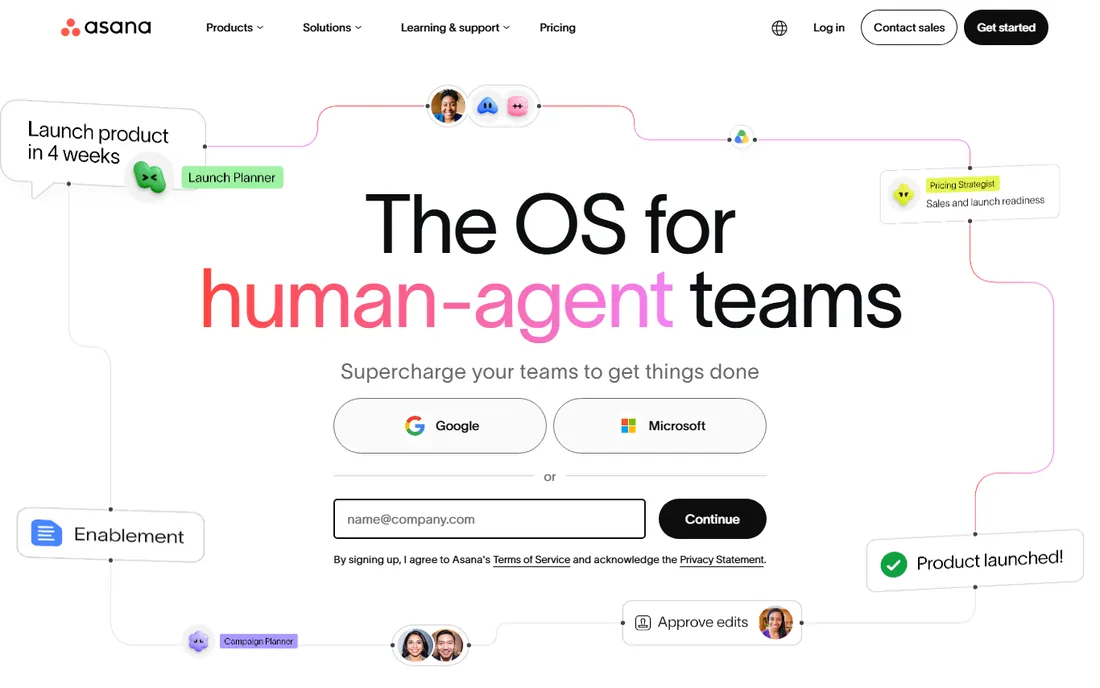
Asana treats the Gantt chart as a timeline view of tasks, which matches how most teams actually work: the tasks are the reality, and the timeline shows when they land. Starter at $10.99 per user per month (annual) includes Timeline with Gantt-style dependencies, dashboards and workflow rules. The mobile app is excellent, which matters for field teams checking schedules.
The usual Asana caveat applies: the features that make it worth choosing at scale (portfolios, goals, workload) live on Advanced at $24.99, roughly doubling the cost. Software teams should note the absence of sprint tooling. For marketing, creative and ops teams where tasks are the daily reality and the timeline supports them, Asana's Gantt view hits the sweet spot of simplicity and power.
What we like- The cleanest timeline interface in the category
- Gantt, dependencies and unlimited automations on Starter
- Rollout so easy teams adopt it without training
Watch out for- Portfolios, workload and approvals require the $24.99 Advanced tier
- No sprint or velocity tooling for software teams
#8
ClickUp
Best for: Teams wanting the cheapest Gantt inside a full work platform
Visit clickup.com
Starting price$7/user/month (Unlimited, billed annually)
Free planYes (Free Forever, unlimited tasks and members)
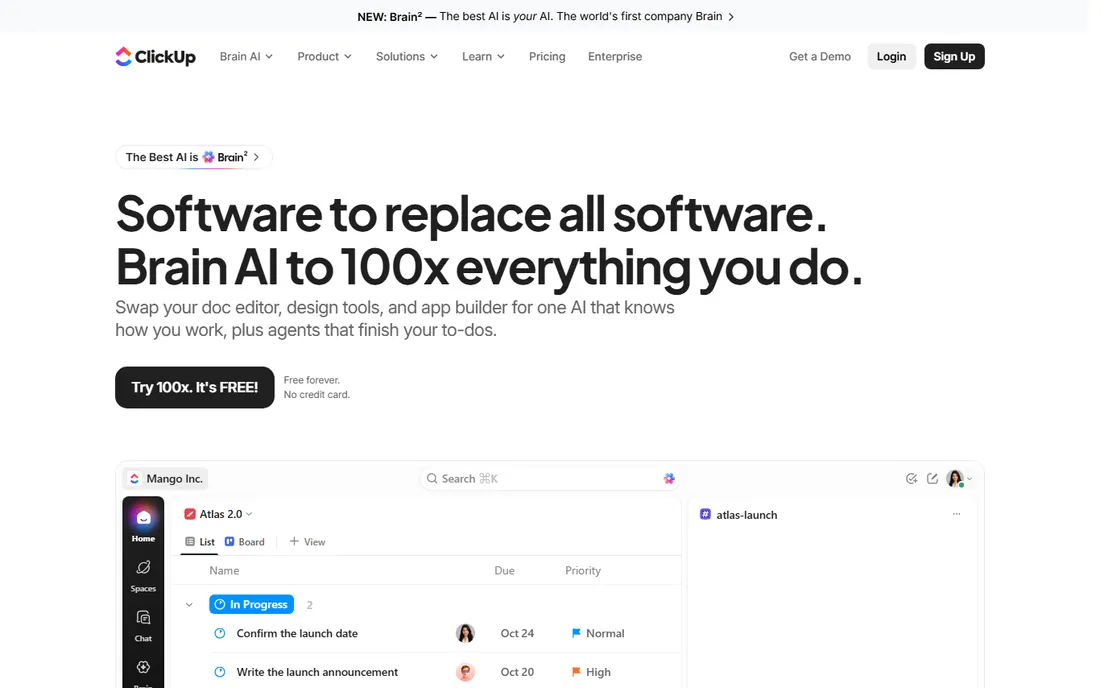
ClickUp is the value answer to the Gantt question. Unlimited at $7 per user per month (annual) includes Gantt charts, dependencies, native time tracking and portfolios, a combination rivals gate behind $20-plus tiers. The Free Forever plan even includes limited Gantt use, which no competitor offers. Docs, whiteboards, goals and chat ride along in the same workspace.
The discount shows up in speed and setup. ClickUp runs slower than Asana or monday.com, and the sheer number of options demands a disciplined owner to keep it fast and coherent. Critical path and baselines need Business at $12. If your team will invest a week in setup and someone owns the configuration, this is the most Gantt per dollar anywhere. If not, the simplicity of TeamGantt or Asana is worth the premium.
What we like- Full Gantt charts and native time tracking on the $7 Unlimited plan
- The most generous free tier available
- 15-plus views of the same work
Watch out for- Critical path and baselines need the $12 Business tier
- Performance lags simpler tools and the configuration surface is huge
#9
ProofHub
Best for: Growing teams that want one predictable flat monthly price
Visit proofhub.com
Starting price$45/month flat (Essential, billed annually)
Free planNo (14-day free trial)
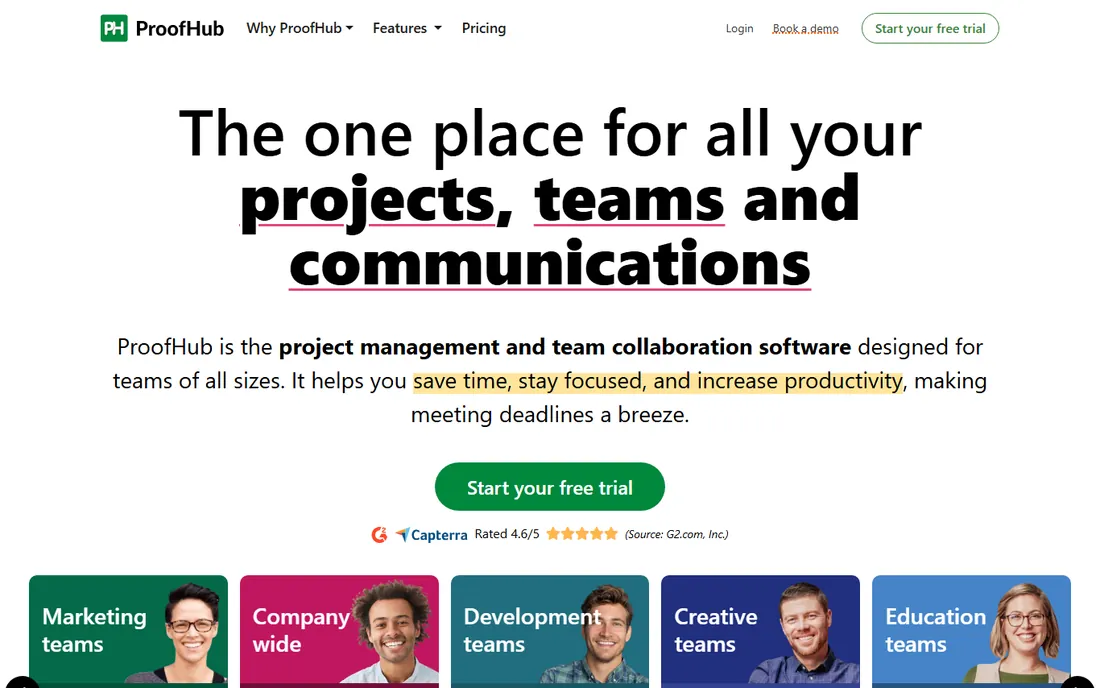
ProofHub breaks the per-seat model entirely. Essential at $45 a month flat (annual) covers unlimited users, 40 projects and 15GB storage; Ultimate Control at $89 raises the limits. A 20-person team pays $45 where monday.com would charge $240-plus, and the Gantt charts, proofing tools, chat and time tracking cover the core project delivery workflow.
The trade is modernity. The interface feels a generation behind, integrations are thinner, and there is no AI layer. But for teams whose needs stay inside project delivery and creative review, the flat price removes the seat-count anxiety that makes every other tool on this list more expensive as you grow. It is the calmest billing in the category.
What we like- Flat-rate pricing with unlimited users, no per-seat math
- Gantt charts, proofing, chat and time tracking in one tool
- Simple enough to learn in a day
Watch out for- Dated interface next to 2026 rivals
- Smaller integration catalog and no native AI features
What to look for before you buy
Decide which camp you are in first. If you need a chart to show stakeholders, a simple tool (TeamGantt, Instagantt, ProofHub) does the job for the least money and setup. If you need a schedule to manage (dependencies, critical path, baselines, resource conflicts), shortlist GanttPRO, Wrike, Smartsheet Business or ClickUp Business, because the entry tiers of the simple tools will not carry that weight.
Then check the three numbers that decide the real price. One: which tier holds the Gantt features you need (monday.com needs Standard, Asana needs Starter, Smartsheet needs Business for baselines). Two: the seat math, including minimums (monday.com 3 seats, Wrike Team 5 seats) and whether viewers are free. Three: the dependency depth, because Instagantt's two dependency types and Asana's simpler model genuinely limit complex schedules. A two-week trial building one real project answers all three faster than any comparison table.
Frequently asked questions
Do I need dedicated Gantt software or is a Gantt view enough?
A Gantt view inside monday.com, Asana or ClickUp is enough when the timeline supports task work that lives elsewhere in the tool. Buy a dedicated scheduler (GanttPRO, TeamGantt, Smartsheet) when someone manages the schedule itself: baselines, critical paths, resource leveling and multi-project portfolios. Most teams under 10 people never need more than a view.
What is the cheapest Gantt chart software?
ClickUp's Free Forever plan includes limited Gantt use at $0, and its $7/month Unlimited tier is the cheapest paid Gantt in a full platform. Among dedicated tools, GanttPRO at $7/user/month (annual) is the cheapest per seat, while ProofHub's $45/month flat rate is cheapest for teams above 8 people. TeamGantt's free tier covers one project for one user.
What is the critical path and do I need it?
The critical path is the sequence of dependent tasks that determines the shortest possible project duration; delay any of them and the project slips. You need it when projects have 20-plus dependent tasks and real deadlines. GanttPRO includes it on the cheapest plan; TeamGantt, Smartsheet and ClickUp gate it behind higher tiers.
Can I import my project from Microsoft Project or Excel?
Yes. GanttPRO, Smartsheet, Wrike and TeamGantt all import from Microsoft Project (MPP/XML) and CSV/Excel. monday.com, Asana and ClickUp import from CSV and from each other. Check that dependencies, dates and assignees survive the import during the trial, because formatting quirks are the usual failure point.
How many dependency types do I need?
Four (finish-to-start, start-to-start, finish-to-finish, start-to-finish) cover every real schedule. Most tools here support all four. Instagantt supports only two, which is fine for simple timelines but limiting for construction-style scheduling. If your projects have overlapping phases, confirm all four before committing.
Scheduling tools punish headcount growth more visibly than any other category, because every viewer of the timeline is a potential paid seat. A 30-person department on monday.com Standard pays $360 a month; on ProofHub it pays $45 flat. Before you accept per-seat pricing, ask who actually edits the schedule versus who just looks at it.
This is where the flat and free-viewer models earn their keep. Smartsheet charges only for Members, with unlimited free viewers. monday.com includes free viewers on paid plans. Teamwork-style collaborator seats do not exist here, but ProofHub's unlimited-users flat rate and TeamGantt's per-project pricing both break the link between team size and cost. Model your bill at twice your current headcount: if the number makes you flinch, the pricing model is wrong for you, not the tool.
How we chose
We started with the categories buyers search: gantt chart software, gantt chart tools, project timeline software and project scheduling software. For each candidate we opened the vendor's own pricing page, checked plan names and prices against public reviews on G2 and Capterra and practitioner discussion on Reddit, and compared scheduling depth, dependency support, view options and company-size fit. Where a price could not be verified on the vendor's page we wrote "See website" rather than guessing.
Sources we checked (11)
- https://www.teamgantt.com/pricing
- https://ganttpro.com/pricing
- https://www.instagantt.com/pricing
- https://monday.com/pricing
- https://www.smartsheet.com/pricing
- https://www.wrike.com/price/
- https://asana.com/pricing
- https://clickup.com/pricing
- https://www.proofhub.com/pricing
- https://www.g2.com/categories/gantt-chart
- https://www.capterra.com/gantt-chart-software/
Is your product missing or out of date?
We review this list regularly. Vendors can request a listing, send updated pricing or ask about featured placement.

Shihab Mia · Founder, Rankite
Shihab has spent more than a decade helping SaaS and e-commerce brands grow through search. He writes Rankite's software buying guides from pricing pages, documentation and public user reviews. More about Shihab.