How we make this list: we compare pricing pages, product documentation and public user reviews. Rankite is independent; if a vendor ever pays for a featured spot, that listing is clearly labeled Partner.
Key takeaways
- The shortlist for most small businesses: Gusto ($49/month + $6 per employee), OnPay ($49/month + $6 per worker) and Patriot Full Service ($37/month + $5 per worker), all with published prices and tax filing.
- Already on QuickBooks Online? QuickBooks Payroll ($50/month + $6.50 per employee) fits, but the accounting subscription is extra.
- Restaurants and shops on Square POS should look at Square Payroll ($35/month + $6 per person), where hours and tips sync from the register.
- ADP Run and Paychex Flex publish no prices: get the full fee schedule in writing before comparing.
Quick comparison
| Tool | Best for | Starting price | Free plan |
|---|
 Gusto Gusto | US small businesses from solo owners to ~100 employees | $49/month + $6/employee (Simple) | No |
 ADP Run ADP Run | Small businesses that want an established compliance-first provider | See website (custom quote) | No |
 Paychex Flex Paychex Flex | Businesses that want a named payroll specialist | See website (custom quote) | No |
 QuickBooks Payroll QuickBooks Payroll | Small businesses already running QuickBooks Online | $50/month + $6.50/employee (Core) | No (free trial) |
 Rippling Rippling | Startups through enterprises wanting HR, IT and payroll unified | From $40/month base + $8/employee | No |
 OnPay OnPay | US small businesses that want one simple flat structure | $49/month + $6/worker | No (first month free) |
 Patriot Software Patriot Software | Very small US businesses with straightforward payroll and tight budgets | $37/month + $5/worker (Full Service) | No (free trial) |
 SurePayroll SurePayroll | Businesses with 1 to 10 employees that want payroll handled, nothing more | $29/month + $7/employee (Full Service) | No |
 Square Payroll Square Payroll | Restaurants, cafes and retail shops already on Square POS | $35/month + $6/person (full service) | No |
Is your product missing or out of date?
We review this list regularly. Vendors can request a listing, send updated pricing or ask about featured placement.
The top payroll software in 2026
Run payroll for your first hire and the experience teaches you something no demo mentions: the quoted price is never the price. One vendor quotes $49 a month and forgets to mention $6 per employee. Another quotes nothing at all and books you into a sales call. By the time you have eight or ten people, the spread between the cheapest and priciest option here is nearly $100 a month for the same paychecks. This guide works through that math for each of the nine most widely used payroll services, with starting prices taken from each vendor's own pricing page.
#1
Gusto
Best for: US small businesses from solo owners to ~100 employees
Visit gusto.com
Starting price$49/month + $6/employee (Simple)
Free planNo
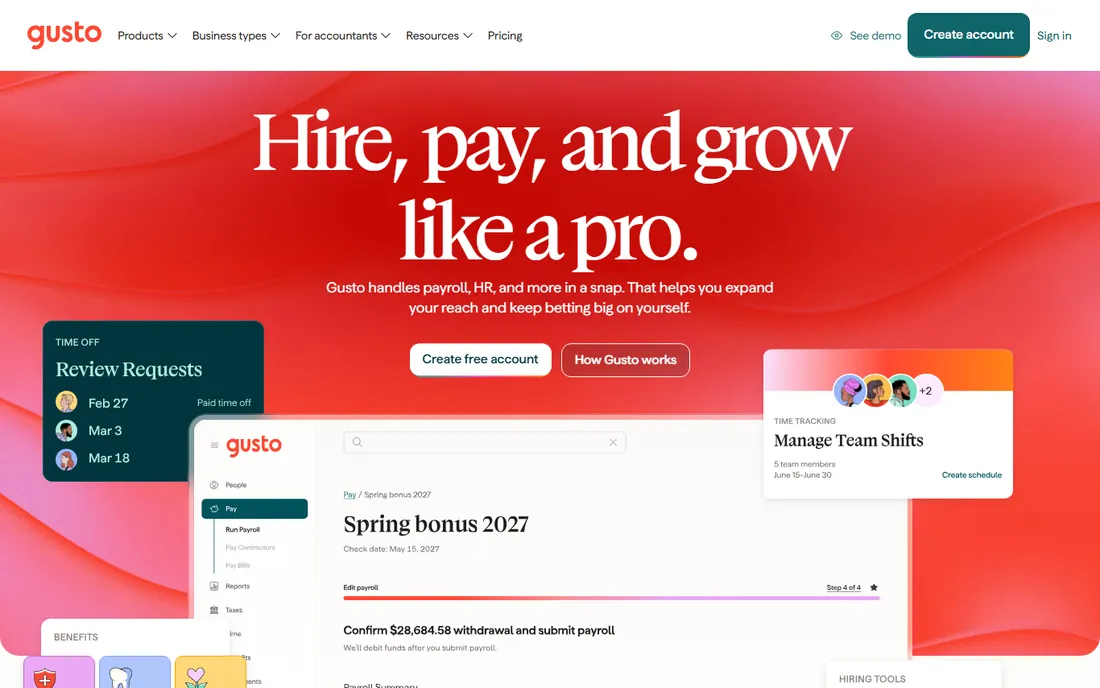
The reason Gusto keeps winning small-business payroll is simple: the quote you see is the quote you pay. Pricing is published, sign-up is self-serve, and a 10-person team on Simple pays $109 per month with unlimited runs. Tax filing covers federal, state and local forms on every plan, with year-end W-2 and 1099 filing included. Integrations cover QuickBooks, Xero, FreshBooks, Expensify and Homebase.
The catch is the tier structure. Growing teams realistically need Plus at $80 base plus $12 per employee for multi-state payroll, next-day direct deposit and time tracking, while same-day pay sits on Premium. Standard direct deposit on Simple takes about four days. Month-to-month with no contracts.
What we like- Transparent published pricing with no contracts and free setup
- Unlimited payroll runs on every plan
- Full-service tax filing (federal, state, local) plus W-2/1099 generation on all plans
Watch out for- Per-employee fees scale fast as headcount grows
- Next-day direct deposit, time tracking and multi-state payroll sit on higher tiers
#2
ADP Run
Best for: Small businesses that want an established compliance-first provider
Visit run.adp.com
Starting priceSee website (custom quote)
Free planNo
ADP Run is what you buy when payroll mistakes scare you more than payroll bills. RUN Powered by ADP targets businesses with 1 to 49 employees, and the concrete strength is depth: automated tax filing with a penalty guarantee, background checks on every plan, SUI management, garnishment handling and HR help desk at higher tiers, backed by ADP's benchmarking data. Because ADP also sells Workforce Now, TotalSource PEO and payroll in more than 140 countries, you never outgrow the vendor.
The price of that depth is opacity. ADP publishes nothing; every number online is an estimate, and reviewers report implementation fees, off-cycle run fees and extra year-end charges. Most say RUN costs more than Gusto or Patriot under 20 employees. Setup goes through a sales rep. If you want a price today, look elsewhere.
What we like- Enterprise-grade tax compliance with a penalty guarantee on full-service plans
- Background checks included on all RUN plans
- 900-plus integrations and a product line you never outgrow
Watch out for- Zero price transparency, so buyers enter a sales process blind
- Implementation friction and add-on fees reported by reviewers
#3
Paychex Flex
Best for: Businesses that want a named payroll specialist
Visit paychex.com
Starting priceSee website (custom quote)
Free planNo
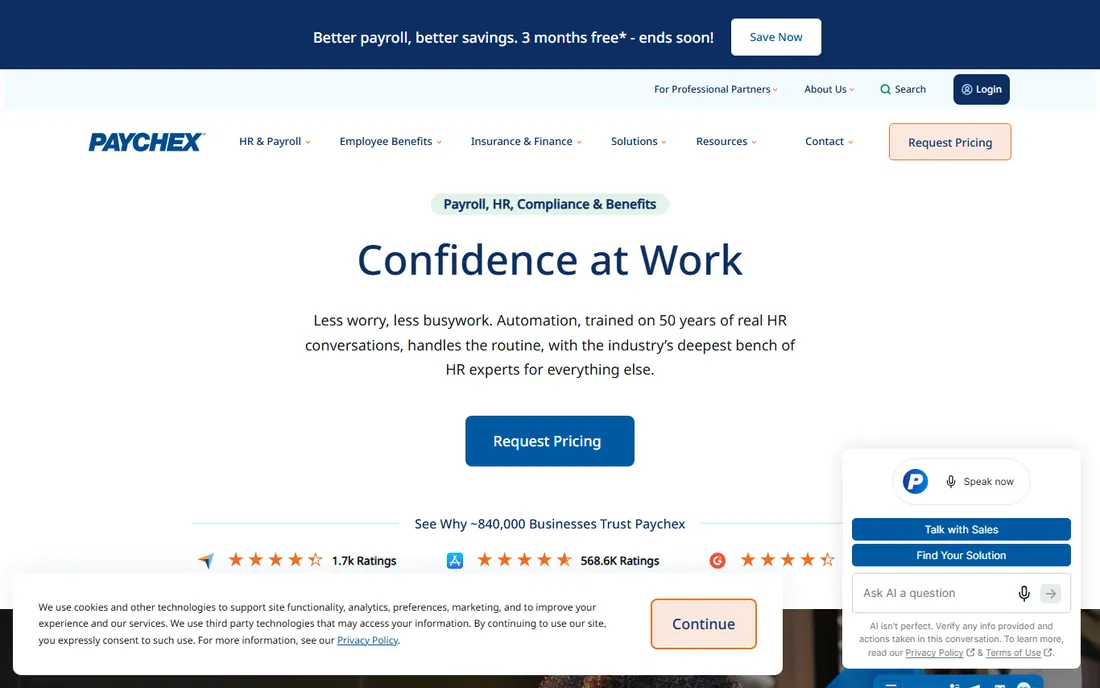
Paychex Flex sells the human touch: a dedicated payroll specialist assigned to your account instead of a rotating support queue. The platform bundles payroll with HR, benefits, retirement and insurance, plus a PEO option. Multi-state compliance handling suits growing companies that expect to cross state lines.
The commercial reality is rougher. Paychex publishes no prices now, so every number online is an estimate and every buyer talks to sales. Reviewers report setup fees, year-end fees, separately billed add-ons and early termination fees of $1,500 to $3,000 on annual contracts. Get the full fee schedule in writing before signing anything.
What we like- A dedicated payroll specialist assigned to your account, the differentiator reviewers cite most
- True all-in-one HR scope (payroll, benefits, retirement, insurance, PEO option)
- Scales from tiny teams to hundreds of employees
Watch out for- No published pricing at all in 2026
- Reviewers report year-end fees, separately billed add-on modules and early termination fees on annual contracts
Starting price$50/month + $6.50/employee (Core)
Free planNo (free trial)
If your accounting already lives in QuickBooks Online, this is the path of least resistance. Payroll entries sync straight into the ledger, so there is no export-import ritual every pay period. Core covers next-day direct deposit, and Premium and Elite upgrade to same-day. Taxes are filed for you, including multi-state, and unlimited 1099 e-filing is included.
The catch is stacking. A 10-employee company on Core pays $115 per month for payroll alone, before the QuickBooks Online subscription. Intuit runs frequent new-signup promos (currently 50 percent off), so never pay the first price you see. If you are not on QuickBooks already, there is no reason to start here.
What we like- True full-service payroll with taxes calculated, filed and paid for you
- Elite includes tax penalty protection up to $25,000 per year
- Unlimited 1099 e-filing built into all plans
Watch out for- Payroll is an add-on, so you also pay for the QuickBooks Online subscription
- Core has the priciest starter base fee of this set
#5
Rippling
Best for: Startups through enterprises wanting HR, IT and payroll unified
Visit rippling.com
Starting priceFrom $40/month base + $8/employee
Free planNo
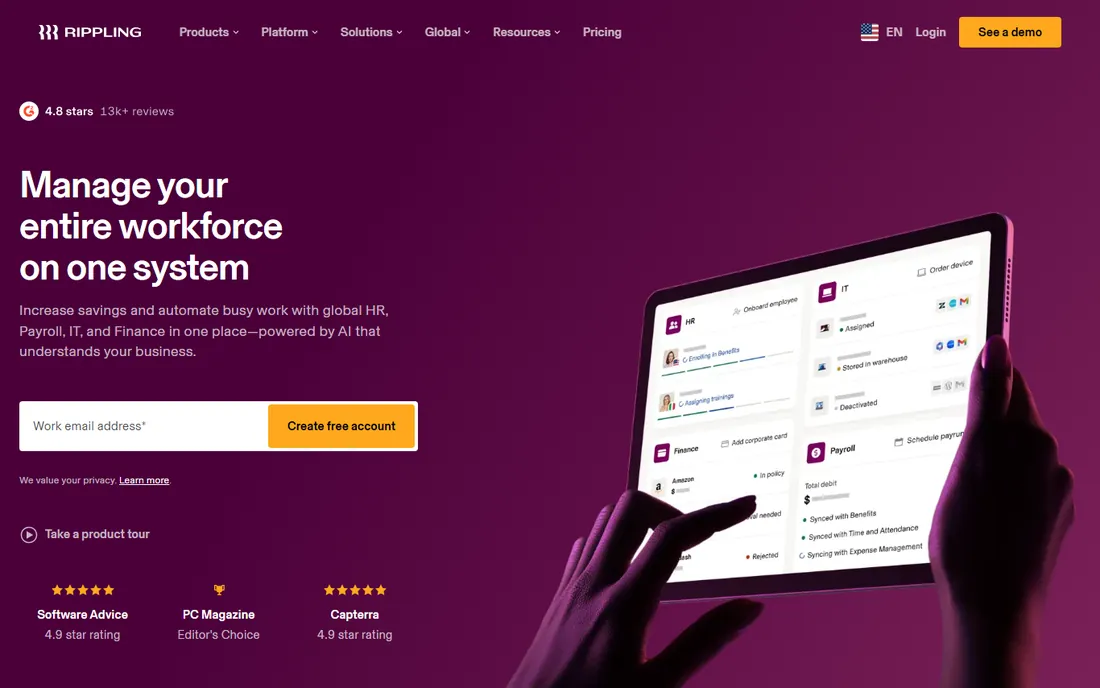
Rippling treats payroll as one module of a bigger machine. The pitch is the single source of truth: a raise, a new hire or a benefits change updates payroll automatically, because HR, IT, benefits and spend share one employee record. Payroll starts from a $40 base plus $8 per employee, with unlimited runs and automatic tax filing, so a 10-person team pays $120 per month for the payroll module alone.
That module sits on top of the core platform fee plus any modules you add, which is where the bill grows. If you just need payroll, the specialists above are cheaper and simpler. Buy Rippling when you want HR, IT and payroll on one record, not when you want the cheapest paychecks.
What we like- One employee record drives HR, payroll, benefits, IT and spend, so changes flow through automatically
- Automatic tax calculation with filing to the right agencies
- Unlimited pay runs at no extra cost
Watch out for- Modular pricing stacks fast on top of core platform fees
- Most configurations require a sales quote for the full price
#6
OnPay
Best for: US small businesses that want one simple flat structure
Visit onpay.com
Starting price$49/month + $6/worker
Free planNo (first month free)
OnPay has one plan, one price, and no tier chart to study. At $49 per month plus $6 per worker, you get unlimited pay runs with all tax filings, W-2s and 1099s included. Multistate payroll, garnishments and multiple pay rates all ride on the same price. A 10-person team pays $109 per month, and the first month is free.
The catch is geography: everything is US-centric. HR features cost extra through a $15 base plus $2 per worker add-on. Setup is low effort, with in-house experts handling setup and migration within days and US-based support. For a US small business that wants payroll handled with no tier puzzles, this is the simplest quote on the list.
What we like- One transparent price with unlimited runs and all tax filings included, no hidden fees
- New-hire reporting in all 50 states plus DC
- W-2 employees and 1099 contractors in a single pay run at no extra charge
Watch out for- US-only, with no international payroll
- HR features need a paid add-on instead of being bundled
#7
Patriot Software
Best for: Very small US businesses with straightforward payroll and tight budgets
Visit patriotsoftware.com
Starting price$37/month + $5/worker (Full Service)
Free planNo (free trial)
Patriot Full Service is the cheapest full-service payroll on this list. At $37 per month plus $5 per worker paid, it covers all tax filings and deposits plus year-end forms at no extra fee, so a 10-employee company pays $87 per month. The clever part: you are charged only for workers actually paid, so inactive months bill just the base fee.
Know which tier you are buying. Basic at $17 per month leaves the tax filings to you, so budget for the $37 Full Service tier. Each additional state costs $12 per month. Reporting is basic, time tracking and HR cost extra, and standard direct deposit takes four days. Month-to-month with no contracts or setup fees.
What we like- Charged only for workers actually paid each month
- Full Service covers federal, state and local filings plus year-end forms with a reliability guarantee
- Free US-based support and free setup assistance
Watch out for- The cheaper Basic tier ($17/month) is not full-service, so you file your own taxes
- Each additional state costs $12 per month
#8
SurePayroll
Best for: Businesses with 1 to 10 employees that want payroll handled, nothing more
Visit surepayroll.com
Starting price$29/month + $7/employee (Full Service)
Free planNo

SurePayroll, backed by Paychex, is the quiet pick for owners with a handful of employees who want payroll handled and nothing else. Full Service at $29 per month plus $7 per employee includes tax filing and deposits, unlimited runs and free 2-day direct deposit. The standout is the flat $9.99 per month multi-state add-on: businesses in three or more states save real money.
The catches are at the edges. Year-end forms cost $50 plus $5 per form annually, and you are billed per employee whether active or not. Past 15 to 20 employees the $7 per-employee fee makes it expensive, so growing teams should compare Gusto or OnPay. Accounting integration costs $4.99 per month extra.
What we like- Multi-state payroll is a flat $9.99 per month add-on regardless of state count
- Full Service includes tax filing and deposits with free 2-day direct deposit
- Month-to-month with no setup or cancellation fees
Watch out for- Year-end W-2/1099 filing costs extra ($50 base plus $5 per form annually)
- Billed per employee whether active or not
#9
Square Payroll
Best for: Restaurants, cafes and retail shops already on Square POS
Visit squareup.com
Starting price$35/month + $6/person (full service)
Free planNo

Square Payroll makes sense only for Square shops, and for them it is the obvious pick. Timecards, tips and overtime flow straight from the register into payroll. A 10-person team pays $95 per month, and seasonal businesses pay nothing in months with no payroll. Contractors can be paid by direct deposit or Cash App.
Outside the Square ecosystem it is just another mid-priced payroll tool with thin HR and no dedicated specialist. The contractor-only plan excludes auto payroll, multistate and timecard features. If you run Square POS, the hours-and-tips sync is the reason to choose it. If you do not, pick a specialist.
What we like- Native Square POS integration, so timecards, tips, overtime and commissions flow into payroll automatically
- Free seasonal inactivity (pay nothing in months with no payroll)
- Multi-state payroll and tax filings included at no extra charge
Watch out for- HR and benefits depth is thin next to Gusto or Rippling
- Much of the value disappears outside the Square ecosystem
When to switch payroll providers
Switch when the bill, the filings or the support give you a reason. The clearest trigger is price creep: a provider that was cheap at 8 employees becomes expensive at 25 because of per-employee fees, and at that point re-running the 10-person math on this page at your current headcount tells you the truth. Other triggers are missed or late tax filings, support that never resolves anything, and a business that outgrew the plan: employees in five states on a single-state setup, or a restaurant chain running the contractor plan.
Time the move deliberately. The cleanest switch happens at the start of a quarter, never in December, because year-end filings are cleaner when one provider handles the full year. Before you sign, confirm the new vendor does the migration: OnPay and Patriot include free setup and migration, and most competitors offer guided onboarding. Ask what you need to hand over, usually year-to-date payroll records and prior quarter filings, and keep your old account read-only for at least a year in case a tax agency asks questions.
The providers most worth leaving are the ones that hide their pricing. If your vendor cannot show you the fee schedule after two years, you are paying whatever the renewal says. Month-to-month plans (Gusto, OnPay, Patriot, Square) make leaving easy; annual contracts with early termination fees, reported at Paychex, make it expensive. Know which kind you are on before you call to cancel.
Frequently asked questions
How much does payroll software cost for 10 employees?
Expect $87 to $120 per month: Patriot Full Service ($87), Square Payroll ($95), Gusto Simple and OnPay ($109 each), QuickBooks Core ($115 before the accounting subscription), and Rippling from $120 for the payroll module. ADP Run and Paychex Flex are custom-quoted and usually cost more at small headcounts.
Why do payroll quotes vary so much between vendors?
Because everyone quotes the base fee and few advertise the rest. Per-employee fees add $5 to $12 per person per month, year-end W-2 and 1099 filing is included at some vendors and billed separately at others, and multi-state payroll ranges from included to $12 per extra state. Add the base fee, the per-employee fee at your headcount, and the year-end line item, and quotes suddenly become comparable.
Does payroll software file taxes for me?
Full-service plans do: the vendor calculates, files and pays your federal, state and local payroll taxes and handles year-end forms. Self-service tiers calculate paychecks but leave the filings to you, so check the tier before you buy. ADP, Paychex and QuickBooks Elite back their filings with a tax penalty guarantee; most others do not.
How fast is direct deposit with these tools?
It depends on the plan. Standard runs take two to four business days at Patriot, Gusto Simple and OnPay. Next-day direct deposit is available on QuickBooks Core, Gusto Plus and higher tiers, and same-day pay sits on the top tiers at QuickBooks and Gusto. If your team lives paycheck to paycheck, buy for deposit speed, not for the base fee.
Can I switch payroll providers mid-year?
Yes. OnPay and Patriot include free migration, and most competitors offer guided onboarding, so the switching risk is lowest on month-to-month plans with no contracts (Gusto, OnPay, Patriot, Square). Bring year-to-date payroll records and prior quarter filings. Avoid switching in December if you can: year-end filings are cleaner when one provider handles the full year.
How to compare payroll quotes honestly
Start with your real numbers, not the vendor's headline. Take your headcount today and your best guess at headcount in 12 months, then multiply out the base fee plus the per-employee fee for each. A $29 base fee with $7 per employee beats a $49 base fee with $6 per employee only until about 20 employees. This is the single comparison that matters most, and it takes five minutes in a spreadsheet.
Next, add what the quote excludes. Ask each vendor three questions: what does year-end W-2 and 1099 filing cost, what does multi-state payroll cost, and which plan gives next-day or same-day direct deposit. SurePayroll charges $50 plus $5 per form at year-end; Patriot charges $12 per extra state; Gusto gates faster deposits to Plus and Premium. These three line items are where cheap quotes quietly grow.
Then check the contract and the migration. Month-to-month with no setup fees (Gusto, OnPay, Patriot, Square, SurePayroll) means you can leave. Annual contracts with early termination fees, reported by Paychex reviewers, mean the quote is only real if you stay. For custom-quoted vendors (ADP Run, Paychex Flex), get the full fee schedule in writing before comparing: setup fees, off-cycle run fees and year-end fees are the usual surprises. Compare the 12-month total at your headcount, not the monthly headline, and the honest quote wins.
How we chose
We started with the categories buyers search: payroll software, small business payroll software, payroll service and HR payroll software. For each candidate we opened the vendor's own pricing page, checked prices against public reviews on G2 and Capterra and practitioner discussion on Reddit, and compared features, tax filing coverage and company-size fit. Where a price could not be verified on the vendor's page we wrote "See website" rather than guessing.
Sources we checked (11)
- https://gusto.com/product/pricing
- https://run.adp.com
- https://www.paychex.com
- https://quickbooks.intuit.com/payroll/
- https://www.rippling.com/pricing
- https://onpay.com/payroll/
- https://www.patriotsoftware.com/pricing/
- https://www.surepayroll.com/pricing
- https://squareup.com/us/en/payroll/pricing
- https://www.g2.com/categories/payroll
- https://www.capterra.com/payroll-software/
Is your product missing or out of date?
We review this list regularly. Vendors can request a listing, send updated pricing or ask about featured placement.

Shihab Mia · Founder, Rankite
Shihab has spent more than a decade helping SaaS and e-commerce brands grow through search. He writes Rankite's software buying guides from pricing pages, documentation and public user reviews. More about Shihab.