How we make this list: we compare pricing pages, product documentation and public user reviews. Rankite is independent; if a vendor ever pays for a featured spot, that listing is clearly labeled Partner.
Quick comparison
| Tool | Best for | Starting price | Free plan |
|---|
 Kissflow Kissflow | Mid-market companies automating internal workflows across departments | $1,500/month for 50 users | No (free trial) |
 Process Street Process Street | Teams that want to document SOPs as living checklists | $25/user/month (Pro) | No (free trial) |
 Pipefy Pipefy | Operations teams building structured, repeatable processes without developers | $23/user/month (Business) | Yes (Starter free) |
 Nintex Nintex | Enterprises automating document-heavy processes across Microsoft 365 | See website (custom quote) | No |
 Appian Appian | Enterprises building process-driven applications at scale | $75/user/month (Standard) | No (free trial) |
 Pega Pega | Large organizations managing complex, rule-heavy casework | $35/user/month (Factory) | No |
 Bizagi Bizagi | Enterprises standardizing on BPMN process modeling | From $1,990/user/year | No (free trial) |
 Camunda Camunda | Developer teams orchestrating microservices, APIs and human tasks | $99/month (Starter) | Yes (free tier) |
 Tallyfy Tallyfy | Small teams tracking multi-step workflows with clients or vendors | $15/user/month (Basic) | No (free trial) |
Is your product missing or out of date?
We review this list regularly. Vendors can request a listing, send updated pricing or ask about featured placement.
Key takeaways
- Most teams do not need BPM software. If your process runs ten times a month, a checklist app will do. BPM pays off when the same process repeats hundreds of times a month or touches five-plus people and systems.
- Small and mid-size teams: start with Pipefy (free Starter plan), Tallyfy ($15/user/month) or Process Street ($25/user/month), all of which are usable without consultants.
- Mid-market automation buyers: Kissflow ($1,500/month for 50 users, flat platform pricing) is the clearest no-surprise quote on this list.
- Enterprise buyers: Nintex, Appian ($75/user/month Standard), Pega ($35/user/month Factory) and Bizagi (from $1,990/user/year) all require sales conversations and implementation work. Budget for services, not just licenses.
- Developer teams orchestrating APIs and microservices: Camunda's $99/month Starter plan with a free tier is the practical entry point.
The best business process management software
Here is the blunt version. Most teams do not need BPM software. If your approval process runs a dozen times a month and everyone knows the steps, a shared checklist or a few automations will serve you better than any platform on this page. But if your intake process runs 300 times a month, bounces between six people and three systems, and breaks every time someone forgets a handoff, you need BPM badly. The difference is process volume.
That volume is also what makes BPM buying treacherous. The enterprise platforms on this list are sold by sales reps, implemented by consultants, and priced like infrastructure. The simpler tools are self-serve, flat-priced, and set up in an afternoon. Buying the first when you needed the second is a six-figure mistake. These nine are the best business process management tools for teams at every budget, from $15 per user per month to custom enterprise contracts, with the real price mechanics laid out for each.
#1
Kissflow
Best for: Mid-market companies automating internal workflows across departments
Visit kissflow.com
Starting price$1,500/month for 50 users
Free planNo (free trial)
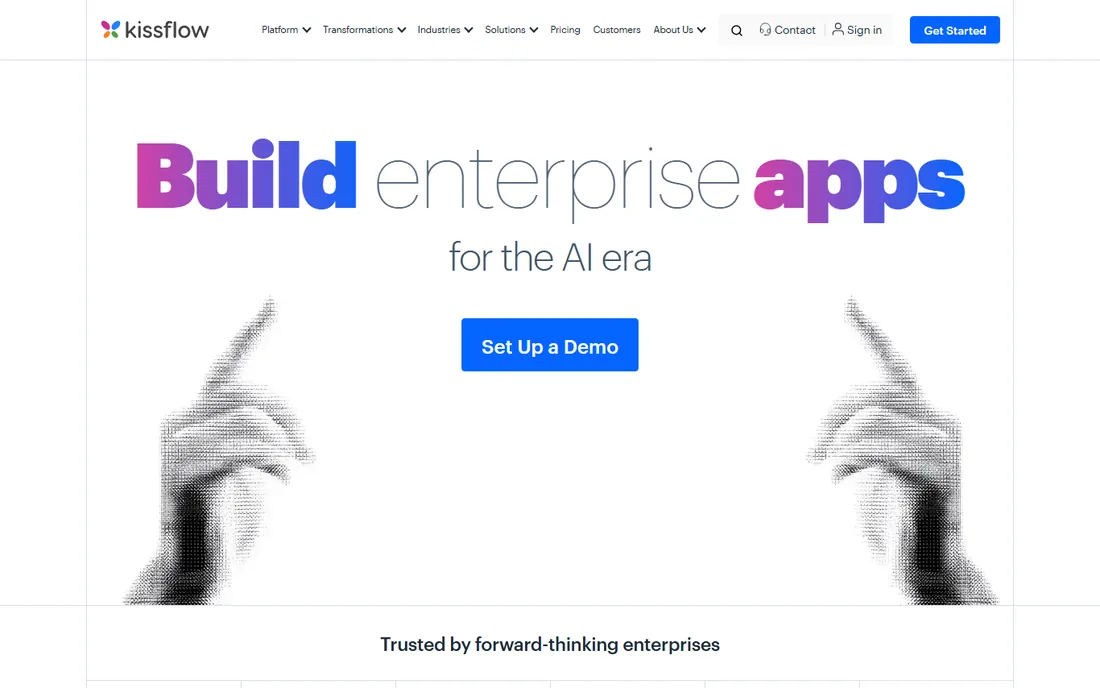
Kissflow's pitch is simple: one platform price, not a seat-counting exercise. At $1,500 per month for 50 users you get process automation, case management and low-code app building under one roof, which is an unusual bundle at this price point. For operations leaders who need to automate approvals, procurement, employee onboarding and IT requests without hiring a developer or an implementation partner, the all-in-one scope is the selling point.
The trade is sophistication. Kissflow covers the mainstream middle of BPM work well, but if you need deep ERP integration, complex rule engines or BPMN-strict modeling, the enterprise tools below handle more. Contract-wise, platform pricing means your unit economics improve as adoption spreads, but a 10-person team pays the same $1,500 as a 50-person one. Shortlist it when you have real process volume but no implementation budget.
What we like- Flat platform pricing instead of per-user seat counting
- Workflow, case management and app building in one product
- Self-serve setup that teams can run without consultants
Watch out for- Flat pricing punishes very small teams who use few seats
- Advanced integration and customization depth trails the enterprise platforms
#2
Process Street
Best for: Teams that want to document SOPs as living checklists
Visit process.st
Starting price$25/user/month (Pro)
Free planNo (free trial)
Process Street starts where most buyers actually start: a pile of SOPs nobody follows. It turns documents into checklists that run, with task assignments, conditional logic, approvals and integrations on the Pro plan at $25 per user per month. A 20-person team pays $500 per month. The ramp is near zero, which matters when the alternative is a process modeling exercise nobody asked for.
Be honest about what it is not. Process Street does not model processes in BPMN, orchestrate services, or manage complex case work. It is a workflow runner with good structure, and for onboarding, content production, client intake and recurring admin processes that is often enough. If your process diagram needs swimlanes and exception paths, keep reading down this list.
What we like- The fastest path from a messy SOP to a running workflow
- Conditional logic and approvals on the Pro plan
- Usable by non-technical teams with zero implementation effort
Watch out for- Not true process modeling: no BPMN, no complex orchestration
- Per-user pricing scales linearly with headcount, so wide rollouts get expensive
#3
Pipefy
Best for: Operations teams building structured, repeatable processes without developers
Visit pipefy.com
Starting price$23/user/month (Business)
Free planYes (Starter free)
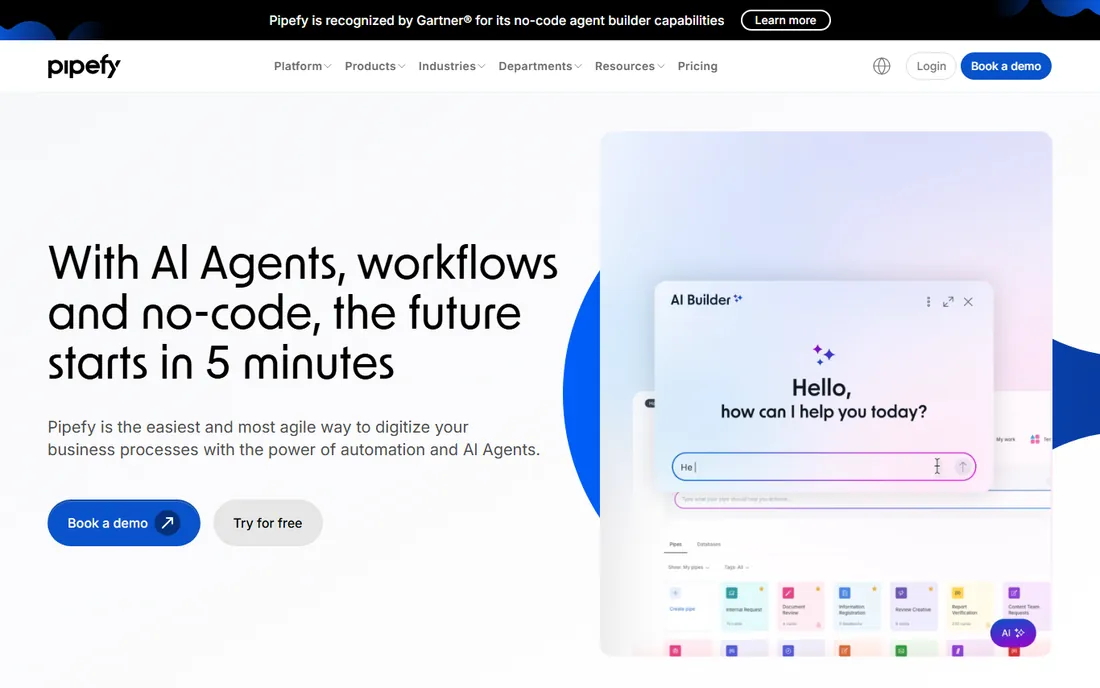
Pipefy earns its spot as the most approachable real BPM tool on this list. The free Starter plan lets a team run actual processes before paying anything, and the Business plan at $23 per user per month adds the automation, SLAs and integrations most operations teams need. The card-based interface keeps adoption high, which is the metric that matters most in a first BPM deployment.
The ceiling is the usual one for no-code tools. Per-user pricing means a 100-person deployment runs $2,300 per month before add-ons, and cross-process analytics are thinner than what Nintex or Appian ship. For HR, finance and IT service teams standardizing intake and approval workflows, though, Pipefy sits in the sweet spot of power versus effort.
What we like- Free Starter plan for trying real processes, not just demos
- Kanban-style cards with conditional fields, SLAs and automation rules
- Templates for finance, HR, IT and procurement processes
Watch out for- Per-user pricing adds up fast on large teams
- Reporting and cross-process analytics lag behind enterprise BPM suites
#4
Nintex
Best for: Enterprises automating document-heavy processes across Microsoft 365
Visit nintex.com
Starting priceSee website (custom quote)
Free planNo
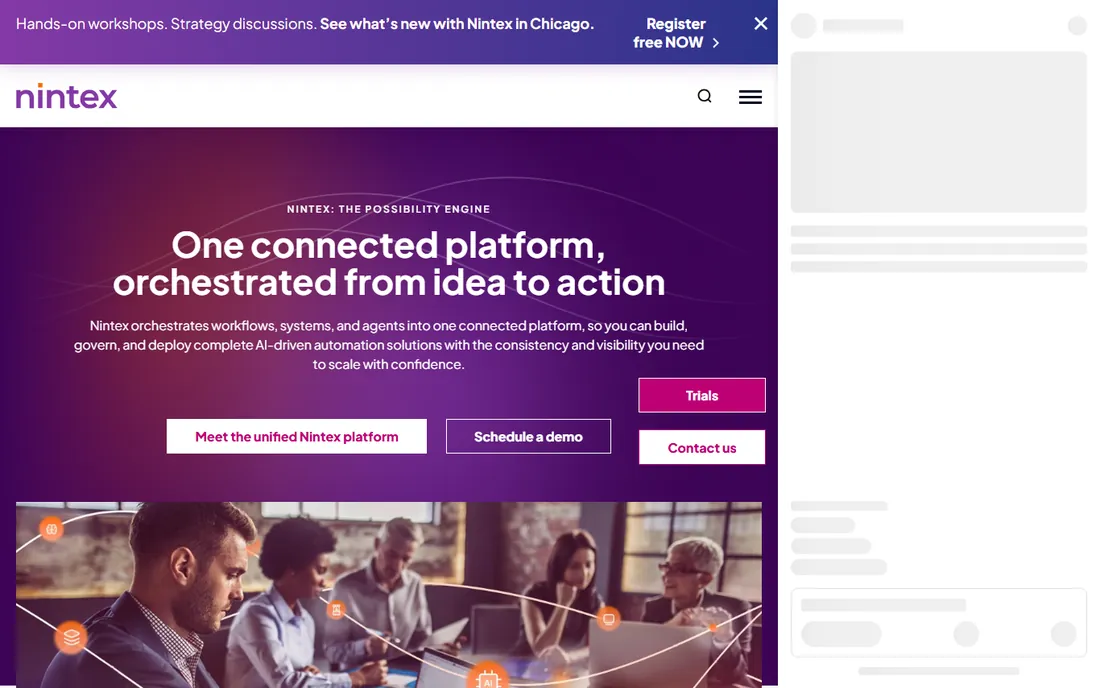
Nintex is the enterprise workhorse, especially in Microsoft-centric organizations. Its strength is the full lifecycle: map and discover processes, then automate them across SharePoint, Teams, document generation and workflow routing. For large companies where approvals, compliance documentation and contract workflows run through Microsoft 365, the native fit is hard to match.
The buying experience is fully enterprise. No prices are published, quotes are custom, and realistic deployments involve licensing conversations and implementation planning. Total cost depends on process count, user count and modules, so nothing on the Nintex website will tell you what you will pay. Shortlist it when the process volume and compliance stakes justify a managed implementation; skip it when they do not.
What we like- Deepest automation story for SharePoint, Teams and the Microsoft stack
- Process discovery and mapping alongside automation
- Handles the document-centric processes that define enterprise operations
Watch out for- Custom-quoted pricing with no public numbers at all
- Implementation and licensing complexity that requires internal or partner expertise
#5
Appian
Best for: Enterprises building process-driven applications at scale
Visit appian.com
Starting price$75/user/month (Standard)
Free planNo (free trial)
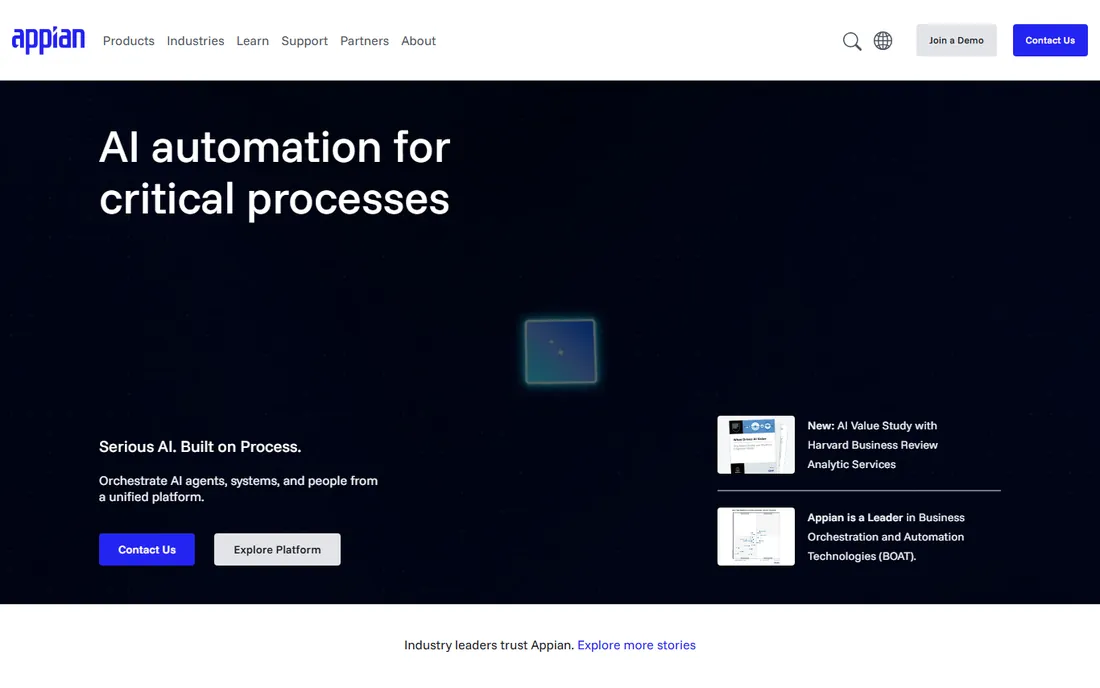
Appian is what BPM looks like when it grows up into application development. The platform combines process modeling, low-code app building, data fabric and AI, so a process like loan approval or claims handling becomes a working application with real data integration, not just a flowchart with email notifications. The Standard plan at $75 per user per month puts it at the premium end of published BPM pricing.
That premium buys breadth, but not simplicity. Appian deployments need trained developers or implementation partners, and per-user pricing at this level means a 200-user rollout is a serious budget line. This is the right tool when the process is really an application, with rules, data and users interacting over weeks. It is the wrong tool when the process is a checklist with approvals.
What we like- Low-code app building fused with BPM, so processes become real applications
- Data fabric and AI capabilities baked into the platform
- Scales from departmental apps to enterprise-wide deployments
Watch out for- $75 per user per month is the most expensive published seat on this list
- Meaningful deployments still need trained developers or partner services
#6
Pega
Best for: Large organizations managing complex, rule-heavy casework
Visit pega.com
Starting price$35/user/month (Factory)
Free planNo
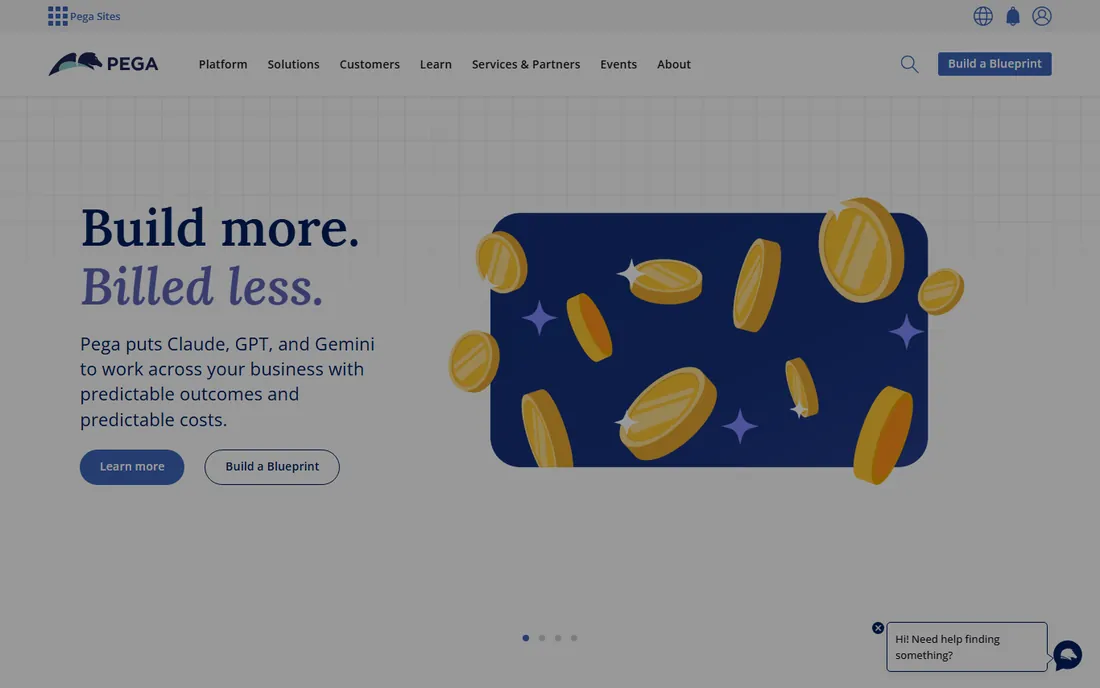
Pega built its name on case management: work that unfolds over weeks with exceptions, changing data and human judgment at every step. Insurance claims, banking onboarding, government permitting. The Factory plan at $35 per user per month is a modest entry price by enterprise standards, but the real cost is implementation and expertise, which run long and deep.
Do not buy Pega for simple linear workflows. Its strength is exactly the mess: hundreds of rules, branching paths, documents and decisions woven together. Organizations with that profile get a platform purpose-built for it. Everyone else gets a complex system for a simple problem. If your process fits on one page, look at the top half of this list instead.
What we like- Case management depth that few platforms match, built for work that unfolds over time
- AI-driven decisioning and automation rules
- $35 per user per month entry point is reasonable for enterprise BPM
Watch out for- Complexity is the product: deployments are long and require specialists
- The learning curve for process designers is steep compared with no-code tools
#7
Bizagi
Best for: Enterprises standardizing on BPMN process modeling
Visit bizagi.com
Starting priceFrom $1,990/user/year
Free planNo (free trial)

Bizagi comes from the process modeling world, and it shows. The platform's free modeler is a legitimate BPMN design tool, and the automation engine executes those models directly, which matters in regulated industries where the documented process and the running process must match. Pricing starts from $1,990 per user per year, which translates to roughly $166 per user per month, enterprise pricing in every sense.
The audience is narrow and well-defined: organizations standardizing on BPMN, often in financial services, insurance or government. If your team already thinks in process models and needs the discipline of formal notation, Bizagi speaks the language. If nobody on your team knows what BPMN is, the formality will feel like friction rather than rigor.
What we like- Serious BPMN modeling heritage, with a free modeler for process design
- Automation engine that executes modeled processes directly
- Strong fit for regulated industries documenting processes formally
Watch out for- Per-user per-year pricing (from $1,990) makes wide rollouts expensive
- Enterprise sales cycle with implementation expectations
#8
Camunda
Best for: Developer teams orchestrating microservices, APIs and human tasks
Visit camunda.com
Starting price$99/month (Starter)
Free planYes (free tier)
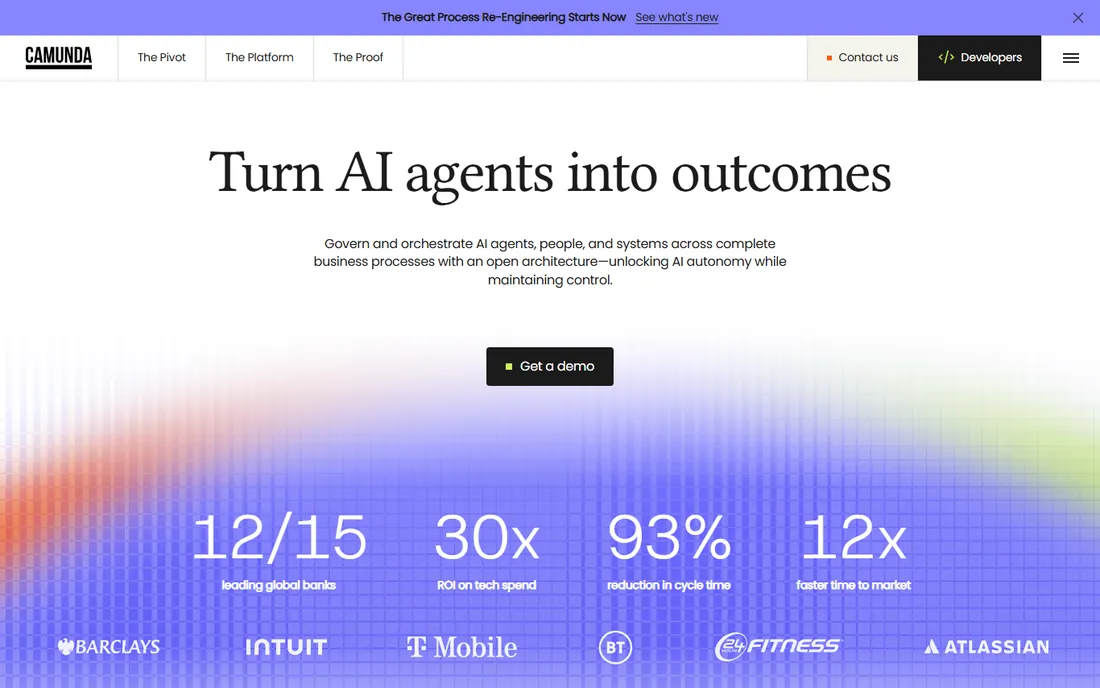
Camunda is the odd one out, and that is its strength. It is built for developers orchestrating services: APIs, microservices, human tasks and decisions, modeled in BPMN and DMN, executed by an engine your engineers can actually inspect. The free tier gets teams started, and the $99 per month Starter plan is the lowest flat entry price on this list for serious process execution.
The audience is the constraint. Business analysts and operations managers will not pick this up on their own; it needs engineering involvement and a DevOps story. But for teams automating order fulfillment, payment flows or anything built on services, Camunda delivers orchestration power at a fraction of enterprise platform cost. It is the technical answer to the BPM question.
What we like- Free tier plus $99 per month Starter makes it the cheapest developer-grade BPM on this list
- Standards-based orchestration (BPMN, DMN) that engineers respect
- Open-source roots with a large community
Watch out for- Developer-first product: non-technical teams will not self-serve
- Operational features and support scale with paid tiers, so production workloads need the conversation with sales
#9
Tallyfy
Best for: Small teams tracking multi-step workflows with clients or vendors
Visit tallyfy.com
Starting price$15/user/month (Basic)
Free planNo (free trial)
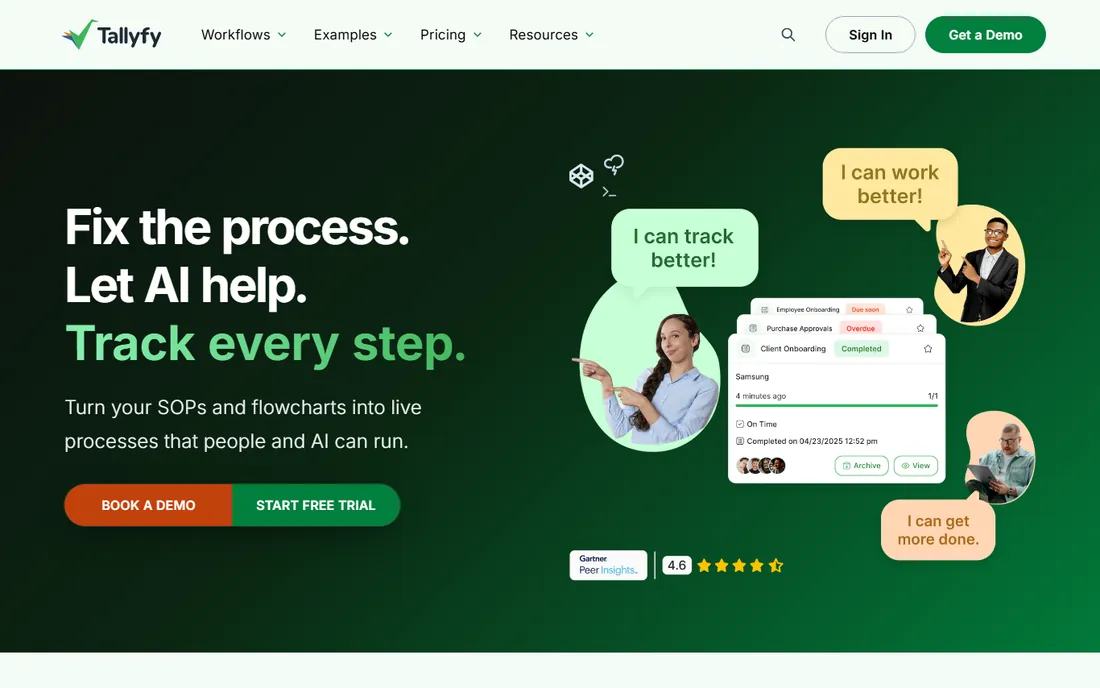
Tallyfy is the budget pick that does not feel like one. At $15 per user per month on the Basic plan, it is the cheapest published seat on this list, and it covers the core job: multi-step workflows with assignments, deadlines and visibility into what is stuck. The interface is clean enough to share with clients and vendors, which matters for service businesses running onboarding or delivery processes.
Expect scope limits. Tallyfy does not do BPMN modeling, complex orchestration or deep enterprise integration. It is a workflow tracker with good structure, competing with Process Street at the simple end. For a 15-person team paying $225 per month, that is exactly the right scope. Buy it for tracking and accountability, not for automation architecture.
What we like- $15 per user per month is the lowest published seat price on this list
- Clean interface that clients and vendors can actually use
- Real-time tracking of who did what and what is stuck
Watch out for- Narrower feature set than Process Street or Pipefy at similar scope
- Not a process modeling or enterprise automation tool
Low-code vs. no-code vs. pro-code BPM
BPM vendors all claim ease of use, and the labels are the first thing to decode. No-code BPM (Pipefy, Process Street, Tallyfy) means your operations team builds and changes processes themselves, with forms, rules and approvals configured through the interface. Implementation takes days to weeks, and the ongoing cost is your team's time. This is where most SMBs belong.
Low-code BPM (Kissflow, Appian, Bizagi) sits in the middle: business users can build the process, but real deployments use developers for integrations, data models and edge cases. Expect a hybrid team and a longer ramp. The payoff is depth, processes that touch real systems and handle real complexity, without a full engineering project.
Pro-code BPM (Camunda) is the engineering option. Developers model and execute processes as part of the software they already build, with version control, testing and deployment pipelines. The ceiling is unlimited and the floor requires an engineering team. Enterprise suites like Nintex and Pega span all three, which is partly why their implementations are measured in months.
The honest rule: buy the least technical platform that handles your hardest process. Moving up a tier buys power you may never use and implementation cost you definitely will.
When BPM software pays for itself
BPM pays for itself on volume and failure cost. Take a vendor onboarding process that runs 200 times a year, involves four people, and fails 10 percent of the time because a document goes missing. Each failure costs hours of rework and days of delay. Automating that process at $15 to $25 per user per month pays back in a quarter.
The math flips at low volume. A process that runs monthly with two people involved does not justify even Tallyfy's $15 seats; a shared doc or a reminder will do. Before buying, count your repetitions per month, count the handoffs per repetition, and estimate the cost of one failure. If that number is small, you are shopping for discipline, not software, and no platform will fix it.
Implementation effort is the hidden line item. The no-code tools on this list (Pipefy, Process Street, Tallyfy) deploy in days with your own staff. Kissflow's flat pricing keeps the license math simple but still needs process design work. The enterprise tier (Nintex, Appian, Pega, Bizagi) budgets for consultants: ask for implementation estimates in the same meeting as the license quote, or you will discover the real price after signing.
Frequently asked questions
What is the difference between BPM software and workflow software?
BPM software models, executes and measures end-to-end processes, often across systems and over long timeframes, with standards like BPMN. Workflow software (Process Street, Tallyfy) runs structured task sequences, usually simpler and faster to deploy. The line blurs in the middle, which is why Pipefy and Kissflow can feel like either depending on how you use them.
How much does BPM software cost for a small business?
For a small team, expect $225 to $500 per month: Tallyfy at $15 per user per month (15 users: $225), Process Street at $25 per user (20 users: $500), or Pipefy at $23 per user with a free Starter plan to begin. Mid-market flat pricing like Kissflow's $1,500 per month for 50 users can be cheaper per head once adoption spreads.
Do I need BPMN to use BPM software?
Only on the enterprise and developer tools. Bizagi, Camunda, Appian and Pega use BPMN and DMN as their modeling standards, and teams working there should know the notation. The no-code tools (Pipefy, Process Street, Tallyfy) and Kissflow do not require it; they use forms, cards and rules instead.
Which BPM tool is best for a team with no developers?
Pipefy, Process Street or Tallyfy. All three are self-serve, deployable in days, and built for operations staff rather than engineers. Start with Pipefy's free Starter plan to test whether your processes fit the model before spending anything.
Can BPM software replace our ERP or CRM?
No. BPM orchestrates work across systems; it does not replace the systems of record. A typical setup runs approvals and intake in the BPM tool while data lives in the ERP or CRM, connected by integrations. Buying BPM to avoid buying a CRM is a category error that ends in rework.
How we chose
We started with the categories buyers search: business process management software, BPM software and business process management tools. For each candidate we opened the vendor's own pricing page, checked prices against public reviews on G2 and Capterra and practitioner discussion on Reddit, and compared modeling standards, automation depth, integrations and company-size fit. Where a price could not be verified on the vendor's page we wrote "See website" rather than guessing.
Sources we checked (11)
- https://www.kissflow.com/workflow/pricing
- https://www.process.st/pricing
- https://www.pipefy.com/pricing
- https://www.nintex.com/pricing
- https://www.appian.com/pricing
- https://www.pega.com/products/platform/pricing
- https://www.bizagi.com/en/pricing
- https://www.camunda.com/pricing
- https://www.tallyfy.com/pricing
- https://www.g2.com/categories/business-process-management-bpm
- https://www.capterra.com/business-process-management-software/
Is your product missing or out of date?
We review this list regularly. Vendors can request a listing, send updated pricing or ask about featured placement.

Shihab Mia · Founder, Rankite
Shihab has spent more than a decade helping SaaS and e-commerce brands grow through search. He writes Rankite's software buying guides from pricing pages, documentation and public user reviews. More about Shihab.