How we make this list: we compare pricing pages, product documentation and public user reviews. Rankite is independent; if a vendor ever pays for a featured spot, that listing is clearly labeled Partner.
Quick comparison
| Tool | Best for | Starting price | Free plan |
|---|
 ConnectWise ConnectWise | Large MSPs needing a full PSA + RMM suite under one vendor | See website (custom quote) | No |
 Datto Autotask Datto Autotask | MSPs wanting a mature standalone PSA | See website (custom quote) | No |
 Kaseya (BMS/VSA) Kaseya (BMS/VSA) | MSPs standardizing on the Kaseya IT Complete stack | See website (custom quote) | No |
 NinjaOne NinjaOne | MSPs prioritizing a fast, modern RMM | ~$3.75/device/month (per published estimates; vendor quotes) | No (free trial) |
 Syncro Syncro | Small MSPs wanting RMM + PSA on flat per-tech pricing | $129/technician/month (Core) | No (free trial) |
 SuperOps SuperOps | MSPs wanting an AI-centric all-in-one RMM + PSA | $1.50/endpoint/month (Prime) | No (free trial) |
 HaloPSA HaloPSA | MSPs wanting deep PSA customization on a per-agent price | ~$109/agent/month (per published estimates; vendor quotes) | No (free trial) |
 Atera Atera | Small-to-mid MSPs wanting all-in-one simplicity on a per-tech price | $129/technician/month (Pro) | No (free trial) |
 Pulseway Pulseway | MSPs and internal IT teams needing mobile-first monitoring | See website (custom quote) | No (free trial) |
Is your product missing or out of date?
We review this list regularly. Vendors can request a listing, send updated pricing or ask about featured placement.
Key takeaways
- The enterprise vendors on this list (ConnectWise, Datto Autotask, Kaseya, Pulseway) publish no prices: get the full quote, contract length and renewal terms in writing before comparing.
- For published, comparable pricing, the shortlist is Syncro ($129/technician/month), Atera ($129/technician/month) and SuperOps (from $1.50/endpoint/month), with NinjaOne estimated around $3.75/device/month and HaloPSA around $109/agent/month.
- Under about 10 technicians, an all-in-one RMM + PSA (Syncro, Atera, SuperOps) usually beats buying two separate tools. Larger shops tend to pair a standalone RMM with a dedicated PSA.
- Per-tech pricing rewards endpoint-dense shops; per-device and per-endpoint pricing favors small client estates. Run the math on your actual numbers before committing.
The best MSP software
Picture an MSP owner with 40 clients and 600 endpoints, juggling five disconnected tools: one for tickets, one for remote access, one for patching, one for billing and one for documentation. Every client question means three logins, and every monthly invoice means reconciling hours by hand. That is the problem this software category exists to fix.
The nine tools below cover the three shapes the market comes in. Some bundle everything into one platform. Some do remote monitoring and management (RMM) and expect you to buy the service-desk side separately. Some are professional services automation (PSA) platforms built to pair with any RMM. Prices range from published per-tech plans to quote-only enterprise suites, and the pricing model matters as much as the feature list.
Starting priceSee website (custom quote)
Free planNo
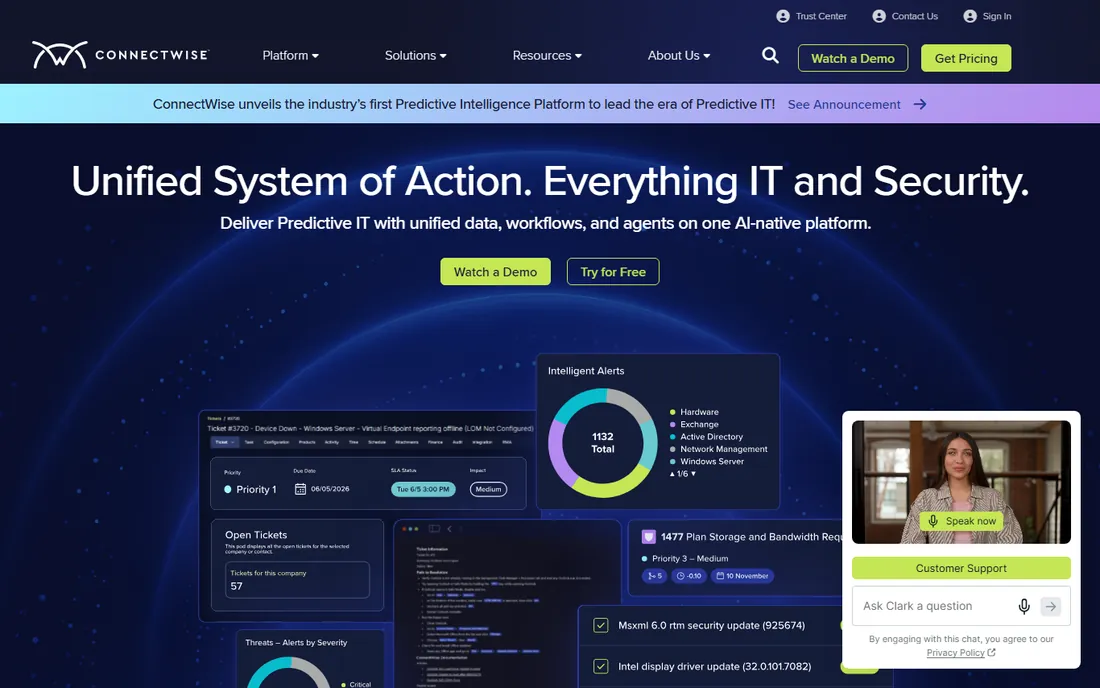
ConnectWise is the suite large MSPs grow into rather than out of. ConnectWise Manage handles the PSA side: ticketing, projects, contracts, time entries and billing. ConnectWise Automate covers remote monitoring, patching and scripting across client endpoints. Everything is custom-quoted, so expect a sales conversation rather than a checkout page.
The reason shops tolerate the sales process is breadth. The marketplace carries a long list of third-party integrations, and sibling products cover backup, security and quoting under the same roof. Onboarding is heavy: reviewers describe implementations measured in weeks, so budget staff time as well as license cost. Under 10 technicians it is usually more platform than you need.
What we like- Deep PSA (Manage) plus RMM (Automate) with hundreds of third-party integrations
- Product line covers backup, security, quoting and procurement
- A platform large shops never outgrow
Watch out for- Quote-only pricing and typically annual contracts
- Implementations run multi-week and need real staff time
#2
Datto Autotask
Best for: MSPs wanting a mature standalone PSA
Visit datto.com
Starting priceSee website (custom quote)
Free planNo
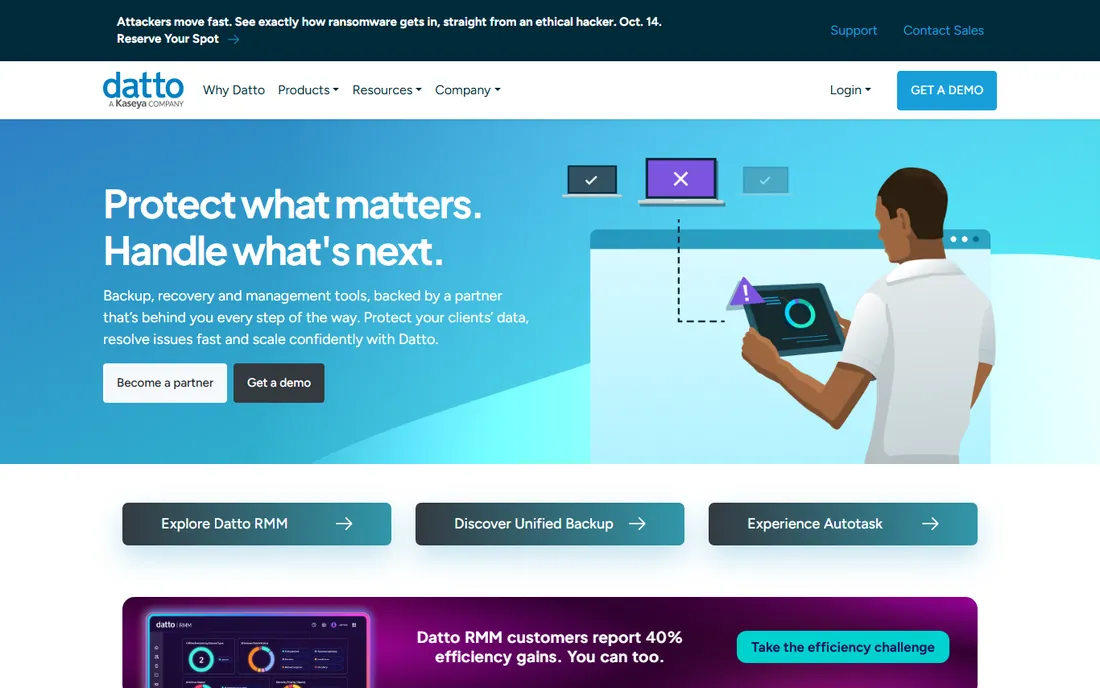
If you already run a separate RMM and just need the service-desk side done properly, Autotask is worth the quote request. It is Datto's PSA, built around tickets, projects, time tracking, contracts and billing. It pairs natively with Datto RMM and connects to the other RMMs on this list, so you are not locked into one stack.
The commercial reality is enterprise-shaped. Pricing is custom-quoted, onboarding is guided, and the configuration depth that large shops like is the same depth that slows down small ones. Ask for the contract term, renewal clause and any per-module fees in writing, since the quote you sign is only part of the total.
What we like- Deep ticketing, projects, contract management and billing in one PSA
- Pairs with Datto RMM or third-party RMMs
- Built for MSP workflows rather than adapted from generic help desks
Watch out for- Quote-only pricing with a sales-led buying process
- PSA depth means real configuration time before it pays off
#3
Kaseya (BMS/VSA)
Best for: MSPs standardizing on the Kaseya IT Complete stack
Visit kaseya.com
Starting priceSee website (custom quote)
Free planNo
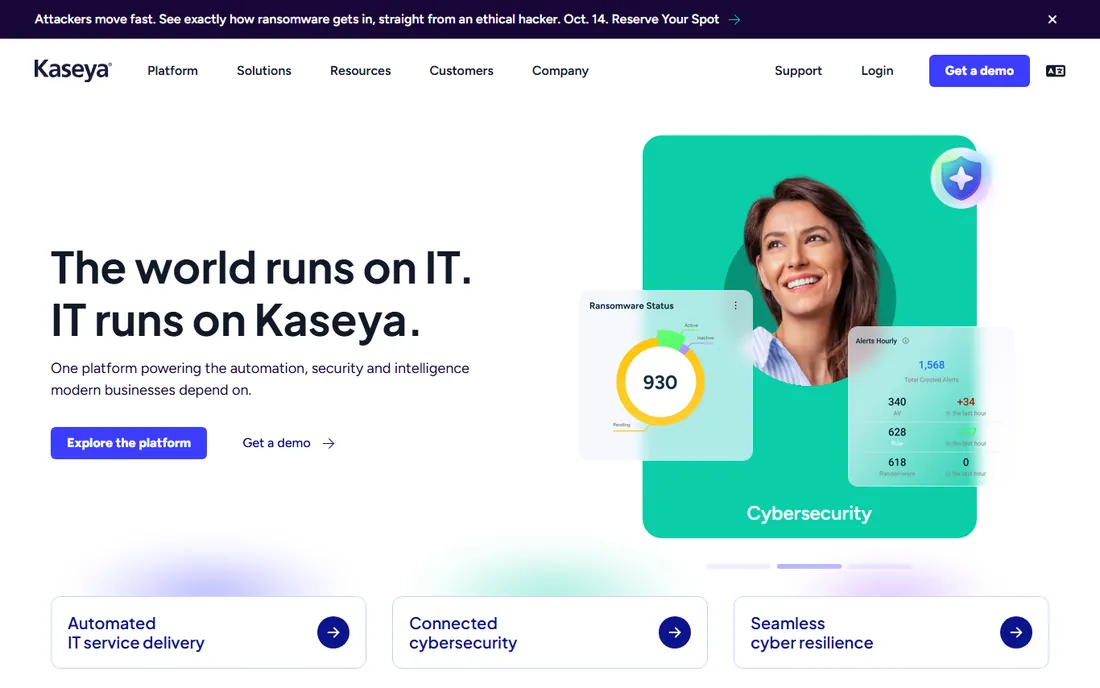
Kaseya sells the stack, not the tool. VSA is the remote monitoring and management piece, BMS is the professional services automation piece, and both sit inside the IT Complete platform with per-user subscription pricing across modules. The pitch is one vendor, one contract, one integration story from RMM to PSA to backup to security.
The catch is in the paperwork. Pricing is custom-quoted, contracts are typically annual subscriptions, and practitioners report that renewal terms and cancellation clauses deserve close reading before you sign. On the technical side, the stack works best when you commit to it; shops that buy one module and integrate everything else miss the point of the purchase.
What we like- VSA (RMM) and BMS (PSA) designed to work as one stack with per-user subscription pricing
- Wide product line from backup to security under KaseyaONE
- Common migration path from competing suites
Watch out for- Quote-only pricing
- Reviewers describe the commercial terms, especially renewal and cancellation clauses, as the part to read closely
Starting price~$3.75/device/month (per published estimates; vendor quotes)
Free planNo (free trial)
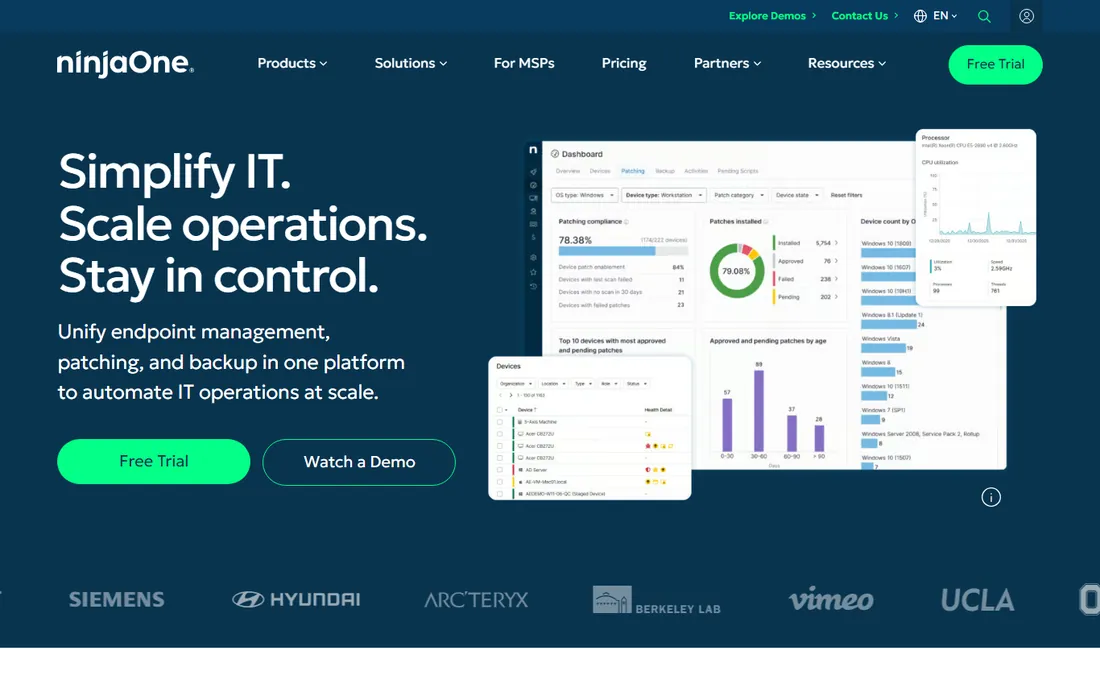
NinjaOne is the RMM that gets described as fast, which matters more than it sounds when technicians live in the console all day. Patch management, remote access, scripting and monitoring run through a cloud dashboard, with backup available as an add-on. PSA integrations cover the usual suspects, so you can pair it with Autotask, HaloPSA or ConnectWise Manage.
The pricing model is the decision point. Published estimates put it around $3.75 per device per month, with the vendor quoting directly based on volume and term. At small endpoint counts that is very competitive; at thousands of endpoints per technician, a per-tech tool may cost less. Ask for the trial and price your actual endpoint count before comparing.
What we like- Fast cloud RMM with patching, remote access, scripting and monitoring
- Backup available as an add-on
- Integrations with major PSA platforms
Watch out for- Per-device pricing punishes large endpoint counts
- The vendor quotes directly, so the exact number depends on volume and term
Starting price$129/technician/month (Core)
Free planNo (free trial)
Syncro is the all-in-one for small MSPs that hate per-device math. One platform covers remote monitoring, patching, ticketing, billing and remote access at $129 per technician per month on the Core plan, with unlimited endpoints included. Billing is month-to-month and onboarding is self-serve, which is the opposite of the enterprise buying process above.
The trade is depth. The PSA side is straightforward and easy to run, but it does not offer the configuration layers of ConnectWise Manage or HaloPSA. For shops under 10 technicians that is usually a feature, not a bug: you get tickets, patching and billing in one console without an implementation project. The published price makes budgeting simple, which the quote-only vendors cannot match.
What we like- RMM, PSA and remote access in one platform at a published per-tech price with unlimited endpoints
- Month-to-month billing
- Self-serve onboarding
Watch out for- The PSA is simpler than ConnectWise Manage or HaloPSA
- Very large shops will miss enterprise-grade configuration depth
Starting price$1.50/endpoint/month (Prime)
Free planNo (free trial)
SuperOps is the newest all-in-one on this list, and the entry price shows it. The Prime plan starts at $1.50 per endpoint per month, bundling remote monitoring and the PSA side into one console with AI-assisted ticket and alert workflows. A free trial lets you test the fit before spending anything.
The buyer math is per-endpoint, so the value depends on your estate. A hundred endpoints costs very little; a few thousand adds up fast, and then per-tech pricing from Syncro or Atera may win. As a younger platform, it also deserves a checklist review: walk your actual ticket and patching workflow through the trial rather than trusting the feature grid.
What we like- RMM + PSA in one console from $1.50 per endpoint per month on Prime
- AI-assisted workflows for tickets and alerts
- Modern interface with a published entry price
Watch out for- Younger product than the incumbents, so check the feature list against your workflow
- Per-endpoint pricing gets expensive on large estates
#7
HaloPSA
Best for: MSPs wanting deep PSA customization on a per-agent price
Visit halopsa.com
Starting price~$109/agent/month (per published estimates; vendor quotes)
Free planNo (free trial)
HaloPSA is the PSA for shops that want to configure everything. Ticketing, projects, contracts and billing are all here, with a configuration layer that reviewers praise for flexibility. Unlike the suites, it does not bundle its own RMM: it is built to pair with NinjaOne, Datto RMM, Syncro and others, so you pick the monitoring stack separately.
Published estimates put it around $109 per agent per month, with the vendor quoting directly. Per-agent pricing means the cost follows your headcount, not your endpoint count, which suits shops with dense client estates. Plan admin time for the initial setup: the depth that makes it powerful is the same depth that makes a rushed implementation painful.
What we like- Deep ticketing and PSA configuration without enterprise-suite complexity
- Pairs with third-party RMMs instead of bundling its own
- Per-agent pricing that scales with staff, not endpoints
Watch out for- Vendor quotes directly, so published numbers are estimates
- The configuration depth costs real admin time to set up well
#8
Atera
Best for: Small-to-mid MSPs wanting all-in-one simplicity on a per-tech price
Visit atera.com
Starting price$129/technician/month (Pro)
Free planNo (free trial)
Atera puts the whole stack on one per-tech price. The Pro plan at $129 per technician per month covers remote monitoring, patching, ticketing and remote access with unlimited devices, and billing runs month-to-month. AI-assisted ticket summaries and scripting are part of the pitch, aimed at cutting the time technicians spend on routine work.
Like Syncro, the value proposition is simplicity at a published price, and the trade is the same: the PSA side will not match the configuration depth of HaloPSA, Autotask or ConnectWise Manage. For shops that want one console, one bill and no sales cycle, that trade is easy to accept. Price it per technician against your endpoint density to confirm the model fits.
What we like- RMM, PSA and remote access on one per-tech plan with unlimited devices
- Published pricing with month-to-month billing
- AI-assisted ticket summaries and scripting built in
Watch out for- The PSA is simpler than dedicated platforms like HaloPSA or Autotask
- Advanced shops may outgrow the configuration options
#9
Pulseway
Best for: MSPs and internal IT teams needing mobile-first monitoring
Visit pulseway.com
Starting priceSee website (custom quote)
Free planNo (free trial)
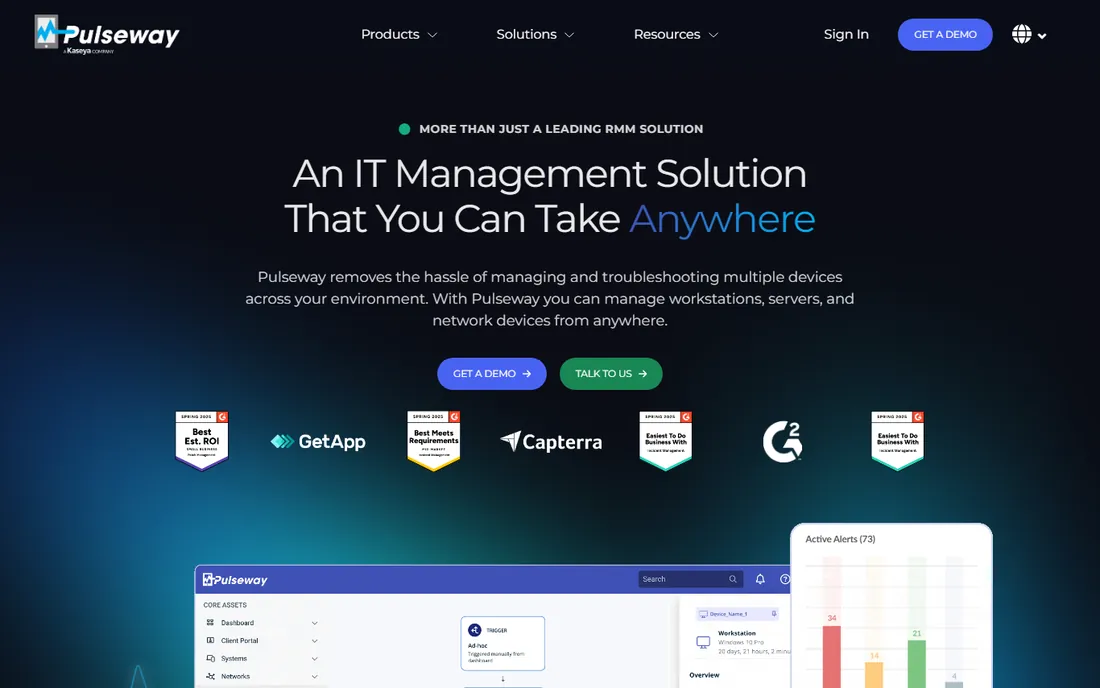
Pulseway built its name on the mobile app. Technicians can monitor, patch and remote-control endpoints from a phone, which is the reason shops pick it over desktop-bound alternatives. Monitoring, patching and automation round out the RMM side, and a free trial is available.
Pricing is custom-quoted, which puts it at a disadvantage against the published-price tools for small shops that want a number today. The service-desk side is also lighter than a dedicated PSA, so plan on pairing it with Autotask or HaloPSA if ticketing depth matters to you. It fits MSPs and internal IT teams where admins genuinely manage infrastructure from mobile.
What we like- Mobile-first RMM with full remote control from a phone
- Monitoring, patching and automation included
- Free trial to test the fit
Watch out for- Quote-only pricing, which makes comparison shopping harder
- The service-desk side is lighter than dedicated PSA platforms, so most shops pair it with one
RMM vs. PSA vs. all-in-one: what an MSP actually needs
RMM and PSA do different jobs, and the buying mistake is treating them as interchangeable. RMM (remote monitoring and management) watches endpoints, pushes patches, runs scripts and gives technicians remote access. PSA (professional services automation) runs the business side: tickets, projects, time tracking, contracts and billing. An all-in-one bundles both into one platform and one bill.
Under about 10 technicians, the all-in-one usually wins. Syncro, Atera and SuperOps give you tickets, patching, monitoring and billing in one console, which removes integration work and usually costs less than two separate contracts. The PSA side is simpler than a dedicated platform, but at this size simplicity is a feature: you need tickets answered and patches deployed, not a configuration project.
Past that size, the split stack gets common. Shops pair a standalone RMM such as NinjaOne, Pulseway or Kaseya VSA with a dedicated PSA such as Autotask or HaloPSA, because each side gets deeper features and the integrations between them are mature. The enterprise suites from ConnectWise and Kaseya aim to give you both sides from one vendor, at the cost of a sales-led buying process and annual contracts.
Whatever shape you choose, check three things before signing. First, the contract: month-to-month (Syncro, Atera) versus annual (typical at ConnectWise, Kaseya and the other quoted vendors) changes your exit options completely. Second, onboarding: self-serve trials versus multi-week guided implementations change how fast you get value. Third, integrations: your backup, documentation and quoting tools need to connect to the PSA, so confirm the specific integrations you rely on exist and are maintained.
Frequently asked questions
What is the difference between RMM and PSA software?
RMM handles the technical side: monitoring endpoints, deploying patches, running scripts and remote access. PSA handles the business side: tickets, projects, time entries, contracts and billing. All-in-one tools like Syncro, Atera and SuperOps bundle both; the other vendors on this list sell one side and integrate with the other.
How much does MSP software cost?
Published plans run from $1.50 per endpoint per month (SuperOps Prime) to $129 per technician per month (Syncro Core, Atera Pro). Published estimates put NinjaOne around $3.75 per device per month and HaloPSA around $109 per agent per month. ConnectWise, Datto Autotask, Kaseya and Pulseway are custom-quoted, and enterprise quotes typically run higher than the published plans.
Is per-tech or per-device pricing better for an MSP?
It depends on endpoint density. A technician managing 200 endpoints pays $129 per month on a per-tech plan, which works out to about $0.65 per endpoint. The same 200 endpoints at $3.75 each costs $750. Shops with many endpoints per technician usually save with per-tech pricing; shops with few endpoints usually save with per-device or per-endpoint pricing. Model your actual numbers.
Should I buy an all-in-one platform or separate RMM and PSA tools?
Under about 10 technicians, an all-in-one is usually the better buy: one console, one bill, no integration work. Larger shops often split the stack, pairing a dedicated RMM (NinjaOne, Pulseway, Kaseya VSA) with a dedicated PSA (Autotask, HaloPSA) for deeper features on each side. Either way, confirm the contract length and the integrations you depend on before signing.
Which MSP software is best for a small MSP?
For shops under 5 technicians, the published-price all-in-ones are the practical shortlist: Syncro ($129/technician/month), Atera ($129/technician/month) and SuperOps (from $1.50/endpoint/month). All three offer free trials, month-to-month-friendly terms and self-serve onboarding, which keeps the buying risk low while you confirm the fit.
Per-tech vs. per-device pricing: which model wins
The pricing model decides the bill more than the feature list does, so run the math before you fall for either. Take a technician managing 200 endpoints. On Syncro or Atera at $129 per technician per month, that is about $0.65 per endpoint per month. On SuperOps at $1.50 per endpoint, the same 200 endpoints cost $300 per month. On NinjaOne at the estimated $3.75 per device, they cost $750 per month.
The pattern is simple. Per-tech pricing rewards endpoint density: the more devices each technician covers, the cheaper every device gets. Per-device and per-endpoint pricing rewards small estates: a shop with 50 endpoints pays little, and the bill grows in a straight line with the client base. Neither model is cheaper in the abstract; the winner is whichever one makes your actual endpoint count cheaper.
Watch the fine print on both sides. Quote-only vendors (ConnectWise, Kaseya, Datto Autotask, Pulseway) may discount at volume or bundle modules, so the list comparison understates what a negotiated contract can do. And per-device estimates like NinjaOne's ~$3.75 and HaloPSA's ~$109 per agent are starting points, not invoices: the vendor quote is the real number. Model two scenarios, your current estate and your estate in 18 months, and pick the model that stays cheap in both.
How we chose
We started with the categories buyers search: MSP software, RMM software and PSA software. For each candidate we opened the vendor's own pricing page, checked prices against public reviews on G2 and Capterra and practitioner discussion on Reddit, and compared RMM/PSA scope, pricing model and MSP-size fit. Where a price could not be verified on the vendor's page we wrote "See website" or a tilde-marked estimate rather than guessing. No vendor paid for placement, and nothing here is based on hands-on testing.
Sources we checked (9)
- https://www.connectwise.com
- https://www.datto.com
- https://www.kaseya.com
- https://www.ninjaone.com
- https://www.syncromsp.com
- https://www.superops.com
- https://www.halopsa.com
- https://www.atera.com
- https://www.pulseway.com
Is your product missing or out of date?
We review this list regularly. Vendors can request a listing, send updated pricing or ask about featured placement.

Shihab Mia · Founder, Rankite
Shihab has spent more than a decade helping SaaS and e-commerce brands grow through search. He writes Rankite's software buying guides from pricing pages, documentation and public user reviews. More about Shihab.