How we make this list: we compare pricing pages, product documentation and public user reviews. Rankite is independent; if a vendor ever pays for a featured spot, that listing is clearly labeled Partner.
Key takeaways
- The realistic shortlist for most small teams: HubSpot Sales Hub (free plan, Starter $20/seat/month), Pipedrive ($14/user/month) and Zoho CRM (free plan, Standard $14/user/month), all with published prices.
- If your sales motion is heavy phone and outbound email, look at Close ($9/user/month), which is built around calling instead of contact records.
- Already living in Gmail? Copper ($23/seat/month) works inside your inbox; already on Google Workspace? Zoho and Copper both fit naturally.
- All-in-one shops should compare Keap ($159/month plus $999 onboarding) against HubSpot before paying for automation they can get cheaper elsewhere.
Quick comparison
| Tool | Best for | Starting price | Free plan |
|---|
 HubSpot Sales Hub HubSpot Sales Hub | Teams that want a free CRM with room to grow | Free plan available / Starter $20/seat/month | Yes (free plan) |
 Salesforce Salesforce | Larger teams that need deep customization and scale | $25/user/month (Starter Suite) | No (free trial) |
 Pipedrive Pipedrive | Sales-driven SMBs that live inside a visual pipeline | $14/user/month (Essential) | No (free trial) |
 Zoho CRM Zoho CRM | Budget teams, especially ones already using Zoho apps | Free plan available / Standard $14/user/month | Yes (free plan) |
 Freshsales Freshsales | Teams that want AI lead scoring at a low entry price | $9/user/month (Growth) | No (free trial) |
 Close Close | Inside sales teams doing high-volume outbound calls | $9/user/month (Solo) | No (free trial) |
 Copper Copper | Small teams that live in Gmail and Google Workspace | $23/seat/month (Basic) | No (free trial) |
 Keap Keap | Solo businesses and tiny teams wanting CRM plus marketing automation in one bill | $159/month (Pro) + $999 onboarding | No |
 monday sales CRM monday sales CRM | Teams that want to manage sales on flexible, visual boards | $12/seat/month (Basic) | No (free trial) |
Is your product missing or out of date?
We review this list regularly. Vendors can request a listing, send updated pricing or ask about featured placement.
The best sales software
Most teams buy too much CRM. They pay for dashboards, forecasting modules and workflow engines that nobody opens, then the reps keep selling from spreadsheets anyway. The best sales software is the one your reps actually open every morning. That means the price per seat, the learning curve and the fit with how your team already works matter more than the feature list.
These nine tools cover the real range of the market: free-entry CRMs, pipeline-first sales tools, calling-focused platforms and all-in-one suites. All prices below come from the vendors' own pricing pages. When you are comparing options, think of this as the best sales management software guide for teams that want to keep costs honest.
#1
HubSpot Sales Hub
Best for: Teams that want a free CRM with room to grow
Visit hubspot.com
Starting priceFree plan available / Starter $20/seat/month
Free planYes (free plan)
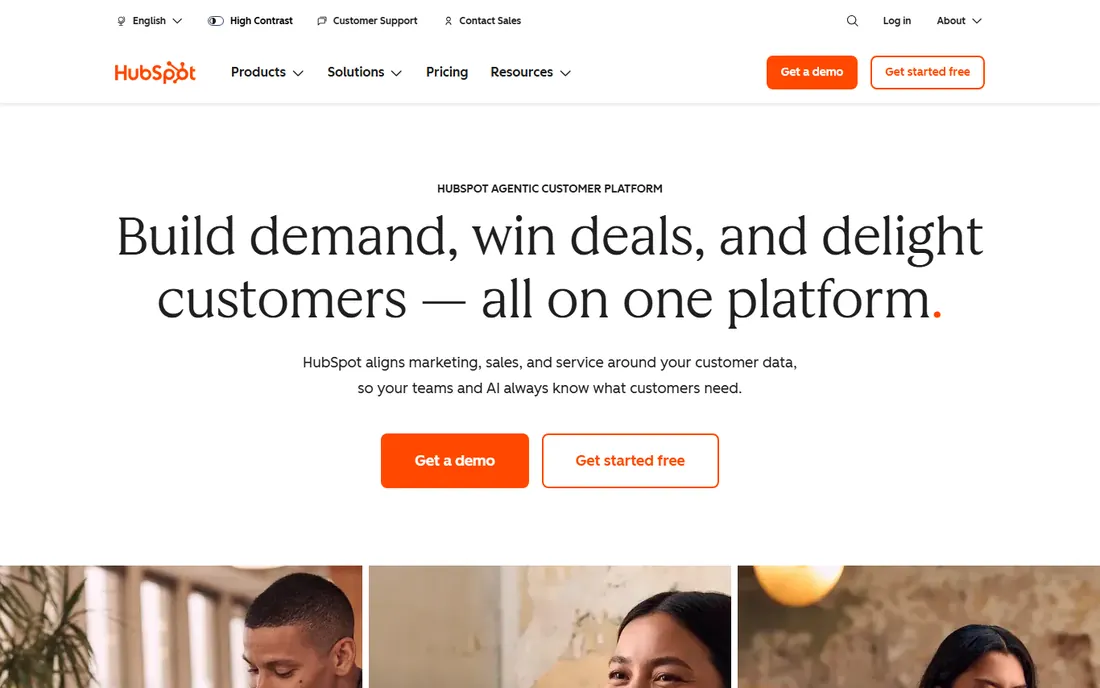
The free plan is the reason HubSpot leads this list. You get a genuinely usable CRM for up to 2 million contacts with deal pipelines, email templates, call tracking and meeting links, all free. For a small team getting organized, that is often enough for a year or more. Starter at $20 per seat per month adds simple automation, more email templates and custom reporting without a big jump.
The honest catch is the pricing ramp. Sales Hub Professional starts at $90 per seat per month, and onboarding for that tier is $1,500, which the vendor charges upfront. Integrations cover Gmail, Outlook, Slack, Zoom and most major tools, and the marketplace has over 1,500 apps. Support on Starter is email and in-app chat. If you like the free plan, commit to it; if you outgrow it, budget carefully because the middle tiers are the most expensive part.
What we like- Generous free CRM covers contacts, companies, deals, tickets and pipeline with no credit card required
- Email tracking, meeting scheduling and live chat included at no cost
- Scales from free to enterprise on one platform
Watch out for- Costs climb fast as you add seats and paid add-ons
- The free tier limits some reporting and automation depth that paid plans gate
Starting price$25/user/month (Starter Suite)
Free planNo (free trial)
At $25 per user per month, the Starter Suite is Salesforce's attempt to meet small businesses where they are: one plan that covers sales, service and basic marketing with guided setup. It includes lead and contact management, pipeline views, email integration and basic forecasting. That is real CRM functionality at a price smaller teams can justify.
Everything beyond Starter gets serious. Professional runs $80 per user per month and Enterprise $165, and both assume someone on your side knows how to configure workflows, validation rules and reports. Salesforce's real cost is rarely the subscription; it is the implementation and the admin time. Buy Starter if you want Salesforce's data model at small-business pricing. Buy the bigger editions only when you have the people to run them.
What we like- Starter Suite bundles sales, service and marketing at an accessible entry price
- The AppExchange marketplace offers thousands of integrations and add-ons
- Customization depth is unmatched once you have an admin
Watch out for- Administration overhead grows quickly and most teams need a dedicated admin
- Implementation and consulting costs can exceed the subscription itself
Starting price$14/user/month (Essential)
Free planNo (free trial)
Pipedrive does one thing well: the pipeline. Deals move as cards across stages, every deal has a next action, and the activity-based selling approach keeps reps focused on calls, emails and meetings instead of data entry. Essential at $14 per user per month covers the core pipeline, contact management, email sync and mobile apps. Advanced at $39 and Professional at $64 add automation, multiple pipelines and deeper insights.
The tradeoff is scope. Pipedrive is a sales tool, not a marketing suite: email campaigns are a separate add-on and the reporting on Essential is basic. Integrations cover Google Workspace, Microsoft 365, Slack, Zoom and Zapier, and setup takes hours, not weeks. For teams of five to fifty where the pipeline is the job, this is the most focused buy on the list.
What we like- Visual pipeline is the clearest in this set, easy to learn in an afternoon
- Per-seat entry price is among the lowest
- Workflow automation and email sync work well out of the box
Watch out for- Marketing automation and advanced reporting sit on higher tiers
- Contact caps and email sync limits apply on Essential
#4
Zoho CRM
Best for: Budget teams, especially ones already using Zoho apps
Visit zoho.com
Starting priceFree plan available / Standard $14/user/month
Free planYes (free plan)
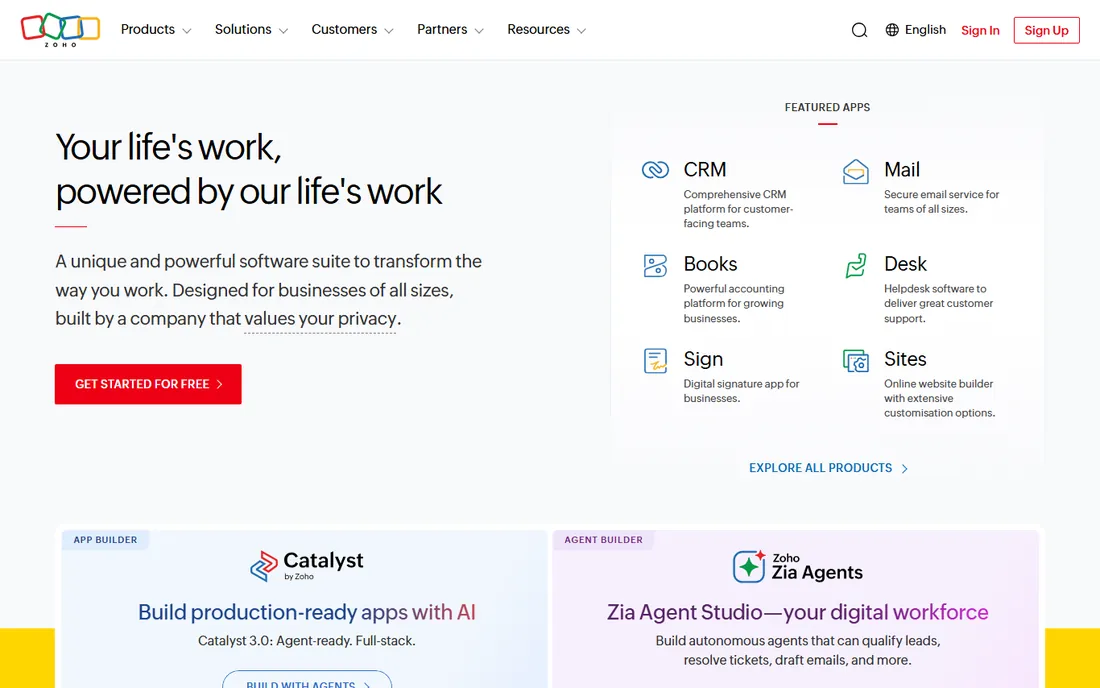
Zoho CRM wins on math. The free plan covers three users with the basics, and Standard at $14 per user per month adds mass email, sales forecasting, custom dashboards and automation rules that HubSpot reserves for higher tiers. If your team already runs Zoho Books or Zoho Mail, the native connections are a genuine advantage and the bundle discounts bring costs down further.
What you give up is polish. The interface carries years of feature additions and it shows; new users need more orientation than Pipedrive. Professional ($23) and Enterprise ($40) add AI scoring, territory management and sandbox environments. Support on Standard is email only, with phone support starting higher. For cost per feature, Zoho is the hardest to beat in this set.
What we like- Free plan supports up to 3 users with leads, contacts, deals and tasks
- Standard at $14 undercuts most competitors on paid features
- The Zoho ecosystem bundles email, books, projects and more
Watch out for- Interface feels dense and dated compared to Pipedrive or Copper
- Some integrations are smoother inside Zoho's own suite than with outside tools
Starting price$9/user/month (Growth)
Free planNo (free trial)
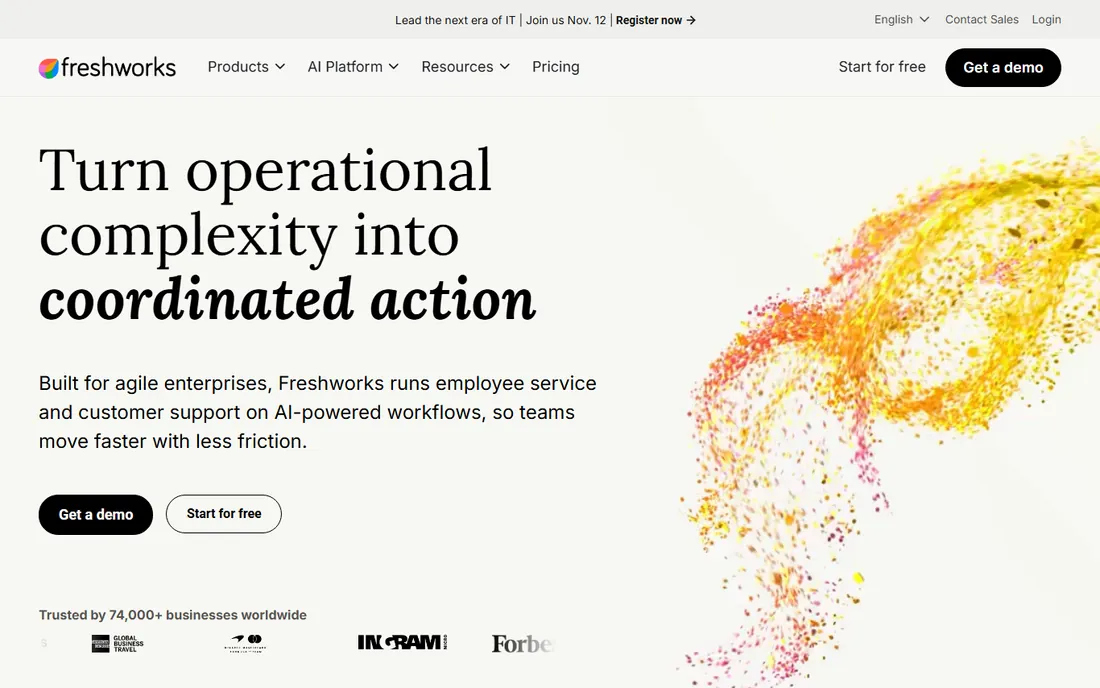
Freshsales is Freshworks' answer to Pipedrive: a sales CRM with a modern interface and a starting price under $10 per seat. The Growth plan at $9 per user per month includes the visual sales pipeline, built-in phone with call recording, email integration, AI contact scoring and workflow automation. That is a strong bundle at this price point.
Pro ($39) and Enterprise ($59) add multiple sales pipelines, AI deal insights, territory management and dedicated account managers. The product fits teams that want calling, emailing and pipeline management in one tab without buying three tools. Integration depth with outside apps is decent through the Freshworks marketplace and Zapier, but the strongest connections are inside Freshworks itself. Worth a close look against Pipedrive if your reps make calls.
What we like- Growth plan at $9 is the cheapest paid entry in this set
- Built-in phone and email with AI-powered lead scoring included
- Clean, modern interface with quick setup
Watch out for- No permanent free plan, only a trial
- Advanced AI features and territory management require Pro or Enterprise tiers
#6
Close
Best for: Inside sales teams doing high-volume outbound calls
Visit close.com
Starting price$9/user/month (Solo)
Free planNo (free trial)
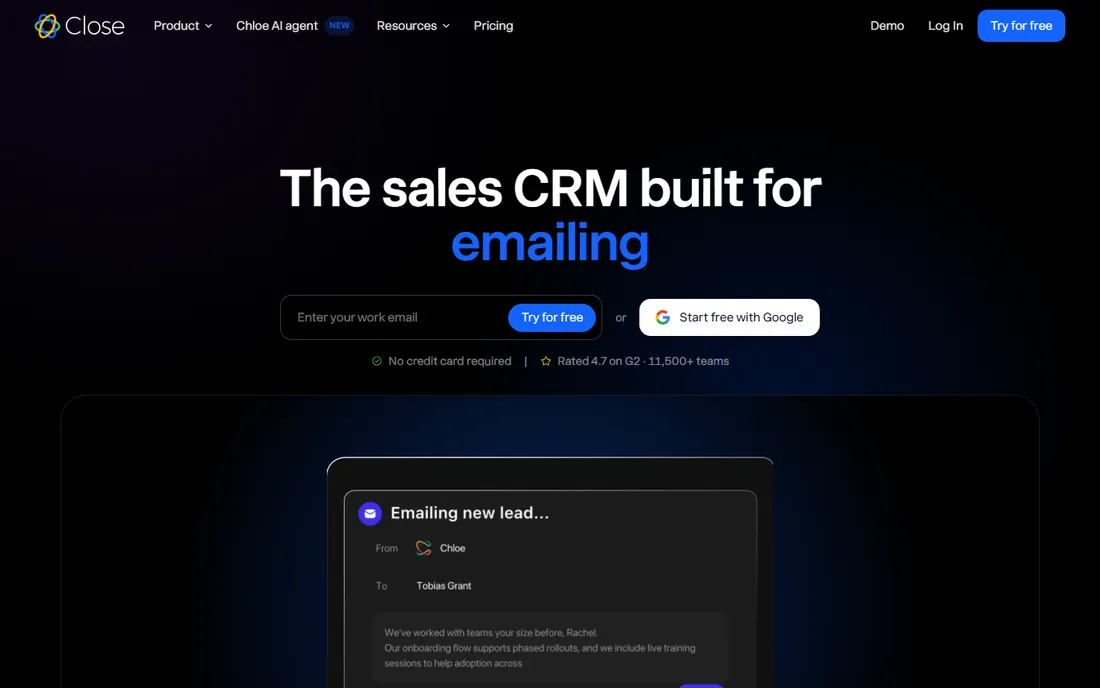
Close is the only tool here built around the phone first. Reps call, text and email from inside the CRM, with power dialing, call recording, voicemail drops and automatic logging. Solo at $9 per user per month covers one user with calling and SMS; the Growth plan at $49 and Scale at $139 add predictive dialing, more automation and deeper reporting.
This is a specialist buy. If your team makes fifty-plus calls a day, Close removes the tab-switching that slows every other CRM down. If your team mostly does email outreach or runs on referrals, the calling depth is wasted and a general CRM fits better. Integrations focus on the sales stack: Twilio (which powers the calling), Zapier, Slack and a few dozen others. Support is email and chat on all plans.
What we like- Calling, SMS and email built into one interface, so reps never switch tools
- Power dialer and predictive dialer options built in
- Reporting is tailored to call-heavy sales motions
Watch out for- Marketing features and broad integrations are thinner than general CRMs
- The interface optimizes for callers, which can frustrate teams with other workflows
#7
Copper
Best for: Small teams that live in Gmail and Google Workspace
Visit copper.com
Starting price$23/seat/month (Basic)
Free planNo (free trial)
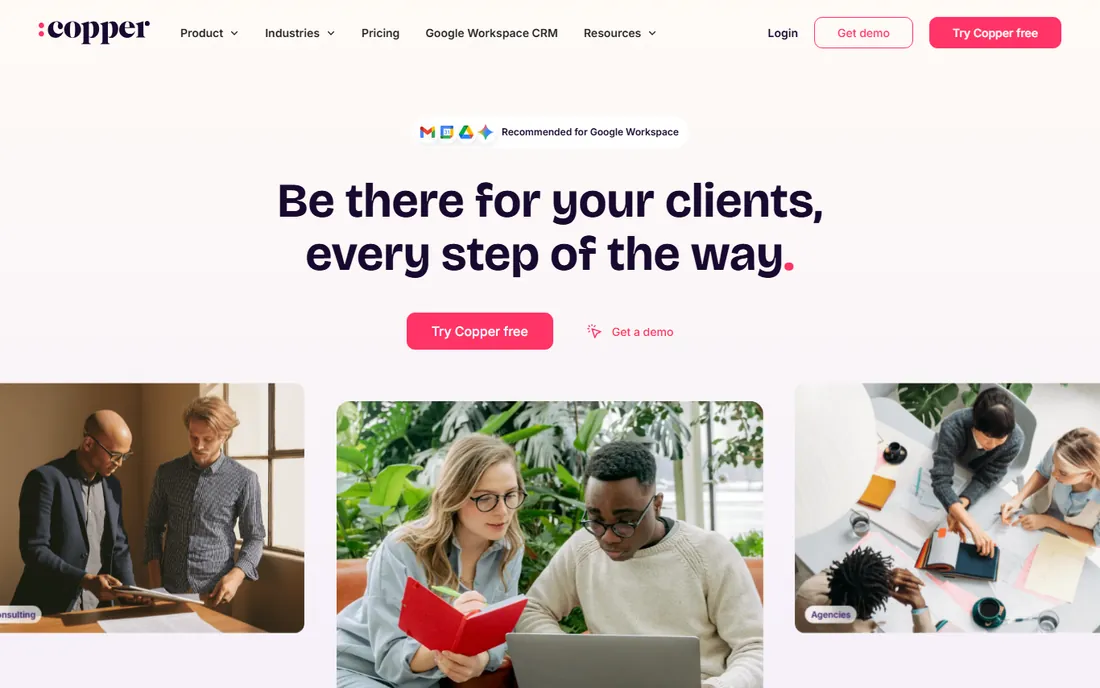
Copper (formerly ProsperWorks) is the CRM for teams that will not leave Gmail. It sits inside your inbox: emails attach to deals automatically, contacts build themselves from your correspondence, and the Google Calendar and Drive connections are native rather than bolted on. Basic at $23 per seat per month covers pipeline management, email tracking, task automation and mobile apps.
The price reflects the niche. You pay more than Pipedrive for a similar feature set, and the payoff is adoption: reps who live in Gmail actually use Copper because it meets them where they work. Professional ($59) and Business ($99) add advanced reporting, custom fields and dedicated support. If your company runs on Microsoft 365 instead, this is the wrong tool; the whole value is the Google integration.
What we like- Native Gmail and Google Workspace integration is the deepest in this set
- Contacts and deals auto-enrich from your inbox
- Simple interface with fast onboarding
Watch out for- Priced above Pipedrive and Freshsales for comparable features
- Customization and reporting depth trail Salesforce and HubSpot
#8
Keap
Best for: Solo businesses and tiny teams wanting CRM plus marketing automation in one bill
Visit keap.com
Starting price$159/month (Pro) + $999 onboarding
Free planNo

Keap sells one promise: the CRM, the email campaigns, the invoices and the payments all in one place, so a solo business owner runs the whole operation from one login. Pro at $159 per month covers 1,500 contacts with marketing automation, appointment booking, quotes and invoicing. The $999 onboarding fee is mandatory and buys guided setup over several weeks.
Do the math before you commit. A freelancer or consultant sending regular campaigns gets CRM plus email plus invoicing for $159, which beats buying three separate tools. A team that just needs to track deals is paying for marketing features it will never touch, and HubSpot or Pipedrive costs a fraction. Keap's world is service businesses, coaches and consultants; if that is you, it fits. If not, skip it.
What we like- Combines CRM, email marketing, invoicing and payments in one platform
- Automation builder handles follow-up sequences well
- Strong fit for service businesses with repeat clients
Watch out for- $159 per month plus a $999 onboarding fee is the steepest entry price here
- Overkill for teams that only need pipeline management
#9
monday sales CRM
Best for: Teams that want to manage sales on flexible, visual boards
Visit monday.com
Starting price$12/seat/month (Basic)
Free planNo (free trial)
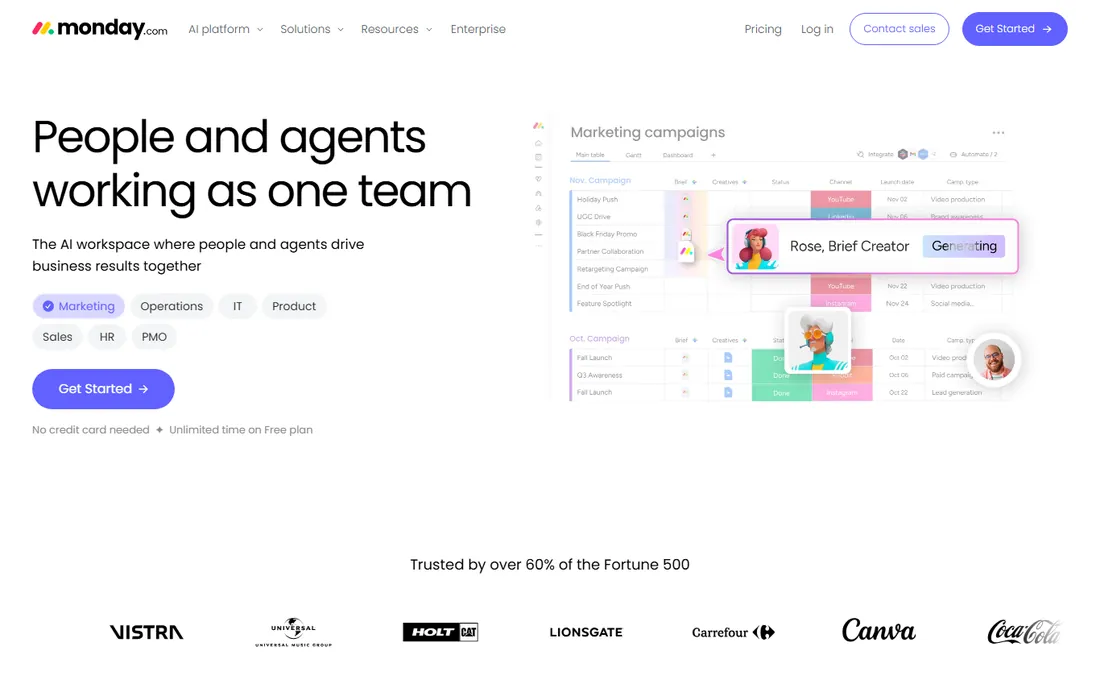
monday sales CRM is monday.com's work OS pointed at sales. Deals, leads and activities live on boards you can reshape into pipelines, lists, calendars or dashboards, and the automation builder handles the routine follow-ups without code. Basic at $12 per seat per month is the cheapest entry here after Freshsales and Close, covering unlimited boards, 5 GB of storage and basic automations.
The honest caveat is that you build the CRM yourself. Out of the box it is a flexible platform; turning it into a tuned sales machine takes configuration time or one of monday's sales templates. Standard ($17), Pro ($28) and Enterprise (custom) add more automation runs, private boards and advanced reporting. Email integration works through Gmail and Outlook connectors, and calling needs a third-party app. Best for teams that already think in boards and want sales to live in the same system as everything else.
What we like- Board-based interface adapts to any sales process, not just pipelines
- Automations and dashboards are easy to build without code
- Low per-seat starting price
Watch out for- Needs configuration before it feels like a CRM
- Email and calling integrations are add-ons rather than native
Free CRM vs. paid: where the free tier breaks
Two tools here offer real free plans: HubSpot Sales Hub and Zoho CRM. Both are genuinely usable, not demos, and both break at predictable points. The breaks are contact or user caps, automation limits and reporting depth. HubSpot's free plan supports a large contact database but gates advanced reporting, custom objects on deeper levels and the automation that saves time at scale. Zoho's free plan caps at three users, which means a fourth hire forces the first paid decision.
The pattern is the same everywhere. Free gets you organized: contacts, deals, a pipeline, basic email. Paid buys you speed: automation that follows up while you sleep, scoring that ranks your leads, reporting that shows which rep is slipping. The mistake is not starting free. The mistake is staying free a year too long, when the manual work costs more than $14 to $20 per seat per month.
Run the numbers on your own team. A rep who saves three hours a week from automation is worth far more than the subscription. But a five-person team paying $90 per seat on HubSpot Professional is spending $5,400 a year before add-ons, when Pipedrive Advanced at $39 per seat does the pipeline job for $2,340. The free tier breaks where your process gets complex; buy the cheapest plan that covers the complexity, nothing more.
How to pick sales software without overbuying
Start with how your team actually sells. Phone-heavy outbound points to Close. Inbox-heavy relationship selling points to Copper. Visual pipeline discipline points to Pipedrive. A team that needs marketing automation too points to HubSpot or Keap. A team with complex products, long cycles and a dedicated admin points to Salesforce. The category called best sales management software is not one product; it is the product that matches the motion.
Then count seats honestly. Every tool here charges per user per month, and the difference between $9 and $90 per seat is $972 per person per year. A ten-person team on Freshsales Growth costs $1,080 a year. The same team on HubSpot Professional costs $10,800 a year. Map the features you need against the tier that has them, and check whether the next tier up is a cliff or a step.
Finally, run a trial with real data. Every tool except Keap offers a free plan or trial, and two weeks of real deals in the system tells you more than any demo. Test the mobile app, test the email integration, and ask support one hard question to see how they respond. Sign month-to-month at first. Annual contracts usually save 15 to 20 percent, but only commit once the team is actually using it.
Frequently asked questions
What is the cheapest sales software for a small team?
HubSpot Sales Hub and Zoho CRM both offer free plans, which is the cheapest possible start. Among paid plans, Freshsales Growth at $9 per user per month and Close Solo at $9 per user per month are the lowest entries, followed by monday sales CRM Basic at $12 per seat per month.
Do I need a CRM if my team is under five people?
Probably, but a free one. At that size, the job is remembering who you talked to and what was promised. HubSpot's free plan or Zoho's free plan handles that without a bill. Pay when the team grows past the free limits or when manual follow-up starts costing deals.
HubSpot vs. Salesforce: which should a small business choose?
HubSpot for simplicity and a free start; Salesforce Starter Suite at $25 per user per month for teams that expect to need deep customization later. HubSpot gets you running in a day. Salesforce rewards teams that have, or plan to hire, someone to administer it. Most teams under twenty people are better served by HubSpot or a specialist like Pipedrive.
Can sales software replace my email marketing tool?
Sometimes. Keap and HubSpot both bundle email marketing with the CRM, which suits small teams that send newsletters and follow-up sequences. If email is a major channel with complex campaigns, a dedicated email platform plus a pipeline-focused CRM like Pipedrive is usually the stronger combination.
How long does it take to set up a sales CRM?
Hours for the simple tools, weeks for the complex ones. Pipedrive, Freshsales and Copper can be running with real deals the same day. HubSpot's free plan takes a day or two. Salesforce Starter is guided but plan on a week; full Salesforce implementations run into months. Keap's mandatory onboarding runs several weeks, which is part of what the $999 buys.
How we chose
We started with the categories buyers search: sales software, sales CRM software, best CRM for small business and sales management software. For each candidate we opened the vendor's own pricing page, checked prices against public reviews on G2 and Capterra and practitioner discussion on Reddit, and compared features, per-seat pricing, free plan terms, integrations and company-size fit. Where a price could not be verified on the vendor's page we wrote "See website" rather than guessing.
Sources we checked (11)
- https://www.hubspot.com/pricing/sales
- https://www.salesforce.com/editions-pricing/sales-cloud/
- https://www.pipedrive.com/en/pricing
- https://www.zoho.com/crm/zohocrm-pricing.html
- https://www.freshworks.com/crm/pricing/
- https://www.close.com/pricing
- https://www.copper.com/pricing
- https://www.keap.com/pricing
- https://www.monday.com/pricing
- https://www.g2.com/categories/sales-crm
- https://www.capterra.com/crm-software/
Is your product missing or out of date?
We review this list regularly. Vendors can request a listing, send updated pricing or ask about featured placement.

Shihab Mia · Founder, Rankite
Shihab has spent more than a decade helping SaaS and e-commerce brands grow through search. He writes Rankite's software buying guides from pricing pages, documentation and public user reviews. More about Shihab.