How we make this list: we compare pricing pages, product documentation and public user reviews. Rankite is independent; if a vendor ever pays for a featured spot, that listing is clearly labeled Partner.
Key takeaways
- ClickUp and monday.com pack the most features per dollar for growing teams.
- Asana balances power and usability at fair prices.
- Notion and Trello are the cheapest paths to organized work.
- Zoho Projects and Teamwork offer strong value in their niches.
- Basecamp's flat pricing suits teams tired of per-seat bills.
What value means in project management software
Value is not the cheapest tool; it is the most capability for the money your team will actually use. A $7 per user tool that everyone adopts beats a $3 tool nobody opens, and a flat-rate plan beats per-seat pricing once headcount grows.
This comparison weighs features against price honestly: what you get on the entry paid tier, how generous the free plan is, and where the pricing jumps as teams grow. All eight tools below offer real project management, not just task lists, at prices small and mid-sized teams can defend.
Quick comparison
| Tool | Best for | Starting price | Free plan |
|---|
 ClickUp ClickUp | Teams wanting everything in one cheap package | See website | Yes, free plan available |
 Asana Asana | Teams wanting proven PM at fair prices | See website | Yes, free plan available |
 monday.com monday.com | Visual teams wanting flexible work management | See website | Yes, free plan available |
 Notion Notion | Teams combining docs, wikis, and projects | See website | Yes, free plan available |
 Trello Trello | Simple kanban at minimal cost | See website | Yes, free plan available |
 Zoho Projects Zoho Projects | Affordable traditional project management | See website | Yes, free plan available |
 Teamwork Teamwork | Client-service teams wanting PM value | See website | Yes, free plan available |
 Basecamp Basecamp | Teams wanting flat pricing without per-seat math | See website | Trial available |
Is your product missing or out of date?
We review this list regularly. Vendors can request a listing, send updated pricing or ask about featured placement.
How we chose
We selected established project management platforms with generous free tiers or fair entry pricing and real teams running on them. We compared what the entry paid tier actually includes, since headline prices hide feature gates.
We weighed usability alongside price because adoption determines value. We checked for the core views teams need, kanban, list, calendar, and timeline, and noted where they require higher tiers. Vendor claims were checked against pricing pages.
Starting priceSee website
Free planYes, free plan available
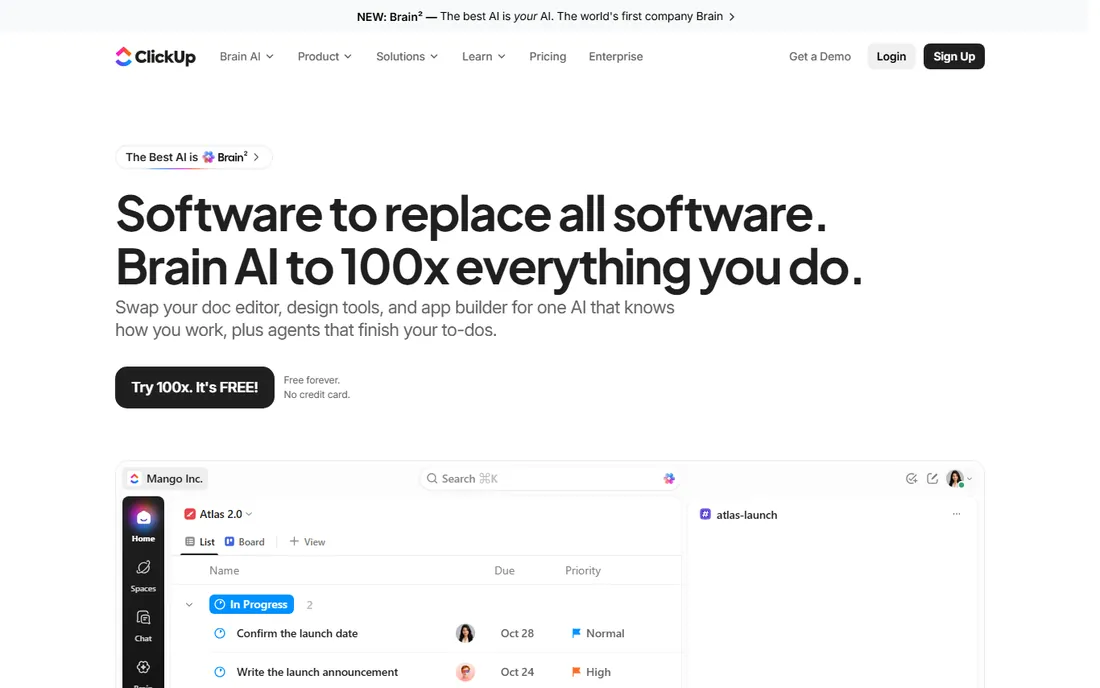
ClickUp's value proposition is blunt: more features per dollar than anyone else. Docs, whiteboards, goals, time tracking, and automations come standard where rivals charge extra or omit them entirely.
The free tier is genuinely usable for small teams, and paid plans stay affordable as you grow. Customization runs deep, which is both the appeal and the risk.
New users face a learning curve from the sheer options. But for teams that want one tool instead of five subscriptions, ClickUp is the value king.
What we like- Enormous feature set for the price
- Generous free tier
- Highly customizable
- Docs, goals, and time tracking included
Watch out for- Can feel overwhelming
- Performance hiccups
- The breadth needs configuration
Starting priceSee website
Free planYes, free plan available
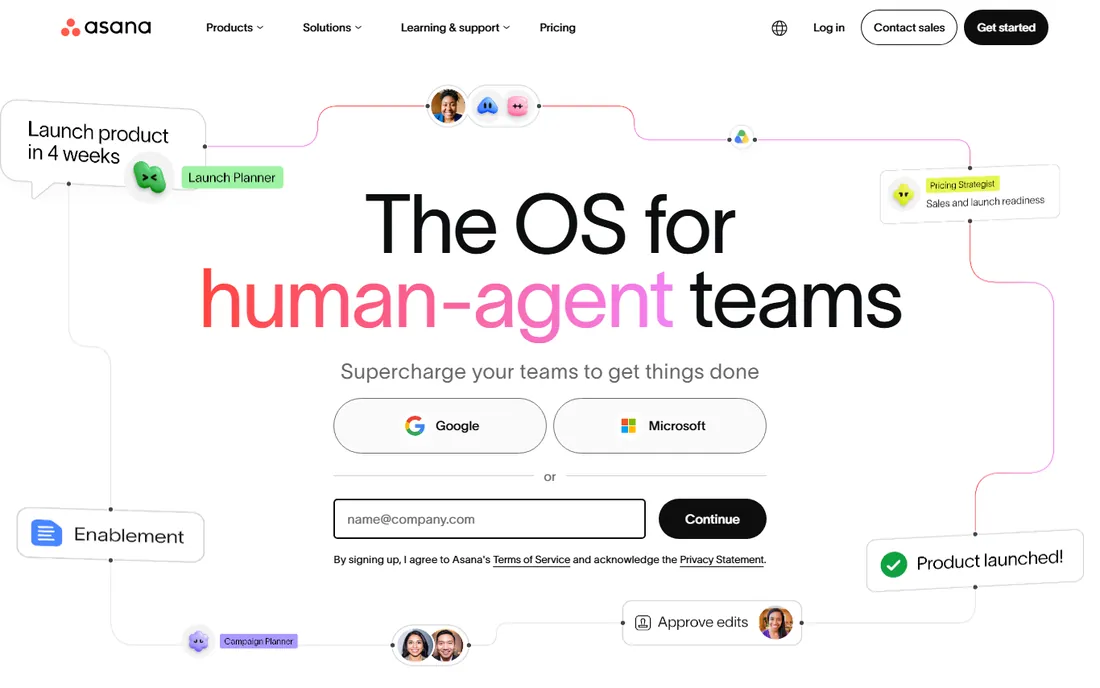
Asana is the refined choice: project management that teams adopt quickly, with templates, rules, and reporting that cover most needs without fuss. The free tier handles small teams well.
Paid plans add timelines, advanced reporting, and portfolios for managing work across projects. The interface remains the benchmark for clarity.
Per-seat pricing means costs grow linearly with headcount, and some key views sit in higher tiers. For proven, pleasant PM at fair prices, Asana delivers.
What we like- Polished and reliable
- Great templates
- Good automation
- Trusted by millions of teams
Watch out for- Advanced features need higher tiers
- Timeline view paywalled
- Pricing climbs with seats
#3
monday.com
Best for: Visual teams wanting flexible work management
Visit monday.com
Starting priceSee website
Free planYes, free plan available
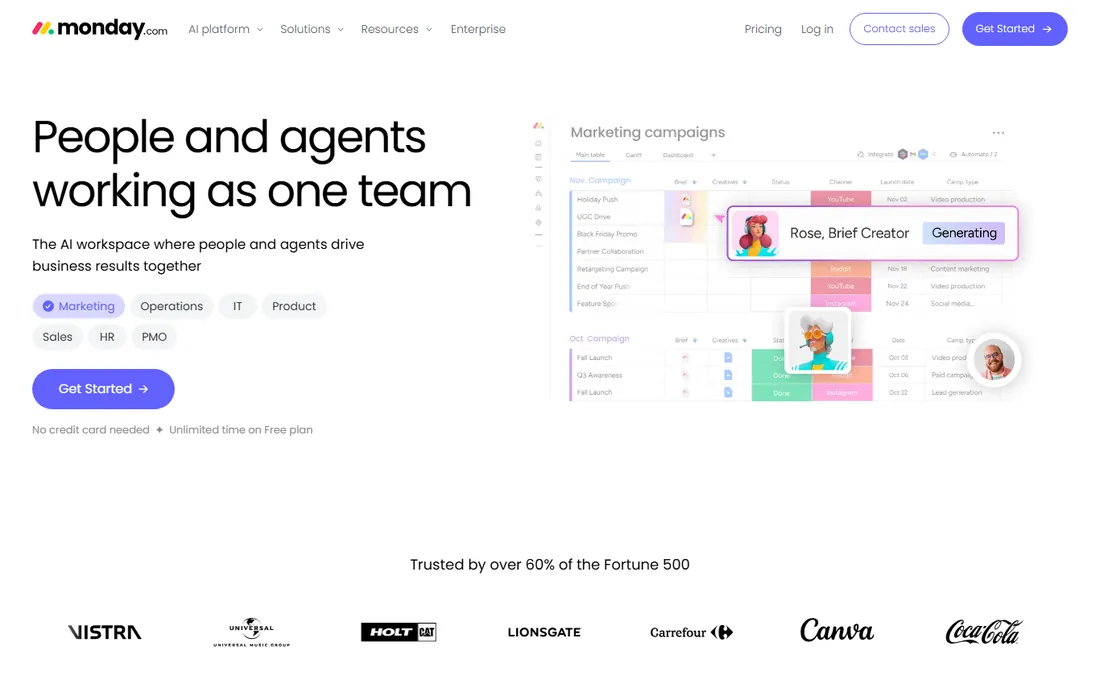
monday.com's colorful boards adapt to almost any workflow, from marketing campaigns to CRM-lite to product development. Automations handle the repetitive status updates, and the template library speeds setup.
The free tier covers individuals, and paid plans add the views and automations teams need. Non-project use cases, like applicant tracking or content calendars, extend the value.
Costs scale with seats and the marketplace tempts spending. For visual, flexible work management, the value holds.
What we like- Highly visual and customizable
- Good automations
- Broad template library
- Strong for non-PM use cases
Watch out for- Pricing per seat adds up
- Can get expensive with add-ons
- The flexibility needs setup
Starting priceSee website
Free planYes, free plan available
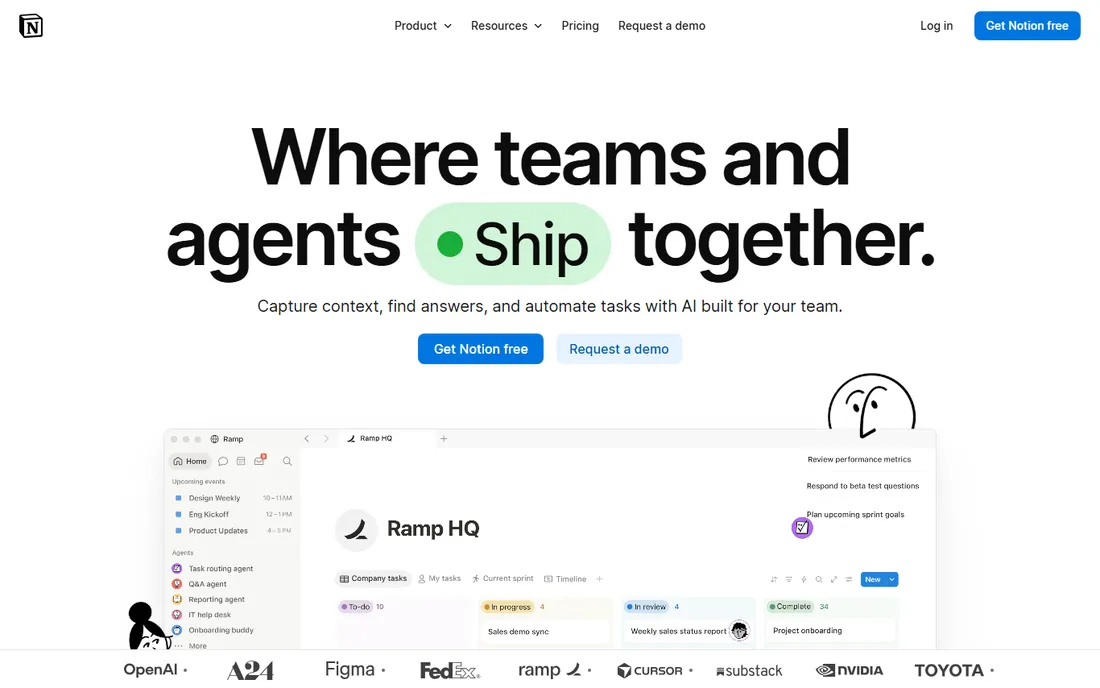
Notion replaces several subscriptions at once: wiki, docs, and project tracking in one affordable tool. Databases with kanban, calendar, and timeline views handle real project work for many teams.
The free tier is generous and paid plans are cheap per user. For startups consolidating tools, the savings compound.
Dedicated PM features like workload management and advanced reporting are thinner. But as the everything workspace, Notion's value is unmatched.
What we like- Docs, databases, and projects in one
- Very affordable
- Flexible
- Generous free tier
Watch out for- Project features lighter than dedicated PM
- Performance on huge workspaces
- Needs setup discipline
Starting priceSee website
Free planYes, free plan available
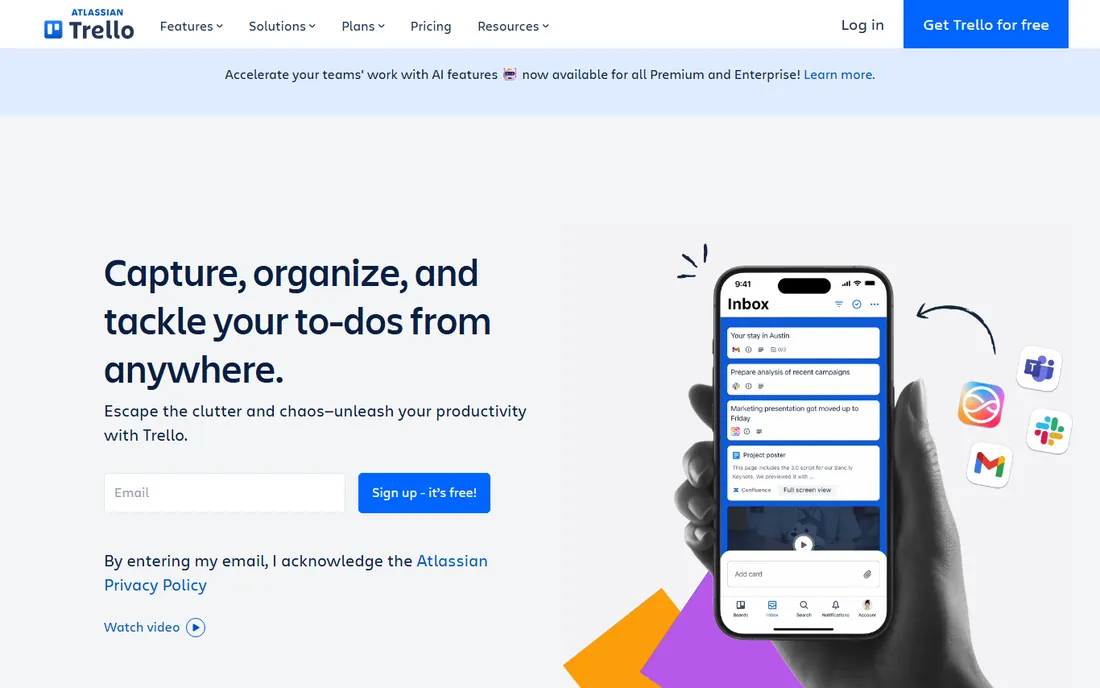
Trello is kanban distilled: boards, lists, cards, done. Teams learn it in minutes, the free tier covers generous use, and Power-Ups add calendar, voting, and integrations.
For straightforward workflows, nothing beats the simplicity-to-price ratio. Small teams run entire operations on free Trello boards.
Complex projects with dependencies and portfolios outgrow it. But for simple work managed simply, Trello remains the value baseline.
What we like- Simplest kanban available
- Generous free tier
- Quick to learn
- Good integrations via Power-Ups
Watch out for- Limited for complex projects
- Advanced features need paid tiers
- Atlassian ecosystem pressure
#6
Zoho Projects
Best for: Affordable traditional project management
Visit zoho.com
Starting priceSee website
Free planYes, free plan available
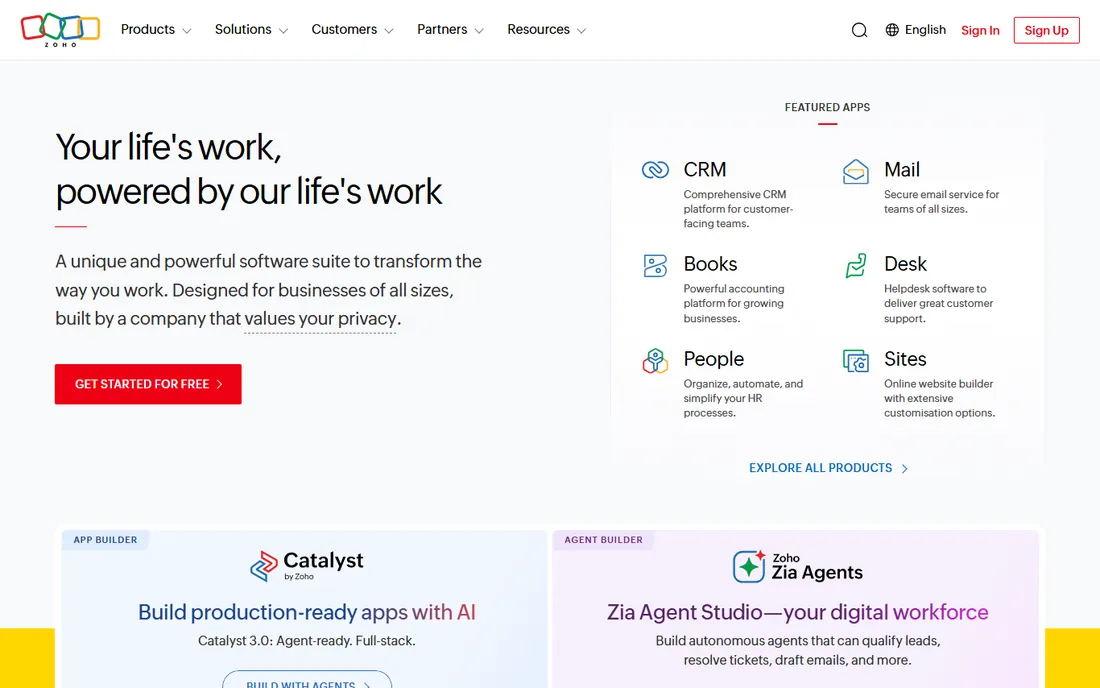
Zoho Projects delivers traditional project management, Gantt charts, milestones, timesheets, at prices far below Western rivals, with a free tier for small teams. It is real PM software, not a lite version.
Zoho ecosystem users get natural integration with CRM, docs, and mail. The feature depth surprises buyers expecting a budget compromise.
The interface and ecosystem trail the leaders. For affordable, complete project management, Zoho Projects is the quiet value pick.
What we like- Full PM features cheaply
- Gantt charts included
- Good for Zoho users
- Reasonable paid tiers
Watch out for- Interface less modern
- Fewer integrations
- Smaller community
Starting priceSee website
Free planYes, free plan available
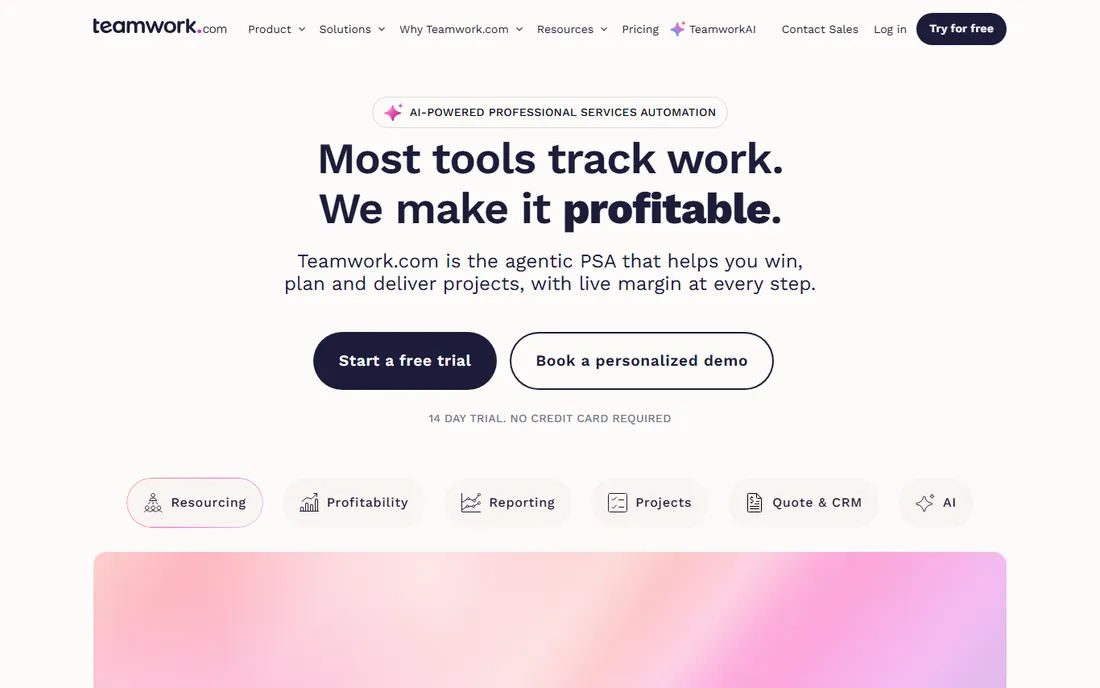
Teamwork is built for agencies and client-service teams: projects with budgets, time tracking that feeds invoicing, and client visibility controls. The value shows in billable work managed profitably.
Pricing stays reasonable as teams grow, and the free tier covers small teams. Features like workload management and project health help managers spot trouble early.
It lacks the trendiness of Notion or monday.com. For client work economics, it is purpose-built value.
What we like- Built for client work
- Time tracking and billing
- Good project templates
- Fair pricing
Watch out for- Less known
- Interface dated in spots
- General PM less trendy
Starting priceSee website
Free planTrial available
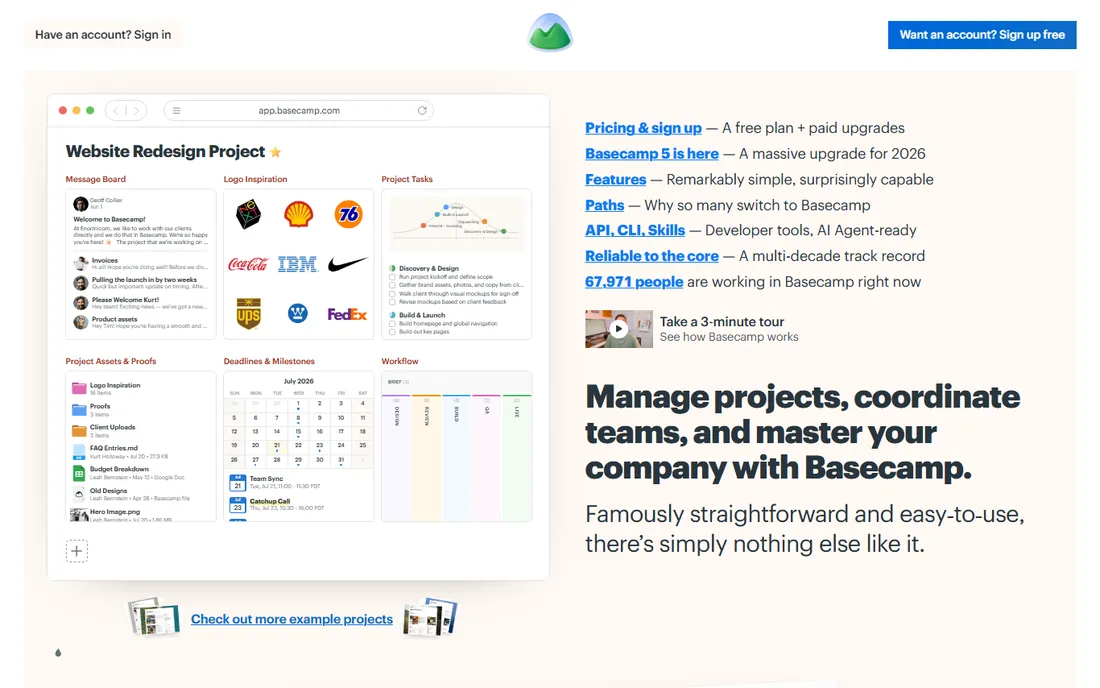
Basecamp's pricing is the differentiator: one flat monthly rate whether you have ten users or a hundred. Growing teams escape the per-seat treadmill entirely.
The product is deliberately simple: to-dos, message boards, schedules, and file sharing without the feature sprawl. Teams that find modern PM tools overwhelming often love the restraint.
Power users will miss advanced views and automations. But for predictable costs and calm software, Basecamp's flat pricing is unique value.
What we like- Flat monthly price regardless of users
- Refreshingly simple
- No per-seat surprises
- Long track record
Watch out for- Feature set intentionally limited
- No free tier
- Less flexible than rivals
Getting the best value from PM software
Start with the free tier and an honest pilot: the cheapest tool your team actually uses beats the expensive one they avoid. Count total cost including the add-ons and integrations you will inevitably buy.
Revisit annually. Teams outgrow tools, pricing changes, and the per-seat math that worked at twenty people breaks at two hundred. Basecamp-style flat pricing deserves a look whenever headcount growth makes per-seat bills wince-inducing.
The biggest waste is paying for seats nobody uses. Audit active users quarterly and remove the inactive ones; most teams find ten to twenty percent of licenses idle. Reassign or downgrade before renewing. License hygiene is the easiest savings in software.
Second, ignoring the free tier limits strategically. Many teams pay for features available free, like basic kanban or docs, while underusing the paid features they bought. Map what you actually use against each tier annually, and downgrade where the paid features go untouched.
Third, buying add-ons impulsively. Marketplace apps and power-ups solve real problems but accumulate into significant spend. Review every paid add-on yearly: is it still used, and does a native feature now cover it? Consolidation saves more than negotiation.
Fourth, neglecting templates and automations. The value of PM software multiplies when routine work runs itself: status updates, recurring tasks, and notifications handled by rules. Invest a day in building templates and automations; the hours saved compound monthly.
Finally, letting the tool sprawl across the company unmanaged. Five teams on five tools means five bills and zero visibility. Standardize where possible, integrate where not, and keep one owner accountable for the project management stack and its total cost.
Frequently asked questions
What is the cheapest good project management tool?
Trello and Notion offer the most capable free tiers. Among paid tools, Zoho Projects and ClickUp give the most features per dollar.
Is free project management software enough?
For small teams with simple workflows, yes. Growing teams usually hit limits around reporting, permissions, and integrations that justify paid tiers.
How much should we budget per user?
Entry paid tiers typically run $5 to $12 per user per month. Budget for the tier with the views and automations you need, not the cheapest headline price.
Per-seat or flat pricing: which is better value?
Per-seat wins for small teams; flat pricing wins as headcount grows. Do the math at your current size and projected size a year out.
Can one tool replace our docs and chat too?
Notion and ClickUp try, covering docs alongside projects. Chat usually stays separate. Consolidation saves money but creates single-vendor dependence, so weigh both.
When should we move from free to paid project management?
When free limits cost more in friction than the subscription costs in money. The usual triggers: hitting user or project caps, needing timeline or workload views for planning, wanting automations that save hours weekly, or requiring permissions and audit trails. Calculate the time the missing features cost your team monthly; if it exceeds the subscription, upgrade. Most teams know the moment when they hit it. Do not upgrade speculatively, but do not let free-tier friction tax the team indefinitely either.
How do we get the team to actually use the new tool?
Involve them in the choice, migrate their real work (not demo projects), and make the new tool the only place work gets assigned. Appoint champions in each team who help peers and surface issues. Keep the initial setup simple; complexity can grow later. Most importantly, leadership must use it visibly. Teams adopt what their managers use and ignore what managers bypass. Adoption is a leadership behavior before it is a training problem.
Sources we checked (0)
Is your product missing or out of date?
We review this list regularly. Vendors can request a listing, send updated pricing or ask about featured placement.

Shihab Mia · Founder, Rankite
Shihab has spent more than a decade helping SaaS and e-commerce brands grow through search. He writes Rankite's software buying guides from pricing pages, documentation and public user reviews. More about Shihab.