How we make this list: we compare pricing pages, product documentation and public user reviews. Rankite is independent; if a vendor ever pays for a featured spot, that listing is clearly labeled Partner.
Key takeaways
- Microsoft Project at $10 per user per month is the default for Microsoft 365 organizations.
- Oracle Primavera P6 at $3,168 per user per year is the standard for capital and engineering projects.
- Smartsheet at $9 per user per month brings spreadsheet familiarity to enterprise work management.
- Wrike at $10 per user per month and Celoxis at $25 per user per month serve PMOs with portfolio dashboards.
- Planview is the quote-only choice for strategic portfolio management at the largest enterprises.
Quick comparison
| Tool | Best for | Starting price | Free plan |
|---|
 Microsoft Project Microsoft Project | organizations standardized on Microsoft 365 | $10 per user per month | Free trial |
 Oracle Primavera P6 Oracle Primavera P6 | large capital and engineering projects | $3,168 per user per year | No |
 Planview Planview | strategic portfolio management at scale | See website | No |
 Smartsheet Smartsheet | spreadsheet-native enterprise work management | $9 per user per month | Free trial |
 Wrike Wrike | scalable work management with executive dashboards | $10 per user per month | Free trial |
 Celoxis Celoxis | all-in-one PPM without enterprise complexity | $25 per user per month | Free trial |
 Asana Asana | cross-team work management at enterprise scale | $10.99 per user per month | Free trial |
 monday.com monday.com | configurable work management | $9 per user per month | Free trial |
Is your product missing or out of date?
We review this list regularly. Vendors can request a listing, send updated pricing or ask about featured placement.
The best enterprise project management software
Starting price$10 per user per month
Free planFree trial
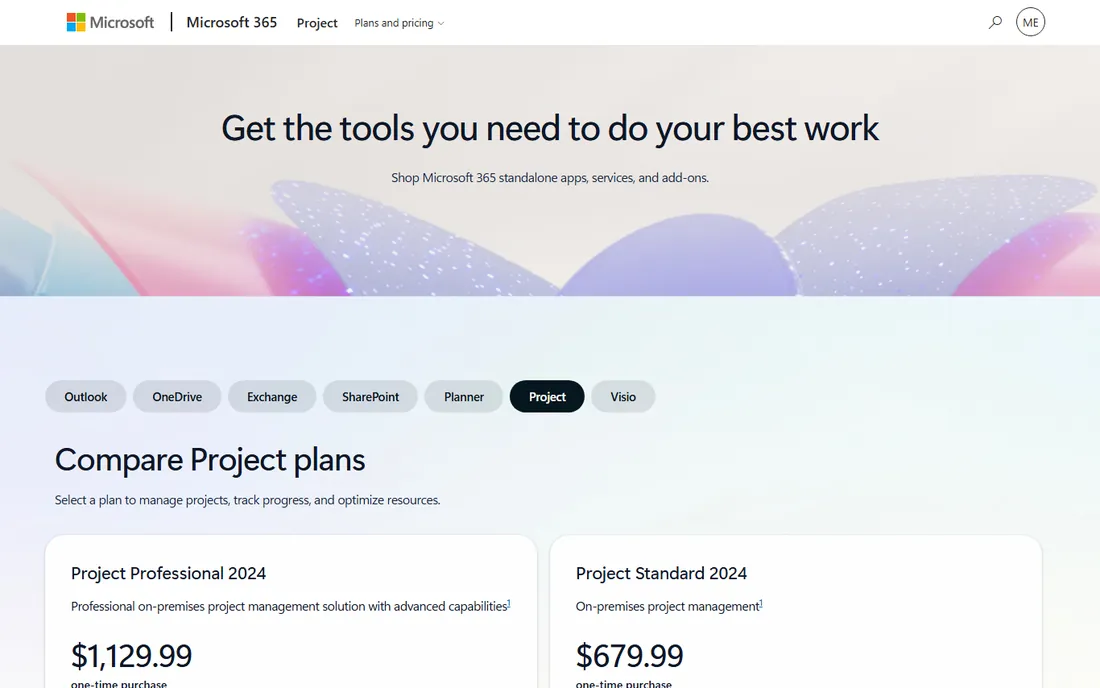
Microsoft Project remains the default enterprise project management choice for Microsoft shops. Pricing starts at $10 per user per month for the basic plan, with Project Plan 3 at $30 adding resource management, reporting, and advanced scheduling. The 30-day trial lets teams test before committing.
The Microsoft 365 integration is the reason to buy: schedules in Teams, files in SharePoint, portfolio dashboards in Power BI, all without custom integration work. It handles large complex schedules with critical path and WBS tools, plus portfolio management with project scoring and risk management.
Collaboration within the tool is a known weak spot, and resource allocation gets complicated across overlapping teams. For organizations already on Microsoft 365 that need serious scheduling, the ecosystem advantage outweighs the flaws.
What we like- $10 entry tier
- Deep Teams, SharePoint, and Power BI integration
- Handles waterfall, agile, and hybrid
Watch out for- Collaboration inside the tool is weak
- Resource management needs the $30 tier
#2
Oracle Primavera P6
Best for: large capital and engineering projects
Visit oracle.com
Starting price$3,168 per user per year
Free planNo
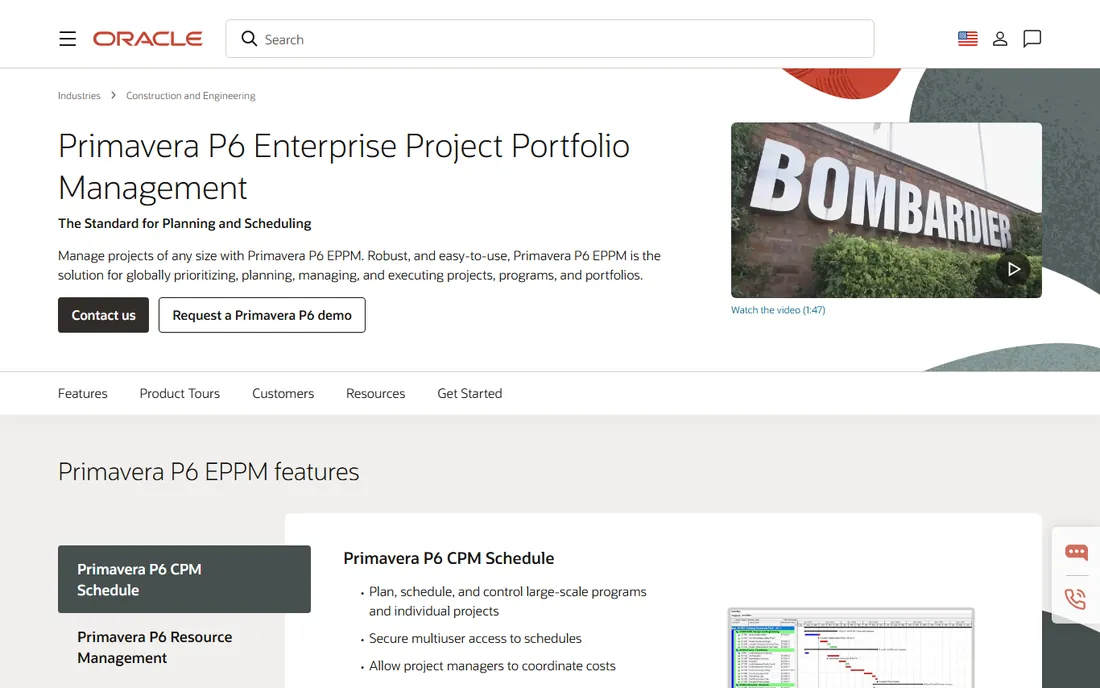
Oracle Primavera P6 is the standard for enterprise scheduling on capital projects: construction, engineering, oil and gas. At $3,168 per user per year, it is priced for projects where schedule precision is contractual. The platform handles multi-layered schedules, critical path calculation, cost and risk management, and portfolio prioritization.
The earned value management is native, not bolted on, which is why government and heavy industry contracts specify it. Portfolio managers get tools to evaluate and prioritize programs across the enterprise.
The interface takes dedicated training to learn, and integration with non-Oracle systems often needs custom work. For long-horizon, high-stakes projects where scheduling depth is non-negotiable, nothing else qualifies.
What we like- Industry standard for contractual CPM scheduling
- Earned value management
- Portfolio control
Watch out for- $3,168 per user yearly
- Steep learning curve
- Needs trained schedulers
Starting priceSee website
Free planNo
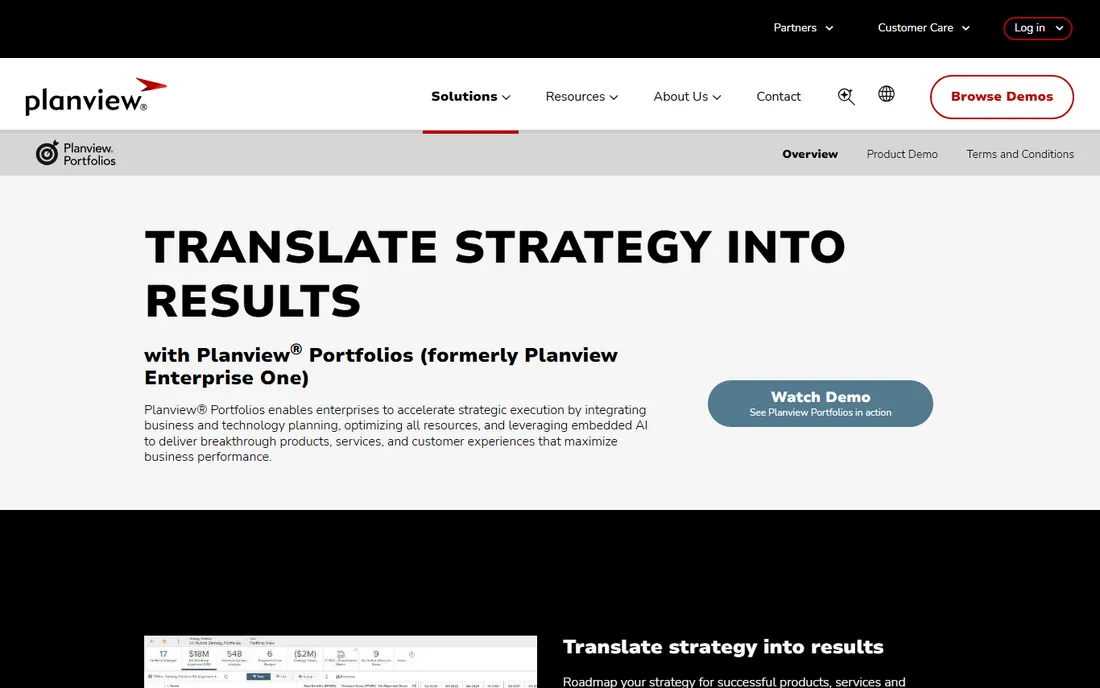
Planview serves the largest enterprises with strategic portfolio management: connecting corporate strategy to project execution through OKRs, roadmaps, capacity planning, and automated scenario planning. Founded in 1989, the company focuses on the PMO and C-suite view rather than team task management.
The scenario planning stands out: model what-if portfolio changes, detect risks automatically, and align capacity to strategy before committing resources. For enterprises running hundreds of projects, this replaces spreadsheet portfolio management that collapses under its own weight.
Pricing is custom and implementations are major undertakings. For organizations below enterprise scale, it is overkill. For the largest PMOs, Planview is the strategic layer above the project tools.
What we like- Strategy-to-execution alignment
- OKRs and roadmaps
- Capacity planning
- Scenario modeling
Watch out for- Quote-only enterprise pricing
- Implementation is a major project
Starting price$9 per user per month
Free planFree trial
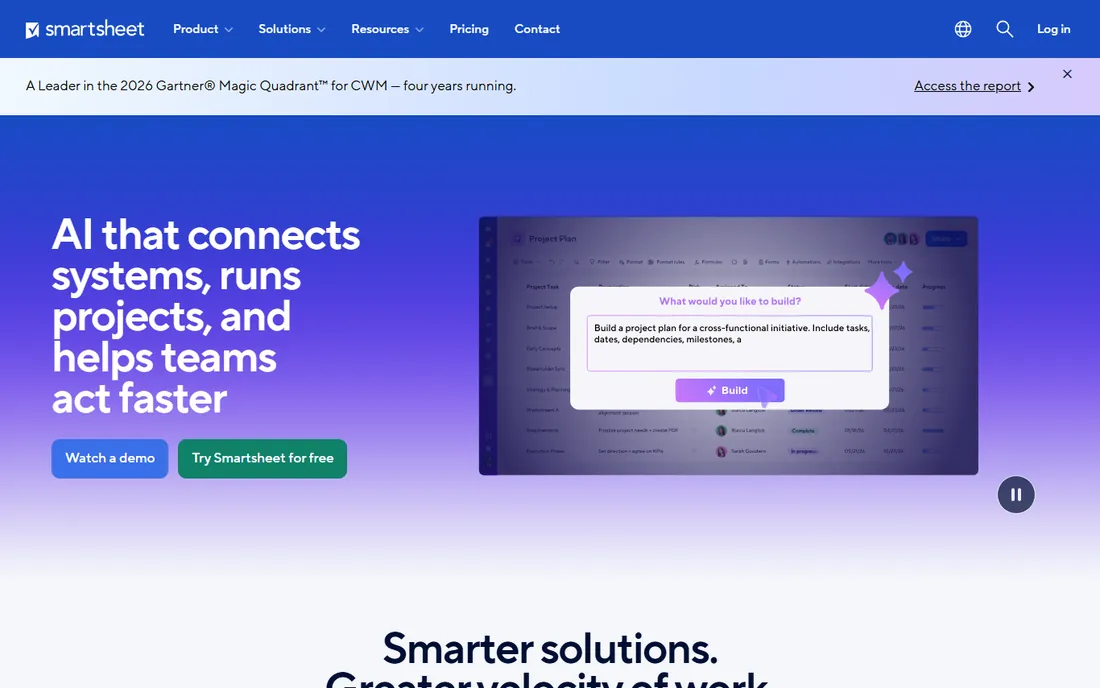
Smartsheet brings the spreadsheet interface that business users already know to enterprise project management. Starting at $9 per user per month with a 30-day trial, it offers grid, Gantt, and card views, automation, dashboards, and reporting. The Control Center enables PMO standardization with project blueprints.
The familiarity drives adoption: teams that resist traditional PM tools accept Smartsheet because it looks like Excel. The customization depth and documentation are strong, and the Business tier at $19 adds the features most enterprises need.
Premium apps can add 20 to 50 percent to the contract value, and the interface is less intuitive than newer competitors. For enterprises that want broad adoption with spreadsheet comfort, Smartsheet delivers.
What we like- $9 entry
- Familiar spreadsheet interface
- Control Center for PMO standardization
- Strong automation
Watch out for- Premium apps add 20 to 50 percent to contract value
- Less intuitive than modern competitors
#5
Wrike
Best for: scalable work management with executive dashboards
Visit wrike.com
Starting price$10 per user per month
Free planFree trial
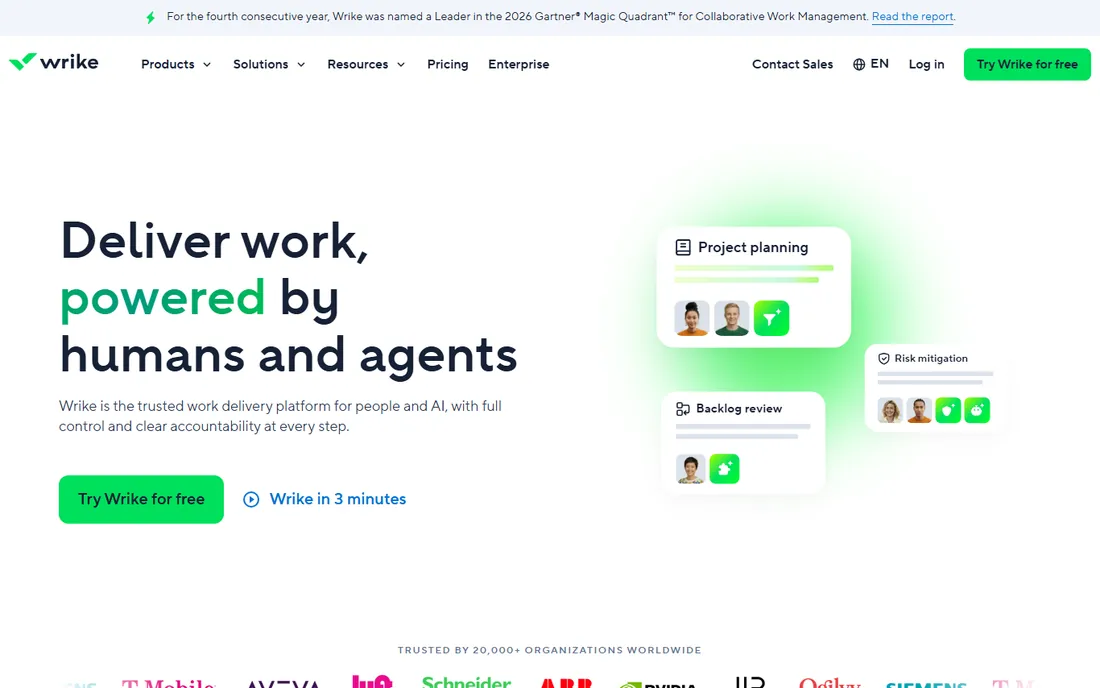
Wrike scales from team task management to enterprise portfolio management, starting at $10 per user per month for the Team tier. The Business tier at $25 adds the resource management, custom workflows, and advanced reporting that PMOs need. The executive dashboards consolidate project health, budget, and risk across the portfolio.
The proofing and approval tools serve creative and marketing operations alongside traditional PM, and custom request forms standardize intake. Real-time status indicators keep portfolio views current as teams work.
The jump from Team to Business is steep, and seat bundles reduce flexibility when team sizes change. For organizations that need one platform from team tasks to executive portfolios, Wrike scales well.
What we like- $10 Team tier
- Portfolio dashboards for executives
- Proofing and approvals
- Custom workflows
Watch out for- Steep jump from Team to Business at $25
- Seat bundles limit flexibility
Starting price$25 per user per month
Free planFree trial
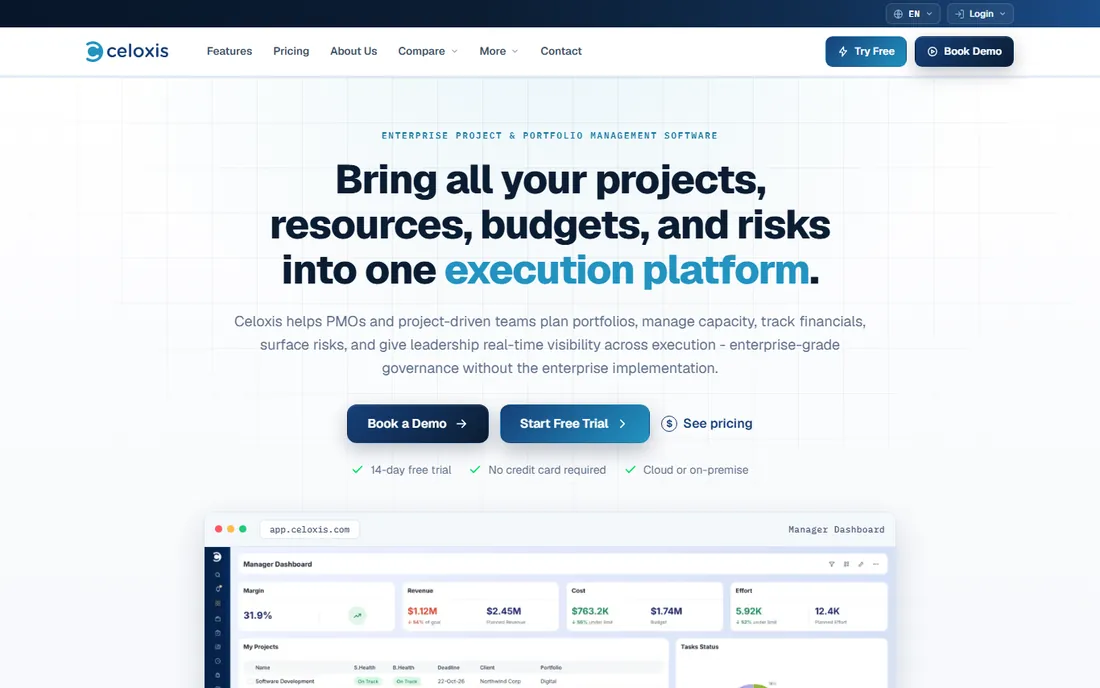
Celoxis is the all-in-one project portfolio management platform at $25 per user per month, with a free trial. It combines project management, portfolio management, advanced resource forecasting, real-time KPIs, and time and cost tracking in a single product, which larger vendors split across modules and price separately.
The what-if scenario planning and project scoring serve PMOs that need portfolio decisions without Planview-scale implementations. The all-in-one pricing avoids the module-by-module cost escalation of the enterprise suites.
The vendor is smaller than Microsoft or Oracle, with a 5-user minimum on cloud plans. For mid-to-large teams and PMOs that want full PPM functionality at a published price, Celoxis is the value choice.
What we like- $25 per user
- Project portfolio plus resource forecasting
- Real-time KPIs
- Time and cost tracking
Watch out for- Smaller vendor than the giants
- 5-user minimum on cloud
#7
Asana
Best for: cross-team work management at enterprise scale
Visit asana.com
Starting price$10.99 per user per month
Free planFree trial
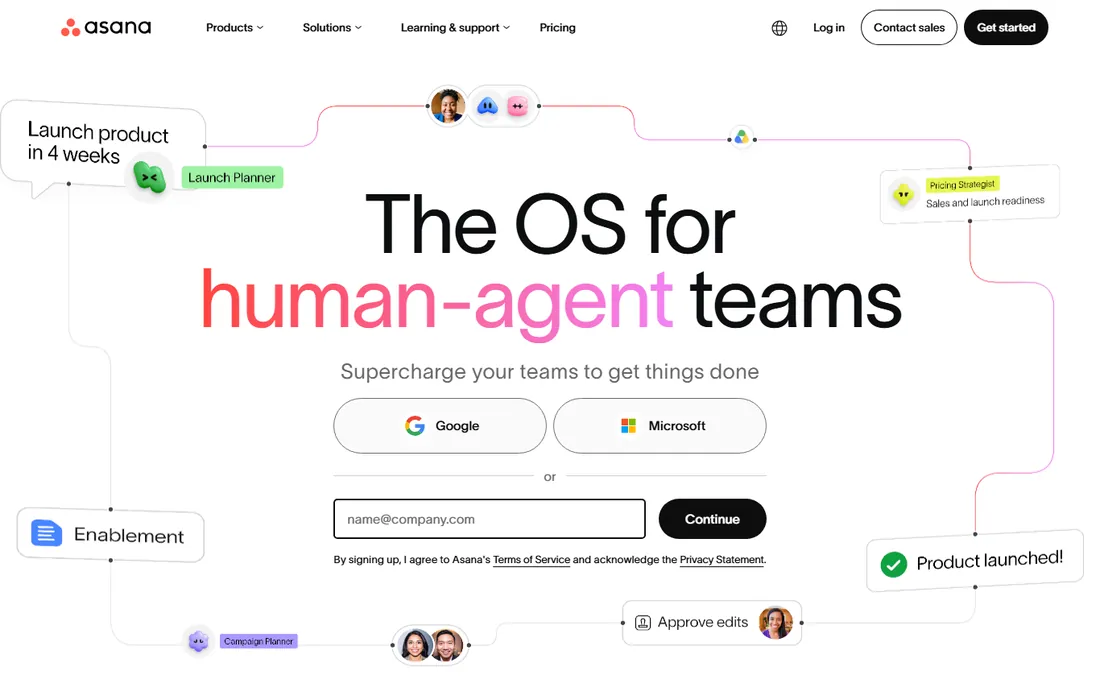
Asana brings consumer-grade usability to enterprise work management, starting at $10.99 per user per month with a free tier for small teams. Portfolios, goals, and timeline views give executives the roll-up they need, while teams get tasks, workflows, and automations they will actually use.
The AI teammates and workflow automation reduce the administrative burden that kills PM tool adoption. The integration ecosystem connects to the tools teams already use, and nested portfolios organize work across the enterprise.
The scheduling depth trails Microsoft Project and Primavera: no native critical path at Asana's level. For enterprises that prioritize adoption and cross-team coordination over heavy scheduling, Asana works.
What we like- $10.99 entry
- Portfolios and goals
- AI teammates
- Strong integrations
- Free tier available
Watch out for- Less scheduling depth than Project or Primavera
- Enterprise features cost more
Starting price$9 per user per month
Free planFree trial
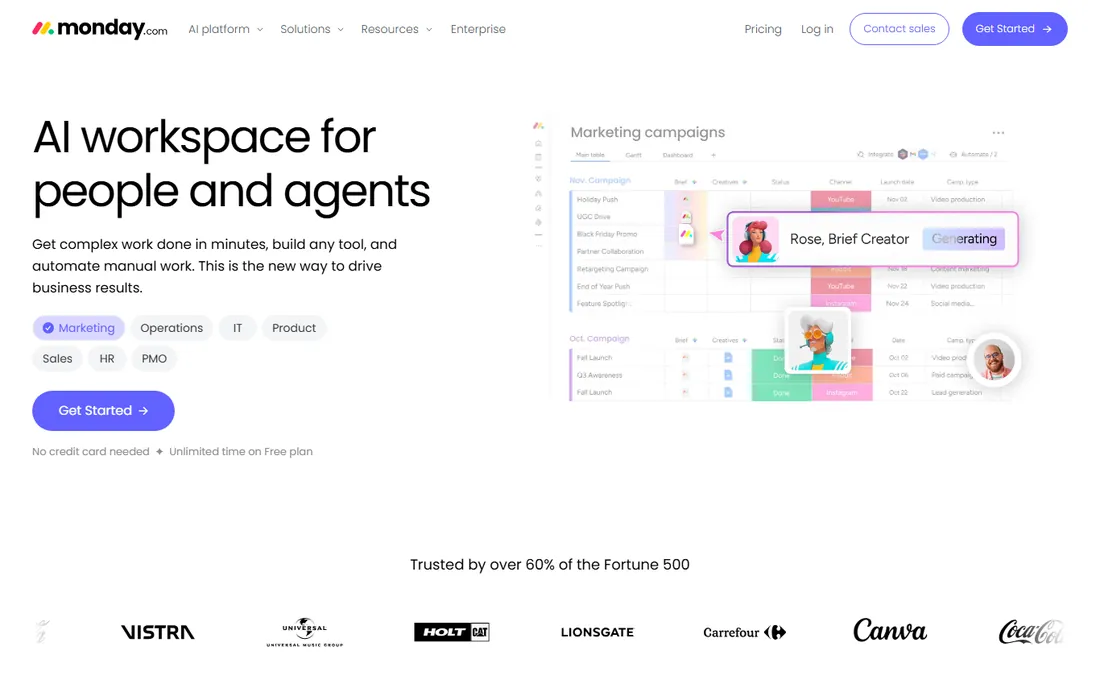
monday.com is the configurable work OS starting at $9 per user per month, with a free tier for small teams. Custom boards, no-code automations, and dashboards adapt to almost any workflow, and the portfolio features give executives health snapshots and risk insights.
The configurability is the draw: build the exact workflow your teams need without developers. The visual interface drives adoption, and the automation library handles routine coordination.
There is no native critical path or baselines, which limits it for schedule-driven projects. Costs grow as teams add users and features. For enterprises that want flexible work management with strong adoption, monday.com fits.
What we like- $9 entry
- Highly customizable boards
- Strong automations and dashboards
- Free tier available
Watch out for- No native CPM or baselines
- Costs grow with customization
How we chose
We compared enterprise project management software on scheduling depth, portfolio management, resource management, methodology support, integrations, pricing transparency, and fit for PMO-led organizations. We checked current vendor pricing pages and 2026 comparisons, read user reviews on G2, Capterra, and SelectHub, and weighed implementation demands. We did not run enterprise PMO operations; assessments reflect current documentation and reviewer consensus as of October 2026.
Enterprise PM software fails when nobody owns it. The tools above range from self-serve (monday.com, Asana, Smartsheet) to specialist-operated (Primavera P6, Planview), and the choice must match your staffing reality.
Primavera P6 and Planview assume trained professionals: schedulers who understand critical path methodology, PMO staff who maintain portfolio data. Buying them without those people is buying a Ferrari with no driver. Budget the headcount alongside the license.
The self-serve tools assume the opposite: teams configure their own workflows, and adoption depends on usability rather than training. Microsoft Project sits in the middle, usable by project managers but rewarding expertise.
Before the vendor demo, answer the staffing question. The best enterprise PM software is the one your organization will actually operate, not the one with the longest feature list.
Start with the methodology. Schedule-driven capital projects need Primavera P6 or Microsoft Project. Agile and hybrid software delivery fits Jira, Asana, or monday.com. Portfolio-first organizations need Planview, Celoxis, or Wrike. Buying the wrong category is the most expensive mistake.
Second, count the total cost. License fees are the visible part; implementation, training, integration, and administration often exceed them. Primavera's $3,168 per user yearly excludes the schedulers it requires. Smartsheet's $9 entry excludes the premium apps that add 20 to 50 percent.
Third, pilot with a real project, not a sandbox. Run one actual portfolio through the trial with the people who will use it daily. The tool that survives contact with your real workflow is the one to buy.
Frequently asked questions
What is enterprise project management software?
Enterprise project management software manages projects at organizational scale: portfolio planning, resource management across teams, scheduling with baselines and critical path, financial tracking, and executive reporting. It differs from team task tools in governance, scale, and methodology depth.
How much does enterprise project management software cost?
Entry tiers run $9 to $11 per user per month for Smartsheet, monday.com, Wrike, and Asana. Microsoft Project starts at $10 with the full tier at $30. Celoxis costs $25 per user monthly. Oracle Primavera P6 costs $3,168 per user per year. Planview uses custom enterprise pricing.
Microsoft Project vs Primavera P6: which is better?
Choose Microsoft Project for Microsoft 365 organizations needing flexible scheduling across waterfall, agile, and hybrid methods at $10 to $30 per user monthly. Choose Primavera P6 for capital and engineering projects where contractual CPM scheduling and earned value management justify $3,168 per user yearly.
Do we need a PMO to use enterprise PM software?
For Primavera P6 and Planview, effectively yes: they assume trained schedulers and portfolio staff. For Smartsheet, Asana, monday.com, and Wrike, teams can self-serve with lighter governance. Match the tool to your staffing, not your aspirations.
Smartsheet vs Microsoft Project: which should we choose?
Choose Smartsheet for broad adoption with a spreadsheet interface teams accept quickly, starting at $9 per user monthly. Choose Microsoft Project for deeper scheduling, resource management, and Microsoft 365 integration at $10 to $30 per user monthly. Many enterprises use both for different teams.
How long does implementation take?
Self-serve tools deploy in weeks. Microsoft Project and Smartsheet roll out in one to three months with training. Primavera P6 and Planview implementations run three to twelve months including data migration, integration, and process design.
Sources we checked (5)
- https://www.selecthub.com/project-management-software/microsoft-project-vs-primavera-p6/
- https://www.techrepublic.com/article/microsoft-project-vs-smartsheet/
- https://www.techrepublic.com/article/top-project-portfolio-management-tools/
- https://www.celoxis.com/article/project-management-software-comparison
- https://cio.economictimes.indiatimes.com/tools/10-best-project-management-tools-for-enterprises/134432677
Is your product missing or out of date?
We review this list regularly. Vendors can request a listing, send updated pricing or ask about featured placement.

Shihab Mia · Founder, Rankite
Shihab has spent more than a decade helping SaaS and e-commerce brands grow through search. He writes Rankite's software buying guides from pricing pages, documentation and public user reviews. More about Shihab.