How we make this list: we compare pricing pages, product documentation and public user reviews. Rankite is independent; if a vendor ever pays for a featured spot, that listing is clearly labeled Partner.
Key takeaways
- Asana, monday.com, and ClickUp are the most popular all-rounders, starting at $7 to $11 per user per month.
- Trello and Zoho Projects are the cheapest paid options at $4 to $5 per user per month, with generous free plans.
- Jira is the pick for software teams running agile sprints, free for up to 10 users.
- Smartsheet suits spreadsheet lovers; Teamwork.com suits agencies billing clients; Wrike suits larger marketing operations.
- Basecamp charges a flat rate instead of per user, which wins for big teams that hate seat math.
Quick comparison
| Tool | Best for | Starting price | Free plan |
|---|
 Asana Asana | Cross-team task coordination | $10.99 per user/month (Starter, billed annually) | Yes |
 monday.com monday.com | Visual boards and custom workflows | $9 per user/month (Basic, billed annually) | Yes |
 ClickUp ClickUp | Most features per dollar | $7 per user/month (Unlimited, billed annually) | Yes |
 Trello Trello | Simple kanban boards | $5 per user/month (Standard, billed annually) | Yes |
 Jira Jira | Agile software teams | $8.15 per user/month (Standard, billed annually) | Yes (up to 10 users) |
 Smartsheet Smartsheet | Spreadsheet-style planning | $9 per user/month (Pro, billed annually) | Free trial |
 Wrike Wrike | Marketing and creative operations | $10 per user/month (Team, billed annually) | Yes |
 Teamwork.com Teamwork.com | Agencies and client services | See website | Free trial (14 days) |
 Basecamp Basecamp | Flat-rate team collaboration | See website | Free trial |
 Zoho Projects Zoho Projects | Budget-friendly project tracking | $4 per user/month (Premium, billed annually) | Yes |
Is your product missing or out of date?
We review this list regularly. Vendors can request a listing, send updated pricing or ask about featured placement.
The top 10 project management software
Starting price$10.99 per user/month (Starter, billed annually)
Free planYes
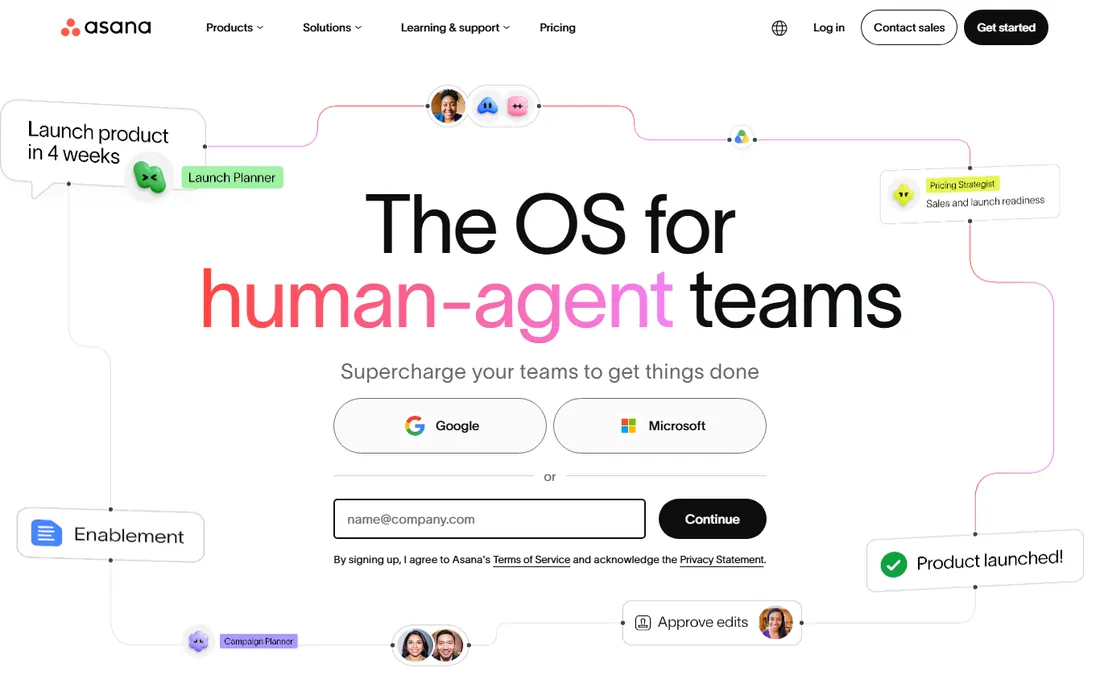
Asana is the default answer when teams say they want project management without a steep learning curve. Tasks, projects, timelines, and calendars come together in an interface most people understand in an afternoon. Starter at $10.99 per user per month on annual billing adds timelines, dashboards, and automation that the free plan lacks.
What Asana does best is clarity. Every task has an owner and a due date, portfolios roll projects up for leadership, and goals connect daily work to company objectives. The rules engine automates routine triage like assigning and routing tasks. New AI teammates can draft plans and summarize status.
The honest catch is price at scale. Per-user pricing with limited free tiers means a 50-person team pays real money, and advanced features like portfolios sit in higher tiers. For cross-functional teams that need everyone aligned on who owns what, it remains the safest pick.
What we like- Clear task ownership and timelines
- Portfolios and goals on higher tiers
- Strong automation and integrations
Watch out for- Costs add up for large teams
- Free plan is limited
Starting price$9 per user/month (Basic, billed annually)
Free planYes
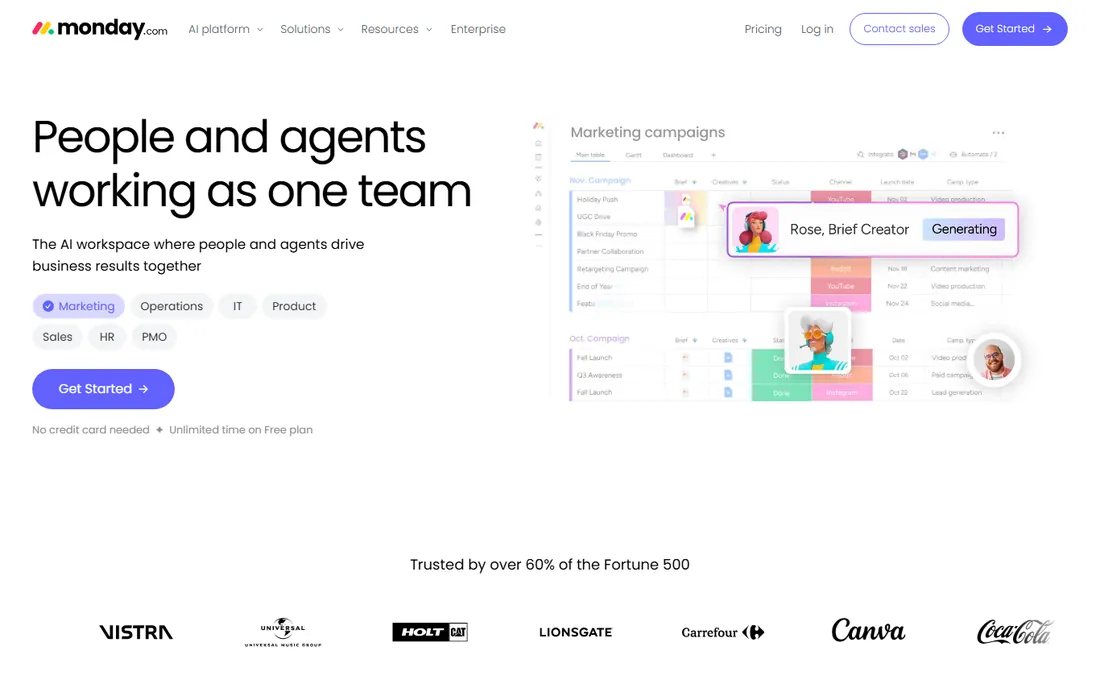
monday.com turns project management into colorful, customizable boards that non-technical teams love. If you can describe your workflow, you can build it: columns, statuses, formulas, and automations snap together without code. Basic starts at $9 per user per month, though the three-seat minimum means the real entry cost is $27 per month.
The visual approach is the draw. Marketing, operations, and HR teams that bounced off more rigid tools often stick with monday.com because it feels like building with blocks. Automations handle notifications, status changes, and recurring tasks, and the template library covers most common workflows.
The tradeoff is pricing structure. Seat minimums, per-seat costs, and paid add-ons mean the total can surprise you. Price your actual team, including the viewers who need accounts, before comparing it to alternatives.
What we like- Highly visual and customizable boards
- No-code automations
- Broad template library
Watch out for- Three-seat minimum raises the entry cost
- Costs grow quickly with add-ons
Starting price$7 per user/month (Unlimited, billed annually)
Free planYes
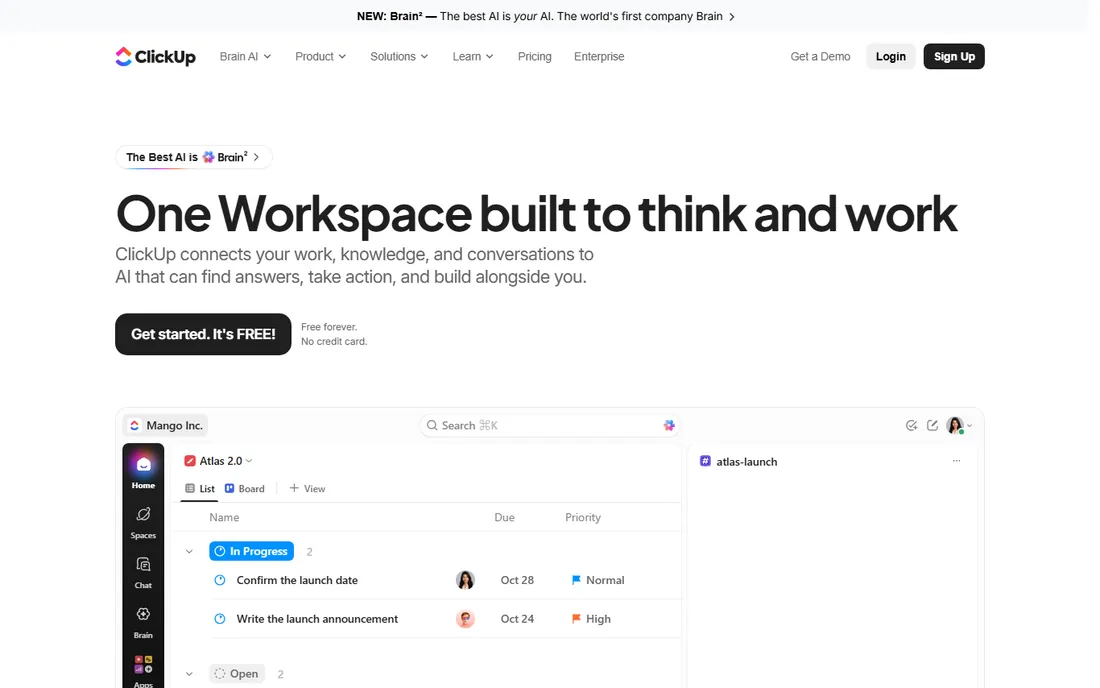
ClickUp tries to replace your entire productivity stack: tasks, docs, chat, whiteboards, goals, and time tracking in one workspace. Unlimited at $7 per user per month on annual billing is the best feature-per-dollar ratio here, and the free plan covers unlimited members with generous limits.
For teams that want one login for everything, ClickUp delivers. Custom statuses, sprint views, Gantt charts, and automations handle serious project work, while docs and chat keep the conversation next to the tasks. The AI assistant can summarize threads and draft updates.
The honest catch is complexity. New users face a wall of options, and teams that do not invest in setup can end up with a mess. It rewards configuration effort more than any tool on this list, so plan for a learning period.
What we like- Enormous feature set for the price
- Generous free plan
- Docs, chat, and whiteboards built in
Watch out for- Feature sprawl can overwhelm new users
- Performance can lag in huge workspaces
Starting price$5 per user/month (Standard, billed annually)
Free planYes
Trello is the simplest project management tool that still counts as one. Boards, lists, and cards: drag a card from To Do to Done. That is the whole concept, and it is enough for an enormous number of teams. Standard at $5 per user per month on annual billing adds unlimited boards, advanced checklists, and custom fields.
The simplicity is the strategy. A freelancer, a small team, or a department running one workflow can be productive in minutes with zero training. Butler automation handles routine card moves and reminders, and Power-Ups add calendar, timeline, and integration features.
The limits show on complex work. No native workload view, limited reporting, and project structures that strain past a few dozen boards. For straightforward kanban workflows, though, nothing beats Trello's ease.
What we like- Easiest tool to learn
- Cheapest paid plan
- Butler automation on paid tiers
Watch out for- Limited for complex projects
- Advanced views need Premium
Starting price$8.15 per user/month (Standard, billed annually)
Free planYes (up to 10 users)
Jira is the standard for software teams running agile. Scrum and kanban boards, backlogs, sprints, burndown charts, and issue tracking are native, not bolted on. It is free for up to 10 users, and Standard runs about $8.15 per user per month on annual billing.
The Atlassian ecosystem is the multiplier. Jira connects to Bitbucket, Confluence, and the broader dev toolchain, so code, docs, and issues stay linked. The marketplace adds thousands of apps, and Rovo AI now assists with admin and project tasks.
The honest catch is audience. Jira's issue-type model confuses non-developers, and marketing or operations teams often find it heavy. For software and product engineering teams, it is the natural home; for everyone else, look at Asana or monday.com first.
What we like- Purpose-built for agile with sprints and backlogs
- Deep dev tool integrations
- Free for small teams
Watch out for- Overkill for non-technical teams
- Configuration can get complex
Starting price$9 per user/month (Pro, billed annually)
Free planFree trial
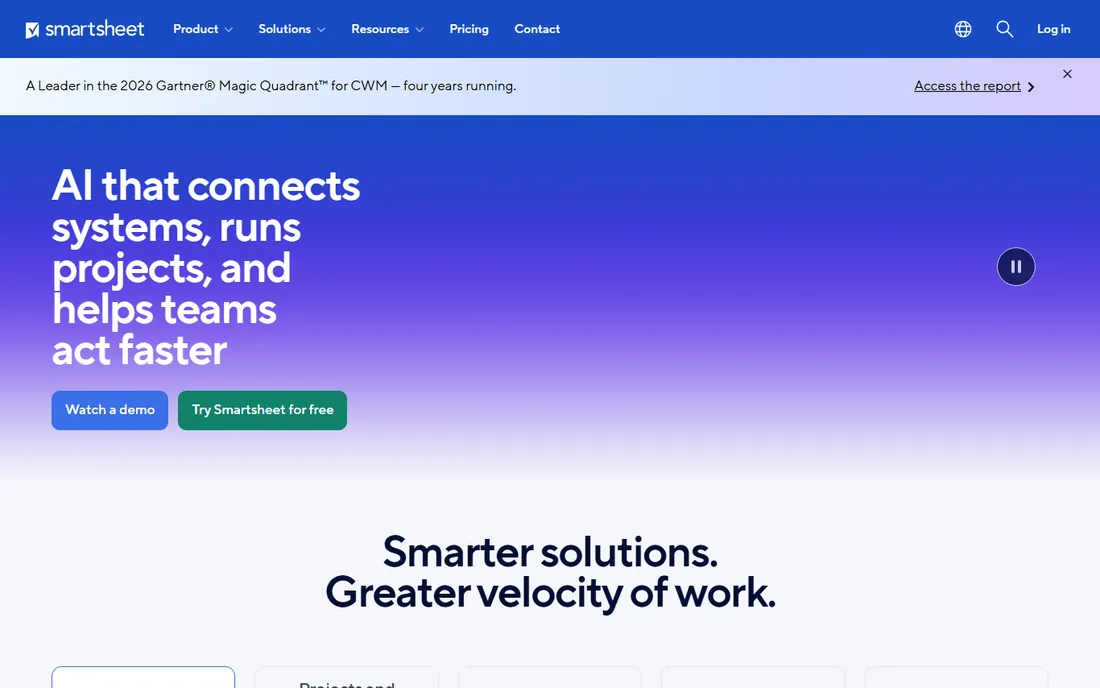
Smartsheet looks like a spreadsheet and acts like a project management platform. If your team lives in Excel and resists new interfaces, the grid view removes the adoption barrier. Pro starts around $9 per user per month on annual billing, and notably only editors need paid licenses.
The strength is structured planning. Gantt charts, card views, and dashboards all run on the same sheet data, and portfolio reporting gives PMOs visibility across dozens of projects. Automation handles approvals, alerts, and update requests. Finance and operations teams take to it naturally.
The tradeoff is feel. Creative and marketing teams often find Smartsheet dry compared to visual tools, and the licensing model needs careful counting of who edits versus who views. For spreadsheet-native organizations, it is the path of least resistance.
What we like- Familiar grid interface
- Strong portfolio reporting
- Good for PMOs and finance teams
Watch out for- Only editors need paid seats, which complicates pricing
- Less intuitive for creative teams
Starting price$10 per user/month (Team, billed annually)
Free planYes
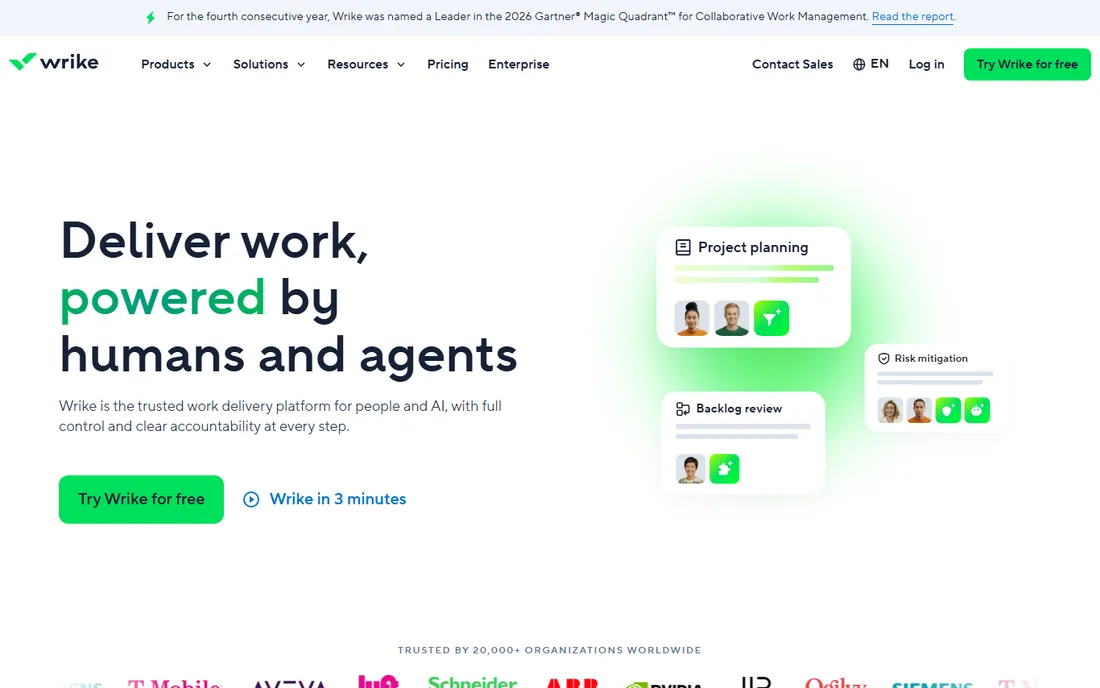
Wrike is built for teams that deliver high volumes of work through review cycles: marketing, creative, and professional services. Proofing lets reviewers mark up images, video, and documents directly, and approval workflows keep the chain moving. Team starts at $10 per user per month, sold in groups of five.
Resource management is a genuine strength. Workload views, time tracking, and capacity planning help managers balance the team, and the analytics predict risk on active projects. Over 20,000 organizations use it, including large marketing departments.
The honest catch is packaging. Five-seat minimums and a dense interface make it heavier than simpler tools. Teams with serious review and approval needs will value the depth; small teams may find it more than they need.
What we like- Strong proofing and approval workflows
- Resource management views
- 400+ integrations
Watch out for- Seats sold in groups of five
- Interface can feel dense
Starting priceSee website
Free planFree trial (14 days)
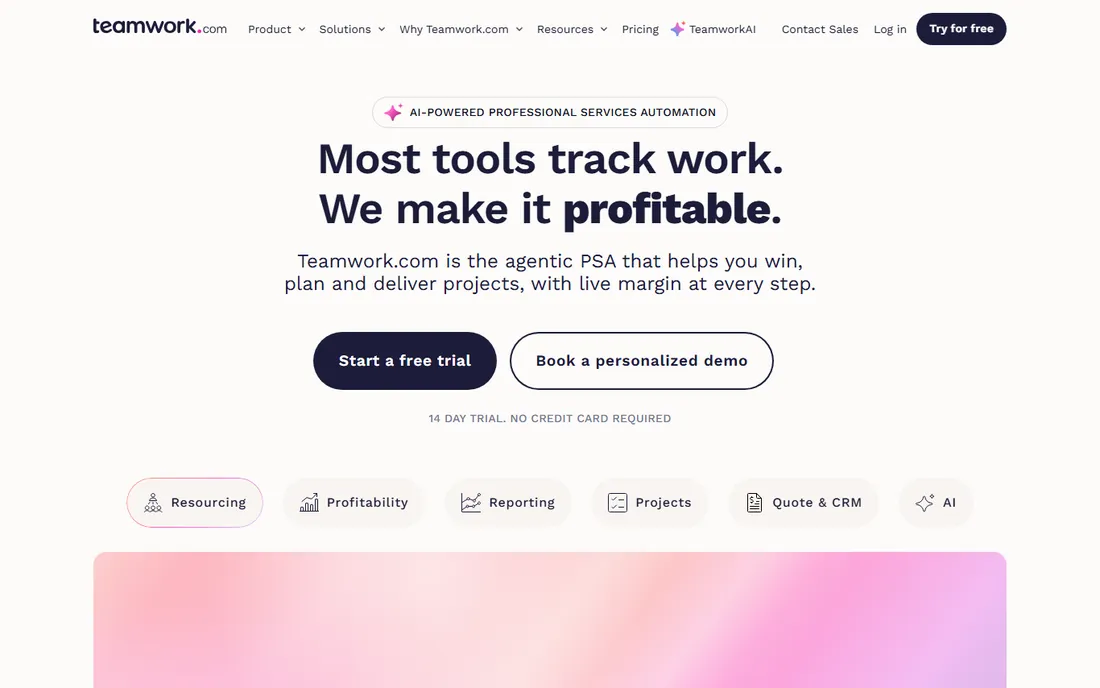
Teamwork.com is project management for businesses that bill for their time. Agencies, consultancies, and IT services firms get task tracking plus the financial layer: budgets, rate cards, utilization, live project margins, and invoicing from quote to cash. A 14-day free trial needs no credit card.
The PSA positioning is the differentiator. Instead of bolting billing onto tasks, Teamwork.com treats profitability as a first-class view, showing real cost and margin per project as work happens. Resource planning matches people to work by skill and availability.
The tradeoff is scope. Pure project teams that never bill hours pay for financial machinery they will not use, and pricing is not published. For client services businesses, the margin visibility justifies the focus.
What we like- Built for billable client work with margins and invoicing
- Resource planning
- Strong time tracking
Watch out for- Pricing not published
- Project management purists may find the PSA focus heavy
Starting priceSee website
Free planFree trial
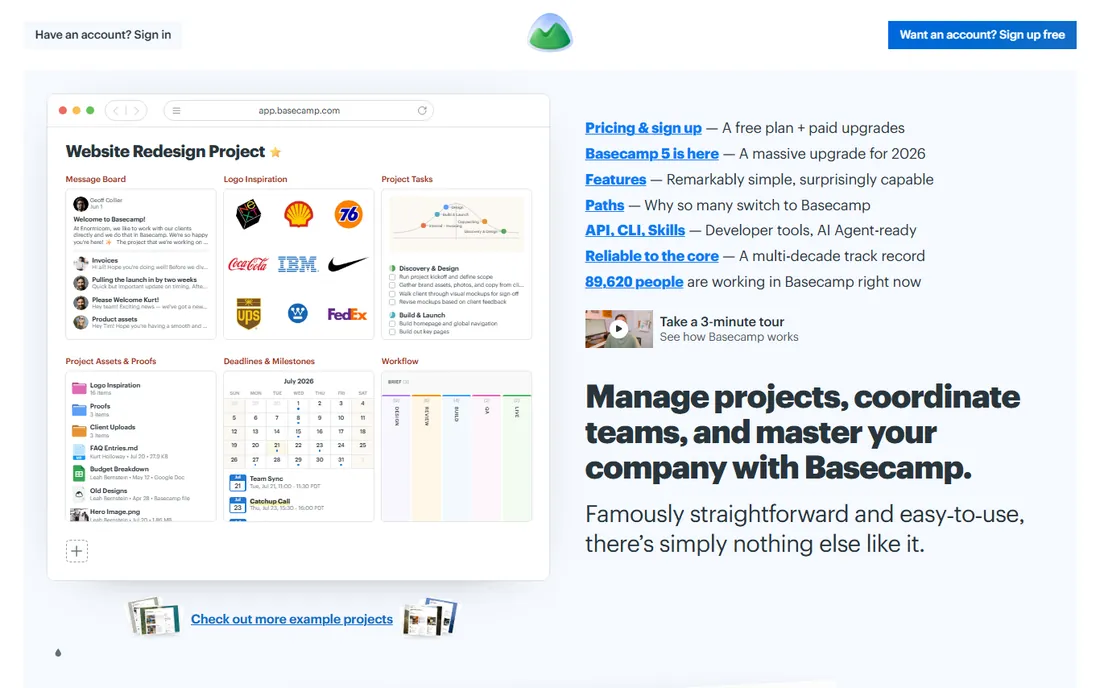
Basecamp takes the opposite approach from everyone else: one flat price, unlimited users, and a deliberately simple toolset. To-dos, message boards, schedules, file storage, and group chat cover the collaboration basics without the feature sprawl. In 2026 the company released Basecamp 5, its biggest update in years.
The flat-rate model is the reason teams switch. A 50-person company pays the same as a 10-person one, which makes budgeting trivial and removes the seat-counting game. The opinionated simplicity means teams actually adopt it instead of working around it.
The honest catch is depth. No Gantt charts, no workload views, no advanced reporting. Teams that need serious project planning will outgrow it. For companies that want calm, simple collaboration at a predictable price, Basecamp is refreshingly direct.
What we like- Flat pricing with no per-user fees
- Deliberately simple
- Bundles chat, files, and schedules
Watch out for- Pricing not published on the homepage
- Fewer advanced project views than rivals
#10
Zoho Projects
Best for: Budget-friendly project tracking
Visit zoho.com
Starting price$4 per user/month (Premium, billed annually)
Free planYes
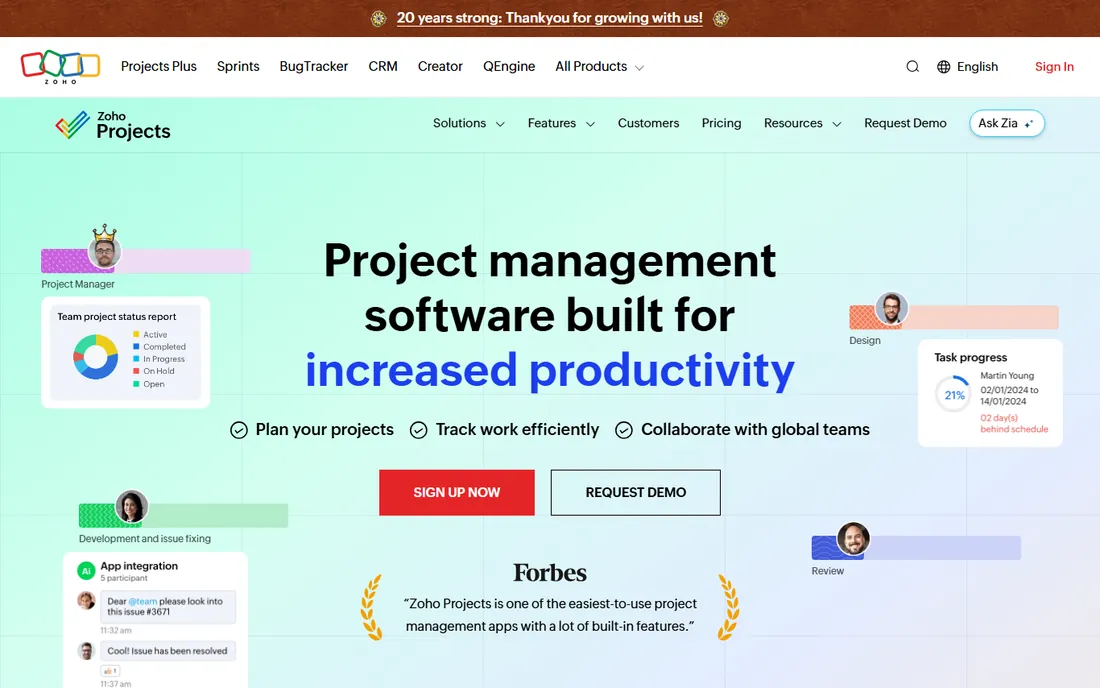
Zoho Projects is the budget champion. Premium at $4 per user per month on annual billing undercuts every other paid plan here, and the free plan covers small teams. Gantt charts, task automation, time tracking, issue management, and budgeting all come standard.
For Zoho suite users, the integration seals the deal. Projects connects to CRM, Books, Desk, and the rest, keeping client work, finances, and support in one ecosystem. The feature list covers the project management fundamentals well: dependencies, milestones, timesheets, and reports.
The tradeoff is polish. The interface is functional rather than beautiful, and power users may miss the refinement of Asana or monday.com. For cost-conscious teams that need real project management, the value is unmatched.
What we like- Lowest paid price on this list
- Free plan for up to 5 users
- Integrates with the Zoho suite
Watch out for- Interface less polished than top rivals
- Advanced features need higher tiers
How we chose
We focused on project management software that small and mid-size businesses can evaluate and buy without enterprise sales cycles. We checked current pricing on vendor pages and recent third-party roundups, read documentation for core views like Gantt, kanban, and workload, and weighed public reviews from G2, Capterra, and Reddit. We favored tools with verifiable homepages and accessible pricing.
What to check before you buy project management software
Start with your workflow, not the feature list. List how work actually flows through your team today: who assigns it, how it gets reviewed, where it gets stuck. Then check that the tool supports that flow naturally. The prettiest Gantt chart will not help if your team works in kanban.
Count the real cost, including seat rules. Per-user pricing hides minimums: monday.com requires three seats, Wrike sells in fives, Smartsheet charges only editors. Model your actual team against each pricing page, including the viewers and clients who need accounts.
Test with a real project, not a demo board. Run one live project through the trial with the people who will use it daily. Adoption is the whole game: the best tool is the one your team actually opens every morning.
Check the integrations that matter to you. Slack, Google Workspace, Microsoft Teams, and your file storage should connect natively. API access matters if you plan to automate or build custom workflows later.
When your team outgrows simple task tracking
Most teams start with a board or a list and add structure as they grow. The signals are consistent: nobody knows what is due when, priorities change without anyone noticing, and managers spend their days asking for status updates instead of getting them.
The next level adds portfolios, workload views, and reporting. Asana Advanced, monday.com Pro, and ClickUp Business open up the views that let leaders see across projects. This is usually the right time to formalize processes rather than just tracking tasks.
The level after that is resource and financial management. Teamwork.com, Wrike, and Smartsheet add utilization, margins, and portfolio reporting for organizations where projects are the business. Move up when project profitability, not just project completion, becomes the question.
Frequently asked questions
What is the best project management software for small teams?
It depends on your workflow. Trello is the simplest and cheapest for kanban-style work, ClickUp gives the most features per dollar, and Asana offers the clearest task ownership. All three have free plans, so test them with a real project before deciding.
Is there a free project management tool that is actually good?
Yes. ClickUp's free plan covers unlimited members with generous limits, Trello's free plan handles simple boards well, and Jira is free for up to 10 users. Zoho Projects is free for up to 5 users. Free plans work well for small teams; growing teams usually hit limits around 10 to 15 people.
How much does project management software cost?
Entry-level paid plans run $4 to $11 per user per month on annual billing: Zoho Projects at $4, Trello at $5, ClickUp at $7, monday.com at $9, and Asana at $10.99. Watch for seat minimums and add-ons, which change the real total. Basecamp and Teamwork.com use different pricing models.
Should I choose Asana or monday.com?
Choose Asana if you want clear task ownership, timelines, and goals tracking across teams. Choose monday.com if you want highly visual, customizable boards that non-technical teams can build themselves. Both are excellent; the difference is structure versus flexibility.
Do I need project management software or just a to-do app?
A to-do app tracks personal tasks. Project management software tracks team work: who owns what, when it is due, how projects connect, and where things stand. If more than a few people collaborate on shared deadlines, you need the latter.
Can project management software replace spreadsheets?
For most teams, yes. Tools like Smartsheet keep the spreadsheet feel while adding collaboration, automation, and reporting. The migration works best when you move one workflow at a time rather than rebuilding everything at once.
Sources we checked (12)
- https://asana.com/
- https://monday.com/
- https://clickup.com/
- https://trello.com/
- https://www.atlassian.com/software/jira
- https://www.smartsheet.com/
- https://www.wrike.com/
- https://www.teamwork.com/
- https://basecamp.com/
- https://www.zoho.com/projects/
- https://www.flozic.ai/blog/alternatives/asana-alternatives
- https://www.techrepublic.com/article/project-management-software/
Is your product missing or out of date?
We review this list regularly. Vendors can request a listing, send updated pricing or ask about featured placement.

Shihab Mia · Founder, Rankite
Shihab has spent more than a decade helping SaaS and e-commerce brands grow through search. He writes Rankite's software buying guides from pricing pages, documentation and public user reviews. More about Shihab.