How we make this list: we compare pricing pages, product documentation and public user reviews. Rankite is independent; if a vendor ever pays for a featured spot, that listing is clearly labeled Partner.
Key takeaways
- monday.com reports more than 250,000 customers on its platform, a sign that agile boards have moved far beyond engineering teams into marketing, operations, and HR (monday.com homepage).
- Jira remains the default for engineering-heavy teams that want strict Scrum ceremonies, issue hierarchies, and deep customization.
- ClickUp and Asana give non-technical teams the easiest on-ramp, with free tiers generous enough for a small team to run real sprints before paying.
- Linear is the favorite of product-led engineering teams that value speed and keyboard-first issue tracking over configuration options.
- Azure DevOps (Azure Boards) fits Microsoft shops that want work tracking connected directly to code repositories and CI/CD pipelines.
Quick comparison
| Tool | Best for | Starting price | Free plan |
|---|
 Jira Jira | Engineering teams running strict Scrum | See website | Yes |
 Asana Asana | Cross-functional teams new to agile | $10.99 per user/month (billed annually) | Yes |
 monday.com monday.com | Visual teams that want flexible boards | See website | Yes |
 ClickUp ClickUp | Teams wanting one tool for everything | $8 per user/month (billed annually) | Yes |
 Azure DevOps (Azure Boards) Azure DevOps (Azure Boards) | Microsoft-centric development teams | See website | Yes |
 Linear Linear | Fast-moving product and engineering teams | See website | Yes |
 Wrike Wrike | Large teams with complex portfolios | See website | Yes |
Is your product missing or out of date?
We review this list regularly. Vendors can request a listing, send updated pricing or ask about featured placement.
Starting priceSee website
Free planYes
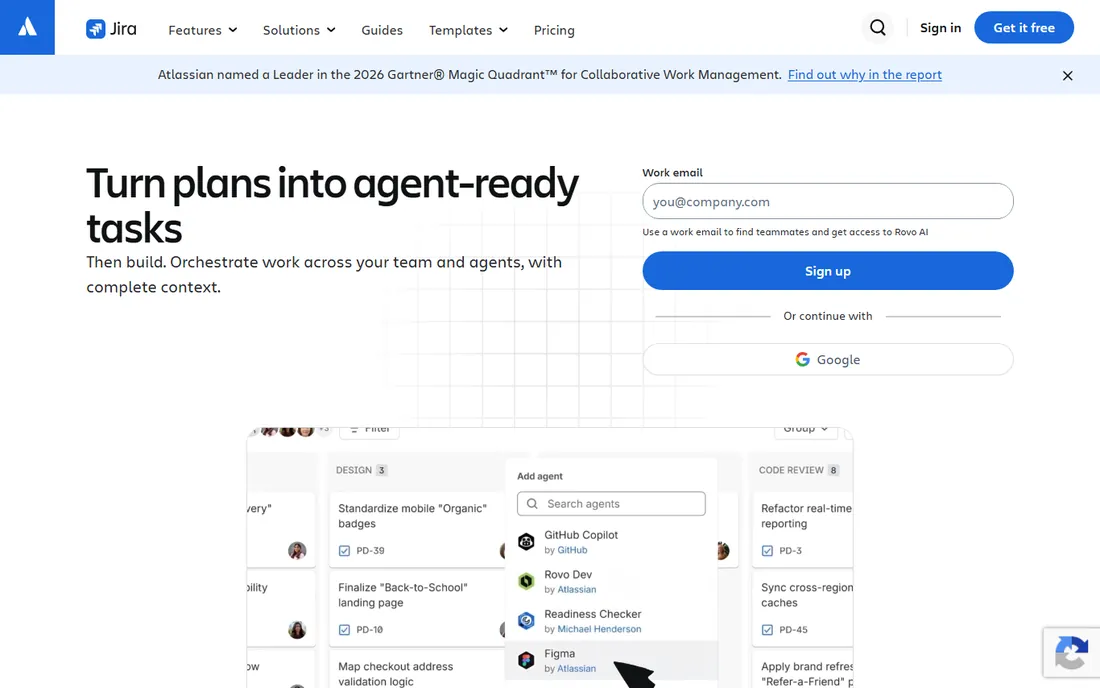
Jira is the name most people mean when they say agile tool. Atlassian built it around software teams, so Scrum boards, sprint planning, backlog grooming, burndown charts, and velocity reports are native citizens rather than add-ons. If your team runs daily standups and sprint reviews with formal ceremonies, Jira speaks that language out of the box.
Where Jira really separates itself is configurability. You can model complex workflows with custom statuses, build issue hierarchies from epics down to subtasks, and wire in hundreds of marketplace apps for testing, code review, and release management. The honest catch is that this power has a learning curve. Small teams often spend their first weeks simplifying Jira rather than using it, and the interface can feel heavy compared to newer competitors. Atlassian notes that more than 85% of Fortune 500 companies use its products, which tells you where Jira sits: at home in organizations where process maturity matters more than speed of setup.
What we like- Purpose-built Scrum and Kanban boards
- Deep issue hierarchies (epics, stories, subtasks)
- Huge marketplace of integrations and apps
Watch out for- Configuration can feel overwhelming for small teams
- Interface can be slow with large backlogs
Starting price$10.99 per user/month (billed annually)
Free planYes
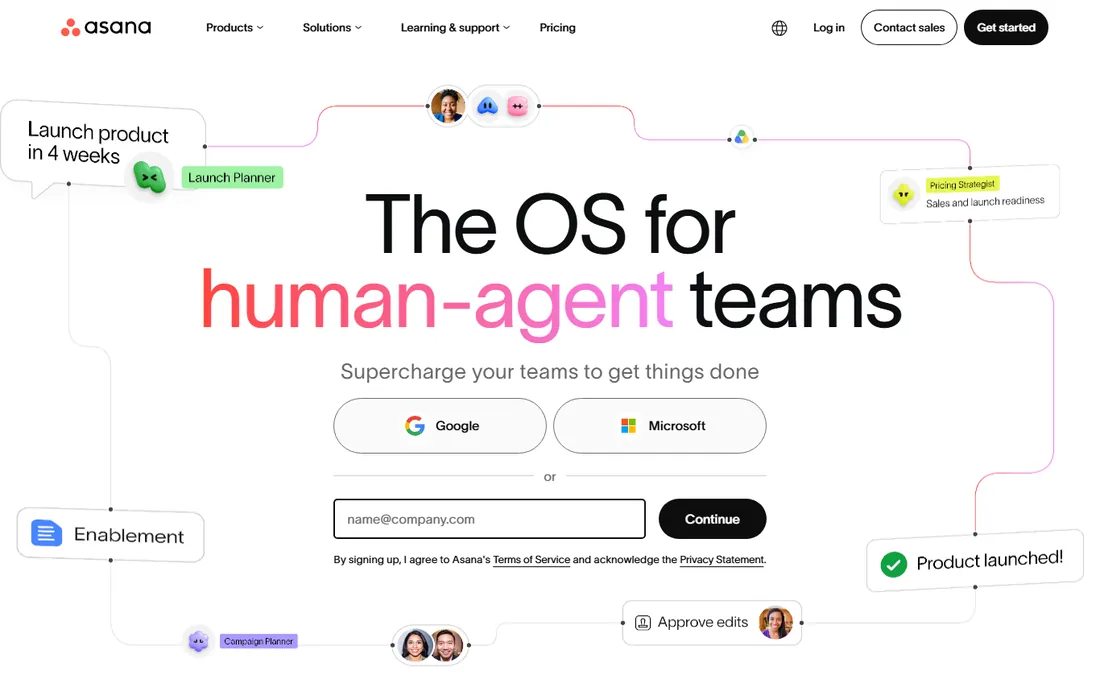
Few tools bridge the gap between technical and non-technical teammates as gracefully as Asana. Marketing, design, and operations people pick it up with almost no training, while engineering can still run sprints using board views, custom fields, and dependencies. That cross-functional friendliness is why Asana works well for companies where agile is spreading beyond the development org.
Asana's current pricing is transparent on its own site: the Personal plan is free for up to two users, Starter runs $10.99 per user per month billed annually ($13.49 month to month), and Advanced is $24.99 annually ($30.49 monthly). Sprint essentials like Timeline and Gantt views arrive at the Starter tier, while portfolio management, goals, and resource management need Advanced. Asana states on its homepage that 85% of Fortune 100 companies use the platform, so it scales farther than its friendly surface suggests.
What we like- Clean, intuitive interface that non-developers adopt quickly
- Timeline and Gantt views on paid plans
- Strong goals and portfolio features
Watch out for- No user limits on the free plan but limited to 2 users
- Advanced agile reporting sits on higher tiers
Starting priceSee website
Free planYes
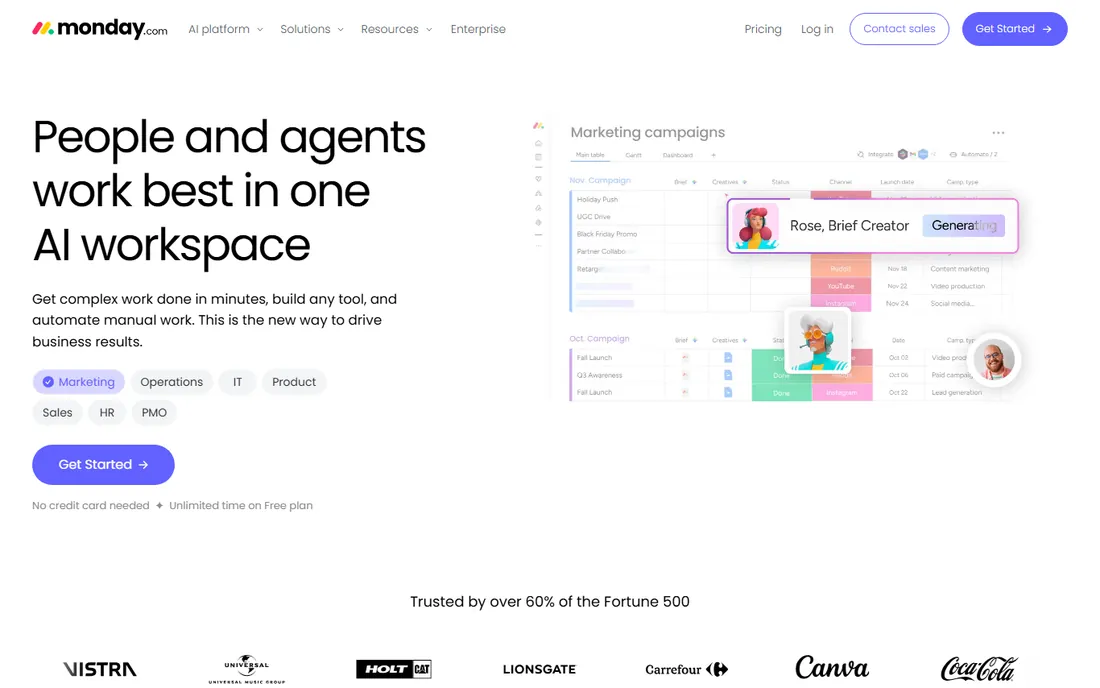
monday.com calls itself a Work OS rather than an agile tool, and that framing is honest. Teams use it for sprint planning, but just as often for campaign tracking, hiring pipelines, and client onboarding. If your agile practice is loose, or if you want one platform where engineering sprints and marketing campaigns live side by side, monday.com's flexible boards adapt to both.
The pricing structure is worth understanding before you commit. monday.com's own pricing FAQ confirms a free plan for individuals plus a 14-day trial of the Pro plan, but paid plans start at a 3-seat minimum, so the smallest possible bill is three seats regardless of your team size. Its homepage claims more than 250,000 customers and says over 60% of Fortune 500 companies use it. The tradeoff is depth: monday.com handles Kanban-style workflows beautifully but lacks the sprint rigor and developer integrations that Jira or Linear provide out of the box.
What we like- Highly visual, colorful boards that stakeholders understand instantly
- Flexible enough for non-software workflows
- 14-day free trial of the Pro plan
Watch out for- The free plan is limited to 2 seats and 3 boards
- Paid plans require a 3-seat minimum, which prices out solo users
Starting price$8 per user/month (billed annually)
Free planYes
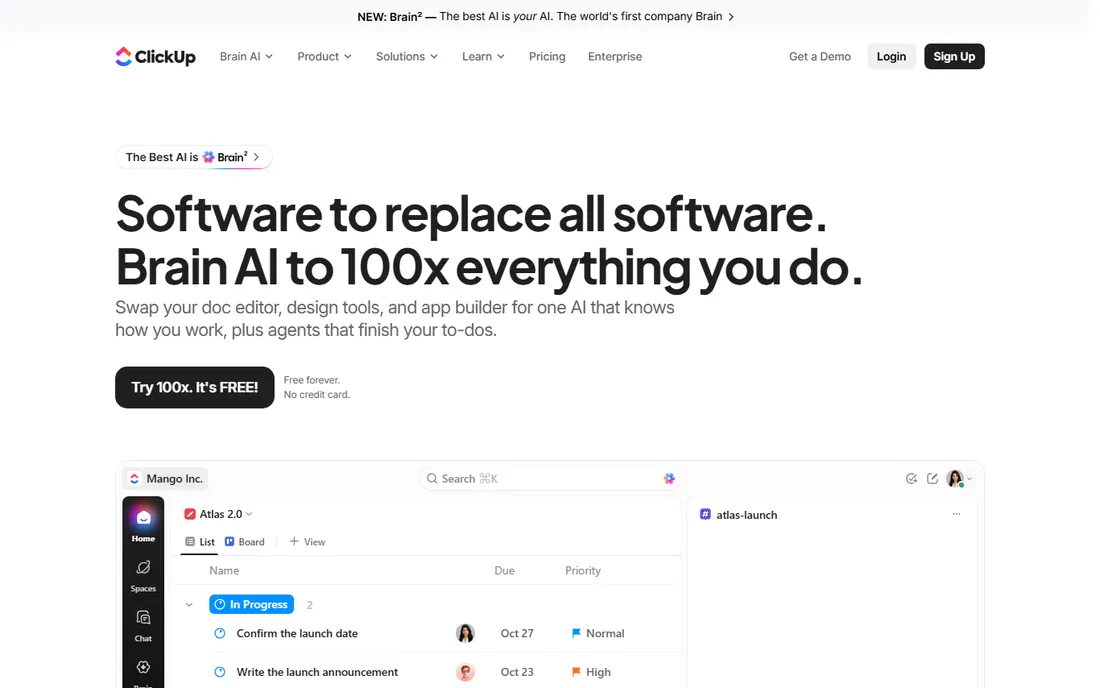
ClickUp's pitch is that you should not need five tools when one can do the job. Tasks, docs, whiteboards, chat, goals, time tracking, and sprint management all live inside one workspace. For a small company trying to standardize on a single platform, that consolidation argument is genuinely compelling, and the Free Forever plan is more generous than any competitor's: $0 with unlimited tasks and subtasks, Kanban boards, calendar view, and sprint management.
Paid pricing is straightforward on ClickUp's own pricing page. Core costs $8 per user per month billed annually (regularly $12), and Business is $17 annually (regularly $25). The honest catch is cognitive load. ClickUp's breadth means more menus, more settings, and more ways to configure yourself into confusion. Teams that invest in a clean setup love it; teams that wing it end up with a cluttered workspace. ClickUp reports a 4.7 out of 5 rating on G2 from more than 10,000 users, which reflects how well it lands when teams commit.
What we like- Generous Free Forever plan with unlimited tasks and members
- Sprint management included even on free
- Broad feature set covers docs, chat, and goals
Watch out for- The sheer number of features can overwhelm new users
- Performance and interface polish lag behind simpler rivals
Starting priceSee website
Free planYes
Azure Boards is Microsoft's answer to agile work tracking, and it makes the most sense when your code already lives in the Microsoft world. The standout feature is traceability: a user story in Azure Boards can link directly to the commits, pull requests, and builds that implement it, giving managers a genuine from-idea-to-release view. It supports Scrum, Kanban, and Scrumban with customizable process templates, backlogs, sprint planning, and velocity metrics.
Microsoft's own sign-up page points new users to a free tier of services to get started, which makes it easy to pilot with a real team before any purchase conversation. The tradeoff is polish. Azure Boards' interface reflects its enterprise heritage more than its competitors' startup energy, and teams outside the Microsoft ecosystem get less value since the GitHub and Teams integrations are where it shines. For organizations already on Microsoft 365 and Azure, though, the integration advantage is hard to beat.
What we like- Work items link directly to code commits and pull requests
- Native GitHub integration
- Strong Scrum and Kanban support with customizable process templates
Watch out for- Interface feels dated next to modern rivals
- Best value requires commitment to the Microsoft ecosystem
Starting priceSee website
Free planYes
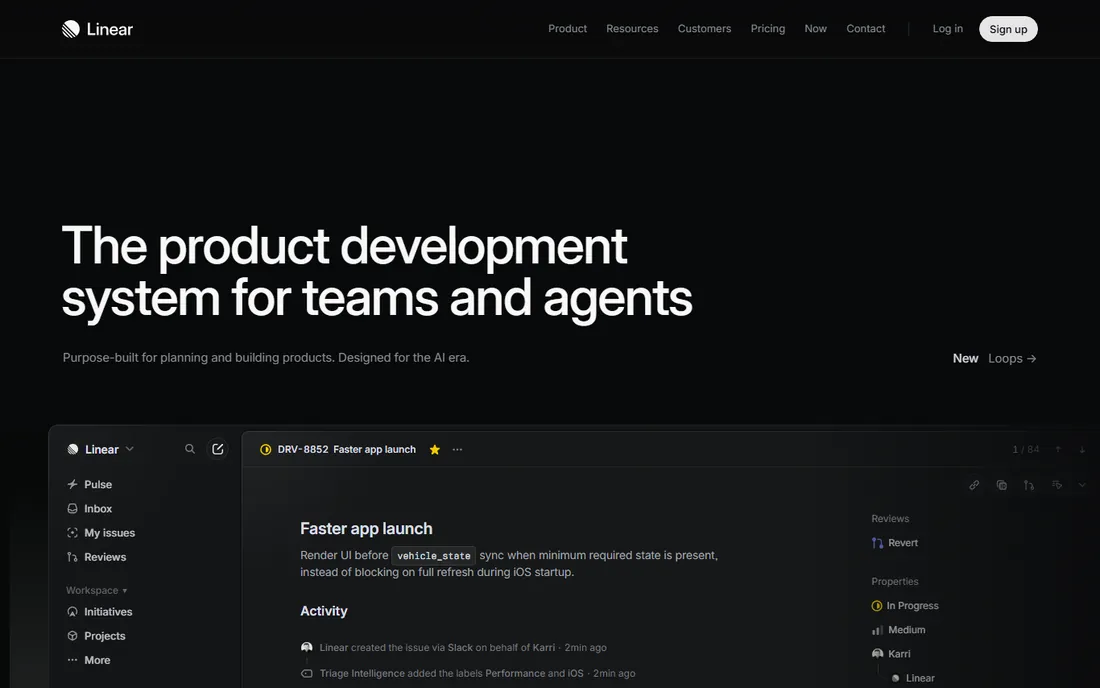
Linear was built by people who thought issue tracking had become slow and bloated, and it shows in every interaction. Creating an issue takes milliseconds, keyboard shortcuts handle nearly everything, and the whole product feels like it was designed by engineers for engineers. Its Cycles feature handles time-boxed sprints with built-in velocity tracking, and Triage gives teams an inbox-style view for incoming work.
The philosophy is opinionated by design: Linear deliberately limits configuration so teams adopt good workflows instead of building custom ones. That is a blessing for startups and product teams that want to move fast, and a limitation for enterprises with compliance-heavy processes. Linear's own pricing page shows a free tier with a 250-issue limit alongside paid plans, which is enough for a small team to feel the speed difference before committing. If your team lives in GitHub and Slack and finds Jira exhausting, Linear is probably the tool you have been looking for.
What we like- Extremely fast, keyboard-driven interface engineers love
- Opinionated cycles and triage workflows reduce setup decisions
- Clean Git integrations
Watch out for- Deliberately opinionated, so less configurable than Jira
- Fewer native views for non-engineering work like portfolios or Gantt charts
Starting priceSee website
Free planYes
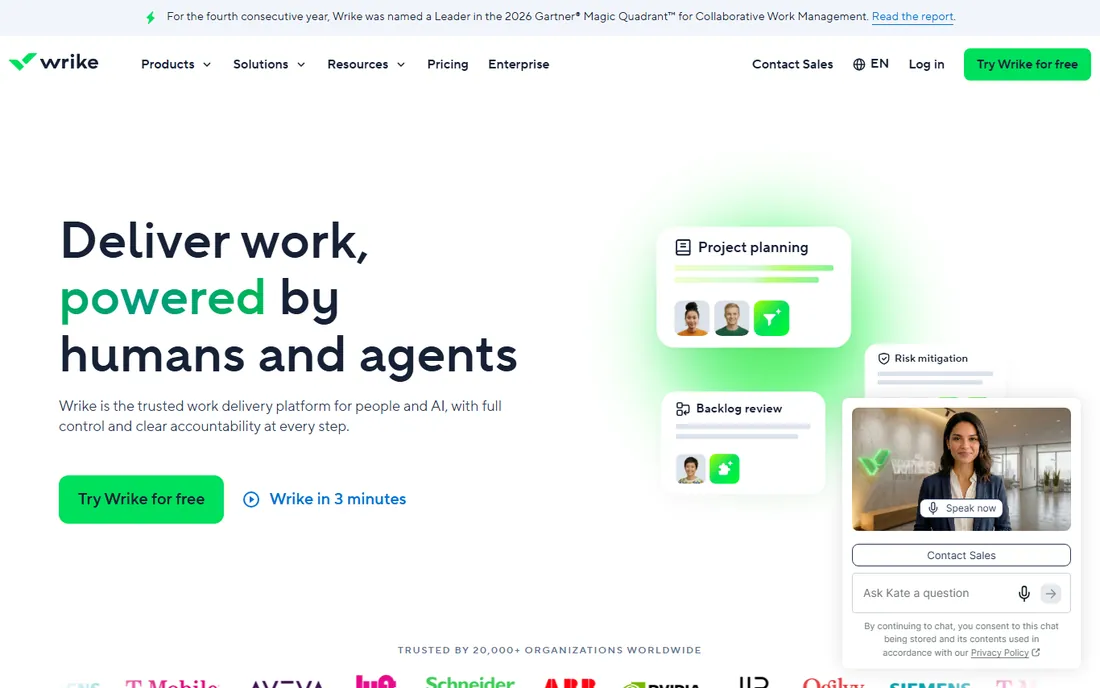
Wrike targets the segment where agile meets enterprise project management. Beyond boards and sprints, it offers portfolio management, resource allocation, time tracking, and detailed reporting that program managers need when dozens of projects run in parallel. It holds SOC 2 Type II and ISO 27001 certifications, which matters for regulated industries evaluating agile tools.
Wrike's own pricing page confirms a free version exists and offers a 14-day free trial for new users, though specific plan prices are not published on the page and larger configurations require talking to sales. The honest catch is complexity: Wrike is powerful but not the fastest tool to learn, and smaller teams may find its enterprise orientation overkill. Its homepage claims more than 20,000 organizations use the platform. For mid-size to large companies that need agile execution plus executive-level reporting, Wrike covers both in one system.
What we like- Strong portfolio and resource management for multi-project organizations
- Customizable dashboards and reports
- Enterprise-grade security certifications
Watch out for- Pricing details require contacting sales for larger teams
- The interface carries a learning curve for casual users
The biggest mistake teams make is choosing based on feature lists instead of team habits. A tool with perfect Scrum support fails if your developers will not open it, and the simplest board fails if your process needs audit trails and approvals. Start by being honest about how your team actually works today, then match the tool to that reality.
First, consider who will use it. If only engineers will touch it, Jira, Linear, or Azure Boards make sense, and developer ergonomics should weigh heavily. If marketing, design, and operations will share the workspace, Asana, monday.com, or ClickUp will get broader adoption because non-technical users find them approachable.
Second, think about methodology strictness. Teams running formal Scrum with story points, velocity tracking, and sprint reviews need Jira, Azure Boards, or Linear. Teams practicing a looser Kanban flow, or mixing agile with other project styles, will be happier with the flexibility of monday.com, Asana, or ClickUp.
Third, weigh ecosystem fit. A Microsoft 365 shop gets compounding value from Azure DevOps. A team already paying for Atlassian products should seriously consider Jira since administration and billing stay unified. A startup with no existing stack has the most freedom and should optimize for speed of adoption.
Finally, run a real pilot. Every tool on this list offers a free tier or trial. Put one actual sprint into your top two contenders before deciding. A week of real usage reveals more than any demo about whether the tool fits your team's rhythm.
How we chose
We started from tools with established market presence in agile project management, drawing on vendor homepages, official pricing pages, product documentation, and public review platforms including G2, Capterra, and Reddit discussions. For each tool we verified the official homepage through the browser and recorded pricing from the vendor's own pricing page where it was published; where pricing was not shown on the vendor's site, we say so rather than quoting third-party figures.
We weighted fit for small to mid-size US companies, looking at sprint and backlog support, ease of adoption for mixed technical and non-technical teams, integration ecosystems, and the generosity of free tiers. We did not perform hands-on testing; our assessments reflect vendor-published information and widely reported user feedback. We favored tools that serve agile workflows specifically rather than generic task managers.
Frequently asked questions
What is the best agile project management tool for a small team?
For a small team, ClickUp and Asana are the easiest starting points because their free tiers cover real sprint work at no cost. Linear is the best pick if the team is entirely engineers who value speed. The right answer depends on whether non-technical teammates need to participate: if they do, lean toward Asana or ClickUp.
Is Jira too complex for small teams?
It can be. Jira's strength is configurability, which becomes overhead when a five-person team just needs a board and a backlog. Small teams that choose Jira should start with a team-managed project, which hides most of the complexity, and resist customizing workflows until they feel a genuine need.
Which agile tools have genuinely free plans?
ClickUp's Free Forever plan is the most generous, with unlimited tasks and sprint management. Asana offers a free Personal plan for up to two users, monday.com has a free plan for individuals, Linear has a free tier capped at 250 issues, and Wrike offers a free version. Jira also has a free tier, and Azure DevOps starts new users on a free tier of services.
Should we pick one tool for engineering and non-engineering teams?
Usually yes, if you can find one both groups will use. Shared tools reduce status meetings and keep everyone looking at the same priorities. Asana, monday.com, and ClickUp are built for this mixed audience. If engineering needs deep Scrum support that the shared tool cannot provide, a common pattern is running sprints in Jira or Linear while reporting status upward in the shared tool.
How much should a small team expect to pay?
Entry-level paid plans on this list run roughly $8 to $13 per user per month when billed annually, based on published vendor pricing from Asana and ClickUp. A ten-person team therefore lands in the $80 to $130 per month range before any discounts. Free tiers can delay that spend considerably for very small teams.
Sources we checked (13)
- https://www.atlassian.com/software/jira
- https://www.atlassian.com/software/jira/pricing
- https://asana.com
- https://asana.com/pricing
- https://monday.com
- https://monday.com/pricing
- https://clickup.com/
- https://clickup.com/pricing
- https://azure.microsoft.com/en-us/products/devops/boards
- https://linear.app/
- https://linear.app/pricing
- https://www.wrike.com
- https://www.wrike.com/pricing
Is your product missing or out of date?
We review this list regularly. Vendors can request a listing, send updated pricing or ask about featured placement.

Shihab Mia · Founder, Rankite
Shihab has spent more than a decade helping SaaS and e-commerce brands grow through search. He writes Rankite's software buying guides from pricing pages, documentation and public user reviews. More about Shihab.