How we make this list: we compare pricing pages, product documentation and public user reviews. Rankite is independent; if a vendor ever pays for a featured spot, that listing is clearly labeled Partner.
Key takeaways
- Front ($25/seat/month) is the most complete shared inbox for teams, with 9,300+ companies on board and AI add-ons from $0.05 per conversation.
- Missive ($14/user/month) undercuts Front on price while covering email, SMS, WhatsApp, and social in one workspace.
- Hiver ($25/user/month) runs inside Gmail with a genuinely free plan, making it the easiest start for Google Workspace teams.
- Superhuman ($30/user/month) and Spark (free plan available) are the top picks for individuals who live in their inbox.
Quick comparison
| Tool | Best for | Starting price | Free plan |
|---|
 Front Front | teams running complex shared inboxes across channels | $25 per user/month | Free trial (14 days) |
 Missive Missive | small teams wanting multichannel inboxes at a lower price | $14 per user/month | Free trial (30 days) |
 Hiver Hiver | Google Workspace teams managing shared inboxes in Gmail | $25 per user/month | Yes |
 Superhuman Superhuman | executives and power users who live in email | $30 per user/month | No |
 Spark Spark | individuals and small teams wanting a smarter free client | $0/month | Yes |
 SaneBox SaneBox | anyone drowning in email who wants AI sorting without switching apps | $7/month | Free trial (7 days) |
 Clean Email Clean Email | individuals cleaning up years of inbox clutter in bulk | $9.99/month | Yes |
Is your product missing or out of date?
We review this list regularly. Vendors can request a listing, send updated pricing or ask about featured placement.
The best email management software
Spark reports that more than 21 million people use its email app (sparkmailapp.com). The category covers two very different problems: teams that need to share and assign email, and individuals who need to tame it. The tools below address both, with pricing verified from each vendor's own site.
#1
Front
Best for: teams running complex shared inboxes across channels
Visit front.com
Starting price$25 per user/month
Free planFree trial (14 days)
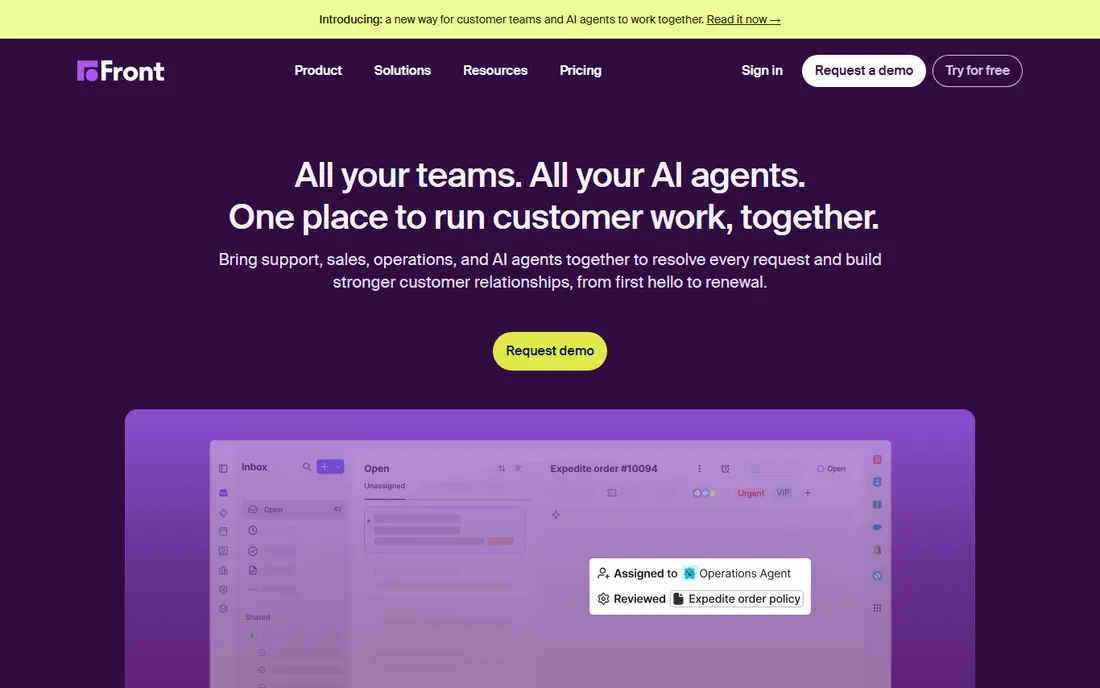
Front is the heavyweight of the shared inbox world. It pulls email, SMS, live chat, social, and WhatsApp into one collaborative inbox where teammates assign conversations, leave internal comments, and draft replies together without the customer ever seeing the backstage. The vendor reports 9,300+ companies using the platform, and its automation story is mature: rules, macros, SLAs, and an AI Autopilot agent that can resolve routine work on its own.
Pricing is the honest catch. Starter at $25 per seat per month (billed annually, up to 10 seats) covers a single channel type, so teams that need email plus chat or SMS land on Professional at $65 per seat. Enterprise at $105 adds the AI Copilot, Smart QA, and Smart CSAT features that are paid add-ons elsewhere. Autopilot is usage-based from $0.05 per conversation. For mid-market and larger teams with complex customer work, Front is the benchmark. Smaller teams should look at Missive or Hiver before committing to these seat prices.
What we like- True omnichannel inbox covering email, SMS, chat, and WhatsApp
- Internal comments and assignments keep coordination in the thread
- AI Autopilot can resolve routine requests end to end
Watch out for- Starter is limited to a single channel type
- The plan most teams need costs $65 per seat
- AI features are paid add-ons, not included
Starting price$14 per user/month
Free planFree trial (30 days)
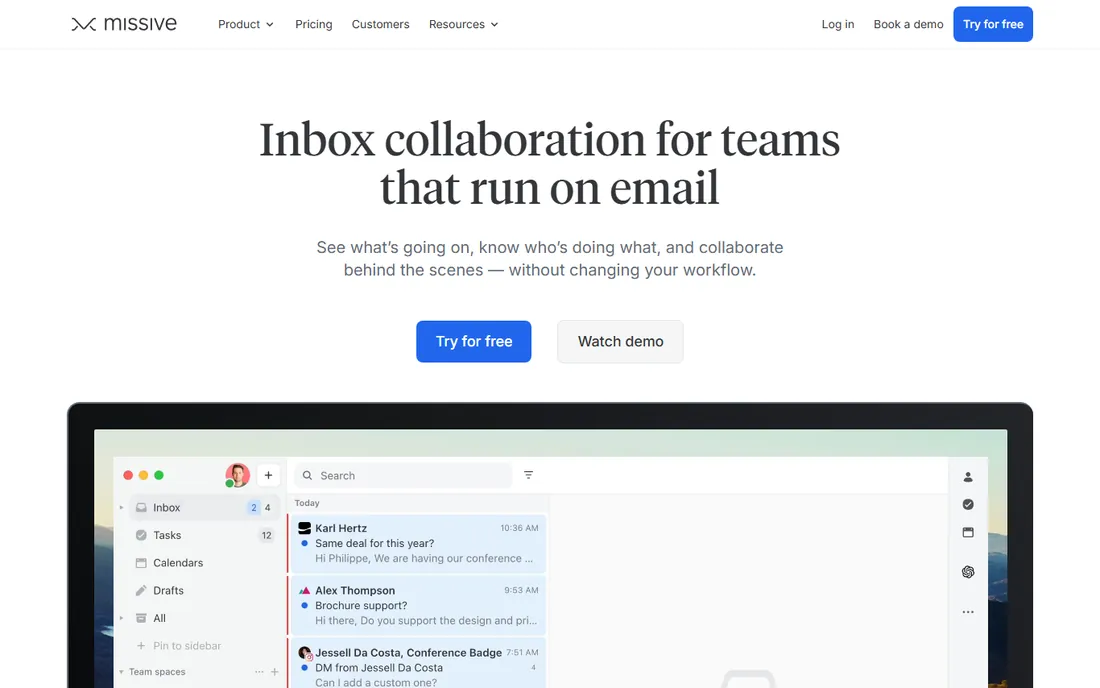
Missive is the value challenger to Front. It combines email with live chat, SMS, WhatsApp, Facebook Messenger, and Instagram in one team workspace, and shared inboxes work the same way across every email provider, Gmail, Microsoft 365, iCloud, or IMAP. You can turn any email into a task, comment inside threads, and build automation rules without leaving the inbox. The vendor's own comparison pages put Starter at $14 per user per month (billed annually, up to 5 users), Productive at $24 (up to 50 users, adds integrations, rules, API, and the AI assistant), and Business at $36 (unlimited users, SSO, advanced analytics).
Every new team gets a 30-day free trial of Productive features with no credit card required. The catches are modest. The Starter tier's 5-user cap means growing teams step up to Productive quickly, and API access is not available on Starter. AI usage is billed at the model provider's price plus a markup unless you bring your own key. For small businesses that want multichannel shared inboxes without Front's seat prices, Missive is the most direct answer.
What we like- Email, SMS, WhatsApp, and social in one workspace from the entry tier
- 30-day free trial with no credit card
- Email-to-task conversion built in
Watch out for- Starter caps at 5 users
- API access requires the Productive plan
- AI usage is metered on top of the seat price
#3
Hiver
Best for: Google Workspace teams managing shared inboxes in Gmail
Visit hiverhq.com
Starting price$25 per user/month
Free planYes
Hiver takes the opposite approach from Front: instead of a separate app, it turns Gmail itself into a help desk. Shared inboxes like support@ live in Gmail with assignments, collision detection, tags, internal notes, and analytics layered on top. The vendor reports 10,000+ teams using the platform. Recent versions add AI agents that resolve requests end to end and a Copilot that drafts replies, both included in the paid plans rather than sold as add-ons.
The pricing story is friendly. Hiver's own pricing page confirms a free plan with unlimited users for basic triage across email, chat, WhatsApp, and voice. Paid tiers run Growth at $25, Pro at $55, and Elite at $85 per user per month, with a 7-day Elite trial on signup. Plans start at 2 seats and scale in increments. The honest catch is scope. If your team lives in Gmail, Hiver is the path of least resistance. Teams on Outlook or mixed providers get a newer, less proven experience, and the free plan covers triage only, so anything with SLAs or automation needs a paid tier.
What we like- Works directly inside Gmail, no new interface to learn
- Free plan with unlimited users for basic triage
- AI agents and Copilot included in paid plans
Watch out for- Paid plans start at 2 seats and scale in buckets
- Free plan is basic triage only
- Outlook support is newer than the Gmail experience
Starting price$30 per user/month
Free planNo
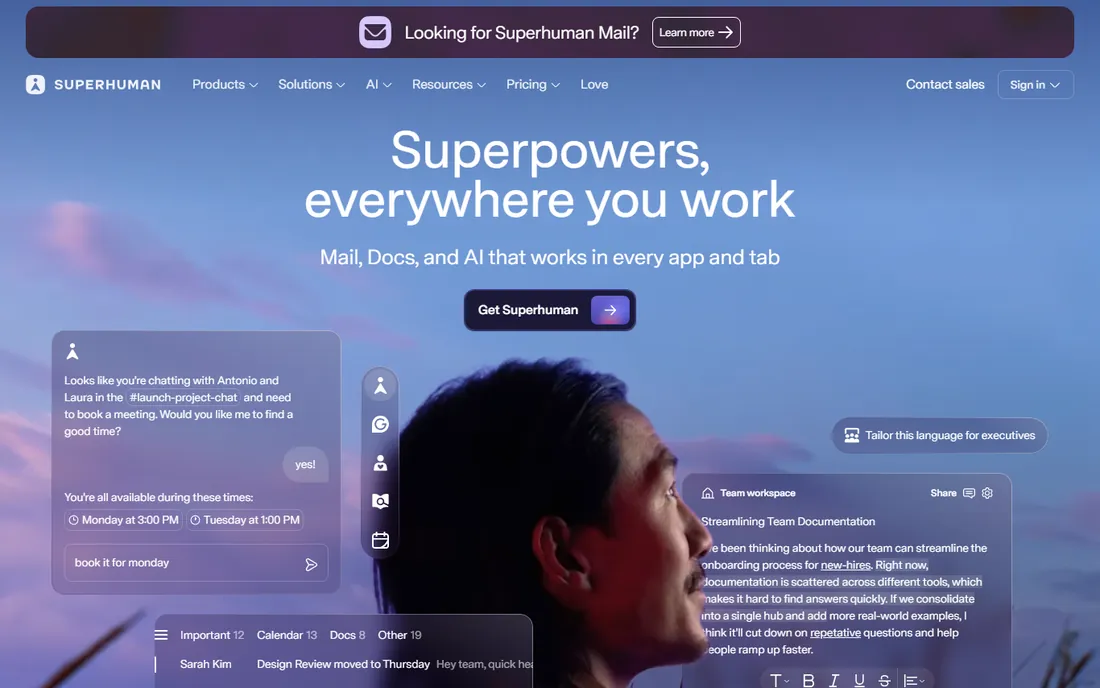
Superhuman is the luxury pick for people whose job is email. The whole product is built around speed: keyboard shortcuts for everything, split inboxes, instant search, scheduled follow-ups, and AI features like auto drafts, Ask AI, and custom auto labels that learn how you write. Team features include shared conversations, team comments, and shared drafts so colleagues can collaborate inside a thread. Since its acquisition by Grammarly, the product sits inside a wider suite with Grammarly, Docs, and Go, the proactive AI assistant.
Pricing is straightforward and steep: Starter at $30 per user per month ($300 a year), Business at $40 ($396 a year) with HubSpot and Salesforce integrations, and Enterprise as a custom quote. There is no free tier, and you still need your own Gmail, Google Workspace, or Microsoft 365 account underneath. The honest catch is that Superhuman only pays off if you invest in the workflow. Users who will not learn the shortcuts get an expensive email client. For founders, executives, and salespeople processing hundreds of emails a day, the three-to-four hours a week it claims to save can justify the price.
What we like- Keyboard-first workflow that genuinely speeds up triage
- Team comments and shared conversations inside threads
- AI drafts trained on your voice and calendar
Watch out for- Premium price with no free tier
- Requires an existing Gmail, Workspace, or Microsoft 365 account
- The speed benefits assume you commit to the workflow
Starting price$0/month
Free planYes
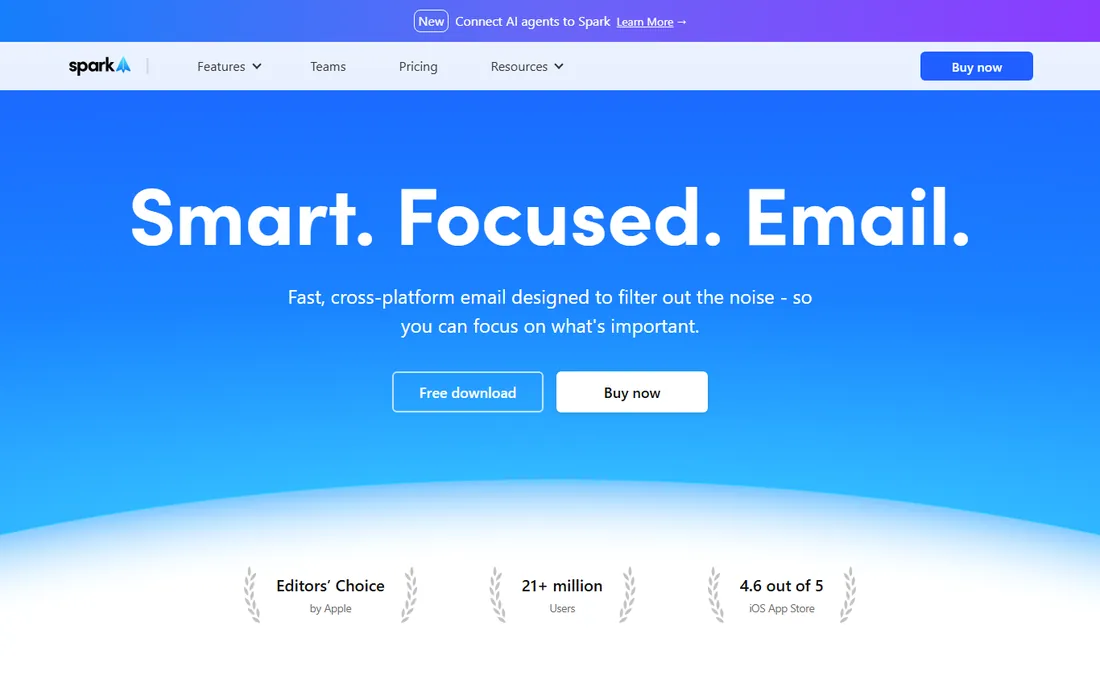
Spark is the best free email client in this list for individuals. The free plan includes the Smart Inbox, unlimited email accounts, smart notifications, a calendar, and the essential productivity features across Mac, Windows, iOS, Android, and web. The vendor reports 21 million users and an Editors' Choice award from Apple. Paid plans add the AI layer: Plus at $10 per user per month ($99 a year) brings Spark +AI, the AI assistant, meeting notes, custom templates, and essential team collaboration; Pro at $20 per user per month ($199 a year) adds unlimited meeting notes, HubSpot integration, and advanced team collaboration.
The free plan is honest, not a trial in disguise, and the vendor's own FAQ says it is designed for individuals who want a modern email experience at no cost. The catch is the ceiling. Shared inboxes, assignments, and the deeper AI features need Plus or Pro, and a few announced features like Autopilot are still marked as coming soon. For individuals and tiny teams who want a smarter inbox without paying, Spark is the easy default. Teams that need real shared-inbox workflows will outgrow it and should look at Missive or Hiver.
What we like- Genuinely useful free plan with unlimited accounts and Smart Inbox
- Works across Gmail, Outlook, iCloud, Yahoo, and IMAP
- 7-day trials on paid plans
Watch out for- The best AI and team features sit on paid tiers
- Plus is $10 per user per month and Pro is $20
- Some advanced features are still rolling out
#6
SaneBox
Best for: anyone drowning in email who wants AI sorting without switching apps
Visit sanebox.com
Starting price$7/month
Free planFree trial (7 days)
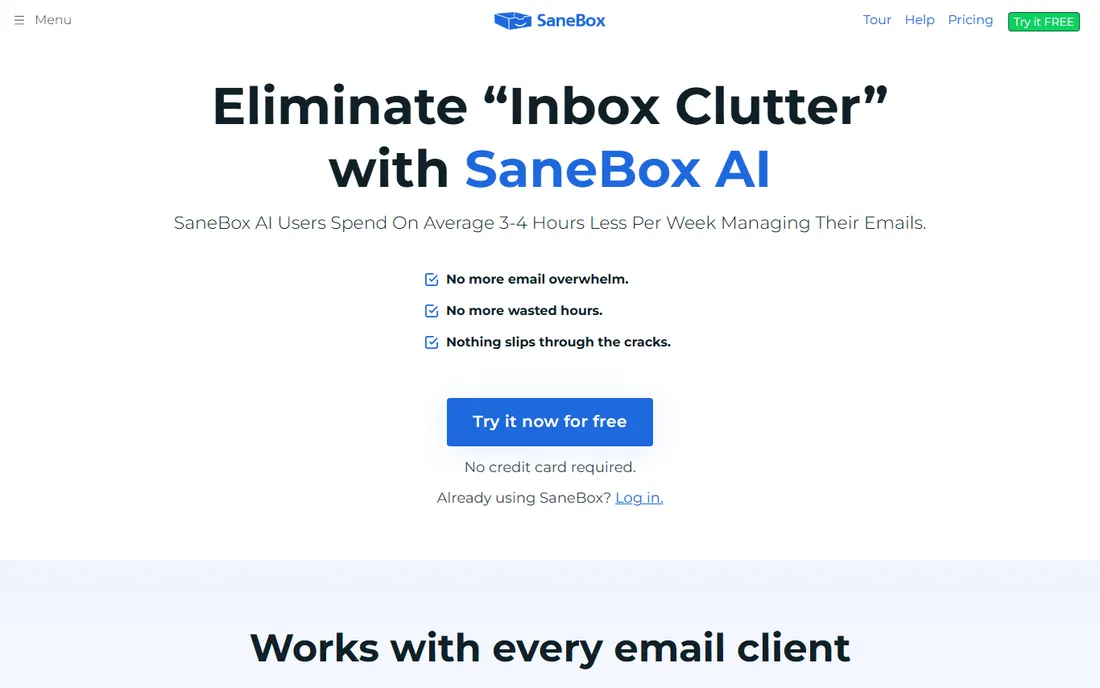
SaneBox is different from everything else here: you keep your email app and it adds an AI sorting layer on top. Its algorithms move unimportant mail out of your inbox into folders like SaneLater, send you a daily digest of what was filtered, remind you when people do not reply, and let you snooze messages or banish annoying senders permanently. It works with Gmail, Microsoft 365, iCloud, Yahoo, Exchange, and any IMAP server, and the vendor emphasizes privacy: it looks at sender, subject, and date, never stores full emails or attachments, and passed external security audits.
Pricing uses playful tier names: Snack at $7 a month, Lunch at $12, and Dinner at $36, with discounts around 35% for annual billing. Each plan gets a 7-day free trial. The honest catch is that SaneBox organizes email rather than replacing your client, so it will not help with team collaboration or shared inboxes. The Snack plan's limits on folders and reminders push most users to Lunch. For individuals whose problem is volume rather than teamwork, it is the lowest-effort fix in this list.
What we like- Works inside your existing email client, nothing to learn
- AI sorts unimportant mail into folders automatically
- Strong privacy posture with encrypted credentials
Watch out for- It is a filter layer, not a full email client
- Entry plan limits folders and reminders
- No free tier, only a 7-day trial
#7
Clean Email
Best for: individuals cleaning up years of inbox clutter in bulk
Visit clean.email
Starting price$9.99/month
Free planYes
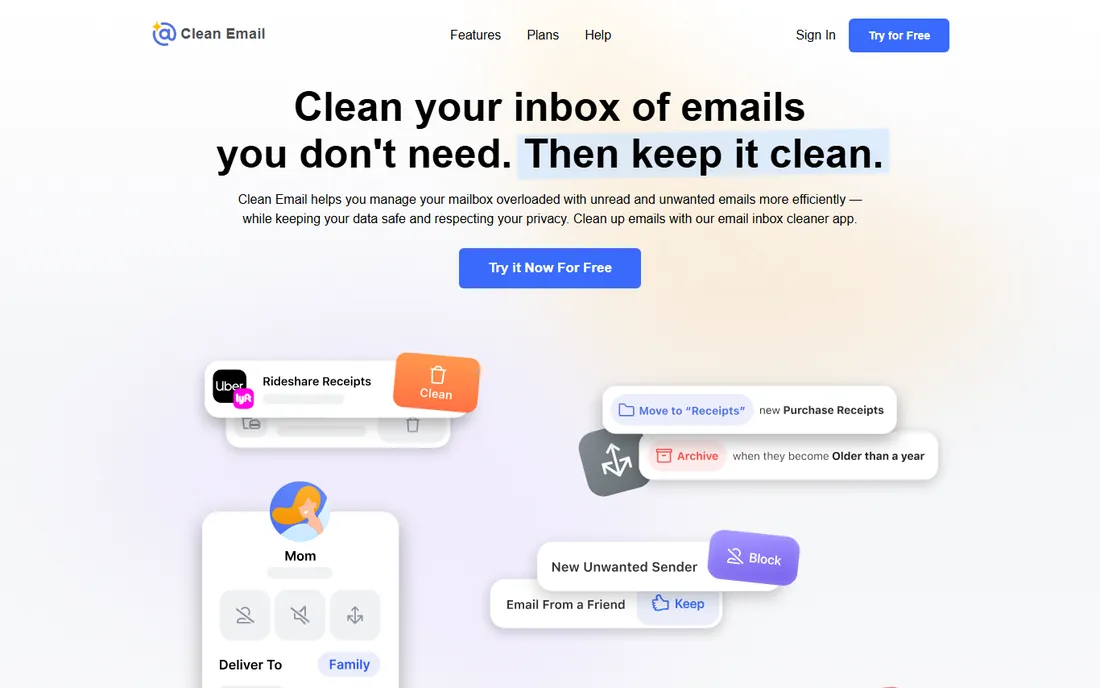
Clean Email is the cleanup crew of the category. Instead of managing email day to day, it organizes your mailbox into smart bundles, newsletters, social notifications, old emails, and lets you archive, delete, label, or move hundreds at a time. The Unsubscriber sends unsubscribe requests on your behalf and blocks senders that ignore them. Auto Clean rules then keep the inbox tidy automatically, archiving or deleting matching mail as it arrives. The vendor's own app listing says you can clean your first 1,000 emails free, unsubscribe from 25 newsletters, and run its Screener and Auto Clean rules for 14 days at no cost.
Paid plans start at $9.99 a month for one account, with a yearly option that the vendor says saves 75%. The own site shows a 4.5-star rating from 3,700 user reviews and a clear privacy stance: it analyzes only email headers, never downloads full emails, and does not sell data. The honest catch is price versus ongoing use. Nine ninety-nine a month is a lot for a tool whose main job is a one-time cleanup, so the value depends on actually setting up Auto Clean rules afterward. For the initial declutter, though, the free 1,000-email cleanup is a fair test.
What we like- Bulk cleanup of thousands of emails in a few clicks
- One-click unsubscribe and sender blocking
- Free cleanup of your first 1,000 emails
Watch out for- Monthly plan is pricey for what is mainly a cleanup tool
- Privacy requires granting mailbox access
- Ongoing value depends on using Auto Clean rules
When a shared inbox beats a help desk
Shared inboxes and help desks solve adjacent problems, and picking wrong costs you a migration later. A shared inbox is right when email is the primary channel, the team is small to mid-size, and conversations need human judgment more than ticket workflows. Tools like Front, Missive, and Hiver shine here because teammates collaborate inside the email thread with comments and assignments.
A help desk earns its place when you need structured ticketing, SLAs with escalation, a customer portal, or serious reporting across channels. Front and Hiver both blur the line, Front with its ticketing and analytics depth, Hiver with its Pro and Elite tiers. The practical rule: if your team says "who is handling this email," you need a shared inbox. If they say "what is our SLA compliance," you need a help desk.
How to choose email management software for your team
The right tool depends on whether you are fixing one person's inbox or a team's shared chaos. Start by naming which problem you actually have.
Shared inbox versus personal client
Team tools (Front, Missive, Hiver) add assignments, collision detection, and internal comments to shared addresses like support@. Personal tools (Superhuman, Spark, SaneBox, Clean Email) make one person's inbox faster or cleaner. Buying a personal client for a shared-inbox problem, or vice versa, is the most common mistake in this category.
Overlay versus replacement
SaneBox and Clean Email work inside or alongside your existing email. Everything else replaces your client. Overlays are lower risk: nothing to migrate, nothing to learn. Replacements pay off when the old client is the problem, but they require the whole team to move.
Gmail and Outlook compatibility
Check this before anything else. Hiver is built for Gmail. Missive and Spark cover every major provider uniformly. Superhuman needs Gmail, Google Workspace, or Microsoft 365 underneath. Clean Email and SaneBox work with any IMAP account. If your company runs on Outlook, verify the specific Outlook experience rather than assuming parity.
AI features and their real cost
AI is now table stakes, but the pricing varies wildly. Front charges for Autopilot per conversation and Copilot per seat. Missive meters AI usage on top of seats. Superhuman and Spark bundle AI into the subscription. SaneBox's core product is AI sorting. Ask what the AI does when it is wrong, not just what it costs when it is right.
Per-seat pricing math
Team tools price per user per month, and the numbers add up fast: five people on Front Professional is $325 a month, while the same team on Missive Productive is $120. Model your cost at your actual headcount, not at the advertised starting price. Free plans from Hiver and Spark can cover small teams indefinitely if the feature fit is right.
Privacy and data handling
Email management software touches your most sensitive data. SaneBox and Clean Email both publish detailed privacy practices, encrypted credentials, minimal data access, and no data selling. For regulated industries, Hiver lists GDPR, SOC 2 Type II, ISO 27001, and HIPAA compliance. Read the privacy page before granting mailbox access to any tool.
How we chose
We searched the email management software category and shortlisted shared inbox platforms alongside personal email clients and AI filtering tools. For each tool, we opened the vendor's official homepage and pricing pages to confirm the product exists today and to record current prices from the vendor's own site. Where pricing was not published, we marked it as See website rather than repeating third-party claims. We weighed features against the needs of small and mid-size businesses: shared inbox collaboration, Gmail and Outlook compatibility, AI capabilities, privacy practices, and the honesty of free plans and trials. Public reviews on G2, Capterra, and Reddit informed our sense of each product's strengths and rough edges. We did not test any software hands-on; every price and feature claim comes from the vendor's own published pages.
Frequently asked questions
What is the difference between email management software and a help desk?
Email management software organizes, filters, or shares email itself, while a help desk turns messages into tickets with SLAs, portals, and structured workflows. Shared inbox tools like Front and Hiver sit in between, adding ticket-like assignment and analytics to email. Choose a help desk when you need SLA compliance and reporting; choose email management when the conversation itself is the work.
Does email management software work with Gmail and Outlook?
Most of it does, but the depth varies. Hiver runs inside Gmail natively. Missive, Spark, SaneBox, and Clean Email support Gmail, Outlook, and other providers. Superhuman requires Gmail, Google Workspace, or Microsoft 365 as the underlying account. Always verify the experience on your specific provider before buying.
Will these tools read my emails?
They need access to process your mail, but the reputable ones limit what they touch. SaneBox analyzes sender, subject, and date without storing full emails or attachments. Clean Email analyzes only headers and stores data for 45 days. Both use encrypted credentials you can revoke. Read each vendor's privacy page and prefer tools with third-party security audits.
Are these tools for individuals or teams?
Both, but different tools serve each. Front, Missive, and Hiver are built for teams sharing inboxes. Superhuman, Spark, SaneBox, and Clean Email are built for individuals managing their own mail, though Spark and Superhuman add team collaboration features on higher tiers. Match the tool to your situation rather than buying team software for a personal problem.
Which email management tools have free plans?
Spark and Hiver both offer genuinely free plans, Spark for individuals and Hiver for small-team triage. Clean Email lets you clean your first 1,000 emails free. Front, Missive, and SaneBox offer free trials (14, 30, and 7 days respectively) but no permanent free tier. Superhuman has no free option.
How hard is it to switch email tools?
Overlays like SaneBox and Clean Email take minutes since your email stays where it is. Full clients like Spark and Superhuman need account connections and a short learning period. Shared inbox migrations are the biggest project: you move addresses, rebuild rules, and retrain the team. Most vendors offer onboarding help, and trials are the right time to test the migration, not after you pay.
Sources we checked (10)
- https://front.com/
- https://front.com/pricing/
- https://superhuman.com/
- https://missiveapp.com/
- https://hiverhq.com/
- https://hiverhq.com/pricing
- https://sparkmailapp.com/
- https://sparkmailapp.com/pricing
- https://www.sanebox.com/
- https://clean.email/
Is your product missing or out of date?
We review this list regularly. Vendors can request a listing, send updated pricing or ask about featured placement.

Shihab Mia · Founder, Rankite
Shihab has spent more than a decade helping SaaS and e-commerce brands grow through search. He writes Rankite's software buying guides from pricing pages, documentation and public user reviews. More about Shihab.