How we make this list: we compare pricing pages, product documentation and public user reviews. Rankite is independent; if a vendor ever pays for a featured spot, that listing is clearly labeled Partner.
Key takeaways
- Metabase says more than 100,000 teams run on its platform, while Databox says 20,000+ businesses and Klipfolio says 25,000+ customers build dashboards with it.
- Free entry points are generous: Tableau Desktop is now free, Databox has a free-forever plan, Metabase is free to self-host, and Zoho Analytics offers a 15-day trial with no credit card.
- Klipfolio is the only SMB tool here with starting prices on its homepage: $120 per month. Tableau, Power BI, Domo, and Zoho keep paid pricing behind quotes or plan pages.
- Microsoft shops should default to Power BI, Salesforce shops to Tableau, agencies to Databox or Klipfolio, and budget-conscious startups to Metabase or Zoho Analytics.
Quick comparison
| Tool | Best for | Starting price | Free plan |
|---|
 Tableau Tableau | organizations that want the deepest visual analytics | See website | Yes |
 Power BI Power BI | teams already living in Microsoft 365 | See website | Free trial |
 Databox Databox | agencies and SMBs that need KPI dashboards fast | See website | Yes |
 Klipfolio Klipfolio | spreadsheet experts building real-time dashboards | $120 per month | Free trial |
 Domo Domo | companies that want dashboards plus data apps | See website | No |
 Zoho Analytics Zoho Analytics | SMBs wanting full BI without the enterprise price | See website | Free trial |
 Metabase Metabase | startups and data teams that want open source | Free (self-hosted) | Yes |
Is your product missing or out of date?
We review this list regularly. Vendors can request a listing, send updated pricing or ask about featured placement.
The best dashboard software
Dashboard software ranges from a free chart builder you can run on a laptop to an enterprise platform that governs metrics for thousands of employees. The right pick depends less on which has the prettiest charts and more on who builds the dashboards, where your data lives, and how much you will pay per viewer. These seven cover the spectrum.
#1
Tableau
Best for: organizations that want the deepest visual analytics
Visit tableau.com
Starting priceSee website
Free planYes
Tableau remains the benchmark for visual analytics, and its pricing posture has softened in a buyer-friendly way: Tableau Desktop is now free to download, and the homepage pushes a free trial of the full platform. The product story has moved to agentic analytics, with a semantic layer and AI features that let people ask questions in natural language and bring dashboards into Slack, Teams, and chat tools.
What keeps Tableau on top is depth: drag-and-drop exploration that scales from a quick chart to governed enterprise deployments, in the cloud, self-hosted, or embedded in Salesforce via Tableau Next. The #DataFam community and Tableau Public provide more learning material than any competitor. The honest catch is that the free tier gets you building, but sharing at organizational scale runs on paid licenses with quote-based pricing, and Tableau's real power rewards users who invest time learning it.
What we like- Tableau Desktop is now free
- 2026 Gartner Magic Quadrant Leader
- Huge community and learning resources
Watch out for- Paid Cloud/Server pricing is quote-driven
- Full power takes training to master
Starting priceSee website
Free planFree trial
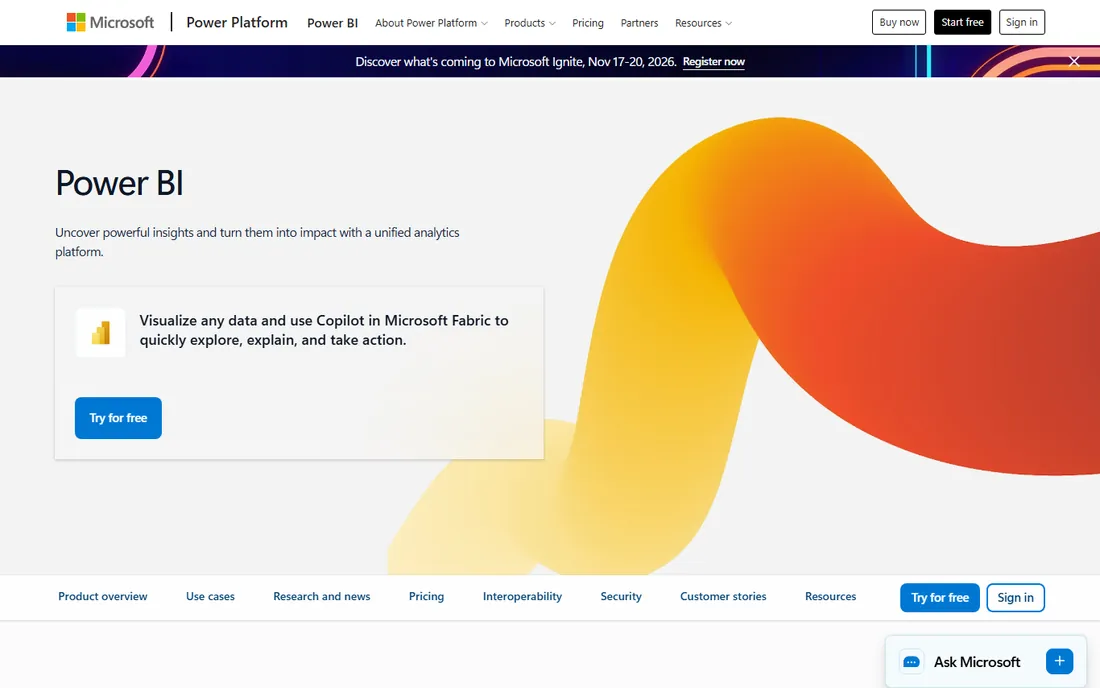
Power BI is the default choice for Microsoft-centric organizations, and the economics explain why: Power BI Desktop is free, and the service layers into Microsoft 365 licensing many companies already own. It connects to and visualizes any data, embeds into the apps teams use daily, and now sits as the BI layer of Microsoft Fabric, the company's end-to-end analytics platform with data lakes, data engineering, and governance.
The platform's strength is breadth within the Microsoft ecosystem: sample dashboards across sales, HR, and IT, free training through Microsoft Learn, and embedded analytics for developers at pay-as-you-go rates. The honest catch is licensing complexity. Mixing Free, Pro, Premium per-user, and Fabric capacity SKUs confuses even experienced admins, and real collaboration beyond personal use requires paid licenses. If your company runs on Microsoft, the integration value outweighs the licensing headache; otherwise, look elsewhere.
What we like- Natural fit with Excel, Teams, and Azure
- Power BI Desktop is free
- Part of Microsoft Fabric's unified analytics
Watch out for- Licensing is famously complicated
- Sharing requires paid capacity or Pro licenses
#3
Databox
Best for: agencies and SMBs that need KPI dashboards fast
Visit databox.com
Starting priceSee website
Free planYes
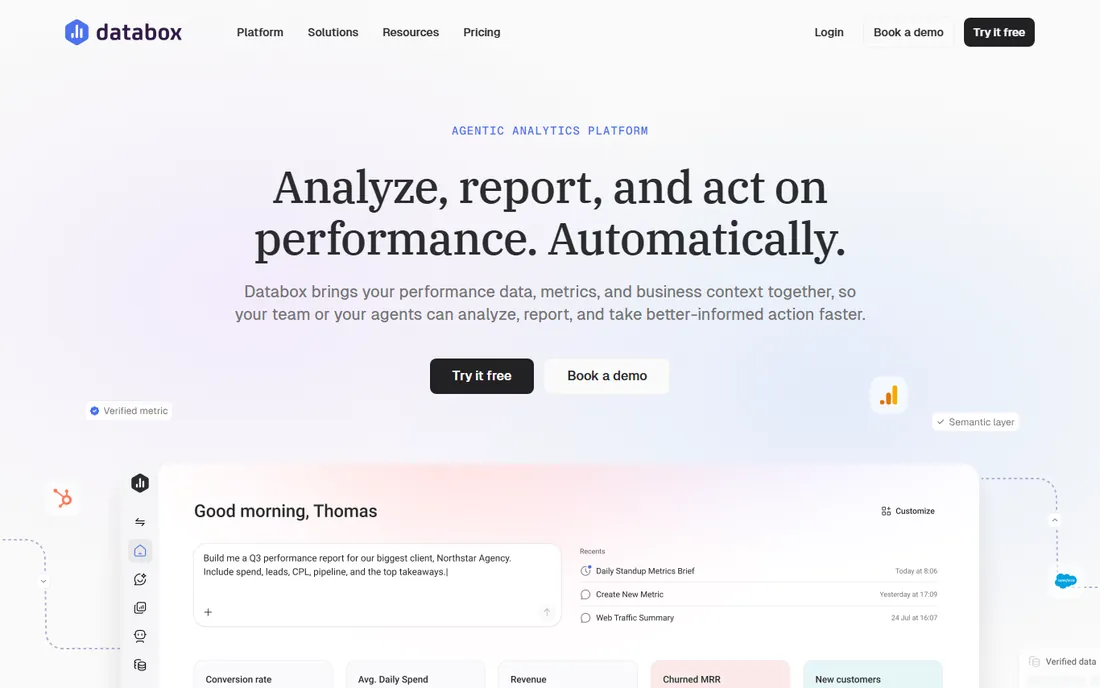
Databox built its name on the last mile of analytics: getting live KPIs in front of non-analysts without a data team. The homepage advertises a free-forever plan with no credit card required, and the company says the teams behind 20,000+ businesses use it. Its September 2026 relaunch as an agentic analytics platform adds AI analysts, scheduled routines, and MCP connectors to tools like Jira and GitHub, so dashboards can now trigger analysis and workflows rather than just display numbers.
The sweet spot is agencies and growing businesses that pull metrics from marketing, sales, and finance tools into client or executive dashboards. Setup is fast, the mobile experience is strong, and metric definitions stay consistent across dashboards and AI answers. The honest catch is ceiling: Databox excels at performance reporting but is not a data-modeling workbench, and paid pricing requires talking to sales. Teams that outgrow KPI dashboards will eventually need Tableau or Power BI alongside it.
What we like- Genuinely free-forever plan with no credit card
- 20,000+ businesses
- New agentic AI analyst features
Watch out for- Paid plan prices not shown on the homepage
- Best suited to KPI reporting rather than deep data modeling
Starting price$120 per month
Free planFree trial
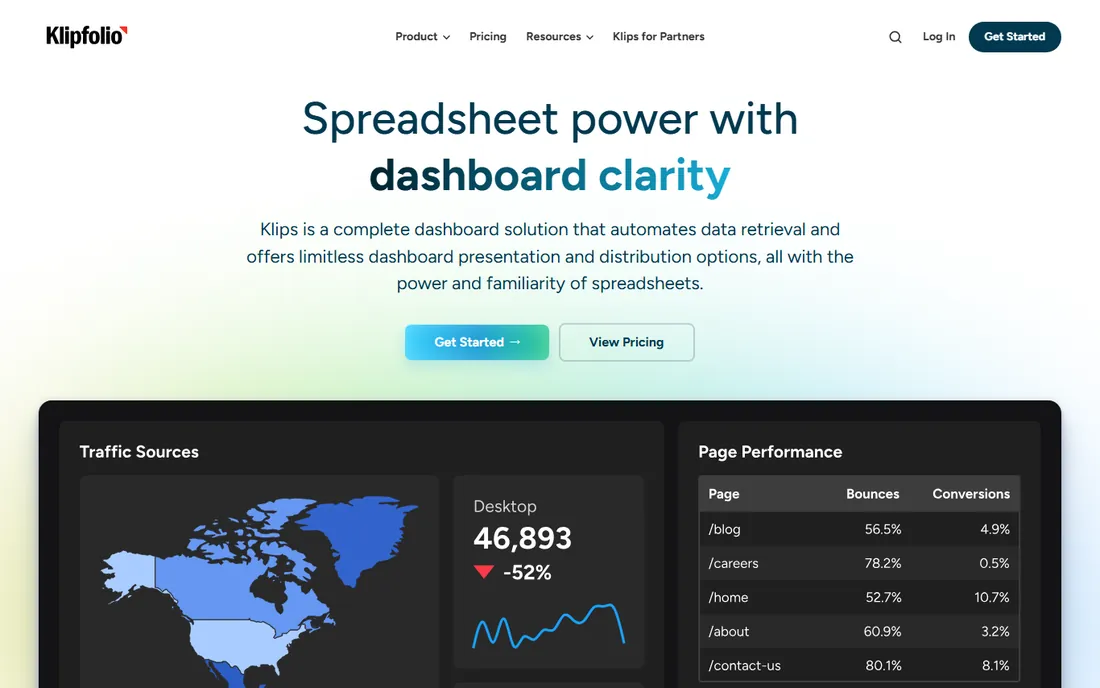
Klipfolio, now branding its product as Klips, pitches directly to spreadsheet pros: automate the data retrieval you used to do with formulas and exports, and get real-time dashboards with unlimited presentation options. The homepage puts its numbers up front: more than 25,000 customers, 100,000 daily active users, and pricing starting at $120 per month USD. Ratings badges show 4.7 on Capterra and GetApp.
The product's personality is its differentiator: formula-bar logic, point-and-click grouping and filtering, and hundreds of product updates a year aimed at making dashboard building faster for business users rather than IT. Agencies and operations teams that live in Google Sheets will feel at home. The honest catch is the price floor: $120 a month is reasonable for a team but real money for an individual, and Klipfolio does not try to be the governed enterprise platform that Tableau and Power BI are.
What we like- Published pricing from $120/mo
- 25,000+ customers
- Spreadsheet-like formulas data people already understand
Watch out for- $120/mo starting price is steep for a solo user
- Less enterprise governance than Tableau or Power BI
#5
Domo
Best for: companies that want dashboards plus data apps
Visit domo.com
Starting priceSee website
Free planNo
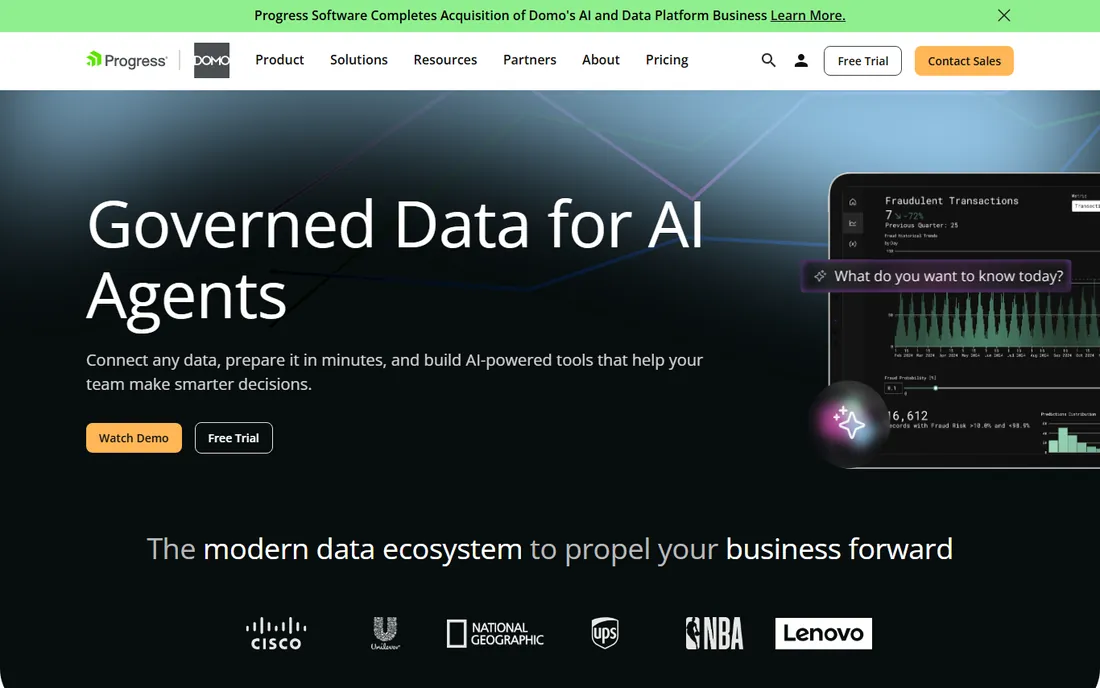
Domo has repositioned from dashboard vendor to a platform for putting data to work: AI-powered agents, low-code app building, and workflows sit alongside traditional dashboards, all on a cloud-native foundation. The pitch is that insights should trigger action where work happens, not sit in a report. Analyst recognition includes multiple technology innovation awards and leadership positions in embedded analytics evaluations.
For mid-market and enterprise teams, Domo's appeal is consolidation: one platform for dashboards, data apps, and automation instead of a BI tool plus a separate app builder. The all-features-included pricing approach avoids the tier-gating common elsewhere. The honest catch is that Domo is an enterprise sale with quote-based pricing and no free tier; a small business that just wants KPI dashboards will find Databox, Klipfolio, or Metabase far more practical.
What we like- Goes beyond BI into low-code data apps and AI agents
- Cloud-native with strong mobile
- All-features-included pricing approach
Watch out for- Enterprise pricing with no public numbers and no free plan
- More platform than a small team needs
#6
Zoho Analytics
Best for: SMBs wanting full BI without the enterprise price
Visit zoho.com
Starting priceSee website
Free planFree trial
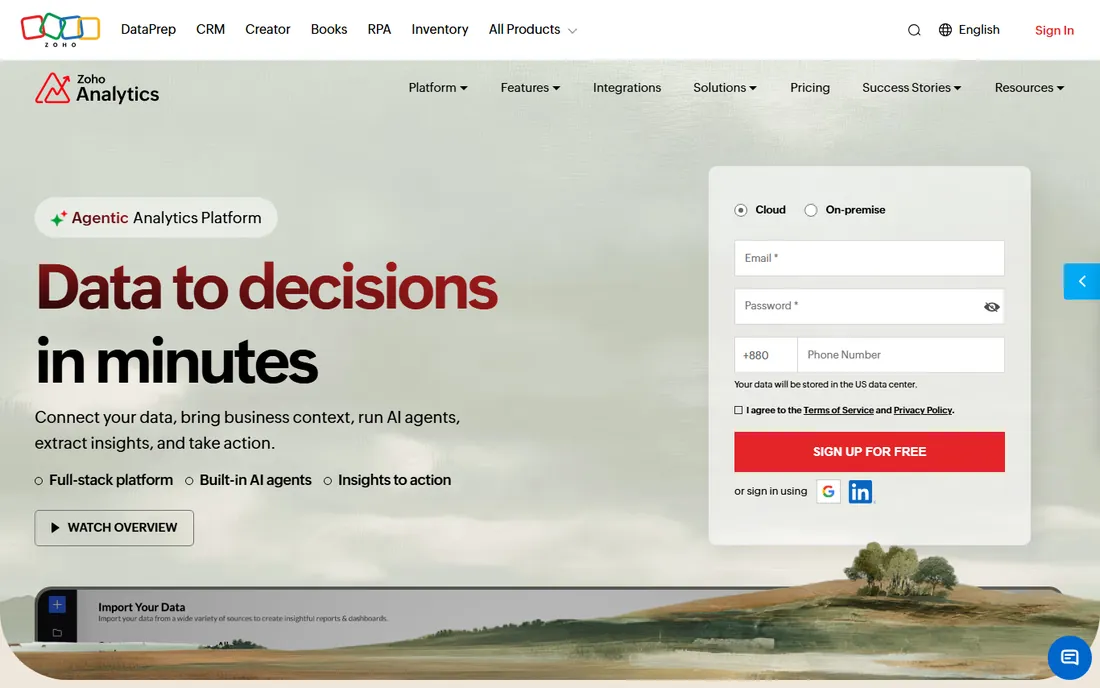
Zoho Analytics is the value play in self-service BI: an end-to-end platform covering data connection, preparation, visualization, and collaboration, with 500+ integrations, a drag-and-drop pipeline builder, and an AI assistant called Zia that recommends visualizations and runs predictive analysis. The homepage emphasizes low total cost of ownership: no per-connector charges, no hidden implementation fees, and cloud or on-premise deployment.
For small and mid-size businesses, especially those already using Zoho apps, the economics are compelling: one platform that handles reporting, forecasting with what-if models, and embedded analytics for customer portals. Review badges show 4.4-4.5 stars across Capterra, G2, and TrustRadius. The honest catch is that current paid pricing is not displayed on the homepage, and the interface packs in enough features to overwhelm a first-time dashboard builder. Patient users get a lot for the money.
What we like- 500+ integrations and 50+ chart types
- AI assistant Zia with forecasting
- 15-day free trial, no credit card
Watch out for- Paid prices not shown on the homepage
- Interface can feel dense for first-time users
Starting priceFree (self-hosted)
Free planYes
Metabase is the rare BI tool developers genuinely recommend to each other: open source, free to self-host with a single Docker command, and simple enough that non-technical teammates can build their own dashboards. The company says more than 100,000 teams use it, and the homepage offers a free 14-day cloud trial alongside the always-free self-hosted edition. Recent releases add AI features on all plans, a semantic layer for trusted metrics, and embedded analytics for SaaS products.
The appeal for startups is obvious: production-quality dashboards with zero license cost, plus the credibility of inspecting the query behind every answer. Customer quotes on the site read like fan mail from CTOs. The honest catch is the open-source trade: you own hosting, upgrades, and security, and features like SSO, advanced permissions, and white-labeling sit in paid cloud tiers. Teams without anyone comfortable running infrastructure should price the cloud plans before committing.
What we like- Free forever self-hosted open source
- 100k+ teams
- Dead-simple setup with a query builder non-technical users grasp
Watch out for- Advanced governance and SSO need paid cloud tiers
- Self-hosting means you own maintenance
How we chose
We verified all seven homepages directly and required each product to be live and actively sold in 2026. We balanced the list across the buyer spectrum the keyword attracts: enterprise platforms (Tableau, Power BI, Domo), SMB-friendly SaaS (Databox, Klipfolio, Zoho Analytics), and open source (Metabase). Pricing comes only from each vendor's own site, which is why several entries show "See website"; we do not republish third-party price claims. We did not test any product hands-on.
Start with who builds and who views. If a data team builds and executives view, Tableau or Power BI give you governance, security, and scale. If the same person builds and views, Databox or Klipfolio get you to a live dashboard this week. If budget is the constraint, Metabase self-hosted costs nothing but infrastructure, and Zoho Analytics keeps paid tiers well below enterprise BI pricing.
Next, count your data sources. Marketing agencies juggling Google Ads, Analytics, and social tools will value Databox's and Klipfolio's connector libraries. Companies whose data lives in databases and warehouses will prefer Metabase, Tableau, or Power BI. And if your dashboards need to become workflows, sending alerts, triggering actions, or embedding in customer apps, Domo and Metabase's embedding story deserve a closer look.
A note on free plans
Free in dashboard software comes in three flavors, and they are not equal. Tableau Desktop and Metabase self-hosted are free to use indefinitely but keep sharing and collaboration in paid tiers. Databox's free-forever plan includes real sharing with limits on data sources. Trials (Power BI, Klipfolio, Zoho Analytics) expire. Before committing, map which flavor covers your actual workflow: a free builder that cannot share with your team is a demo, not a solution.
Frequently asked questions
What is the best dashboard software for small business?
For most small businesses, Databox and Zoho Analytics offer the best balance of price and capability, while Klipfolio suits spreadsheet-savvy teams building client dashboards. Metabase is the pick if you want open source and have someone to host it.
Is there a free dashboard app?
Yes. Metabase is free to self-host, Tableau Desktop is now free, and Databox offers a free-forever plan. Google's Looker Studio (formerly Data Studio) is also free, though we could not verify its current homepage during research and excluded it from this comparison.
Tableau vs Power BI: which is better?
Tableau leads in visual exploration depth and has a larger learning community; Power BI wins on price and integration for Microsoft 365 shops. Choose based on your existing stack: Salesforce-heavy organizations lean Tableau, Microsoft-heavy lean Power BI.
What is the cheapest dashboard software?
Metabase self-hosted is free apart from infrastructure costs. Among SaaS options, Databox's free-forever plan and Zoho Analytics' low-cost tiers are the most affordable; Klipfolio publishes pricing starting at $120 per month.
Can dashboard software pull data from Google Analytics and Ads?
Yes, all seven support common marketing sources either natively or through connectors. Databox and Klipfolio are particularly strong for agency-style multi-source marketing dashboards.
Do I need a data analyst to use dashboard software?
Not necessarily. Databox, Klipfolio, and Metabase are designed for business users, and AI assistants in Databox, Zoho Analytics, and Metabase can now build charts from plain-English questions. Tableau and Power BI reward analyst skills but remain usable by motivated beginners.
Sources we checked (7)
- https://www.tableau.com
- https://powerbi.microsoft.com
- https://databox.com/
- https://klipfolio.com/
- https://domo.com/
- https://www.zoho.com/analytics/
- https://metabase.com/
Is your product missing or out of date?
We review this list regularly. Vendors can request a listing, send updated pricing or ask about featured placement.

Shihab Mia · Founder, Rankite
Shihab has spent more than a decade helping SaaS and e-commerce brands grow through search. He writes Rankite's software buying guides from pricing pages, documentation and public user reviews. More about Shihab.