How we make this list: we compare pricing pages, product documentation and public user reviews. Rankite is independent; if a vendor ever pays for a featured spot, that listing is clearly labeled Partner.
Key takeaways
- Checkeeper ($14.99/month) is the simplest cloud option, with a 14-day free trial and no special paper or ink required.
- ezCheckPrinting costs $59 once with no monthly fees, which makes it the cheapest long-term pick for steady check volume.
- PrintBoss is purpose-built for QuickBooks users, with online plans from $10 per user per month and a $1.30 per check mail-out service.
- Pay-as-you-go tools like Online Check Writer ($1 per printed check, $1.25 to mail) suit businesses that only print checks occasionally.
Quick comparison
| Tool | Best for | Starting price | Free plan |
|---|
 Checkeeper Checkeeper | individuals and small businesses wanting the simplest setup | $14.99/month | Free trial (14 days) |
 ezCheckPrinting ezCheckPrinting | budget buyers who want a one-time desktop license | $59 one-time | No |
 PrintBoss PrintBoss | QuickBooks users printing from multiple accounts | $10 per user/month | No |
 Online Check Writer Online Check Writer | pay-as-you-go businesses also sending ACH and wires | $0/month, pay as you go with $30 minimum recharge | No |
 MultiCHAX MultiCHAX | Windows shops printing from accounting software | $129 one-time | No |
 VersaCheck VersaCheck | businesses wanting a browser-based finance manager | See website | No |
 Zil Money Zil Money | businesses centralizing all payments in one wallet | $1.25 per mailed check | No |
Is your product missing or out of date?
We review this list regularly. Vendors can request a listing, send updated pricing or ask about featured placement.
The best check printing software
EzCheckPrinting says more than 20,000 businesses use its software to print checks in-house (halfpricesoft.com). The category splits cleanly between cloud tools that charge monthly and desktop programs you buy once, so the right pick depends mostly on how often you print and where your accounting lives. Below are the seven best check printing software and best check writing software options worth considering, with verified pricing and honest trade-offs.
#1
Checkeeper
Best for: individuals and small businesses wanting the simplest setup
Visit checkeeper.com
Starting price$14.99/month
Free planFree trial (14 days)
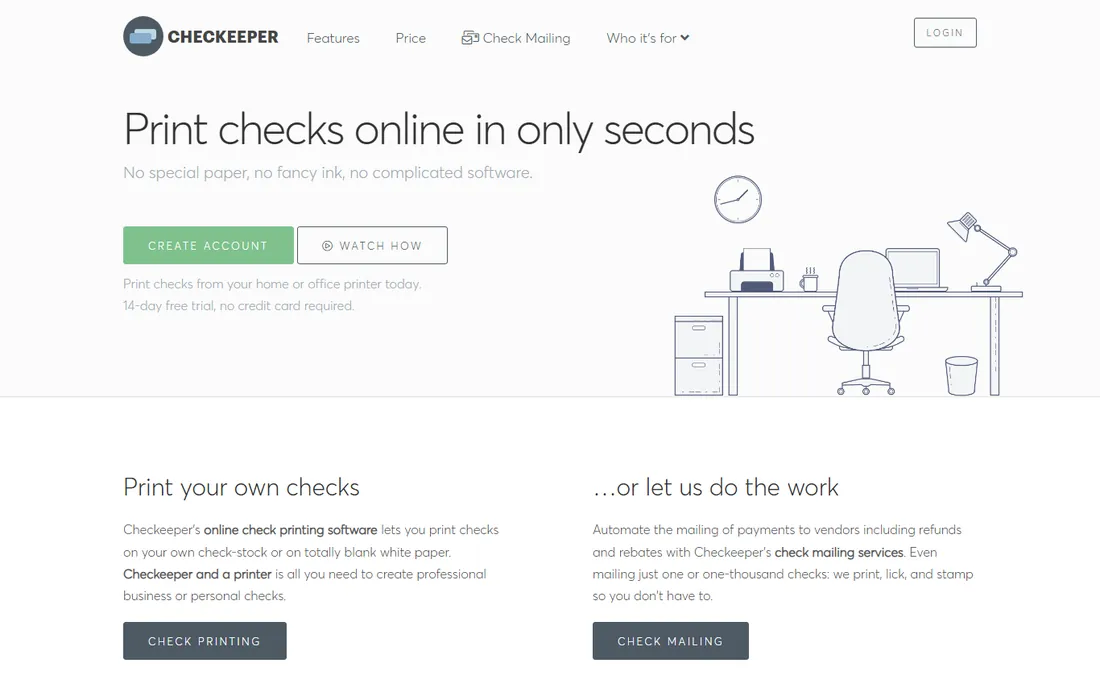
Getting started with Checkeeper takes minutes. You create an account, add your bank details, and print from your own home or office printer on blank white paper or existing check stock. A drag-and-drop template editor handles logos, fonts, images, and printed signatures, and there is a MICR font encoding option so checks scan cleanly at the bank.
Where Checkeeper pulls ahead is the mailing service. You can submit any check and have it printed, stuffed, and mailed for you, which suits businesses that hate the post office run. Integrations cover QuickBooks, FreshBooks, Xero, and Harvest, and the plan includes unlimited check printing, templates, and bank accounts. The honest catch is the pricing model. At $14.99 a month it is fair for active use, but businesses that print a handful of checks a month would spend less with a pay-as-you-go tool or a one-time desktop license.
What we like- Prints on blank paper with no special ink
- 14-day free trial with no credit card required
- Check mailing service handles printing and postage for you
Watch out for- Single monthly price for everyone
- No free tier after the trial
- Monthly cost adds up compared with one-time license tools
Starting price$59 one-time
Free planNo
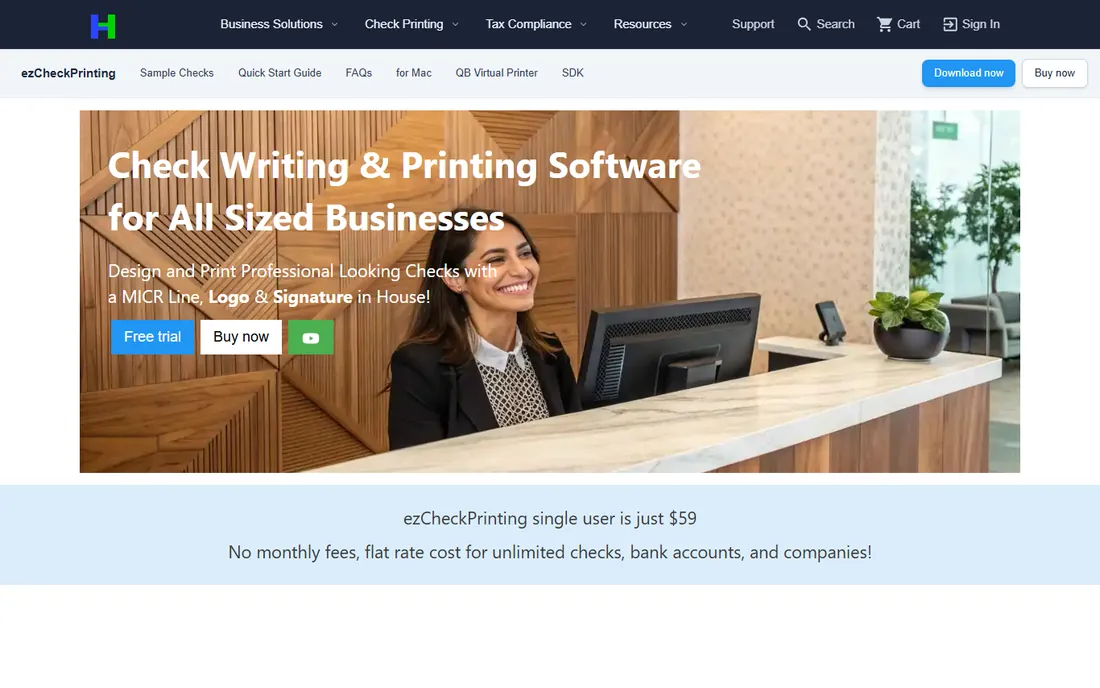
For buyers who dislike subscriptions, ezCheckPrinting is the value pick. The single-user license costs $59 once, with no monthly fees and no limits on checks, bank accounts, or companies. It prints professional checks with a MICR line, logo, and signature on blank stock or pre-printed checks, and supports check-on-top, middle, bottom, and three-per-page formats.
The software is designed for people with no accounting background. A step-by-step guide walks through setup, data imports from CSV, Excel, QuickBooks, and Quicken, and the interface stays point-and-click throughout. The trade-off is that this is desktop software. There is no browser version, so printing from a Mac or a remote office gets awkward, and the one-time fee covers the current version only. A future major release would cost extra. The vendor also advertises free customer support, which matters for a product you install and maintain yourself.
What we like- One flat fee with no monthly charges
- Unlimited checks, bank accounts, and companies
- QuickBooks and Quicken integration via virtual printer
Watch out for- Desktop software, no cloud version
- QuickBooks virtual printer is Windows only
- New major versions are a separate purchase
Starting price$10 per user/month
Free planNo
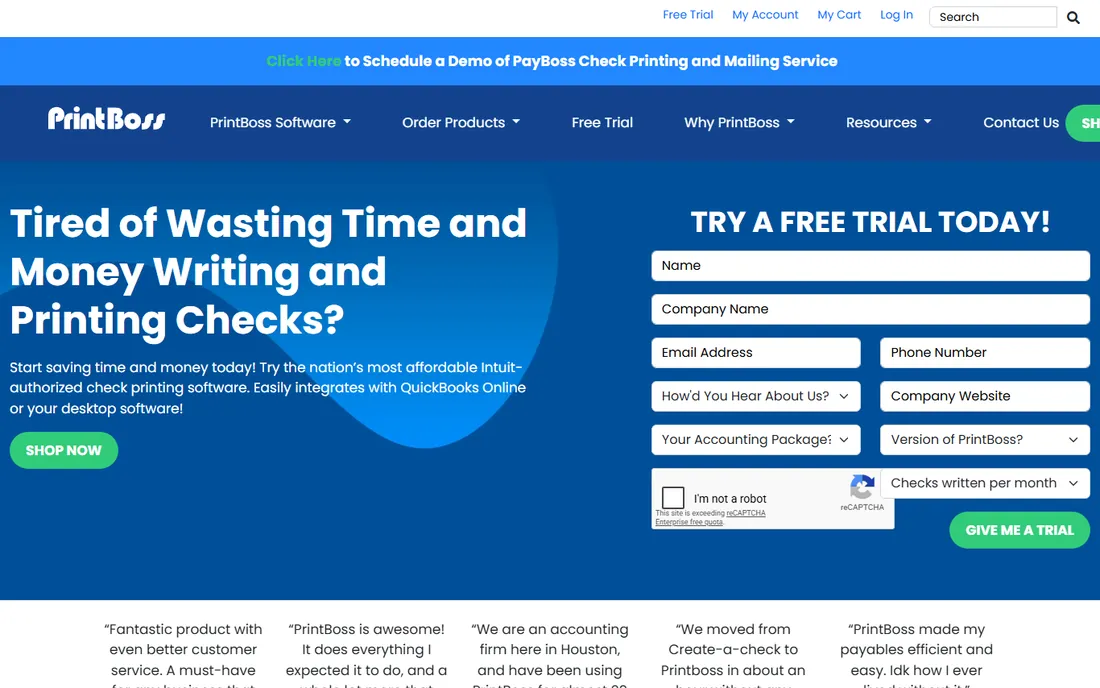
PrintBoss has been focused on check printing for over 30 years, and it shows in the workflow. The online version plugs into QuickBooks Online and lets you print checks from multiple accounts onto blank check stock from your desktop or phone. Beyond checks, it prints, emails, faxes, and files documents across your network, and there is a full mailing service where the vendor prints, folds, seals, stamps, and mails checks at a flat $1.30 each domestically.
The pricing is straightforward: Personal at $10 per user per month, Small Business at $14, Corporation at $18, and Enterprise at $22, each per QuickBooks company per month. Desktop editions exist for QuickBooks, Dynamics, Sage, and more than 30 other accounting packages. The catches: businesses with several QuickBooks companies pay per company, and payroll users on QuickBooks Online need one of the desktop versions instead. Still, for a busy accounts-payable desk inside QuickBooks, this is the most mature option here.
What we like- Authorized QuickBooks check printing with deep integration
- Prints from multiple accounts onto blank stock
- Check mailing service from $1.30 per mailed check
Watch out for- Online pricing is per QuickBooks company, which adds up with multiple entities
- Online version does not support QuickBooks Online Payroll
- Desktop products are Windows-focused
Starting price$0/month, pay as you go with $30 minimum recharge
Free planNo
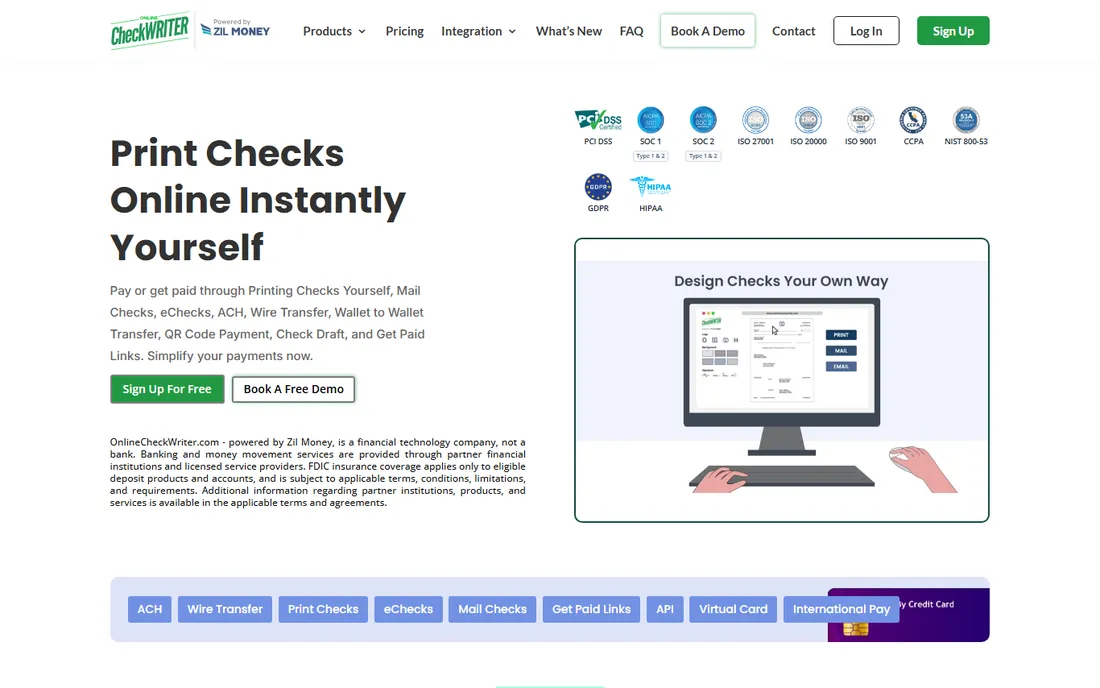
Online Check Writer, powered by Zil Money, flips the pricing model around. There is no subscription. You fund a $30 minimum recharge and pay as you go: $1 to print a check yourself, $1 to send an eCheck, $1.25 to mail a check via USPS first class. That makes it the cheapest route for businesses that print checks only occasionally.
The platform goes well beyond checks. You can send ACH (0.05 percent or up to $10), domestic wires ($10 from wallet, $15 from bank), pay vendors by credit card even when they do not accept cards, and set up check drafts to collect payments by phone or web. The vendor reports 1.5 million online business accounts and 22 million checks processed. The honest catch is complexity: the fee schedule covers dozens of transaction types, so you need to read it carefully, and at steady volume a flat monthly plan like Checkeeper can work out cheaper. There is also a 60-day money-back guarantee mentioned for paid members.
What we like- No monthly fee, you pay per transaction
- Print, mail, or email checks plus ACH, wires, and eChecks in one platform
- 22 million checks processed per the vendor's site
Watch out for- Per-transaction fees add up at high volume
- Pricing page lists many fees to sort through
- It is a fintech, not a bank, with banking through partner institutions
Starting price$129 one-time
Free planNo
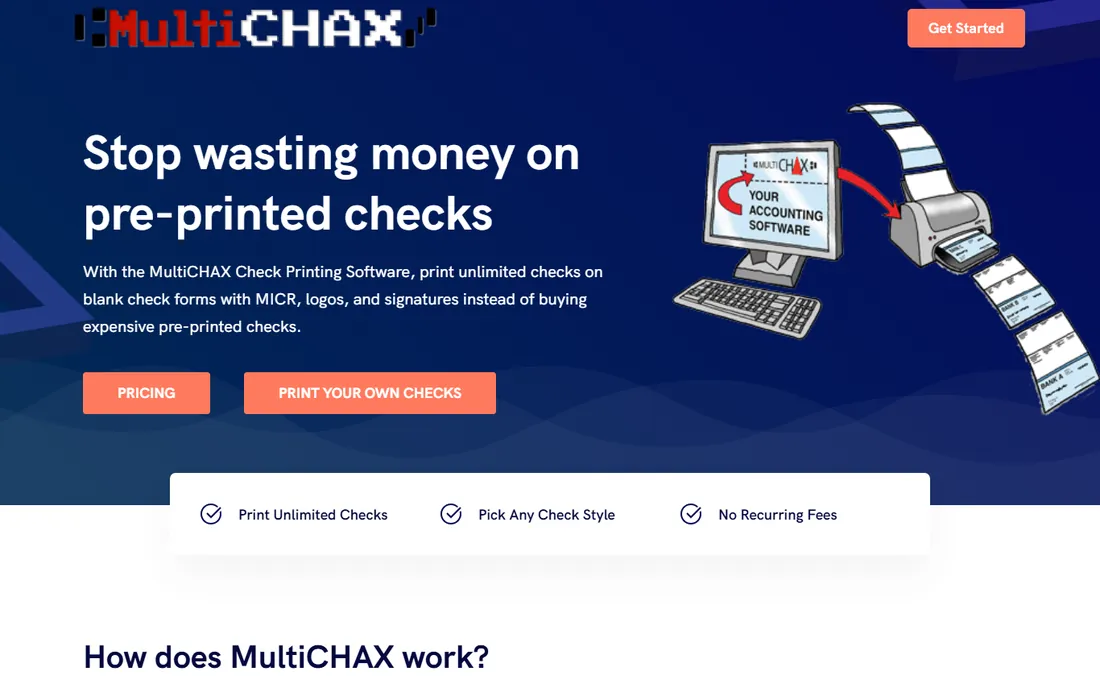
MultiCHAX is the pick for offices that run Windows and want check printing that respects their accounting setup. It prints unlimited checks on blank check forms with MICR encoding, logos, and signatures, and it integrates with QuickBooks, QuickBooks Online, Sage 50, and other packages. The licensing is refreshingly simple: Starter at $129, Professional at $199, and Ultimate at $299, each a perpetual license for one workstation with no recurring fees, plus a $649 Server Edition for remote desktop setups.
The product is aimed at small businesses, accountants, and bookkeepers who are tired of ordering pre-printed checks. Automatic bank selection, the feature that picks the right account for each check, is reserved for the Ultimate tier, so read the edition comparison before buying. Public reviews praise the support experience but are mixed on response times, so keep that in mind. The real limitation is platform: there is no Mac or browser version, so this fits single-workstation or Windows-server shops only.
What we like- Perpetual license with no recurring fees
- Strong QuickBooks, QuickBooks Online, and Sage 50 compatibility
- Prints on any blank check stock with MICR
Watch out for- Windows only
- Each license covers one workstation
- Tiered editions can confuse buyers
Starting priceSee website
Free planNo
VersaCheck takes a different shape from the rest of this list. VersaCheck Online is a cloud finance manager with accounting capabilities, bill payment automation, and a check creation module built in. You design checks with a custom editor, add logos and digital signatures, and print locally on inexpensive blank security check paper, or send PDF checks by email or SMS that recipients can print or deposit remotely.
Because it is browser-based, there is nothing to install, and up to 100 users can work in one account depending on the plan, with the account owner controlling each person's permissions. It integrates with QuickBooks, Microsoft GP, NetSuite, Xero, and more. The main frustration is transparency: the Silver, Gold, Platinum, and Professional plan prices are not published on the site, so you have to contact the vendor for a quote. Desktop versions (X1 and X9 lines) are also sold separately, which can confuse buyers. If you want check printing plus a lightweight finance hub in one login, it earns its place; if you only need checks, simpler tools cost less.
What we like- Runs in any web browser with no download
- Combines check printing with accounting-style finance tools
- Multi-user accounts with customizable permissions
Watch out for- Plan pricing is not published on the site
- Online edition may duplicate tools you already own
- Premium phone support limited to higher plans
#7
Zil Money
Best for: businesses centralizing all payments in one wallet
Visit zilmoney.com
Starting price$1.25 per mailed check
Free planNo
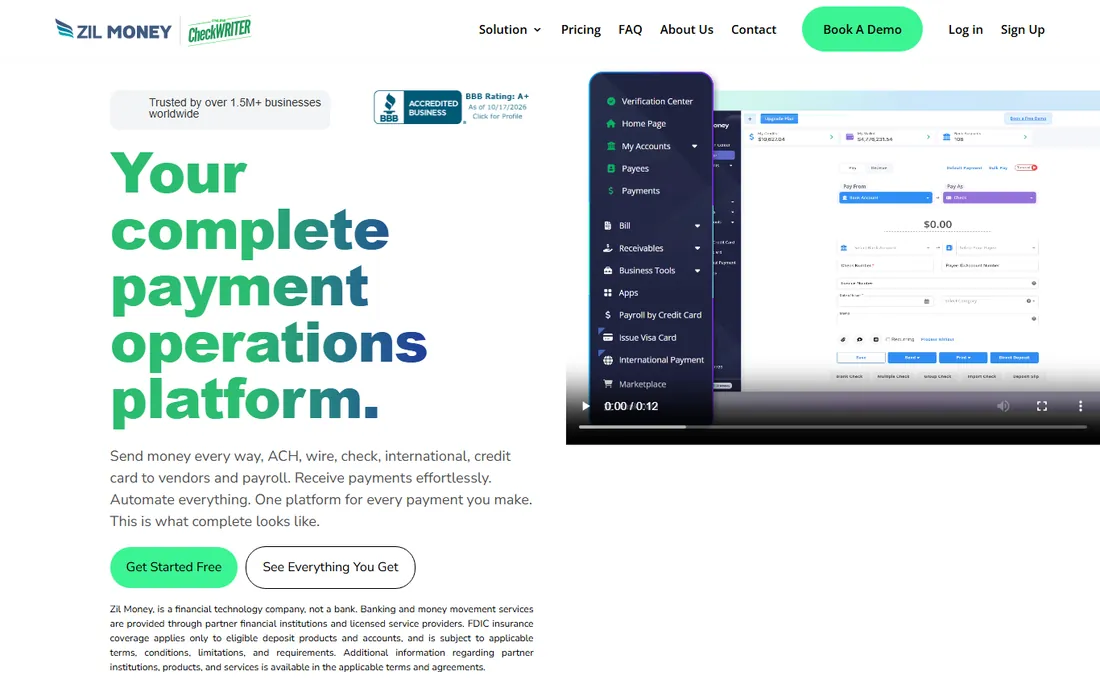
Zil Money is the parent platform behind Online Check Writer, but it stands as its own product aimed at payment operations rather than just checks. The concept is one wallet funded from your bank account, from which you pay vendors and payroll by ACH, wire, check, or credit card. The site reports over 1.5 million businesses, $120 billion processed, 22,000 bank integrations, and 22 million checks processed.
For check printing specifically, you can print checks yourself or have them mailed starting at $1.25 per check. The interesting angle is the credit card play: pay Zil Money by card, and it pays your vendor by check or ACH, so you earn card rewards and get payment float even when the vendor does not take cards. Integration coverage includes QuickBooks, Xero, FreshBooks, Sage, Wave, and NetSuite. The catch is fit. If checks are your only need, this platform is more than you will use, and the per-transaction pricing rewards occasional use more than daily check runs.
What we like- One wallet for ACH, wire, check, and card payments
- Check mailing starts at $1.25
- Vendor reports 1.5 million businesses and $120 billion processed
Watch out for- Per-transaction costs add up for check-heavy workflows
- Credit card payments carry standard processing fees
- Broad platform may be overkill for printing checks only
Printing yourself versus using a mail-out service
Most tools on this list offer both, and the choice comes down to volume and patience. Printing yourself costs the price of blank stock plus a per-check fee or nothing at all, but you handle paper, toner, folding, envelopes, and the trip to the mailbox. Mail-out services charge roughly $1 to $1.30 per check and do all of that for you, with tracking on some tiers.
For businesses mailing fewer than fifty checks a month, the mail-out service often wins on total cost once you value your time. For payroll runs and high-volume accounts payable, printing in-house is almost always cheaper per check. Two of the tools here, Checkeeper and PrintBoss, explicitly let you mix both approaches on the same account, which is the most practical setup for businesses with uneven volume.
What to look for when you buy check printing software
Start with how the software fits the way you already pay people. The best check writing software for your business is the one that causes the least change to your current workflow, not the one with the longest feature list.
Blank stock versus pre-printed checks
Every tool here prints on blank check stock, which costs far less than pre-printed checks from your bank. Some also print on pre-printed stock if you have a supply to use up. Checkeeper goes furthest by printing on totally blank white paper, while the rest expect proper check stock for the MICR line to scan reliably.
MICR encoding
Banks scan the account numbers at the bottom of checks using magnetic ink character recognition. All seven tools support MICR printing, but you still need a printer that handles MICR toner or ink properly. A laser printer with MICR toner is the standard setup. Confirm your printer model works before committing to in-house printing.
Accounting software integration
If your checks start in QuickBooks, Sage, Xero, or similar, pick a tool with a real integration, not just CSV import. PrintBoss and MultiCHAX are strongest here for QuickBooks workflows. Online Check Writer and Zil Money cover the widest range of accounting platforms. CSV import works everywhere as a fallback, but it adds a manual step every pay run.
One-time versus subscription versus pay-as-you-go
This is the biggest cost decision. One-time licenses like ezCheckPrinting ($59) and MultiCHAX ($129) win over a few years if you print regularly. Subscriptions like Checkeeper ($14.99/month) win on simplicity and include cloud access. Pay-as-you-go tools like Online Check Writer win when you print only a few checks a month. Estimate your monthly check count and do the simple math before choosing.
Security and compliance
Check writing software handles bank account and routing numbers, so look for encryption and compliance claims you can verify. Checkeeper advertises 256-bit encryption plus HIPAA, PCI, and SOC 2 compliance. Zil Money and Online Check Writer bank through FDIC member partner institutions. For larger businesses, ask about positive pay, user permissions, and audit trails, which PrintBoss, VersaCheck, and MultiCHAX address in various forms.
How we chose
We started by searching the check printing software category and shortlisting established vendors alongside smaller specialists. For each tool, we opened the vendor's official homepage and pricing pages to confirm the product exists today and to record current prices from the vendor's own site. Where pricing was not published, we marked it as See website rather than repeating third-party claims. We weighed features against the needs of small and mid-size businesses: ease of setup, accounting integrations, MICR support, mail-out options, and the honesty of the pricing model. Public reviews on G2, Capterra, and Reddit informed our sense of each product's strengths and rough edges. We did not test any software hands-on; every price and feature claim comes from the vendor's own published pages.
Frequently asked questions
Is it legal to print my own checks?
Yes. In the United States, businesses and individuals can legally print their own checks as long as the checks meet banking standards, including proper MICR encoding of the routing and account numbers. Every tool in this list produces bank-compliant checks, and the vendors' own guidance covers the paper and ink requirements.
What kind of paper and ink do I need?
You need check stock paper and a printer with MICR toner or ink so the numbers at the bottom scan at the bank. Most vendors sell compatible blank stock, or you can buy it from office supply stores. Checkeeper also supports printing on plain white paper, though check stock is more professional and more secure.
Can check printing software work with QuickBooks?
Yes. PrintBoss is an authorized QuickBooks check printing provider with the deepest integration. MultiCHAX, ezCheckPrinting, Online Check Writer, and Zil Money also integrate with QuickBooks in various ways, from virtual printers to direct sync. If your workflow starts in QuickBooks, prioritize the tools with native integration rather than CSV import.
How much does it cost to have checks mailed for me?
Expect roughly $1 to $1.30 per check for standard USPS first class mailing, with tracking and express options costing more. Online Check Writer charges from $1.25, Zil Money starts at $1.25, and PrintBoss charges a flat $1.30 per mailed check domestically. Volume discounts are available on some platforms.
Can multiple employees print checks from one account?
It depends on the tool. Checkeeper includes unlimited bank accounts on one plan, VersaCheck Online supports up to 100 users with customizable permissions, and MultiCHAX sells a $649 Server Edition for multi-user setups. For one-time licenses like ezCheckPrinting, each workstation typically needs its own license.
What is the cheapest way to print checks?
For regular printing, a one-time license like ezCheckPrinting at $59 usually wins over time. For occasional printing, a pay-as-you-go tool like Online Check Writer costs $1 per check with no monthly fee. Compare your expected monthly check count against each pricing model before deciding.
Sources we checked (8)
- https://checkeeper.com
- https://www.printboss.com/
- https://www.halfpricesoft.com/product_ezCheck.asp
- https://onlinecheckwriter.com/
- https://onlinecheckwriter.com/pricing/
- https://www.multichax.com
- https://versacheck.com/
- https://zilmoney.com/
Is your product missing or out of date?
We review this list regularly. Vendors can request a listing, send updated pricing or ask about featured placement.

Shihab Mia · Founder, Rankite
Shihab has spent more than a decade helping SaaS and e-commerce brands grow through search. He writes Rankite's software buying guides from pricing pages, documentation and public user reviews. More about Shihab.