How we make this list: we compare pricing pages, product documentation and public user reviews. Rankite is independent; if a vendor ever pays for a featured spot, that listing is clearly labeled Partner.
Key takeaways
- The genuinely free options are open source: GanttProject, ProjectLibre, OpenProject, and Redmine cost nothing and stay free forever.
- Freemium tools (TeamGantt, ClickUp, Zoho Projects, Wrike) are easier to use but cap free users at one or three projects.
- GanttProject is the safest download for a solo planner who just wants a free Microsoft Project alternative.
- OpenProject's self-hosted Community Edition is the best free pick for teams that want web-based collaboration.
- Check the ceiling before you commit: free Gantt views from ClickUp and Zoho Projects come with usage limits.
Quick comparison
| Tool | Best for | Starting price | Free plan |
|---|
 GanttProject GanttProject | free desktop scheduling | $0 | Yes |
 ProjectLibre ProjectLibre | MS Project replacement | $0 (desktop open source) | Yes |
 OpenProject OpenProject | self-hosted team Gantt | $0 (Community Edition) | Yes |
 TeamGantt TeamGantt | simple one-project schedules | $24/month | Yes (limited) |
 ClickUp ClickUp | free Gantt in an all-in-one workspace | $7/user/month | Yes |
 Zoho Projects Zoho Projects | small teams on Zoho | $5/user/month | Yes |
 Redmine Redmine | free issue tracking plus Gantt | $0 | Yes |
 Wrike Wrike | free work management with Gantt | $10/user/month | Yes |
Is your product missing or out of date?
We review this list regularly. Vendors can request a listing, send updated pricing or ask about featured placement.
The best free gantt software
Free Gantt software falls into two camps. Open-source desktop and server apps are free forever but look dated and need setup. Freemium cloud tools are modern and easy but limit how much you get for nothing. The eight below cover both camps, and every vendor homepage was verified today.
Starting price$0
Free planYes
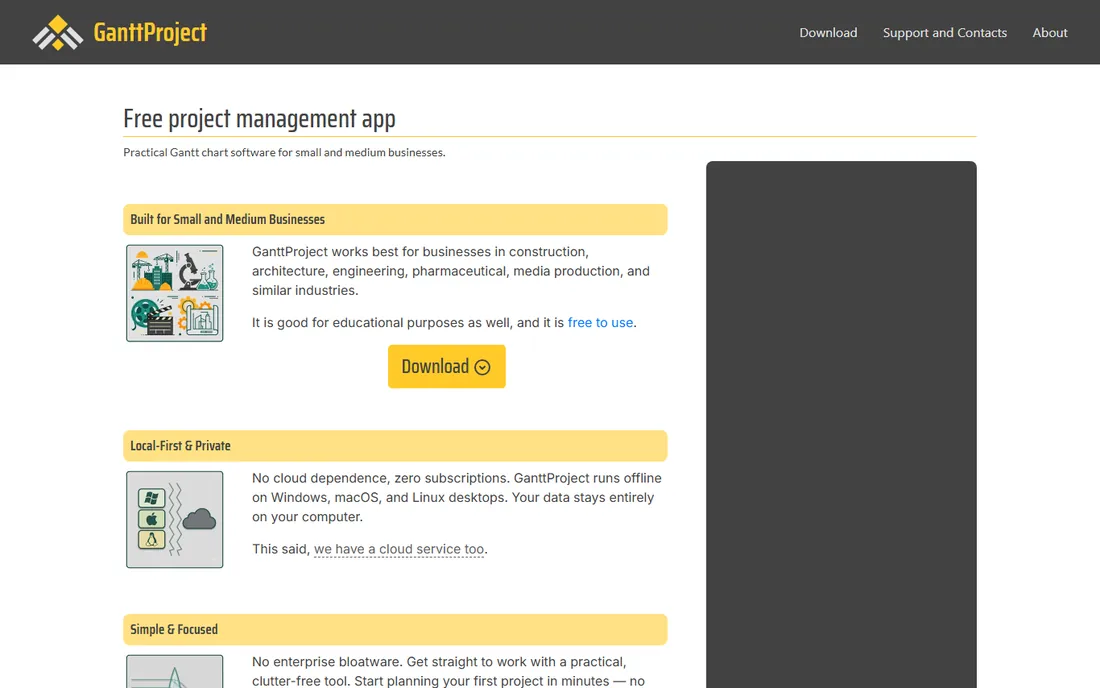
GanttProject has been the default free Gantt tool since 2003, and for good reason: it does the job with no accounts, no subscriptions, and no data leaving your computer. Task scheduling, dependencies, milestones, resource allocation, and cost management are all there. Millions of installations across 200-plus countries speak to its staying power.
The Microsoft Project compatibility is the practical reason to choose it. GanttProject reads MPP, MPX, and XML files from Microsoft Project and exports back to XML, so you can exchange schedules with colleagues on the expensive stuff. An optional cloud add-on handles light collaboration if you need it. The honest catch is collaboration: the desktop app is offline-first, and the interface shows its age. For solo planners, students, and small construction or engineering teams, it is the safest free download in the category.
What we like- Completely free and open source
- Runs offline on Windows, Mac, and Linux
- Imports and exports Microsoft Project files
Watch out for- Desktop-only with no real-time collaboration
- Interface looks dated
Starting price$0 (desktop open source)
Free planYes
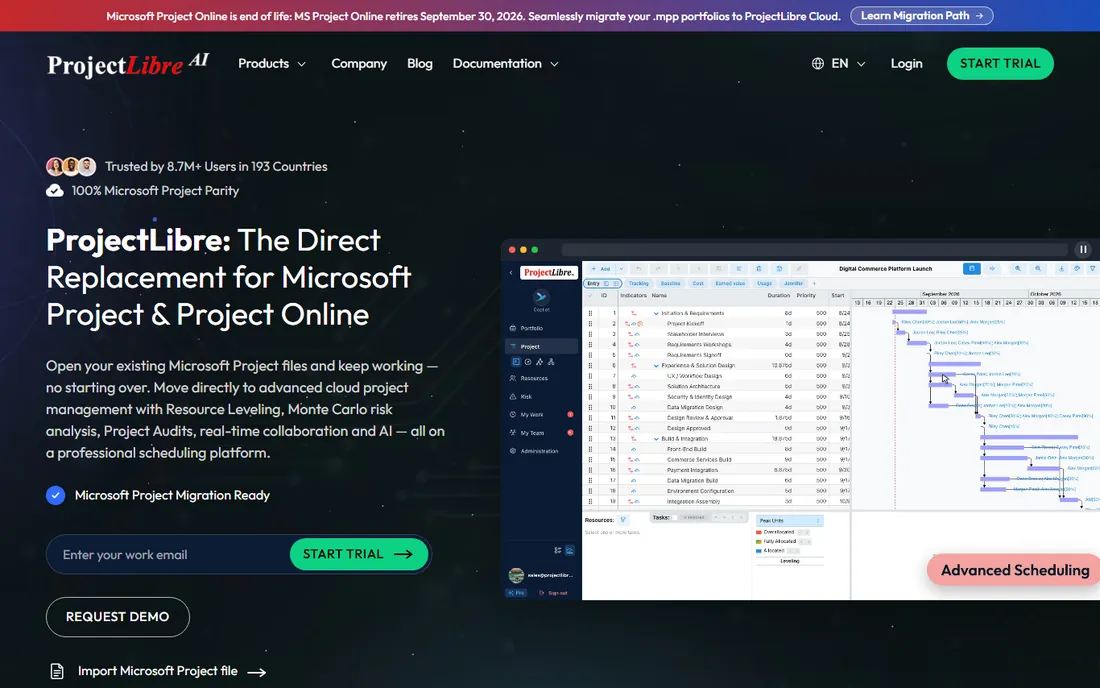
ProjectLibre markets itself as the direct replacement for Microsoft Project, and for the free desktop version that claim is close to fair. The interface deliberately mirrors MS Project, so project managers can switch without retraining. Gantt charts, WBS, dependencies, calendars, and resource assignments all work the way veterans expect.
The vendor has moved its energy to ProjectLibre Cloud, an AI-assisted platform at $9.99 per user per month with resource leveling, Monte Carlo risk analysis, and an AI co-pilot that builds schedules from prompts. The desktop app remains free and open source. The honest catch is that the desktop version feels frozen in time and Java apps are not everyone's idea of fun. If you need professional scheduling features for zero dollars and know your way around MS Project conventions, start here.
What we like- Mirrors Microsoft Project's interface and features
- Opens existing MPP files directly
- Paid cloud adds leveling and AI
Watch out for- Java-based desktop app feels clunky
- Community development has slowed
Starting price$0 (Community Edition)
Free planYes
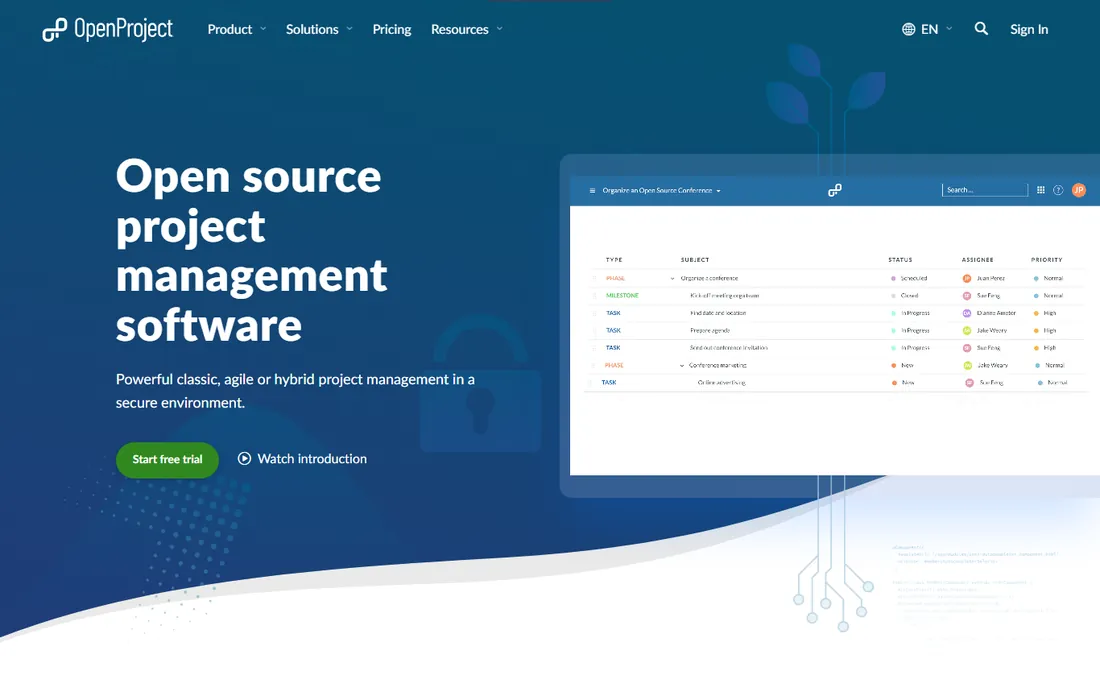
OpenProject is the leading open-source project management platform, and its Community Edition is genuinely free forever for self-hosting. Beyond Gantt charts, you get agile boards, work package tracking, wikis, document management, time reporting, and calendar views. For organizations that refuse to put project data on someone else's cloud, it is the obvious choice.
The Gantt functionality is serious: multi-project timelines, dependency management, date alerts, and filtering across projects and subprojects. A managed Enterprise Cloud exists for teams that want hosting handled. The honest catch is the setup tax: self-hosting assumes Linux or Mac experience, and advanced features like some integrations sit behind the paid tiers. For nonprofits, universities, engineering firms, and privacy-conscious teams with IT capacity, nothing free touches it.
What we like- Free self-hosted Community Edition with unlimited users
- Gantt plus agile boards, wikis, and time tracking
- Strong data sovereignty
Watch out for- Self-hosting needs Linux or Mac expertise
- Enterprise add-ons are paid
Starting price$24/month
Free planYes (limited)
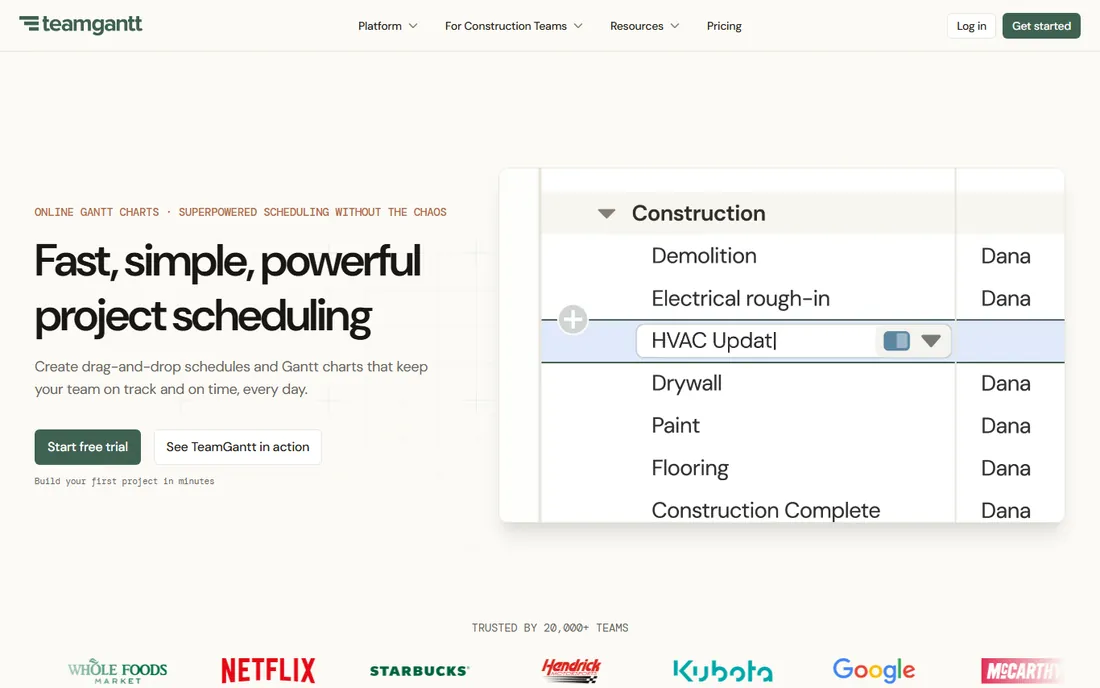
TeamGantt built its reputation on being the Gantt tool non-project-managers can actually use. Drag tasks, stretch bars, link dependencies with arrows, and watch linked tasks shift automatically. No manual needed. The free plan gets you started with a single project, which suits a solo operator managing one client engagement at a time.
The platform adds workload views, baselines to compare planned versus actual progress, and integrations with Procore, Slack, Trello, and Microsoft Project import and export. Live share links update automatically, so clients always see the current plan. The honest catch is the ceiling: one free project and paid plans that scale with managers rather than a flat rate. If the free plan fits your life, it is the prettiest option on this list.
What we like- Easiest drag-and-drop Gantt interface
- Beautiful shareable live links
- Handy for construction and agencies
Watch out for- Free plan covers a single project
- Paid pricing gets expensive as teams grow
Starting price$7/user/month
Free planYes
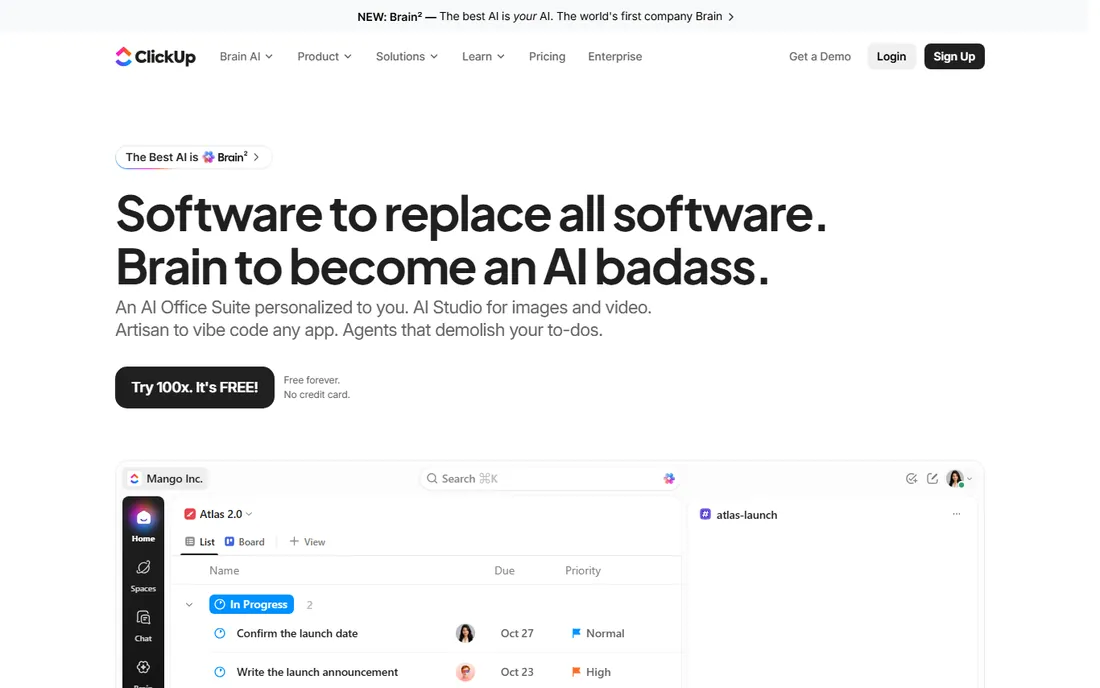
ClickUp's pitch is one workspace for everything, and its free tier is generous: unlimited tasks and unlimited members, free forever, no credit card. Gantt charts are available on the free plan with usage limits, alongside kanban, calendar, list, and table views. For a small team that wants its timelines living next to docs, chat, and tasks, this is the free all-rounder.
The platform now wraps work in AI features, with agents that summarize threads and search across your workspace. Integrations cover Slack, GitHub, HubSpot, Google Drive, and Zoom. The honest catch is complexity: ClickUp's everything-in-one approach can bury a simple Gantt user in options, and the free Gantt allocation runs out on bigger schedules. Start free, learn the ropes, and upgrade at $7 per user per month only when you hit the limits.
What we like- Free plan with unlimited tasks and members
- Gantt alongside docs, chat, and boards
- Integrations with Slack, GitHub, and Google Drive
Watch out for- Gantt views have usage limits on the free plan
- The workspace can overwhelm simple users
Starting price$5/user/month
Free planYes
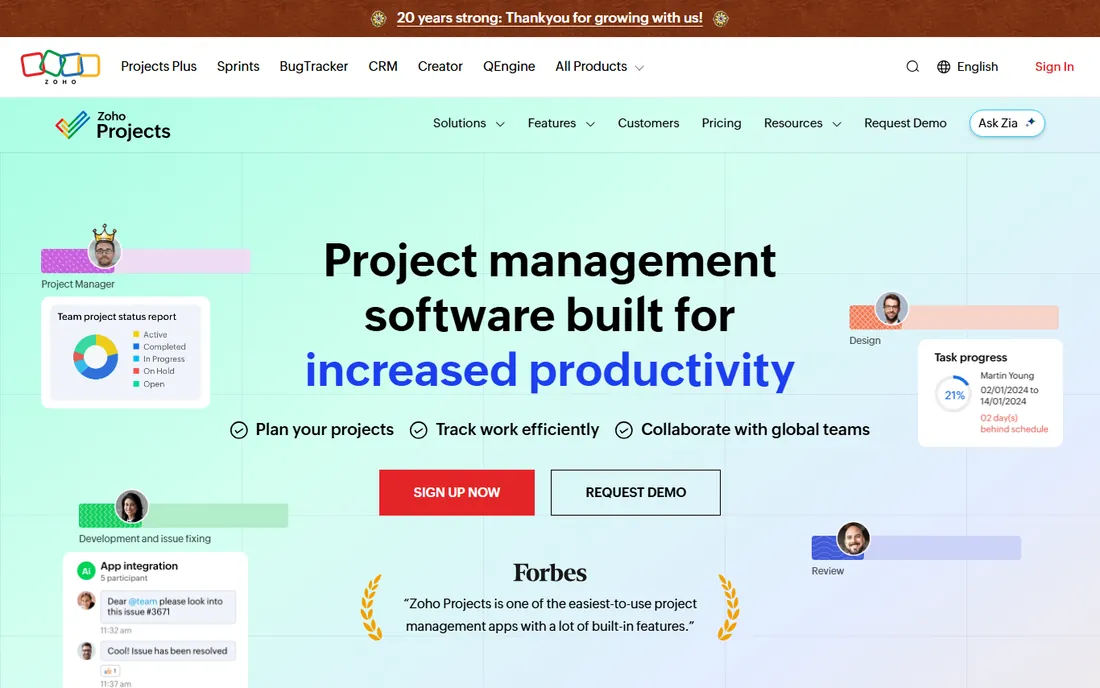
Zoho Projects' free plan is refreshingly real: 5 users, 3 projects, and 5 GB of storage, including interactive Gantt charts with task dependencies and planned-versus-actual tracking. For a small team billing by the hour, the timesheet module that flows into Zoho Invoice makes the free tier genuinely productive.
The Gantt charts are proper planning tools, not decorative timelines: critical task highlighting, dependency management, and deviation alerts. Integration across the Zoho suite means a won CRM deal can become a project and logged hours can become an invoice. The honest catch is the cap: three projects, and beyond that the Premium plan starts at $4 to $5 per user per month. Teams already on Zoho get the most value here.
What we like- Free plan for 5 users and 3 projects
- Gantt with critical path and dependencies
- Timesheets feed Zoho Invoice
Watch out for- Free tier is capped at 3 projects
- Cloud-only with no self-hosted option
Starting price$0
Free planYes
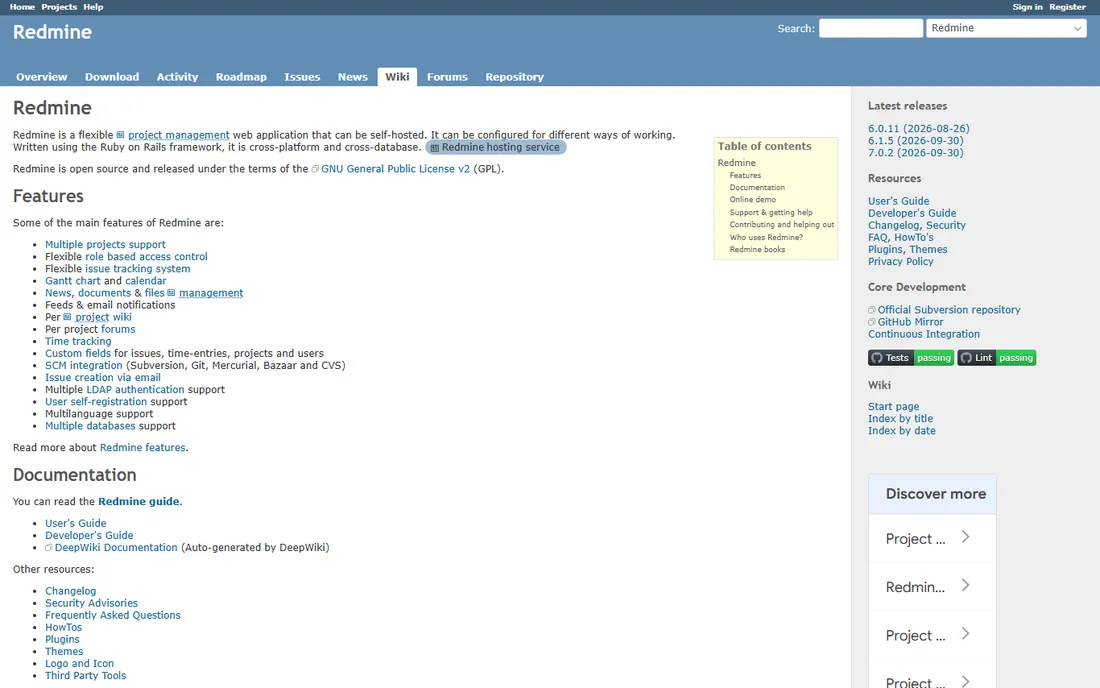
Redmine is the granddaddy of free project management, a Ruby on Rails app from 2006 still going strong. It is first an issue tracker and second a project manager, with Gantt charts and calendars built in alongside role-based access, per-project wikis and forums, time tracking, and SCM integration with Git and Subversion.
The plugin ecosystem extends it dramatically, and the multilingual, multi-database architecture suits organizations with varied needs. It is free under the GPL with no tiers at all. The honest catch is the experience: the default interface is spartan, and getting it running and looking good takes technical effort. For development teams and organizations that live in issue trackers, Redmine's Gantt view is a solid free addition to a capable core.
What we like- Completely free and open source
- Gantt plus issue tracking, wikis, and time tracking
- Deep customization via plugins
Watch out for- Interface is stark and developer-centric
- Setup and theming take effort
Starting price$10/user/month
Free planYes
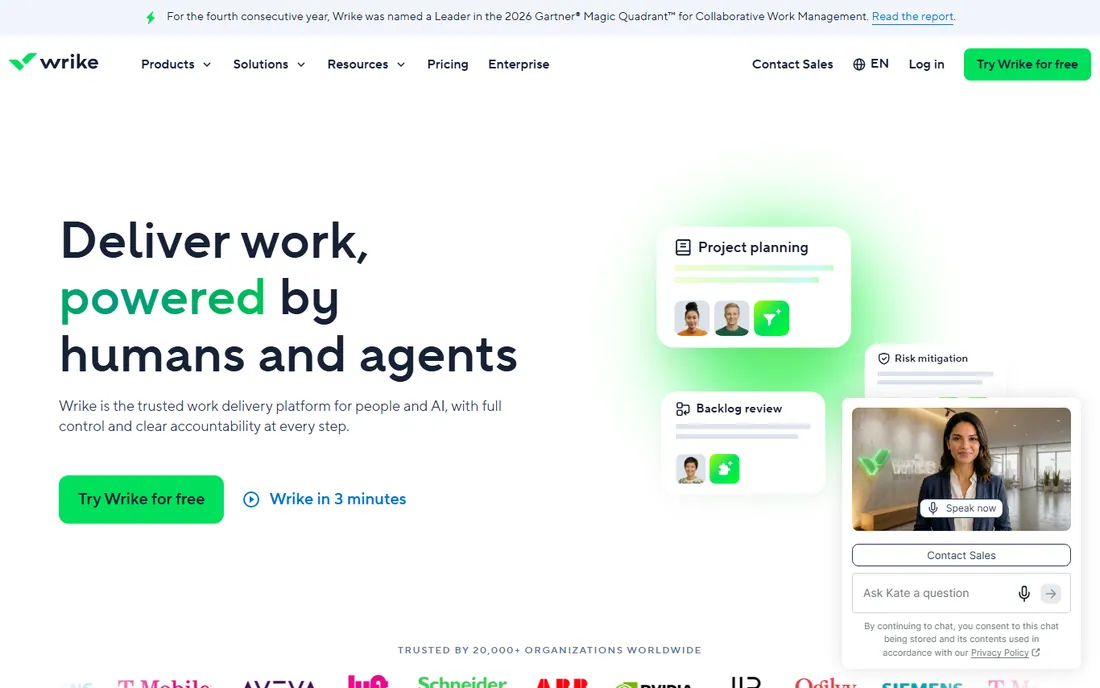
Wrike's free plan gives small teams real work management: task management, Gantt charts, and real-time collaboration without spending a dollar. The platform is built for visibility across projects and departments, with 400-plus integrations and now an AI layer that handles repeatable work.
For free-tier users, the value is a Gantt view inside a tool that scales: when the team grows, paid plans from $10 per user per month add resource management, advanced reporting, and automation. The honest catch is that the best Gantt depth, workload management, and custom workflows sit on paid tiers, and Wrike's product direction targets enterprises. As a free starting point for teams that may scale into serious work management, it earns its place.
What we like- Free plan with core task and Gantt features
- 400-plus integrations
- Enterprise-grade security foundations
Watch out for- Advanced Gantt features are paywalled
- The platform targets larger organizations
How we chose this Gantt software
We required every tool to offer a genuinely usable free option, not just a short trial. We balanced open-source tools that are free forever against freemium cloud platforms with generous free tiers. We drew the shortlist from 2026 Gantt chart comparisons, practitioner lists, and aggregator categories, then verified every vendor homepage to confirm the product exists today and the free option is real. We did not claim hands-on testing. Free plans change frequently, so confirm current limits on the vendor's pricing page before committing.
Living with free Gantt limits
Every free option here has a ceiling, and knowing it in advance saves pain later. Single-project free plans like TeamGantt's force you into one schedule at a time. Usage-metered plans like ClickUp's give you a taste of Gantt before asking for payment. Project-capped plans like Zoho Projects' three-project limit work until the fourth project arrives.
The practical strategy: start with the tool whose free ceiling matches your actual workload, not your ambitions. Solo planners rarely need more than GanttProject or TeamGantt's free tier. Teams of three to five do well on Zoho Projects or ClickUp free. Teams that outgrow caps should compare paid upgrades against simply adopting OpenProject's self-hosted edition, which has no ceiling at all.
Frequently asked questions
What is the best free Gantt software?
For a solo planner, GanttProject is the safest free download. For a team that self-hosts, OpenProject's Community Edition. For a modern cloud experience with a free tier, TeamGantt, ClickUp, or Zoho Projects. The best choice depends on whether you value zero cost forever or ease of use.
Is there a truly free Gantt chart tool?
Yes. GanttProject, ProjectLibre's desktop edition, OpenProject's Community Edition, and Redmine are all open source and free forever. TeamGantt, ClickUp, Zoho Projects, and Wrike offer free tiers with limits on projects or features.
Can I open Microsoft Project files for free?
GanttProject and ProjectLibre both open Microsoft Project files at no cost. ProjectLibre mirrors the MS Project interface most closely. TeamGantt can import .mpp files as well. None replicate every enterprise MS Project feature, but the core scheduling translates.
What is the catch with free Gantt software?
Open-source tools trade cost for setup effort and dated interfaces. Freemium tools trade ease of use for limits on projects, users, or features. Decide which trade-off you prefer before investing time in learning a platform.
Is GanttProject still maintained?
Yes. GanttProject has been under active development since 2003, with continuous major releases and regular updates. The vendor reports millions of installations across 200-plus countries and thousands of daily downloads.
Which free Gantt tool is best for teams?
OpenProject's Community Edition for self-hosted teams with IT capacity. Zoho Projects free for up to 5 users and 3 projects in the cloud. ClickUp free for unlimited members with usage-limited Gantt views. Each suits a different team size and technical profile.
Sources we checked (11)
- https://ganttproject.biz/
- https://projectlibre.com/
- https://www.openproject.org
- https://teamgantt.com/
- https://clickup.com/
- https://www.zoho.com/projects/
- https://redmine.org/
- https://www.wrike.com
- https://thedigitalprojectmanager.com/tools/free-gantt-chart-software/
- https://www.techradar.com/best/best-free-gantt-chart-software
- https://editorialge.com/best-gantt-chart-tools/
Is your product missing or out of date?
We review this list regularly. Vendors can request a listing, send updated pricing or ask about featured placement.

Shihab Mia · Founder, Rankite
Shihab has spent more than a decade helping SaaS and e-commerce brands grow through search. He writes Rankite's software buying guides from pricing pages, documentation and public user reviews. More about Shihab.