How we make this list: we compare pricing pages, product documentation and public user reviews. Rankite is independent; if a vendor ever pays for a featured spot, that listing is clearly labeled Partner.
Key takeaways
- No POS replaces real accounting software; the best setups pair a POS with QuickBooks or Xero through a native integration or a sync tool like Synder.
- Square is the cheapest starting point with a genuinely free POS plan, while Toast is the restaurant specialist with deep accounting integrations.
- Lightspeed at $89 per month suits inventory-heavy retailers that need purchasing and accounting to talk to each other.
- Integration quality matters more than the POS brand: refunds, fees, and taxes must sync correctly or your books will drift.
- Budget for the connector, not just the software: sync tools and integration fees can add $0 to $99 per month per location.
Quick comparison
| Tool | Best for | Starting price | Free plan |
|---|
 Square Square | small retailers and food businesses starting free | $0 per month | Yes |
 Toast Toast | restaurants that need POS and accounting to agree | $0 per month | Yes |
 Lightspeed Lightspeed | multi-location retailers with complex inventory | $89 per month | Free trial (14 days) |
 Clover Clover | businesses wanting POS flexibility through apps | $0 per month | Free trial |
 Shopify POS Shopify POS | retailers selling both online and in person | $5 per month | Free trial (3 days) |
 QuickBooks Online QuickBooks Online | the accounting hub behind most POS setups | See website | Free trial |
 Xero Xero | growing teams that need unlimited accounting users | See website | Free trial |
 Synder Synder | automating the POS-to-accounting data flow | See website | Free trial |
Is your product missing or out of date?
We review this list regularly. Vendors can request a listing, send updated pricing or ask about featured placement.
The best point of sale accounting software
Starting price$0 per month
Free planYes
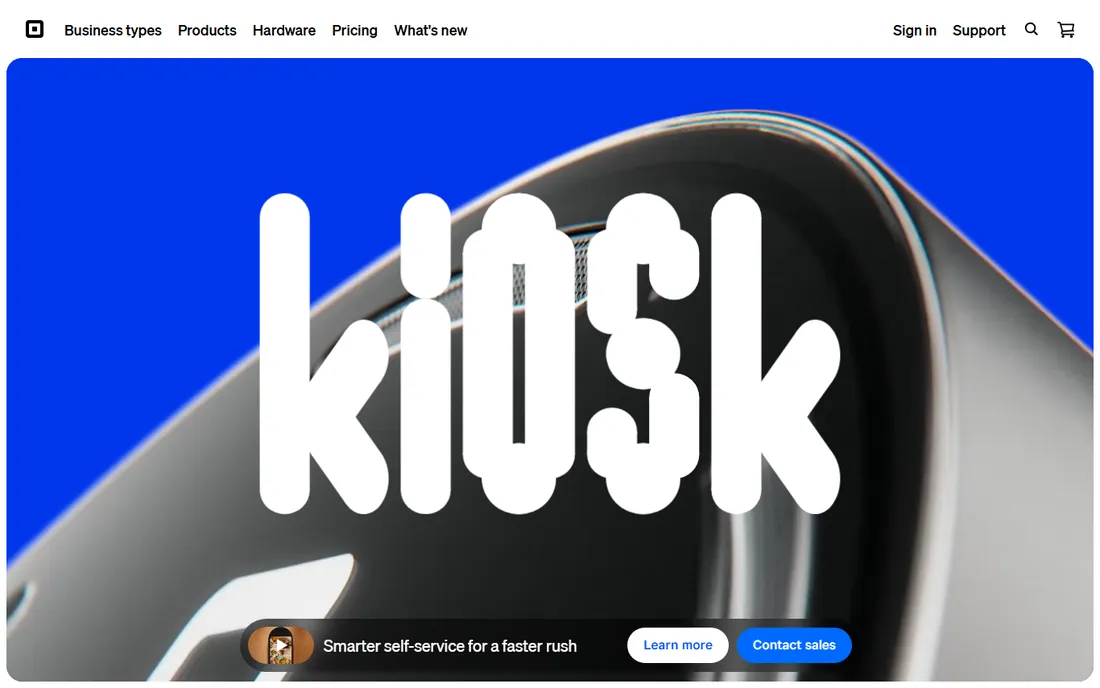
Square is the default starting point for small sellers because the core POS costs nothing: free app, free card reader, and 2.6% + 10 cents per in-person transaction. For accounting, Square connects to QuickBooks Online and Xero through its app marketplace, syncing daily sales summaries so your books reflect register activity without manual entry. Square for Retail and Square for Restaurants add industry-specific features at $49 to $149 per month when you outgrow the free tier.
The accounting story is straightforward rather than deep. The integrations handle sales sync well, and Square's own reporting covers the day-to-day numbers most owners check. What Square does not do is true cost accounting: inventory valuation, recipe costing, and multi-location consolidations need the accounting platform or a third-party connector to handle properly.
The honest limitation is the walled garden. You must process with Square, which is fine at small volumes but worth comparing against interchange-plus pricing as you grow. For a single-location shop doing under $30,000 a month in card sales, though, Square's free POS plus a QuickBooks sync is the cheapest credible accounting setup available.
What we like- Free POS app with no monthly fee
- Native integrations with QuickBooks and Xero
- Transparent flat-rate processing at 2.6% + 10 cents
Watch out for- Locked to Square payment processing
- Advanced inventory and reporting need paid tiers
Starting price$0 per month
Free planYes
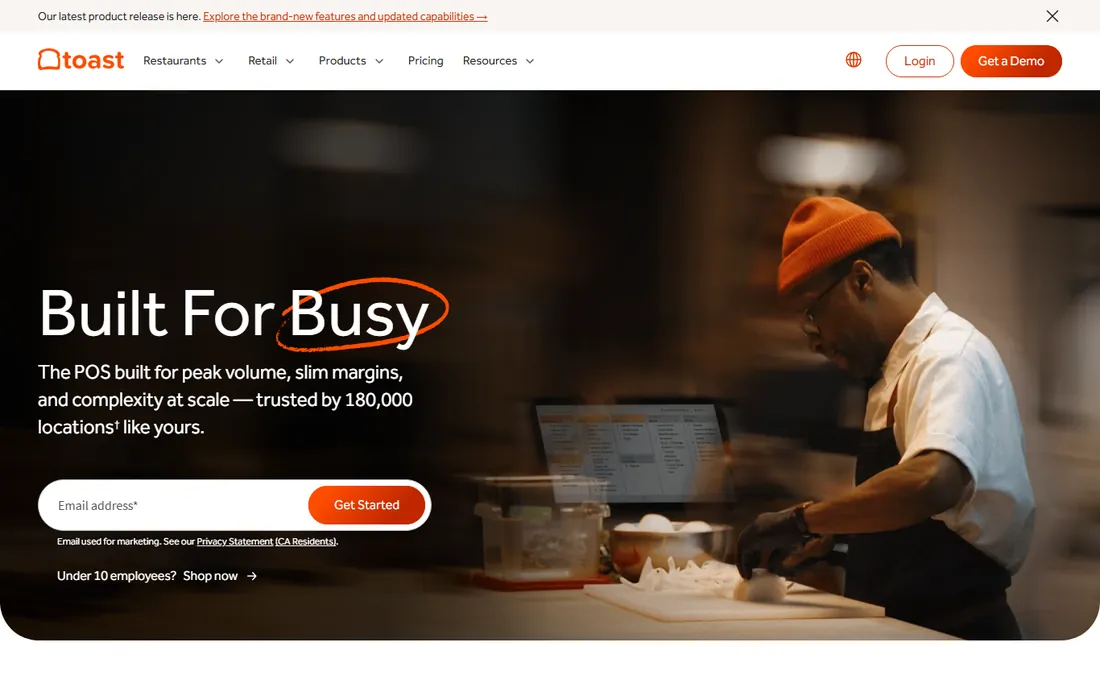
Toast is the restaurant specialist, and every product decision shows it: kitchen display systems, table management, tip pooling, Toast Payroll, and online ordering built for food service. On the accounting side, Toast integrates with QuickBooks, Xero, and restaurant-specific platforms like Restaurant365 and MarginEdge, pushing sales, labor, and payment data where your accountant needs it. Plans range from a $0 pay-as-you-go tier to $69-plus per month per terminal.
For restaurant accounting, the integrations matter more than the POS features. Labor cost syncing to payroll, sales categories flowing to the general ledger, and third-party delivery sales reconciling correctly are what separate a workable setup from a monthly reconciliation nightmare. Toast's ecosystem handles these better than any general-purpose POS.
The catch is commitment. Toast's best pricing comes bundled with its payment processing and hardware, and switching later means untangling all three. It is also strictly for restaurants; a retail shop should look at Square or Lightspeed instead. Within food service, though, Toast plus a proper accounting integration is the industry standard for a reason.
What we like- Restaurant-tuned everything: KDS, tips, payroll, online ordering
- Integrates with QuickBooks, Xero, and Restaurant365
- Pay-as-you-go plan with $0 software fee
Watch out for- Restaurant-only, useless for retail
- Hardware and processing contracts can get expensive at scale
Starting price$89 per month
Free planFree trial (14 days)
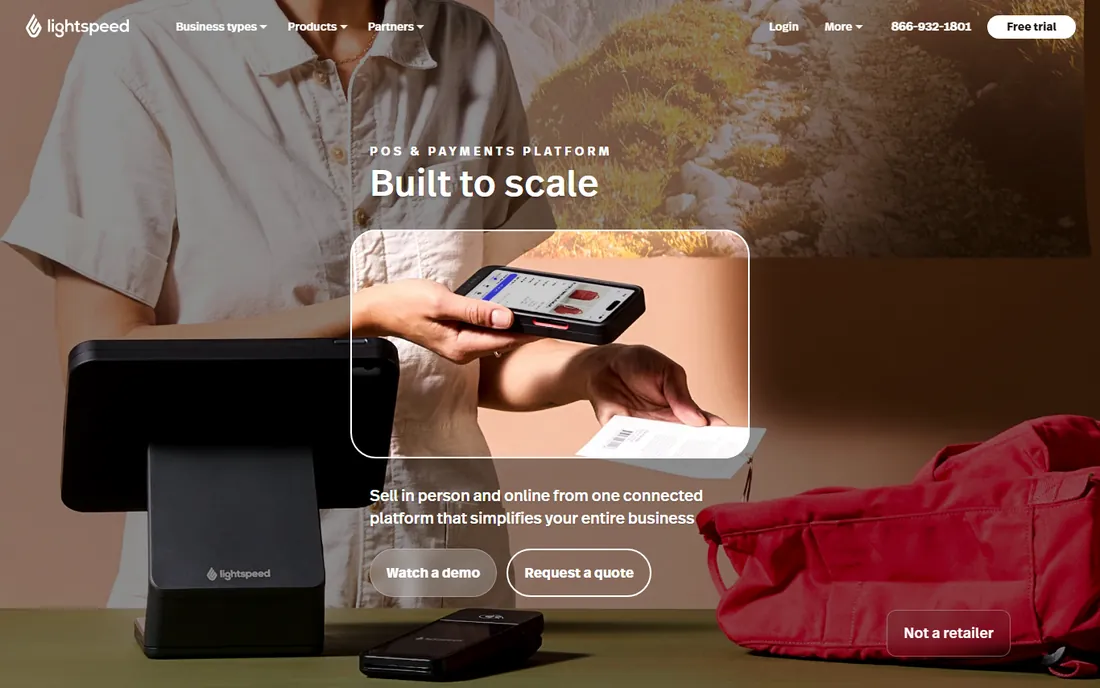
Lightspeed Retail is built for merchants whose inventory complexity breaks simpler POS systems: apparel with size-color matrices, bike shops with serialized parts, multi-store retailers moving stock between locations. The accounting angle is purchasing: integrated supplier catalogs, purchase orders, and receiving workflows mean your cost of goods data starts clean, which is half the accounting battle for retailers.
The platform integrates natively with QuickBooks and Xero, and its reporting goes deeper than Square's, with custom reports and consolidated multi-location views. Plans start at $89 per month for Retail Basic, scaling to $149 and $289, with a 14-day trial and no long-term lock-in. Lightspeed allows third-party processors for an extra fee, which gives larger merchants negotiating room Square does not.
The tradeoff is price and complexity. At $89 per month minimum with no free tier, Lightspeed is overkill for a simple single-register shop, and the catalog setup takes real work. Buy it when inventory accuracy directly affects your margins, because that is where it earns its premium over the free alternatives.
What we like- Advanced inventory, purchasing, and supplier management
- Native QuickBooks and Xero integrations
- Strong multi-store reporting and stock transfers
Watch out for- No free plan and higher entry price
- Implementation learning curve for complex catalogs
#4
Clover
Best for: businesses wanting POS flexibility through apps
Visit clover.com
Starting price$0 per month
Free planFree trial
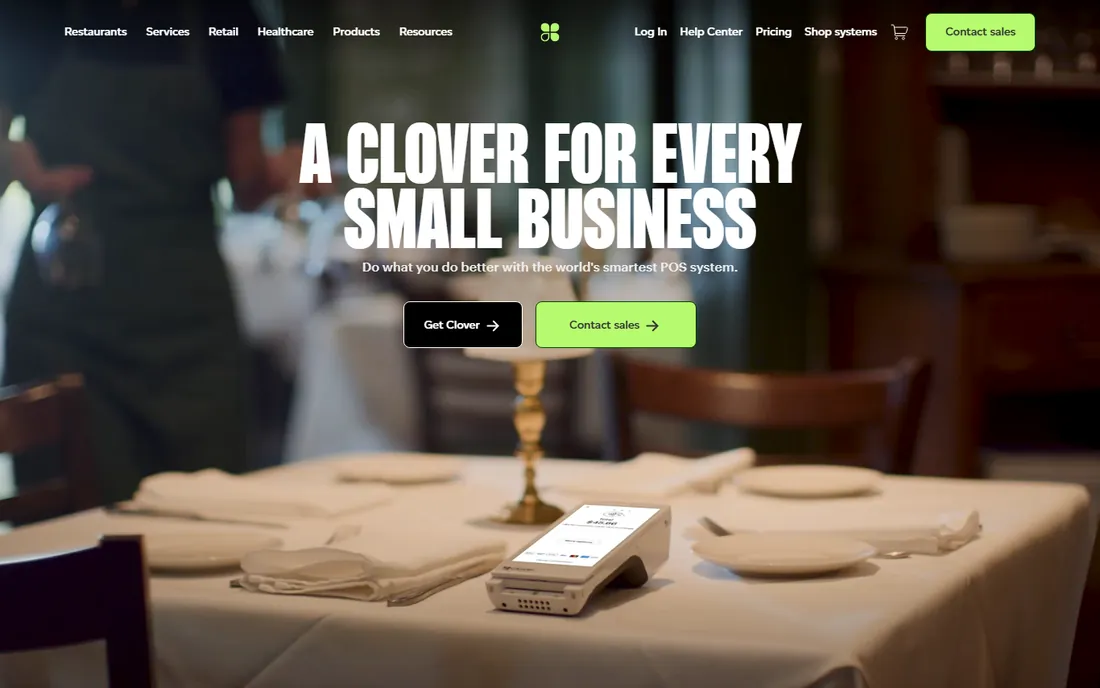
Clover's strength is its app ecosystem. The core POS handles general retail, restaurants, and services, and the marketplace adds accounting integrations, loyalty, scheduling, and industry-specific tools. For accounting, that means connecting to QuickBooks, Xero, or specialized connectors through apps rather than relying on one built-in sync. Software plans range from $0 to around $16-plus per month depending on the bundle, with processing around 2.3% to 2.6% plus 10 cents.
Distribution is Clover's quirk: most deployments come through banks and merchant service providers, often bundled with a processing contract. That can mean good bundled pricing or a multi-year commitment with rates you did not fully negotiate, so read the merchant agreement as carefully as the software terms.
For accounting purposes, Clover is a solid middle ground: more capable than Square's free tier for businesses that need apps, less specialized than Toast for restaurants or Lightspeed for complex retail. Verify which accounting apps your provider's Clover bundle includes before signing, because the app selection varies.
What we like- Huge app marketplace including accounting connectors
- Hardware range from mobile to full station
- Deep Fiserv payments integration
Watch out for- Usually bundled with a merchant services contract
- Pricing varies by provider and is hard to compare
#5
Shopify POS
Best for: retailers selling both online and in person
Visit shopify.com
Starting price$5 per month
Free planFree trial (3 days)

Shopify POS makes sense when ecommerce is already part of the business. Inventory, customers, and orders live in one system whether the sale happens on the website or at the register, which eliminates the online-offline reconciliation problem that plagues retailers running two systems. POS starts at $5 per month, with POS Pro at $89 per month per location adding advanced inventory and staff features.
For accounting, Shopify connects to QuickBooks Online and Xero through app store connectors that sync orders, refunds, fees, and taxes. Because the commerce data is already unified, the accounting sync is cleaner than stitching together a separate ecommerce platform and a separate POS.
The limitation is depth at the counter. Shopify POS is not as strong as Toast for restaurants or Lightspeed for complex retail workflows; it is a very good omnichannel tool rather than the best register software. If your physical store is the business and the website is a side project, a dedicated POS will serve you better.
What we like- Unified inventory and customer data across online and physical stores
- QuickBooks and Xero connectors in the app store
- Strong multi-location support
Watch out for- POS features are thinner than dedicated POS systems
- Best value requires a Shopify plan alongside
Starting priceSee website
Free planFree trial
QuickBooks Online is not a POS, and that is the point. It is the accounting system that most POS platforms sync into, which makes it the other half of nearly every setup on this list. The general ledger, accounts payable, invoicing, and payroll live here, while the POS feeds in daily sales summaries. Your accountant almost certainly works in QuickBooks, which removes an entire category of friction at tax time.
The integration ecosystem is its moat: Square, Toast, Lightspeed, Clover, and Shopify all offer QuickBooks connectors, and tools like Synder exist specifically to make that sync reliable at volume. Plan pricing scales from Simple Start for single users up through Plus and Advanced for multi-user operations with inventory.
The honest caveat is that QuickBooks only knows what the sync tells it. A bad connector that mishandles refunds, tips, or sales tax will produce confident-looking wrong books. Pair QuickBooks with a POS whose integration you have verified, or add a dedicated sync tool, and review the mapped accounts before you trust the automation.
What we like- Nearly every POS integrates with it
- Full general ledger, AP, and payroll
- Accountants everywhere know it
Watch out for- POS sync quality depends on the connector
- Per-user pricing adds up for larger teams
#7
Xero
Best for: growing teams that need unlimited accounting users
Visit xero.com
Starting priceSee website
Free planFree trial
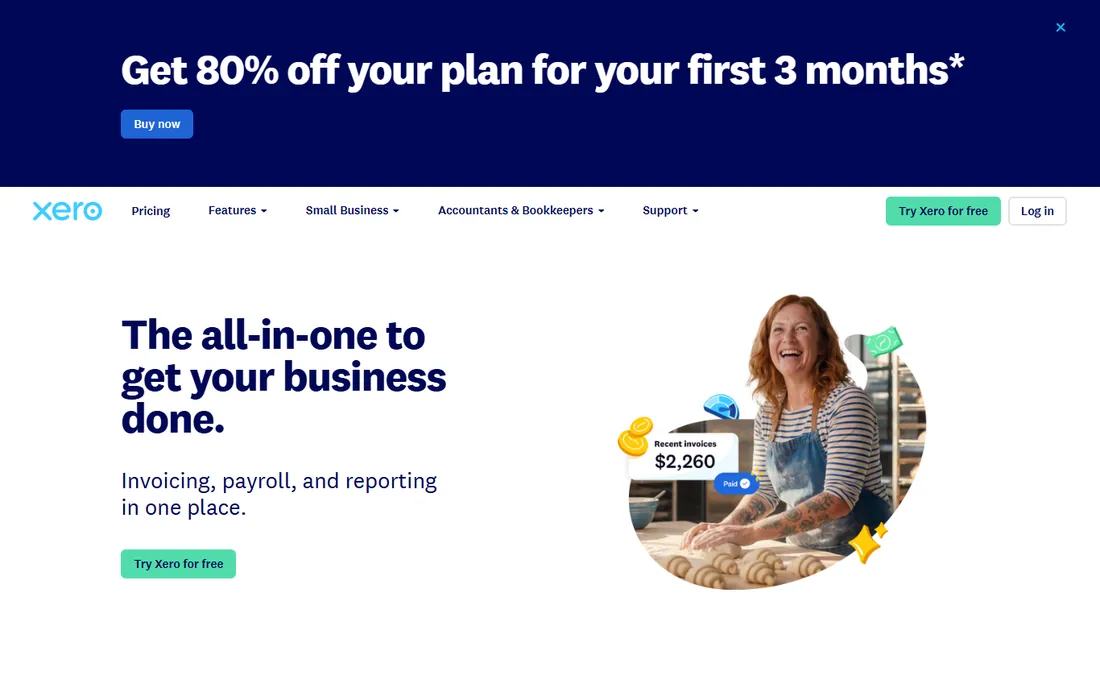
Xero is the leading QuickBooks alternative, and its headline advantage is unlimited users on all plans. A 12-person team that would pay per-seat fees in QuickBooks pays one flat plan price in Xero, which can save thousands per year as headcount grows. The interface is clean, bank reconciliation is excellent, and multicurrency support is stronger than QuickBooks at comparable tiers.
POS connectivity runs through Xero's app ecosystem of more than a thousand integrations, covering the major POS platforms and sync tools. For retail and hospitality businesses with multiple staff needing book access, the unlimited-user model plus solid integrations makes a compelling case.
The tradeoffs are US-specific. Fewer American accountants work in Xero natively, payroll features are thinner than QuickBooks in the US, and some advanced inventory needs push toward add-ons. If your accountant is Xero-friendly and your team is growing, it is often the better value. If your accountant lives in QuickBooks, switching creates more friction than the savings justify.
What we like- Unlimited users on every plan
- Clean interface accountants like
- 1,000-plus app ecosystem including POS connectors
Watch out for- US payroll and some features trail QuickBooks
- Smaller share of US accountants use it
Starting priceSee website
Free planFree trial
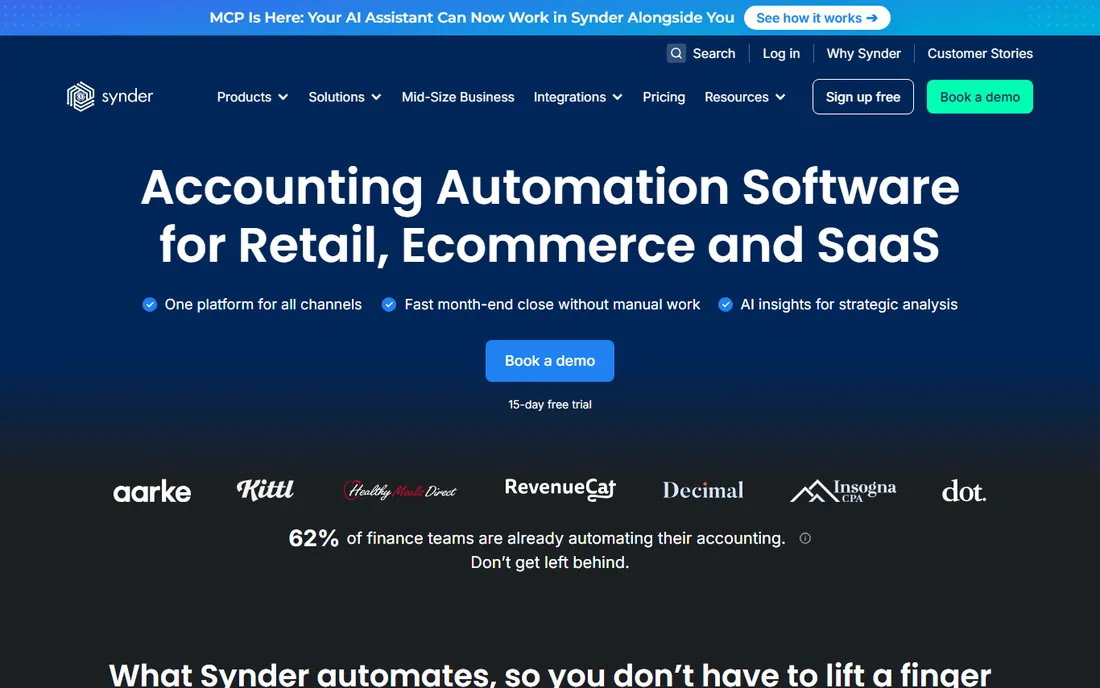
Synder is the tool for when native POS integrations are not enough. It sits between your sales platforms, POS, Shopify, Stripe, PayPal, and your accounting software, automating the data flow with proper handling of the edge cases that break simple syncs: refunds, processing fees, sales tax, multi-currency, and multi-channel sales. For high-volume sellers, that accuracy is worth more than the subscription.
The product exists because most native integrations sync summaries, not details. When volume grows or you sell across several channels, summary syncs produce books that roughly reconcile but cannot be audited cleanly. Synder's detailed sync gives accountants transaction-level data they can actually work with.
The honest framing is that Synder is infrastructure, not a destination. You still need a POS and an accounting platform; Synder just makes them agree. For a single-location shop with simple sales, the native integration is enough and Synder is overkill. For multi-channel or multi-location operations where the books never quite tie out, it usually pays for itself in saved bookkeeping hours.
What we like- Purpose-built for syncing sales platforms to accounting
- Handles refunds, fees, and taxes correctly
- Supports high volumes and multi-platform sellers
Watch out for- It is middleware, an extra subscription on top of POS and accounting
- Setup needs correct account mapping
How we chose
We evaluated this category as a system, not a single product, because no POS does full accounting and no accounting platform runs a register. We checked each vendor's integration documentation, pricing pages, and app marketplaces, read retailer and restaurant owner reviews on G2, Capterra, and Reddit, and weighed native accounting integrations, sync accuracy for refunds and fees, total cost including processing and connectors, and fit for small to mid-size US retail and restaurant economics. We did not run hands-on trials; prices were verified against vendor pages and current 2026 pricing roundups.
Why the sync matters more than the POS brand
Two shops can run the same POS and have completely different books. The difference is the integration: which accounts sales map to, how refunds and discounts are recorded, whether processing fees post automatically, and how sales tax flows to the liability account. Get the mapping right once and the books stay clean for years. Get it wrong and every month ends with a reconciliation project.
Before you commit, ask the POS vendor exactly what their QuickBooks or Xero integration syncs and what it does not. Test a refund, a discounted sale, and a split-tender transaction during the trial, then check how each appears in the accounting platform. If the vendor cannot answer clearly, budget for a sync tool like Synder or pick a POS with a better-documented integration. The register is the easy part; the general ledger is where the money is actually tracked.
How to pick a POS that will not wreck your books
Start with your accountant, not the hardware. Ask which accounting platform they prefer and which POS integrations they trust, because their answer determines how much cleanup you pay for later. Then match the POS to your operation: Toast for restaurants, Lightspeed for complex retail inventory, Square for simple low-volume selling, Shopify POS for omnichannel.
Price the whole system, not the software fee. A $0 POS with 2.6% processing on $40,000 monthly sales costs more than an $89 POS with negotiated interchange-plus rates, and the connector or sync tool adds its own line item. Finally, run the trial with real transactions. Process a week of actual sales through the trial account, sync it to your accounting platform, and hand the result to your bookkeeper. If they smile, you picked right.
Frequently asked questions
What is point of sale accounting software?
It is the combination of a point-of-sale system and accounting software working together: the POS records sales at the register, and the accounting platform tracks the general ledger, expenses, payroll, and taxes. Most setups use two products connected by an integration, such as Square synced to QuickBooks Online, rather than a single tool.
Do POS systems include accounting features?
POS systems include sales reporting, and some add inventory valuation and labor reporting, but none replace real accounting software. For anything beyond sales reports, general ledger, accounts payable, payroll, tax filings, you need a dedicated accounting platform alongside the POS.
Which accounting software works best with Square and Toast?
Both integrate with QuickBooks Online and Xero through their app marketplaces. Toast also connects to restaurant-specific accounting platforms like Restaurant365 and MarginEdge. For high transaction volumes or multi-location operations, a dedicated sync tool like Synder makes the data flow more reliable than the native integrations.
How much does POS accounting integration cost?
Native integrations are often free or included in the POS app marketplace, but third-party connectors typically cost $0 to $99 per month per location. The bigger cost is usually the accounting software itself and any bookkeeping time, so budget the full stack: POS fee, processing, accounting plan, and connector.
Can QuickBooks replace my POS reporting?
No. QuickBooks receives summarized sales data from the POS; it does not track individual register transactions, table turns, or real-time inventory the way a POS does. Use the POS for operational reporting and QuickBooks for financial reporting, and make sure the sync between them is accurate.
What is the best POS accounting setup for a restaurant?
Toast paired with QuickBooks Online or Restaurant365 is the industry standard: Toast handles the restaurant operations and pushes categorized sales and labor data to accounting. Add MarginEdge or a similar tool if you need invoice and inventory costing. Test the full sync with real transactions before going live.
Sources we checked (6)
- https://synder.com/blog/retail-pos-and-accounting-software-integration-options/
- https://ecosire.com/blog/odoo-pos-vs-square-toast-clover-lightspeed-2026
- https://technologyadvice.com/blog/sales/pos-system-for-small-business/
- https://fitsmallbusiness.com/best-pos-system-software/
- https://koronapos.com/blog/lightspeed-vs-square-pos/
- https://saasrat.com/blog/best-accounting-software-for-restaurants/
Is your product missing or out of date?
We review this list regularly. Vendors can request a listing, send updated pricing or ask about featured placement.

Shihab Mia · Founder, Rankite
Shihab has spent more than a decade helping SaaS and e-commerce brands grow through search. He writes Rankite's software buying guides from pricing pages, documentation and public user reviews. More about Shihab.