How we make this list: we compare pricing pages, product documentation and public user reviews. Rankite is independent; if a vendor ever pays for a featured spot, that listing is clearly labeled Partner.
Key takeaways
- Microsoft 365 ($7/user/month) and Google Workspace ($7/user/month) remain the defaults; pick Microsoft for desktop power and Google for browser-first collaboration.
- LibreOffice and ONLYOFFICE are free and open source, with ONLYOFFICE offering the better Microsoft-format compatibility.
- Zoho Writer is a capable free word processor with built-in e-signatures and automation, ideal inside the Zoho ecosystem.
- WPS Office ($29.99/year for Premium) is the cheapest Microsoft lookalike; Apple Pages is free but only makes sense in Apple-heavy teams.
- Notion ($10/user/month) suits teams whose documents are living pages, and PandaDoc ($19/user/month) handles proposals and contracts that need signatures.
Quick comparison
| Tool | Best for | Starting price | Free plan |
|---|
 Microsoft 365 Microsoft 365 | Businesses standardized on Word, Excel, and Outlook | $7 per user/month (billed annually) | Free trial |
 Google Workspace Google Workspace | Teams that live in the browser and co-edit constantly | $7 per user/month (billed annually) | Free trial (14 days) |
 LibreOffice LibreOffice | Businesses that want a full office suite for $0 | Free | Yes |
 Zoho Writer Zoho Writer | Free word processing with business automation built in | Free (business plans via Zoho WorkDrive) | Yes |
 ONLYOFFICE ONLYOFFICE | Teams that need free editing with faithful Word compatibility | Free (paid cloud from $20/admin/month) | Yes |
 WPS Office WPS Office | The cheapest way to get a Microsoft-like experience | Free (Premium $29.99/year) | Yes |
 Notion Notion | Teams whose documents are living, linked pages | $10 per user/month (billed annually) | Yes |
 PandaDoc PandaDoc | Proposals, quotes, and contracts that need signatures | $19 per user/month (billed annually) | Yes (free eSignature plan) |
 Apple Pages Apple Pages | Beautiful documents in Apple-only teams | Free | Yes |
Is your product missing or out of date?
We review this list regularly. Vendors can request a listing, send updated pricing or ask about featured placement.
The best document software
#1
Microsoft 365
Best for: Businesses standardized on Word, Excel, and Outlook
Visit microsoft.com
Starting price$7 per user/month (billed annually)
Free planFree trial
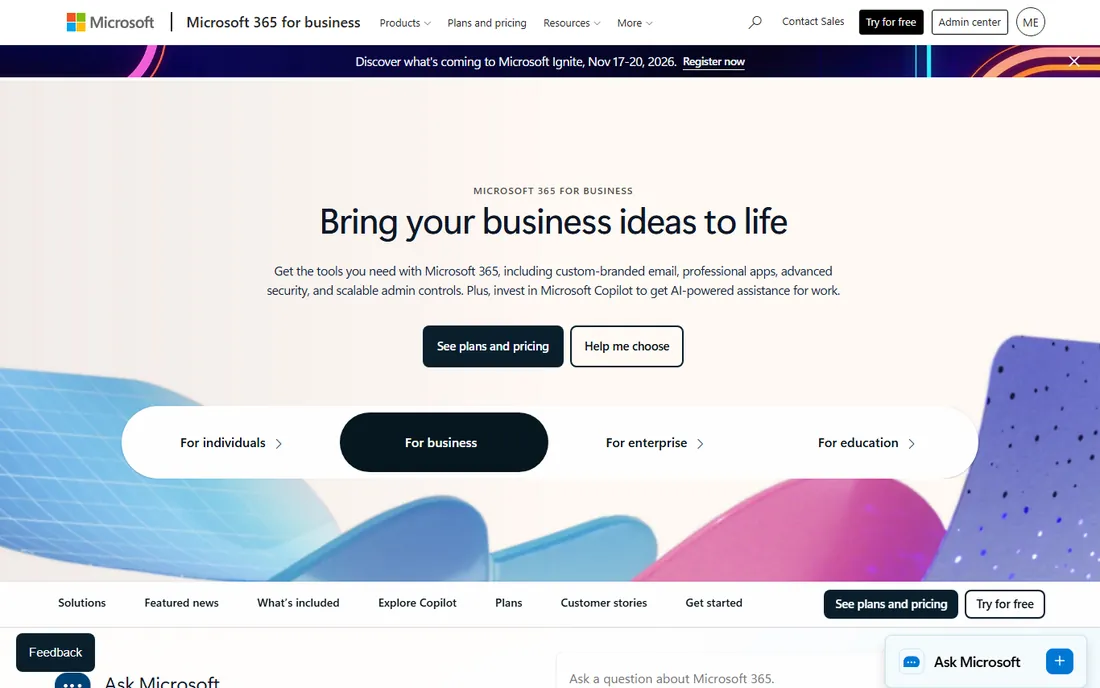
Word is still the document format the business world runs on, and Microsoft 365 is how small businesses get it legally and kept up to date. The Business Basic plan at $7 per user per month covers the web and mobile versions of Word, Excel, and PowerPoint plus business email and 1 TB of OneDrive storage. For the full desktop applications, the Standard tier with Copilot runs $23.50 per user per month.
The honest calculation is compatibility versus cost. If your clients, accountants, and lawyers all send .docx files with tracked changes, nothing else opens them quite as faithfully. But a ten-person team on Standard pays close to $2,800 a year, and Microsoft keeps nudging prices upward. Choose Microsoft 365 when document fidelity with the outside world matters more than saving a few dollars a seat.
What we like- Word remains the format every client expects
- Desktop apps work fully offline
- 1 TB OneDrive storage per user included
Watch out for- Real document power needs the pricier Standard tier with desktop apps
- Per-seat costs add up as teams grow
Starting price$7 per user/month (billed annually)
Free planFree trial (14 days)
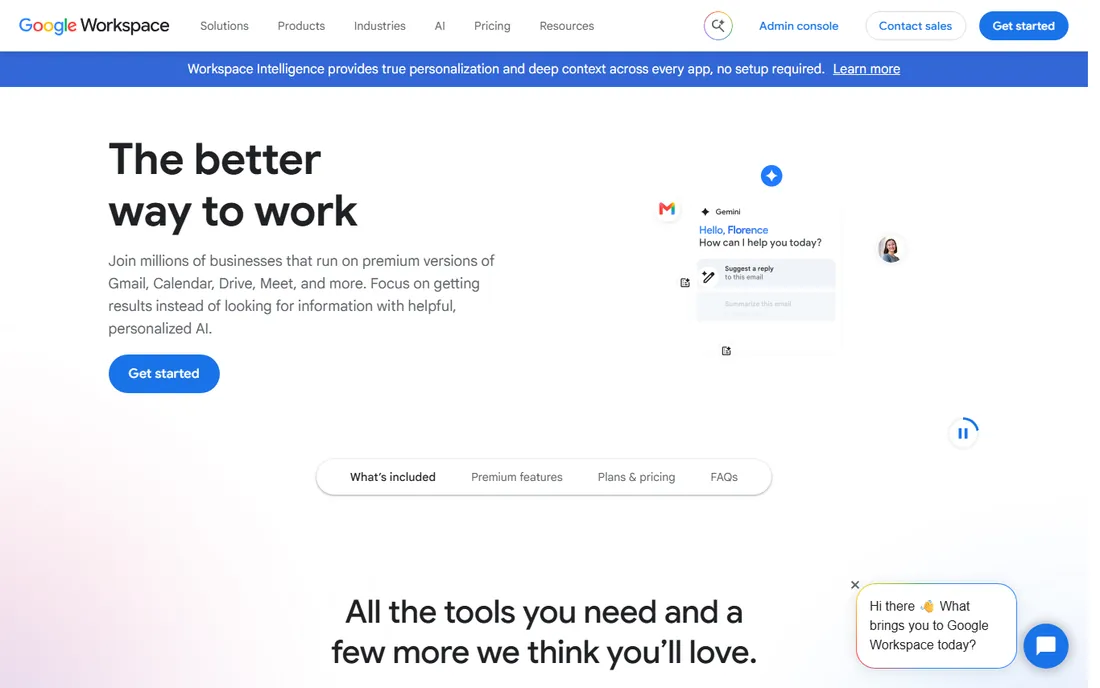
Google Docs changed what people expect from document software: multiple cursors in one document, comment threads that resolve, and version history that just works. Workspace bundles Docs with Gmail, Drive, Meet, and Calendar at $7 per user per month for Starter, and the 14-day free trial is enough to migrate a real project.
Where it falls short is the document itself. Complex Word formatting breaks on import, mail merge needs add-ons, and working offline requires setup that desktop users never think about. Storage is also pooled per user rather than generous. Pick Google Workspace when your team writes together in real time and lives in Chrome; pick Microsoft when the documents you exchange with clients must look pixel-perfect.
What we like- Real-time collaboration in Docs is still the smoothest available
- Everything autosaves to Drive
- Custom business email included
Watch out for- Offline work is weaker than desktop suites
- Advanced formatting lags behind Word
Starting priceFree
Free planYes
LibreOffice is the open-source office suite that has quietly served businesses for over a decade: Writer for documents, Calc for spreadsheets, Impress for presentations, plus drawing, database, and formula tools. It costs nothing, collects no data, and opens .docx, .xlsx, and .pptx files well enough for most daily work. For a business equipping twenty PCs on a tight budget, the savings versus Microsoft 365 are thousands of dollars a year.
The compromises are real. The interface looks like Office from 2010, complex Word documents can reflow on import, and there is no built-in cloud collaboration; sharing means files in a shared folder. Support comes from community forums rather than a help desk. Choose LibreOffice when the budget is zero and documents stay mostly inside the company.
What we like- Completely free with no accounts, ads, or subscriptions
- Writer, Calc, and Impress cover the full suite
- Runs on Windows, Mac, and Linux
Watch out for- Interface feels dated
- Microsoft-format compatibility is good but not perfect
#4
Zoho Writer
Best for: Free word processing with business automation built in
Visit zoho.com
Starting priceFree (business plans via Zoho WorkDrive)
Free planYes
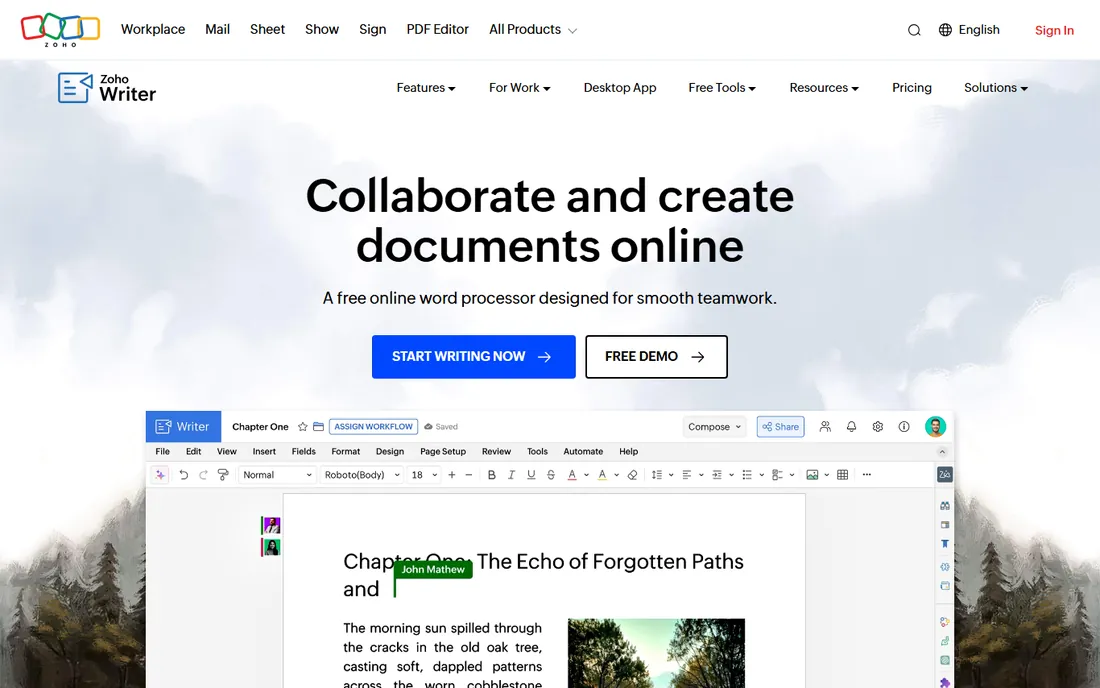
Zoho Writer is that rare thing: a genuinely free, full-featured online word processor with no catch for individual use. It handles real-time co-editing, tracked changes, offline mode, and publishing to WordPress, then goes further with fillable forms, document automation workflows, and signature collection built into the editor. Businesses access it through Zoho WorkDrive plans.
The trade-off is ecosystem gravity. Writer shines brightest alongside Zoho CRM, Zoho Sign, and Zoho Books, where documents pull data straight from your systems. Standalone, it is still a strong free Word alternative, but heavy document automation consumes credits that cost extra. Pick Zoho Writer if you already run on Zoho, or if you want more than a word processor without paying for one.
What we like- Free word processor with real-time collaboration
- Fillable forms, mail merge, and e-signature collection included
- Desktop apps for Windows, Mac, and Linux
Watch out for- Best inside the Zoho ecosystem
- Document automation credits cost extra at scale
#5
ONLYOFFICE
Best for: Teams that need free editing with faithful Word compatibility
Visit onlyoffice.com
Starting priceFree (paid cloud from $20/admin/month)
Free planYes
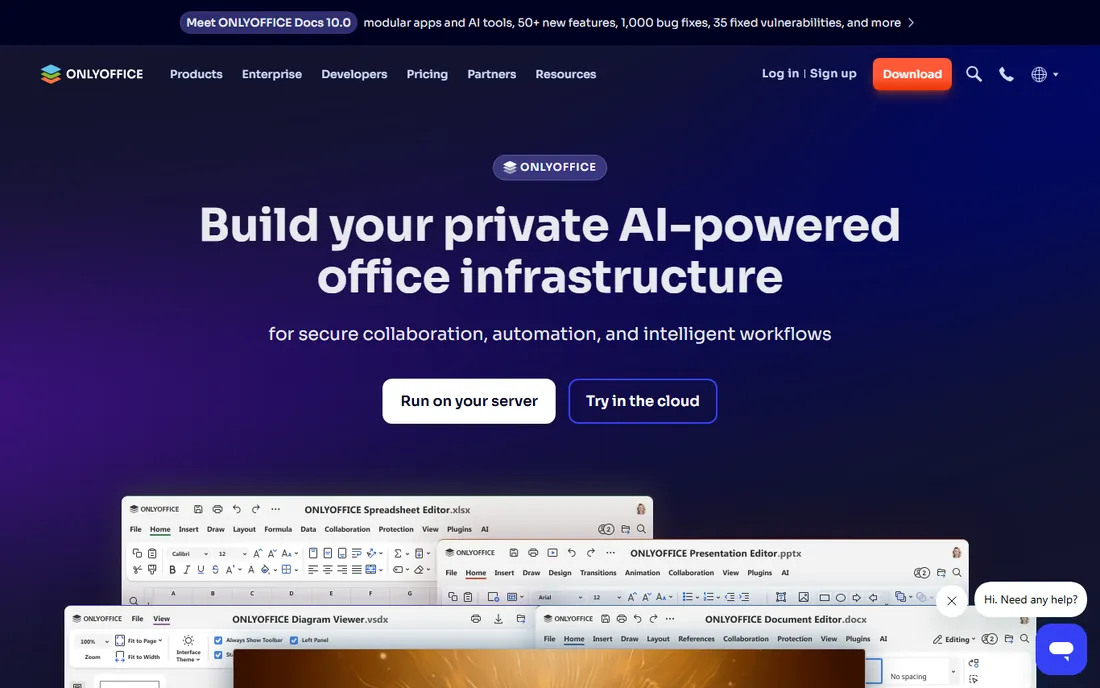
ONLYOFFICE's claim to fame is compatibility: among free editors, it renders Microsoft Office formats most faithfully, which matters when clients return marked-up .docx files. The desktop editors are free, the mobile apps are free, and the open-source community edition can be self-hosted for teams that want documents on their own servers. Paid DocSpace cloud plans start at $20 per admin per month.
The product range takes effort to untangle: Docs, DocSpace, Workspace, desktop apps, and mobile apps overlap in ways the website does not always clarify. Real-time collaboration requires either the cloud service or a self-hosted install, which is more setup than Google Docs. Choose ONLYOFFICE when Word compatibility is non-negotiable but the Microsoft subscription is not in the budget.
What we like- Best-in-class compatibility with .docx formatting
- Free desktop and mobile apps
- Self-hosted community edition for data control
Watch out for- The product lineup is confusing
- Collaboration features need the cloud or a server setup
#6
WPS Office
Best for: The cheapest way to get a Microsoft-like experience
Visit wps.com
Starting priceFree (Premium $29.99/year)
Free planYes
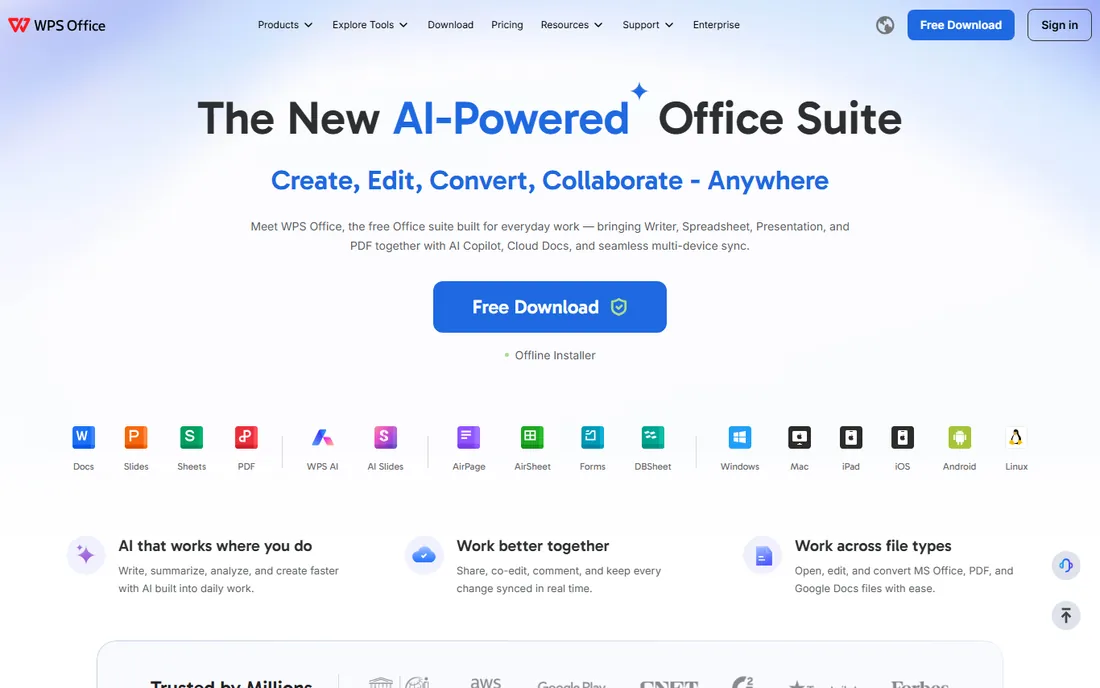
WPS Office looks and feels like Microsoft Office at a fraction of the price, which explains its large global user base. Writer, Spreadsheet, Presentation, and PDF tools come in one lightweight app for Windows, Mac, Linux, iOS, and Android. The free version handles everyday documents, while Premium at $29.99 a year removes ads and adds PDF editing, extra cloud storage, and full conversion features.
Two caveats deserve honesty. The free version's ads irritate, and the company behind WPS has faced questions about data handling that privacy-sensitive businesses should weigh. For pure value, though, nothing else gets this close to the Microsoft experience for thirty dollars a year. Pick WPS when budget dominates and your team already thinks in Word, Excel, and PowerPoint.
What we like- Interface closely mirrors Microsoft Office
- Free tier covers the basics
- Premium at $29.99 a year is far cheaper than Microsoft 365
Watch out for- Free version shows ads
- PDF editing and cloud features need Premium
#7
Notion
Best for: Teams whose documents are living, linked pages
Visit notion.com
Starting price$10 per user/month (billed annually)
Free planYes
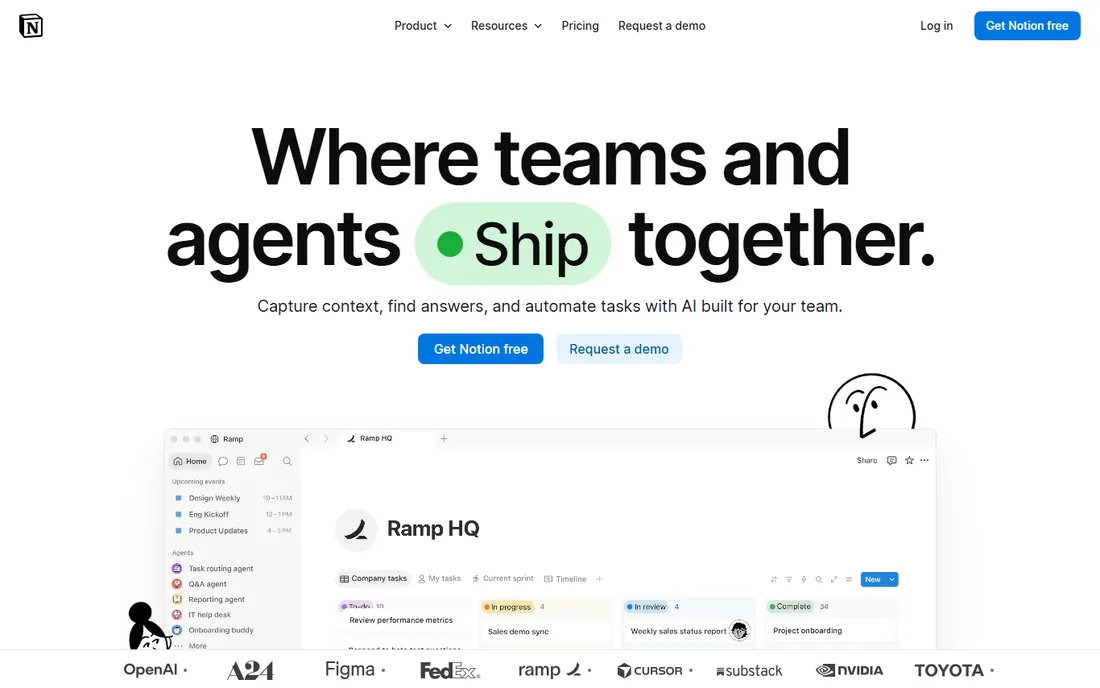
Notion rethinks the document as a living page instead of a file. Meeting notes link to project pages, project pages embed task databases, and everything is searchable in one workspace. For internal documentation, SOPs, and team wikis, it replaces both the shared drive and half the email threads. The Plus plan is $10 per user per month, and the free plan goes surprisingly far.
It is a poor Word replacement, and that is the honest catch. Page-layout control is minimal, .docx export is rough, and anything you send to a client will need rebuilding elsewhere. Notion wins for documents people maintain together and loses for documents people send out. Use it for the knowledge base, keep a real word processor for client-facing work.
What we like- Documents, wikis, and databases in one searchable workspace
- Generous template gallery
- Free plan covers personal use
Watch out for- Not a real word processor
- Printing and exporting to Word are weak
#8
PandaDoc
Best for: Proposals, quotes, and contracts that need signatures
Visit pandadoc.com
Starting price$19 per user/month (billed annually)
Free planYes (free eSignature plan)
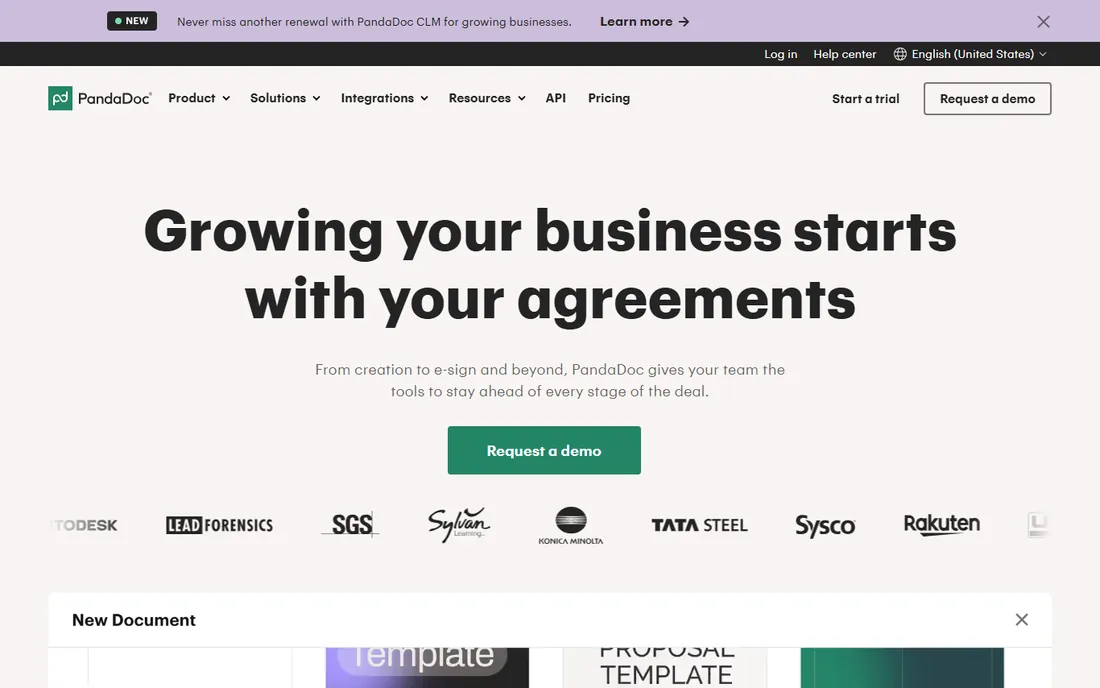
PandaDoc is document software for the moment a document becomes a deal: proposals with pricing tables, contracts with approval workflows, and forms that collect legally binding e-signatures. Templates, content libraries, and CRM integrations mean a sales rep can generate an accurate quote without retyping client details. The Starter plan is $19 per user per month, and a free eSignature plan covers up to 60 documents a year.
Nobody writes a memo in PandaDoc, and that is the point. It is a specialist tool for revenue documents, priced accordingly, with the genuinely useful features like approval workflows and bulk send sitting on the $49 Business tier. Choose PandaDoc when proposals and contracts are where deals stall; pair it with any word processor above for everything else.
What we like- Drag-and-drop editor built for sales documents
- Unlimited e-signatures on paid plans
- CRM integrations pull client data into documents
Watch out for- Overkill for everyday writing
- The useful automation sits on the $49 Business tier
#9
Apple Pages
Best for: Beautiful documents in Apple-only teams
Visit apple.com
Starting priceFree
Free planYes
Apple Pages is the forgotten free option: it ships with every Apple device, includes over 90 well-designed templates, and handles real-time collaboration even with PC users through Pages for iCloud. For a small team that all uses Macs, it covers letters, reports, resumes, and posters without spending a dollar.
The boundary is the Apple ecosystem. On Windows there is only the iCloud web version, and exporting complex layouts to Word sometimes breaks formatting in ways that embarrass you in front of clients. It is also a word processor, not an office suite; spreadsheets and presentations need Numbers and Keynote. Pick Pages when your team is Apple-only and your documents stay simple and visual.
What we like- Free with every Mac, iPhone, and iPad
- 90+ polished templates
- Real-time collaboration including with PC users via iCloud
Watch out for- Windows users get a limited web version
- Word export can mangle complex layouts
How we chose
We compared the vendors' own pricing pages, feature documentation, and support pages to establish what each tool costs and includes today. We then checked those claims against public reviews on G2, Capterra, and Reddit, where office managers and IT admins discuss the realities of migrations, compatibility bugs, and renewal pricing. We weighted fit for small and mid-size businesses, total cost per seat, and how faithfully each tool handles the Word documents most businesses exchange daily. We did not run hands-on tests; this comparison reflects documented features, current pricing, and reviewer consensus.
Most businesses need two kinds of document software, not one. Everyday internal documents, notes, and drafts want speed and collaboration: Google Docs, Notion, or Zoho Writer. Client-facing documents, contracts, and anything with tracked changes wants fidelity: Microsoft Word, ONLYOFFICE, or WPS Office. Buying one tool for both jobs is how teams end up fighting their software.
Map your documents before you buy. List what your team creates in a month, who it goes to, and what format it must arrive in. If 80% stays internal, a free tool plus PandaDoc for contracts may beat a full Microsoft 365 rollout. If clients mark up .docx files daily, pay for the compatibility and stop thinking about it.
Count the seats honestly
Per-seat pricing punishes growth: ten users on Microsoft 365 Standard costs roughly $2,800 a year, while LibreOffice costs $0 forever. But the cheapest tool is not the one with the lowest price; it is the one your team actually uses. A free suite that everyone circumvents with personal Google accounts costs more in chaos than a paid suite costs in subscriptions. Trial with a real team, measure adoption, then decide.
The migration trap
Switching document platforms is where businesses bleed time. Macros do not transfer, templates need rebuilding, and tracked-changes history rarely survives conversion. Before committing, convert a sample of your ugliest real documents, the 40-page proposal with embedded charts, not a blank page, and check what breaks. The tool that handles your worst document handles your business.
Frequently asked questions
What is the best free document software for business?
LibreOffice is the most complete free option: a full office suite with no accounts or ads. ONLYOFFICE offers better Microsoft-format compatibility, Zoho Writer adds automation and e-signatures, and Google Docs remains free for personal use with the best collaboration. The right free choice depends on whether you value compatibility, collaboration, or completeness.
Is Google Docs better than Microsoft Word?
For real-time collaboration, yes: nothing beats Docs for multiple people writing together. For document fidelity, complex formatting, and offline power, Word wins. Most businesses that can afford it keep both, using Docs internally and Word for anything a client will open.
Can I use Microsoft 365 for free?
Microsoft offers a free trial of its business plans, and the web versions of Word, Excel, and PowerPoint are free with a personal Microsoft account, though with limited features. There is no free business tier; the entry point is Business Basic at $7 per user per month.
What document software works best with e-signatures?
PandaDoc combines document creation with legally binding e-signatures, approval workflows, and payment collection, starting at $19 per user per month. Zoho Writer includes signature collection in its free editor. For signature-only needs, PandaDoc's free eSignature plan covers up to 60 documents a year.
How do I switch my business from Microsoft Office to a free alternative?
Start by auditing which Office features your team actually uses: macros, mail merge, and tracked changes are the usual blockers. Then convert a sample of real documents and test them in the new tool. ONLYOFFICE preserves formatting best; LibreOffice is the most complete suite. Plan template rebuilding time, and keep one Microsoft license for the documents that will not convert cleanly.
Is WPS Office safe for business use?
WPS Office is a legitimate, widely used product from Kingsoft, and it holds ISO security certifications. However, privacy-conscious businesses should review its data handling policies, since it is developed in China and the free version is ad-supported. Businesses handling sensitive client data often prefer LibreOffice, ONLYOFFICE self-hosted, or a paid US/EU suite.
Sources we checked (10)
- https://www.microsoft.com/en-us/microsoft-365/microsoft-365-business
- https://workspace.google.com/
- https://www.libreoffice.org/
- https://www.zoho.com/writer/
- https://www.onlyoffice.com/
- https://www.wps.com/
- https://notion.com/
- https://www.pandadoc.com/
- https://www.apple.com/pages/
- https://profiletree.com/document-management-statistics-for-efficiency/
Is your product missing or out of date?
We review this list regularly. Vendors can request a listing, send updated pricing or ask about featured placement.

Shihab Mia · Founder, Rankite
Shihab has spent more than a decade helping SaaS and e-commerce brands grow through search. He writes Rankite's software buying guides from pricing pages, documentation and public user reviews. More about Shihab.