How we make this list: we compare pricing pages, product documentation and public user reviews. Rankite is independent; if a vendor ever pays for a featured spot, that listing is clearly labeled Partner.
Key takeaways
- Trello remains the simplest pure kanban tool; Asana, monday.com, and ClickUp offer kanban as one of many views.
- Jira and Linear are the strongest picks for software teams that need kanban alongside sprints and issue tracking.
- Every tool on this list has a free plan, so you can pilot before paying.
- Paid plans start at $5 per user per month (Trello Standard, annual billing) and run to $25 (Wrike Business).
- The biggest cost is not the subscription; it is adoption failure when the tool does not fit how your team actually works.
Quick comparison
| Tool | Best for | Starting price | Free plan |
|---|
 Trello Trello | simple visual kanban boards | $5 per user/month (billed annually) | Yes |
 Asana Asana | cross-team task coordination | $10.99 per user/month (billed annually) | Yes |
 Jira Jira | agile software teams | $9.05 per user/month | Yes (up to 10 users) |
 monday.com monday.com | visual boards and custom workflows | $9 per seat/month (billed annually) | Yes (up to 2 seats) |
 ClickUp ClickUp | replacing several tools at once | $7 per user/month (billed annually) | Yes |
 Notion Notion | docs and tasks in one place | $10 per member/month (billed annually) | Yes |
 Linear Linear | fast product and engineering teams | $10 per user/month | Yes |
 Wrike Wrike | resource and budget control | $10 per user/month (billed annually) | Yes |
Is your product missing or out of date?
We review this list regularly. Vendors can request a listing, send updated pricing or ask about featured placement.
The best kanban software
A kanban board looks simple until the wrong tool turns it into shelfware. Pick a board your team ignores, and work scatters back into chat threads, email, and spreadsheets within a month. The subscription you paid is trivial next to the hours lost to status meetings that exist only because nobody trusts the board. Getting this choice right means matching the tool to how your team actually plans and talks, not to a feature checklist.
Starting price$5 per user/month (billed annually)
Free planYes
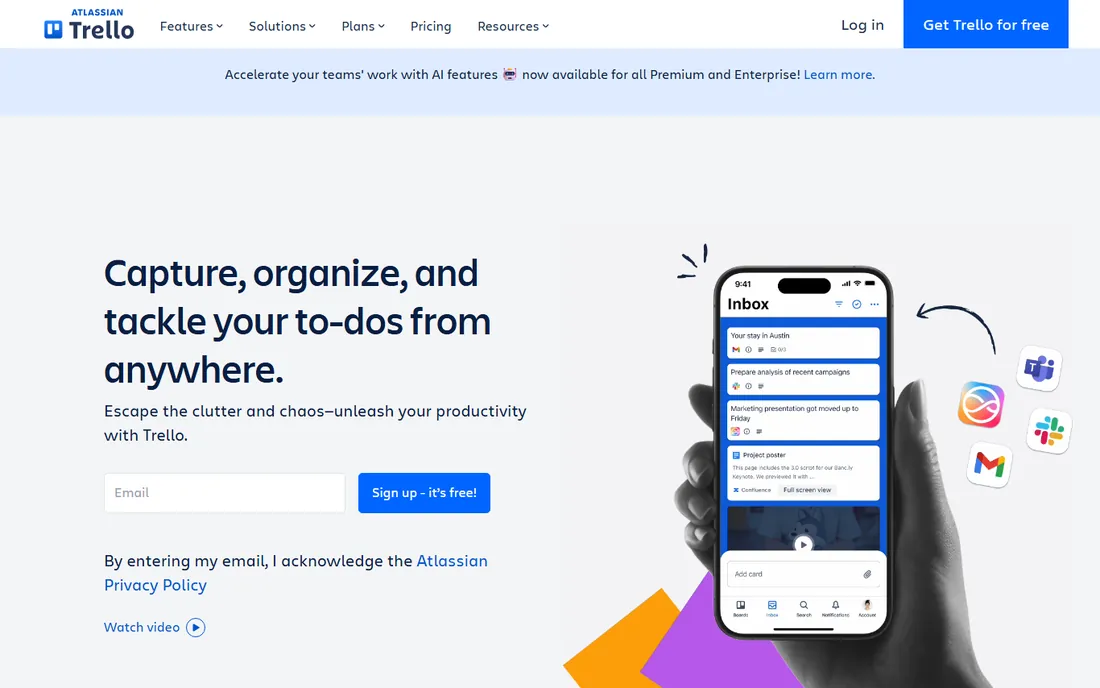
Trello is where most teams meet kanban for the first time, and many never need to leave. Boards, lists, and cards are as close to a physical whiteboard as software gets, which means new users need almost no training. The free plan covers up to 10 collaborators, and Standard at $5 per user per month annually adds unlimited boards and advanced checklists.
The honest catch is ceiling. Trello is a board, not a project platform: reporting, timelines, and workload views are thin compared with the all-in-one tools below. If your process fits on cards, Trello is unbeatable. If it does not, you will feel the walls quickly.
What we like- The purest kanban experience
- Free plan covers up to 10 collaborators
- Huge Power-Up integration library
Watch out for- Kanban only, no list or timeline views on lower tiers
- Advanced features like WIP limits need Power-Ups
Starting price$10.99 per user/month (billed annually)
Free planYes
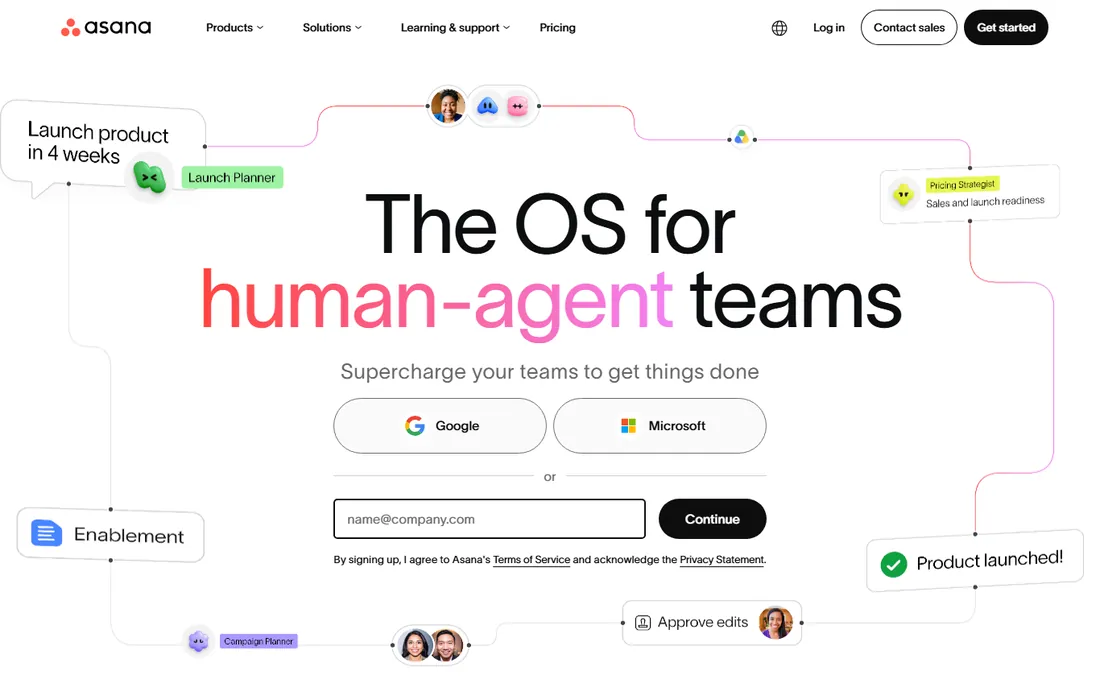
Asana gives you kanban as one view among several: the same project renders as a board, a list, a timeline, or a calendar. That matters when marketing wants a board and leadership wants a Gantt chart from the same data. Starter at $10.99 per user per month annually opens up timelines, more automation, and dashboards.
The honest catch is cost and complexity. It is pricier than Trello and ClickUp at the entry tier, and the feature depth can overwhelm small teams. For cross-functional teams that need structure beyond cards, it earns its price.
What we like- Board view alongside list, timeline, and calendar
- Strong workflow automation
- Widely adopted so new hires know it
Watch out for- Higher starting price than rivals
- Free plan lacks timeline and automation
Starting price$9.05 per user/month
Free planYes (up to 10 users)
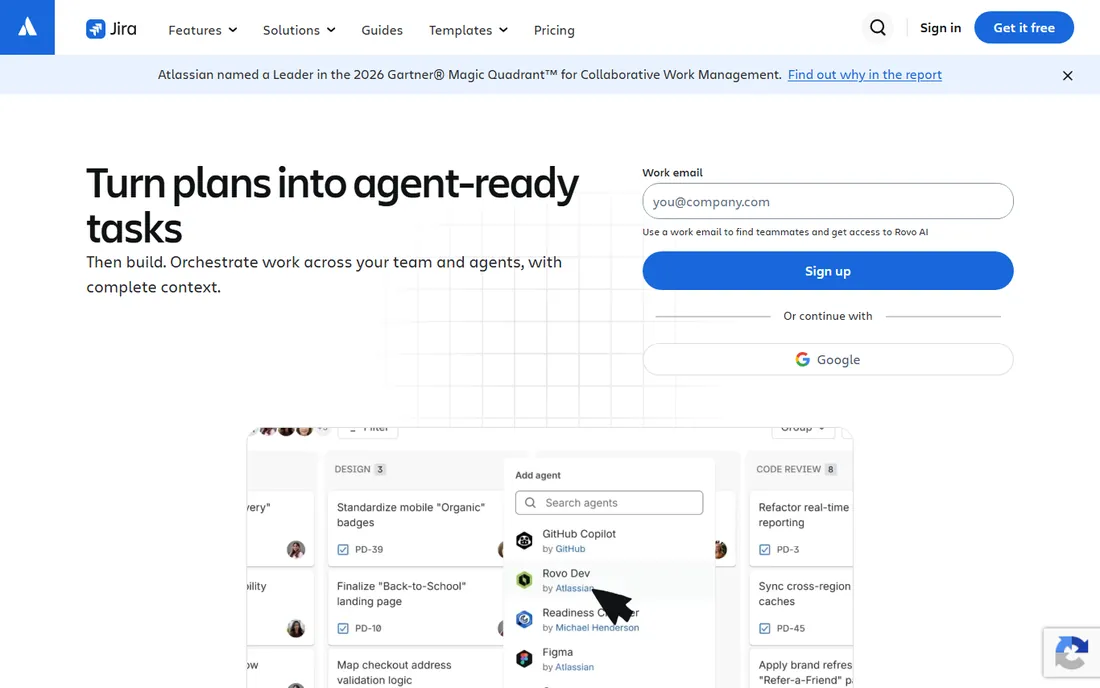
Jira is the kanban standard for software teams. Kanban boards sit alongside sprints, backlogs, burndown charts, and release tracking, with automation that moves issues based on code events. The free plan covers up to 10 users, and Standard starts around $9.05 per user per month.
The honest catch is that Jira assumes an agile vocabulary. Non-technical teams often find it heavy and jargon-laden, and a poorly governed Jira instance becomes its own bureaucracy. For dev teams, it is the default for good reason.
What we like- Kanban and scrum boards built for developers
- Deep agile reporting
- Free for up to 10 users
Watch out for- Overkill for non-technical teams
- Configuration can become a part-time job
Starting price$9 per seat/month (billed annually)
Free planYes (up to 2 seats)
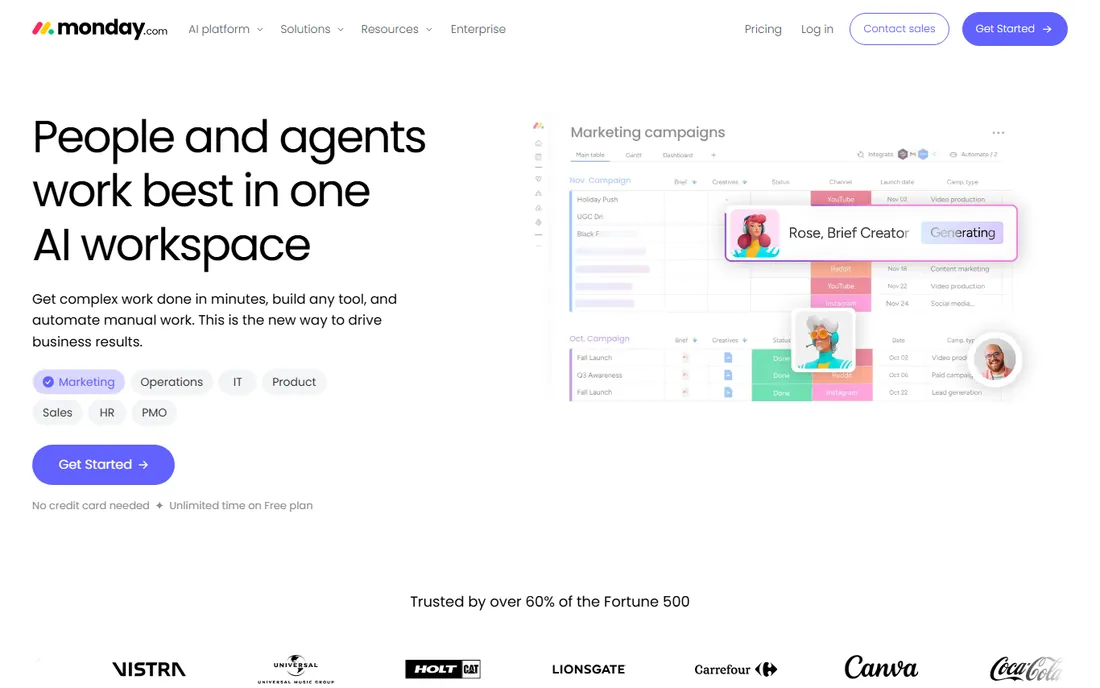
monday.com turns kanban into a visual playground: color-coded statuses, custom columns, and board views that non-technical users genuinely enjoy. Basic starts at $9 per seat per month annually, with Standard at $12 and Pro at $19 adding automations and integrations. It is a strong fit for operations, marketing, and client-facing work.
The honest catch is the seat minimums and upsell curve. The free plan fits only 2 seats, and the features that make monday shine, like time tracking and advanced automations, sit on higher tiers. Budget for Standard, not Basic, if you want the real product.
What we like- Highly visual, color-coded boards
- Strong no-code customization
- Good automations on mid tiers
Watch out for- Free plan limited to 2 seats
- Kanban view is one of many and less pure than Trello
Starting price$7 per user/month (billed annually)
Free planYes
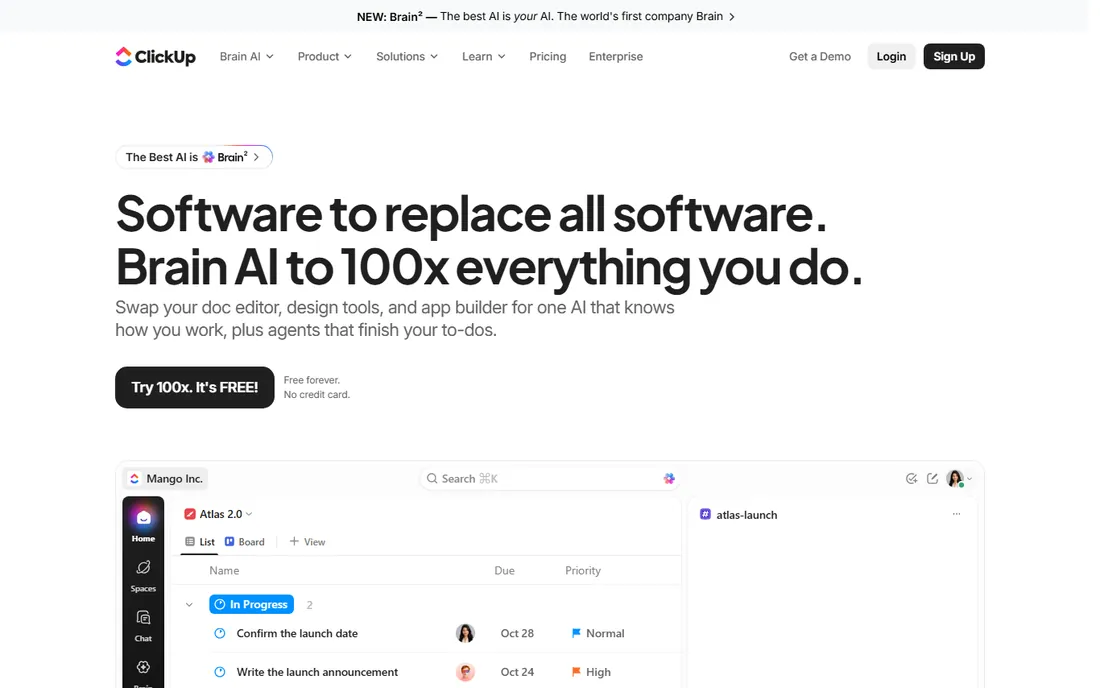
ClickUp is the value play: board, list, calendar, Gantt, docs, chat, and whiteboards in one workspace, with a free plan that allows unlimited members. Unlimited at $7 per user per month annually undercuts nearly every rival while including features others reserve for top tiers. For agencies and startups consolidating tools, the math is compelling.
The honest catch is the learning curve. ClickUp does so much that new users can get lost, and setup takes real thought. If you want one workspace instead of five subscriptions, it is the cheapest serious option.
What we like- Unlimited members on the free plan
- 20+ views including board
- Cheapest full-featured paid tier
Watch out for- Feature sprawl can confuse new users
- Free plan storage capped at 60MB
Starting price$10 per member/month (billed annually)
Free planYes
Notion is for teams whose work lives in documents. Kanban boards are views on Notion databases, so a task card can hold specs, meeting notes, and embedded files without leaving the page. Plus at $10 per member per month annually adds unlimited file uploads and longer page history. Documentation-first teams get tasks and knowledge in one system.
The honest catch is that Notion is a database with a board skin, not a purpose-built kanban tool. There are no WIP limits, swimlanes are basic, and agile reporting is absent. If docs are the center of your work, it fits. If kanban discipline is, look elsewhere.
What we like- Kanban boards inside a docs and wiki workspace
- Flexible databases
- Generous free plan
Watch out for- No native WIP limits
- Board view is simpler than dedicated kanban tools
Starting price$10 per user/month
Free planYes
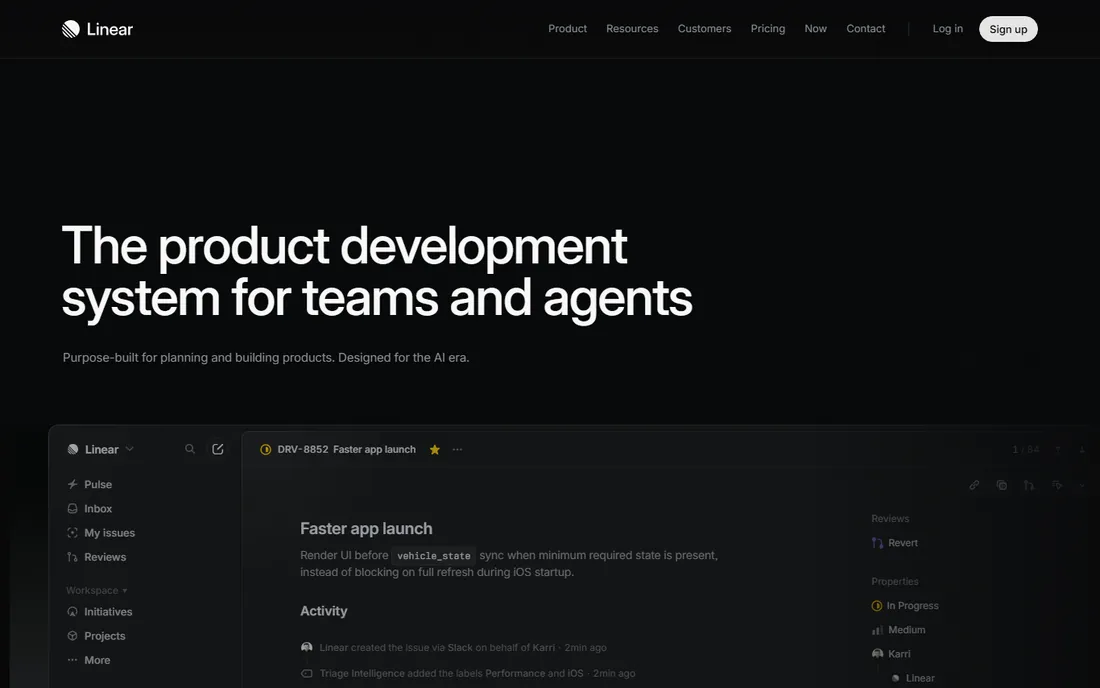
Linear is what happens when you design issue tracking for speed. The kanban board is fast, keyboard-driven, and opinionated: triage, backlog, and cycles work the way modern product teams actually operate. Free covers small teams, and paid starts at $10 per user per month. Teams that live in GitHub will feel at home.
The honest catch is scope. Linear is a product development tool, not a general work manager; marketing and ops teams will find it alien. For engineering-led companies, it is the best-feeling kanban on this list.
What we like- Purpose-built kanban with WIP limits
- Blazing fast interface
- Excellent GitHub and GitLab integrations
Watch out for- Built for product teams, not general business
- Fewer views than ClickUp or monday
Starting price$10 per user/month (billed annually)
Free planYes
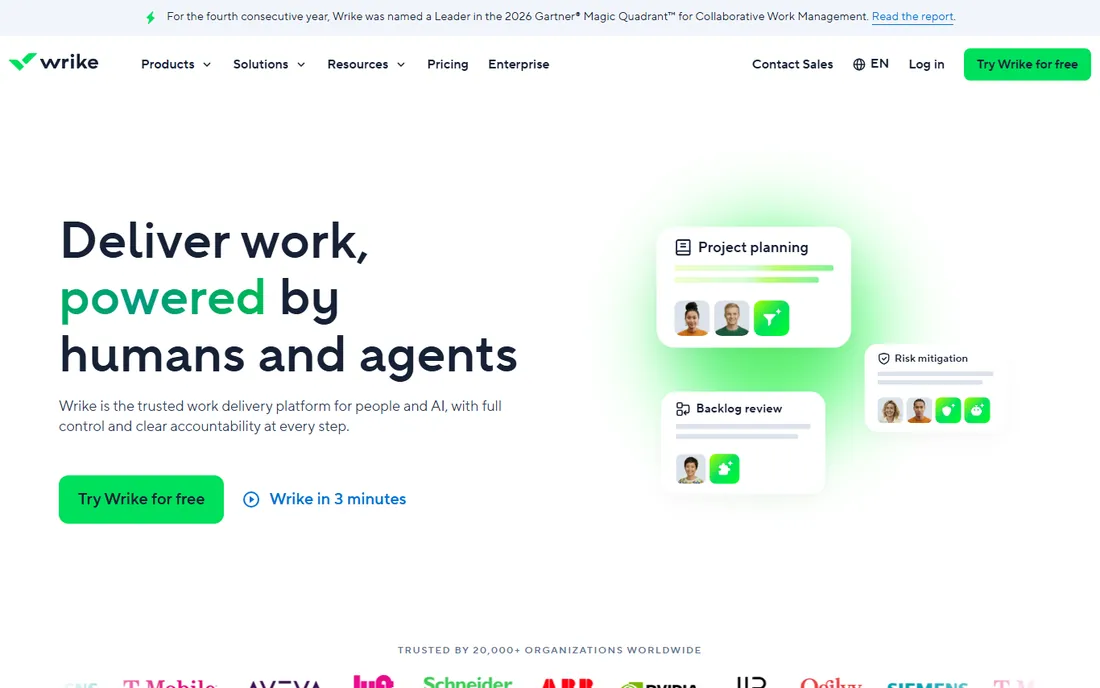
Wrike aims at teams that need more than task tracking: resource allocation, budget control, and portfolio views sit alongside the kanban board. Team starts at $10 per user per month annually, with Business at $25 adding the resource management and advanced reporting that justify the platform. Over 20,000 organizations use it, including large enterprises.
The honest catch is that the entry tier is a teaser. Real Wrike starts at Business, which costs more than most rivals. It makes sense for larger teams with formal processes; small teams will find it heavy and expensive.
What we like- Board view plus Gantt, table, and workload views
- Strong resource management
- Enterprise-grade security
Watch out for- Interface feels dense
- Meaningful features start at the $25 Business tier
How we chose
We compared eight kanban tools in October 2026 using vendor homepages, vendor pricing pages, and current third-party pricing roundups. We weighted genuine kanban capability (boards, WIP limits, swimlanes) against the breadth teams actually need (multiple views, automation, integrations), free plan generosity, and fit for different team types. Pricing figures come from vendor pages and October 2026 pricing guides; confirm current pricing before buying. No vendor paid for placement, and nothing here is based on hands-on product testing.
The decision tree is simpler than the feature lists suggest. If you want pure kanban and nothing else, Trello wins. If your team builds software with sprints, choose Jira for process depth or Linear for speed. If work spans departments and needs docs, pick Asana for structure, monday.com for visual workflows, or Notion if documents are the center of gravity.
Price should be the tiebreaker, not the driver. A $5 per user tool nobody opens costs more than a $12 tool the whole company lives in. Run a two-week pilot with a real project on your top two choices before committing; the free plans on this list make that easy.
Every tool here can run great kanban or terrible kanban. The practices that matter are the same everywhere: set WIP limits so work finishes instead of starting, define done for each column, review the board daily, and keep cards small enough to move within days. A team with discipline on Trello's free plan will outperform a team with chaos on the most expensive platform.
Start simple. One board, three to five columns, strict WIP limits. Add automation and extra views only when the team asks for them, not before.
Frequently asked questions
What is the best kanban software for small teams?
Trello for pure simplicity or ClickUp for the most features per dollar. Both have generous free plans, and both scale from a handful of users to hundreds.
Is there a free kanban tool?
Yes. All eight tools on this list have free plans. Trello, ClickUp, Jira (up to 10 users), and Notion all offer genuinely usable free tiers.
Trello vs Asana: which is better for kanban?
Trello is the purer kanban experience and easier to learn. Asana offers kanban as one view among many, with stronger timelines and automation. Choose Trello for simplicity, Asana for structure.
Do I need WIP limits in kanban software?
WIP limits are the core of kanban: they stop teams from starting more than they can finish. Trello needs a Power-Up for them; Jira, Linear, and ClickUp include them natively.
Can kanban software replace Jira for developers?
Linear can, for many teams. ClickUp and Asana cover lighter dev workflows. Jira itself remains the deepest option for complex agile processes with compliance needs.
How much does kanban software cost?
Free plans cover small teams on every tool here. Paid plans start at $5 per user per month (Trello Standard, annual) and run to $25 (Wrike Business). Most small teams land between $7 and $12 per user.
Sources we checked (12)
- https://trello.com/en
- https://asana.com
- https://www.atlassian.com/software/jira
- https://monday.com
- https://clickup.com
- https://notion.com/
- https://linear.app/
- https://wrike.com/
- https://www.flozic.ai/blog/alternatives/asana-alternatives
- https://blog.reviewaitool.com/2026/05/25/best-project-management-issue-tracking-jira-2026/
- https://hive.com/blog/best-project-management-software/
- https://melororium.com/blog/best-kanban-tools-teams-2026
Is your product missing or out of date?
We review this list regularly. Vendors can request a listing, send updated pricing or ask about featured placement.

Shihab Mia · Founder, Rankite
Shihab has spent more than a decade helping SaaS and e-commerce brands grow through search. He writes Rankite's software buying guides from pricing pages, documentation and public user reviews. More about Shihab.