How we make this list: we compare pricing pages, product documentation and public user reviews. Rankite is independent; if a vendor ever pays for a featured spot, that listing is clearly labeled Partner.
Key takeaways
- QuickBooks and Xero handle purchase orders well for small businesses, with simple PO creation tied directly to bills and inventory.
- Sage Intacct and NetSuite suit larger operations, adding multi-entity POs, complex approvals, and deep inventory costing.
- Zoho Books and FreshBooks keep PO workflows light and affordable for freelancers and small teams.
- Procurify and Coupa go beyond accounting into procure-to-pay, built for companies where purchasing itself needs controlling.
- The deciding factors are approval workflows, three-way matching, and how POs connect to your inventory and bill pay.
What purchase order features actually do
A purchase order is a promise in writing: we will buy these items, at these prices, on these terms. Good accounting software treats the PO as the start of a chain, not a standalone document. You create the PO, send it to the vendor, receive the goods against it, and the vendor's bill arrives pre-matched to what you ordered. When the quantities and prices line up, the bill practically approves itself. When they do not, the system flags the difference before money goes out the door.
That chain has a name in accounting: three-way matching, comparing the PO, the receiving record, and the invoice. It is the single most effective control against overbilling and duplicate payments, and it only works if your software connects purchasing to payables. The tools below all create purchase orders, but they differ enormously in what happens next: approval routing, partial receipts, drop shipping, blanket POs, and how gracefully they handle the exceptions that make up real purchasing life.
We compared eight options across that full chain, from small-business accounting with solid PO basics to procure-to-pay platforms for companies where purchasing is a discipline of its own.
Quick comparison
| Tool | Best for | Starting price | Free plan |
|---|
 QuickBooks QuickBooks | Small business POs with inventory | See website | No |
 Xero Xero | Simple POs for growing companies | See website | Free trial |
 Sage Intacct Sage Intacct | Multi-entity purchasing control | See website | No |
 NetSuite NetSuite | End-to-end procure-to-pay at scale | See website | No |
 Zoho Books Zoho Books | Affordable POs for small teams | See website | Yes |
 FreshBooks FreshBooks | Light POs for service businesses | See website | Free trial |
 Procurify Procurify | Dedicated purchasing workflows | See website | No |
 Coupa Coupa | Enterprise spend management | See website | No |
Is your product missing or out of date?
We review this list regularly. Vendors can request a listing, send updated pricing or ask about featured placement.
The best accounting software for purchase orders in 2026
Starting priceSee website
Free planNo
QuickBooks remains the default small-business accounting choice, and its purchase order handling is a big reason why. You create a PO from an estimate or from scratch, email it to the vendor, and when the bill arrives you convert the PO with quantities pre-filled. Partial receipts are handled sensibly, and inventory quantities update when you receive goods. For a business buying physical products, that loop just works.
The approval side is the limitation. Basic plans offer simple workflows; multi-step approvals with dollar thresholds live in the higher tiers. The ecosystem is the real strength: your accountant already knows QuickBooks, most AP automation tools integrate with it, and finding help is easy. If your purchasing is straightforward and your team is small, QuickBooks covers the PO basics better than anything at its price.
What we like- POs flow into bills and inventory cleanly, Large accountant and advisor ecosystem, Strong vendor management, Good mobile app
Watch out for- Advanced approvals need higher tiers, Can get expensive as you add users, Inventory features vary by plan
Starting priceSee website
Free planFree trial
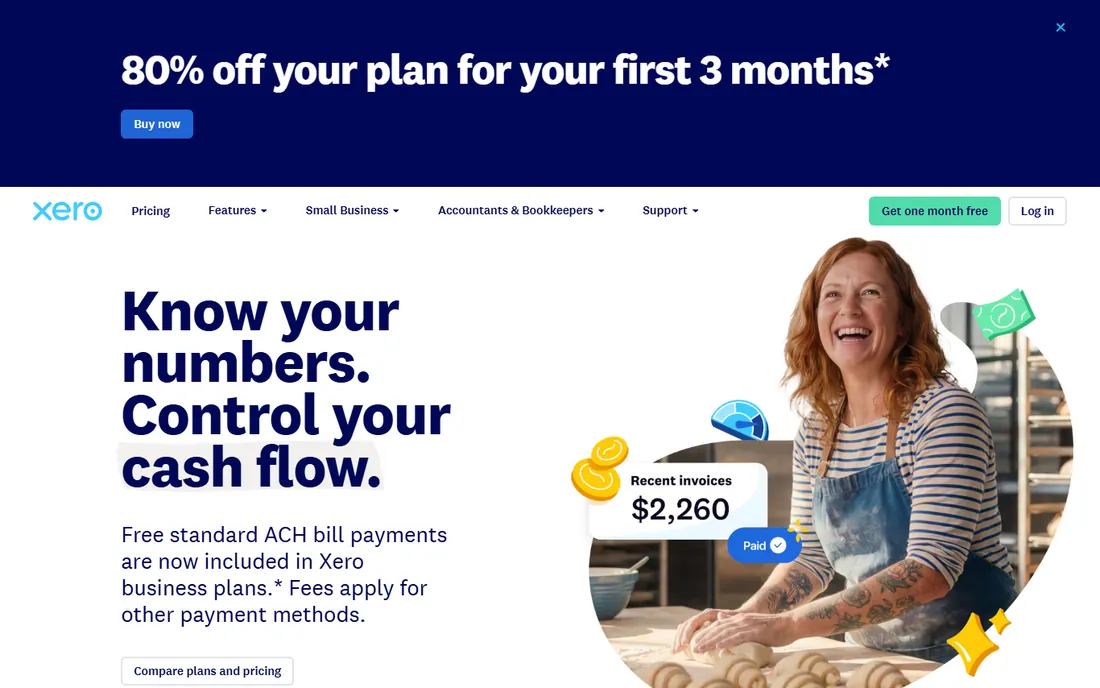
Xero takes the same small-business territory as QuickBooks with a cleaner interface and a friendlier approach to collaboration. Purchase orders are easy to create, customize with your branding, and convert to bills. The unlimited-users model is a quiet advantage: your whole team can raise POs without per-seat math, which encourages the purchasing discipline that per-seat pricing discourages.
Where Xero shows its limits is depth. Inventory tracking is basic compared to QuickBooks, and complex approval chains usually require a connected app from the Xero marketplace. Multi-currency is genuinely good, useful if you buy from overseas vendors. For service businesses and light-product companies that want POs without accounting software drama, Xero is the pleasant choice.
What we like- Clean, intuitive PO workflow, Strong app marketplace for procurement add-ons, Good multi-currency support, Unlimited users on all plans
Watch out for- Inventory is basic, Approval workflows are simple, Some advanced features need add-ons
#3
Sage Intacct
Best for: Multi-entity purchasing control
Visit sage.com
Starting priceSee website
Free planNo
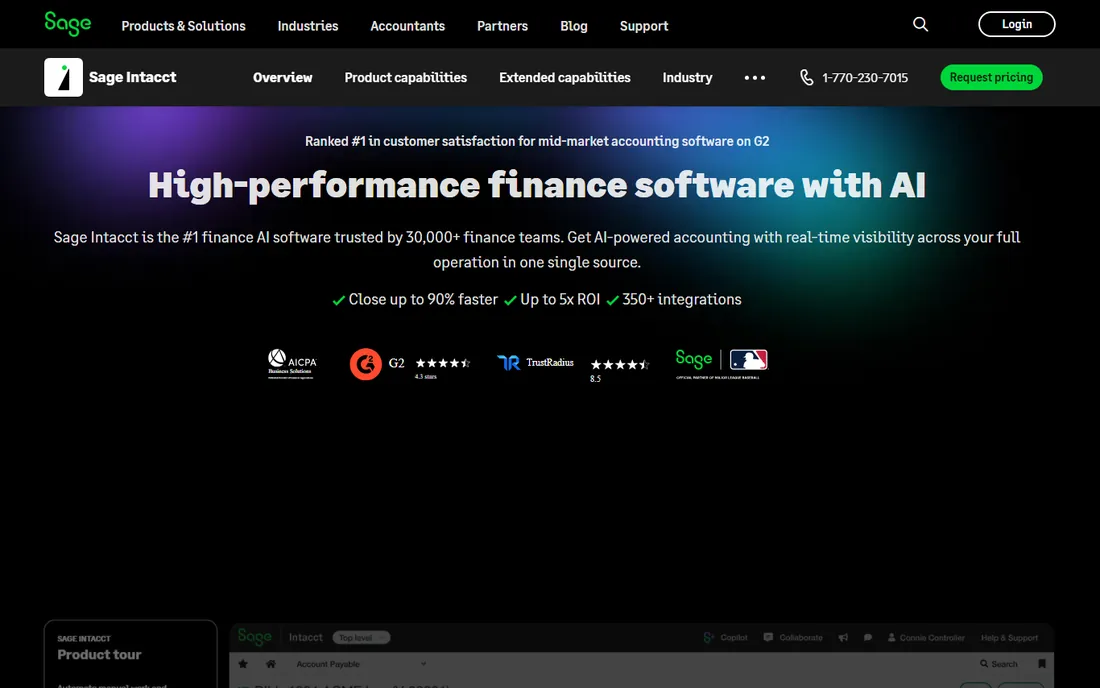
Sage Intacct is where companies go when QuickBooks or Xero starts creaking. The purchase order module handles multi-entity purchasing properly: centralized procurement with local receiving, intercompany transactions, and approvals that route by amount, department, or project. Dimensional reporting means you can slice purchasing spend by any dimension that matters to your business without exporting to spreadsheets.
The approval workflows are genuinely configurable, not the two-step theater some mid-market tools offer. Nonprofits get true fund accounting, a rarity. The cost is complexity and price: Intacct implementations need consultants, and pricing is quoted. But for a growing company with multiple entities or strict purchasing controls, it is the most capable accounting-native PO system short of a full ERP.
What we like- Excellent multi-entity PO management, Configurable approval workflows, Strong dimensional reporting, True fund accounting for nonprofits
Watch out for- Implementation requires expertise, Quote-based pricing, Overkill for simple needs
Starting priceSee website
Free planNo
NetSuite does not do purchase orders as a feature; it does procurement as a discipline. Requisitions become approved POs through configurable workflows, receipts update inventory across warehouses in real time, and three-way matching runs automatically with tolerances you define. Blanket purchase orders, vendor returns, and landed cost calculations are all native, which matters enormously for product companies at scale.
This is a full ERP, so the PO module comes with the weight of one: six-figure implementations, administrators, and a learning curve. Nobody buys NetSuite just for purchase orders. But if you are already on NetSuite or you are selecting an ERP, the purchasing depth is a genuine strength, and it eliminates the integration seams that plague bolted-together procurement stacks.
What we like- Full procure-to-pay in one system, Advanced inventory and demand planning, Blanket POs and vendor returns, Scales to very large operations
Watch out for- Expensive to buy and implement, Complex to administer, Customization often needs developers
Starting priceSee website
Free planYes
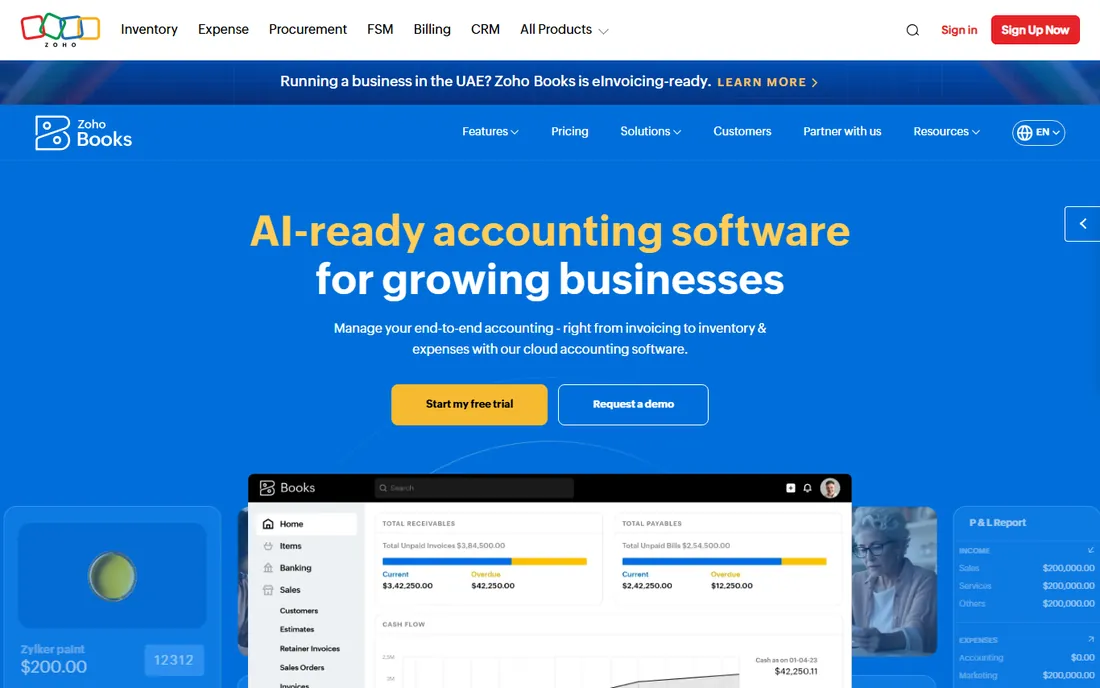
Zoho Books is the value play that keeps getting better. The free plan covers a remarkable amount for tiny businesses, and paid tiers stay affordable while including purchase orders, inventory, and vendor management. POs convert to bills and feed inventory just like the bigger names, and if you use other Zoho apps, the data flows between them without integration projects.
The polish gap with Xero is real but narrowing, and the accountant ecosystem is smaller, which can matter at tax time. Approval workflows are basic. But on pure value for PO-capable accounting, Zoho Books is hard to argue with: most small businesses will never outgrow what the paid tiers offer.
What we like- Generous free plan, POs integrated with inventory, Part of the broad Zoho suite, Good value on paid tiers
Watch out for- Interface less polished than Xero, Advanced approvals limited, Smaller accountant ecosystem
Starting priceSee website
Free planFree trial
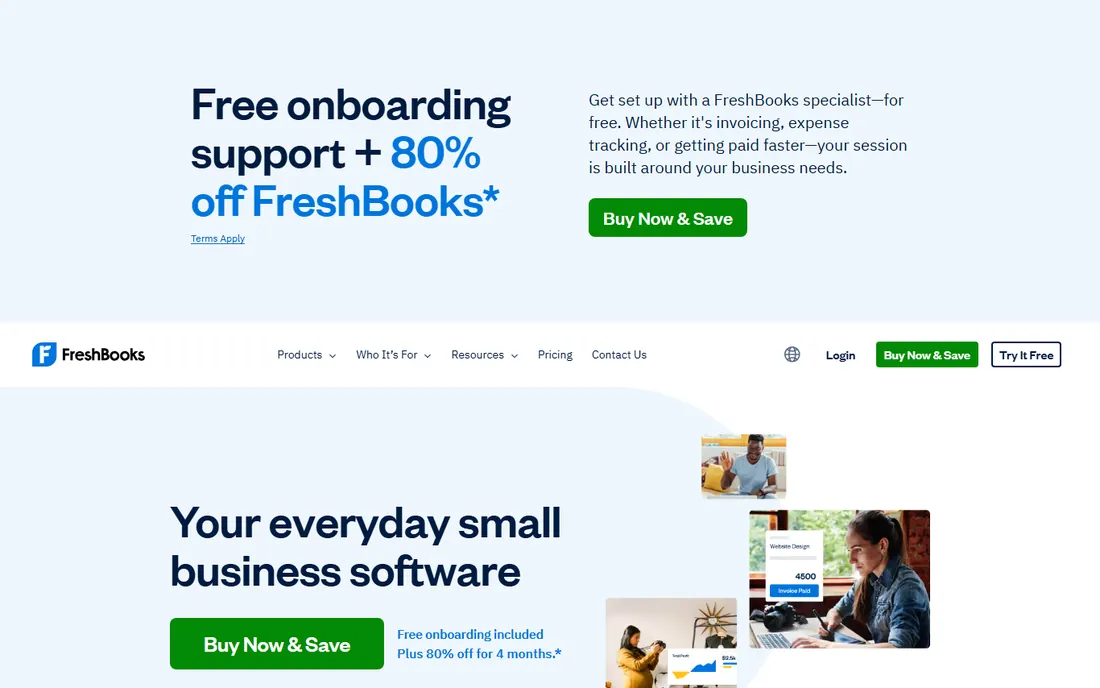
FreshBooks built its reputation on invoicing for freelancers and agencies, and its purchase order features reflect that audience: simple, clean, and sufficient. You can create POs, send them to vendors, and convert them to bills. If your purchasing means ordering a few things for client projects rather than running a warehouse, that is all you need.
Do not buy FreshBooks for serious inventory or complex approvals; it is not that product. But for service businesses that need PO documentation without accounting complexity, the ease of use is unmatched. The free trial lets you confirm the fit in an afternoon.
What we like- Extremely easy to use, Good for service-based businesses, Clean client-facing documents, Solid invoicing alongside POs
Watch out for- PO features are basic, Inventory is minimal, Not built for product companies
Starting priceSee website
Free planNo
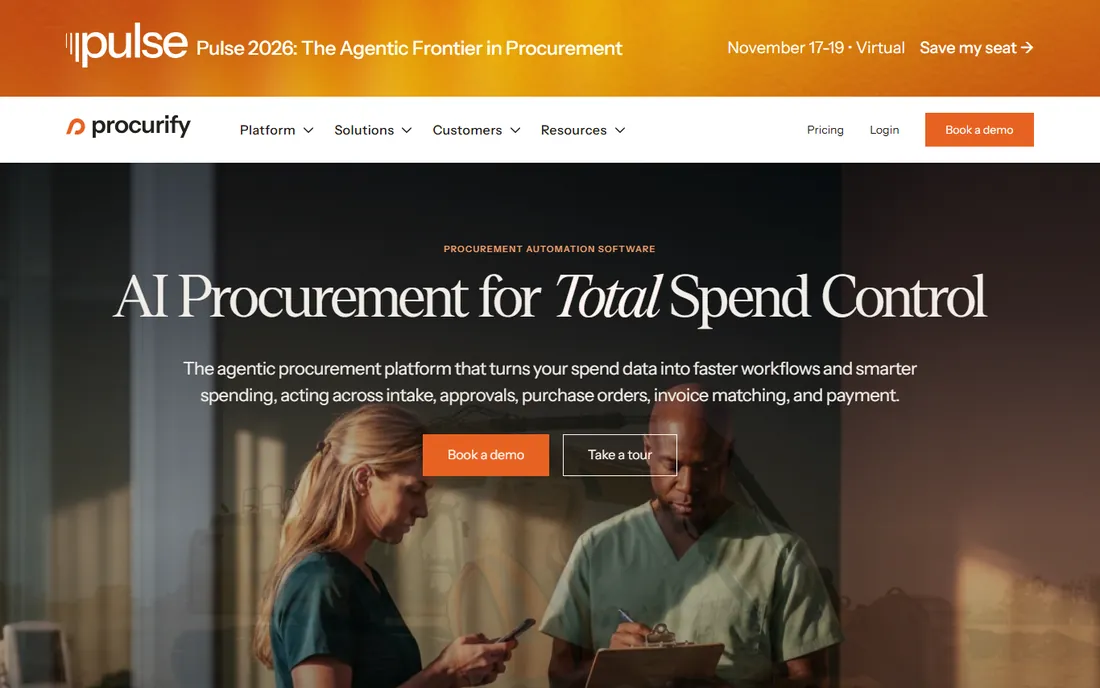
Procurify starts where accounting software stops. It is a procure-to-pay platform: employees submit purchase requests through a friendly interface, requests route through approvals, approved requests become POs, and everything syncs to your accounting system. The purchasing experience is dramatically better than raising POs inside accounting software, which is the point: adoption by non-finance staff is what makes purchasing controls actually work.
It integrates with QuickBooks, NetSuite, Sage Intacct, and others, so it complements rather than replaces your ledger. Pricing is quoted and aimed at mid-market and up. If purchasing chaos is your problem, meaning rogue spending, missing approvals, and no visibility, Procurify addresses the cause instead of the symptoms.
What we like- Built for purchasing, not adapted to it, Excellent approval routing, Good spend visibility, Integrates with major accounting systems
Watch out for- Not a full accounting system, Pricing quoted, Needs an accounting integration to complete the picture
Starting priceSee website
Free planNo
Coupa is the enterprise answer to the question of where company money goes. Its procure-to-pay suite covers requisitions, POs, invoicing, expenses, and supplier management, with AI features that flag savings opportunities and risky spending. The supplier network effects are real: onboarding vendors is easier when they already work with Coupa elsewhere.
This is firmly enterprise software, with enterprise pricing, implementation timelines, and sales cycles. Mid-market companies will find it heavy. But for large organizations where procurement is a strategic function with compliance requirements, Coupa's breadth and analytics are the benchmark the rest of the category is measured against.
What we like- Comprehensive business spend management, AI-driven spend insights, Huge supplier network, Strong compliance controls
Watch out for- Enterprise pricing and implementation, Complex for smaller companies, Long sales cycle
How we chose
We evaluated how each product handles the complete purchase order lifecycle: creation, approval, sending, receiving, matching to invoices, and reporting. A tool that creates pretty POs but leaves approvals and matching to spreadsheets did not make the cut. We included both accounting-native PO features and dedicated procure-to-pay platforms, because buyers search this category from both directions.
We weighted approval flexibility, three-way matching, inventory integration, and multi-entity support according to the audience each product serves. A freelancer tool was not penalized for lacking blanket POs; an enterprise platform was. Pricing transparency and trial availability counted as tiebreakers, since PO software is hard to evaluate from a demo alone.
Matching the software to your purchasing process
Map your process before you shop. Who can request purchases, who approves them, and at what dollar thresholds? If the answer is "whoever, nobody, we just buy things," start with the process, not the software: even the best approval workflow cannot fix a company that has not decided who approves what. Write down your thresholds and your exceptions, then see which tools model them without customization.
Then consider volume and complexity. A dozen POs a month for office supplies is a QuickBooks, Xero, or Zoho Books problem. Hundreds of POs across departments with receiving docks is a Sage Intacct or NetSuite problem. Rogue spending and approval chaos is a Procurify problem regardless of volume. And if purchasing spans entities, currencies, and compliance regimes, you are in Coupa or NetSuite territory whether you like it or not.
Finally, check the integrations you already own. PO software that does not talk to your inventory, your bill pay, and your bank creates reconciliation work that wipes out the efficiency gains. Ask each vendor to show the PO-to-payment flow with your actual systems, not a generic demo.
Frequently asked questions
What is three-way matching in purchase orders?
It is the control that compares three documents before payment: the purchase order (what you agreed to buy), the receiving record (what arrived), and the vendor invoice (what they charged). If all three agree within tolerance, the bill is approved. If not, the discrepancy gets flagged for review.
Do I need purchase order software if I am a freelancer?
Probably not full PO software. If you occasionally need to document a purchase for a client, the basic PO features in FreshBooks or Zoho Books are enough. Dedicated PO workflows pay off when multiple people request, approve, and receive purchases.
What is the difference between a purchase requisition and a purchase order?
A requisition is an internal request: an employee asks to buy something. A purchase order is the external commitment: the company tells the vendor what it will buy. Software like Procurify manages the requisition-to-PO flow; accounting tools typically start at the PO.
Can purchase order software prevent overspending?
It can enforce the rules you set: approval thresholds, budget checks, and preferred vendors. It cannot set those rules for you. The companies that get value from PO software are the ones that define who may spend what before configuring the tool.
Should POs integrate with inventory management?
Yes, if you stock products. When receiving against a PO updates inventory quantities and costs automatically, you eliminate a whole category of data entry and the errors that come with it. Service businesses can safely ignore this.
Sources we checked (8)
- https://quickbooks.intuit.com/
- https://www.xero.com/us/
- https://www.sage.com/en-us/sage-business-cloud/intacct/
- https://www.netsuite.com/
- https://www.zoho.com/books/
- https://www.freshbooks.com/
- https://www.procurify.com/
- https://www.coupa.com/
Is your product missing or out of date?
We review this list regularly. Vendors can request a listing, send updated pricing or ask about featured placement.

Shihab Mia · Founder, Rankite
Shihab has spent more than a decade helping SaaS and e-commerce brands grow through search. He writes Rankite's software buying guides from pricing pages, documentation and public user reviews. More about Shihab.