How we make this list: we compare pricing pages, product documentation and public user reviews. Rankite is independent; if a vendor ever pays for a featured spot, that listing is clearly labeled Partner.
Key takeaways
- Most handyman businesses need two things from their software: real accounting for taxes and books, plus field workflows like quotes, scheduling, and on-site payments. Decide which matters more before you buy.
- QuickBooks Online remains the default accounting pick for handymen because almost every accountant knows it, and it syncs with field apps like Jobber and Housecall Pro.
- Budget-conscious solo operators should start with Wave or Zoho Books, both of which have genuinely free plans that cover invoicing and expense tracking.
- If quoting, dispatching, and payments are your bottleneck, Jobber or Housecall Pro handle the whole job lifecycle and sync the books to QuickBooks, but they cost more than pure accounting software.
- FreshBooks suits handymen who bill by the hour and live on estimates and invoices, though its client limits mean growing shops should check the Plus tier.
Quick comparison
| Tool | Best for | Starting price | Free plan |
|---|
 QuickBooks Online QuickBooks Online | the all-around default | $38/mo (Simple Start) | Free trial |
 FreshBooks FreshBooks | hourly billing and invoicing | $23/mo (Lite) | Free trial (30 days) |
 Wave Wave | free bookkeeping for solos | Free | Yes |
 Zoho Books Zoho Books | low-cost full accounting | $15/mo (billed annually, Standard) | Yes (for businesses under revenue threshold) |
 Xero Xero | accountant-friendly QuickBooks alternative | See website | Free trial (30 days) |
 Sage Sage | growing businesses planning to scale | See website | Free trial |
 Jobber Jobber | quotes to invoices in the field | $29/mo (billed annually, Core) | Free trial (14 days) |
 Housecall Pro Housecall Pro | dispatch plus accounting sync | $59/mo (billed annually, Basic) | Free trial (14 days) |
Is your product missing or out of date?
We review this list regularly. Vendors can request a listing, send updated pricing or ask about featured placement.
The best accounting software for handyman business
A handyman business has a split personality when it comes to software. On one side you need real accounting: income, expenses, receipts, tax-ready books. On the other you need to quote jobs, schedule visits, and collect payment from a driveway. Some tools cover both, and some do one side far better. The eight below include pure accounting leaders and field-service platforms with strong accounting workflows, so you can pick based on where your pain actually is.
Starting price$38/mo (Simple Start)
Free planFree trial
QuickBooks Online is the safe choice, and sometimes the safe choice is the right one. Nearly every bookkeeper and CPA in the US works with it, which means cleaner year-end closes and fewer billable hours at tax time. For a handyman, the Simple Start plan covers invoicing, expense tracking, receipt capture, mileage tracking, and sales tax, which is most of what a solo operator needs.
Where QuickBooks pulls ahead for trade businesses is the ecosystem. Jobber and Housecall Pro both sync invoices and payments into QuickBooks, so you can run your field operation in a purpose-built app while the books stay in QuickBooks. That combination is the most common setup among growing handyman companies, and it works because the integrations are mature.
The honest catch is price creep. Simple Start covers one user, and adding team members, payroll, or time tracking pushes you into higher tiers or paid add-ons. If you are a solo handyman who just needs invoices and expense tracking, cheaper options exist. But if you ever plan to hire, QuickBooks grows with you without a painful migration.
What we like- Widest accountant support of any platform
- Syncs with Jobber, Housecall Pro, and 800+ apps
- Strong invoicing, expense tracking, and tax reports
Watch out for- Costs rise quickly as you add users and payroll
- Interface can feel heavy for a one-person shop
Starting price$23/mo (Lite)
Free planFree trial (30 days)
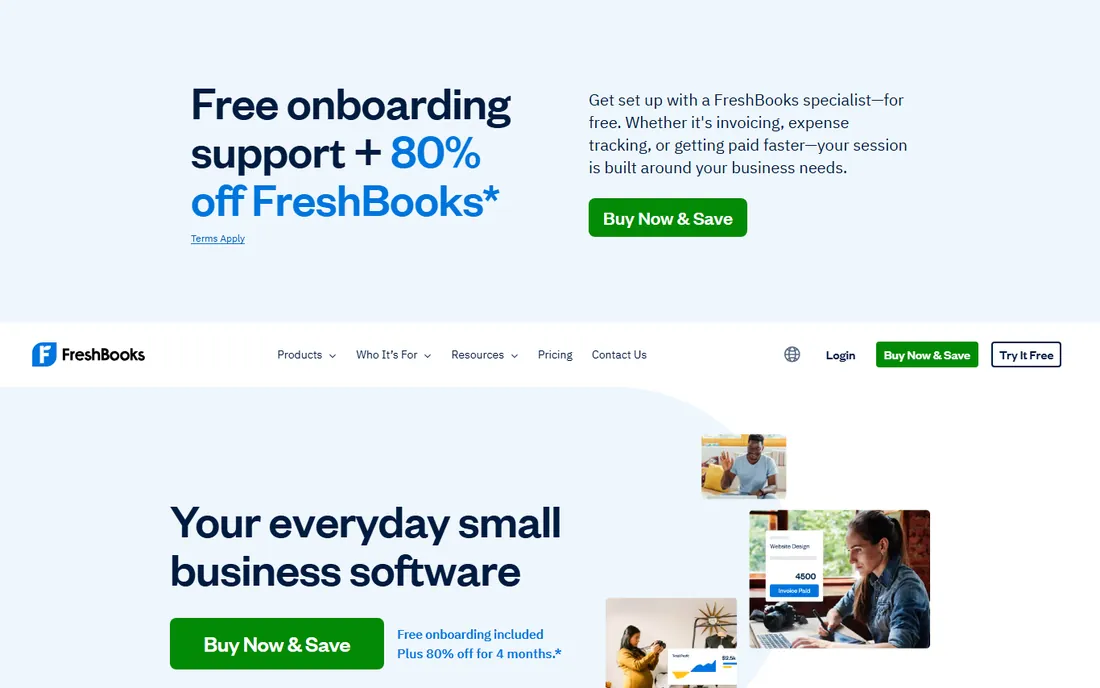
FreshBooks was built for people who bill by the hour, which describes a lot of handyman work. Estimates convert to invoices in a couple of clicks, time tracking feeds directly into billing, and clients can pay online with cards, ACH, or buy-now-pay-later options. If your workflow is estimate, do the work, invoice, get paid, FreshBooks makes each step feel effortless.
The Lite plan at $23 a month is a fair entry point for a solo handyman with a short client list, covering unlimited invoicing, expenses, and time tracking. But the client cap matters: Lite allows only 5 billable clients, so most active handymen will need Plus at $43 a month, which allows 50 clients plus real accounting depth like the general ledger, balance sheet, and bank reconciliation.
The catch is that FreshBooks is an invoicing-first product wearing accounting clothes. It works beautifully for service billing but lacks inventory management and the deeper reporting of QuickBooks or Xero. Pair it with an accountant's review at year end, and it serves most handyman shops well.
What we like- Best-in-class invoicing with time tracking built in
- Easy estimates and proposals
- 30-day trial with no credit card
Watch out for- Lite caps at 5 billable clients
- Full accounting features start on the Plus plan at $43/mo
Starting priceFree
Free planYes
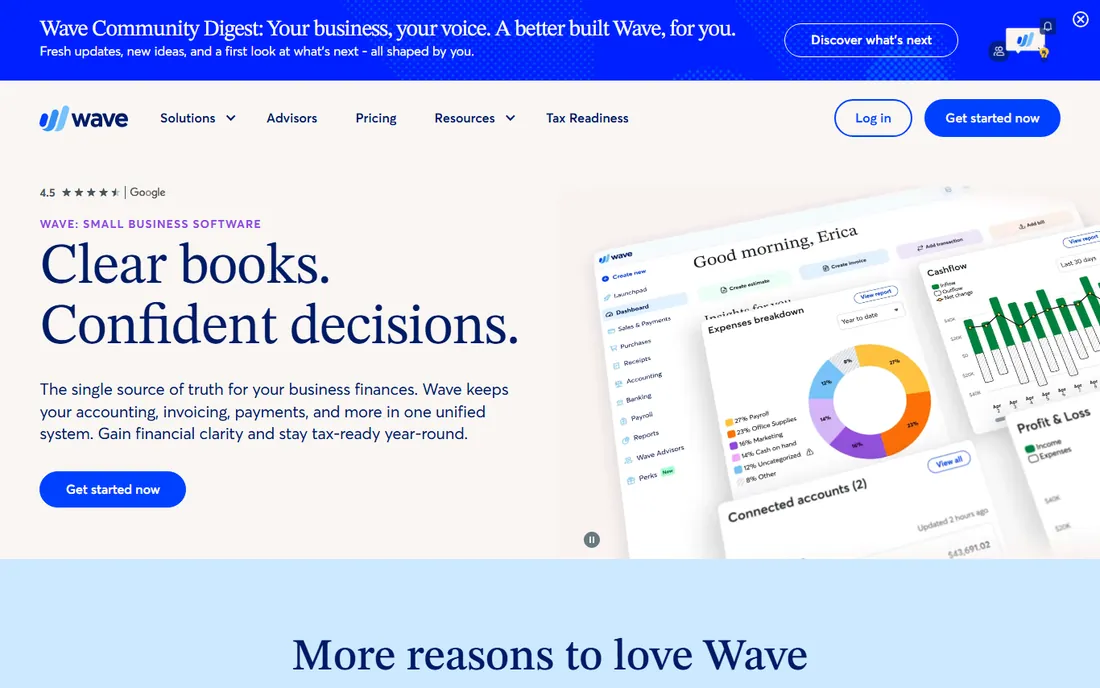
Wave is the rare free plan that is actually useful rather than a demo in disguise. The Starter plan costs nothing and includes unlimited invoicing, expense management, and basic financial reports, with no time limit. For a handyman just starting out, or one who does books quarterly and mostly needs clean records, Wave removes the monthly subscription from the equation entirely.
The software is deliberately built for owners rather than accountants, so the learning curve is gentle. You can fire off professional estimates and invoices from your phone between jobs, accept card and bank payments for a processing fee, and hand your accountant a clean set of books at tax time. Wave also offers payroll and bookkeeping coaching as paid add-ons when you are ready.
The trade-off is depth. Automatic bank imports, receipt scanning, and smarter categorization sit behind the paid Pro plan, and Wave's reporting will not satisfy a business that wants detailed job costing. It also integrates with fewer third-party tools than QuickBooks or Xero. But at zero dollars, it is the best value in this list for a solo operator.
What we like- Genuinely free Starter plan with unlimited invoicing
- Simple enough for non-accountants
- Mobile app for invoicing on site
Watch out for- Pro features like bank auto-import cost extra
- Thinner reporting than paid competitors
- Support is limited
Starting price$15/mo (billed annually, Standard)
Free planYes (for businesses under revenue threshold)
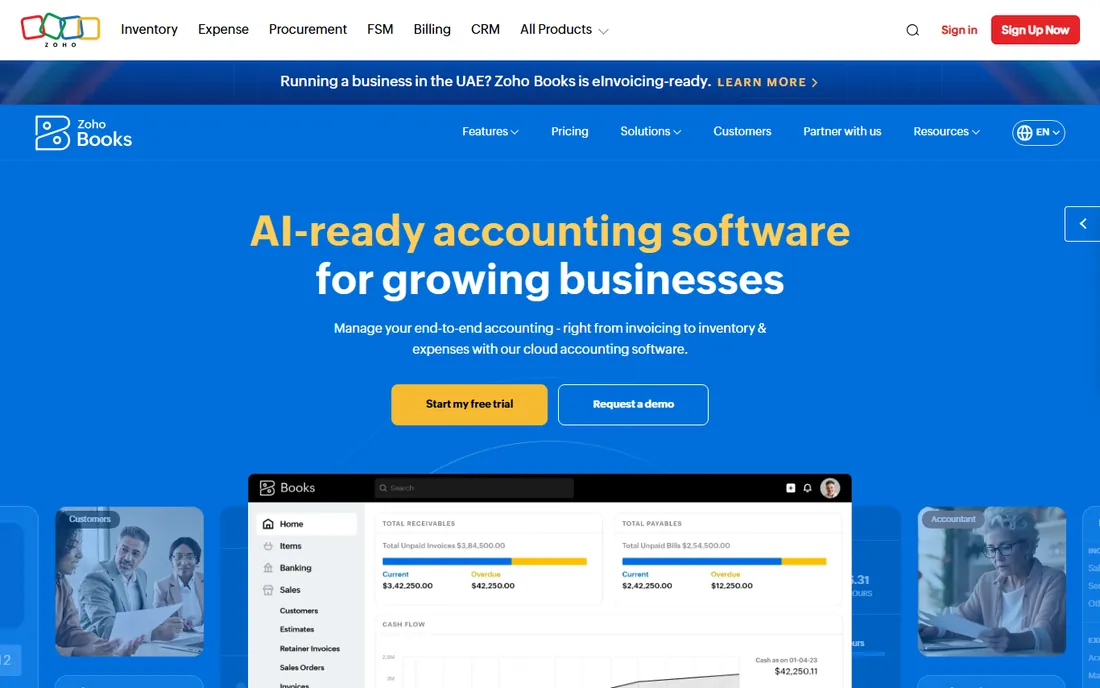
Zoho Books is the value pick for handymen who want real accounting without QuickBooks prices. The free plan covers one user plus an accountant, up to 1,000 invoices a year, bank reconciliation, and expense tracking, which handles many solo operations outright. The Standard plan starts at $15 a month billed annually and adds bank feeds and more users.
The pricing model is the standout feature: Zoho charges per organization, not per user, so adding your office manager or spouse costs far less than per-seat platforms. Automation is strong for the price, with workflows, recurring invoices, and payment reminders that reduce the admin load that eats into billable hours.
The honest catch is the US ecosystem. Fewer American accountants work in Zoho Books daily, and US payroll runs through integrations rather than natively. If your accountant is a QuickBooks shop, ask before switching. But if you self-manage the books or your accountant is flexible, Zoho Books delivers more accounting per dollar than anything else here.
What we like- Free plan for small businesses under the revenue cap
- Per-organization pricing instead of per-user
- Strong automation and workflows
Watch out for- US payroll requires third-party integration
- Smaller US accountant network than QuickBooks
#5
Xero
Best for: accountant-friendly QuickBooks alternative
Visit xero.com
Starting priceSee website
Free planFree trial (30 days)
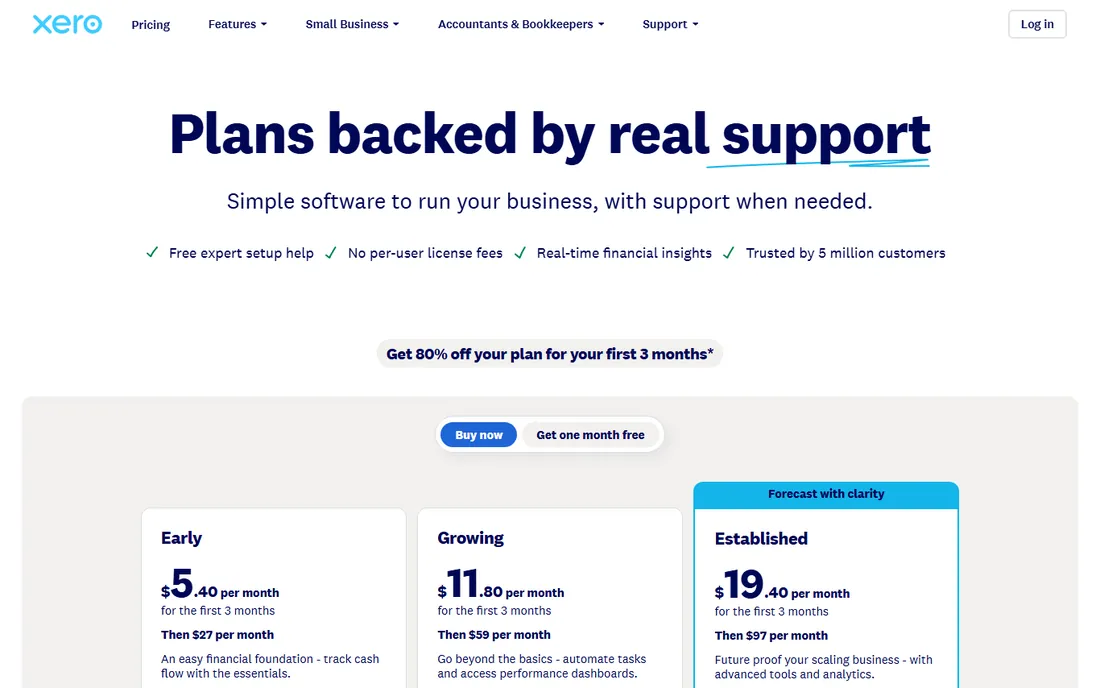
Xero is the strongest alternative to QuickBooks for handymen who want clean cloud accounting. Its signature advantage is unlimited users on every plan: your bookkeeper, your accountant, and your office help all get access at no extra cost, while QuickBooks charges by seat as you grow. Bank reconciliation is widely considered best in class, and the interface stays readable even as transaction volume grows.
The 1,000-plus app marketplace includes the field-service and payment tools trade businesses rely on, and Xero's AI assistant helps with invoicing and financial questions. For a handyman business with a small office team sharing the books, the unlimited-user model can make Xero cheaper than QuickBooks in practice.
The catch is US-specific. Payroll runs through Gusto or similar partners rather than natively, which adds a second subscription and a second login. The entry Early plan also caps invoices and bills per month, so busy shops should budget for Growing. Still, if your accountant works in Xero, it is an excellent fit.
What we like- Unlimited users on every plan
- Excellent bank reconciliation
- 1,000+ integrations
Watch out for- US payroll runs through partners like Gusto
- Invoice caps on the entry plan
Starting priceSee website
Free planFree trial
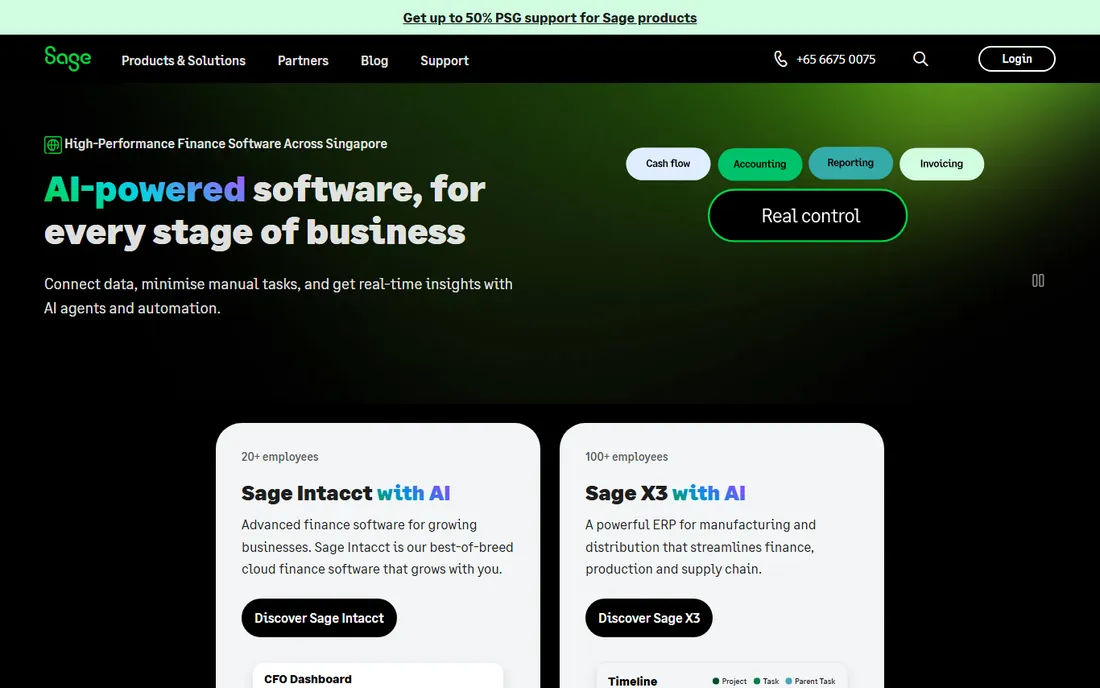
Sage has been doing accounting software longer than most competitors have existed, and that shows in the depth of its reporting and controls. Sage Accounting targets small businesses with invoicing, expense management, bank reconciliation, and cash flow forecasting, while the broader Sage lineup scales all the way to mid-market ERP. A handyman business that grows into a multi-crew operation with inventory and complex payroll has a natural upgrade path inside one vendor.
For trades specifically, Sage's construction and job-costing heritage is relevant. The company understands project-based businesses, and its reporting handles the kind of cost tracking that handymen doing larger remodel jobs need.
The honest catch is transparency and feel. Small-business pricing is not published on the site, so you will talk to sales before you know the cost. And while the product is capable, the interface and onboarding feel less polished than QuickBooks, Xero, or FreshBooks. Sage suits owners who value accounting depth over design, and who may eventually need more than a simple ledger.
What we like- Trusted brand with deep accounting heritage
- Strong reporting
- Scales from small business to mid-market
Watch out for- Pricing not published for small-business plans
- Interface less modern than cloud-first rivals
Starting price$29/mo (billed annually, Core)
Free planFree trial (14 days)
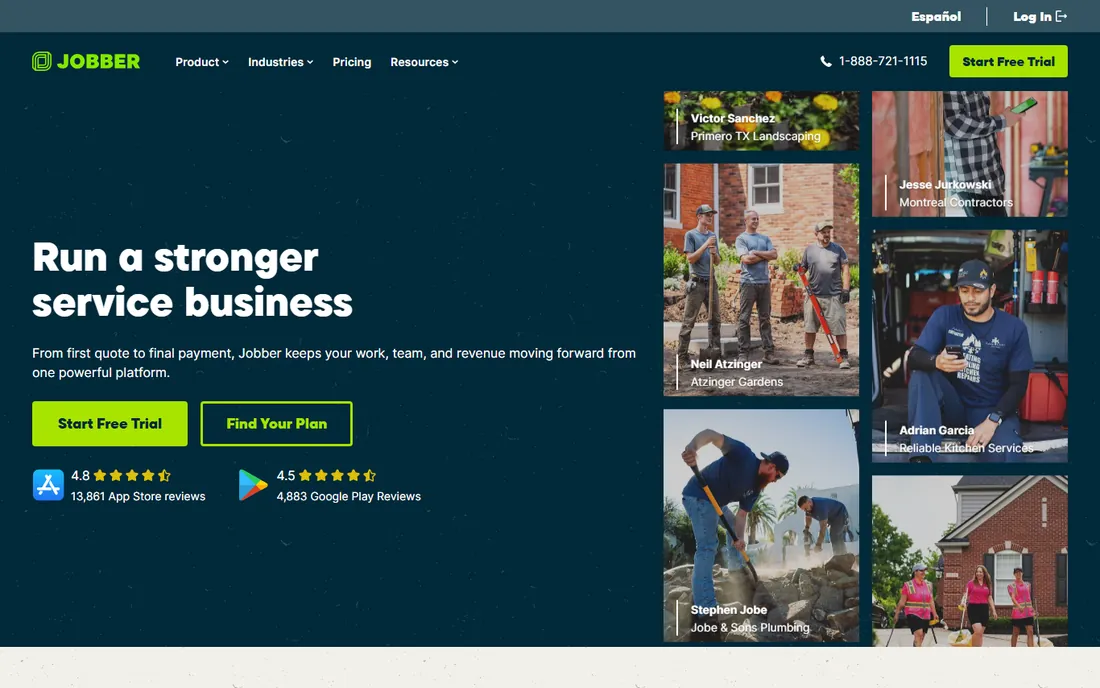
Jobber is not accounting software in the traditional sense, and that is exactly why so many handymen use it. It handles the entire job lifecycle: online booking, quotes, scheduling, dispatch, on-site invoicing, and card payments, all from a phone. The accounting happens through its two-way sync with QuickBooks Online or Xero, which keeps the books accurate without double entry.
For a handyman, this split is often the ideal setup. Jobber manages customers, jobs, and cash flow in the field, while QuickBooks handles the general ledger, payroll, and tax reporting. The Core plan at $29 a month billed annually gives a solo operator quoting, scheduling, invoicing, and online payments, which covers the operational side completely.
The catch is that Jobber alone does not replace an accounting system. You still need QuickBooks or Xero behind it for proper books, which means two subscriptions. And as you add team members, Jobber's per-tier pricing climbs. But if your bottleneck is winning jobs and getting paid rather than bookkeeping, Jobber plus QuickBooks is the most popular stack in the trades for a reason.
What we like- Purpose-built for home service businesses
- Quoting, scheduling, dispatch, and invoicing in one app
- Syncs with QuickBooks Online and Xero
Watch out for- Not a full accounting system on its own
- Advanced features require higher tiers
Starting price$59/mo (billed annually, Basic)
Free planFree trial (14 days)
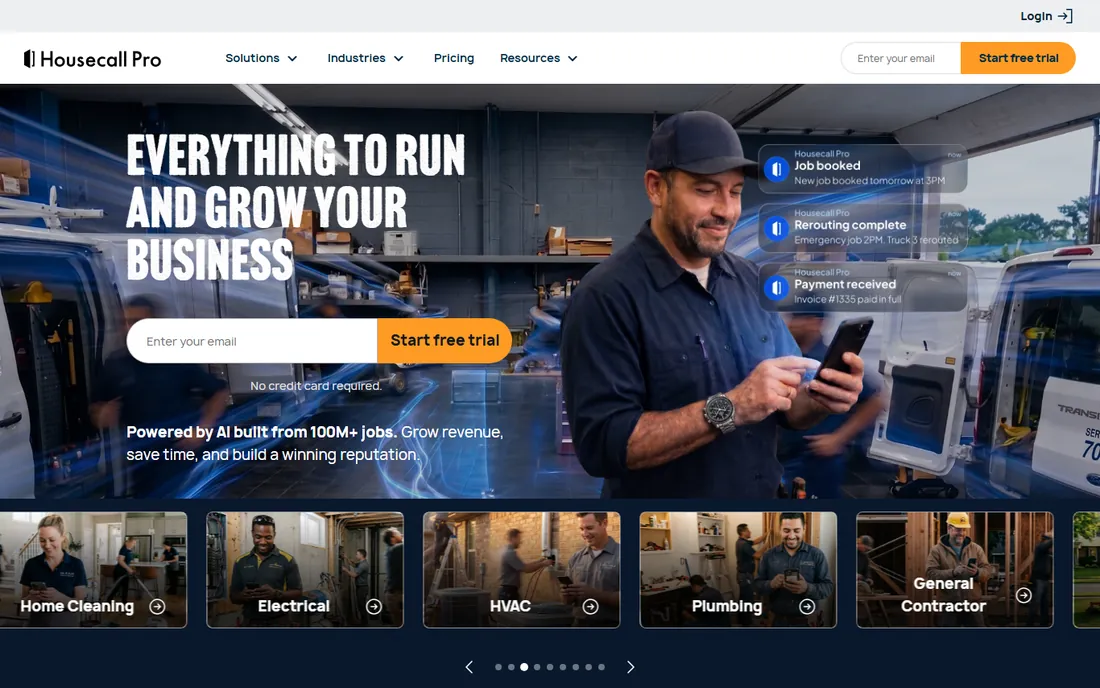
Housecall Pro competes directly with Jobber for the handyman's operational software, with a heavier emphasis on dispatch and customer experience. Scheduling, dispatching, on-my-way texts, review management, and invoicing all live in one system, and it syncs with QuickBooks to keep accounting clean. It even offers consumer financing through partners for larger jobs, which helps handymen close bigger tickets.
The mobile experience is a strength: techs can manage their day, collect payments, and deposit checks from the app, while the office sees GPS tracking and job status in real time. For handymen running two to eight people, the workflow polish shows in fewer missed appointments and faster payment collection.
The catch is cost. Basic starts at $59 a month billed annually for one user, roughly double Jobber's Core, and additional users on higher tiers add up quickly. Card processing rates are competitive, which offsets some of the difference at volume. Choose Housecall Pro if dispatch and customer communication are your priorities; choose Jobber if you want the leanest price.
What we like- Strong dispatching, GPS tracking, and customer communication
- Consumer financing options for big jobs
- QuickBooks sync
Watch out for- Pricier than Jobber at the entry level
- Per-user costs climb fast on higher tiers
How we chose
We started from the handyman's actual workflow: quoting jobs, scheduling visits, invoicing, collecting payment, tracking expenses, and producing tax-ready books. We verified each vendor's official homepage and read current pricing pages, vendor FAQs, and product documentation. We cross-checked plans and prices against public reviews on G2, Capterra, and trade forums, favoring vendors with strong small-business and field-service reputations. Pricing reflects vendor-published figures where available; where vendors quote only, we say so. We did not claim hands-on testing; this ranking reflects feature fit, pricing transparency, and suitability for US handyman businesses.
Picking between accounting software and field-service software
The biggest decision is not which brand to buy but which category you need. Pure accounting software like QuickBooks, Xero, Zoho Books, Wave, FreshBooks, and Sage handles the general ledger, expenses, and taxes. Field-service platforms like Jobber and Housecall Pro handle quotes, scheduling, dispatch, and on-site payments. Most successful handyman businesses end up with one of each, connected by a sync.
If you are solo and just starting, keep it simple. Wave or Zoho Books for free bookkeeping, plus a card reader for payments, covers the essentials. When quoting and scheduling start eating your evenings, add Jobber or Housecall Pro and connect it to your accounting. If you already have an accountant, ask which platform they prefer before committing; their familiarity will save you money at tax time.
Watch for the costs that do not appear in the headline price. Payroll is usually a separate add-on, card processing takes a percentage of every payment, and per-user pricing means a growing crew multiplies the bill. Budget the full stack, not just the base plan.
When to upgrade from a free plan
Free plans from Wave and Zoho Books are genuinely capable, but they have ceilings. The usual triggers: you need automatic bank feeds to keep up with transaction volume, you hire your first employee and need payroll, you want job costing to know which services actually make money, or your accountant asks for features your free tier lacks. Upgrading one tier usually costs less than the bookkeeping hours you are losing to workarounds.
Frequently asked questions
What is the best accounting software for a handyman business?
For most US handyman businesses, QuickBooks Online is the safest all-around choice because of its accountant support and integrations with field apps like Jobber and Housecall Pro. Solo operators on a budget should consider Wave or Zoho Books, both of which have free plans.
Do handymen need field-service software or just accounting software?
Many need both. Accounting software handles books, expenses, and taxes, while field-service software like Jobber or Housecall Pro handles quotes, scheduling, dispatch, and on-site payments. The two sync together, so invoices created in the field flow into the accounting system automatically.
Can I do my handyman bookkeeping for free?
Yes, up to a point. Wave's Starter plan and Zoho Books' free plan both cover invoicing, expense tracking, and basic reports at no cost. You will likely need a paid plan once you hire employees, need payroll, or want automatic bank feeds and deeper reporting.
How much should a handyman budget for accounting software?
A solo handyman can run on $0 to $40 a month using free plans or entry tiers like FreshBooks Lite or QuickBooks Simple Start. A small crew with field-service software plus accounting typically spends $90 to $250 a month before payroll and card-processing fees.
Does QuickBooks work with Jobber and Housecall Pro?
Yes. Both Jobber and Housecall Pro offer integrations that sync customers, invoices, and payments with QuickBooks Online, and Jobber also syncs with Xero. This is the most common software stack for growing handyman and home-service businesses.
Sources we checked (10)
- https://quickbooks.intuit.com/pricing/
- https://www.xero.com/us/pricing-plans/
- https://www.freshbooks.com
- https://www.freshbooks.com/2026-faq-price-change
- https://www.waveapps.com
- https://support.waveapps.com/hc/en-us/articles/208621296-Is-Wave-free
- https://www.zoho.com/books/
- https://sage.com/
- https://www.getjobber.com
- https://housecallpro.com/
Is your product missing or out of date?
We review this list regularly. Vendors can request a listing, send updated pricing or ask about featured placement.

Shihab Mia · Founder, Rankite
Shihab has spent more than a decade helping SaaS and e-commerce brands grow through search. He writes Rankite's software buying guides from pricing pages, documentation and public user reviews. More about Shihab.