How we make this list: we compare pricing pages, product documentation and public user reviews. Rankite is independent; if a vendor ever pays for a featured spot, that listing is clearly labeled Partner.
Key takeaways
- In 2026 you do not need Mac-specific software: the best accounting tools for Mac are cloud apps that run in Safari or Chrome.
- QuickBooks Online and Xero lead for full-featured small-business accounting, while Wave and Zoho Books cover the budget end.
- FreshBooks is the standout for freelancers who live on invoices and time tracking.
- MoneyWorks remains the real native desktop option for users who want software installed on their Mac and working offline.
Quick comparison
| Tool | Best for | Starting price | Free plan |
|---|
 Xero Xero | clean, full-featured cloud accounting | See website | Free trial |
 QuickBooks Online QuickBooks Online | all-in-one accounting with huge ecosystem | $38/month | Yes |
 Wave Wave | budget accounting for tiny businesses | $19/month | Yes (limited) |
 Zoho Books Zoho Books | value automation inside the Zoho suite | See website | Yes |
 FreshBooks FreshBooks | invoicing and time tracking for freelancers | See website | Free trial |
 Sage Sage | guided accounting for first-time owners | See website | Free trial |
 Kashoo Kashoo | simple accounting with strong iPad app | $19.95/month | Free trial |
 MoneyWorks MoneyWorks | native Mac desktop accounting | See website | Free trial |
Is your product missing or out of date?
We review this list regularly. Vendors can request a listing, send updated pricing or ask about featured placement.
The best accounting software for Mac users
Are you still hunting for software that runs on your Mac, or for the best accounting tool that happens to run on a Mac? Those are two very different searches in 2026. Almost every major accounting platform is now cloud-based, which means it runs identically in Safari on your MacBook and Chrome on a PC. The eight tools below cover both worlds: the cloud leaders everyone compares, plus the one true native Mac desktop app left standing.
Starting priceSee website
Free planFree trial

Xero is the cloud accounting platform that made bookkeeping feel designed rather than assembled. Everything runs in your browser on macOS, with bank reconciliation that takes a few clicks, automatic duplicate-bill detection, and drag-and-drop file uploads straight from your Mac desktop. It integrates with Apple Pay and iCloud and offers polished iOS and watchOS apps for checking cash flow on the go.
Plans start with Early for the smallest businesses and scale through Growing and Established, all with unlimited users, which is generous compared to per-seat competitors. Pricing changes with promotions, so check the current page. For Mac users who want the best balance of power and polish, Xero is usually the first recommendation.
What we like- Beautiful bank reconciliation in a few clicks
- Unlimited users on all plans
- Deep Apple ecosystem integrations including Apple Pay and iCloud
Watch out for- Payroll handled by partner apps in some regions
- Entry plan caps invoices and bills
Starting price$38/month
Free planYes
QuickBooks Online is the small-business accounting standard in the US, and the online version finally frees Mac users from the old Windows-only legacy. Simple Start lists at $38 per month with invoices, expenses, bank connections, and reporting, and there is a genuine Free tier for the smallest businesses plus a 30-day free trial on paid plans.
What justifies the price is the ecosystem: more than 750 integrations, the widest accountant familiarity of any platform here, and mature mobile apps. Mac users also get a desktop app that wraps the web version for dock convenience. If you want the tool your accountant already knows and the most add-ons, this is it.
What we like- 750+ integrations including Shopify, Stripe, and PayPal
- Mac desktop app plus excellent iPhone and iPad apps
- Free tier available
Watch out for- Pricier than rivals once promos expire
- Feature depth can overwhelm beginners
Starting price$19/month
Free planYes (limited)
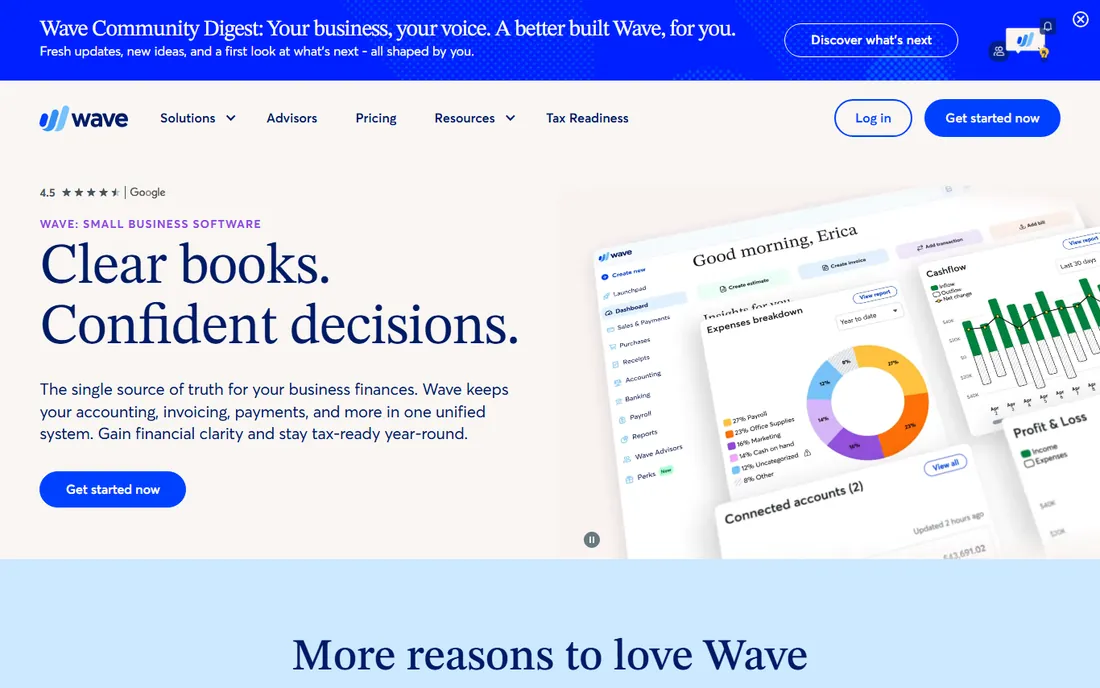
Wave built its name as the free accounting app for freelancers, and it still offers a limited free Starter tier with unlimited estimates and invoices. The Pro plan, priced at $19 per month on the vendor's own pricing page, adds auto-import and categorization of bank transactions, unlimited receipt capture, late-payment reminders, and discounted payment processing rates.
The trade-off is depth: fewer integrations, simpler reports, and a smaller support operation than the big two. But for a one-person Mac business that just needs clean books without a monthly bill eating into margins, Wave remains the value pick.
What we like- Limited free Starter tier for invoicing
- Pro plan at $19/month is cheap for full accounting
- Auto bank import and receipt capture
Watch out for- Fewer integrations and reports than Xero or QuickBooks
- Support responsiveness has drawn complaints
#4
Zoho Books
Best for: value automation inside the Zoho suite
Visit zoho.com
Starting priceSee website
Free planYes
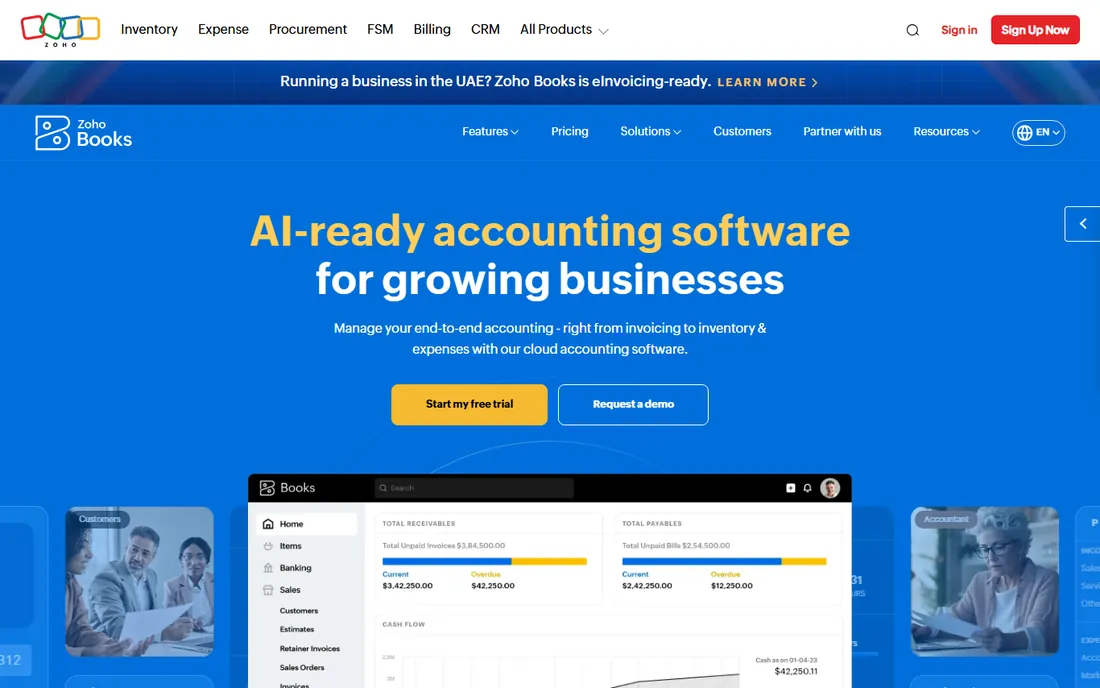
Zoho Books is the quiet overachiever of this list: full double-entry accounting with bank reconciliation, inventory, projects, and more than 70 reports, automation rules, and a free plan for the smallest businesses. If you already run Zoho CRM, Inventory, or Mail, the shared data model makes Books feel like one system rather than an add-on.
Pricing sits below Xero and QuickBooks for comparable features, and it runs entirely in the browser with solid iOS and desktop apps. For Mac users inside the Zoho ecosystem, it is the obvious pick; for everyone else, it is still the best value in paid cloud accounting.
What we like- Generous free plan for tiny businesses
- Workflow automation and 70+ reports
- Tight integration with the rest of Zoho
Watch out for- US payroll is weaker than competitors
- Interface is functional rather than delightful
Starting priceSee website
Free planFree trial
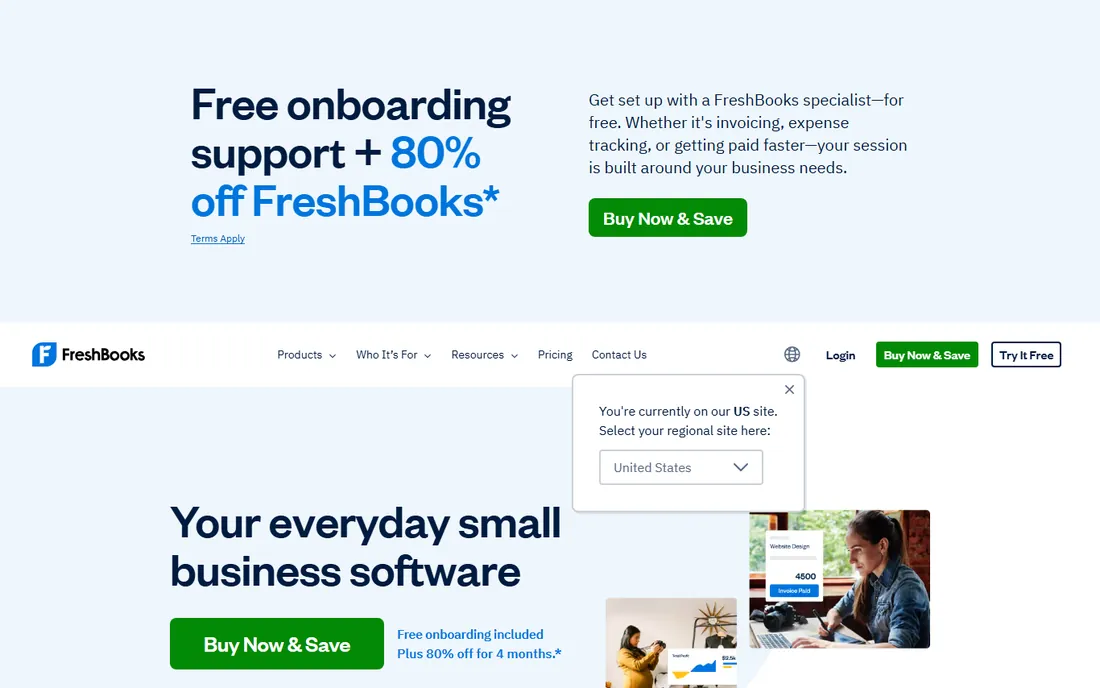
FreshBooks was built for people who bill for their time, and it still shows. Invoices look great, clients get a self-service portal, time tracking feeds directly into billing, and proposals, estimates, and retainers are first-class features. It runs in any browser on your Mac with a well-regarded mobile app.
Plans are tiered by billable client count, starting with Lite for up to five clients, with a 30-day free trial. If your business is services and your biggest pain is getting invoices out and paid, FreshBooks beats the generalist accounting tools at their own game.
What we like- Best-in-class invoicing with client-friendly portals
- Built-in time tracking that flows into invoices
- Proposal and retainer tools
Watch out for- Inventory and accounting depth lag Xero and QuickBooks
- Pricing is per client-count tier
#6
Sage
Best for: guided accounting for first-time owners
Visit sage.com
Starting priceSee website
Free planFree trial
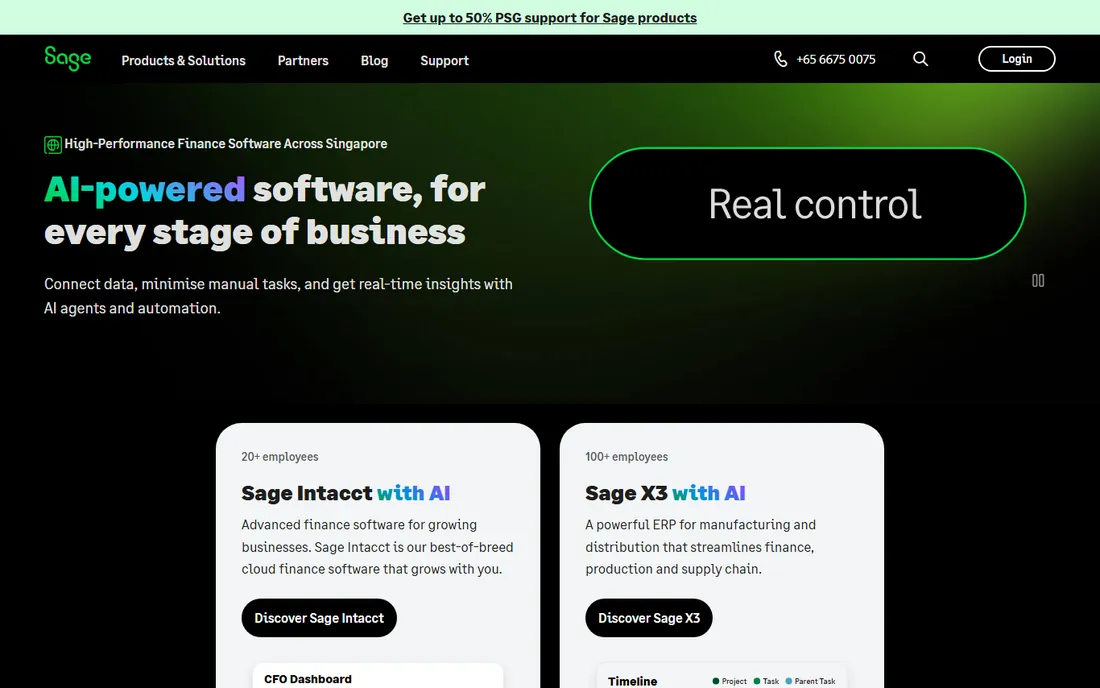
Sage Accounting is the cloud small-business product from the 40-year-old British accounting giant, and it leans into hand-holding: user tutorials and business training help first-time owners find their footing. All three plans, Start, Standard, and Plus, include trackable invoicing, AI-powered data capture, and cash-flow forecast reporting.
It is fully cloud-hosted, so it runs the same in Safari on your Mac as anywhere else, with accountant collaboration built in. A free trial is available. Mac users who want guidance along with their software will appreciate the training-first approach.
What we like- User tutorials and business training built in
- AI-powered data capture for admin automation
- Cash-flow forecasting on all plans
Watch out for- Brand covers many products, so compare carefully
- Smaller US ecosystem than QuickBooks
Starting price$19.95/month
Free planFree trial
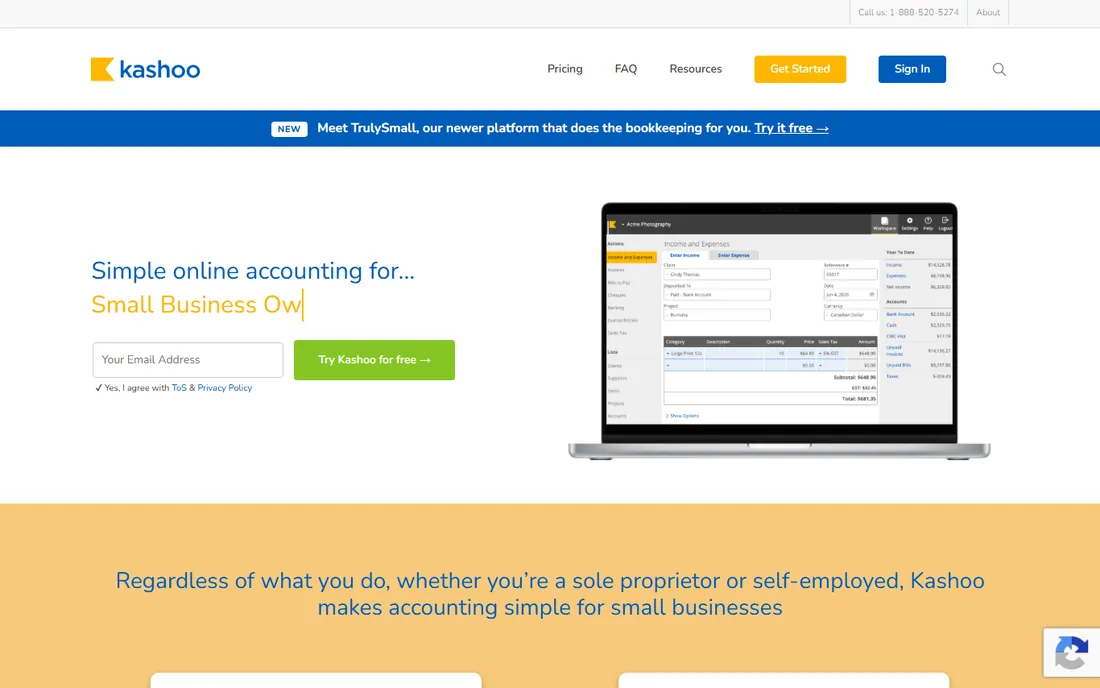
Kashoo is simple cloud accounting from Canada with a pricing model to love: $19.95 per month flat, covering unlimited users, unlimited transactions, and unlimited support, with a 20 percent discount on annual billing. Invoicing, bank reconciliation, expense tracking, and reporting all run in the browser, with top-rated iOS and Android apps including the most-downloaded accounting iPad app.
It integrates with Stripe, Square, and Google Workspace, and offers a free trial. For a small Mac-based business that wants predictable pricing and genuinely mobile bookkeeping, Kashoo punches above its size.
What we like- Flat $19.95/month with unlimited users, transactions, and attachments
- Excellent iPad and mobile apps
- Stripe and Square integrations
Watch out for- Fewer advanced features than Xero
- Smaller third-party integration catalog
Starting priceSee website
Free planFree trial
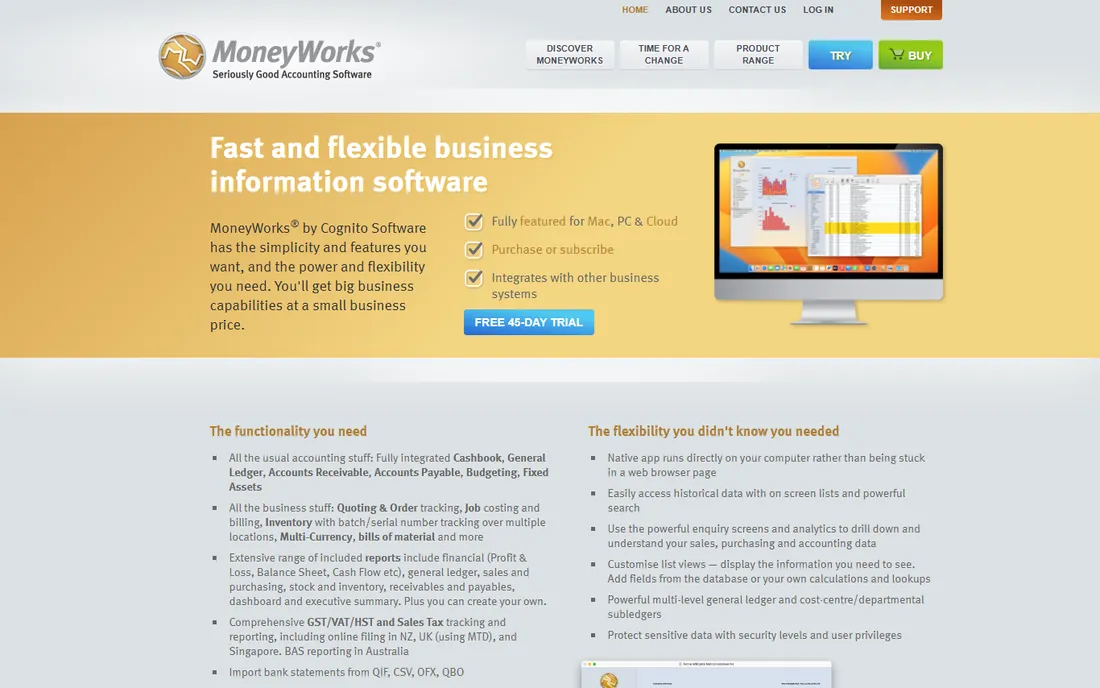
MoneyWorks is one of the last real desktop accounting apps built for the Mac, first released in 1992 and still developed by Cognito Software in New Zealand. It installs on your Mac, runs offline, and offers serious depth: multi-currency, job costing, inventory with batch tracking, departmental accounting, and a powerful report writer for custom reports.
It is cross-platform between Mac and Windows and comes in Express, Gold, and Datacentre editions for scaling up. Pricing is license-based, and trial versions are downloadable. If you refuse to put your books in a browser, this is the one to get.
What we like- True native app for macOS that works offline
- Powerful report writer and multi-currency
- No browser required
Watch out for- Interface shows its 1992 roots
- Priced by license rather than subscription
Cloud app or native Mac software: which should you pick?
For almost everyone, the cloud app wins. You get automatic backups, bank feeds that update themselves, access from your iPhone or any borrowed computer, and your accountant can log in without you exporting anything. The native-app advantages, offline access and one-time-style pricing, matter only if you work without reliable internet or have strong feelings about subscriptions.
The one genuine cost of cloud is recurring fees: $20 to $40 a month forever, versus a license you own. If the math bothers you, price out five years of each before deciding.
How Mac users should choose accounting software
Start with your actual workload. Freelancers and consultants should shortlist FreshBooks, Wave, and Kashoo. Product businesses with inventory need Xero, QuickBooks Online, or Zoho Books. Anyone wanting desktop software should try MoneyWorks first.
Test the trial on your real data
Every tool here offers a free trial or free plan. Connect your actual bank account during the trial and run one full month of your real transactions through it. Bank-feed reliability and reconciliation speed are the two things reviews complain about most, and they vary by bank.
Confirm the Mac experience you care about
Cloud apps work in Safari, but check the details that matter to you: Is there an iPhone app? An iPad app? A Mac desktop wrapper? Does it integrate with Apple Pay for expenses? The headline feature lists rarely mention these, and they affect daily life more than most.
Price the plan you will actually need
Starter-plan prices are marketing; figure out what you need for invoices, users, and features, then price that tier. Watch for per-client billing tiers, payroll add-ons, and promo pricing that jumps after three months.
How we chose
We compared accounting tools that work well for Mac users against the needs of US freelancers, consultants, and small businesses, reviewing vendor documentation and pricing pages, macOS and iOS support, bank integration quality, invoicing and reporting depth, and public reviews on G2, Capterra, and Mac-focused publications. We included both cloud leaders and the surviving native Mac desktop option. Pricing was confirmed on vendor pricing pages where published. We did not test any of these tools hands-on.
Frequently asked questions
Do I need Mac-specific accounting software in 2026?
No. Modern accounting software is cloud-based and runs in any browser, including Safari on macOS. Native Mac desktop apps still exist for users who want offline software, but most Mac users are better served by a cloud tool.
What is the best free accounting software for Mac?
Wave offers a limited free Starter tier, Zoho Books has a free plan for tiny businesses, and QuickBooks Online has a Free tier. All three run in your Mac's browser.
Is QuickBooks for Mac still available?
Intuit discontinued the old QuickBooks Desktop for Mac. The current option is QuickBooks Online, which runs in your browser, plus a Mac desktop app that wraps the web version.
What is the best accounting software for Mac freelancers?
FreshBooks is built for freelancers with invoicing, time tracking, and client portals. Wave and Kashoo are cheaper alternatives with solid mobile apps.
Can I run accounting software offline on my Mac?
Yes. MoneyWorks is a native Mac desktop app that works fully offline. Cloud tools need an internet connection for bank feeds and syncing, though most have mobile apps that queue transactions.
How much does accounting software for Mac cost?
Free tiers exist at Wave, Zoho Books, and QuickBooks Online. Paid cloud plans typically run $15 to $45 per month for small businesses, with higher tiers for inventory, payroll, and multiple users.
Sources we checked (11)
- https://www.xero.com
- https://quickbooks.intuit.com
- https://www.waveapps.com
- https://www.waveapps.com/pricing
- https://www.zoho.com/books/
- https://www.freshbooks.com
- https://sage.com/
- https://kashoo.com
- https://cognito.co.nz/
- https://www.business-software.com/blog/best-mac-accounting-software-for-small-businesses/
- https://fitsmallbusiness.com/best-accounting-software-mac/
Is your product missing or out of date?
We review this list regularly. Vendors can request a listing, send updated pricing or ask about featured placement.

Shihab Mia · Founder, Rankite
Shihab has spent more than a decade helping SaaS and e-commerce brands grow through search. He writes Rankite's software buying guides from pricing pages, documentation and public user reviews. More about Shihab.