How we make this list: we compare pricing pages, product documentation and public user reviews. Rankite is independent; if a vendor ever pays for a featured spot, that listing is clearly labeled Partner.
Key takeaways
- Proofing and approvals separate creative PM tools from generic ones: Wrike, Asana, Monday.com, and ClickUp offer built-in markup and approval workflows, while Trello and Notion need workarounds or integrations.
- Eight of the nine tools here offer free plans; Basecamp is the exception, with a trial instead of a free tier.
- For early-stage visual work like mood boards and concept exploration, Milanote is purpose-built in a way task managers are not.
- Timeline, calendar, and workload views matter more for creative teams than for most departments, because launch dates and campaign calendars drive everything.
- Per-seat pricing punishes large creative teams and freelancer-heavy shops; flat-rate options deserve a close look when headcount is high or fluid.
Quick comparison
| Tool | Best for | Starting price | Free plan |
|---|
 Asana Asana | design teams that live by timelines | See website | Yes |
 Monday.com Monday.com | visual campaign planning | See website | Yes |
 ClickUp ClickUp | all-in-one creative workspace | See website | Yes |
 Wrike Wrike | structured creative operations | See website | Yes |
 Trello Trello | simple kanban for small teams | See website | Yes |
 Notion Notion | docs plus project tracking | See website | Yes |
 Basecamp Basecamp | client-facing project simplicity | See website | No (free trial, 30 days) |
 Milanote Milanote | visual concept development | See website | Yes (limited) |
 Airtable Airtable | asset and content databases | See website | Yes |
Is your product missing or out of date?
We review this list regularly. Vendors can request a listing, send updated pricing or ask about featured placement.
The brief lives in an email. Feedback lives in three Slack threads. The latest file is named final-v7-REALLY-final.psd, and nobody knows which comments were addressed. This is how creative work actually falls apart: not from lack of talent, but from scattered information. The best creative project management software pulls the brief, the assets, the feedback, and the deadlines into one place the whole team can trust.
Creative teams have needs that generic task lists do not cover. Designers need to proof artwork and collect annotated comments. Producers need timelines that show who is overloaded before a launch slips. Account managers need a clean way to loop clients in without exposing internal chaos. The nine tools below handle those jobs in different ways, from visual-first boards to structured production systems. Pick the one that matches how your team already works, because the best system is the one people actually open every day.
Note on pricing: our research tools were unavailable on the day of writing, so starting prices are listed as "See website." Plan structures, free tiers, and feature notes below reflect each vendor's long-standing public offerings. Confirm current prices on the vendor's pricing page before you buy.
Starting priceSee website
Free planYes
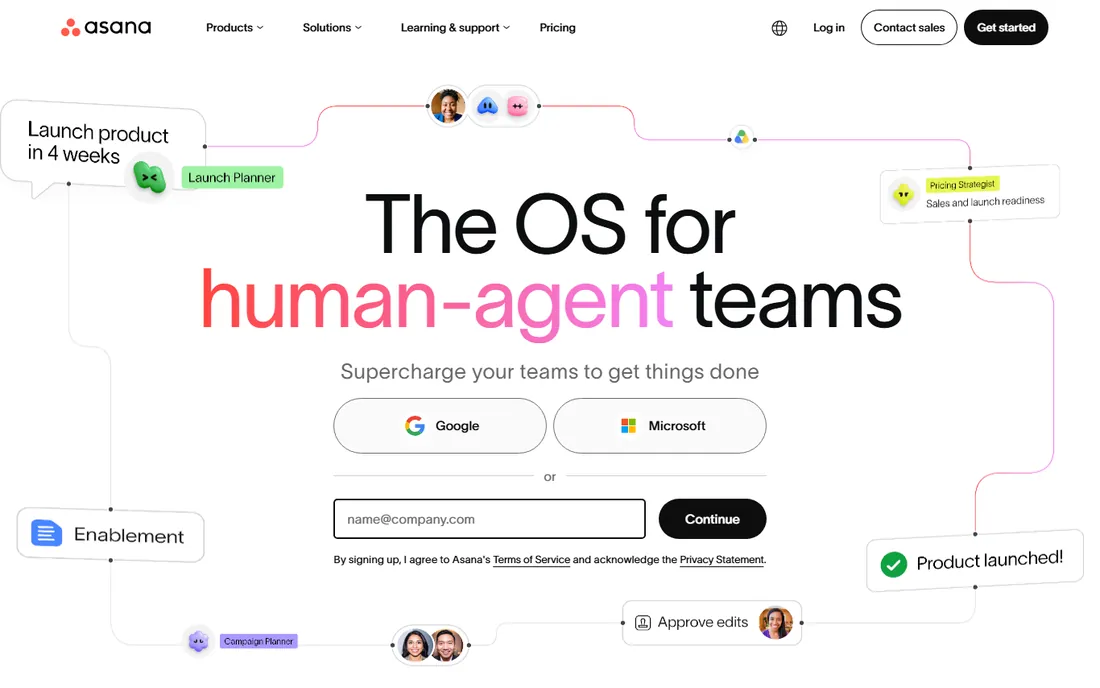
Asana is the timeline tool creative teams reach for when launch dates rule everything. The timeline view lays out every asset, review round, and deadline on a Gantt-style chart, and dependencies show exactly what slips when one task runs late. For campaign work with hard dates, that visibility is hard to beat.
The free Personal plan covers small teams with unlimited tasks and basic views, which is enough to test whether the workflow fits. Paid plans add the creative-specific goods: proofing that lets reviewers pin comments directly on images and PDFs, approval workflows, custom fields for tracking asset status, and portfolios for managing multiple campaigns at once. The Adobe Creative Cloud and Figma integrations let designers attach files and get notifications without leaving their tools. The catch is tiering: the features creative leads want most, workload management, advanced reporting, and approvals at scale, sit on the higher plans.
What we like- Excellent timeline and calendar views for campaign planning
- Built-in proofing and approval workflows on paid plans
- Deep integrations with Adobe Creative Cloud and Figma
Watch out for- Advanced features like portfolios and workload management need higher tiers
- Can feel heavy for very small teams
Starting priceSee website
Free planYes
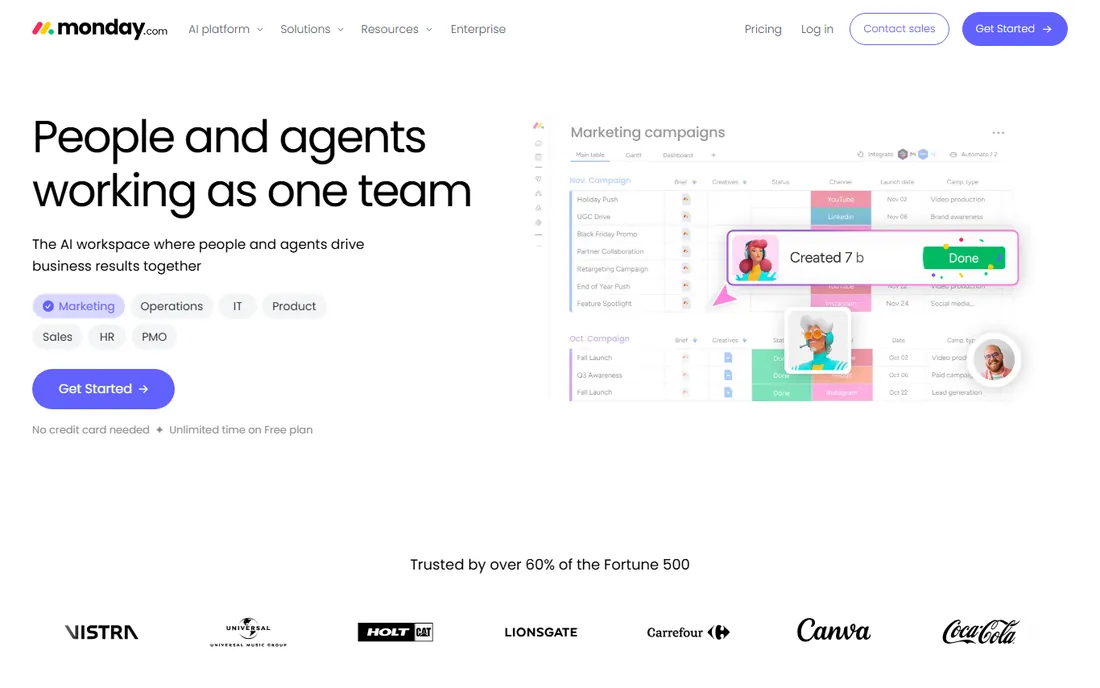
Monday.com treats project management as a visual exercise, which suits creative teams. Boards can be viewed as kanban, timeline, calendar, gallery, or table, and the gallery view in particular works well for reviewing design assets at a glance. Custom columns track everything from asset status to client sign-off, and color coding makes board health readable in seconds.
The automation builder handles the repetitive glue of creative production: when a design moves to "In review," notify the art director; when approved, assign the file prep task to production. The free plan covers a couple of seats for testing. Paid plans scale from basic boards to advanced automations and integrations. The honest catch is cost at scale: per-seat pricing with seat minimums means a 20-person studio pays for 20 seats even if half are occasional collaborators, so price it against flat-rate alternatives before committing.
What we like- Highly visual boards with many views (kanban, timeline, calendar, gallery)
- Strong automation builder for repetitive production steps
- Colorful, approachable interface
Watch out for- Per-seat pricing adds up fast for large teams
- Advanced features gated behind higher tiers
Starting priceSee website
Free planYes
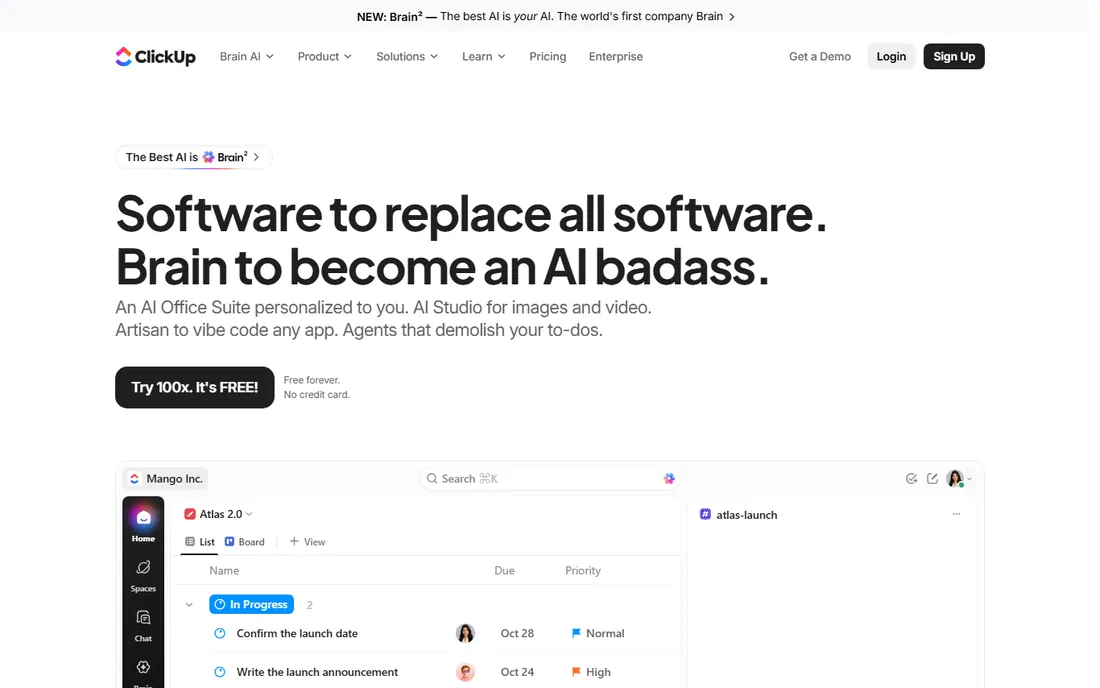
ClickUp wants to replace half your tool stack. Tasks, documents, whiteboards, chat, goals, and time tracking live in one workspace, which appeals to creative teams tired of paying for five subscriptions. The free plan is genuinely generous, with unlimited tasks and members, making it one of the easiest tools here to pilot with a real team.
For creative work, the proofing features let reviewers comment on images and video, whiteboards support early brainstorming, and the many views (list, board, calendar, timeline, mind map) let each role work the way they prefer. Everything is customizable: statuses, fields, views, automations. That flexibility is also the risk. Teams can spend weeks configuring ClickUp instead of using it, and new users sometimes bounce off the sheer number of options. Start with a simple setup, add complexity only when the team asks for it.
What we like- Generous free plan with many views and features
- Docs, whiteboards, and tasks in one workspace
- Highly customizable for unusual workflows
Watch out for- Customization depth can overwhelm new users
- Performance can lag in very large workspaces
Starting priceSee website
Free planYes
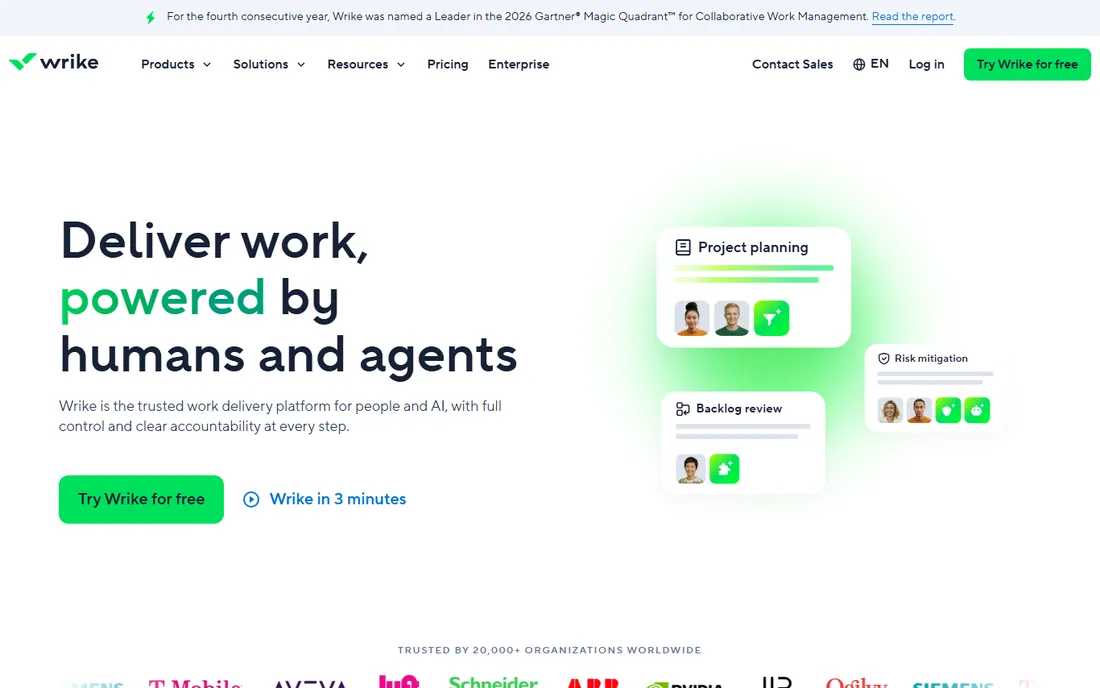
Wrike has courted creative and marketing teams for years, and it shows in the feature set. Online proofing supports images, video, and documents with threaded comments pinned to specific spots. Approval workflows route assets through defined review chains. Request forms with custom fields turn "hey, can you design something?" messages into structured intake with deadlines and priorities attached.
Resource management views show who is overallocated across projects, which matters when designers split time between campaigns. The free plan covers basic task management for small teams. Paid tiers add proofing, automation, custom workflows, and advanced reporting. Wrike's interface packs in a lot and takes longer to learn than Trello or Basecamp, so budget onboarding time. For in-house creative teams and agencies running structured production, the depth pays off.
What we like- Strong proofing and approval workflows purpose-built for creative review
- Request forms tame chaotic intake
- Detailed workload and resource management
Watch out for- Interface has a learning curve
- Best value sits on higher-priced tiers
Starting priceSee website
Free planYes
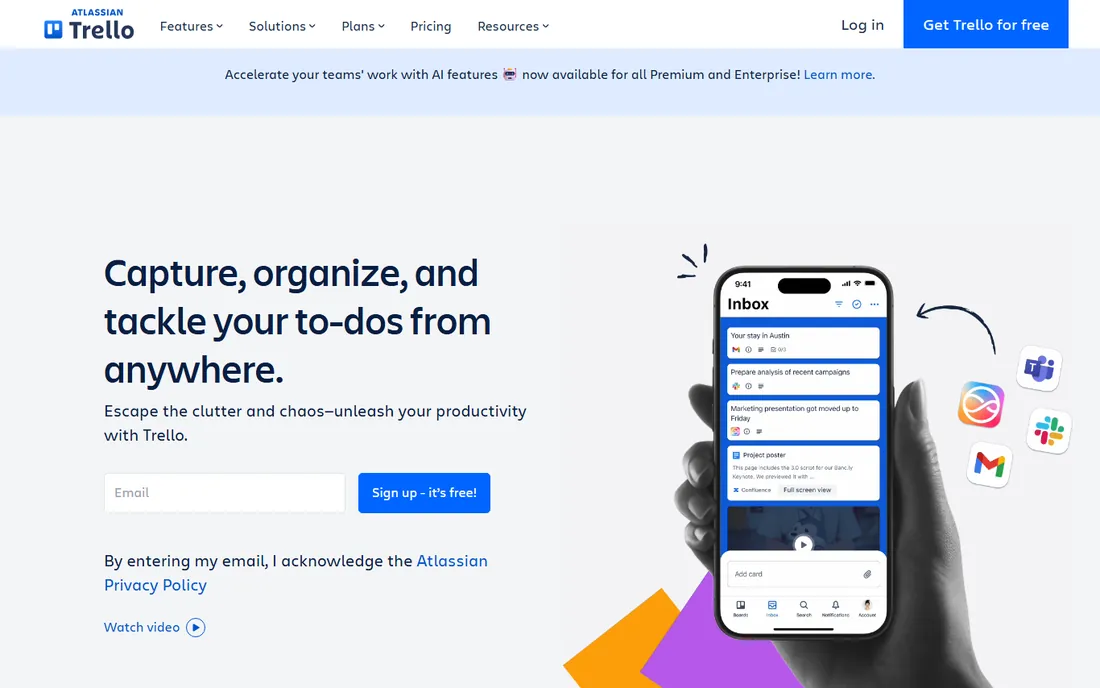
Trello is the simplest tool on this list, and that is its strength. Boards, lists, and cards: brief in, design in progress, in review, approved, done. A small design team can be running in an afternoon with no training. Card covers show image thumbnails, so a board of design tasks doubles as a visual status wall.
The free plan covers the core workflow with generous limits. Paid plans add timeline and calendar views, more automation runs, and advanced checklists. Power-Ups connect to Figma, Google Drive, Slack, and hundreds of other tools. The limits are real, though. There is no built-in proofing, approvals are basic, and reporting across many boards is thin. Trello is perfect for teams of a few people running straightforward production; it strains when you need portfolio oversight or formal review chains.
What we like- Easiest kanban board to learn in this roundup
- Generous free tier for small teams
- Huge template and Power-Up ecosystem
Watch out for- No native proofing or advanced approval workflows
- Gets messy managing many boards at scale
Starting priceSee website
Free planYes
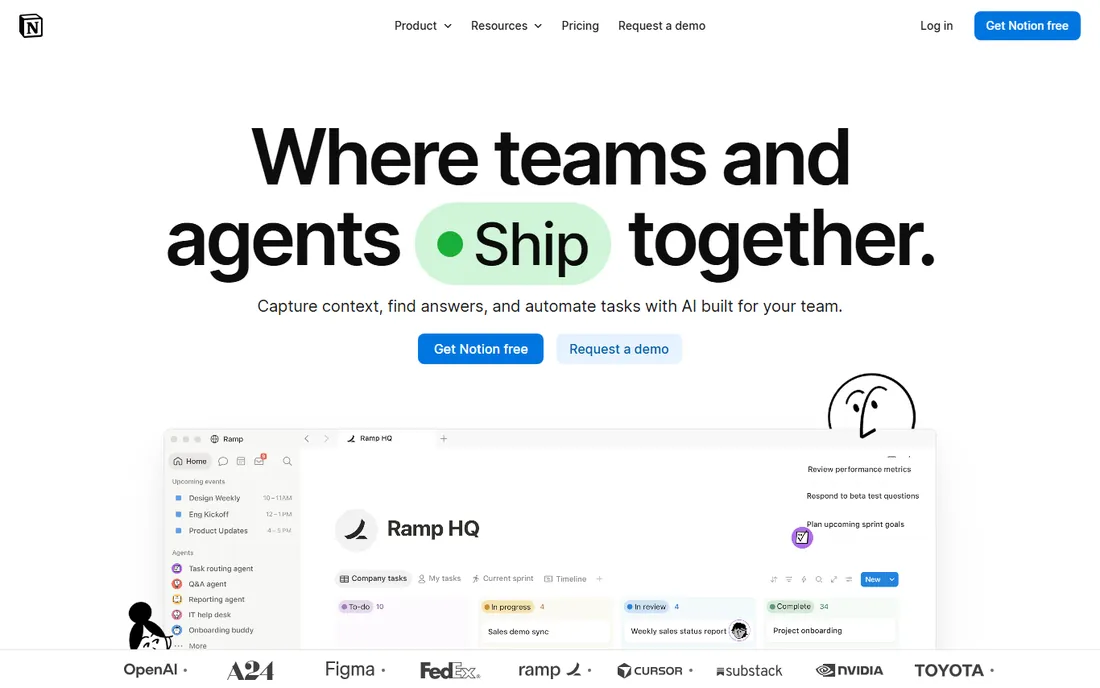
Notion approaches creative project management from the documentation side. Brand guidelines, campaign briefs, meeting notes, and asset libraries live as pages, and database views turn those pages into kanban boards, calendars, and tables. For teams where the brief and the reference material matter as much as the task list, keeping everything in one wiki is compelling.
The free plan is generous for individuals and small teams. Paid plans add unlimited file uploads, longer page history, and advanced permissions. Creative teams often pair Notion with a dedicated design tool, using Notion for planning and documentation while production happens elsewhere. Be clear-eyed about the gaps: there is no proofing, resource management is rudimentary, and at scale the flexibility that makes Notion delightful can turn into inconsistent processes across teams.
What we like- Briefs, brand guidelines, and project trackers live in one wiki-style workspace
- Flexible databases adapt to any creative workflow
- Generous free plan
Watch out for- Not a purpose-built PM tool, so timelines and workload views are basic
- No native proofing
Starting priceSee website
Free planNo (free trial, 30 days)
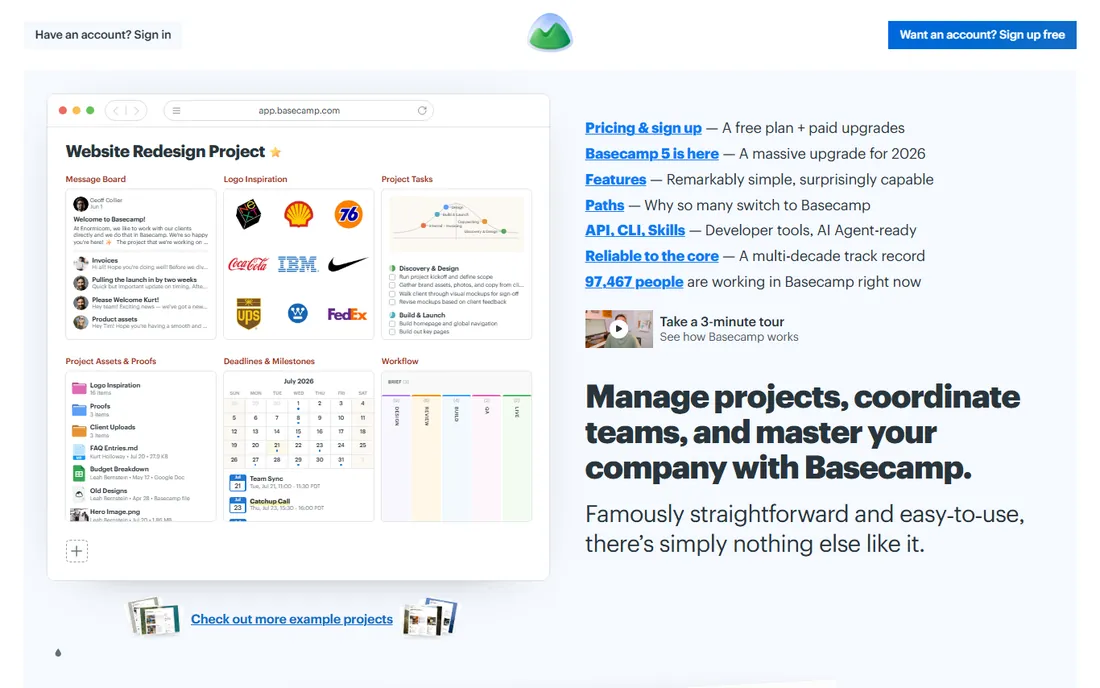
Basecamp takes the opposite approach from most tools here: fewer features, deliberately. Each project gets a message board, to-do lists, a schedule, shared docs and files, and group chat. Clients see a clean project page without learning project management vocabulary, which is why agencies with non-technical clients keep coming back to it.
There is no free plan, but the 30-day trial is full-featured. Basecamp's pricing model is its standout trait: alongside per-user pricing, it offers a flat monthly rate for unlimited users, which can be dramatically cheaper for studios with big teams, freelancers, and clients all needing access. The trade-off is depth. If you need Gantt charts, workload balancing, custom fields, or proofing markup, Basecamp will not provide them. It is for teams that want calm, shared clarity rather than production machinery.
What we like- Flat-rate pricing option suits large or freelancer-heavy teams
- Clients get a clean, jargon-free view
- Minimal learning curve
Watch out for- No free plan
- Fewer views and less customization than competitors
Starting priceSee website
Free planYes (limited)
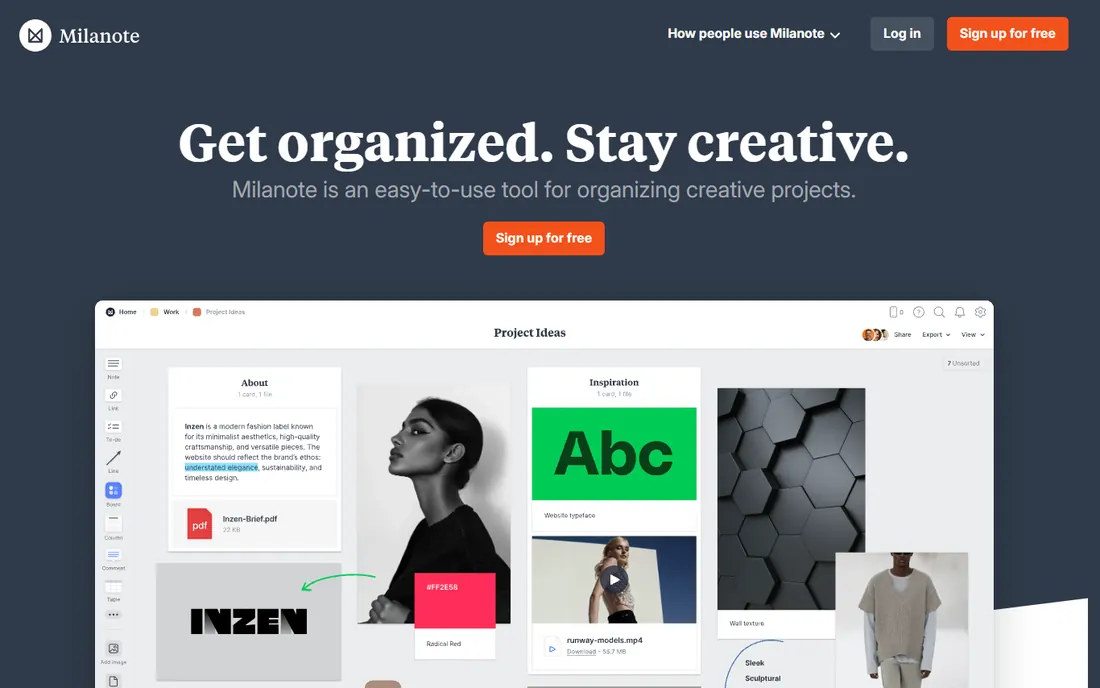
Milanote is the odd one out, and creative teams will immediately understand why it belongs. It is a visual workspace for the fuzzy front end of creative work: mood boards, reference images, storyboards, color palettes, and rough concepts arranged on infinite boards. It feels like pinning things to a studio wall, except the wall is shareable and never runs out of space.
Agencies use it to present concepts to clients, design teams use it for visual research, and writers use it to structure narratives. The free plan covers light use with a limited number of notes. Paid plans remove those limits and add team collaboration features. Milanote will not run your production schedule or track deadlines, so most teams pair it with a task manager. Think of it as the concept companion to the PM tools above, not a replacement.
What we like- Purpose-built for mood boards, storyboards, and visual research
- Drag-and-drop boards feel like a designer's wall
- Easy client sharing for concept presentations
Watch out for- Not a full project manager, weak on tasks, timelines, and reporting
- Limited free plan
Starting priceSee website
Free planYes
Airtable sits between a spreadsheet and a database, which makes it a natural fit for content operations. A content calendar base can hold every blog post, video, and social asset with fields for status, owner, publish date, and file attachments. Gallery view turns records into visual cards, kanban view manages production stages, and calendar view shows the publishing schedule.
The free plan covers small bases and is enough to prove the concept. Paid plans raise record and attachment limits and add advanced automations, interfaces for stakeholders, and granular permissions. Creative teams use Airtable for digital asset tracking, campaign content planning, and production pipelines where each item carries a lot of structured metadata. Watch the limits: record caps and per-seat pricing mean costs climb as your content library grows, and very large bases need careful design to stay fast.
What we like- Spreadsheet-like databases with gallery, kanban, and calendar views
- Excellent for content calendars and asset tracking
- Strong automation and integration options
Watch out for- Per-seat pricing with record limits per plan
- Can get expensive and complex as bases grow
How we chose
We started from each vendor's public pricing page, documentation, and feature lists, focusing on capabilities that matter specifically to creative work: proofing and approvals, timeline and workload views, asset handling, and client collaboration. We read public reviews on G2, Capterra, and Reddit to learn where each tool frustrates real creative teams, and we compared integration catalogs for design tools like Adobe Creative Cloud and Figma. We weighted fit for small and mid-sized creative teams and agencies, favoring tools with honest free plans, short learning curves, and review workflows built for visual work. We never claim hands-on testing. Our browser-based research tools were down on the day of writing, so prices below are listed as "See website" and should be confirmed on the vendor's pricing page.
How to choose creative project management software
Creative teams buy PM tools for different reasons than engineering teams. Here is what to evaluate.
Proofing and approvals
This is the number one creative-specific requirement. Can reviewers comment directly on images, PDFs, and video, with comments pinned to exact spots? Can you route assets through an approval chain with a clear audit trail? Wrike, Asana, Monday.com, and ClickUp handle this natively. Trello, Notion, and Basecamp do not, so factor in a separate proofing tool or integration if you choose them.
Timelines and workload views
Campaign work runs on dates. Check that the tool offers a real timeline or Gantt view with dependencies, not just a calendar of due dates. Workload views that show who is overbooked prevent the classic agency failure mode: every project due the same week. Asana, Monday.com, Wrike, and ClickUp are strong here; Trello and Basecamp are deliberately thin.
Asset handling and design integrations
Your PM tool should connect to where design happens. Look for integrations with Figma, Adobe Creative Cloud, Google Drive, and Dropbox, plus enough file storage and preview support for the formats you use. If assets live in a digital asset management system, confirm the integration exists before you commit.
Client collaboration
Decide how much clients should see. Some teams give clients full board access; others share read-only views or use portals. Basecamp and Milanote are built for client-friendly sharing. With other tools, check guest access pricing carefully, because per-seat charges for occasional client viewers add up fast.
Pricing models that fit creative teams
Per-seat pricing penalizes teams with many collaborators, freelancers, and client guests. Count everyone who needs access, not just full-time staff, then compare against flat-rate options. Also watch feature tiering: proofing, workload views, and advanced automations often sit one or two tiers above the entry plan, so price the tier you will actually use.
The most common failure is buying for the process you wish you had instead of the one you do. A team that communicates in quick chats will not adopt a tool that demands detailed task specs. Match the tool's weight to your team's actual habits.
Second, teams skip the proofing question and discover six months in that feedback still lives in email. If visual review is central to your work, make native proofing a requirement, not a nice-to-have.
Third, teams undercount seats. Freelancers, contractors, and clients all need access in creative workflows, and per-seat pricing turns a 10-person team into a 25-seat bill. Model the real headcount before comparing prices.
Fourth, teams over-customize. ClickUp, Monday.com, and Notion tempt you into building elaborate systems. Start with the simplest setup that works, and add structure only when the team feels the pain it solves.
Finally, teams neglect the archive. Creative work generates assets worth reusing. Whatever tool you choose, establish a naming and filing convention early, or your asset library becomes a second junk drawer.
Frequently asked questions
What is creative project management software?
It is project management software with features tailored to creative work: visual task boards, proofing and approval workflows for design assets, timelines for campaign planning, and client collaboration. Standard PM tools track tasks; creative PM tools also handle the review and feedback loop that design work depends on.
Do I need proofing features?
If anyone outside the design team reviews visual work, yes. Proofing lets reviewers pin comments to exact spots on images, PDFs, or video, ending the confusion of "the third image down, near the logo" email threads. Wrike, Asana, Monday.com, and ClickUp include it; other tools need an integration.
Can these tools replace email and Slack?
Partly. They centralize project communication so feedback lives with the work instead of scattered across inboxes. Most teams still use chat for quick questions, but the tools here reduce status meetings and "where is that file" messages substantially. Basecamp even bundles its own group chat per project.
How do clients fit into creative PM tools?
Most tools offer guest access, shared views, or project portals so clients can review work and give feedback without seeing internal discussions. Check guest pricing before you buy, since some vendors charge full per-seat rates for client viewers. Basecamp and Milanote are the most client-friendly options here.
What does creative project management software cost?
Most tools charge per user per month, with free plans for small teams and paid tiers for advanced features. Per-seat pricing means a larger team multiplies the bill quickly, which is why flat-rate options like Basecamp's unlimited plan appeal to bigger studios. Confirm current prices on each vendor's pricing page.
Can I use a general PM tool like Trello for creative work?
Yes, for simple production workflows. Trello handles task tracking well, but you will need workarounds or integrations for proofing, workload management, and advanced reporting. Teams with formal review processes usually outgrow it and move to Asana, Wrike, or Monday.com.
Sources we checked (9)
- https://asana.com/
- https://monday.com/
- https://clickup.com/
- https://wrike.com/
- https://trello.com/
- https://notion.so/
- https://basecamp.com/
- https://milanote.com/
- https://airtable.com/
Is your product missing or out of date?
We review this list regularly. Vendors can request a listing, send updated pricing or ask about featured placement.

Shihab Mia · Founder, Rankite
Shihab has spent more than a decade helping SaaS and e-commerce brands grow through search. He writes Rankite's software buying guides from pricing pages, documentation and public user reviews. More about Shihab.