How we make this list: we compare pricing pages, product documentation and public user reviews. Rankite is independent; if a vendor ever pays for a featured spot, that listing is clearly labeled Partner.
Key takeaways
- Smartsheet ($9/user/month) and Wrike ($10/user/month) lead for spreadsheet-style and enterprise-grade scheduling respectively.
- ClickUp's entry paid plan is now called Core at $8/user/month, with a genuinely useful free plan.
- TeamGantt switched to project-based pricing ($24 to $120+/month); confirm the current plans on its pricing page before budgeting.
- Float and GanttPRO are scheduling specialists; the rest are full project platforms with scheduling built in.
The shortlist
| Tool |
Best for |
Starting price |
Free plan |
| Smartsheet |
Spreadsheet-style scheduling at scale |
$9/user/month (Pro, annual) |
Yes |
| Wrike |
Enterprise scheduling with AI |
$10/user/month (Team) |
Yes |
| ClickUp |
All-in-one value with strong free plan |
$8/user/month (Core, annual) |
Yes |
| monday.com |
Visual boards and timelines |
See website |
Yes |
| ProjectManager |
Professional PMs who want Gantt plus resources |
See website |
No |
| GanttPRO |
Pure Gantt chart scheduling |
$7/user/month (Core, annual) |
No |
| TeamGantt |
Simple drag-and-drop Gantt for small teams |
See website |
Yes |
| Float |
Resource and capacity scheduling |
See website |
No |
The best project management scheduling software

#1
Smartsheet
Best for: teams that think in spreadsheets but need real scheduling
Visit smartsheet.com
Starting price$9/user/month (Pro, annual)
Free planYes
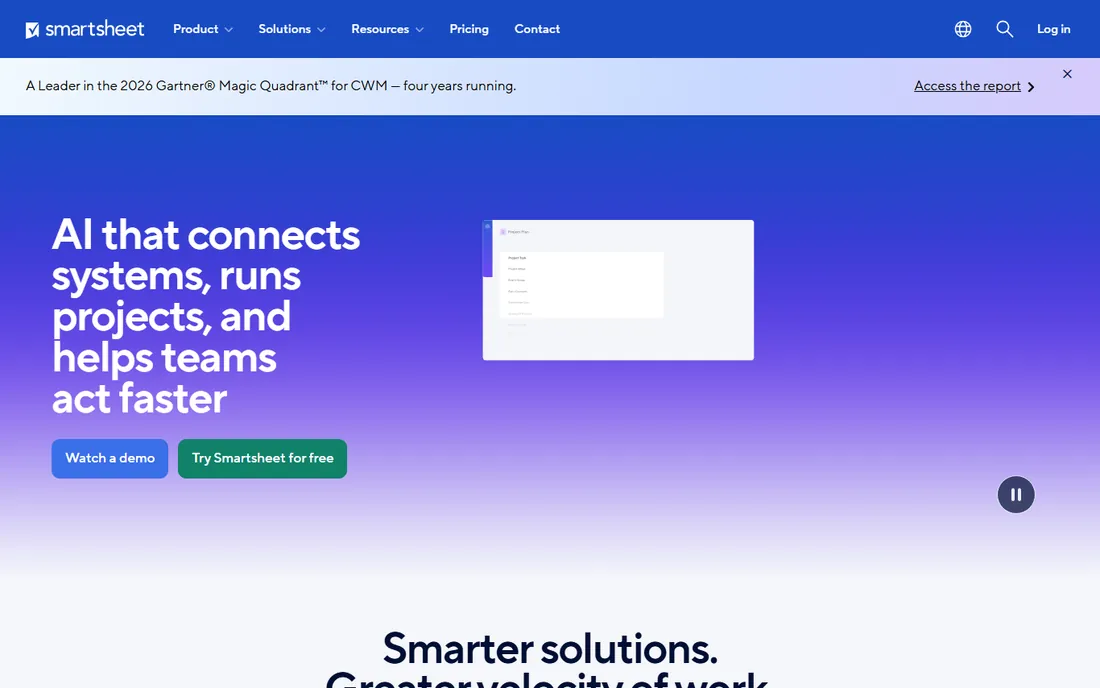
Smartsheet is the spreadsheet that grew up into a project scheduling platform. Tasks live in a familiar grid, but behind it sit Gantt charts, dependencies, critical path, baselines and resource management. The vendor's pricing page lists Pro at $9 per member per month on annual billing (1 to 10 members) and Business at $19, with a free plan and 30-day trial.
The strength is adoption: teams that live in Excel take to Smartsheet instantly, and IT departments like the governance. The weakness is cost creep, since every member needs a paid seat while contributors are free, and the interface lags newer rivals on visual polish. For organizations standardizing scheduling across departments with compliance requirements, Smartsheet is the safe enterprise pick.
What we like- Familiar grid interface with Gantt, dependencies and critical path
- Strong enterprise governance
- Huge template gallery
Watch out for- Per-member pricing adds up fast
- UI feels dated next to monday.com
- Advanced features locked behind Business

#2
Wrike
Best for: enterprises that want scheduling plus AI automation
Visit wrike.com
Starting price$10/user/month (Team)
Free planYes
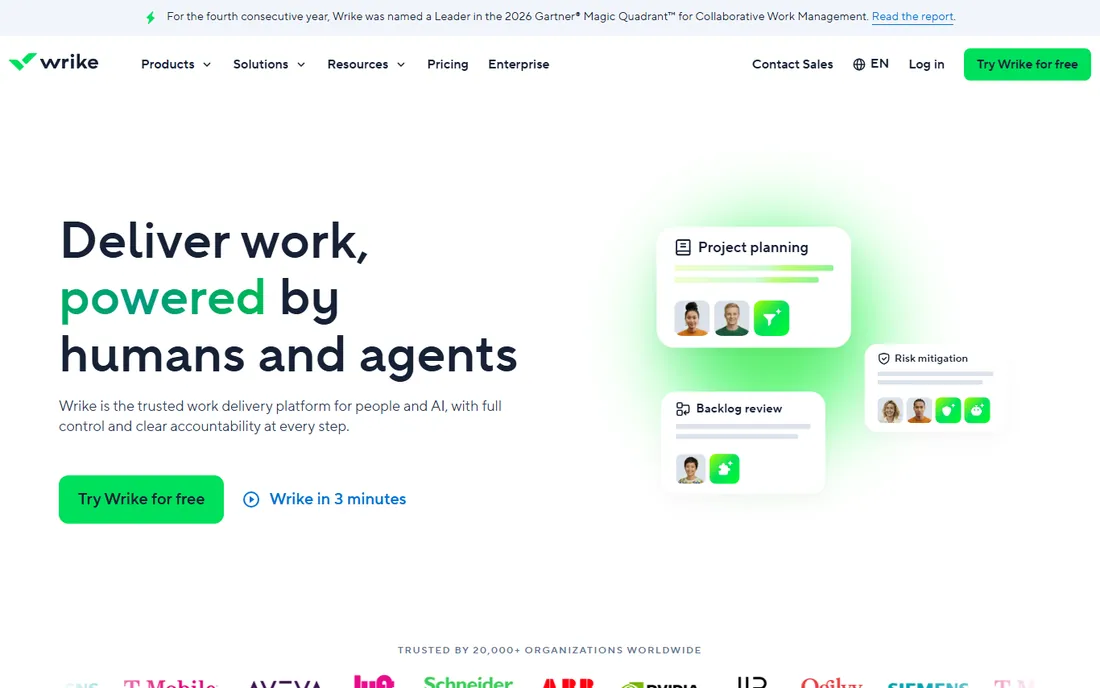
Wrike's Team plan at $10 per user per month brings interactive Gantt charts, board and table views, and a starter pack of AI Elite actions for automation. Business at $25 adds resource management, budgeting and advanced reporting. The vendor confirms Wrike Business plans and above are annual-only, and seats are sold in groups of five, ten or twenty-five depending on account size.
Wrike is built for organizations where project scheduling feeds portfolio decisions. The Gantt is genuinely interactive, not a static picture, and the 2026 AI layer automates status updates and workflow rules. The trade-off is packaging complexity and a learning curve that casual teams find heavy. For mid-market and enterprise PMOs, Wrike's depth justifies the structure.
What we like- Interactive Gantt with dependencies
- AI Elite actions on every tier
- Strong reporting and BI
Watch out for- Pricing sold in seat groups
- Business and up are annual-only
- Learning curve for casual users
Starting price$8/user/month (Core, billed annually)
Free planYes
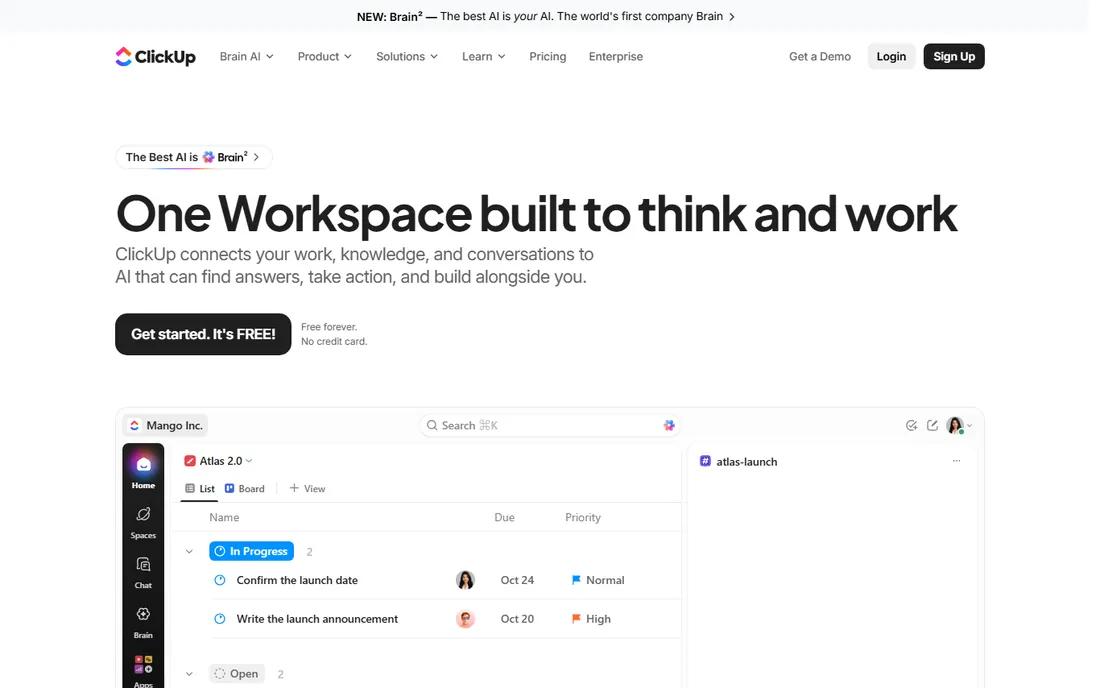
ClickUp's pricing page currently lists Free Forever at $0, Core at $8 per user per month billed annually (regular price $12), Business at $17 and a $100 MAX tier. Core includes unlimited Gantt charts, custom fields, goals and automations, which makes it the cheapest real scheduling platform in this list. The free plan covers unlimited tasks and members with 60MB storage.
The catch is sprawl: ClickUp does everything, and teams can drown in views, custom fields and automations without governance. Large workspaces also see performance complaints. But on pure value, nothing matches it. For cost-conscious teams that want scheduling, docs, goals and time tracking in one bill, ClickUp at $8 is the default recommendation.
What we like- Cheapest credible entry at $8
- Unlimited Gantt charts from Core
- Free plan is unusually generous
Watch out for- Feature sprawl can overwhelm
- Performance dips in huge workspaces
- Plan names keep changing

#4
monday.com
Best for: visual teams that plan on boards and timelines
Visit monday.com
Starting priceSee website
Free planYes
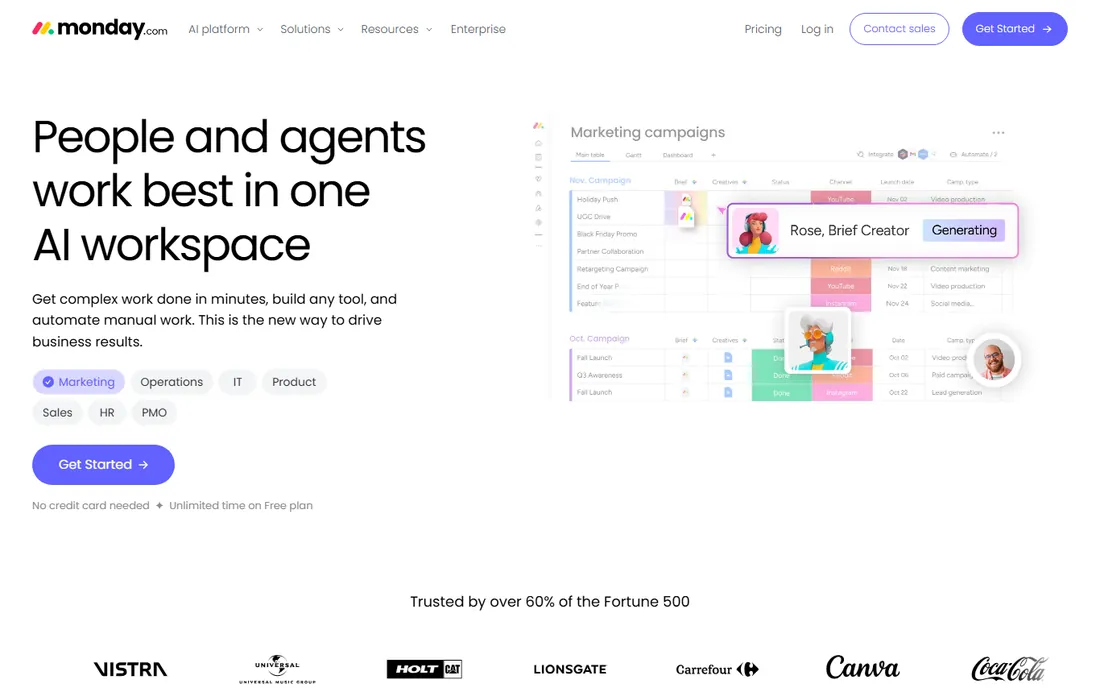
monday.com turns project scheduling into colorful, visual timelines and boards that non-PMs actually enjoy using. Dependencies, milestones, workload views and automations cover the scheduling basics, while the 2026 platform adds AI credits that power agents, meeting notetakers and workflow automation. A free plan exists for freelancers and small teams.
The pricing model is the friction: per-seat pricing with minimum seat counts means the headline per-seat price understates the real bill, and serious scheduling features sit on higher tiers. The vendor's pricing page confirms plans start from 3 users with an 18% annual discount. For creative and marketing teams where visual planning drives adoption, monday.com's usability premium is worth it.
What we like- Best-in-class visual timelines and boards
- 200+ templates
- AI credits system for agents and automations
Watch out for- Per-seat pricing with 3-seat minimums
- Costs scale fast
- Advanced scheduling needs higher tiers
Starting priceSee website
Free planNo
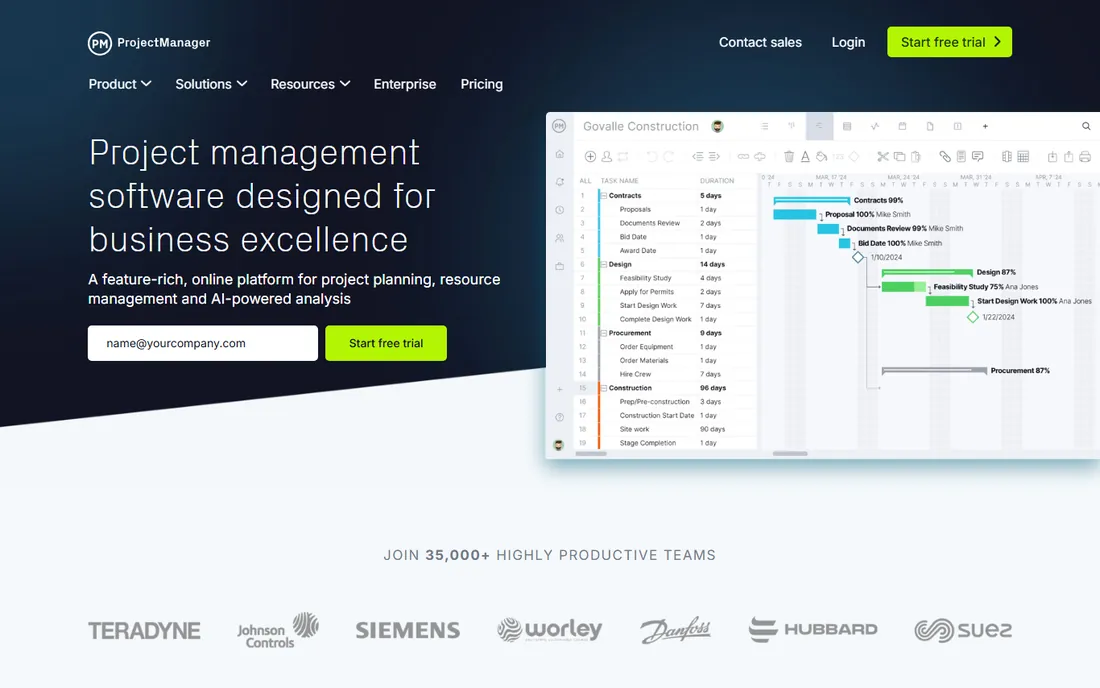
ProjectManager is built for people who manage projects for a living. Gantt, list, sheet, board and calendar views stay in real-time sync, with critical path, baselines, dependencies and resource management. The Business tier adds portfolio dashboards, a portfolio roadmap, RAID logs, timesheets and QuickBooks Online integration. Pricing is not displayed without entering team size on the vendor's pricing page, so request a quote.
There is no free plan, only a trial, which positions it as a professional tool rather than a team collaboration app. The depth shows in features like planned hours, labor rates and real-time availability. For PMOs and professional services firms that schedule people as carefully as tasks, ProjectManager's resource-first design stands out.
What we like- Five project views with real-time sync
- Strong resource and workload planning
- Portfolio roadmap on Business
Watch out for- No free plan
- Pricing page requires team-size input
- Guest access is read-only

#6
GanttPRO
Best for: teams that want Gantt charts without project management bloat
Visit ganttpro.com
Starting price$7/user/month (Core, billed annually)
Free planNo
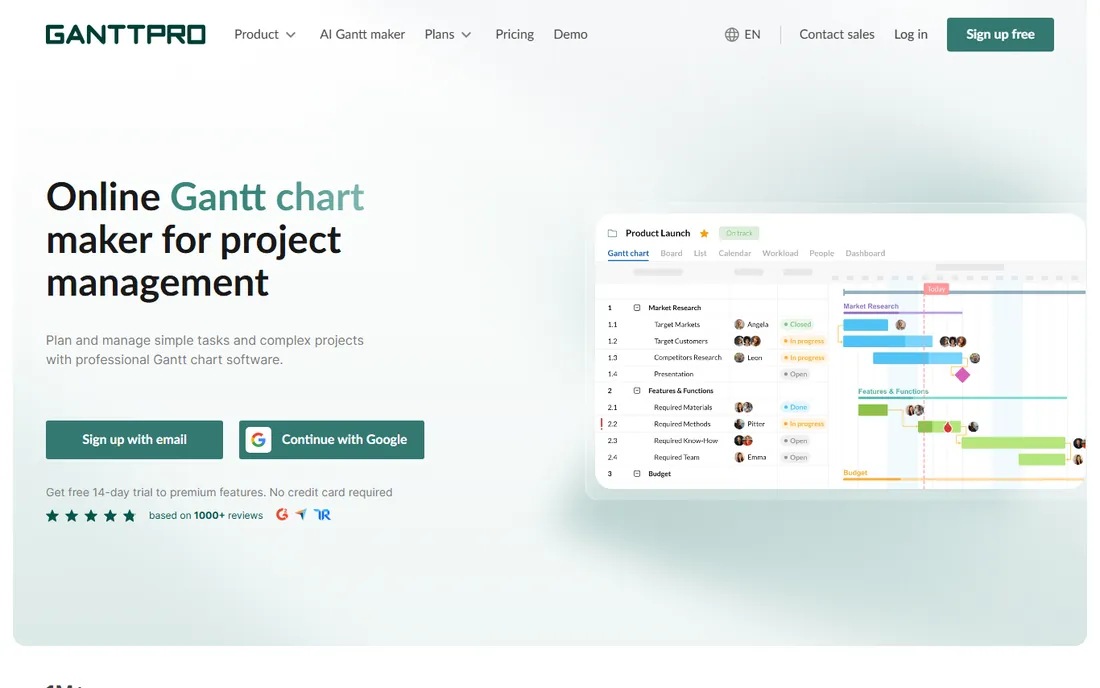
GanttPRO does one thing well: Gantt charts. The vendor's pricing page lists Core at $7 per user per month billed annually, Advanced at $10 and Business at $17, with a 14-day free trial and no free plan. Even Core includes auto-scheduling, baselines, critical path, dependencies and milestones, plus the new AI Gantt chart maker.
It will not replace a full work management platform, task discussions, docs and advanced reporting are thin, but for teams that schedule in Gantt and execute elsewhere, the focus is a feature. Workload management and budget planning arrive on Business. For construction, engineering and IT teams that live on the timeline, GanttPRO is the cheapest specialist option.
What we like- Cheapest Gantt specialist
- Auto-scheduling and critical path included
- AI Gantt chart maker on all plans
Watch out for- 14-day trial only, no free plan
- Limited beyond scheduling
- Resource features need Business tier
Starting priceSee website
Free planYes
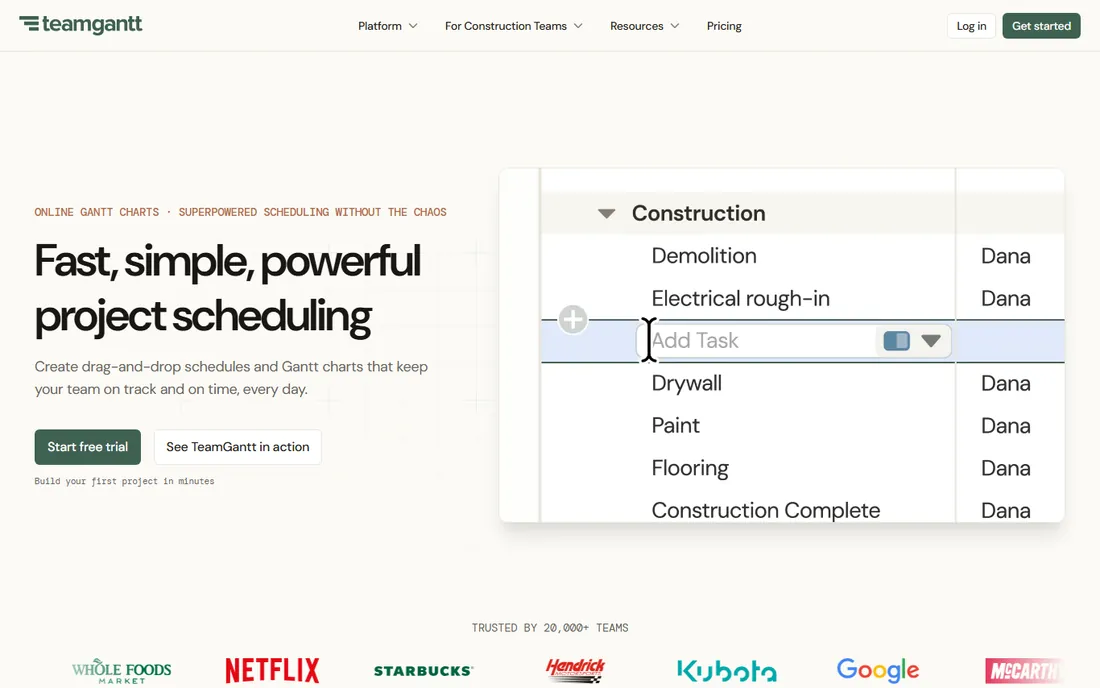
TeamGantt's whole pitch is that Gantt charts should not require training. Drag-and-drop scheduling, dependencies, baselines and workload views come in an interface a new hire learns in an afternoon. Note that TeamGantt restructured its pricing around projects rather than seats: recent vendor pricing shows Basic around $24/month and Business around $120/month with project caps, so check the current pricing page before budgeting. A limited free plan (one project, 40 tasks) remains.
The simplicity that makes it lovable also caps it: reporting is basic, integrations are few, and teams that outgrow Gantt-only planning will migrate. For small teams, agencies and anyone whose current "scheduling" is a spreadsheet with dates, TeamGantt is the gentlest upgrade in this list.
What we like- Easiest Gantt tool to learn
- Project-based pricing can beat per-seat for large teams
- Workload views on Business
Watch out for- Pricing plans changed recently, confirm current tiers
- Limited free plan
- Fewer integrations than rivals
Starting priceSee website
Free planNo
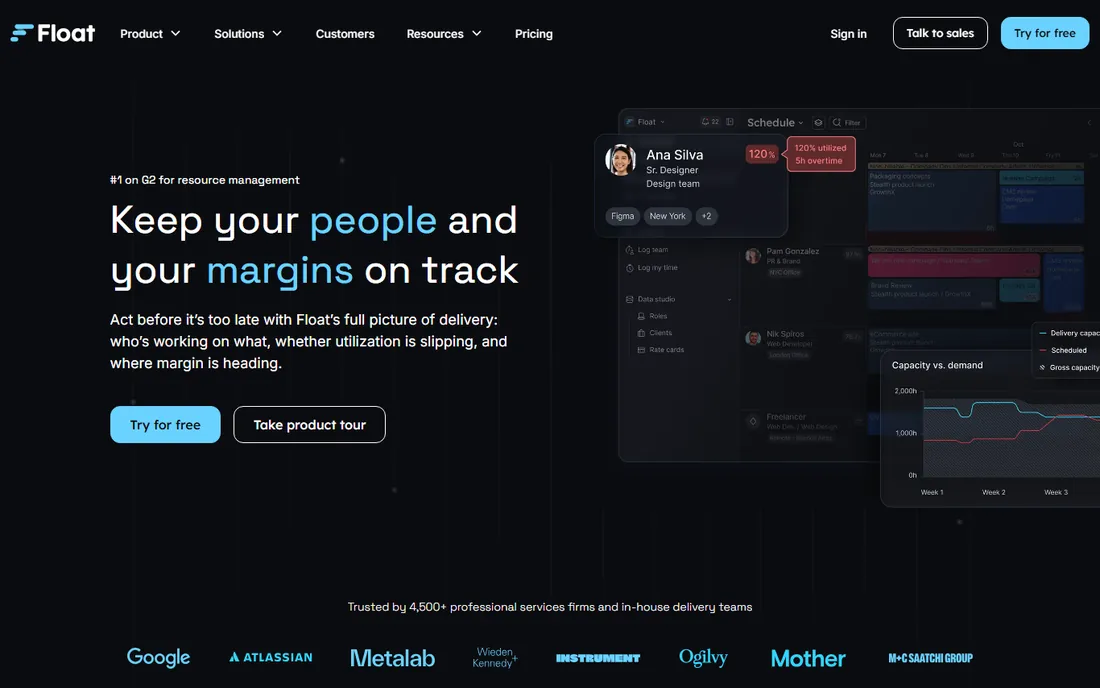
Float is a resource scheduling tool, not a project manager. The timeline shows who is working on what, capacity heatmaps reveal overbooking, and drag-and-drop rescheduling makes rebalancing instant. Pro adds time tracking, estimates vs. actuals and margin reports that tie the schedule to profitability. Third-party sources disagree on current pricing (recent figures range from $6 to $12 per user per month), so confirm on float.com.
The narrow focus is deliberate: Float sits alongside your task tool rather than replacing it, with integrations for Asana, Jira, Slack and others. For agencies, studios and consultancies where the schedule is really a staffing plan, Float's people-first design beats every Gantt-centric tool here.
What we like- Best visual capacity planning
- Drag-and-drop resource scheduling
- Estimates vs. actuals on Pro
Watch out for- No task management depth
- Third-party pricing data conflicts, confirm on vendor site
- No free plan
Scheduling vs. task management: know which you need
Half the tools in this list are project platforms with scheduling features (Smartsheet, Wrike, ClickUp, monday.com, ProjectManager). The other half are scheduling specialists (GanttPRO, TeamGantt, Float). The right choice depends on where work is managed.
If tasks, discussions and files live in one tool, buy the platform and use its scheduling. If execution happens in Jira, Asana or elsewhere and you need a planning layer on top, buy the specialist. The most expensive mistake is buying a platform for its Gantt and then using only the Gantt while paying for seats on features nobody touches.
The per-seat pricing trap
Project scheduling tools are priced per seat, but not every seat needs to schedule. Smartsheet's member/contributor split, Wrike's seat groups, monday.com's seat minimums and ClickUp's pooled pricing all change the real bill. Before comparing headline prices, count who actually builds schedules versus who just views them, and check each vendor's free viewer or collaborator tier. The cheapest per-seat price often loses to the vendor with the most generous free collaborators.
Frequently asked questions
What is the best project management scheduling software?
Smartsheet ($9/user/month) is the best all-rounder for spreadsheet-comfortable teams, Wrike ($10/user/month) for enterprises, ClickUp ($8/user/month) for value, and GanttPRO ($7/user/month) for pure Gantt scheduling. Float wins for resource and capacity scheduling.
How much does project scheduling software cost?
Entry paid plans run $7 to $10 per user per month on annual billing (GanttPRO $7, ClickUp $8, Smartsheet $9, Wrike $10). TeamGantt uses project-based pricing from around $24/month. Enterprise tiers run $17 to $25+ per user per month. All the major platforms offer free plans or trials.
What is the difference between Gantt chart software and project management software?
Gantt chart software (GanttPRO, TeamGantt) focuses on timelines: tasks, dependencies, milestones and dates. Project management software (Smartsheet, Wrike, ClickUp) adds task execution, collaboration, docs, reporting and portfolios. Choose the specialist when you plan in one tool and execute in another.
Does monday.com have a free plan?
Yes. monday.com offers a free plan of monday work management aimed at freelancers and individual professionals, plus a 14-day free trial of the Pro plan. Paid plans start from 3 users with an 18% discount for annual billing.
What is resource scheduling?
Resource scheduling is planning who works on what and when, rather than just task dates. Tools like Float show each person's capacity, flag overbooking and let managers rebalance workloads by dragging assignments. It matters most for agencies and services firms where people are the constraint.
Which scheduling tool is easiest to learn?
TeamGantt is the easiest Gantt tool, designed so beginners can build a schedule in minutes. GanttPRO is close behind for pure Gantt work. Among full platforms, monday.com's visual interface has the gentlest learning curve, while Wrike and Smartsheet reward more setup effort.
Sources we checked (10)
- https://www.smartsheet.com/pricing
- https://wrike.com/pricing/
- https://clickup.com/pricing
- https://monday.com/pricing
- https://www.projectmanager.com/pricing
- https://ganttpro.com/pricing/
- https://www.wrike.com/blog/resource-management-tools/
- https://thedigitalprojectmanager.com/tools/float-pricing/
- https://projectmanagers.net/the-pros-and-cons-of-using-teamgantt-software/
- https://www.techrepublic.com/article/best-gantt-chart-software/?rand=3604
Is your product missing or out of date?
We review this list regularly. Vendors can request a listing, send updated pricing or ask about featured placement.

Shihab Mia · Founder, Rankite
Shihab has spent more than a decade helping SaaS and e-commerce brands grow through search. He writes Rankite's software buying guides from pricing pages, documentation and public user reviews. More about Shihab.