How we make this list: we compare pricing pages, product documentation and public user reviews. Rankite is independent; if a vendor ever pays for a featured spot, that listing is clearly labeled Partner.
Key takeaways
- Planview Portfolios, Broadcom Clarity and Planisware are the enterprise PPM platforms; all are quote-based and need dedicated PMO staff to deliver value.
- Meisterplan (from $600/month) and Sciforma ($20/user/month) offer published pricing in a category where most vendors hide it.
- OnePlan (from $10/user/month) is the value pick for Microsoft-centric organizations, with a genuine free tier.
- Celoxis ($25/user/month), LiquidPlanner ($15/user/month) and Hive ($12/user/month) bring portfolio features to mid-market budgets.
- Microsoft Project Plan 1 ($10/user/month) remains the default for organizations already living in Microsoft 365.
Quick comparison
| Tool | Best for | Starting price | Free plan |
|---|
 Planview Portfolios Planview Portfolios | Enterprise strategic portfolio management | See website | No |
 Meisterplan Meisterplan | Resource-first portfolio planning | From $600 per month (Basic) | Free trial |
 OnePlan OnePlan | Microsoft-centric portfolio management | $10 per user/month (billed annually) | Yes |
 Sciforma Sciforma | Configurable PPM for mixed methodologies | $20 per user/month | Free trial |
 Broadcom Clarity Broadcom Clarity | Large-scale enterprise PPM | See website | No |
 Planisware Planisware | Engineering and NPD portfolios | See website | No |
 Celoxis Celoxis | Mid-market all-in-one PPM | $25 per user/month | Free trial (30 days) |
 LiquidPlanner LiquidPlanner | Predictive scheduling for services teams | $15 per user/month (Essentials) | Yes |
 Microsoft Project Microsoft Project | Microsoft 365 shops | $10 per user/month (Plan 1) | Free trial |
 Hive Hive | Flexible portfolio views for growing teams | $12 per user/month (billed annually) | Free trial |
Is your product missing or out of date?
We review this list regularly. Vendors can request a listing, send updated pricing or ask about featured placement.
The best project portfolio management software
The cost of the wrong PPM software is measured in bad portfolio decisions. Executives approve projects without seeing resource conflicts, the same people are committed to three initiatives at once, and nobody discovers it until deadlines slip across the board. A failed enterprise PPM implementation costs six figures in licenses and services, then gets replaced by the spreadsheets it was supposed to kill.
The second cost is buying enterprise weight you cannot lift. Planview, Clarity and Planisware are powerful platforms, but they demand dedicated administrators, configured workflows and a PMO that actually governs. A mid-size company that buys one without that machinery ends up with an expensive reporting tool nobody trusts. The right PPM matches your governance maturity, not your ambition.
This list covers ten project portfolio management tools that exist today, from enterprise platforms to mid-market options with published prices.
#1
Planview Portfolios
Best for: Enterprise strategic portfolio management
Visit planview.com
Starting priceSee website
Free planNo
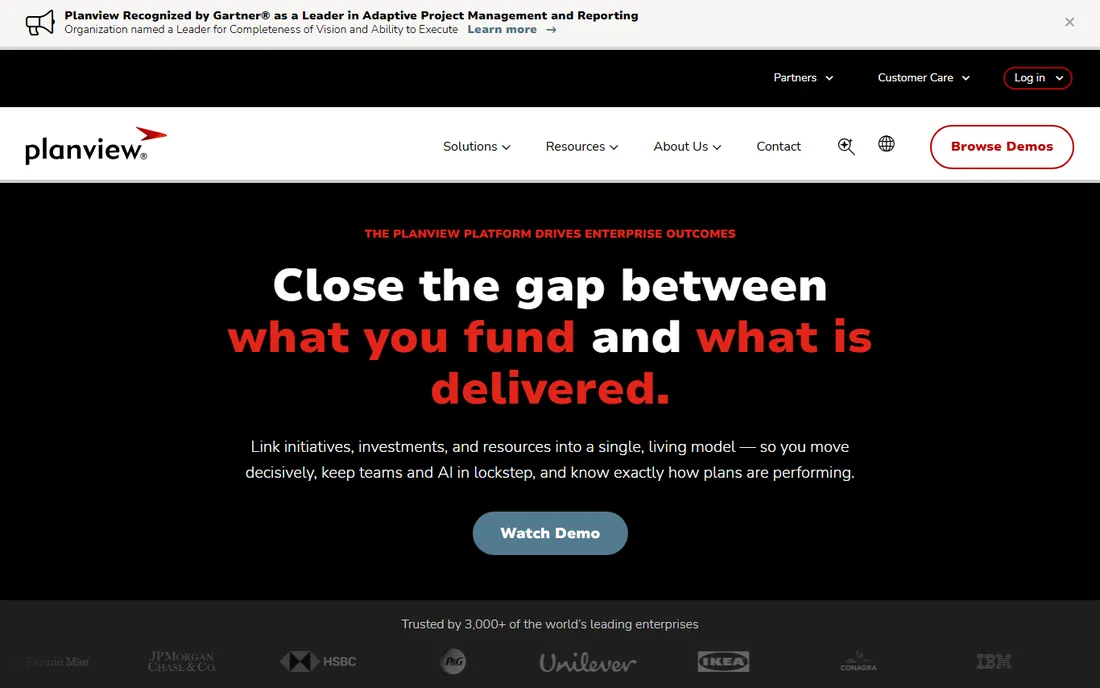
Planview Portfolios is the reference enterprise PPM: strategic planning, resource management, financial tracking and work execution across agile, waterfall and hybrid methods in one platform. It consolidates project, resource and portfolio data for organizations running hundreds of initiatives, with real-time visibility into health and performance.
Everything about it is enterprise-grade, including the demands. Pricing is quote-based and implementations are significant engagements; users report a steep learning curve and slow performance on large datasets. Buy it when you have a real PMO and portfolio complexity that spreadsheets cannot survive. Anything smaller should look further down this list.
What we like- Deepest strategic planning and financials
- Scales to the largest portfolios
- Strong agile and waterfall support
Watch out for- Quote-only pricing
- Steep learning curve
- Needs dedicated administration
Starting priceFrom $600 per month (Basic)
Free planFree trial
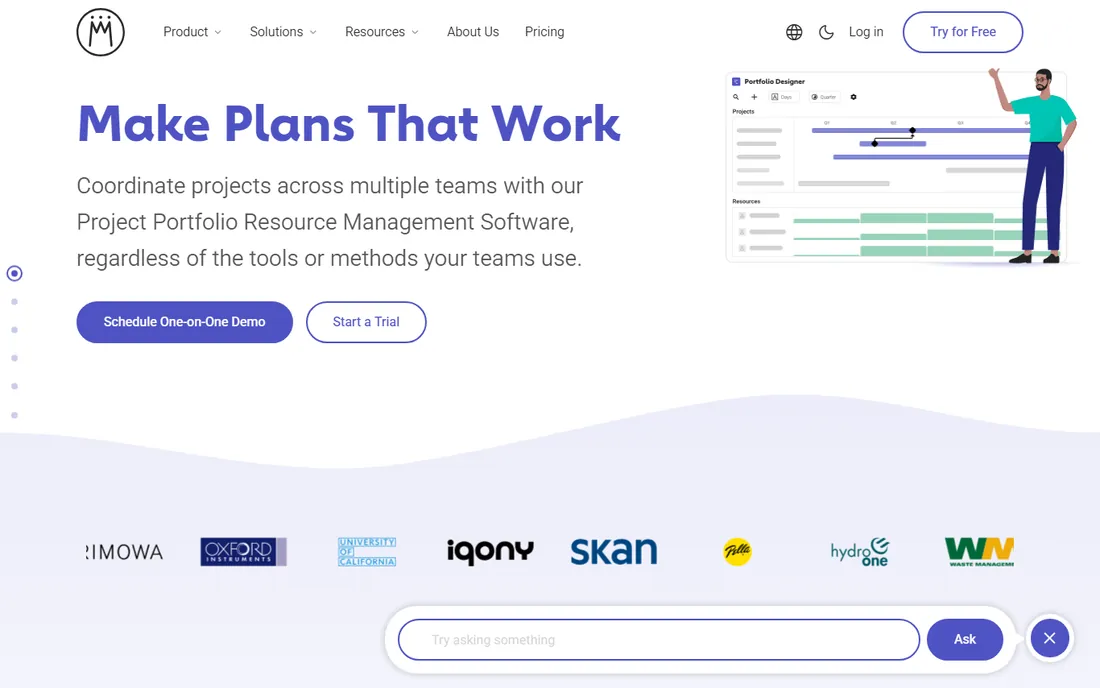
Meisterplan takes a different pricing approach: flat monthly editions based on managed resources, with unlimited users. Basic from $600 a month covers multi-team resource management for 50 resources; Pro from $800 adds strategy-driven portfolio management and capacity planning. The resource-centric views answer the question every executive asks: do we have the people for this plan.
The model favors organizations with many stakeholders and bounded project counts. Premium at $3,200 a month adds enterprise customer success, a steep step. Financial planning depth trails Planview. For resource-constrained portfolios that need answers fast, it is refreshingly direct.
What we like- Published flat pricing with unlimited users
- Resource capacity planning is excellent
- Fast to get value from
Watch out for- Priced by resources, not users
- Premium at $3,200/month is a jump
- Less financial depth than Planview
Starting price$10 per user/month (billed annually)
Free planYes
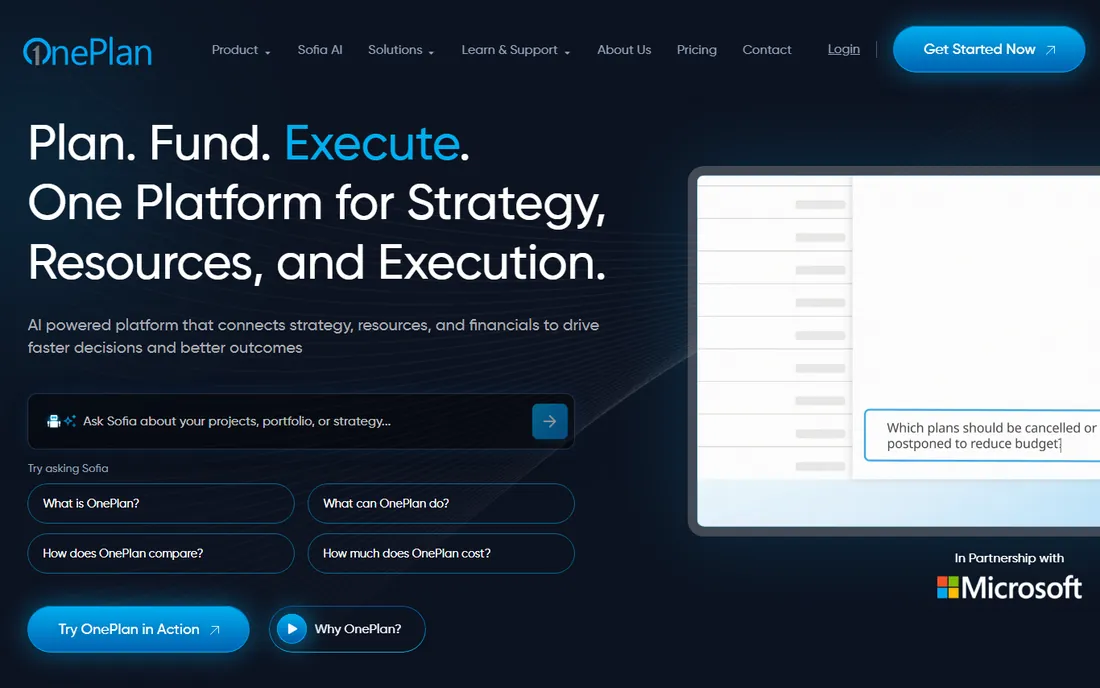
OnePlan is the portfolio layer for Microsoft shops: it connects Project, Planner and Teams into portfolio views with status reporting, resource planning and timesheets. Basic at $10 a user a month billed annually suits small teams; Professional at $30 adds resource planning and Microsoft Project integration. A free tier covers individual users with AI insights.
Outside the Microsoft ecosystem the value proposition thins, and Enterprise features require a custom quote. For organizations already standardized on Microsoft 365, it delivers portfolio management without a second platform to learn. The Microsoft integration is the reason to buy.
What we like- Deep Microsoft Project and Planner integration
- Genuine free tier
- AI-assisted insights included
Watch out for- Best value inside the Microsoft ecosystem
- Advanced reporting on Enterprise quote
- Younger vendor
Starting price$20 per user/month
Free planFree trial
Sciforma, now Planview ProjectAdvantage, is the configurable PPM for organizations running multiple methodologies: waterfall, agile, critical chain, phase gate and PRINCE2 in one system. At around $20 a user a month, it undercuts the big enterprise platforms while offering robust reporting, resource visibility and financial management. Users praise the interface's intuitiveness relative to heavier rivals.
Complexity is relative: it is simpler than Planview Portfolios but still a real PPM implementation with setup effort. The Planview acquisition renamed the product, which confuses some buyers. For mid-size organizations with mixed methodologies, it hits a sweet spot of depth and price.
What we like- Supports waterfall, agile, critical chain and more
- Strong custom reporting
- Now backed by Planview
Watch out for- Interface can feel complex
- Setup takes effort
- Brand transition creates some confusion
Starting priceSee website
Free planNo
Clarity is the enterprise PPM veteran, running some of the world's largest IT and business portfolios. Its financial management, resource planning and demand management are battle-tested at scales few tools can handle. Broadcom's ownership has focused it further on the large enterprise.
Everything is quote-based and implementation-heavy, and the interface reflects its long history rather than modern design trends. This is a tool for organizations with thousands of users and a mature PMO. Smaller buyers will find better value and faster time-to-value elsewhere on this list.
What we like- Proven at massive scale
- Deep financial and resource management
- Strong for IT portfolios
Watch out for- Quote-only pricing
- Heavyweight implementation
- Interface shows its enterprise age
Starting priceSee website
Free planNo
Planisware specializes where most PPM tools are generic: engineering, R&D and new product development portfolios, with advanced scheduling and stage-gate processes that regulated industries require. Pharmaceutical, aerospace and energy companies run critical portfolios on it. The depth in NPD workflows is unmatched.
The specialization cuts both ways: general IT portfolio shops get less value, pricing is entirely quote-based, and implementations are major projects. If your portfolio is products rather than projects, Planisware deserves the first call. Otherwise, the generalists above fit better.
What we like- Purpose-built for R&D and new product development
- Advanced scheduling
- Strong in regulated industries
Watch out for- Quote-only pricing
- Specialized focus limits general IT use
- Implementation is a major project
Starting price$25 per user/month
Free planFree trial (30 days)
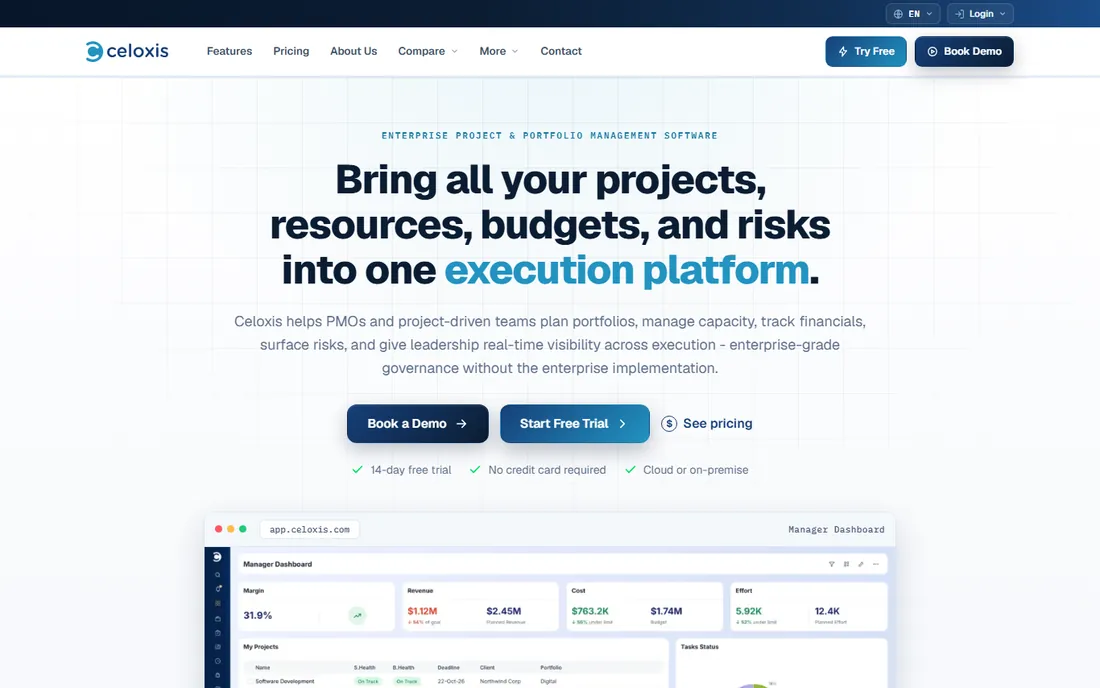
Celoxis packs portfolio essentials into a mid-market price: project tracking, resource management, budgets, timesheets, risks and client collaboration at $25 a user a month, with a 30-day trial. For companies that need real PPM without enterprise procurement, the published pricing and all-in-one scope are the appeal.
It is not Planview. Advanced features can feel sluggish under load and reporting depth trails the enterprise platforms. But for mid-size firms running dozens of projects rather than hundreds, it covers the job honestly. The 30-day trial is enough to test it against a real portfolio.
What we like- Published per-user pricing
- Projects, resources, budgets and timesheets in one
- Good client collaboration
Watch out for- Advanced features can feel slow
- Reporting falls short of enterprise tools
- Smaller ecosystem
Starting price$15 per user/month (Essentials)
Free planYes
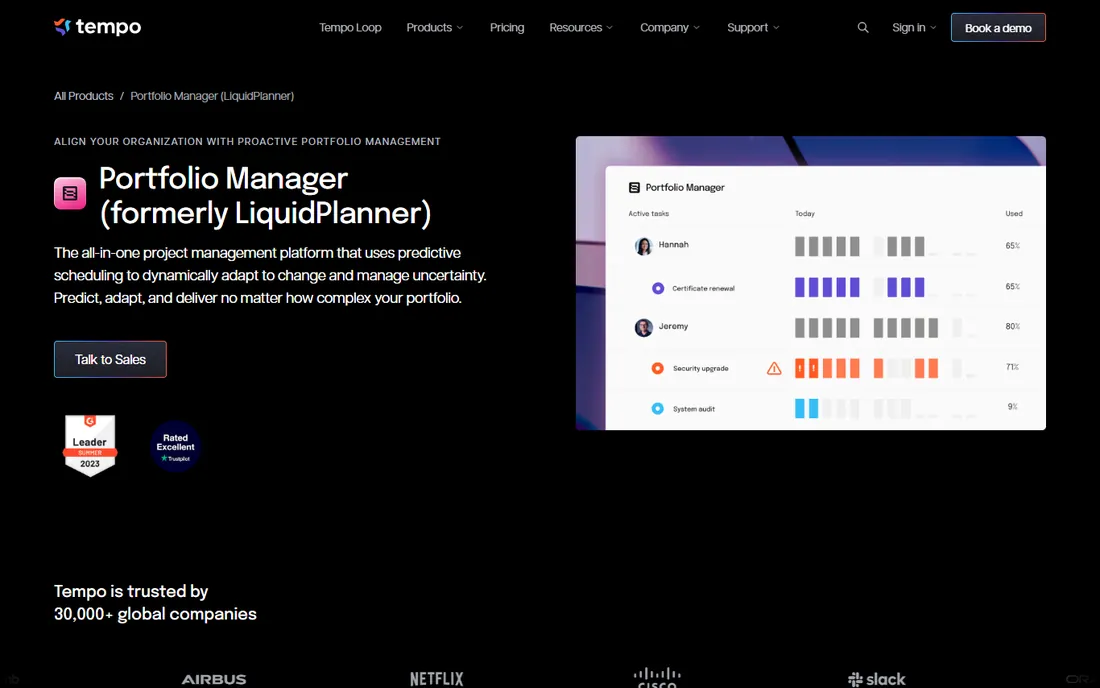
LiquidPlanner's differentiator is predictive scheduling: instead of single dates, it computes best-case and worst-case ranges from your estimates, which is honest about how projects actually behave. Essentials at $15 a user a month covers the core; a free tier exists for small use. Professional services teams managing client work get realistic timelines instead of fiction.
The probabilistic model requires a mindset shift, and higher tiers climb to $25, $35 and quote-based Enterprise. Portfolio governance features are thinner than dedicated PPM tools. For services firms that live and die by delivery dates, the scheduling engine justifies the learning curve.
What we like- Predictive scheduling with best-case/worst-case ranges
- Free tier available
- Good for professional services
Watch out for- Unique model takes learning
- Ultimate and Enterprise tiers jump in price
- Less portfolio governance depth
Starting price$10 per user/month (Plan 1)
Free planFree trial
Microsoft Project Plan 1 at $10 a user a month gives web-based project scheduling inside Microsoft 365: Gantt charts, Kanban boards and multi-timeline views that integrate with Teams and SharePoint. For organizations standardized on Microsoft, it is the path of least resistance, and support is consistently well regarded.
It is a scheduling tool first and a collaboration tool second; real-time coordination lags Asana and monday.com. Portfolio management features concentrate in the higher plans. If your company runs on Microsoft and needs credible project scheduling without a new vendor, start here.
What we like- Native Microsoft 365 integration
- Familiar scheduling power
- Portfolio visibility in higher plans
Watch out for- Collaboration weaker than modern rivals
- Learning curve on advanced features
- Full portfolio needs Plan 3/5
#10
Hive
Best for: Flexible portfolio views for growing teams
Visit hive.com
Starting price$12 per user/month (billed annually)
Free planFree trial
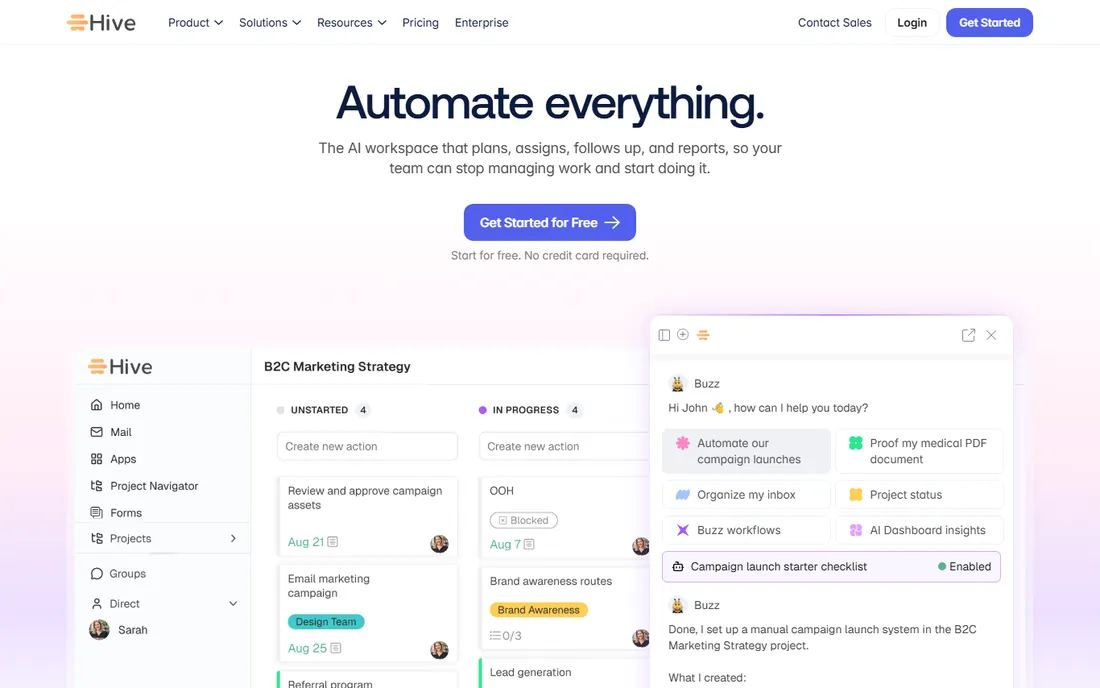
Hive brings portfolio-style visibility to growing teams at $12 a user a month billed annually: Gantt, Kanban, calendar and table views over projects, with resource tracking and AI features to speed setup. For companies outgrowing simple task tools but not ready for enterprise PPM, it bridges the gap affordably.
The portfolio management is lighter than Celoxis or Sciforma: fine for dozens of projects, stretched at hundreds. Enterprise governance, advanced financials and audit controls are thin. It is the on-ramp to PPM, not the destination for complex portfolios.
What we like- Multiple project views including Gantt and Kanban
- Affordable entry
- AI assistance included
Watch out for- Portfolio depth below dedicated PPM
- Newer vendor
- Enterprise governance features thin
How this shortlist was assembled
This list was built from vendor pricing pages, feature documentation and public reviews checked in October 2026. Only products available today with genuine project portfolio management capability were included, from enterprise platforms to mid-market options. Quote-only enterprise products are marked as such. No hands-on testing was performed and no vendor paid for placement.
What to check before you commit
Match the tool to your governance maturity, not your aspirations. A PMO that meets monthly and governs stage gates can use Planview or Clarity. A company running its first portfolio review needs Celoxis, OnePlan or Hive. Buying enterprise PPM without enterprise governance produces expensive shelfware and a retreat to spreadsheets.
Then count the real users and the real projects. Enterprise platforms price by quote, which means by negotiation leverage; mid-market tools publish per-user prices that multiply fast past fifty users. Model three years including implementation services, which often exceed the first year of licenses for the big platforms.
Data and integration reality
PPM tools are only as good as their data feeds. Confirm native integrations with your time tracking, financial and work execution systems before you buy. A portfolio dashboard fed by manual spreadsheet uploads is theater. The Microsoft-centric tools win on integration inside Microsoft shops; elsewhere, verify each connector.
Resource management depth
Every PPM vendor claims resource management; few do it well. Test the specific questions you need answered: who is overallocated next quarter, what happens to capacity if we approve this project, which skills are the bottleneck. If the demo cannot answer those with your data shape, the resource module will not survive contact with reality.
Why PPM implementations fail
The number one failure mode is buying software to fix a governance problem. If nobody can say no to new projects, no tool will create prioritization; it will just document the overload beautifully. Successful PPM starts with a decision process: intake criteria, scoring, stage gates and a portfolio review cadence. The software supports the process; it cannot substitute for it.
The second failure is data discipline. Resource plans rot when timesheets are fiction and project updates are monthly guesses. Before implementation, fix time tracking and status reporting hygiene. A simple tool with honest data beats an enterprise platform fed with guesses, and the discipline transfers when you upgrade later.
Frequently asked questions
What is project portfolio management software?
Software that helps organizations manage collections of projects as a portfolio: prioritizing initiatives, allocating resources across them, tracking financials and health, and making go or kill decisions. It sits above individual project management tools, giving executives the cross-project view.
How much does project portfolio management software cost?
From $10 to $30 per user a month for mid-market tools (Microsoft Project, OnePlan, Celoxis, LiquidPlanner), to flat monthly editions like Meisterplan from $600, up to quote-based enterprise platforms (Planview, Clarity, Planisware) where annual contracts run deep into five or six figures. Implementation services often exceed first-year licenses.
What is the difference between PPM and project management software?
Project management software runs individual projects: tasks, schedules, team collaboration. PPM software manages the portfolio of projects: which to fund, how to staff them all, whether the mix delivers strategy. Asana and monday.com run projects; Planview and Clarity run portfolios. Mid-market tools like Celoxis do both.
Do small companies need PPM software?
Rarely in the enterprise sense. Companies with fewer than twenty concurrent projects usually do fine with a strong project tool plus a spreadsheet for prioritization. PPM software earns its keep when resource conflicts across projects become the bottleneck, typically past thirty to fifty concurrent initiatives.
How long does PPM implementation take?
Mid-market tools: weeks. Enterprise platforms: three to nine months including process design, data migration, integration and training. The timeline depends more on governance readiness than software complexity. Budget the internal staff time alongside the vendor services.
Can PPM software integrate with Jira and Microsoft Project?
Yes, most platforms offer both. OnePlan is strongest inside the Microsoft ecosystem; Planview, Clarity and Planisware all connect to Jira, Azure DevOps and Microsoft Project. Verify the integration is bidirectional for the data you need, not just a one-way status feed.
Sources we checked (11)
- https://www.selecthub.com/ppm-software/planview-vs-clarizen/
- https://slashdot.org/software/comparison/MPOWR-Envision-vs-Planview-Portfolios/
- https://www.selecthub.com/ppm-software/planview-vs-celoxis/
- https://sourceforge.net/software/product/Meisterplan/
- https://slashdot.org/software/comparison/Hive-vs-Planview-Portfolios/
- https://www.softwareworld.co/software/oneplan-reviews/
- https://thedigitalprojectmanager.com/tools/oneplan-pricing/
- https://www.selecthub.com/ppm-software/sciforma-vs-dynamics-365-project-operations/
- https://www.trustradius.com/compare-products/liquidplanner-vs-sciforma
- https://www.selecthub.com/ppm-software/oneplan-vs-planview-projectadvantage/
- https://www.getapp.com/project-management-planning-software/a/sciforma/pricing/
Is your product missing or out of date?
We review this list regularly. Vendors can request a listing, send updated pricing or ask about featured placement.

Shihab Mia · Founder, Rankite
Shihab has spent more than a decade helping SaaS and e-commerce brands grow through search. He writes Rankite's software buying guides from pricing pages, documentation and public user reviews. More about Shihab.