How we make this list: we compare pricing pages, product documentation and public user reviews. Rankite is independent; if a vendor ever pays for a featured spot, that listing is clearly labeled Partner.
Key takeaways
- Zapier ($19.99/month Starter) still wins on app coverage with 7,000+ integrations, but its per-task billing punishes multi-step workflows.
- Make ($9/month Core) delivers the best volume-per-dollar for visual workflow builders, and n8n (€20/month Starter cloud, free self-hosted) is cheapest for technical teams.
- Agent-first tools like Lindy ($29.99/user/month) and Relevance AI (Pro $19/month) change the unit from tasks to goals: describe the outcome, let the agent figure out the steps.
- Power Automate Premium ($15/user/month) is the default for Microsoft 365 shops because it runs inside the tenant IT already manages.
- Bardeen ($10/month Basic) and Gumloop ($37/month Solo) cover browser-bound work like scraping and enrichment that classic workflow tools handle poorly.
Quick comparison
| Tool | Best for | Starting price | Free plan |
|---|
 Zapier Zapier | Teams that want the largest app catalog and fastest first automation | $19.99 per user/month (Starter, billed annually) | Yes (100 tasks/month) |
 Make Make | Complex branching flows without enterprise pricing | $9 per user/month (Core, billed annually) | Yes (1,000 credits/month) |
 n8n n8n | Technical teams building AI agents or self-hosting everything | Free self-hosted; cloud Starter €20/month (billed annually) | Yes |
 Pipedream Pipedream | Developers wiring APIs together with real code | Free; Basic $29/month (billed annually) | Yes |
 Bardeen Bardeen | Sales teams scraping and enriching lead data in the browser | Free; Basic $10/month | Yes (100 credits/month) |
 Gumloop Gumloop | Ops teams that want AI workflows and agents in one builder | Free; Solo $37/month | Yes (2,000 credits/month) |
 Lindy Lindy | Delegating inbox, scheduling and meeting follow-up to an AI teammate | $29.99 per user/month (Plus) | Free trial (7 days) |
 Microsoft Power Automate Microsoft Power Automate | Organizations standardized on Microsoft 365 | Free with qualifying M365; Premium $15 per user/month (billed annually) | Yes |
 Activepieces Activepieces | Open-source automation with a friendlier face than n8n | Free; Plus $20/month | Yes (1,000 credits/month cloud; Community Edition free forever) |
 Relevance AI Relevance AI | No-code AI workers with defined roles and escalation rules | Pro $19/month (billed annually) | Closed to new signups |
Is your product missing or out of date?
We review this list regularly. Vendors can request a listing, send updated pricing or ask about featured placement.
What changed this year is the unit of automation itself. The old model was trigger-then-action: when a form is submitted, create a CRM record. You drew the path; the tool walked it. The 2026 model is goal-directed: an agent reads the supplier email, checks the contract terms, realizes the invoice is wrong, drafts the reply and updates the CRM, deciding each step itself. Analysts describe the move as replacing entire processes rather than optimizing tasks, with Gartner projecting 40 percent of enterprise apps embedding task-specific agents by the end of 2026.
For buyers, the practical consequence is that two different product shapes now sit on the same shelf. Workflow platforms like Zapier and Make give you deterministic control over every step, which is what you want when the input is structured and the decision is fixed. Agent platforms like Lindy and Relevance AI take ambiguous work, like triaging an inbox thread or researching a lead, where rigid if-then logic breaks. The wrong pick is buying an agent to do a fixed workflow, or hand-building a 40-step flow to do a job an agent could reason through.
Pricing changed with the model. Every tool bills a different unit now: tasks, credits, executions, actions. You cannot compare headline prices directly, so this guide states each tool's real metering and who it fits.
#1
Zapier
Best for: Teams that want the largest app catalog and fastest first automation
Visit zapier.com
Starting price$19.99 per user/month (Starter, billed annually)
Free planYes (100 tasks/month)
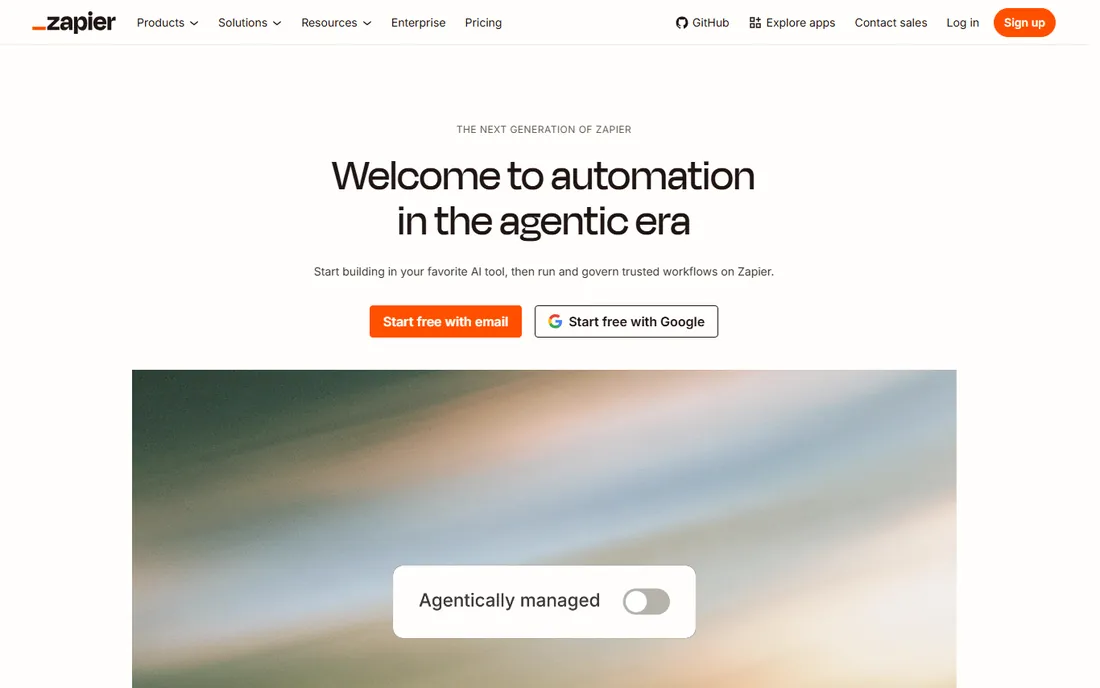
Zapier remains the default answer for nontechnical automation because breadth solves problems faster than power. If your team uses a niche tool, odds are Zapier connects it, and its plain-English builder now suggests the workflow steps for you. The Free plan with 100 tasks a month is enough to prove one automation works before spending anything.
The meter is the catch. Zapier charges per completed action step, so a five-step workflow that runs a thousand times costs five thousand tasks. At scale that makes it several times more expensive than per-execution or per-run competitors. The Starter plan at $19.99 a month covers 750 tasks, which suits light use, but growing teams should model their real step volume before assuming the bill stays put. Choose Zapier when app coverage matters more than workflow complexity.
What we like- 7,000+ integrations, the largest catalog
- Natural-language workflow creation
- Fast setup, first Zap in minutes
Watch out for- Per-task pricing punishes long workflows
- Branching logic is weaker than Make
- No self-hosting option
#2
Make
Best for: Complex branching flows without enterprise pricing
Visit make.com
Starting price$9 per user/month (Core, billed annually)
Free planYes (1,000 credits/month)
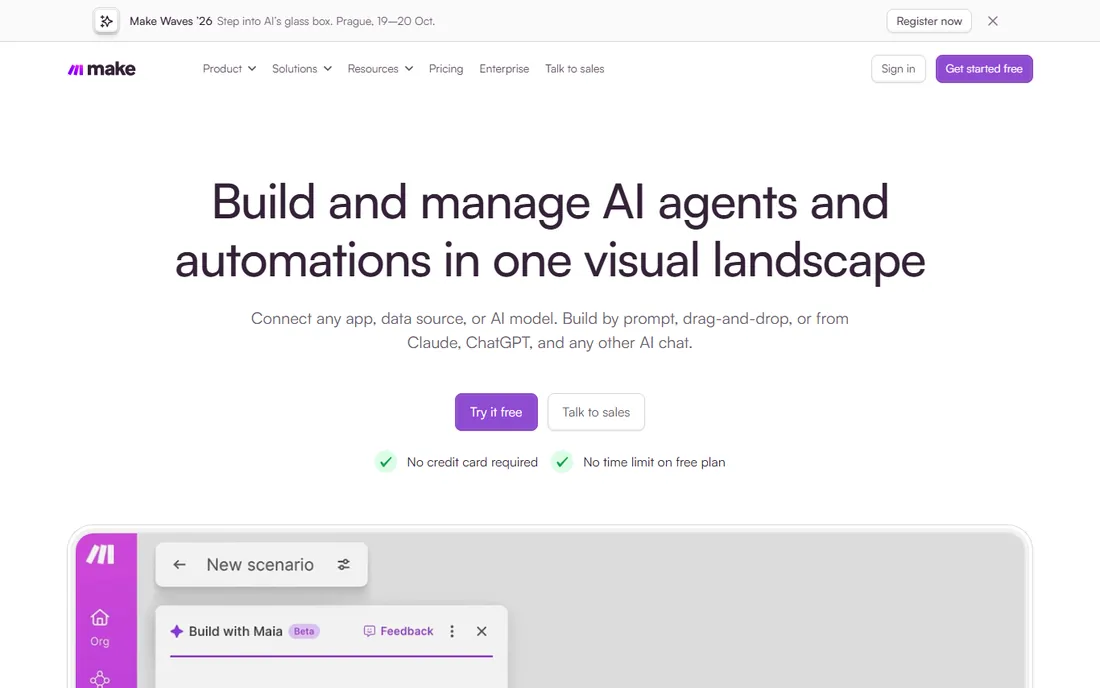
Make is what you graduate to when Zapier's linear editor starts fighting you. The canvas shows data flow between modules, routers split scenarios by condition, and iterators process arrays without workarounds. A small business that builds lead routing with three branches and error paths finds this model far easier to read and fix than a stack of Zap steps.
Its economics moved further in its favor this year: Make cut paid tiers about 25 percent, so Core is $9 a month for 10,000 credits where a credit is one module execution. The trigger step is free, which quietly makes scheduled polling workflows cheaper than they look. The Free plan gives 1,000 credits but enforces a 15-minute minimum interval between runs, so real-time automations force the paid jump. That $9 tier is the true entry point, and it is the cheapest real automation money can buy among hosted builders.
What we like- Visual canvas handles branching and parallel routes natively
- Excellent price-to-power ratio
- API access on Core
Watch out for- Steeper learning curve than Zapier
- Smaller app library
- No self-hosting
#3
n8n
Best for: Technical teams building AI agents or self-hosting everything
Visit n8n.io
Starting priceFree self-hosted; cloud Starter €20/month (billed annually)
Free planYes
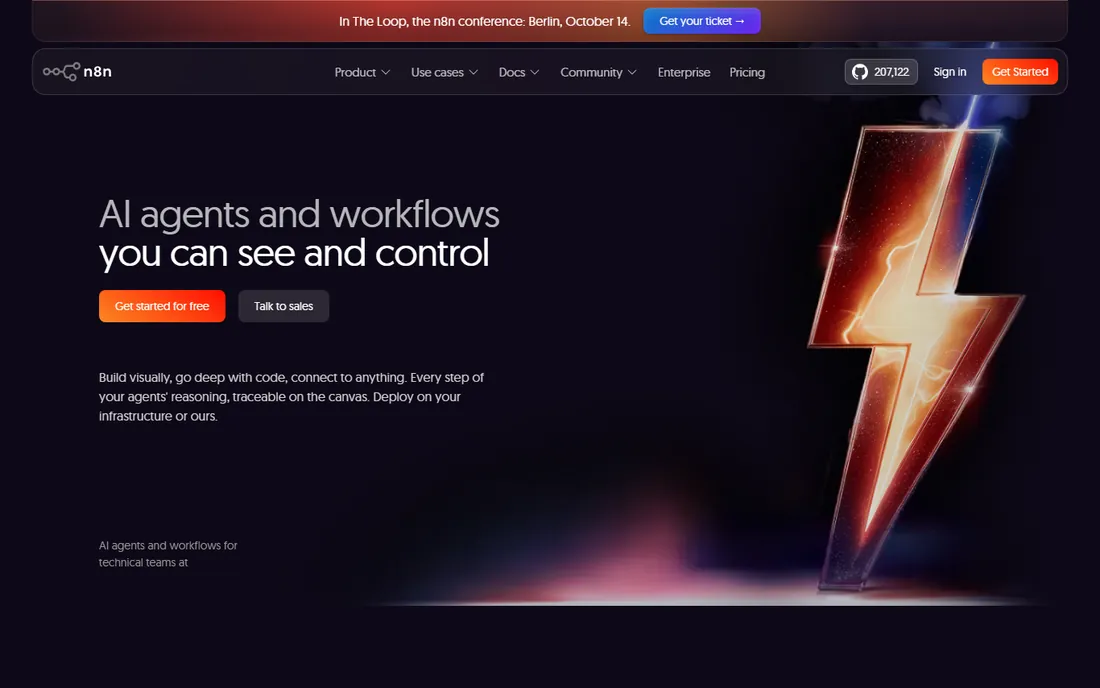
n8n is the strongest AI-agent platform on this list and the cheapest way to run serious automation, provided you have someone technical. One execution covers an entire workflow run no matter how many steps it contains, so a 40-node agent costs the same per run as a 3-node flow. The cloud Starter plan is €24 a month (€20 annual) for 2,500 executions, and the free self-hosted Community Edition has no execution limit at all, just your server bill of roughly $5 to $10 a month.
That pricing made n8n the default for teams building research agents, support triage and content pipelines with language models. The honest costs are time and complexity: the interface assumes you understand APIs, self-hosting hands you updates and backups, and niche apps may need custom HTTP work instead of a one-click connector. If you have the technical capacity, nothing else here matches its ceiling per dollar.
What we like- Free Community Edition with unlimited executions
- Per-execution billing makes complex workflows cheap
- 70+ AI and LLM nodes
Watch out for- Real learning curve for nontechnical users
- Smaller native integration catalog
- Self-hosting means you own uptime and updates
Starting priceFree; Basic $29/month (billed annually)
Free planYes
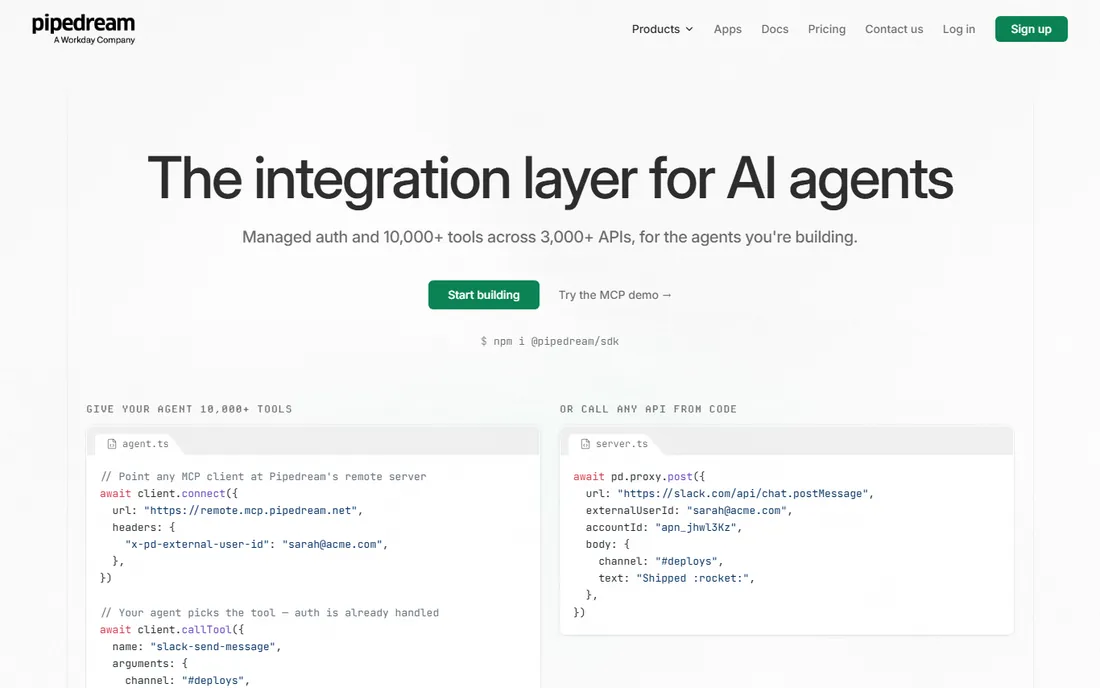
Pipedream sits in the gap between no-code platforms and raw scripts. Every step can run Node.js, Python, Go or Bash, and its managed auth handles OAuth for thousands of APIs so you stop maintaining token refresh logic. For a developer who needs a cron job with API calls, error handling and Slack alerts, Pipedream is dramatically faster than standing up infrastructure.
The billing unit is compute time: one credit per 30 seconds at 256 MB per segment. That makes it cheap for fast API calls and expensive for workflows that sit waiting. Free gives 100 credits a month, Basic is $29 for 2,000. Note the object limits too: Free allows 3 active workflows and 3 connected accounts, Basic 10 and 5, so client-work setups outgrow the cheap tiers fast. Buy Pipedream for code-level control, not for broad business automation.
What we like- Arbitrary code in every step
- Managed authentication for hundreds of APIs
- Compute-based billing suits long-running workflows
Watch out for- Workflow and account limits on cheaper plans
- Not a tool for nontechnical staff
- Control-flow operators need the Advanced tier
#5
Bardeen
Best for: Sales teams scraping and enriching lead data in the browser
Visit bardeen.ai
Starting priceFree; Basic $10/month
Free planYes (100 credits/month)
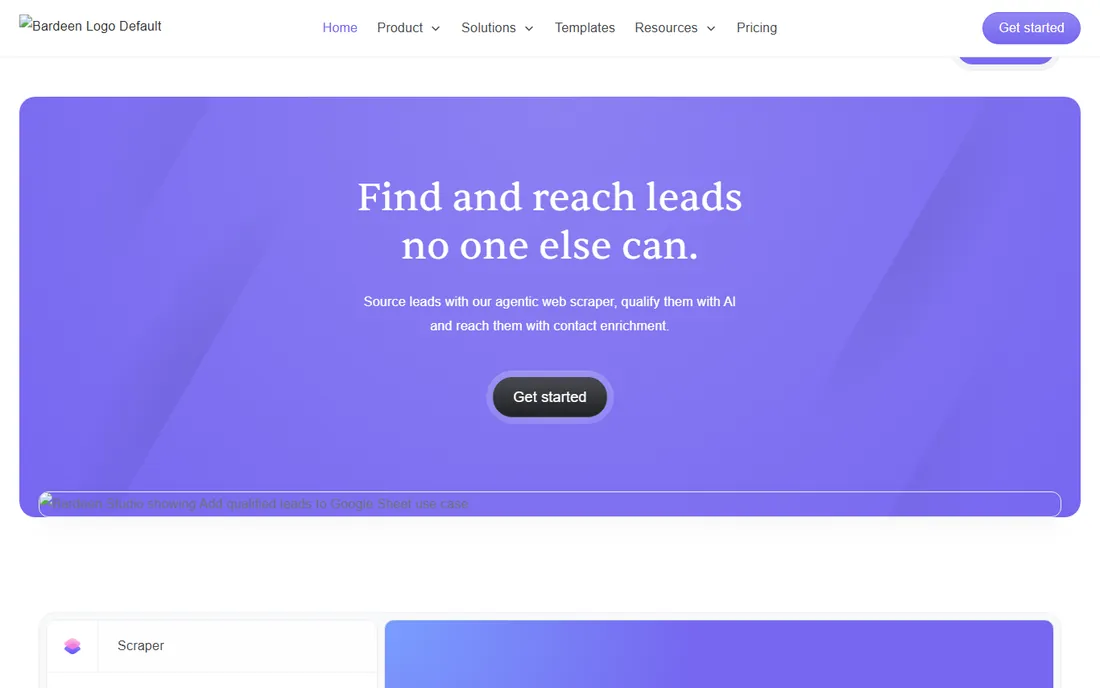
Bardeen lives where cloud workflow tools cannot reach: inside your browser tabs. It scrapes web results, enriches contact lists and acts on whatever page you are looking at, all from a Chrome extension. For GTM teams, the signature workflow is finding 100 target accounts, enriching contacts and pushing the list to a sheet, built by describing it in plain language rather than wiring steps.
Pricing is credit-based with a twist that surprises buyers: enrichment costs three credits per row while basic actions cost one, so a few thousand enriched records can chew through the Premium tier's 1,000 credits quickly. Basic at $10 a month suits individuals running occasional scrapers. If your work is browser-bound lead sourcing, Bardeen beats every general platform here; if it is app-to-app data movement, look at Make or n8n instead.
What we like- Runs inside the browser on live pages
- Strong built-in scrapers and enrichment
- Plain-language agent instructions
Watch out for- Credit math burns fast on big enrichment jobs
- Enrichment costs 3 credits per row
- Unused credits expire monthly
#6
Gumloop
Best for: Ops teams that want AI workflows and agents in one builder
Visit gumloop.com
Starting priceFree; Solo $37/month
Free planYes (2,000 credits/month)
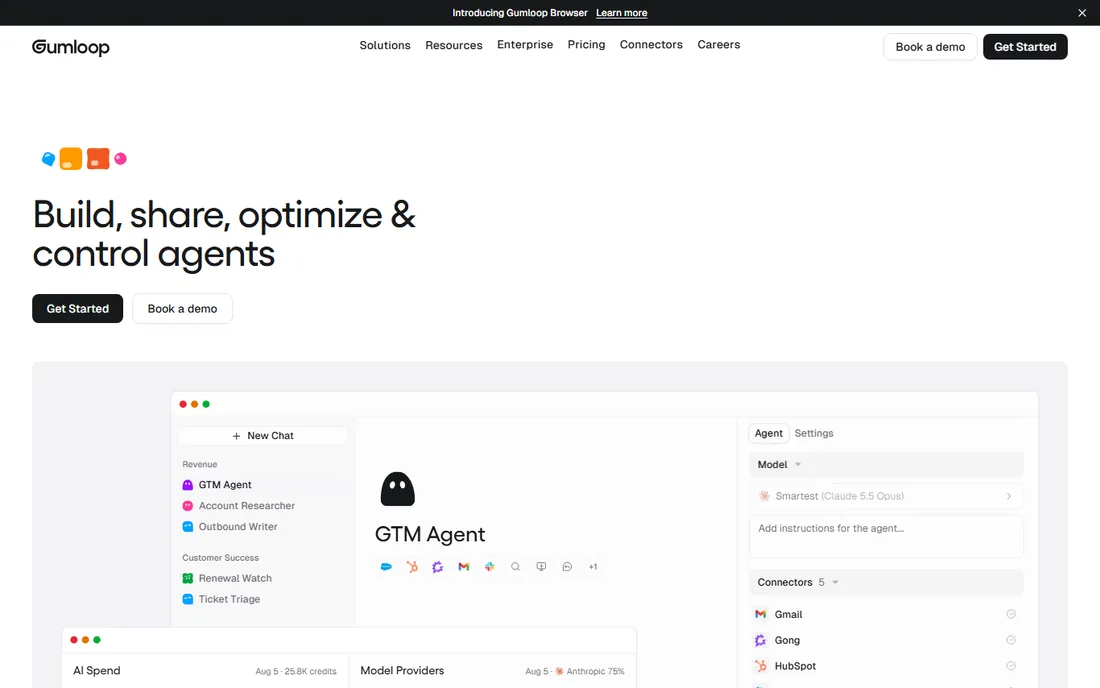
Gumloop blends the two eras: a visual workflow builder where AI steps and autonomous agents coexist. You can start with deterministic flows, add a research agent step, and deploy the result to Slack, all without touching model API keys since premium models are included. Its MCP support connects to tools outside a fixed connector list, which matters as the integration picture keeps shifting.
The free plan's 2,000 credits are generous enough to test real workflows. The meter to watch is AI consumption: standard AI calls cost 2 credits, advanced model calls cost 20, so AI-heavy flows eat the Solo tier's 10,000+ credits faster than simple data movement would. Solo at $37 suits individuals and small projects; Team at $244 is the collaboration jump. Pick Gumloop when your automations need genuine reasoning, not just data piping.
What we like- Premium LLM models included without your own API keys
- Natural-language builder (Gummie) assembles flows for you
- MCP connectivity to any tool
Watch out for- Credit consumption spikes on heavy AI use
- Young platform, occasional UI quirks
- Not a knowledge-base product like Dust
#7
Lindy
Best for: Delegating inbox, scheduling and meeting follow-up to an AI teammate
Visit lindy.ai
Starting price$29.99 per user/month (Plus)
Free planFree trial (7 days)
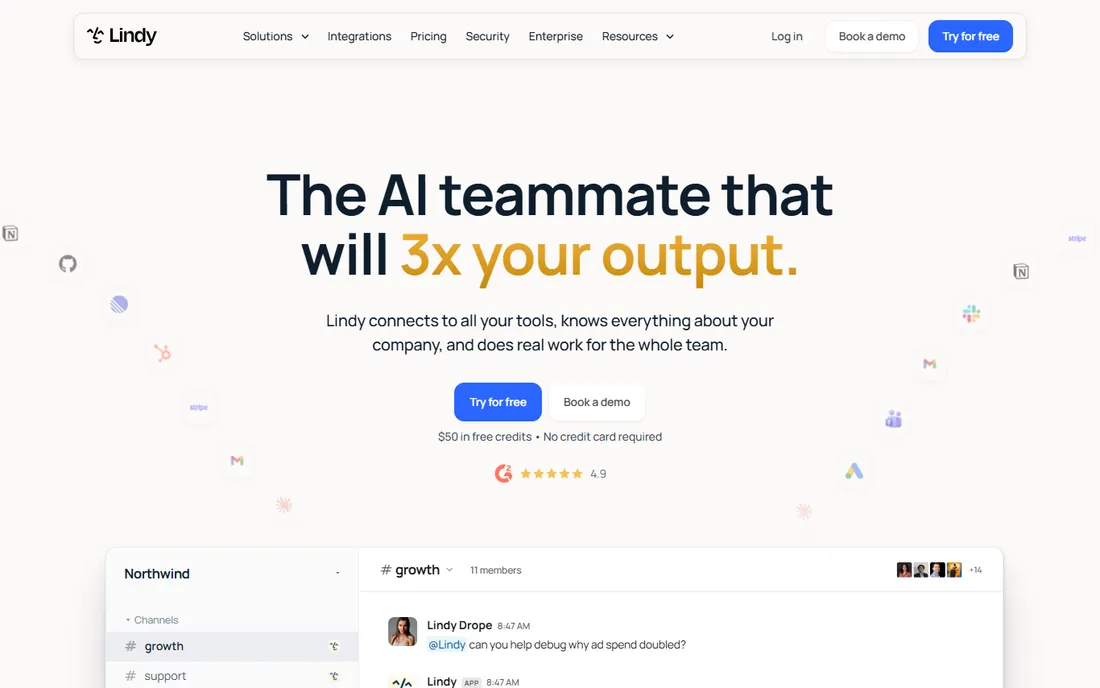
Lindy takes a different starting point: not workflows you build, but a teammate you delegate to. Inside Slack you hand Lindy a job, triage my inbox, prep for the meeting, book the dentist, and it executes across 1,000+ integrations with built-in approvals for write actions. That read-write split being enforced by the product, rather than something you wire yourself, removes the most common failure mode in agent deployment.
The pricing is per user with credit pools: Plus is $29.99 per user per month with 3,000 credits, Pro $99.99 with 15,000, Max $199.99 with 35,000, and credits pool across every seat. The awkward part is predictability, since Lindy publishes usage bands (2 to 250 credits for everyday asks, up to 2,500 for big builds) rather than per-task prices. You learn the cost by running it. For inbox and scheduling delegation, few tools match the adoption story; for deterministic business logic, a workflow tool is cheaper.
What we like- Slack-native delegation inside threads
- Pooled credits across the workspace
- Approvals built in as a platform feature
Watch out for- No permanent free tier
- Credit consumption is hard to predict upfront
- Support is self-serve below Enterprise
#8
Microsoft Power Automate
Best for: Organizations standardized on Microsoft 365
Visit microsoft.com
Starting priceFree with qualifying M365; Premium $15 per user/month (billed annually)
Free planYes
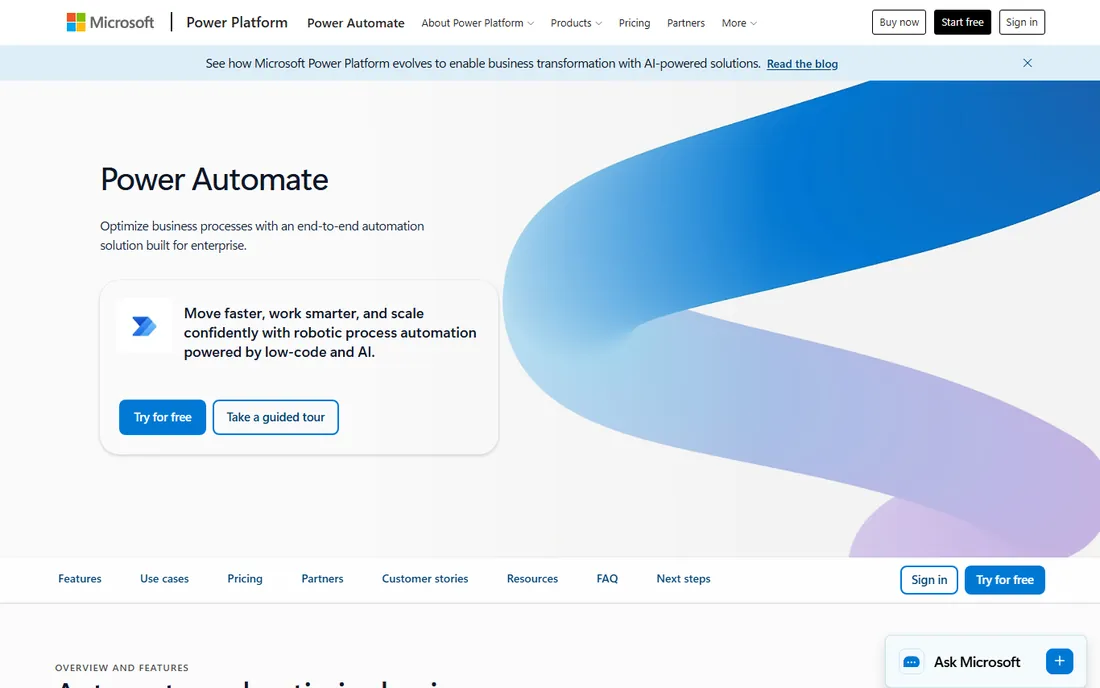
Power Automate is the automation layer of the Microsoft 365 world, and its advantage is governance, not elegance. Flows live inside the tenant, honor the same DLP policies, and connect SharePoint, Outlook, Teams and Dynamics natively. With a qualifying M365 license you already have a free tier for standard-connector flows, and Power Automate Premium at $15 per user per month adds premium connectors, attended desktop RPA, 5,000 AI Builder credits and process mining.
Unattended RPA bots need the Process license at $150 per bot per month, and hosted bots at $215, which is where enterprise bills climb. The licensing complexity is real, and many non-Microsoft apps sit behind premium connectors, so budget per user rather than per company. If your organization runs on Microsoft, this is usually cheaper in practice than bolting on a separate platform, because you skip the integration and compliance tax entirely.
What we like- Runs inside the Microsoft tenant IT already governs
- Attended RPA free on Windows
- Premium connectors and AI Builder on Premium
Watch out for- Licensing is a spreadsheet exercise
- Weak outside the Microsoft ecosystem
- Steep learning curve for the designer
Starting priceFree; Plus $20/month
Free planYes (1,000 credits/month cloud; Community Edition free forever)
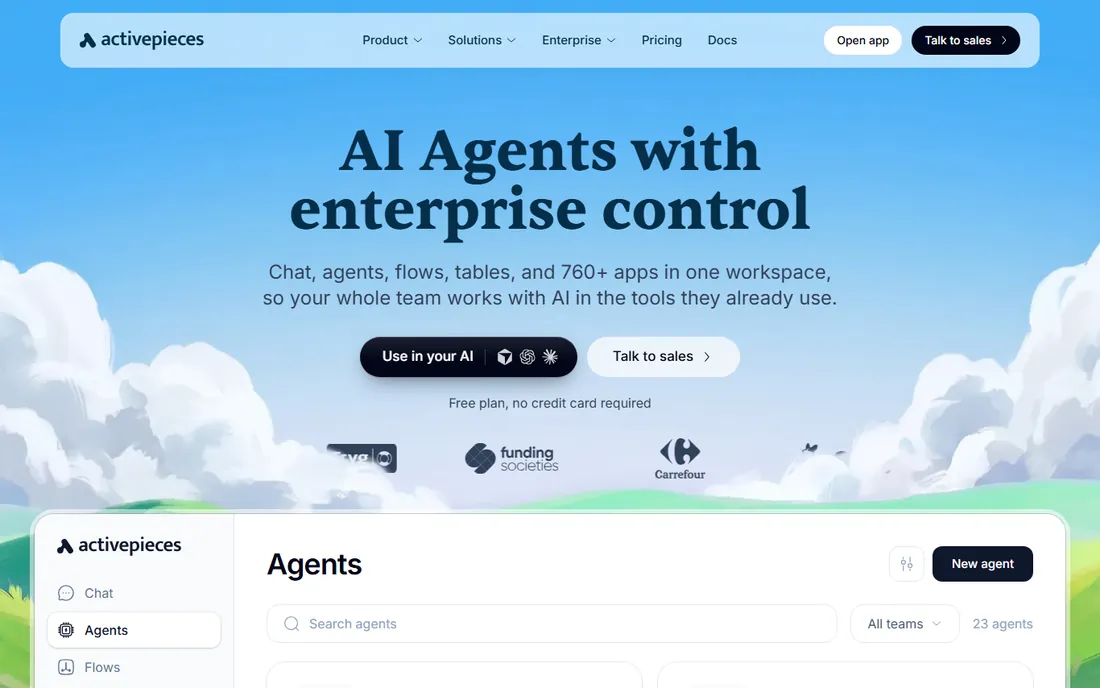
Activepieces is the open-source alternative that courts the teams n8n intimidates. The visual builder is genuinely approachable, flows and AI agents share the same context, and the Community Edition is MIT-licensed, which means no legal gray area if you embed automation in a product you sell. Cloud pricing is credit-based: Free with 1,000 credits, Plus at $20 a month ($16 annual) for 10,000, Team at $200 for 50,000, with one credit covering one full flow run.
That per-run meter keeps costs predictable for heavy workflows, and bringing your own AI key drops AI steps to one credit each. The tradeoff against n8n is depth: fewer native nodes, a smaller community, and less mature LangChain primitives. If license freedom and ease of use outrank raw power for your team, Activepieces is the cleaner buy.
What we like- MIT license, fully permissive for embedding
- Clean visual builder
- Native MCP support for AI agents
Watch out for- Smaller community than n8n
- Fewer native integrations
- AI steps consume extra credits
#10
Relevance AI
Best for: No-code AI workers with defined roles and escalation rules
Visit relevanceai.com
Starting pricePro $19/month (billed annually)
Free planClosed to new signups
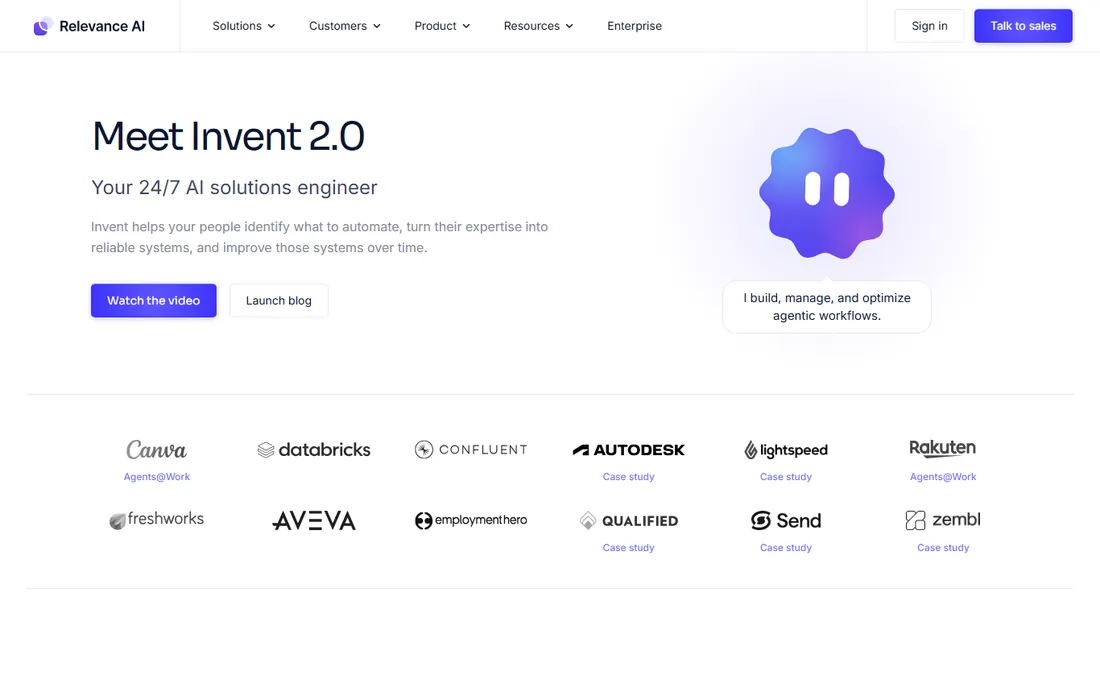
Relevance AI is built around the AI-worker concept: an autonomous agent with a defined role, skills, knowledge base and rules for when it hands off to a human. Sales, support and operations teams use it to deploy production agents for lead routing, ticket triage and knowledge Q&A without engineering. The escalation-path design is the differentiator, since governed handoff is exactly what consumer agents lack.
Pricing uses two meters: Actions (one tool run equals one Action) and Vendor Credits for model and third-party costs passed through at wholesale. Pro is $19 a month on annual billing with 2,500 Actions and $20 in vendor credits; Team is $234 annual ($349 monthly) with 7,000 Actions and $70 in credits. The free plan is retired for new signups, so this is a paid-first buy. Commit once the per-ticket cost model is clear, because the dual meter rewards teams that measure before scaling.
What we like- Purpose-built for AI workers, not repurposed workflows
- Human escalation paths per confidence threshold
- Vendor credits pass through at no markup
Watch out for- Free plan retired for new users
- Dual metering (Actions plus Vendor Credits) takes learning
- Team tier jumps to $234/month annual
How to pick between workflows and agents
Start from the shape of the job. If the input is structured and the decision never changes, a new order creates a fulfillment record, build a workflow. It costs a predictable number of tasks or credits on run one and run six thousand, and you can audit exactly what happened. If the input is ambiguous, like deciding whether a support thread is a refund request or a complaint, give it to an agent and set approval rules for anything irreversible.
Then match the tool to the team's skills. Nontechnical teams should start with Zapier for breadth or Make for branching, because the builder is the product. Technical teams should price n8n and Activepieces first, since self-hosting removes the vendor meter entirely. Microsoft shops should check what their M365 entitlement already covers before buying anything. And before signing, price your real monthly volume in the tool's own unit, because a headline price of $19 a month means nothing until you know whether your busiest workflow costs 100 tasks or 10,000 credits.
How this shortlist was built
Nobody tested these tools in a lab, so this list claims no hands-on usage. We compared vendor pricing pages and recent published reviews, checked feature lists against official documentation, and cross-checked buyer sentiment on G2, Capterra and Reddit. Prices reflect each vendor's own published plans as of late September and October 2026. Relay.app is deliberately absent: the product shut down in August 2026, and listing it would waste your time.
The credit math nobody reads first
The real price of AI automation hides in the billing unit, so read it before the headline number. Zapier bills per action step, which punishes long workflows. Make bills per module action but leaves triggers free. n8n bills per whole execution regardless of steps, which favors fat workflows. Pipedream bills compute time, which punishes waiting. Lindy, Gumloop, Bardeen and Relevance AI bill credits whose per-task cost you only learn by running real work. AI steps almost always cost extra on top, and bringing your own API key is usually the cheapest way to run model-heavy flows. Model one real month of your actual volume, in the tool's own unit, before comparing prices across vendors.
Frequently asked questions
Should I buy a workflow tool or an AI agent tool?
Buy a workflow tool when the process is fixed and structured: order routing, data syncing, scheduled reporting. Buy an agent tool when the work is ambiguous: inbox triage, lead research, support classification. Many teams end up with one of each, using workflows for the deterministic core and agents for the judgment-heavy edges. A rule beats an agent when the input is structured, because it costs the same every run and never hallucinates a step.
How much does business automation cost per month?
Light automation runs $0 to $20 a month on free tiers or Make Core at $9. Moderate use lands between $20 and $100 a month on plans like n8n Starter or Pipedream Basic. Teams running agents daily should budget $100 to $500 plus model costs, and credit-based pricing means the meter, not the plan, decides the final bill. Self-hosted n8n on a $5 to $10 VPS is the cheapest serious option for technical teams.
Can I automate without writing code?
Yes, and most buyers on this list do. Zapier, Make, Gumloop, Lindy, Bardeen and Activepieces are all visual or natural-language builders. Lindy and Gumloop go furthest: you describe the goal and the tool assembles the workflow. You only need code when you hit Pipedream or the deeper corners of n8n, and even those sell simplicity for everything around the code step.
What happens when an AI agent makes a mistake?
It depends on the guardrails. Lindy enforces approvals for write actions, and Relevance AI routes low-confidence work to a human escalation path. Workflow tools do not have this problem by design, since they only execute the steps you drew. The safest pattern is approvals on anything irreversible, sending money, deleting records, emailing customers, and full autonomy only on read-only research.
Is self-hosting automation worth it?
For technical teams, usually yes. n8n's Community Edition is free with no execution limits, and a small VPS costs $5 to $10 a month, which replaces a $50 to $300 cloud bill once volume climbs. The tradeoff is that you own updates, backups, monitoring and uptime. If nobody on the team can fix a failed Docker container at 9 PM, the cloud plan is the cheaper option in practice.
Will AI agents replace my existing Zaps?
Not all of them. Fixed, structured processes run cheaper and more predictably as workflows, and moving them to agents adds cost and failure modes for no gain. The migration worth doing is the reverse: brittle bots and hand-built flows that keep breaking on ambiguous input are the ones agents handle better. Audit your stack for the automations you repair most often and start there.
Sources we checked (23)
- https://zapier.com/pricing
- https://www.make.com/en/pricing
- https://n8n.io/pricing
- https://pipedream.com/pricing
- https://www.bardeen.ai/pricing
- https://www.gumloop.com/pricing
- https://www.lindy.ai/pricing
- https://www.microsoft.com/en-us/power-platform/products/power-automate
- https://www.activepieces.com/pricing
- https://relevanceai.com/pricing
- https://www.digitalapplied.com/blog/zapier-vs-make-vs-n8n-2026-automation-comparison
- https://dev.to/stimlau/make-pricing-in-2026-free-core-pro-teams-and-credit-costs-lcm
- https://www.cloudzero.com/blog/n8n-pricing/
- https://latenode.com/blog/pipedream-alternatives
- https://www.voiceflow.com/blog/bardeen-ai
- https://www.lindy.ai/blog/gumloop-pricing
- https://www.usecarly.com/blog/lindy-ai-pricing/
- https://costbench.com/software/rpa/power-automate/
- https://www.therundown.ai/tools/activepieces
- https://www.getmacha.com/blog/relevance-ai-pricing-explained
- https://viviscape.com/news/orchestration-era-ai-replacing-workflows
- https://www.aoodax.com/en/blog/september-2026-ai-news-agentic-workflows-and-structural-integration-mutj9m9b
- https://medium.com/@vishal753951gupta/business-automation-trends-that-will-dominate-2026-b9a2b3c735b5
Is your product missing or out of date?
We review this list regularly. Vendors can request a listing, send updated pricing or ask about featured placement.

Shihab Mia · Founder, Rankite
Shihab has spent more than a decade helping SaaS and e-commerce brands grow through search. He writes Rankite's software buying guides from pricing pages, documentation and public user reviews. More about Shihab.