How we make this list: we compare pricing pages, product documentation and public user reviews. Rankite is independent; if a vendor ever pays for a featured spot, that listing is clearly labeled Partner.
Key takeaways
- Jira is the default for software engineering teams running agile, with a free plan for 10 users and Standard at $7.91 per user per month.
- ClickUp is the cheapest all-in-one at $7 per user per month on Unlimited, bundling docs, goals and time tracking that others sell separately.
- Asana and monday.com suit cross-functional engineering teams, from $10.99 and $9 per user per month respectively, with strong timeline views.
- Smartsheet and Microsoft Project serve engineers who plan in Gantt charts and spreadsheets, from $9 and $10 per user per month.
- Procore is the specialist pick for construction engineering, with quote-based pricing built for jobsites rather than sprints.
Quick comparison
| Tool | Best for | Starting price | Free plan |
|---|
 Jira Jira | software engineering teams running agile | Free (up to 10 users); Standard $7.91/user/month (billed annually) | Yes |
 ClickUp ClickUp | engineering teams that want everything in one workspace | Free; Unlimited $7/user/month (billed annually) | Yes |
 Asana Asana | cross-functional teams mixing engineers with non-technical staff | Free (Personal); Starter $10.99/user/month (billed annually) | Yes |
 monday.com monday.com | visual project tracking with dedicated dev tooling | $9/seat/month (Basic, billed annually) | Free trial |
 Smartsheet Smartsheet | engineers who plan in spreadsheets and Gantt charts | $9/member/month (Pro, billed annually) | Free trial (30 days) |
 Microsoft Project Microsoft Project | Microsoft 365 organizations that need classic project scheduling | $10/user/month (Plan 1) | Free trial (30 days) |
 Wrike Wrike | complex projects spanning engineering and business teams | Free (up to 5 users); Team $10/user/month (billed annually) | Yes |
 Procore Procore | construction engineering teams managing jobsites | See website | No |
Is your product missing or out of date?
We review this list regularly. Vendors can request a listing, send updated pricing or ask about featured placement.
The best project management software for engineers
Engineering teams buy project management software for two different jobs, and the products that win each job look nothing alike. Software engineers need backlogs, sprints, bug tracking and deep ties to Git and CI pipelines. Project engineers in construction, manufacturing or infrastructure need Gantt schedules, resource loading, budgets and field coordination. Buying a sprint tool for a construction project, or a Gantt tool for a dev team, is how expensive shelfware happens.
The software side belongs to Jira, ClickUp, Asana, monday dev and Wrike, which treat work as tickets moving through workflows. The scheduling side belongs to Smartsheet, Microsoft Project and Procore, which treat work as scheduled activities with dependencies, resources and costs. This list covers both with current per-user pricing, so each engineering discipline can compare its real options.
Starting priceFree (up to 10 users); Standard $7.91/user/month (billed annually)
Free planYes
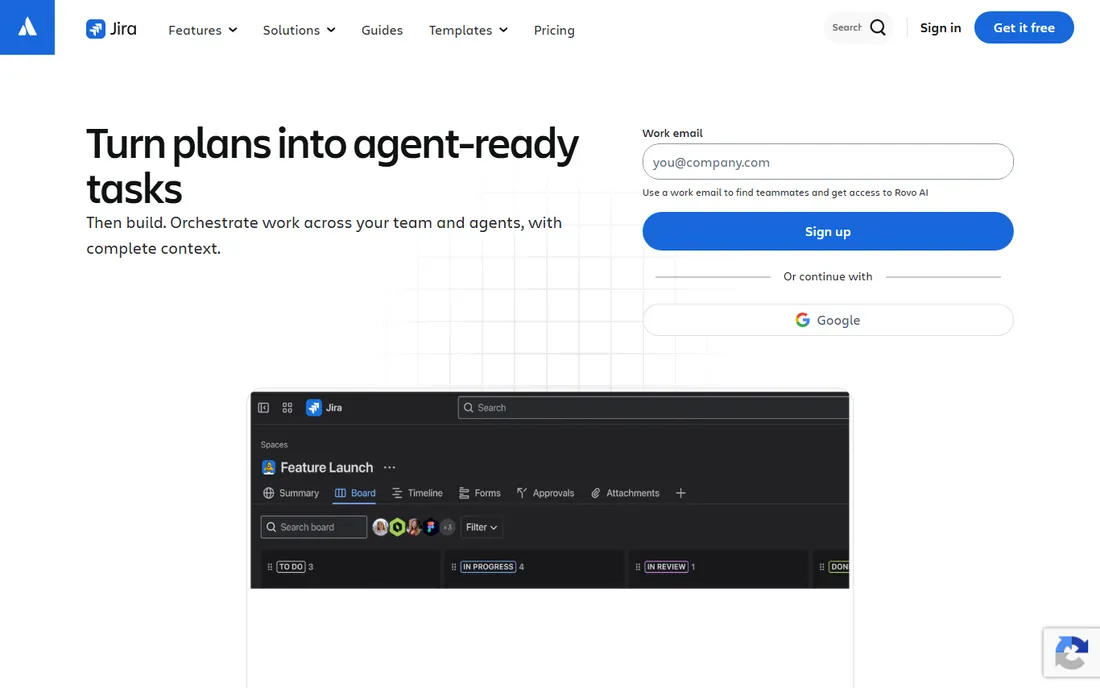
Jira is the industry standard for engineering project management, and the pricing is friendlier than its enterprise reputation suggests. The free plan covers 10 users with boards, backlogs and timelines, Standard at $7.91 per user per month adds permissions, audit logs and AI features, and Premium at $14.54 brings advanced roadmaps, release tracks and unlimited storage. Native integrations with Bitbucket, GitHub and GitLab tie commits and pull requests to issues automatically.
The honest catch is that portfolio-level planning sits behind Premium, so a 25-person team needing cross-project visibility pays roughly double the Standard rate. Jira also demands ownership: without someone maintaining workflows and schemes, it drifts into a mess within months. For software teams committed to agile with an admin to run it, nothing else fits as naturally.
What we like- Purpose-built for agile with scrum and kanban boards
- Deep Git, Bitbucket and CI/CD integrations
- Massive Atlassian Marketplace ecosystem
Watch out for- Cross-project roadmaps require the $14.54 Premium tier
- Configuration complexity grows fast without an admin
#2
ClickUp
Best for: engineering teams that want everything in one workspace
Visit clickup.com
Starting priceFree; Unlimited $7/user/month (billed annually)
Free planYes
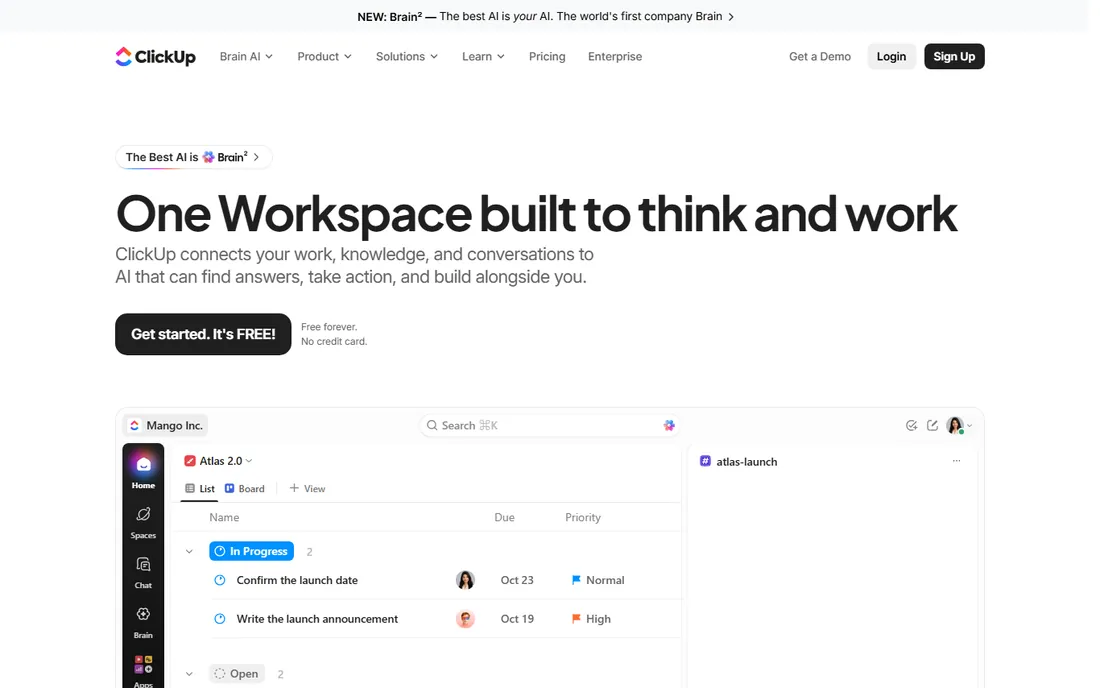
ClickUp's pitch is consolidation: tasks, docs, goals, time tracking, whiteboards and dashboards in one product instead of five subscriptions. The free plan is genuinely usable, and Unlimited at $7 per user per month billed annually undercuts nearly every competitor while including features others gate behind higher tiers. Engineering teams use it for sprint planning, bug tracking and documentation without leaving the workspace.
The breadth is also the risk. Teams report that ClickUp's endless customization options slow down adoption, and very large workspaces can feel sluggish. It lacks Jira's depth in agile-specific workflows and its marketplace is smaller. But for engineering teams that want one affordable system for projects, docs and goals rather than best-of-breed point tools, the value is unmatched.
What we like- Lowest paid entry price on this list
- Docs, goals, time tracking and whiteboards included
- Highly customizable views and automations
Watch out for- Feature breadth can overwhelm new teams
- Performance complaints on very large workspaces
#3
Asana
Best for: cross-functional teams mixing engineers with non-technical staff
Visit asana.com
Starting priceFree (Personal); Starter $10.99/user/month (billed annually)
Free planYes
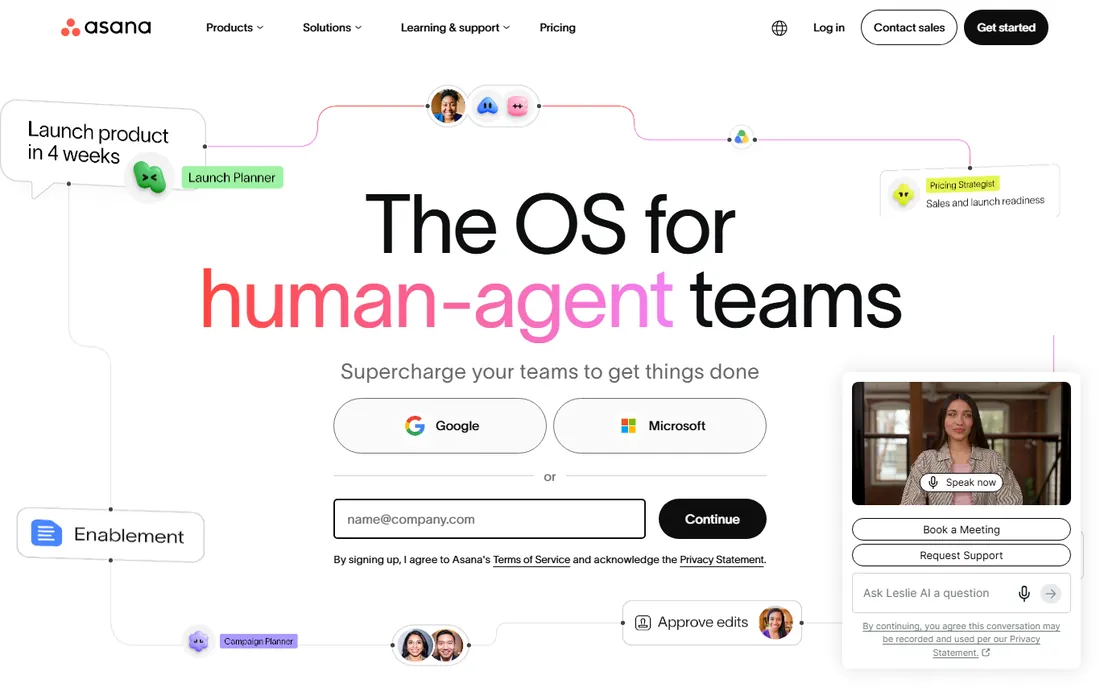
Asana is the bridge tool: engineers track their work while designers, marketers and ops work in the same projects without needing Jira training. Starter at $10.99 per user per month billed annually unlocks timelines, Gantt charts, dependencies, custom fields and unlimited automations, while Advanced at $24.99 adds portfolios, goals, workload management and native time tracking. The interface is polished and the learning curve is gentle.
For pure software engineering, Asana is weaker than Jira: no native sprint tooling of the same depth, and the Git integrations are thinner. It also prices seats in brackets above five users, so a six-person team pays for ten. Choose Asana when engineering works inside cross-functional product teams and the whole company needs to live in one system.
What we like- Clean interface non-engineers actually update
- Timeline and Gantt views on Starter
- Portfolios and workload on Advanced
Watch out for- Free Personal plan caps at two users
- Time tracking and portfolios require the $24.99 Advanced tier
#4
monday.com
Best for: visual project tracking with dedicated dev tooling
Visit monday.com
Starting price$9/seat/month (Basic, billed annually)
Free planFree trial
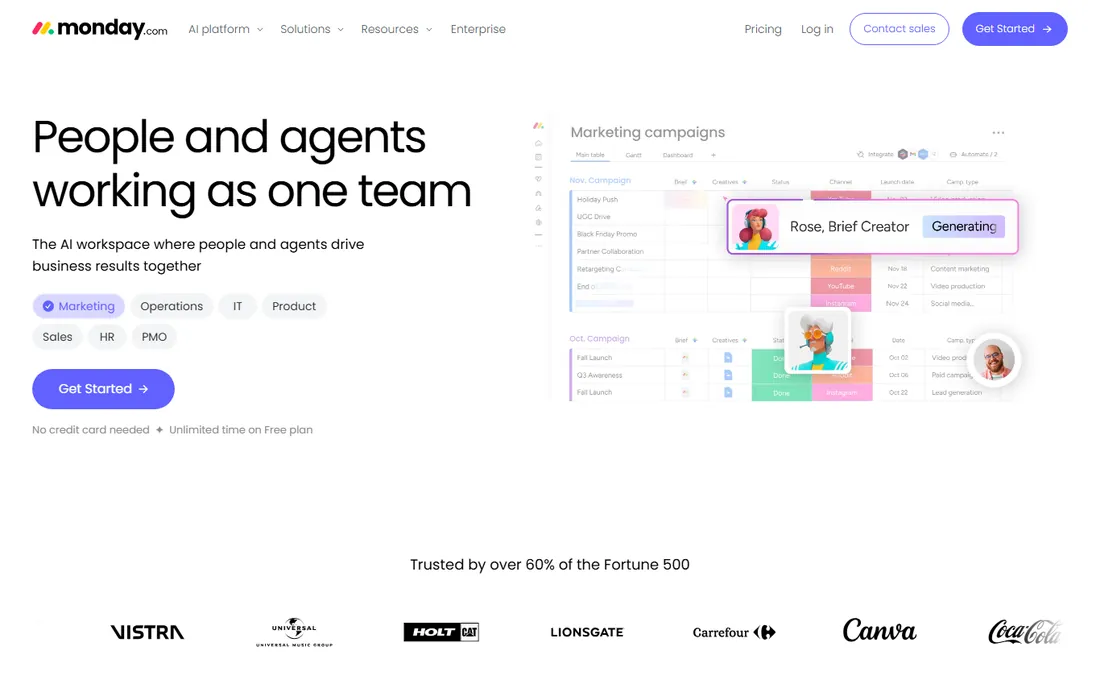
monday.com splits its product line, and the dev side matters here. monday dev offers Basic at $9 per seat per month, Standard at $12 and Pro at $20, with native GitHub, GitLab and Bitbucket integrations, sprint planning and bug tracking in the same visual boards the rest of the company uses. The main monday.com work management product follows the same pricing for non-engineering teams, which makes it a natural pick for companies that want one vendor across departments.
Watch the pricing structure. The three-seat minimum means tiny teams overpay, and the jump from Basic to Standard to Pro is steep for what each tier adds. monday.com is also less opinionated about agile than Jira, which some engineering leads see as flexibility and others see as a lack of rigor. It fits product organizations that value visual planning and cross-team consistency.
What we like- Highly visual, customizable boards
- Monday dev product built for software teams with GitHub and GitLab integrations
- No-code automations
Watch out for- 3-seat minimum on paid plans
- Costs climb quickly past the entry tier
Starting price$9/member/month (Pro, billed annually)
Free planFree trial (30 days)
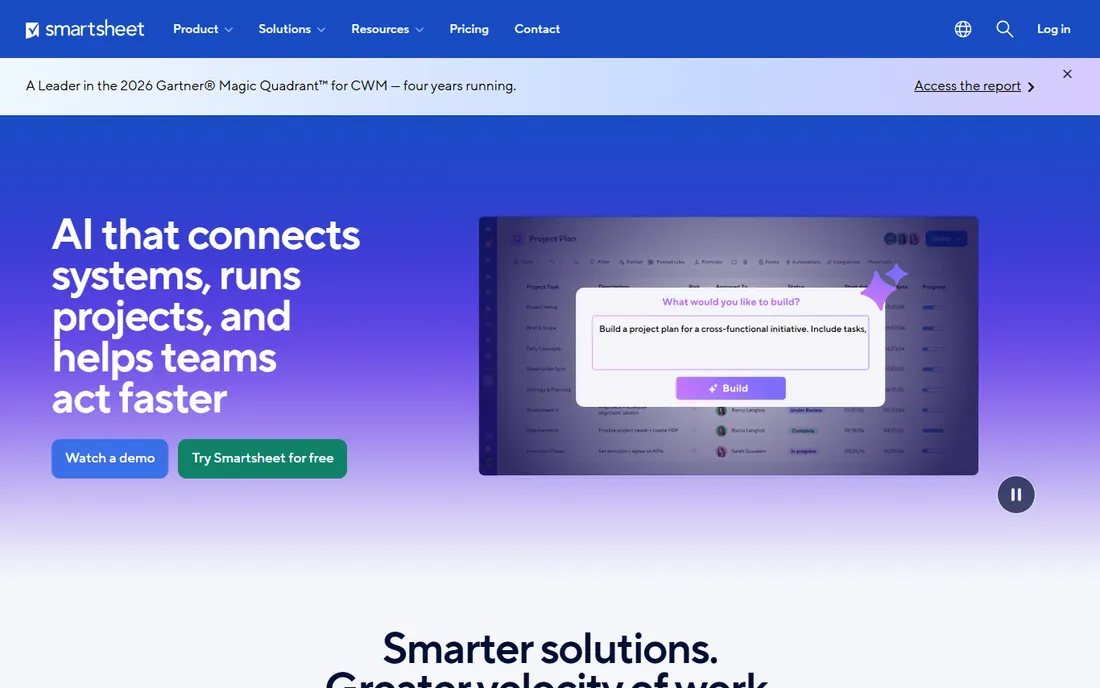
Smartsheet is where engineers who think in spreadsheets end up. The Pro plan at $9 per member per month billed annually covers up to 10 members with unlimited sheets, Gantt views, dependencies, critical path and cross-sheet formulas. Business at $19 adds baselines, workload tracking, unlimited automations and API access. Contributors can view and comment free, which keeps the paid seat count honest.
It is not an agile tool. There are no sprints, story points or native Git integrations, so software teams should look elsewhere. For project engineers managing schedules, budgets and resources in construction, manufacturing or IT infrastructure, the spreadsheet-plus-Gantt model maps directly to how the work is actually planned. Note that Pro is for new customers only, which pushes growing teams to Business.
What we like- Familiar spreadsheet interface with real Gantt, dependencies and critical path
- Exports to Excel and Microsoft Project
- Strong formulas and reporting
Watch out for- No free plan
- Baselines and workload tracking require the $19 Business tier
#6
Microsoft Project
Best for: Microsoft 365 organizations that need classic project scheduling
Visit microsoft.com
Starting price$10/user/month (Plan 1)
Free planFree trial (30 days)
Microsoft Project remains the reference implementation of traditional project scheduling. Plan 1 at $10 per user per month covers task management, timelines, dependencies and collaboration inside Microsoft 365. Plan 3 at $30 adds the desktop client, resource management, baselines, critical path and portfolio roadmaps, while Plan 5 at $55 brings enterprise portfolio optimization. For organizations standardized on Microsoft, the integration with Teams, SharePoint and Power BI is a real advantage.
The tiering is the frustration. Plan 1 is genuinely limited, and most engineering teams need Plan 3 to get the scheduling depth they came for, tripling the cost. It is also heavier to administer than modern alternatives. Choose it when the organization runs on Microsoft 365, exchanges plans with Project users, or needs the scheduling rigor that lighter tools skip.
What we like- Deep scheduling with baselines, critical path and resource leveling on higher plans
- Native Microsoft 365 and Teams integration
- Desktop client on Plan 3
Watch out for- Plan 1 lacks resource management and advanced reporting
- The full feature set needs Plan 3 at $30 per user
#7
Wrike
Best for: complex projects spanning engineering and business teams
Visit wrike.com
Starting priceFree (up to 5 users); Team $10/user/month (billed annually)
Free planYes
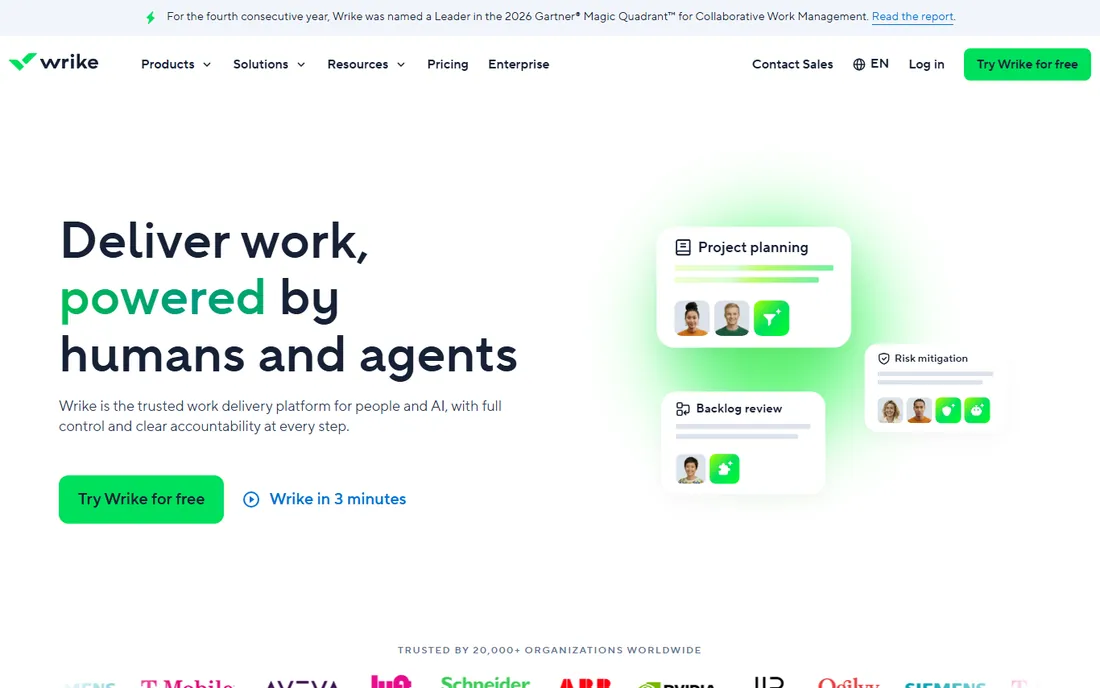
Wrike sits between Jira's engineering focus and Asana's simplicity. The Team plan at $10 per user per month billed annually covers Gantt charts, dashboards, automations and integrations, while Business at $24.80 adds custom fields, custom workflows, resource management and advanced reporting. Custom item types let teams model their actual work taxonomy, and cross-tagging puts one task in multiple projects without duplication.
The catch is that the features engineering teams usually need first, custom fields and request forms, live on Business rather than Team. Budget for Business from day one if those matter. Wrike suits engineering organizations running complex, multi-team programs where reporting depth and workflow configurability outweigh pure agile orthodoxy.
What we like- Custom item types and cross-tagging for complex work structures
- Strong Gantt, dashboards and reporting
- Proofing and approvals built in
Watch out for- Custom fields and request forms require the $24.80 Business tier
- Steeper learning curve than Asana or monday.com
#8
Procore
Best for: construction engineering teams managing jobsites
Visit procore.com
Starting priceSee website
Free planNo

Procore is the odd one out and the essential one for its audience. It is construction project management: drawings management, RFIs, submittals, punch lists, daily logs and budget tracking built for general contractors, owners and specialty contractors. The mobile app is designed for foremen and supers in the field, and the financial tools connect project costs to budgets in ways generic PM tools cannot.
Pricing is quote-based and firmly enterprise, which puts it out of reach for small shops. Software and IT engineering teams should ignore it entirely. But for civil, structural and construction engineers, it is the category standard, and no general-purpose tool on this list replaces its jobsite workflows.
What we like- Built for construction with drawings, RFIs, submittals and punch lists
- Field mobile app for crews
- Financial tools tied to project budgets
Watch out for- Quote-only pricing with enterprise-style sales
- Overkill for anything outside construction
How we built this ranking
We pulled pricing from each vendor's published pricing pages and verified the figures against independent pricing guides checked in mid to late 2026, plus reviewer feedback on G2, Capterra and TrustRadius. We weighted engineering-specific needs: agile tooling and dev integrations for software teams, Gantt and resource management for project engineers, and field workflows for construction. Both disciplines are represented rather than forcing one tool type on everyone. No hands-on testing is claimed; the ranking rests on published plans, documented features and aggregated buyer reviews.
What to check before you commit
Start with your engineering discipline, because it decides the shortlist. Software teams should trial Jira and ClickUp on a real sprint, checking Git integration depth, sprint reporting and how non-engineers in the org will interact with the tool. Project engineers should build a real schedule in Smartsheet or Microsoft Project, testing dependencies, baselines and resource views rather than admiring the marketing. Construction teams should run Procore's field workflows past an actual superintendent.
Price the tier you will end up on, not the one you sign up for. Time tracking, portfolios, baselines and advanced roadmaps routinely sit one tier above entry level across this category. Check seat minimums and billing brackets: monday.com's three-seat floor and Asana's seat brackets change the math for small teams. Confirm the integration list for your specific stack, Git provider, CI system, CAD tools or accounting, and ask about data export, because migrating years of project history is the cost nobody budgets for.
The fundamental split in engineering project management is methodology. Agile tools like Jira, ClickUp and monday dev organize work into backlogs and sprints, measure velocity and tie work to code. Scheduling tools like Smartsheet, Microsoft Project and Procore organize work into sequenced activities with durations, dependencies and resource assignments, and measure against baselines. Many engineering organizations need both: agile for product development and scheduling for delivery, construction or infrastructure. If that is you, check how the tools share data before buying two systems that cannot talk to each other.
Frequently asked questions
What is the best engineering project management software?
It depends on the engineering discipline. Jira leads for software teams running agile, ClickUp is the best value all-in-one, Asana and monday.com suit cross-functional product teams, Smartsheet and Microsoft Project serve schedule-driven project engineers, and Procore is the standard for construction. Define whether you need sprints or schedules first, then shortlist within that half of the market.
How much does project management software cost for an engineering team?
A ten-person team pays roughly $70 to $150 a month on entry tiers here: ClickUp Unlimited at $70, Jira Standard near $79, Smartsheet Pro at $90, monday.com Basic at $90 with the seat minimum, Asana Starter at $110. Higher tiers with portfolios, baselines or advanced roadmaps run $200 to $300 a month for the same team. Procore is quote-based and priced for construction budgets.
Do engineers need Jira, or is a simpler tool enough?
Teams shipping software with real release processes benefit from Jira's agile depth and dev integrations. Smaller teams, or engineering groups embedded in cross-functional product teams, often move faster in ClickUp, Asana or monday.com because everyone updates the same simple system. The deciding factor is process complexity: encode a real process in Jira, keep a simple one in a simpler tool.
Can these tools integrate with GitHub and GitLab?
Jira, monday dev, ClickUp and Wrike all offer native GitHub and GitLab integrations that link commits, branches and pull requests to tasks. Asana's dev integrations are thinner. Smartsheet and Microsoft Project have no meaningful Git story, which is fine for project engineers but a dealbreaker for software teams.
How long does implementation take?
Simple tools like ClickUp, Asana or monday.com go live in days for a small team. Jira needs one to four weeks of workflow configuration to avoid becoming a ticket swamp. Smartsheet and Microsoft Project implementations run two to six weeks when schedules, resources and reporting need proper setup. Procore deployments for construction firms typically take one to three months including field training.
Sources we checked (7)
- https://clickup.com/blog/jira-project-management/
- https://ones.com/blog/jira-pricing-explained-why-you-should-consider-other-options/
- https://www.rock.so/blog/asana-pricing
- https://www.fruitionservices.io/post/monday-dev-vs-jira
- https://www.ganttile.com/alternatives/smartsheet-alternatives
- https://www.saasworthy.com/product/microsoft-project
- https://www.itqlick.com/wrike/pricing
Is your product missing or out of date?
We review this list regularly. Vendors can request a listing, send updated pricing or ask about featured placement.

Shihab Mia · Founder, Rankite
Shihab has spent more than a decade helping SaaS and e-commerce brands grow through search. He writes Rankite's software buying guides from pricing pages, documentation and public user reviews. More about Shihab.