How we make this list: we compare pricing pages, product documentation and public user reviews. Rankite is independent; if a vendor ever pays for a featured spot, that listing is clearly labeled Partner.
Key takeaways
- ShareMyToolbox at $80 per month plus $10 per user is the practical pick for small and mid-sized construction crews needing peer-to-peer checkout.
- Milwaukee ONE-KEY is free and the obvious choice for crews whose inventory is mostly Milwaukee tools.
- EZOfficeInventory uses item-based pricing with unlimited users, which suits organizations where many employees check tools in and out.
- Cheqroom charges per admin with unlimited items and users, so growing equipment inventories do not raise the bill.
- Hilti ON!Track and ToolWatch serve larger contractors with compliance, maintenance, and ERP job costing needs.
Quick comparison
| Tool | Best for | Starting price | Free plan |
|---|
 ShareMyToolbox ShareMyToolbox | Small and mid-sized construction crews | $80/month (+ $10/user) | Free trial |
 Milwaukee ONE-KEY Milwaukee ONE-KEY | Milwaukee-heavy tool inventories | Free | Yes |
 EZOfficeInventory EZOfficeInventory | Broad asset and tool tracking | See website | Free trial |
 Cheqroom Cheqroom | Equipment reservations and checkout | See website | Free trial |
 Hilti ON!Track Hilti ON!Track | Tool custody and compliance | See website | Free trial |
 ToolWatch ToolWatch | Large specialty contractors | See website | No |
 GigaTrak GigaTrak | Tool crib checkout control | See website | No |
 ToolSense ToolSense | IoT-based asset tracking | See website | Free trial |
 Sortly Sortly | Simple visual tool inventory | $49/month (free plan available) | Yes |
Is your product missing or out of date?
We review this list regularly. Vendors can request a listing, send updated pricing or ask about featured placement.
Where is the core drill that left the yard on Tuesday? The warehouse log says it went out, but nobody knows which truck it is sitting in now. That gap costs real money: nearly a thousand pieces of construction equipment are reported stolen each month in the US, and unrecovered tools get repurchased at full price while the originals gather dust somewhere.
The first question is what kind of tracking you need. A custody system records who signed a tool out of the crib and who owes it back. A location system shows where the tool physically sits today. Those are different products, and buying the wrong one is why most rollouts stall. Name your actual problem before shopping.
The second question is scale. A ten-person crew needs a phone app and barcode checkouts. A multi-site contractor needs job costing, maintenance scheduling, and ERP integration. The tools below run that full range.
Starting price$80/month (+ $10/user)
Free planFree trial
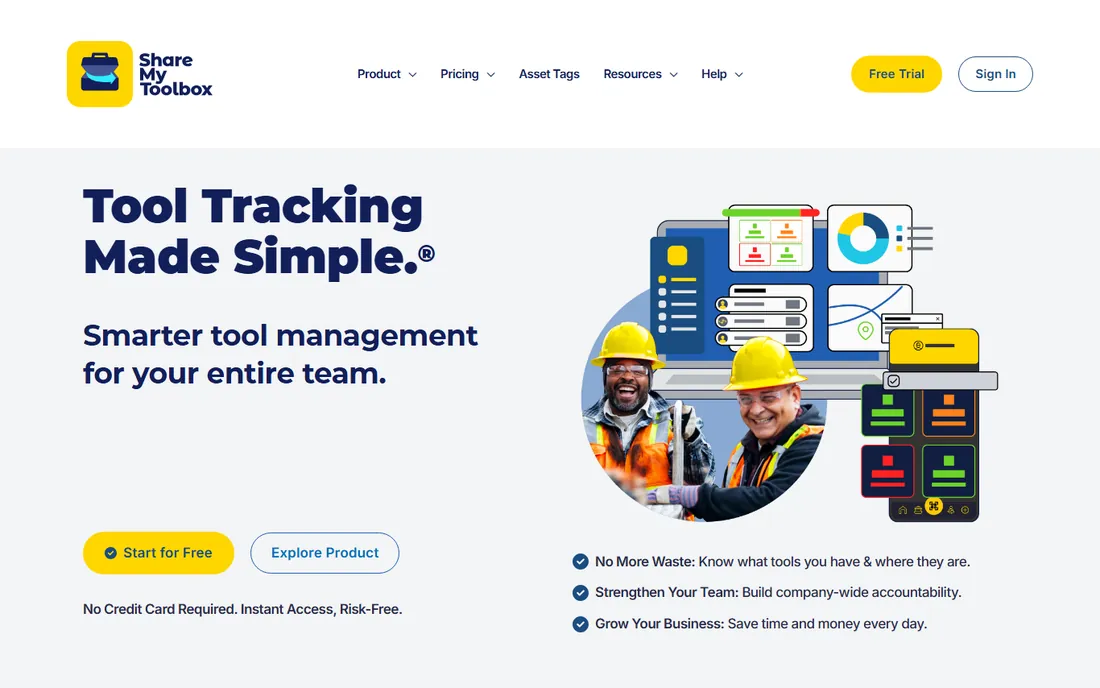
ShareMyToolbox is the contractor's tool tracking app. Crews check tools in and out with barcode or QR scans from their phones, transfer tools person to person in the field, and see the company inventory from anywhere. GPS coordinates captured during scans show where each scan happened on an interactive map.
Pricing runs $80 per month plus $10 per user, with a free trial and a free tier for small use. The Starter plan covers up to 100 tools and three employees, which fits a single crew getting started. The product was built for construction workflows rather than adapted from general asset tracking.
The honest limitations are depth and discipline. Reporting and analytics are basic compared to enterprise systems, heavy equipment tracking is limited, and the data is only as good as the crew's scanning habits. For small and mid-sized crews that need accountability without complexity, it is the practical pick.
What we like- Built specifically for contractors
- Peer-to-peer transfers
- GPS coordinates captured on scans
Watch out for- Reporting is basic
- Limited heavy equipment tracking
- Accuracy depends on consistent scanning
Starting priceFree
Free planYes
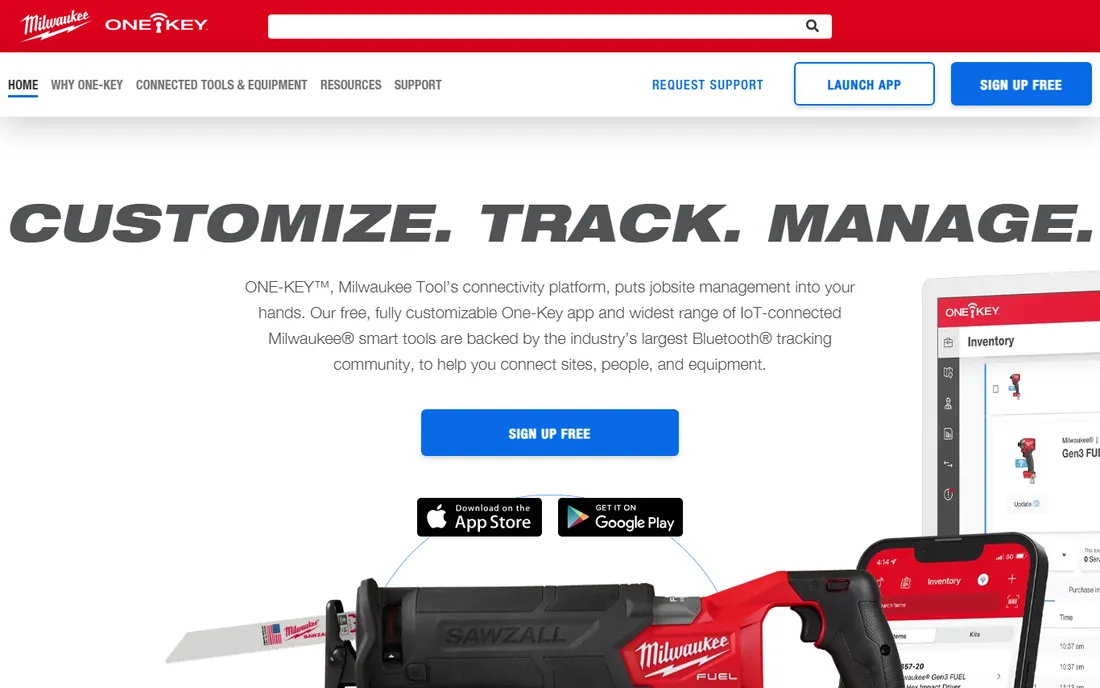
Milwaukee ONE-KEY is the free option hiding in plain sight. The app provides tool inventory management with Bluetooth tracking for ONE-KEY enabled tools, letting crews see tool locations, manage assignments, and lock out lost tools remotely. The inventory features work for any brand, not just Milwaukee.
The price is the pitch: free. For contractors whose tool inventory is mostly Milwaukee, the Bluetooth integration adds location awareness that barcode-only systems cannot match. Remote lockout of lost or stolen tools is a genuine differentiator at this price point.
The honest ceiling is scope. It is not a full asset management system: maintenance workflows, job costing, and enterprise reporting are limited or absent. Mixed-brand fleets get the inventory features but miss the Bluetooth depth. For Milwaukee-heavy crews, start here and upgrade only when you outgrow it.
What we like- Free app-based inventory
- Bluetooth tracking for ONE-KEY tools
- No subscription cost
Watch out for- Best with Milwaukee tools
- Limited maintenance workflows
- Not a full asset management system
#3
EZOfficeInventory
Best for: Broad asset and tool tracking
Visit ezo.io
Starting priceSee website
Free planFree trial
EZOfficeInventory is the broadest general-purpose option for tool and equipment tracking. Assets, inventory, maintenance, reservations, and purchase orders run in one system, with QR and barcode labeling, location management, and depreciation tracking. Construction is one of its core industries.
The pricing model is the differentiator: plans are based on the number of items tracked, with unlimited users included. Organizations where dozens of employees check tools in and out pay for inventory size, not headcount, which is fairer for field-heavy operations. A free trial covers evaluation, and a CMMS add-on handles preventive maintenance and work orders.
The honest trade-offs are transparency and growth cost. Numeric prices are not published plainly, item counts drive the bill upward as inventory grows, and the CMMS features cost extra per admin user. For organizations needing broad asset coverage beyond tools, it is the flexible pick.
What we like- Unlimited users on paid plans
- Item-based pricing scales fairly
- Deep feature set with CMMS add-on
Watch out for- Pricing not published numerically
- Item count drives cost
- CMMS costs extra per admin
Starting priceSee website
Free planFree trial
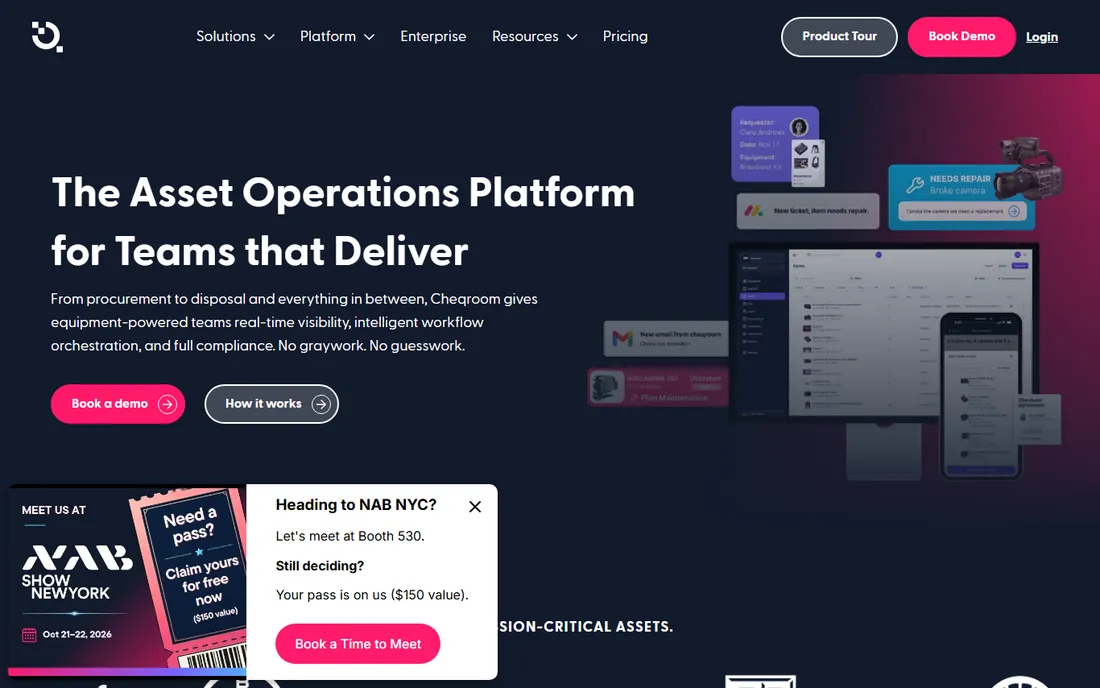
Cheqroom is the equipment operations platform, built for teams that reserve, check out, and maintain gear. Reservations, checkouts, custody assignments, and maintenance connect in one workflow, with unlimited users and unlimited items on every tier. You pay per admin, so growing the inventory or the team does not change the price.
That model suits equipment-heavy operations: media production, AV, events, and facilities teams where gear moves constantly. Features like equipment kits, custody for long-term loans, condition flags, and audit trails cover the operational lifecycle. A free trial lets teams test the full workflow.
The honest caveats are the admin math and the billing. You need to plan how many staff require admin permissions, billing is annual, and features like RFID, room management, and maintenance management are paid add-ons. For reservation-driven equipment operations, the per-admin model is refreshingly predictable.
What we like- Per-admin pricing with unlimited items and users
- Reservations connect to checkout and maintenance
- Strong for media and AV gear
Watch out for- Per-admin model needs admin count planning
- Annual billing
- Advanced features are add-ons
Starting priceSee website
Free planFree trial
Hilti ON!Track manages tools regardless of brand, which is the point: contractors run mixed fleets, and ON!Track tracks custody, maintenance, and compliance across all of them. Barcode, RFID, and BLE tagging options cover different tracking needs, and the system flags certifications, inspections, and service due dates.
The compliance angle is the differentiator. Regulated work and safety-conscious contractors get documented maintenance histories, calibration records, and audit trails that satisfy inspectors and clients. Integration with Hilti's tool fleet services adds convenience for Hilti customers.
The honest fit is enterprise-adjacent. Pricing is quote-based, the Hilti relationship shapes the experience, and small crews will find it heavier than necessary. For contractors where tool compliance is a contractual requirement, it is purpose-built.
What we like- Manufacturer-independent tool management
- Strong compliance and certification tracking
- Integrates with Hilti fleet
Watch out for- Quote-based pricing
- Hilti ecosystem tie-in
- Heavier than small crews need
Starting priceSee website
Free planNo
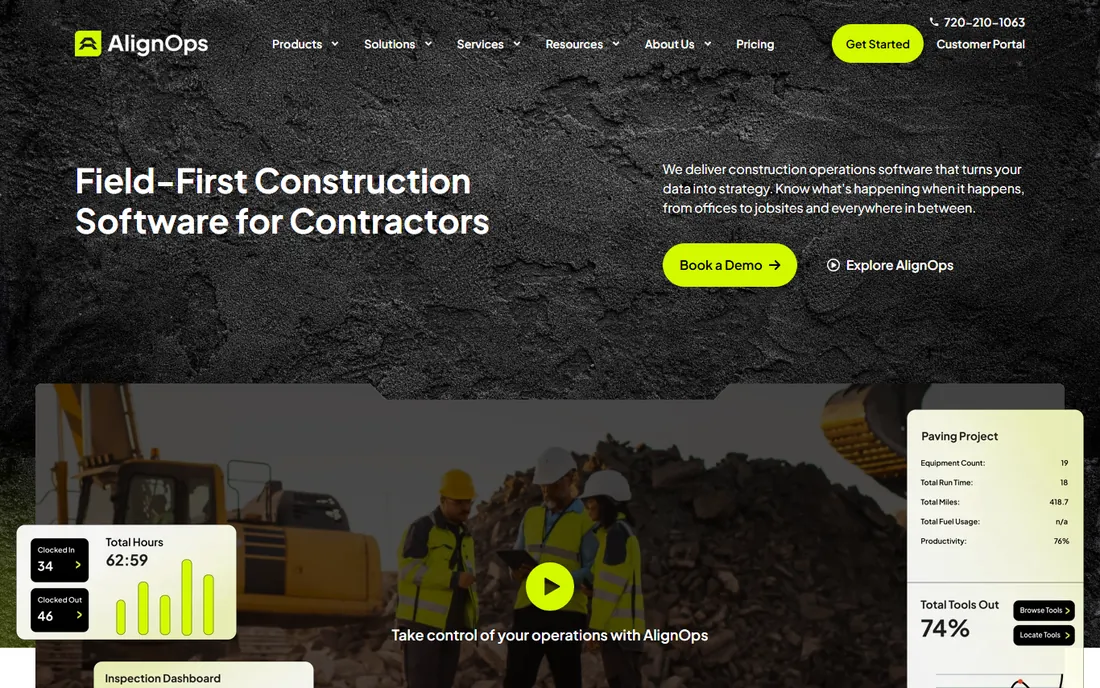
ToolWatch, now part of AlignOps, is the heavyweight for large specialty contractors. Warehouse operations, tool crib management, and ERP integration run deep, with job costing that ties tool usage to specific projects. Barcode and BLE tracking cover the physical side.
The enterprise credibility comes from scale. Large contractors with central warehouses, multiple jobsites, and accounting teams that need tool costs allocated per job get a system designed around those workflows rather than adapted to them. The ERP integration is the feature that justifies the investment.
Everything about buying ToolWatch is enterprise: quote-only pricing, demo-led sales, and implementation scoped for large operations. Small and mid-sized crews should not be here. For large specialty contractors, it is the category standard.
What we like- Deep warehouse operations
- ERP job costing integration
- Built for large contractor workflows
Watch out for- Quote-only pricing
- No free trial, demo only
- Complex for small operations
Starting priceSee website
Free planNo
GigaTrak is the veteran of tool crib management. Barcode-driven checkout and check-in workflows give warehouse staff control over who has what, with the tool crib as the operational center. The product has served construction and industrial customers for years.
The strength is focus. Where general asset platforms spread across IT, facilities, and fleet, GigaTrak concentrates on tools: checkout discipline, crib inventory, and the workflows warehouse staff actually run. That specialization shows in the workflow design.
The honest trade-offs are modernity and transparency. The interface feels less modern than the app-first competitors, pricing is quote-based with limited public information, and the cloud presence is quieter than the marketing-led vendors. For central-warehouse tool control, the depth is there; for field-first mobile workflows, compare the newer options.
What we like- Purpose-built tool crib workflows
- Barcode-driven checkouts
- Long construction industry history
Watch out for- Quote-based pricing
- Interface less modern than app-first tools
- Limited cloud marketing presence
Starting priceSee website
Free planFree trial
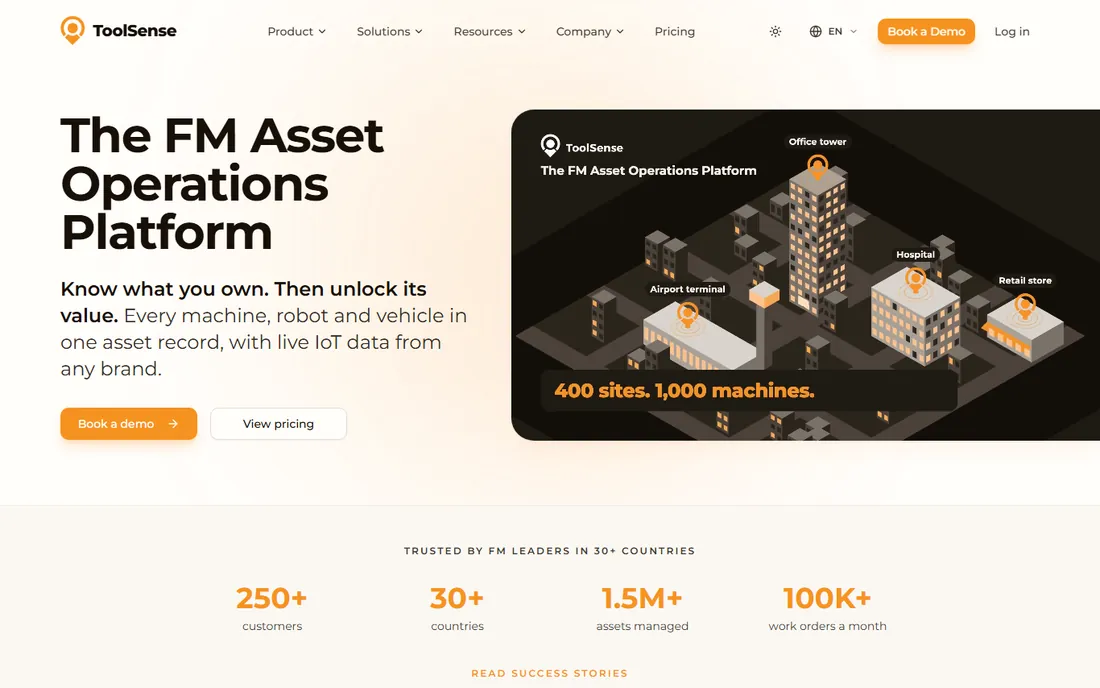
ToolSense brings IoT thinking to tool and asset tracking. Sensor-based tracking, automated location updates, and a modern software platform reduce the reliance on manual scanning that limits barcode systems. Mixed fleets of tools, equipment, and vehicles get one tracking view.
The appeal is automation. Where barcode systems depend on human discipline, IoT sensors report location and status continuously, which closes the compliance gap that plagues manual workflows. The platform's modern design makes the data accessible to operations teams.
The honest caveats are cost and maturity. Pricing is not published, IoT hardware adds per-asset cost on top of software, and the vendor is younger than the established players. For operations ready to invest in automated tracking, it is the forward-looking option; for budget-conscious crews, barcode systems do the job.
What we like- IoT and sensor-based tracking
- Modern platform
- Good for mixed asset fleets
Watch out for- Pricing not published
- IoT hardware adds cost
- Younger vendor
Starting price$49/month (free plan available)
Free planYes
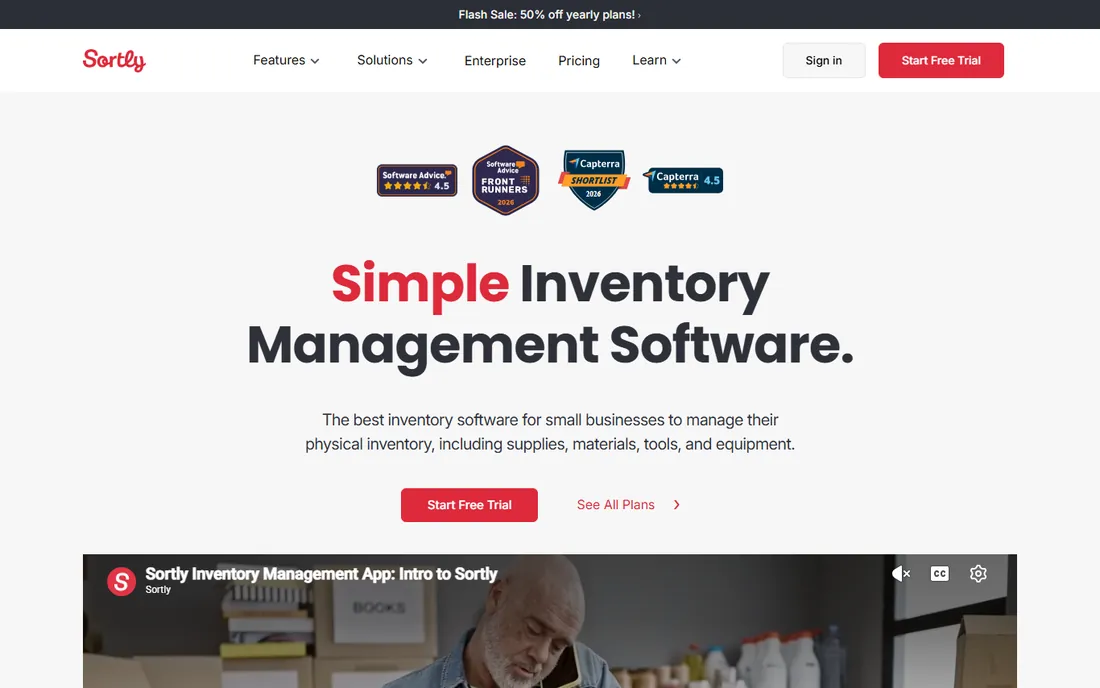
Sortly is the simple visual option for tool inventory. Staff photograph tools, scan barcodes, and track quantities from a mobile-first interface with almost no training. Reorder alerts flag low consumables, and the free plan covers basic tracking.
The product fits small operations and field teams that need to know what they have without running a full tool management system. Paid plans from $49 per month add capacity and features, with a trial on paid tiers. It also covers consumables alongside tools, which pure tool trackers sometimes neglect.
The honest ceiling is specialization. Sortly is not built for construction: no job costing, no crib workflows, no compliance tracking. It is the right tool for simple tool inventory; contractors needing accountability, maintenance, and costing should choose the construction-focused options above.
What we like- Visual mobile-first inventory
- Easy adoption
- Affordable with free plan
- Barcode and QR support
Watch out for- Not construction-specific
- No job costing
- Limited maintenance workflows
Custody vs location: pick the right system
Custody systems answer who is responsible for each tool. Barcode checkouts, assignments, and transfer records create accountability, which solves the loss problem when tools disappear into jobsites. ShareMyToolbox, GigaTrak, and ON!Track lead here.
Location systems answer where each tool physically is. GPS, Bluetooth, and IoT sensors track position continuously, which solves the search problem when tools are somewhere on a large site. ONE-KEY, ToolSense, and GPS trackers lead here.
Most contractors need custody first and location second. Accountability reduces losses more than tracking dots on a map, and custody systems cost less. Add location tracking for high-value assets where the search time justifies the hardware cost.
Rollout advice that actually works
Tag everything before go-live. A tracking system with half-tagged inventory creates phantom gaps that undermine trust in the data. Schedule a tagging day, tag every tool, and start the system with a complete baseline.
Assign one owner per location. Tool tracking fails when everyone is responsible and nobody is accountable. Each yard, crib, or jobsite needs a named person who runs checkouts, chases overdue tools, and keeps the data clean.
Start with checkouts, add maintenance later. The fastest ROI comes from knowing who has what. Maintenance scheduling, calibration tracking, and job costing can layer on once the checkout habit is established. Trying to launch everything at once is why rollouts stall.
How we compared these nine
We started with the platforms contractors actually shortlist: the construction-focused trackers, the general asset platforms used for tools, and the free and simple options. We reviewed current pricing pages, product documentation, and construction industry coverage including GPX Intelligence's 2026 tool tracking guide, plus public review summaries on G2, Capterra, and Slashdot.
Prices come from vendor-published or consistently reported figures; vendors that do not publish numeric pricing are marked as See website. We did not run trial deployments; this guide reflects documentation, published pricing, and aggregated user feedback. Confirm tracking method compatibility with your tagging approach before purchasing.
Frequently asked questions
What is tool tracking software?
Tool tracking software records where tools are, who has them, and their condition and maintenance status. It typically combines a database with barcode, QR, RFID, or Bluetooth tagging and a mobile app for field checkouts, replacing spreadsheets and paper logs.
How much does tool tracking software cost?
Options range from free (Milwaukee ONE-KEY, Sortly's free plan) to around $80 per month for small-crew tools, with mid-market platforms priced by items, admins, or users and enterprise systems quote-only. Tagging hardware and labels add to the first-year cost.
Barcode, QR, RFID, or Bluetooth: which should I choose?
Barcodes and QR codes are cheapest and work with phone cameras, suiting most crews. RFID enables fast bulk scanning for large inventories. Bluetooth and IoT provide continuous location without scanning but cost more per asset. Match the technology to the asset value and the search problem.
Can tool tracking software integrate with our accounting system?
The enterprise and mid-market platforms integrate with accounting and ERP systems for job costing and asset depreciation. Confirm your exact accounting software during evaluation, and verify whether the integration is native or requires middleware.
How do we handle tools across multiple jobsites?
Assign tools to jobsites or custodians in the system, use transfers to record moves, and run periodic audits with barcode scans to reconcile. GPS or Bluetooth tracking helps for large sites. The key is consistent transfer recording; the software cannot fix data nobody enters.
What about tool maintenance and calibration?
Several platforms track maintenance schedules, service history, and calibration due dates, with Hilti ON!Track and the CMMS add-ons leading on compliance. If maintenance is a regulatory requirement, prioritize it in selection; if not, start with checkout tracking and add maintenance later.
Sources we checked (10)
- https://www.sharemytoolbox.com/pricing/
- https://onekey.milwaukeetool.com/
- https://ezo.io/ezofficeinventory/pricing/
- https://www.cheqroom.com/pricing/
- https://www.hilti.com/business/ontrack/
- https://www.toolwatch.com/pricing/
- https://www.gigatrak.com/pricing/
- https://www.toolsense.io/pricing/
- https://www.sortly.com/pricing/
- https://gpx.co/blog/best-tool-tracking-software/
Is your product missing or out of date?
We review this list regularly. Vendors can request a listing, send updated pricing or ask about featured placement.

Shihab Mia · Founder, Rankite
Shihab has spent more than a decade helping SaaS and e-commerce brands grow through search. He writes Rankite's software buying guides from pricing pages, documentation and public user reviews. More about Shihab.