How we make this list: we compare pricing pages, product documentation and public user reviews. Rankite is independent; if a vendor ever pays for a featured spot, that listing is clearly labeled Partner.
Key takeaways
- Anaplan and Workday Adaptive Planning are the enterprise standards for connected financial and workforce planning at scale.
- Pigment is the modern challenger with spreadsheet-like usability and real-time modeling, popular with mid-market finance teams.
- ChartHop at $8 per employee per month is the most accessible option, combining org design, headcount planning, and people analytics.
- Visier leads on predictive people analytics with benchmarking, suited to large enterprises with serious data science needs.
- Most of this category prices by quote, so budget conversations start early and expect implementation work.
Quick comparison
| Tool | Best for | Starting price | Free plan |
|---|
 Anaplan Anaplan | Enterprise connected planning | See website | No |
 Workday Adaptive Planning Workday Adaptive Planning | Workday HCM customers | See website | No |
 Pigment Pigment | Modern mid-market planning | See website | No |
 Planful Planful | Finance-led workforce budgeting | See website | No |
 Vena Vena | Excel-native planning teams | See website | No |
 ChartHop ChartHop | Org design and headcount planning | $8/employee/month | Free trial |
 Visier Visier | Predictive people analytics | See website | No |
 Orgvue Orgvue | Org design and workforce modeling | See website | No |
 One Model One Model | People analytics and benchmarking | See website | No |
Is your product missing or out of date?
We review this list regularly. Vendors can request a listing, send updated pricing or ask about featured placement.
The best best workforce planning software
Do you know what your headcount will cost you twelve months from now, and whether you have the right skills to hit next year's plan? Most growing companies answer that question with a spreadsheet that breaks the moment two managers edit it at once. Workforce planning software replaces that spreadsheet with connected models of people, roles, costs, and scenarios.
The second question is who owns the plan. In some companies it is finance, modeling labor cost against revenue. In others it is HR, modeling skills gaps and org structure. The tools below split along that line: planning platforms built for finance teams, and people-analytics platforms built for HR and People Ops.
Expect quote-based pricing across most of this category. Entry-level enterprise contracts reportedly start in the tens of thousands per year, and implementation is a real project. The accessible exception is ChartHop, which publishes per-employee pricing.
Starting priceSee website
Free planNo
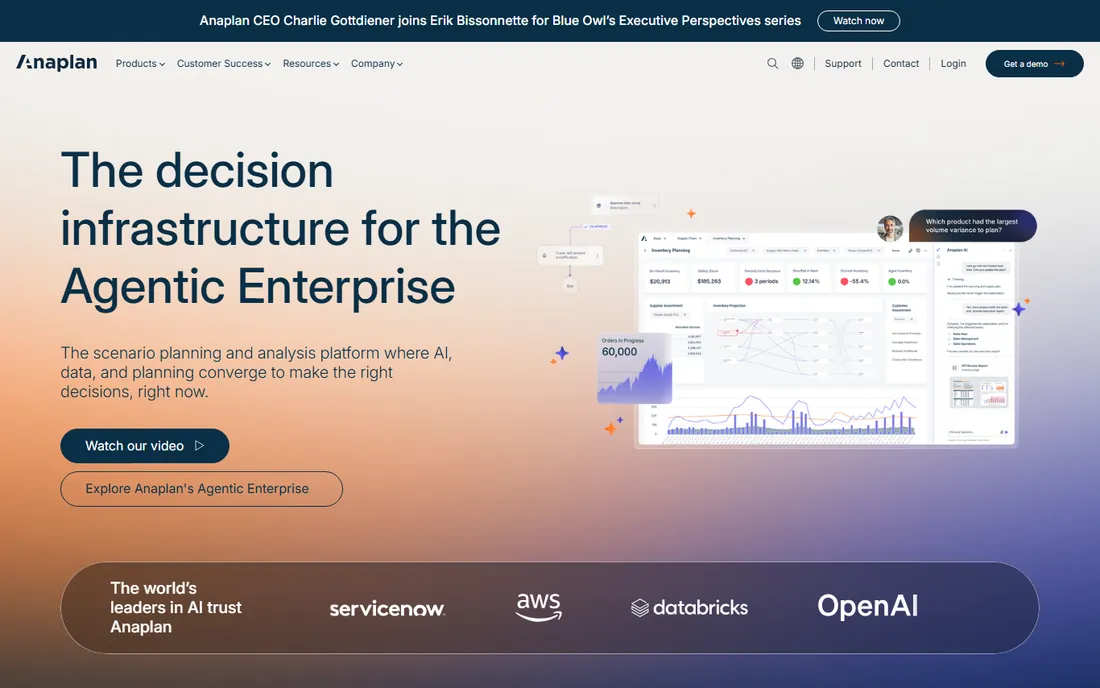
Anaplan is the enterprise standard for connected planning. Its in-memory modeling engine lets finance and HR teams build workforce plans linked to financial forecasts, sales targets, and operational drivers, then run what-if scenarios across the whole model in seconds. Headcount, compensation, and hiring plans update together instead of living in separate spreadsheets.
The platform's strength is scale and flexibility. Large enterprises model tens of thousands of employees across regions, entities, and cost centers, with governance controls that satisfy audit requirements. The Nucleus Research 2026 value matrix names Anaplan a leader in workforce planning, reflecting that enterprise credibility.
The honest trade-offs are cost and complexity. Pricing is quote-only with enterprise-level contracts, implementation is a significant project, and the platform needs trained administrators. Companies below the enterprise tier should look at Pigment or Planful for similar concepts at lower commitment.
What we like- Most powerful connected planning engine
- Proven at massive enterprise scale
- Deep scenario modeling
Watch out for- Quote-only pricing
- Complex implementation
- Requires dedicated administrators
Starting priceSee website
Free planNo
Workday Adaptive Planning is the workforce planning choice for companies already running Workday HCM. Because the planning layer sits on the same data foundation as HR, headcount plans draw from live employee records, compensation data, and org structure without integration work. Finance and HR plan from one source of truth.
The product covers headcount planning, compensation modeling, and scenario analysis with the usability Workday is known for. For Workday customers, the alternative is building the same connectivity with a third-party tool, which rarely justifies itself.
The honest limitation is the ecosystem boundary. Outside the Workday world, Adaptive Planning loses its main advantage and competes as a general planning tool against Anaplan and Pigment. It is the obvious pick for Workday shops and a harder sell for everyone else.
What we like- Native to Workday HCM
- Workforce and financial planning unified
- Strong for existing customers
Watch out for- Quote-only pricing
- Limited value outside the Workday ecosystem
- Enterprise sales process
Starting priceSee website
Free planNo
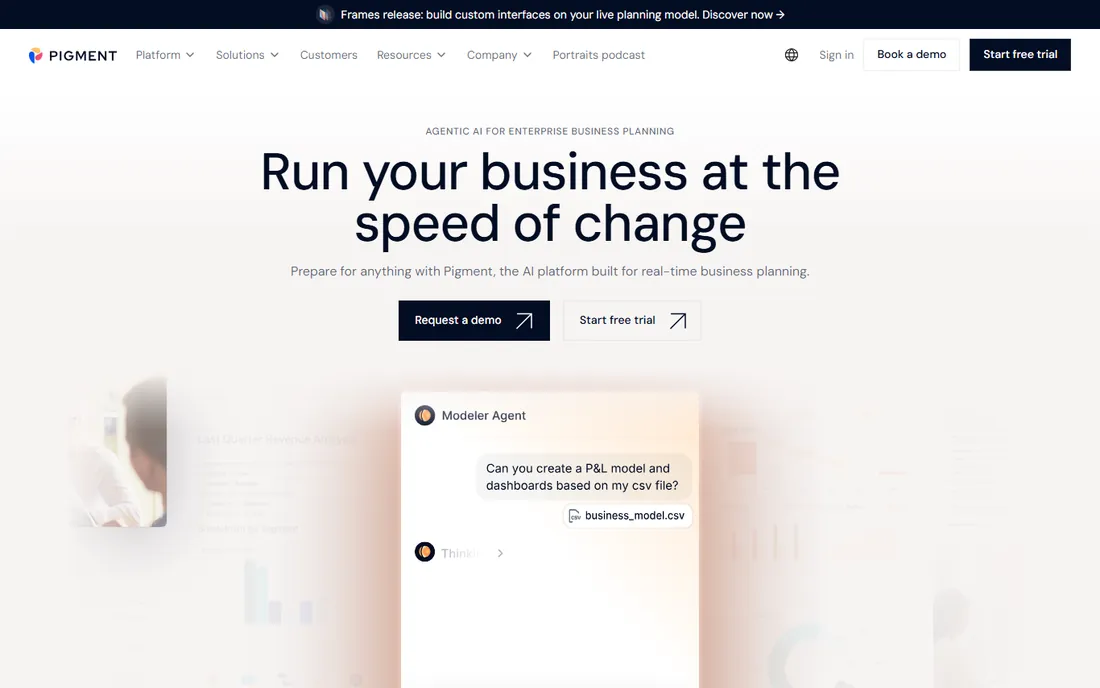
Pigment is the modern challenger that made workforce planning feel like a spreadsheet instead of an IT project. The interface is familiar enough that finance and HR teams adopt it quickly, while the underlying engine handles multi-dimensional modeling, real-time collaboration, and scenario planning that spreadsheets cannot.
Mid-market companies choose Pigment to escape spreadsheet chaos without taking on Anaplan-scale complexity. Implementation runs faster, the learning curve is gentler, and the collaborative features let budget owners edit their own headcount plans with guardrails. Nucleus Research lists Pigment among 2026 accelerators, reflecting its usability advantage.
The honest caveats are maturity and pricing transparency. It is a younger vendor than the enterprise incumbents, and pricing is quote-only with contracts reportedly starting in the tens of thousands per year. Companies needing maximum governance depth should compare against Anaplan first.
What we like- Spreadsheet-like interface teams actually adopt
- Real-time collaborative modeling
- Fast implementation
Watch out for- Quote-only pricing
- Younger vendor than Anaplan
- Enterprise governance still maturing
Starting priceSee website
Free planNo
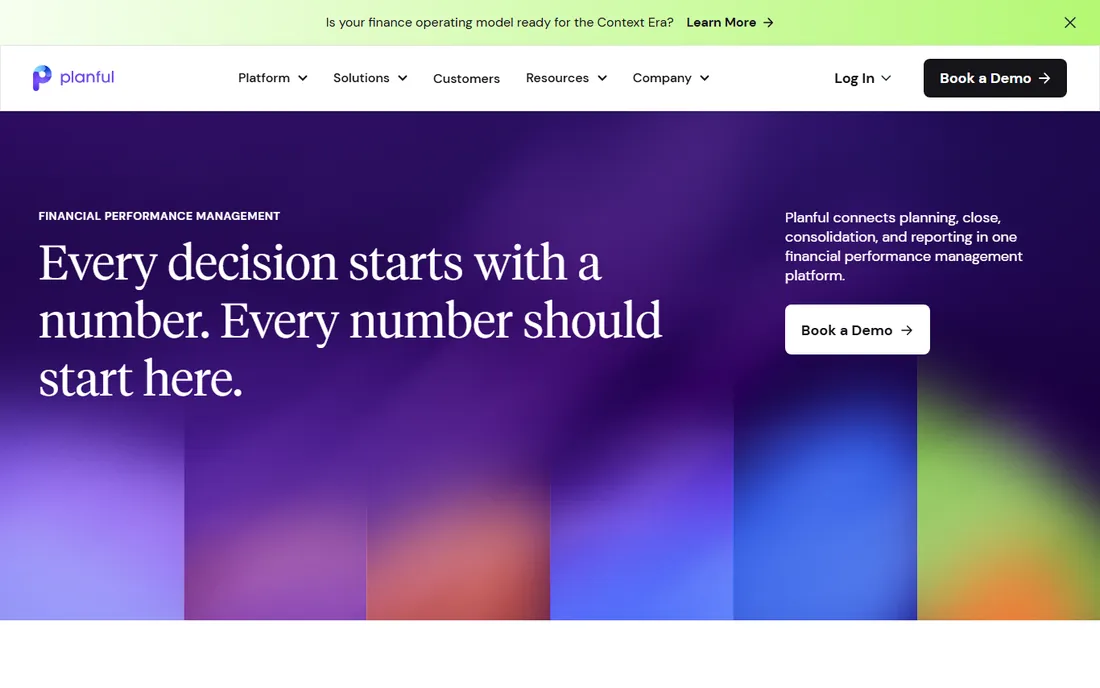
Planful comes from financial planning and extends naturally into workforce planning. Finance teams use it to model headcount costs, hiring plans, and compensation budgets as part of the broader financial plan, which keeps workforce decisions tied to the numbers that fund them.
The product's strength is the budget cycle. Annual planning, rolling forecasts, and variance analysis all treat headcount as a first-class cost driver, and the reporting satisfies CFO-level scrutiny. Companies where finance owns the headcount plan get a coherent workflow.
The honest trade-offs are HR depth and modernity. People-analytics features are thinner than Visier or ChartHop, and the interface feels less modern than Pigment. It is the right tool when the budget owns the plan; HR-led organizations wanting org design and skills analytics should look elsewhere.
What we like- Strong financial planning heritage
- Good for budget-cycle workforce planning
- Solid reporting
Watch out for- Quote-only pricing
- HR-specific analytics thinner than Visier
- Less modern UX than Pigment
Starting priceSee website
Free planNo
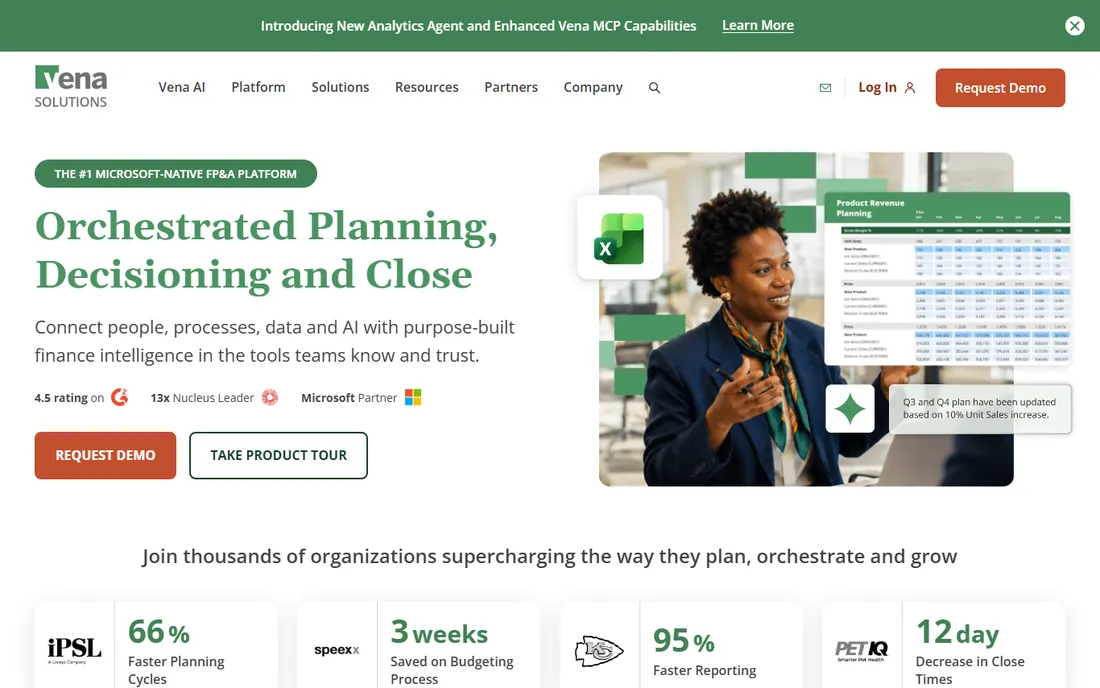
Vena takes the opposite approach from the modern challengers: instead of replacing Excel, it keeps teams inside it. Workforce planning happens in the familiar spreadsheet interface, with Vena adding centralized data, version control, workflow approvals, and audit trails behind the scenes.
The appeal is adoption. Finance teams that live in Excel get planning software without learning a new interface, which eliminates the change management that sinks many implementations. Headcount budgets, salary planning, and scenario versions all stay in the tool people already know.
The honest limitation is the Excel ceiling. Deep automation, real-time collaboration at scale, and HR-native analytics all lag the purpose-built platforms. Teams that want to move beyond spreadsheets will find Vena perpetuates the habit; teams that want spreadsheets with governance will find it ideal.
What we like- Works inside Excel
- Lowest change management of any option
- Strong financial planning workflows
Watch out for- Quote-only pricing
- Excel dependency limits some automation
- People analytics thinner than HR-native tools
Starting price$8/employee/month
Free planFree trial
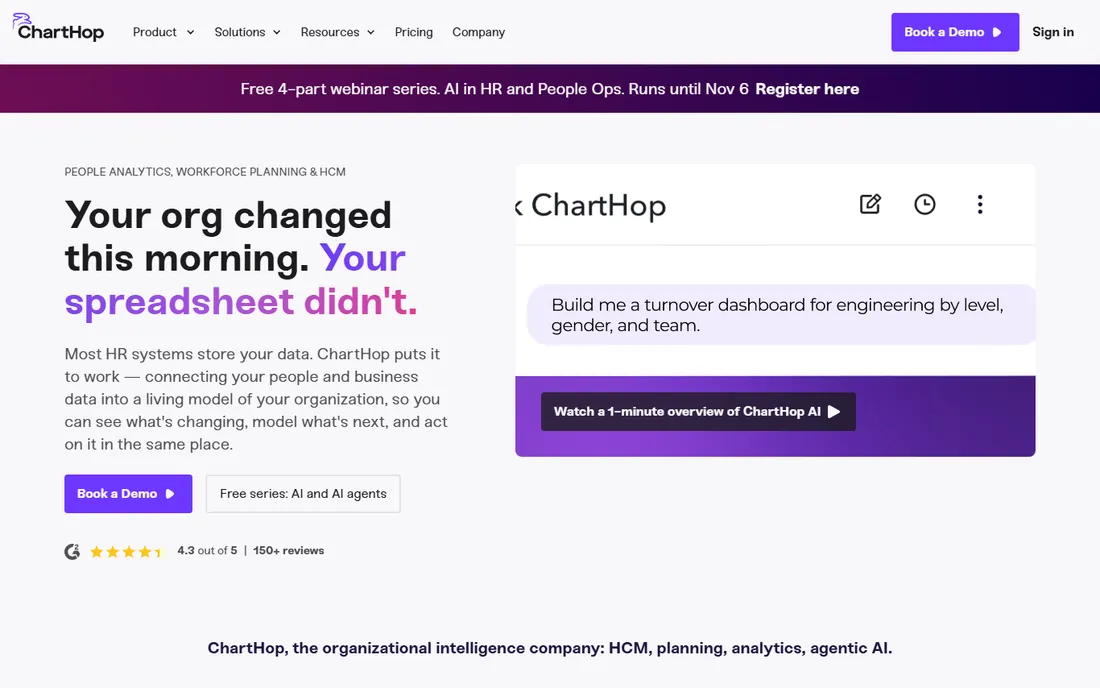
ChartHop is the most accessible serious workforce planning platform. At $8 per employee per month for the first core module, with a $2 per employee Basic tier, it publishes pricing the enterprise vendors keep behind sales calls. Org charts with historical views, scenario modeling, and headcount planning sit alongside compensation analytics and HR reporting.
The product's signature is visualization. Leaders see how the organization has changed over time, model future structures visually, and surface compensation and turnover insights without analyst support. Integrations with Workday, BambooHR, Rippling, and other HRIS systems keep the data current.
The honest caveats are the minimums and depth. Core plans carry a $9,000 annual minimum with separate implementation fees, so the published per-employee rate applies to real commitments. Predictive modeling is thinner than Visier's. For mid-market People Ops teams wanting visual org design and headcount planning, it is the practical pick.
What we like- Published per-employee pricing
- Excellent org visualization
- Headcount planning plus people analytics
Watch out for- $9,000 annual minimum on core plans
- Predictive modeling thinner than Visier
- Implementation fees separate
Starting priceSee website
Free planNo
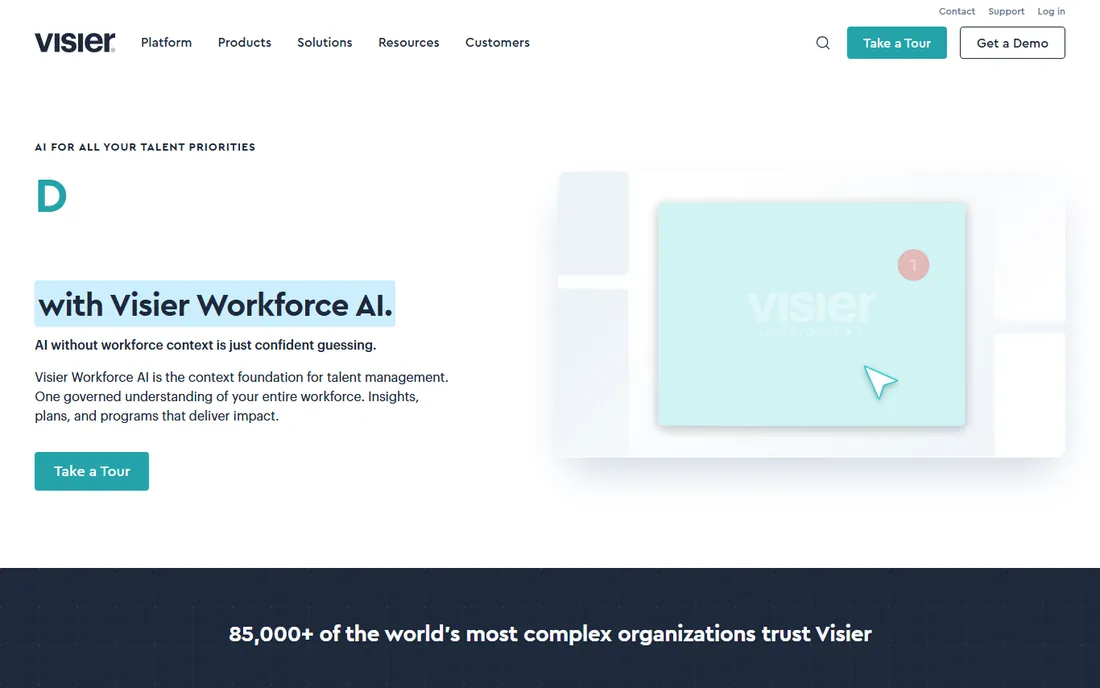
Visier is the analytics heavyweight of workforce planning. Its predictive models forecast turnover risk, identify skills gaps, and project workforce costs with a depth that the planning platforms do not attempt. Benchmarking against external market data puts internal numbers in context.
Large enterprises choose Visier when the question is not just what headcount costs but what will happen: which teams will lose people, where skills will run short, and how compensation compares to the market. The 2026 Nucleus value matrix names Visier a leader, reflecting that analytical depth.
The honest trade-offs are price and time. Enterprise contracts, expensive implementation, and long deployments put Visier out of reach for most mid-market companies. Organizations that need predictive insight at scale and can fund it get the best analytics in the category.
What we like- Deepest predictive analytics
- Benchmarking against market data
- Strong forecasting models
Watch out for- Quote-only enterprise pricing
- Expensive
- Long implementation
Starting priceSee website
Free planNo
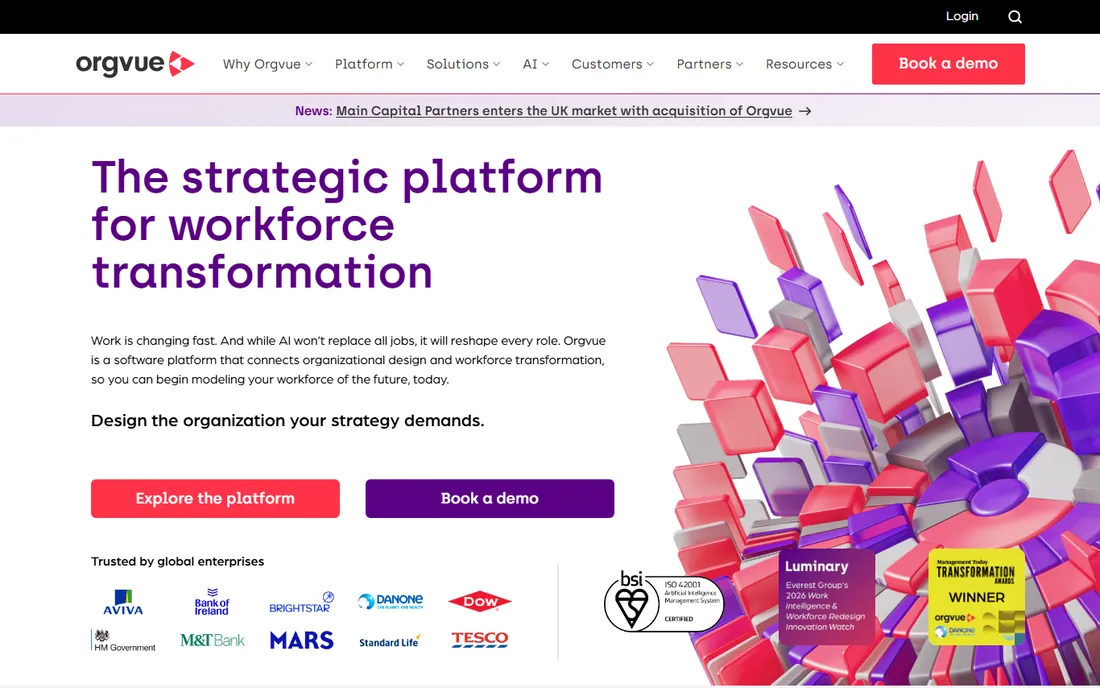
Orgvue specializes in organizational design and workforce modeling. Companies use it to visualize complex org structures, model restructurings, and run workforce scenarios during mergers, transformations, and cost programs. The platform handles the messy reality of large orgs: dotted lines, matrix structures, and multi-entity hierarchies.
The differentiator is focus. While the planning platforms treat org design as a feature, Orgvue treats it as the product, with deeper modeling for restructuring scenarios and workforce optimization. HR transformation teams and consultants run their org design work here.
The honest limitation is breadth. It is narrower than the full planning suites, covering org design and modeling rather than budgeting and forecasting end to end. Companies needing both pair it with a planning platform; companies needing org design depth alone get a specialist.
What we like- Purpose-built org design
- Strong restructuring and scenario modeling
- Handles complex orgs
Watch out for- Quote-only pricing
- Narrower than full planning suites
- Enterprise sales process
Starting priceSee website
Free planNo
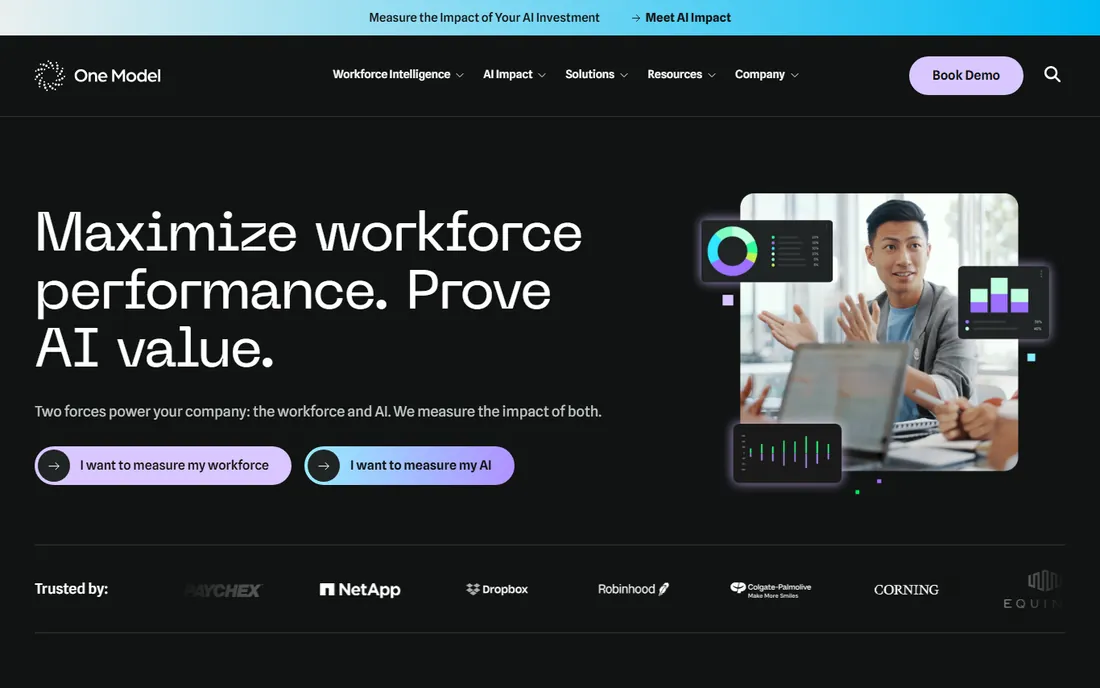
One Model is the people-analytics alternative for companies that want Visier-style insight without Visier-scale commitment. Workforce analytics, benchmarking, and practical HR dashboards cover turnover, diversity, compensation, and headcount trends with solid data integration from HRIS sources.
The product's positioning is pragmatic analytics. HR teams get credible, benchmarked insight into their workforce without the enterprise analytics project, and the Nucleus 2026 matrix places One Model among core providers, reflecting reliable fundamentals.
The honest trade-offs are scale and planning depth. It is a smaller vendor than Visier, and dedicated planning features lag the planning-first platforms. For mid-market to large HR teams wanting analytics and benchmarking as the priority, it is a credible alternative to the giants.
What we like- Strong people analytics with benchmarking
- Good data integration
- Practical HR insights
Watch out for- Quote-only pricing
- Smaller vendor than Visier
- Planning features thinner than dedicated platforms
Questions to ask before buying
Ask who owns the plan and who edits it. Finance-owned headcount budgeting points to Anaplan, Planful, Vena, or Pigment. HR-owned org design and skills planning points to ChartHop, Visier, Orgvue, or One Model. Buying the wrong owner's tool guarantees low adoption.
Ask about the data sources and refresh cadence. Workforce planning is only as good as its inputs: HRIS records, payroll, ATS data, and financial systems all feed the model. Confirm the exact integrations, whether sync is real-time or scheduled, and who maintains the data pipeline when sources change.
Ask for the total first-year cost in writing. Quote-only pricing hides implementation fees, training, and data integration costs that can rival the license. ChartHop publishes a $9,000 annual minimum with separate implementation; expect similar structures elsewhere. Get the full number before the business case, not after.
How implementation actually goes
Expect a data project, not a software install. Mapping org structures, cleaning HRIS data, and defining planning dimensions take longer than configuring the tool itself. Budget as much time for data preparation as for the vendor's implementation phase.
Pilot with one planning cycle before rolling out broadly. Running a single headcount planning round in the new tool surfaces data issues, workflow gaps, and training needs while the stakes are low. Companies that skip the pilot discover the problems during the real budget cycle.
Plan for ongoing administration. These tools need owners: someone who maintains the data model, manages access, and supports planners. The enterprise platforms practically require dedicated administrators; even ChartHop benefits from a named owner. Budget the headcount, not just the license.
How we compared these nine
We started with the platforms that dominate workforce planning shortlists: the enterprise planning engines, the finance-led tools, and the HR-native analytics platforms. We reviewed product documentation, pricing pages, and the 2026 Nucleus Research workforce planning value matrix, plus public review summaries on G2 and Capterra.
Most vendors in this category sell by quote, so published starting prices are marked as See website where the vendor does not publish them. ChartHop's per-employee pricing comes from its published pricing page. We did not run trial deployments; this guide reflects documentation, published pricing, and aggregated analyst and user feedback. Request detailed quotes and reference customers in your size range before purchasing.
Frequently asked questions
What is workforce planning software?
Workforce planning software helps HR and finance teams forecast staffing needs, model headcount costs, design org structures, and run scenarios for hiring, restructuring, and skills gaps. It replaces spreadsheet-based headcount planning with connected models that update consistently across the organization.
How much does workforce planning software cost?
Most platforms are quote-only, with entry-level enterprise contracts reportedly starting around $20,000 to $50,000 per year plus implementation. ChartHop is the accessible exception at $8 per employee per month with a $9,000 annual minimum. Expect implementation and data work on top of the license.
What is the difference between workforce planning and HR analytics?
Workforce planning is forward-looking: modeling future headcount, costs, and scenarios. HR analytics is often backward-looking: measuring turnover, engagement, and past trends. Many tools do both, but the planning-first platforms (Anaplan, Pigment, Planful) emphasize modeling while the analytics-first platforms (Visier, One Model) emphasize insight.
Do I need workforce planning software or just a good HRIS?
An HRIS tracks who you have; workforce planning models who you will need and what they will cost. Companies under 100 employees usually manage with HRIS reports and spreadsheets. Past that, especially with growth or restructuring, the scenario modeling and cost forecasting justify a dedicated tool.
How long does implementation take?
Simple deployments with clean HRIS data take weeks to a couple of months. Enterprise implementations with complex org structures, multiple data sources, and custom governance take three to nine months. Data preparation is usually the longest phase.
Can these tools integrate with our payroll and ATS?
The major platforms integrate with common HRIS, payroll, and ATS systems, either natively or through data pipelines. Confirm your exact systems during evaluation, and ask whether the integration is maintained by the vendor or requires your team to manage it.
Sources we checked (10)
- https://www.anaplan.com/pricing/
- https://www.workday.com/en-us/products/adaptive-planning.html
- https://www.gopigment.com/pricing/
- https://www.planful.com/pricing/
- https://www.venasolutions.com/pricing/
- https://www.charthop.com/pricing/
- https://www.visier.com/pricing/
- https://www.orgvue.com/pricing/
- https://www.onemodel.co/pricing/
- https://www.prnewswire.com/news-releases/nucleus-research-releases-2026-wfpa-technology-value-matrix-302879264.html
Is your product missing or out of date?
We review this list regularly. Vendors can request a listing, send updated pricing or ask about featured placement.

Shihab Mia · Founder, Rankite
Shihab has spent more than a decade helping SaaS and e-commerce brands grow through search. He writes Rankite's software buying guides from pricing pages, documentation and public user reviews. More about Shihab.